


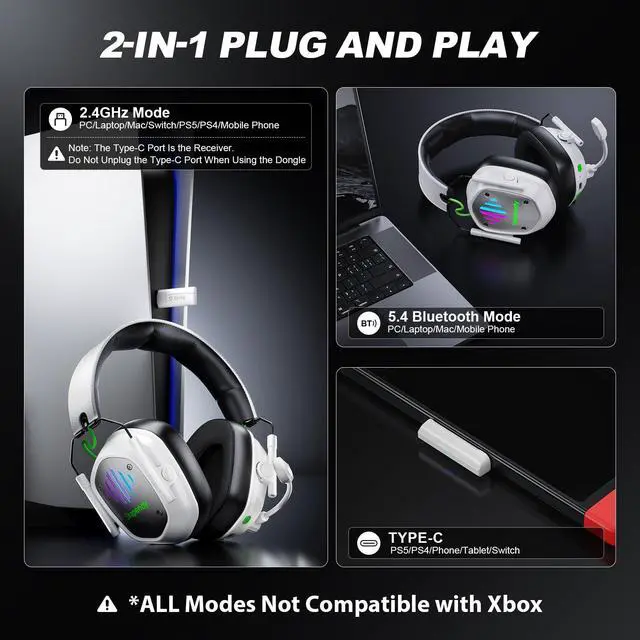


Can I use Bluetooth mode with my PC or PS5/PS4?
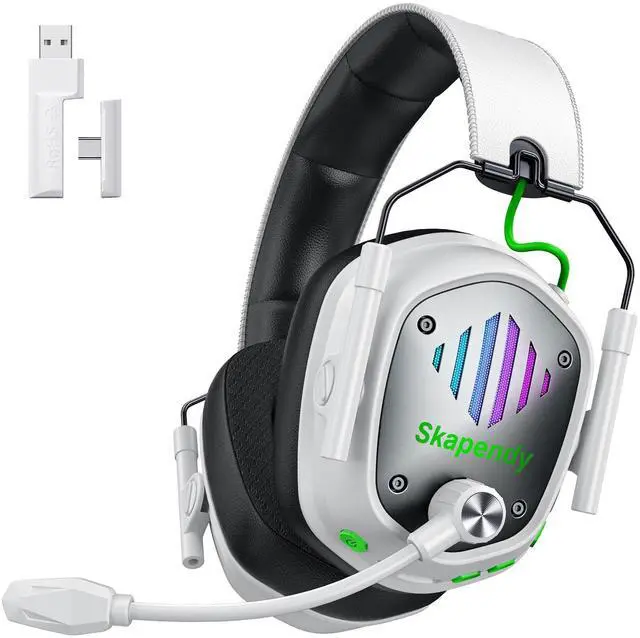
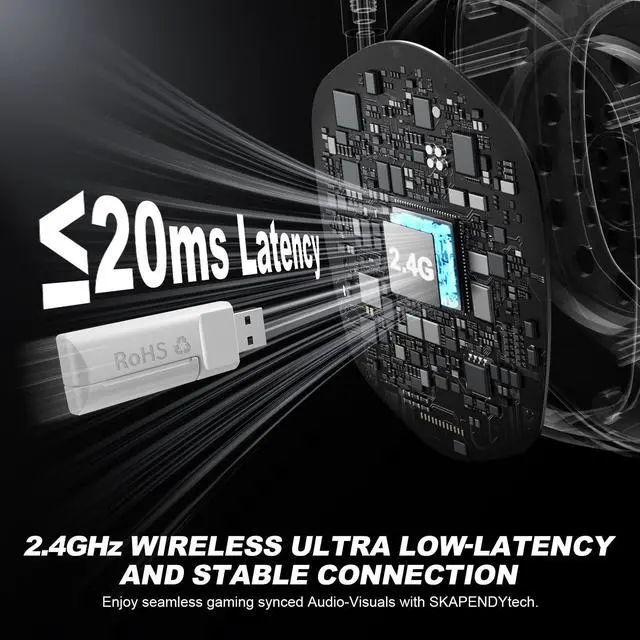
PS5, PS4, and PC don’t natively support Bluetooth audio. You’ll need a USB Bluetooth adapter (not included). We recommend using the 2.4GHz USB mode for stable and low-latency performance.
Is the VK81 wireless headset compatible with Xbox Series X?
The SKAPENDY VK81 wireless gaming headset is not compatible with Xbox Series X or any other Xbox Series consoles.
When the headset is connected to a Nintendo Switch, can I use the microphone to chat with teammates?
No, the microphone doesn’t work on the Switch. You can hear in-game audio, but voice chat isn’t supported through the headset.
How do I connect the headset to PS4/PS5?
1. Insert the USB dongle into the PS5/PS4 USB port.
2. Short press the mic button to switch to USB 2.4GHz Dongle mode.
3. PS4/PS5 Console settings: Settings-Audio-Audio devices-Set input & output device to "wireless gaming headset"
My Mic is no longer picking up any sound. What should l do?
1. Please check if the mic is turned on and clean.
2. Make sure it's selected in your device's audio settings.
3. Adjust input volume if needed.
4. Try it on another device and avoid interference from wind or nearby electronics.


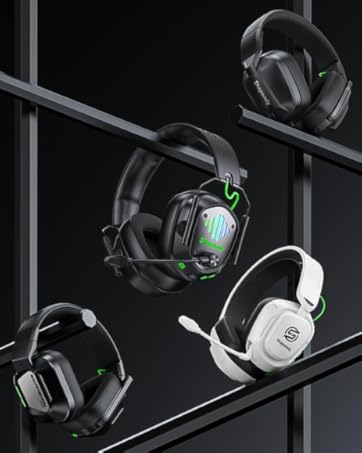


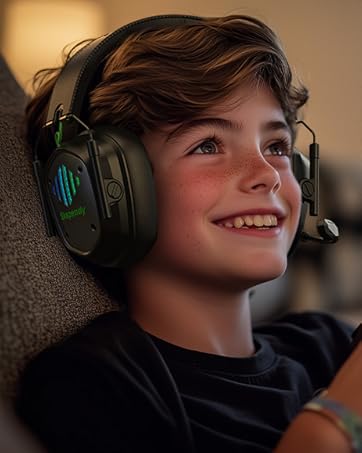


LIGHTWEIGHT WELL BUILT
GIRLS' FREELY SPARETIME
WEEKEND TIME


For PC Independent Exploration
Enjoy the Fantastic Gaming Time
Experience The Most Shocking Stereo Sound
Enjoy The Most Touching Movie
Immersive Gaming: Cheerful and Stimulating
2-IN-1 Plugs Specific Uses for PS4/PS5/Switch/Mobile


Can I use Bluetooth mode with my PC or PS5/PS4?
PS5, PS4, and PC don’t natively support Bluetooth audio. You’ll need a USB Bluetooth adapter (not included). We recommend using the 2.4GHz USB mode for stable and low-latency performance.
Is the VK81 wireless headset compatible with Xbox Series X?
The SKAPENDY VK81 wireless gaming headset is not compatible with Xbox Series X or any other Xbox Series consoles.
When the headset is connected to a Nintendo Switch, can I use the microphone to chat with teammates?
No, the microphone doesn’t work on the Switch. You can hear in-game audio, but voice chat isn’t supported through the headset.
How do I connect the headset to PS4/PS5?
1. Insert the USB dongle into the PS5/PS4 USB port.
2. Short press the mic button to switch to USB 2.4GHz Dongle mode.
3. PS4/PS5 Console settings: Settings-Audio-Audio devices-Set input & output device to "wireless gaming headset"
My Mic is no longer picking up any sound. What should l do?
1. Please check if the mic is turned on and clean.
2. Make sure it's selected in your device's audio settings.
3. Adjust input volume if needed.
4. Try it on another device and avoid interference from wind or nearby electronics.
Sensitive Noise-Cancelling Mic
Durable High-quality Material
