




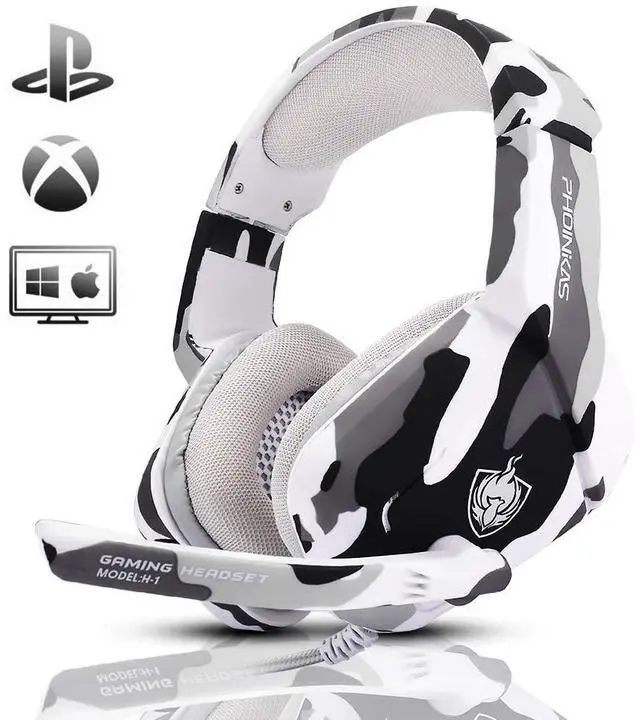


PHOINIKAS Classic Wired Gaming Headset -- H-1

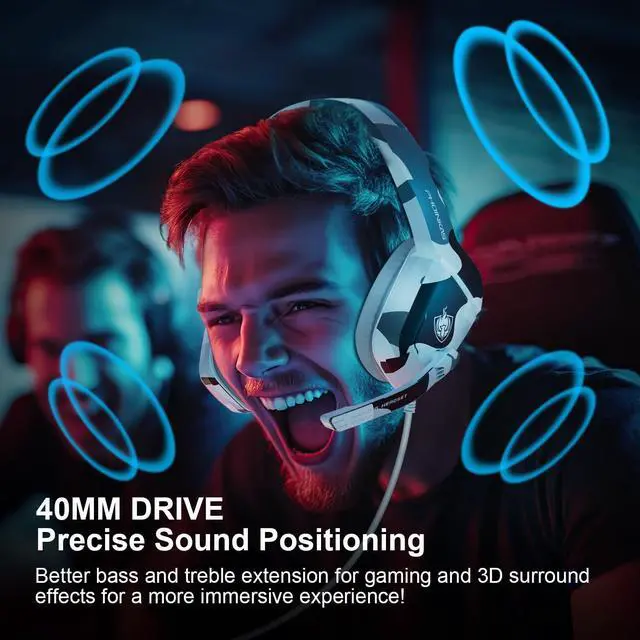
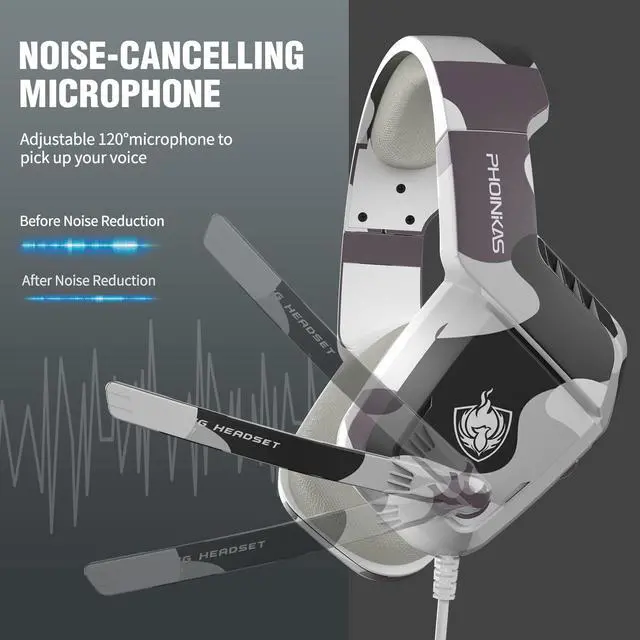
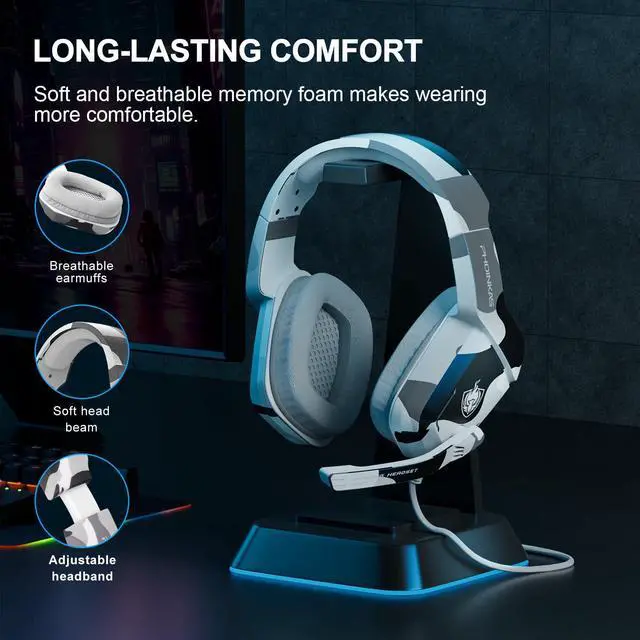
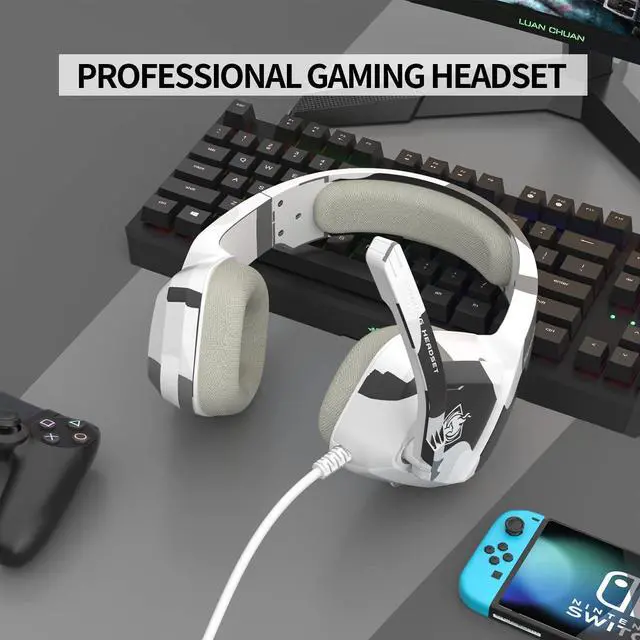
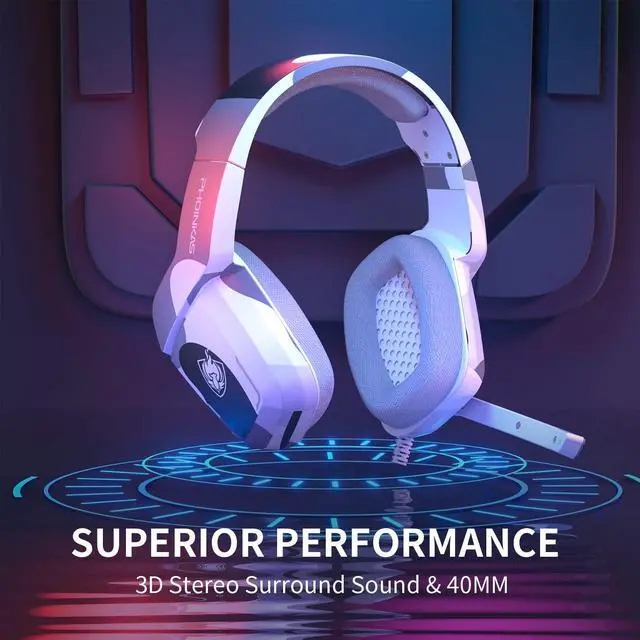
Continuing the classic wired design, this is one of the boys' favorite gaming headset, enhance your overall gaming experience with the PHOINIKAS H-1 Wired Gaming Headset, feel the 3D surround sound experience, and the sound of the game belongs to you!


Product Video Display
hero-video
Merchant VideoWhy is there no sound from the headset or sound from only one side of the headset after connecting the device?
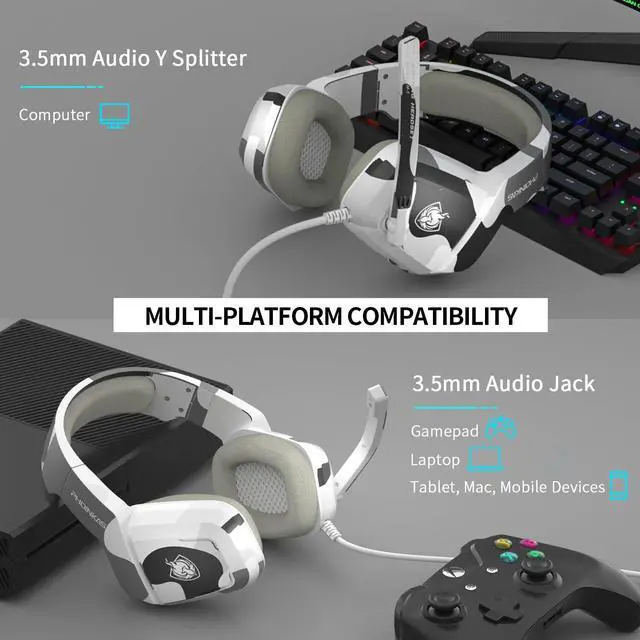
1. Make sure the connector of the device is 3.5mm; 2. The connector is not fully connected to the device and the contact is not stable; 3. The setting of the device does not select the headphones as the output device;
How to connect and use with PC devices?
1. Connect the 1-part-2 adapter cable (included) completely with the 3.5mm audio cable; 2. Insert it into the corresponding audio/microphone connector of the PC respectively; 3. Select the output/input device of the PC side as “headphone”.
Why does the microphone not work when the headset is connected to the Switch?
Due to the official settings of some Switch games, it is not possible to use an external microphone.
Product Comparison
 H-1 Wired Headset |  H-9 Wired Headset |  G2000 Wired Headset |  H-4 Wired Headset |  Q10 2-IN-1 Headset |  2.4Ghz Wireless Headset |  2.4Ghz Wireless Headset | |
|---|---|---|---|---|---|---|---|
Customer Reviews | — | — | — | — | — | — | — |
Price | — | — | — | — | — | — | — |
Product Type | Wired Gaming Headset | Wired Gaming Headset | Wired Gaming Headset | Wired Gaming Headset | Wired+Bluetooth 2-IN-1 Headset | Wireless Gaming Headset | Wireless Gaming Headset |
Connection Method | 3.5mm Interface | 3.5mm Interface | 3.5mm Interface | 3.5mm Interface | 3.5mm Wired & Bluetooth | 2.4G Transmitters&3.5mm Wired | 2.4G Transmitters&3.5mm Wired |
Wireless Function | ? | ? | ? | ? | ? | ? | ? |
Bluetooth Function | ? | ? | ? | ? | ? | ? | ? |
Wireless Technology | No | No | No | No | Bluetooth | 2.4Ghz Wireless Technology | 2.4Ghz Wireless Technology |
Drive | 40MM | 40MM | 50MM | 40MM | 40MM | 40MM | 40MM |
Microphone Type | Omnidirectional | Omnidirectional | Omnidirectional | Omnidirectional | Omnidirectional | Omnidirectional | Omnidirectional |
External Microphone | ? | ? | ? | ? | ? | ? | ? |
Built-in Microphone | ? | ? | ? | ? | ? | ? | ? |
Mic Detachability | ? | ? | ? | ? | ? | ? | ? |
Battery Capacity | No | No | No | No | 600 mAh | 1200 mAh | 600 mAh |
Playtimes | Power on use | Power on use | Power on use | Power on use | Power on use & 40h Battery | Power on use & 22h Battery | Power on use & 15h Battery |


PHOINIKAS Brand Story:
- The PHOINIKAS brand comes from Greek: F?????a?/phoinikas, the flame phoenix means the constant pursuit of perfection.
- PHOINIKAS focuses on the research, development and innovation of audio technology, and always insists on giving consumers a perfect and professional hearing feast.



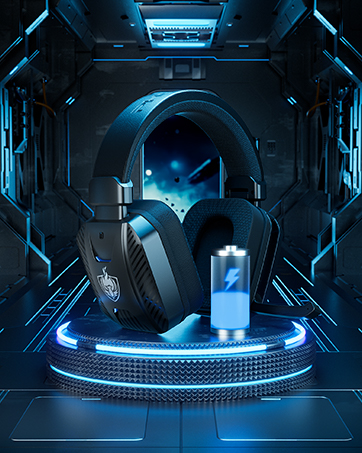
H-1 Classic Gaming Headset
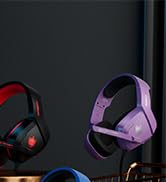
H-1 Classic Gaming Headset
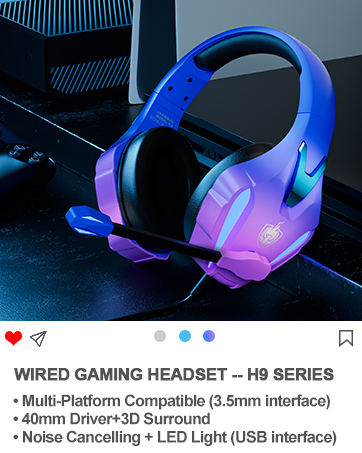
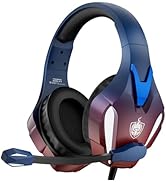
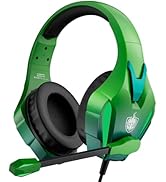
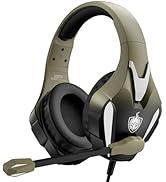
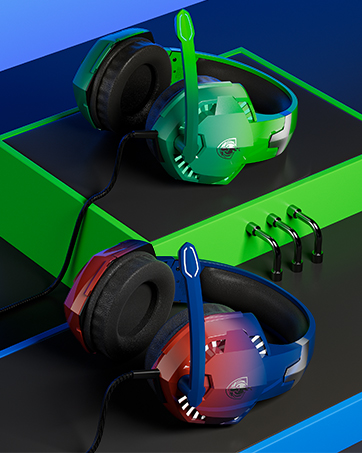
H9 Wired Gaming Headset
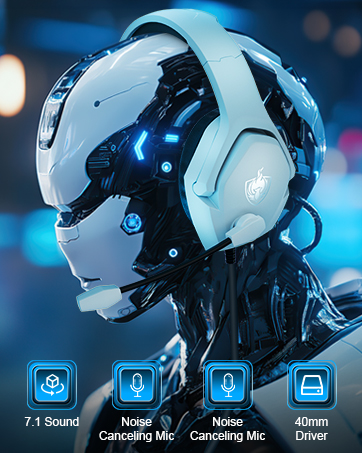
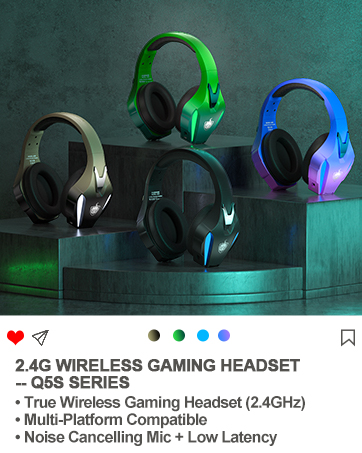
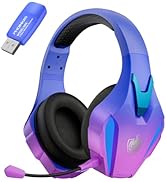
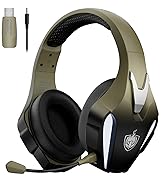
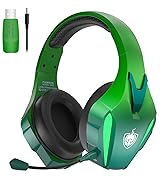
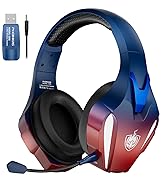
Q5S Wireless Gaming Headset
G9000 Wireless Gaming Headset
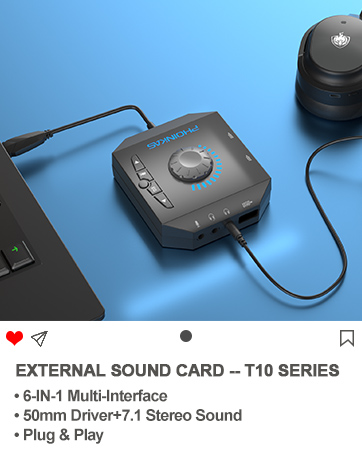
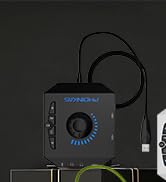
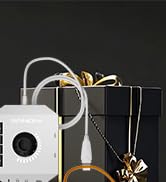
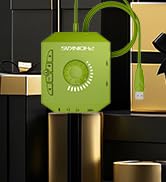
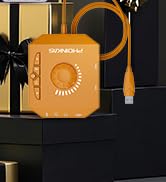
Exernal Sound Card -- T10
What is the difference between 2.4G wireless technology and Bluetooth wireless technology?
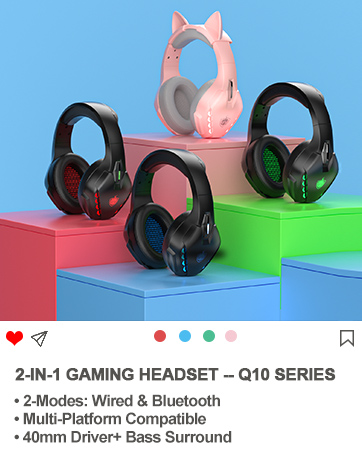
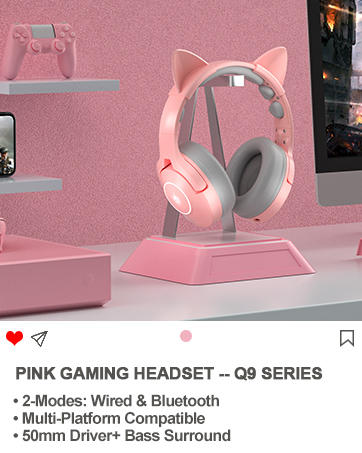
2.4G wireless with low-latency chip, compatible with PS4/PS5/PC/Switch and other devices through the transmitter; Bluetooth matching can be connected, not compatible with gaming devices.
How is it compatible with Xbox One devices?
1. 2.4G wireless /Bluetooth isn't compatible; 2. Non-3.5mm connector Xbox One versions require an additional adapter.
What is the quality of our brand?
Products are sent out after 100% quality inspection and after-sales service is provided.
PHOINIKAS Classic Wired Gaming Headset -- H-1

Continuing the classic wired design, this is one of the boys' favorite gaming headset, enhance your overall gaming experience with the PHOINIKAS H-1 Wired Gaming Headset, feel the 3D surround sound experience, and the sound of the game belongs to you!


Product Video Display
hero-video
Merchant VideoWhy is there no sound from the headset or sound from only one side of the headset after connecting the device?
1. Make sure the connector of the device is 3.5mm; 2. The connector is not fully connected to the device and the contact is not stable; 3. The setting of the device does not select the headphones as the output device;
How to connect and use with PC devices?
1. Connect the 1-part-2 adapter cable (included) completely with the 3.5mm audio cable; 2. Insert it into the corresponding audio/microphone connector of the PC respectively; 3. Select the output/input device of the PC side as “headphone”.
Why does the microphone not work when the headset is connected to the Switch?
Due to the official settings of some Switch games, it is not possible to use an external microphone.
Product Comparison
H-1 Wired Headset | H-9 Wired Headset | G2000 Wired Headset | H-4 Wired Headset |  Q10 2-IN-1 Headset | 2.4Ghz Wireless Headset | 2.4Ghz Wireless Headset |
|---|---|---|---|---|---|---|
| Customer Reviews | ||||||
| — | — | — | — | — | — | — |
| Price | ||||||
| — | — | — | — | — | — | — |
| Product Type | ||||||
| Wired Gaming Headset | Wired Gaming Headset | Wired Gaming Headset | Wired Gaming Headset | Wired+Bluetooth 2-IN-1 Headset | Wireless Gaming Headset | Wireless Gaming Headset |
| Connection Method | ||||||
| 3.5mm Interface | 3.5mm Interface | 3.5mm Interface | 3.5mm Interface | 3.5mm Wired & Bluetooth | 2.4G Transmitters&3.5mm Wired | 2.4G Transmitters&3.5mm Wired |
| Wireless Function | ||||||
| ? | ? | ? | ? | ? | ? | ? |
| Bluetooth Function | ||||||
| ? | ? | ? | ? | ? | ? | ? |
| Wireless Technology | ||||||
| No | No | No | No | Bluetooth | 2.4Ghz Wireless Technology | 2.4Ghz Wireless Technology |
| Drive | ||||||
| 40MM | 40MM | 50MM | 40MM | 40MM | 40MM | 40MM |
| Microphone Type | ||||||
| Omnidirectional | Omnidirectional | Omnidirectional | Omnidirectional | Omnidirectional | Omnidirectional | Omnidirectional |
| External Microphone | ||||||
| ? | ? | ? | ? | ? | ? | ? |
| Built-in Microphone | ||||||
| ? | ? | ? | ? | ? | ? | ? |
| Mic Detachability | ||||||
| ? | ? | ? | ? | ? | ? | ? |
| Battery Capacity | ||||||
| No | No | No | No | 600 mAh | 1200 mAh | 600 mAh |
| Playtimes | ||||||
| Power on use | Power on use | Power on use | Power on use | Power on use & 40h Battery | Power on use & 22h Battery | Power on use & 15h Battery |
PHOINIKAS Brand Story:
- The PHOINIKAS brand comes from Greek: F?????a?/phoinikas, the flame phoenix means the constant pursuit of perfection.
- PHOINIKAS focuses on the research, development and innovation of audio technology, and always insists on giving consumers a perfect and professional hearing feast.
H-1 Classic Gaming Headset
H-1 Classic Gaming Headset
H9 Wired Gaming Headset
Q5S Wireless Gaming Headset
G9000 Wireless Gaming Headset
Exernal Sound Card -- T10
What is the difference between 2.4G wireless technology and Bluetooth wireless technology?
2.4G wireless with low-latency chip, compatible with PS4/PS5/PC/Switch and other devices through the transmitter; Bluetooth matching can be connected, not compatible with gaming devices.
How is it compatible with Xbox One devices?
1. 2.4G wireless /Bluetooth isn't compatible; 2. Non-3.5mm connector Xbox One versions require an additional adapter.
What is the quality of our brand?
Products are sent out after 100% quality inspection and after-sales service is provided.