




Elevate Your Audio Experience
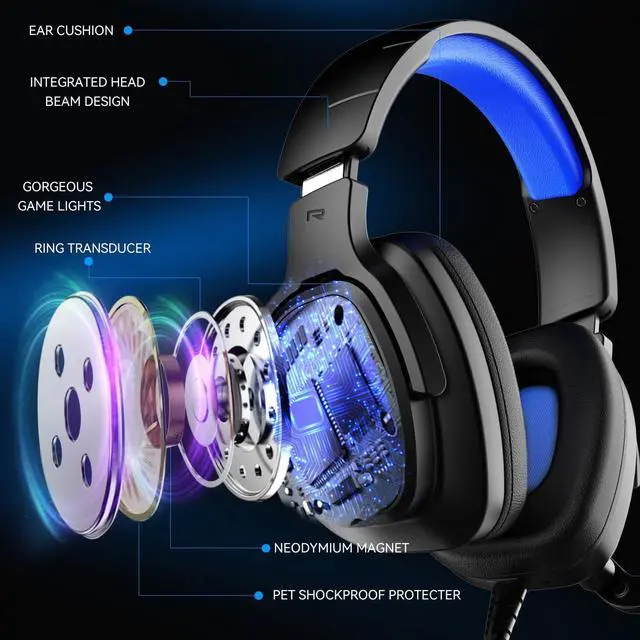
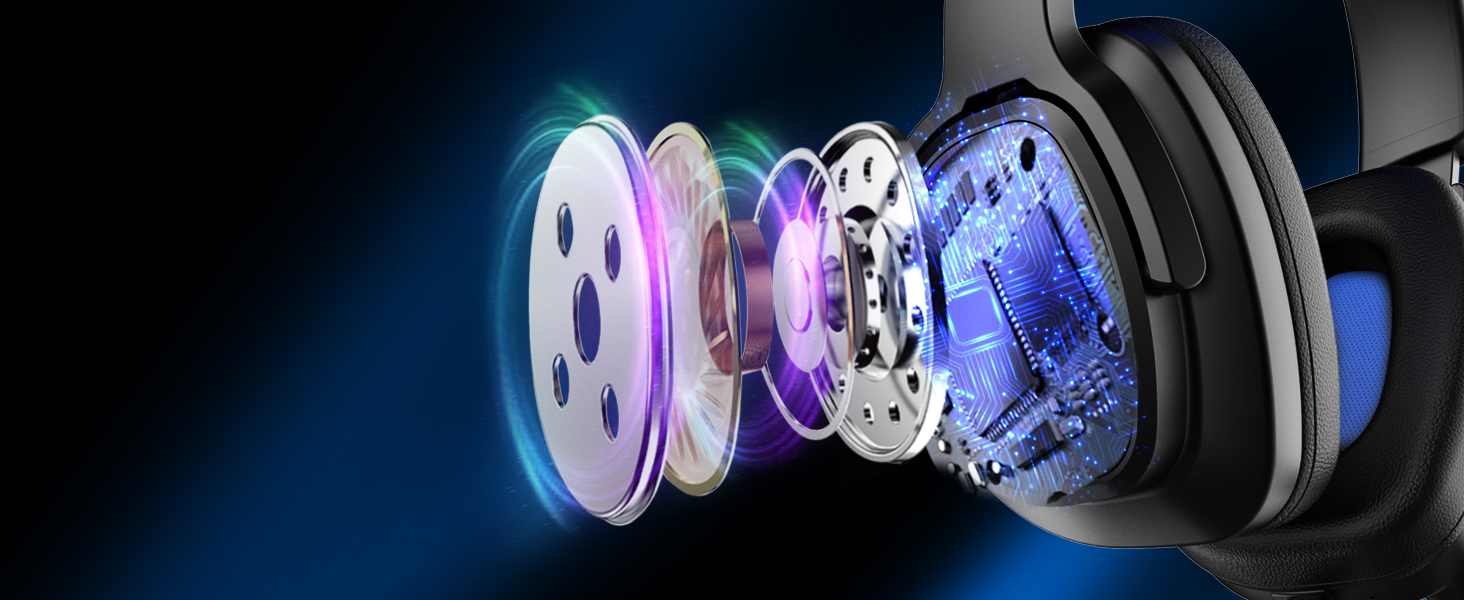
Transform your listening with our 50mm drivers
- dive into unparalleled audio immersion
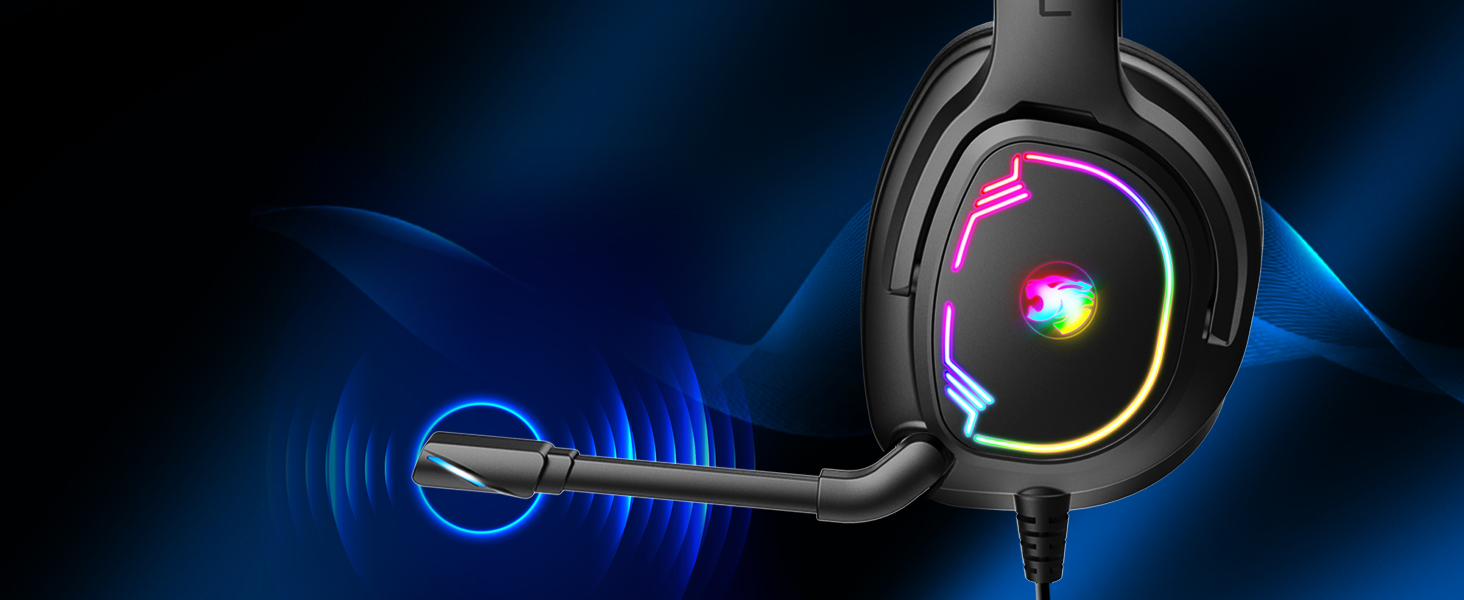
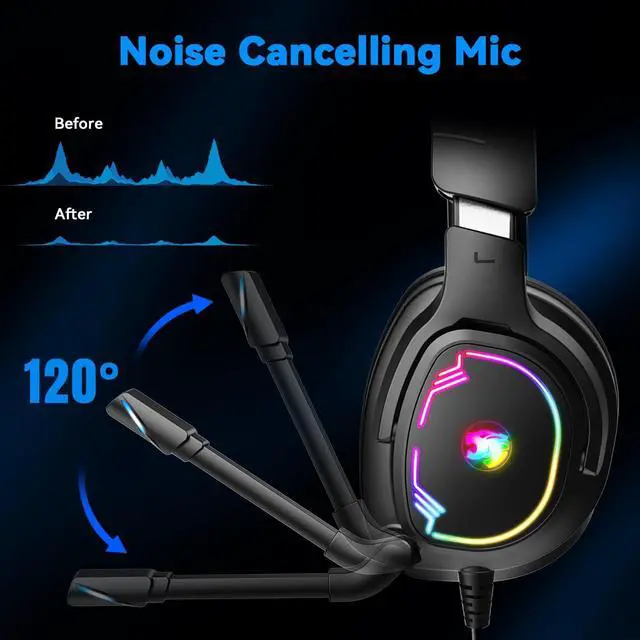
Focused Clarity,Reduced Noise
Unidirectional mic filters ambient noise, capturing your voice
clearly in a direct, focused manner.
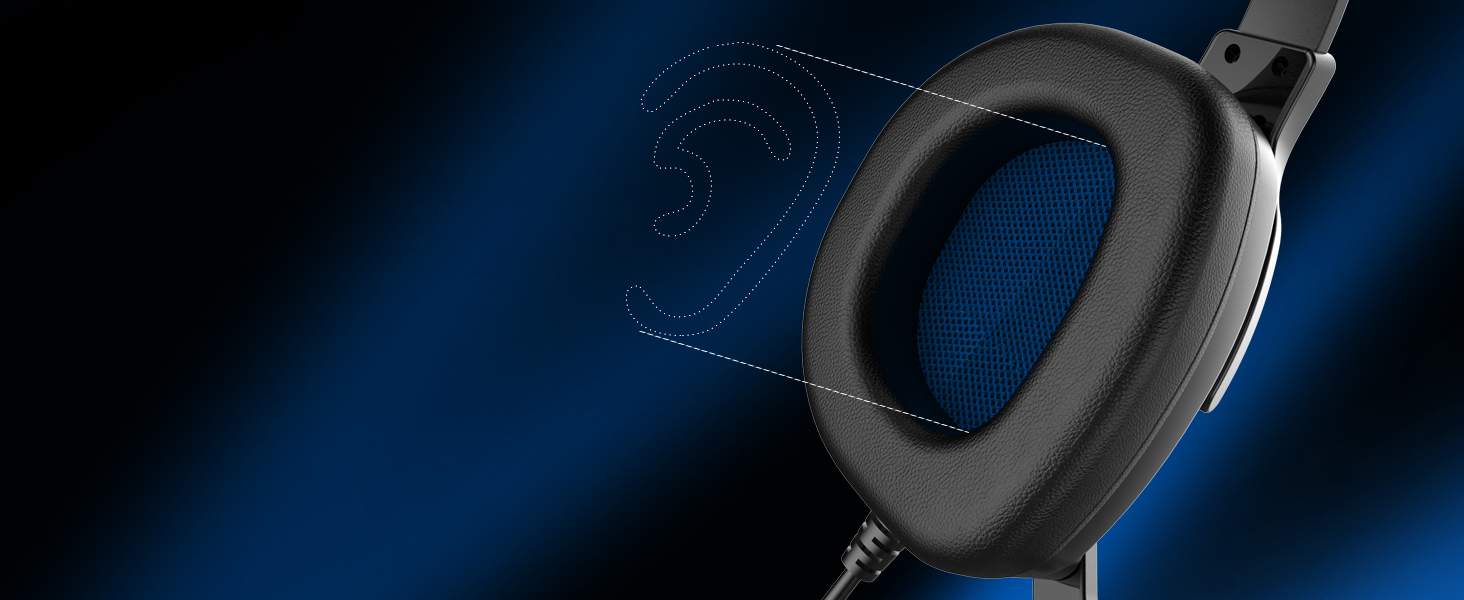
Superior Comfortable
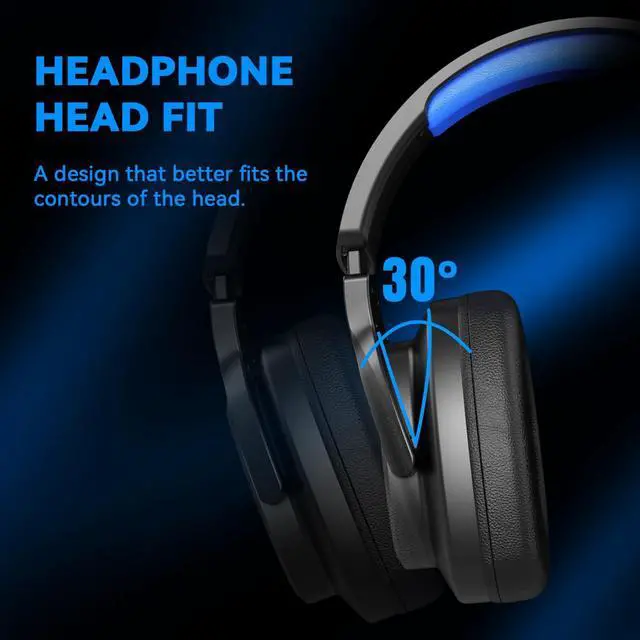
Tailored for your ears: unique shape, soft leather
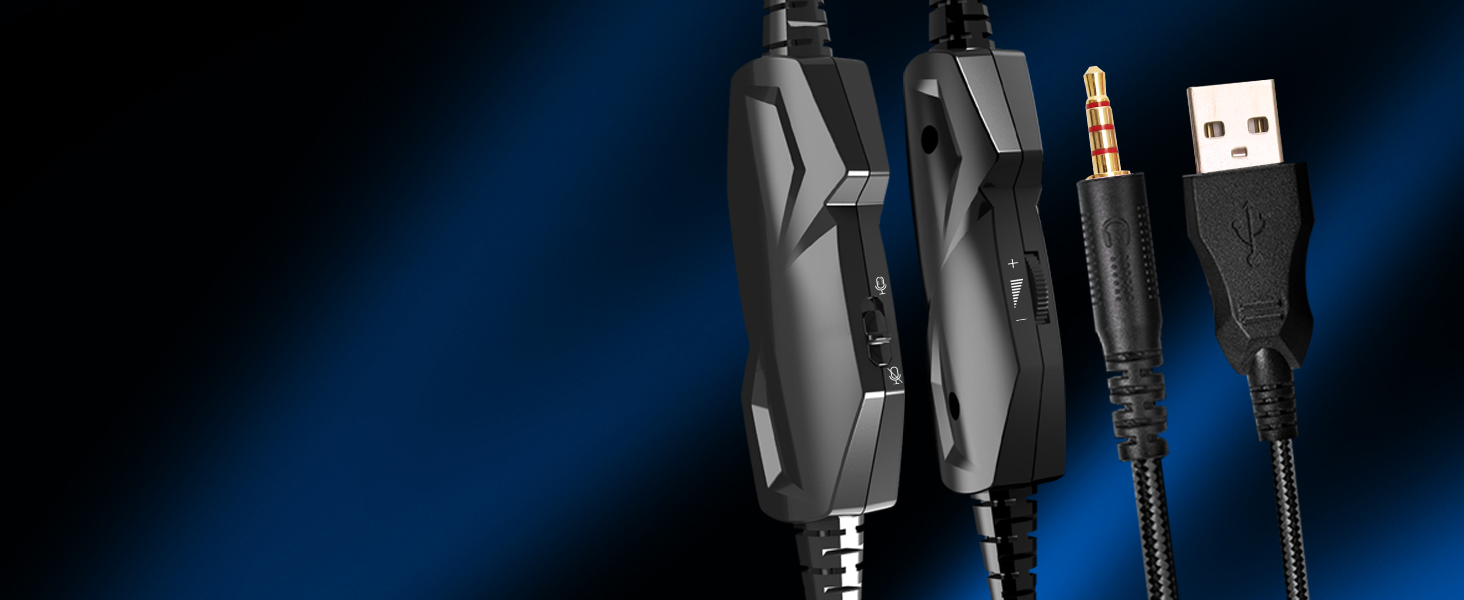
One-Touch Volume Switch
Facilitate you to switch between
the game and the actual at any time


How to make the mic get to work?
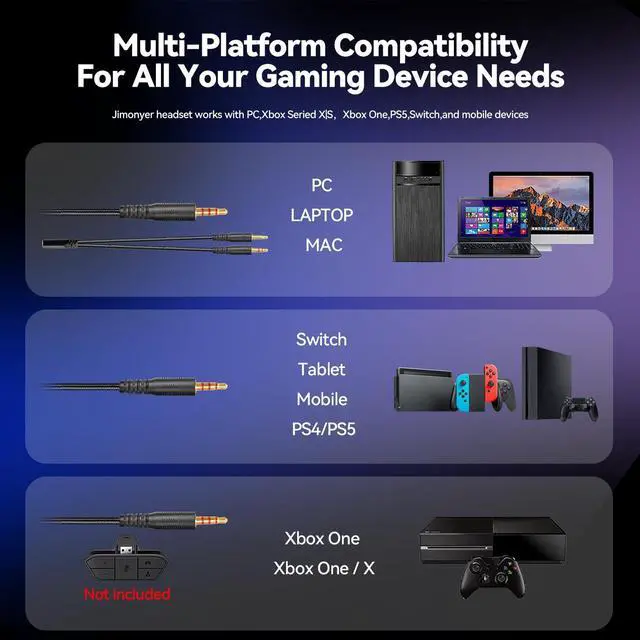
1) Connect the 1-to-2 jack splitter cable with the 3.5mm jack to work on PC.
2) Make sure insert the right jack (Pink for the microphone).
3)Adjust and rotate the 3.5mm interface until both sides of the headphones have smooth sound output.
How to light on the LED light?
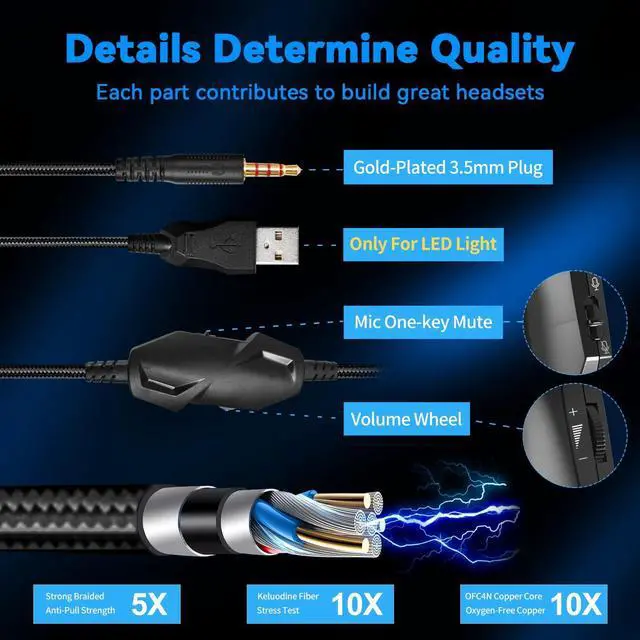
The USB jack is help to light on the RGB light. If your device does not come with a USB jack, you can link the USB plug to a power bank or to a computer host or other USB charger.
How to connect PS4 PS5?
1.Insert the 3.5mm jack plug into the controller
2.Press the ps4 button or enter the settings system, there is a options, choose "adjust audio and devices", "output to headphones", then change to "all audio "
3.Suitable for ps4 ps5 xbox one pc mac.
How to connect Xbox one?
1.Use the 3.5mm jack to connect the devices.
2.Check the Xbox settings to ensure set on the correct output mode.
3.Set on the mic input and volume, Adjust volume of the headset.
How do I check if the microphone is on?
Please check that you have turned on the mute button, the microphone mute button is located in the headset in-line control position.


Jimonyer is one of relentless pursuit for innovation and perfection. We delved deep into the intricacies of sound engineering, tirelessly experimenting with every element - from the drivers to the materials used, to ensure a sound quality that could transport listeners into a realm where music's true essence thrives.
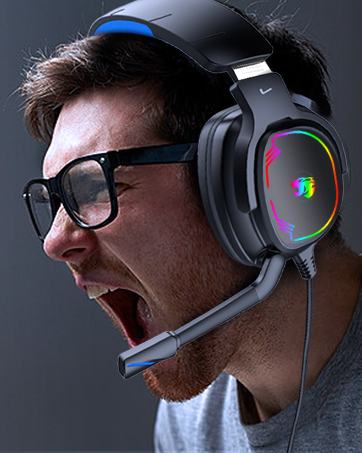
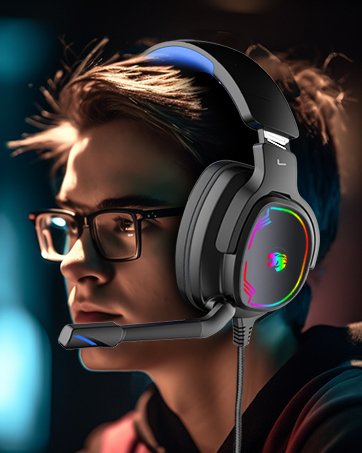
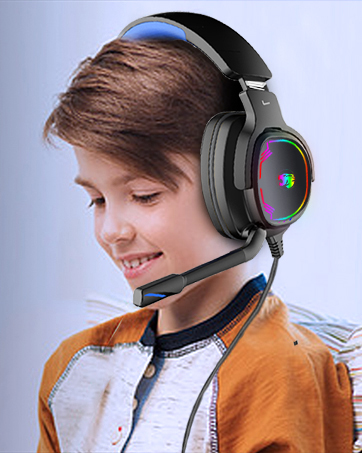
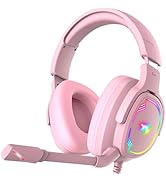
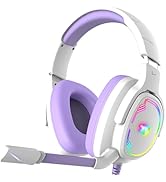
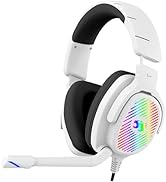
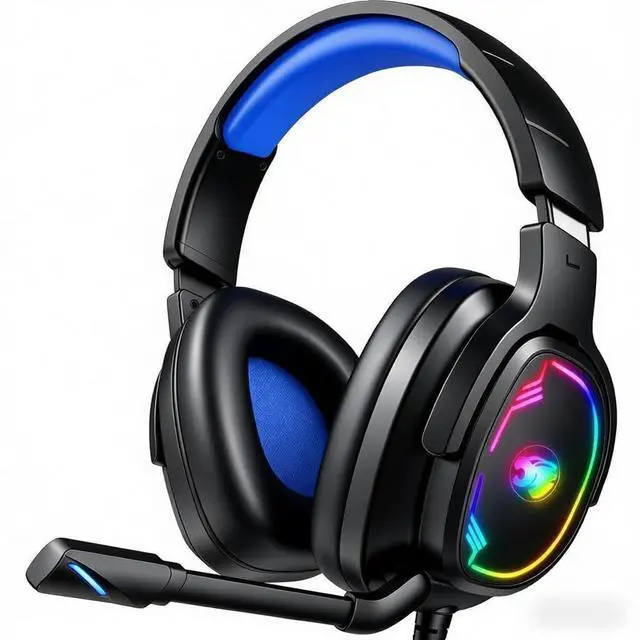
Jimonyer Gaming Headset

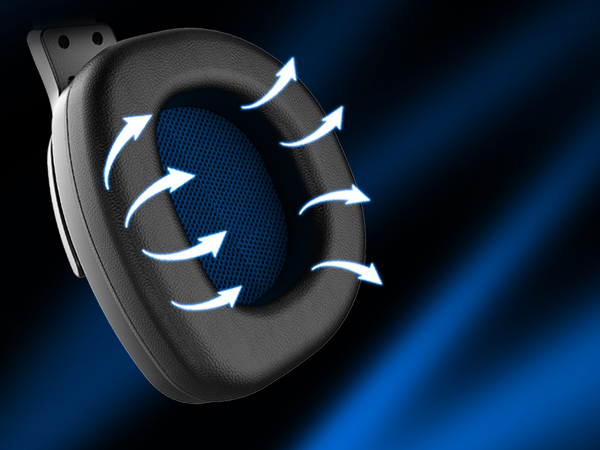
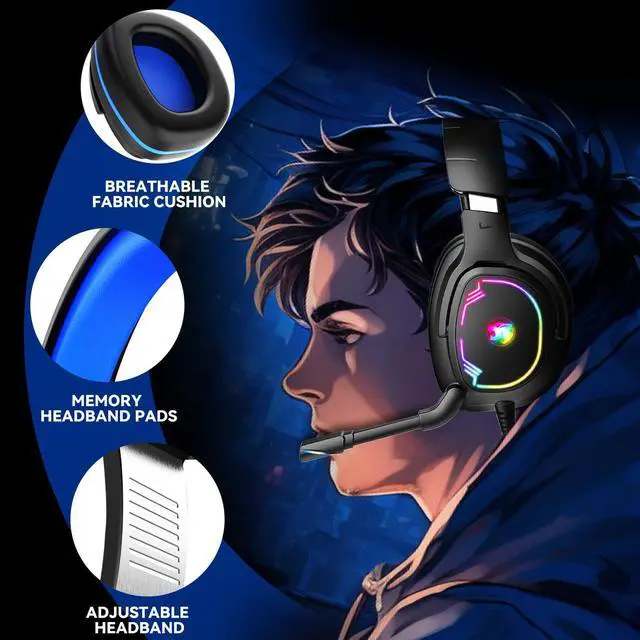
Breathable & Comfortable
Memory foam ear cushions keeping you comfy throughout your gaming session
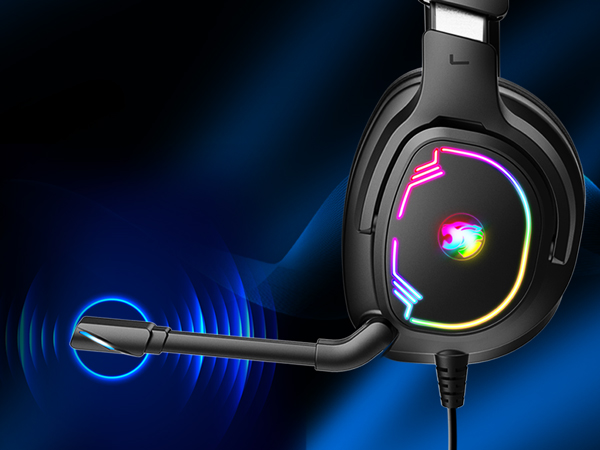
Sensitivity & Noise Canceling Microphone
Natural sounding clarity and 120° adjustable rotating microphone, voice for game, victory for you
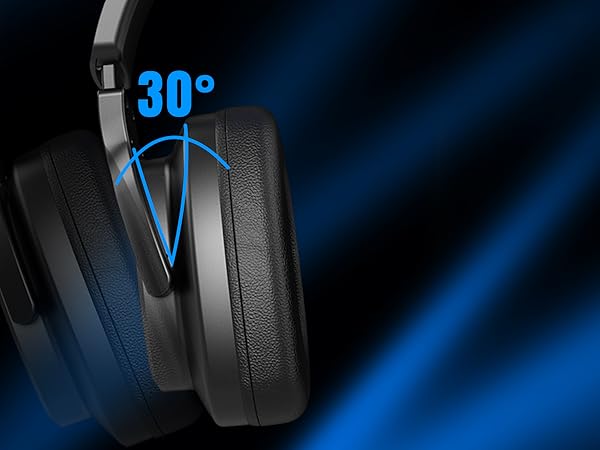
Adjustable Headband
Perfectly fit your face and evenly distribute pressure
Elevate Your Audio Experience
Transform your listening with our 50mm drivers
- dive into unparalleled audio immersion
Focused Clarity,Reduced Noise
Unidirectional mic filters ambient noise, capturing your voice
clearly in a direct, focused manner.
Superior Comfortable
Tailored for your ears: unique shape, soft leather
One-Touch Volume Switch
Facilitate you to switch between
the game and the actual at any time


How to make the mic get to work?
1) Connect the 1-to-2 jack splitter cable with the 3.5mm jack to work on PC.
2) Make sure insert the right jack (Pink for the microphone).
3)Adjust and rotate the 3.5mm interface until both sides of the headphones have smooth sound output.
How to light on the LED light?
The USB jack is help to light on the RGB light. If your device does not come with a USB jack, you can link the USB plug to a power bank or to a computer host or other USB charger.
How to connect PS4 PS5?
1.Insert the 3.5mm jack plug into the controller
2.Press the ps4 button or enter the settings system, there is a options, choose "adjust audio and devices", "output to headphones", then change to "all audio "
3.Suitable for ps4 ps5 xbox one pc mac.
How to connect Xbox one?
1.Use the 3.5mm jack to connect the devices.
2.Check the Xbox settings to ensure set on the correct output mode.
3.Set on the mic input and volume, Adjust volume of the headset.
How do I check if the microphone is on?
Please check that you have turned on the mute button, the microphone mute button is located in the headset in-line control position.
Jimonyer is one of relentless pursuit for innovation and perfection. We delved deep into the intricacies of sound engineering, tirelessly experimenting with every element - from the drivers to the materials used, to ensure a sound quality that could transport listeners into a realm where music's true essence thrives.
Jimonyer Gaming Headset