






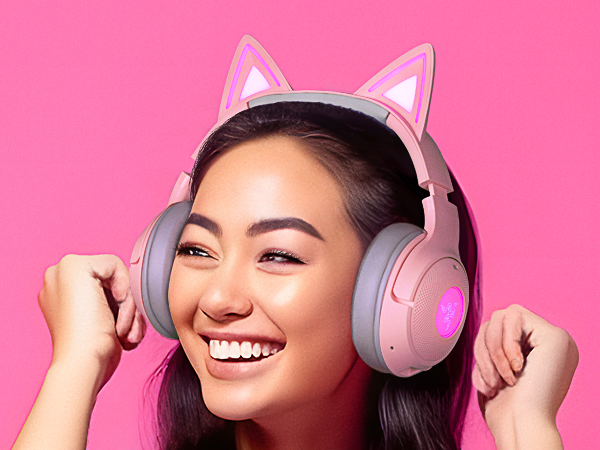
Kraken Kitty V2 BT (Quartz) - Lifestyle
Merchant Video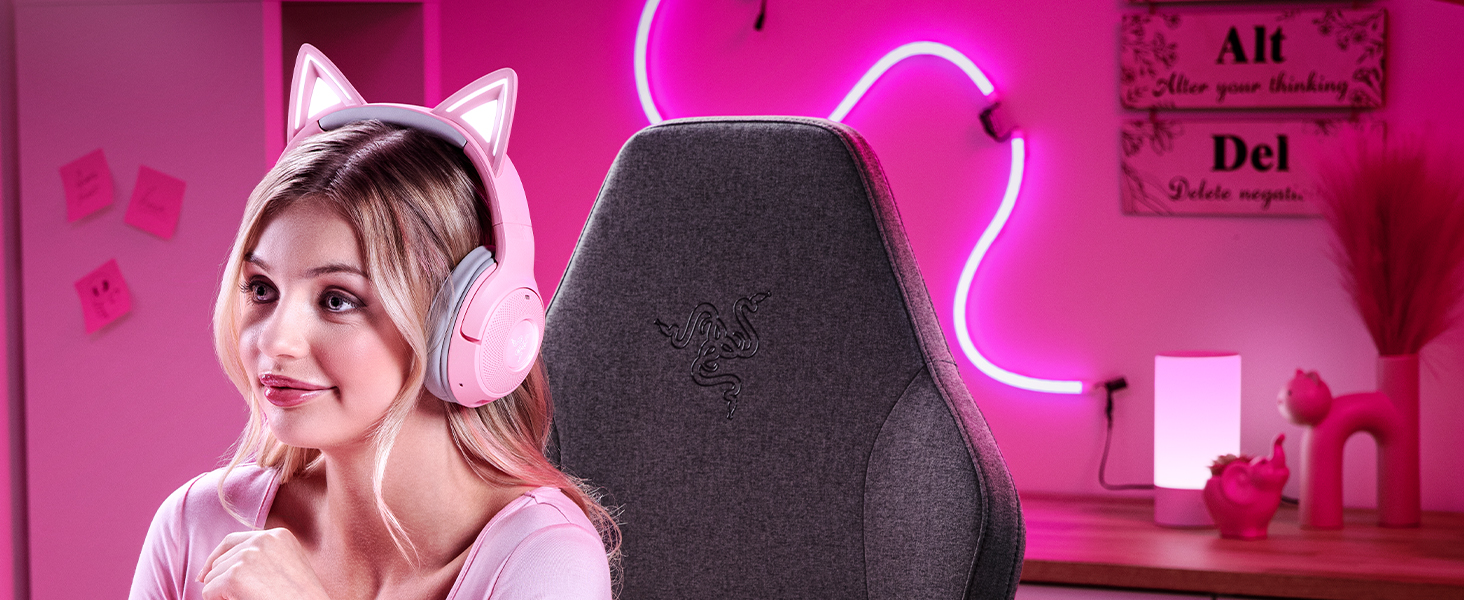
THE MEOW FACTOR
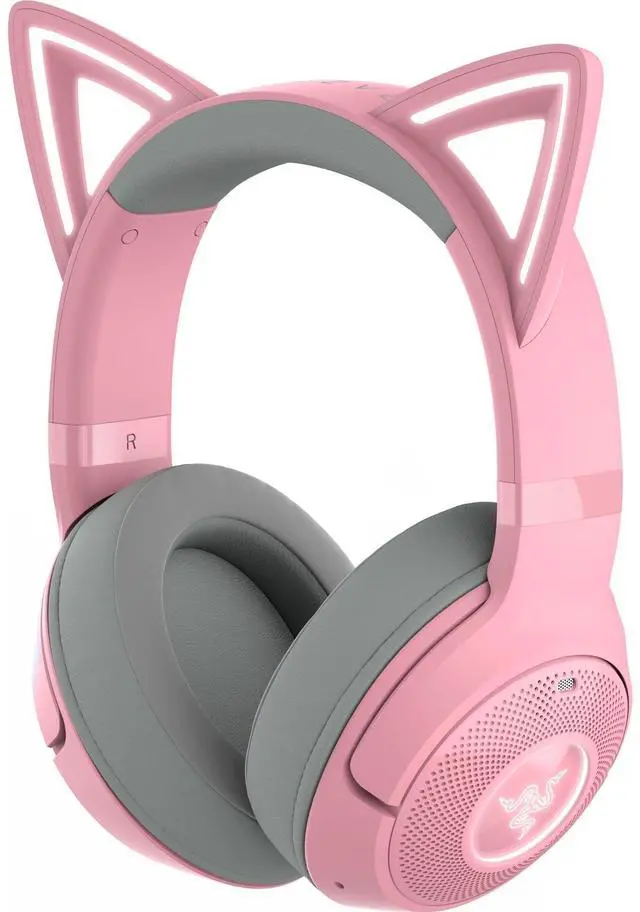
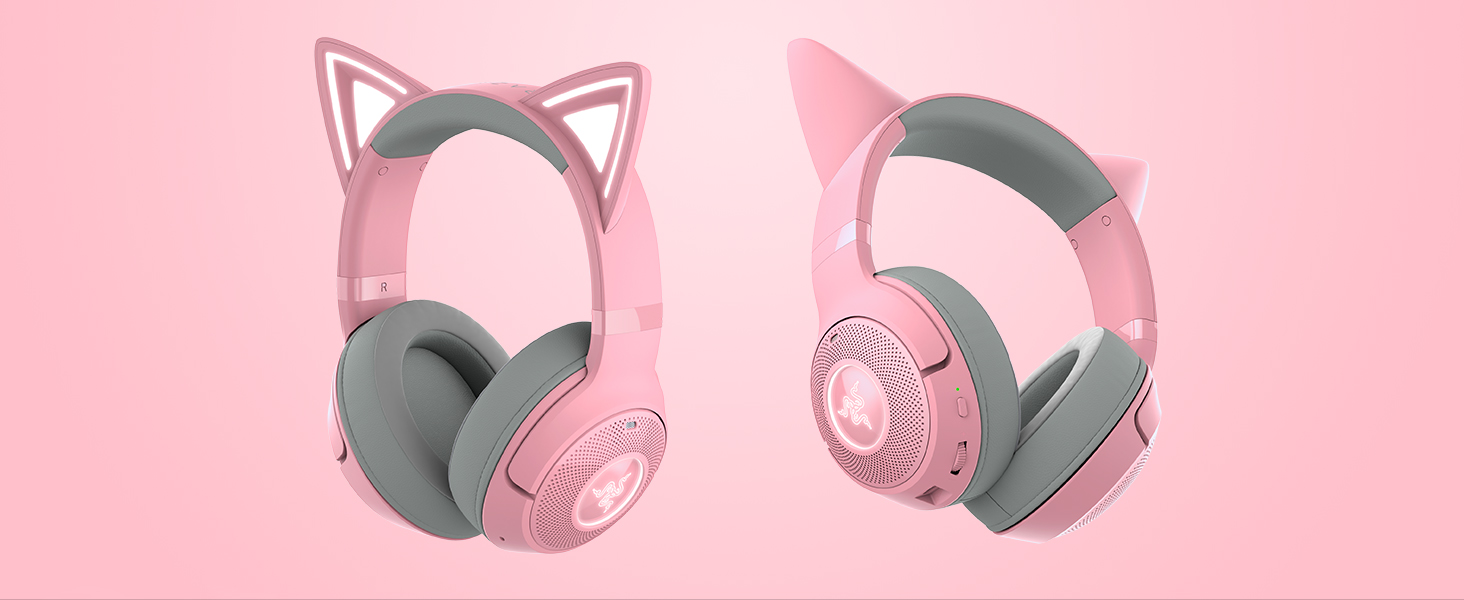
Unleash your killer kitty style anywhere with the Razer Kraken Kitty V2 BT—a wireless Bluetooth headset for gaming and IRL streaming. Powered by Razer Chroma RGB, display your unique personality for all to see, as you take your passion to the next level with a full suite of upgraded features
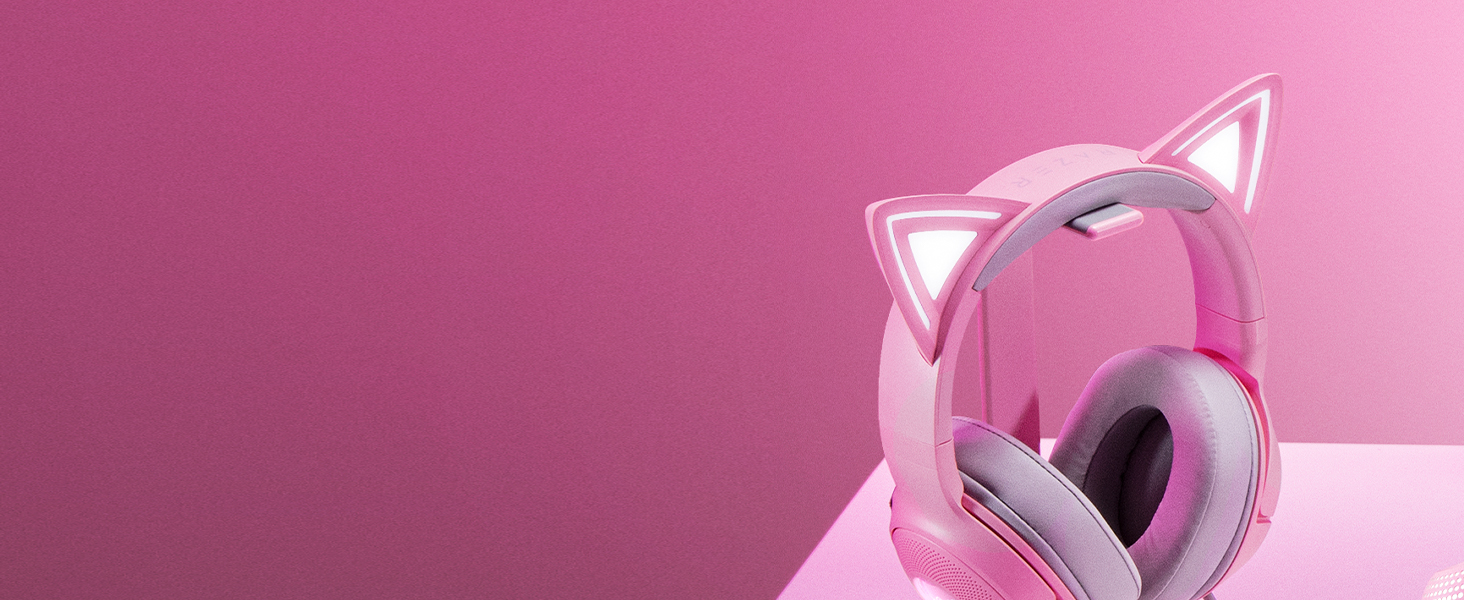
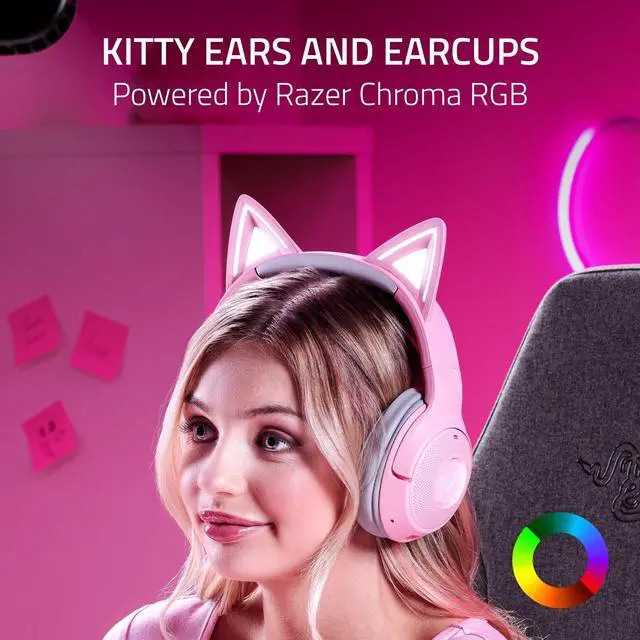
RGB Ears and Earcups
Powered by Razer Chroma RGB
With 16.8 million colors and countless effects, customize the lighting to your heart’s content

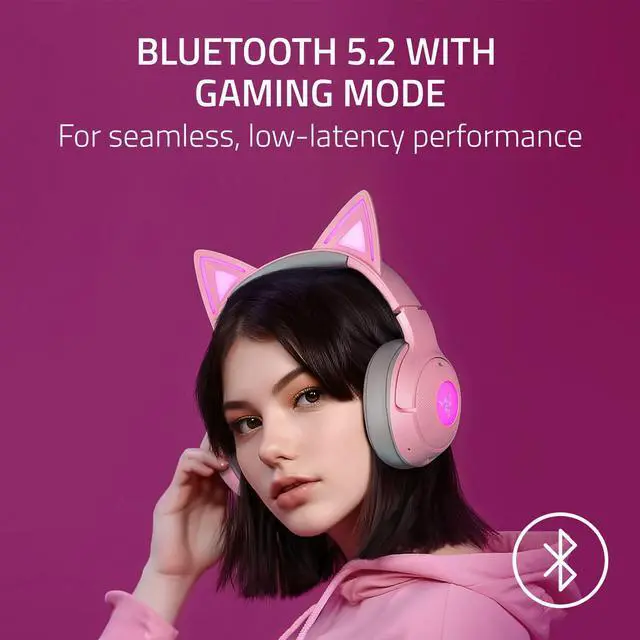
Low-Latency Performance
Bluetooth 5.2 with Gaming Mode
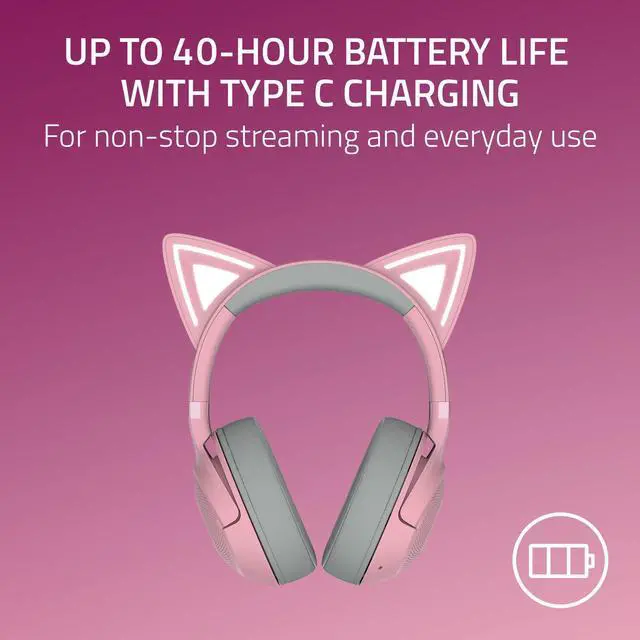
Smooth, stutter-free audio with fast wireless response. Up to 40 hours of battery life
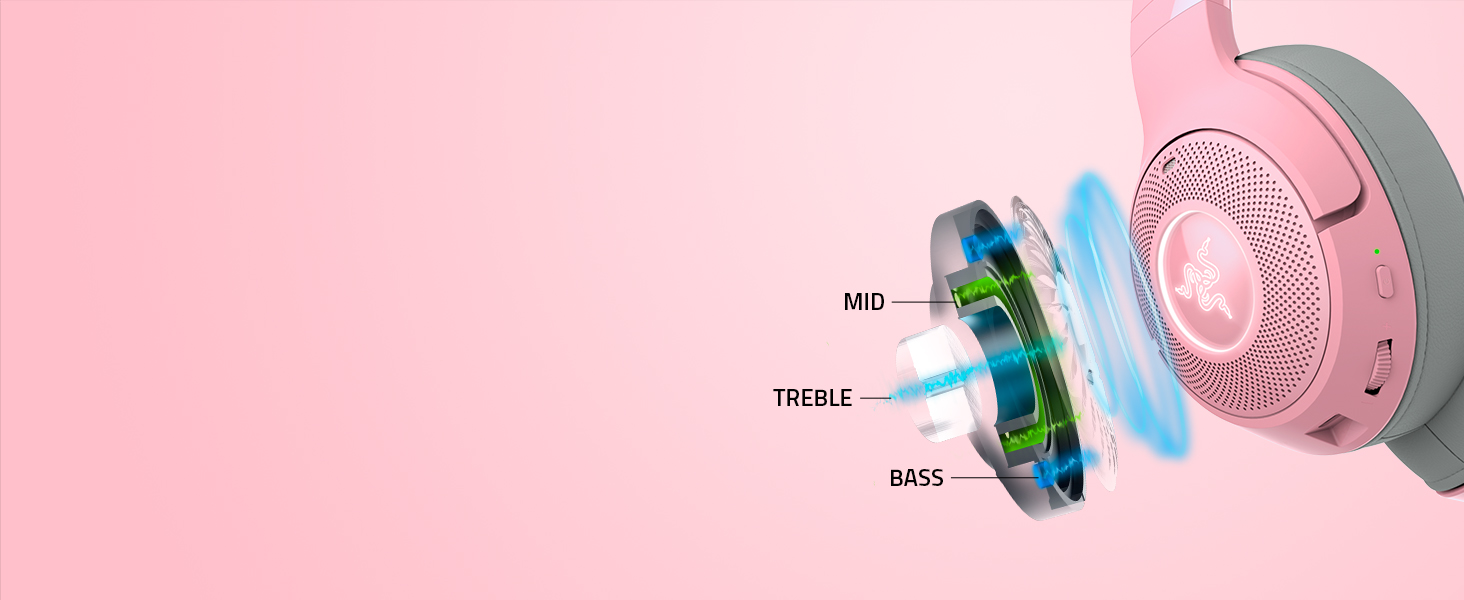
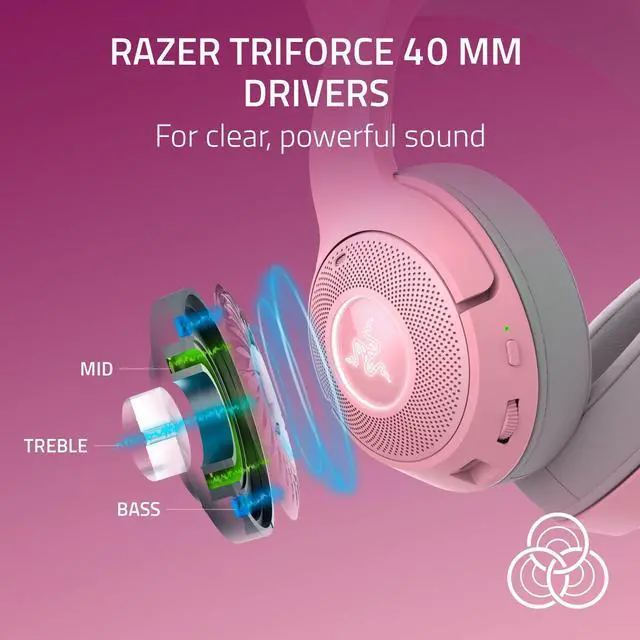
Clear, Powerful Sound
Razer TriForce 40 mm Drivers
Patented 3-part driver with exceptional highs, mids, and lows for superb clarity and quality

Ultra Clear Voice Pickup
Integrated Beamforming Noise-Cancelling Mics
Built-in mics with powerful noise suppression that can be customized for indoor or outdoor use
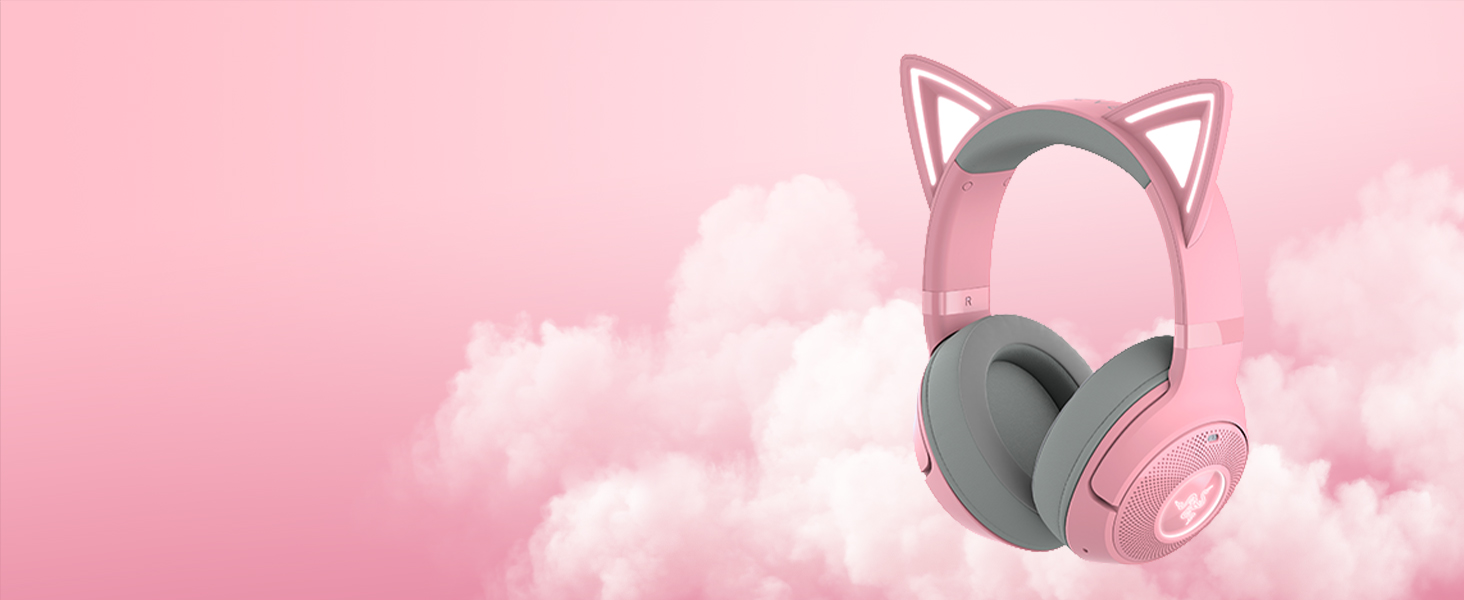
All-Day Comfort
325 g Lightweight Build
Light, fatigue-free design with plush, breathable ear cushions lined with fabric and leatherette
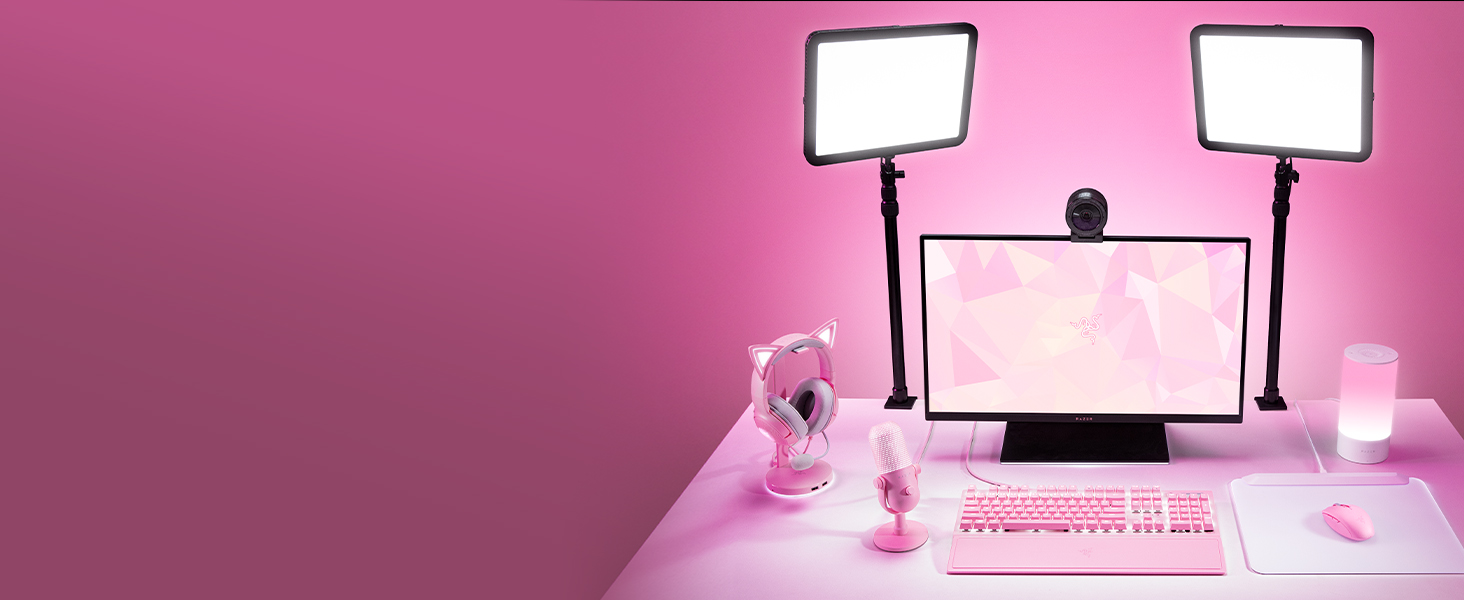
Gear Up
Explore our full lineup and create your best content with gear that's from the #1 Selling PC Gaming Peripherals Brand in the U.S*
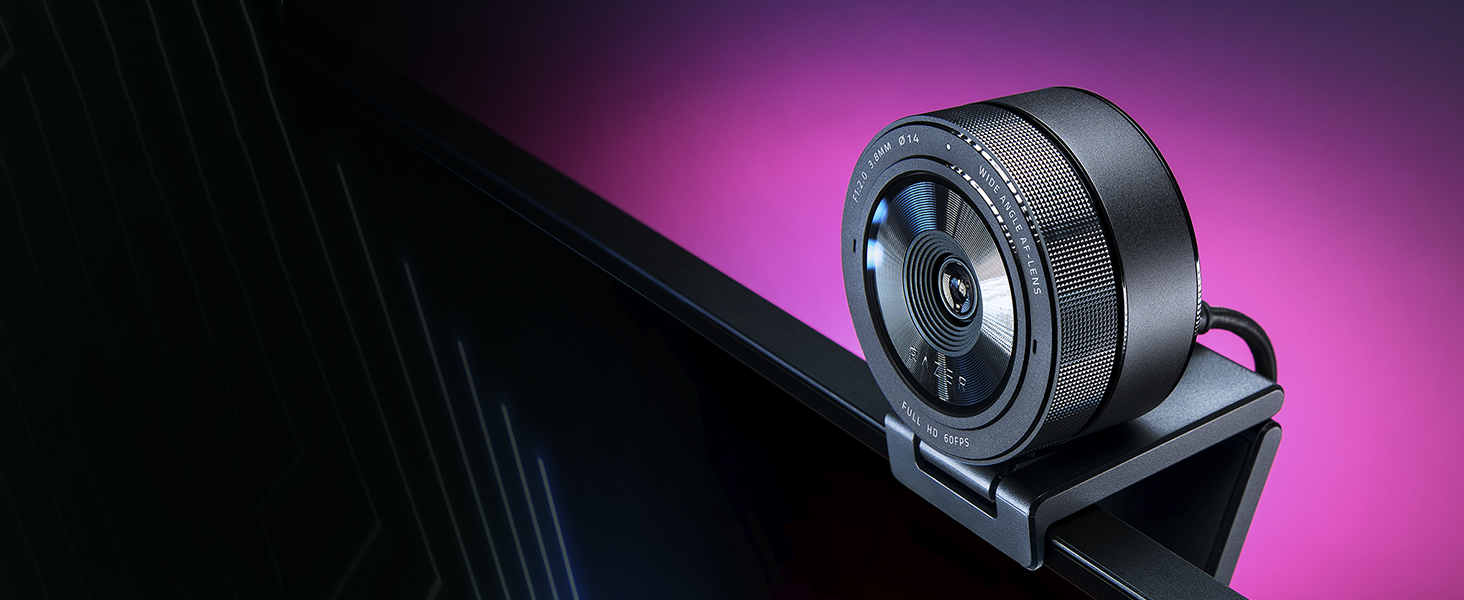
Razer Kiyo Pro
A full HD USB webcam with a high-performance adaptive light sensor, so you can enjoy crisp, clear quality in any setup and lighting condition
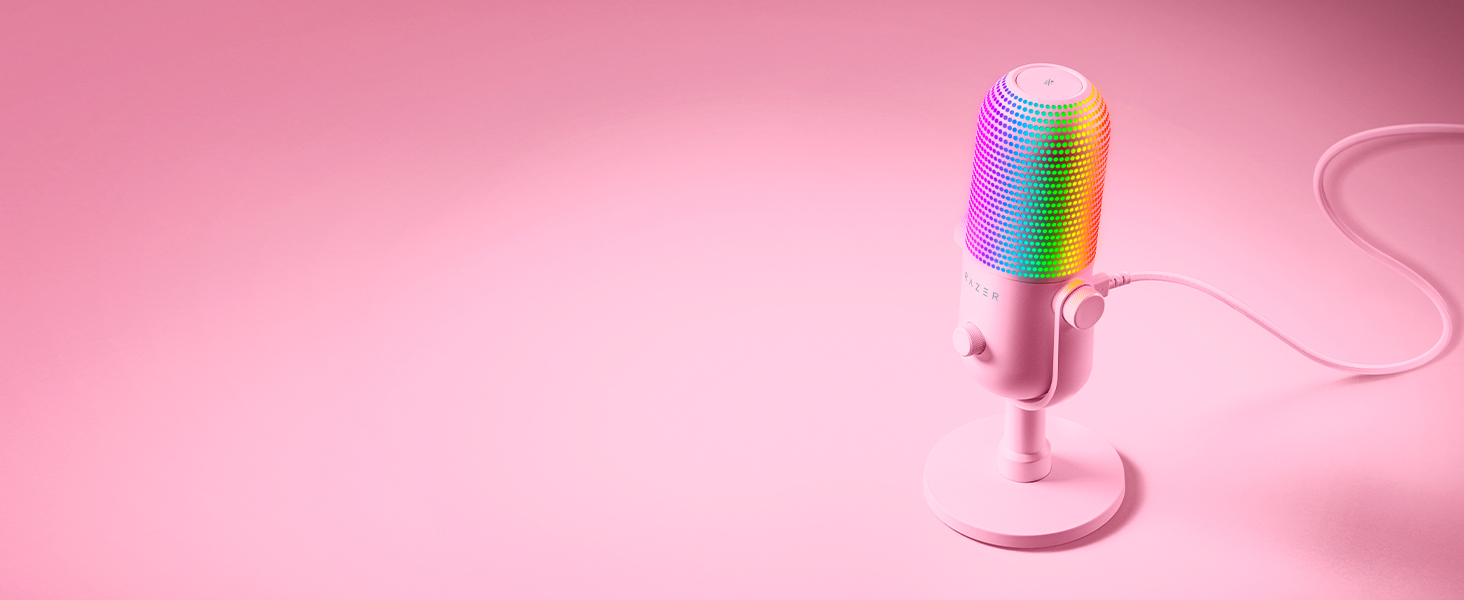
Razer Seiren V3 Chroma
Be heard and seen with the Razer Seiren V3 Chroma—a pro USB mic with RGB lighting, stream-reactive effects, and tap-to-mute. Enjoy clarity, control, and flair for gaming, streaming, and chatting!
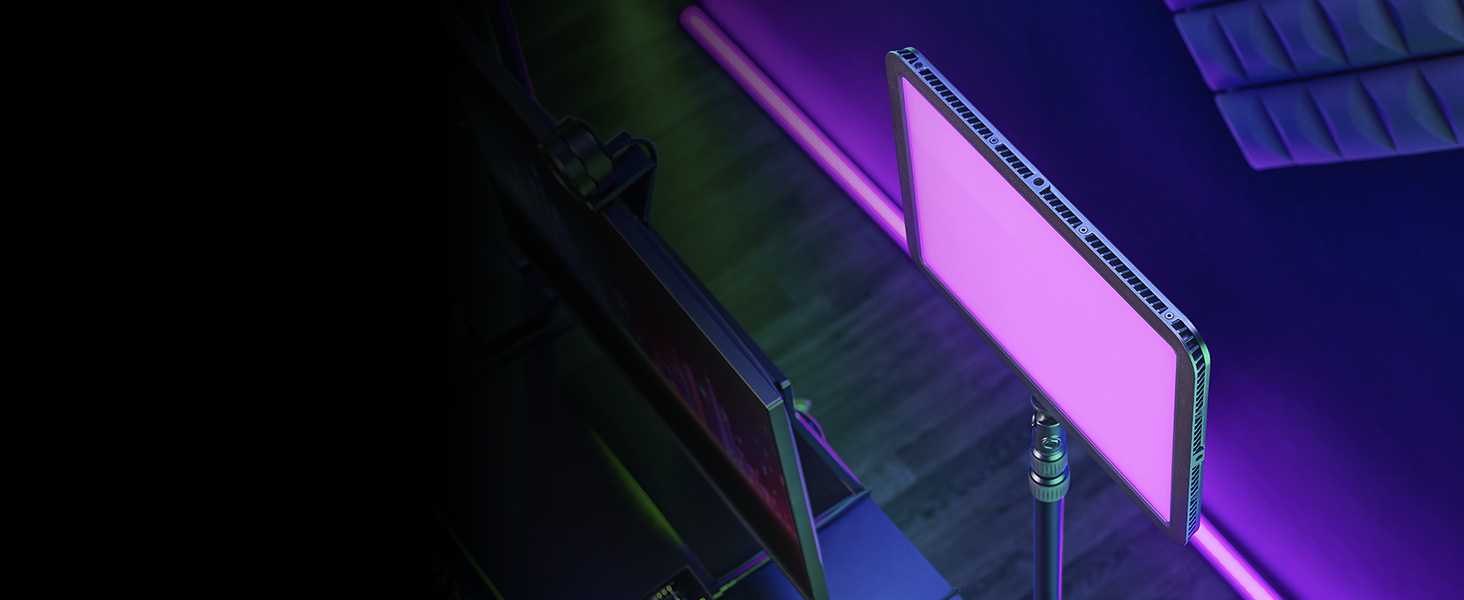
Razer Key Light Chroma
An all-in-one accessory for professional studio lighting. Whether you want to look your best, set the mood, or turn up the engagement, do it all with convenient wireless control from your phone or PC
How do I connect my Razer Kraken Kitty V2 BT headphones to my device?
To activate Bluetooth pairing mode, switch off your headphones. Press and hold the power button until the indicator light blinks blue. Turn on your device's Bluetooth and connect to "Razer Kraken Kitty V2 BT". An audio cue will play upon connection
How long does the battery last on the Razer Kraken Kitty V2 BT?
Fully charged, the Razer Kraken Kitty V2 BT can last up to 30 hours with Razer Chroma RGB enabled (up to 60 hours with Razer Chroma RGB disabled)
How do I activate low latency Gaming Mode?
Press and hold the multi-function button until you hear "Gaming Mode". Repeat to return to Normal Mode. If audio drops/skips, keep the headset very close to the audio source when in Gaming Mode (within 2 ft/60 cm) and use Normal Mode when not gaming
Is the Razer Kraken Kitty V2 BT compatible with Bluetooth audio from the Nintendo Switch?
Yes! First, confirm that you have the latest software installed on both devices. The Razer Kraken Kitty V2 BT may be updated via the Razer Audio App. Next, simply follow the Nintendo Switch Bluetooth audio pairing instructions to connect the headset
Kraken Kitty Headsets Comparision Chart
 Kraken Kitty V2 BT |  Kraken Kitty V2 Pro |  Kraken Kitty V2 |  Kraken Kitty | |
|---|---|---|---|---|
Customer Reviews | — | — | — | — |
Price | — | — | — | — |
Ears | Built-In Kitty Ears | Kitty, Bear and Bunny Ears | Built-In Kitty Ears | Built-In Kitty Ears |
Connection Type | Bluetooth 5.2 | USB-A (wired) | USB-A (wired) | USB-A (wired) |
Chroma RGB | Normal Mode | Stream Reactive & Cosplay Mode | Stream Reactive & Cosplay Mode | Stream Reactive & Cosplay Mode |
Audio Driver | Razer Triforce 40 mm | Razer Triforce Titanium 50 mm | Razer Triforce 40 mm | 50 mm |
Surround Sound | 7.1 Surround Sound | THX Spatial Audio | 7.1 Surround Sound | THX Spatial Audio |
Microphone | Integrated Beamforming ANC Mic | Razer Hyperclear Cardioid Mic | Razer Hyperclear Cardioid Mic | Active Noise Cancelling Mic |
Ear Cushions | Hybrid Fabric and Leatherette | Hybrid Fabric and Leatherette | Hybrid Fabric and Leatherette | Cooling-gel Cushions |
Weight | 325 g / 0.72 lbs | 332 g / 0.76 lbs | 325 g / 0.72 lbs | 408 g / 0.90 lbs |
Colorways Available | Quartz, Black, White | Quartz & Black | Quartz, Black, White | Quartz & Black |
Kraken Kitty V2 BT (Quartz) - Lifestyle
Merchant Video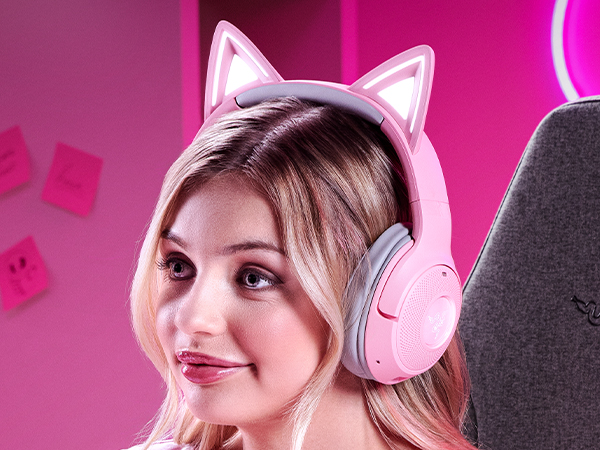
Unleash your killer kitty style anywhere with the Razer Kraken Kitty V2 BT—a wireless Bluetooth headset for gaming and IRL streaming. Powered by Razer Chroma RGB, display your unique personality for all to see, as you take your passion to the next level with a full suite of upgraded features
RGB Ears and Earcups
Powered by Razer Chroma RGB
With 16.8 million colors and countless effects, customize the lighting to your heart’s content
Low-Latency Performance
Bluetooth 5.2 with Gaming Mode
Smooth, stutter-free audio with fast wireless response. Up to 40 hours of battery life
Clear, Powerful Sound
Razer TriForce 40 mm Drivers
Patented 3-part driver with exceptional highs, mids, and lows for superb clarity and quality
Ultra Clear Voice Pickup
Integrated Beamforming Noise-Cancelling Mics
Built-in mics with powerful noise suppression that can be customized for indoor or outdoor use
All-Day Comfort
325 g Lightweight Build
Light, fatigue-free design with plush, breathable ear cushions lined with fabric and leatherette
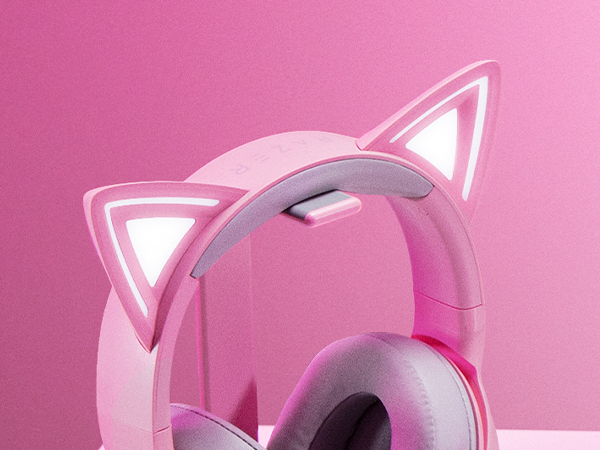
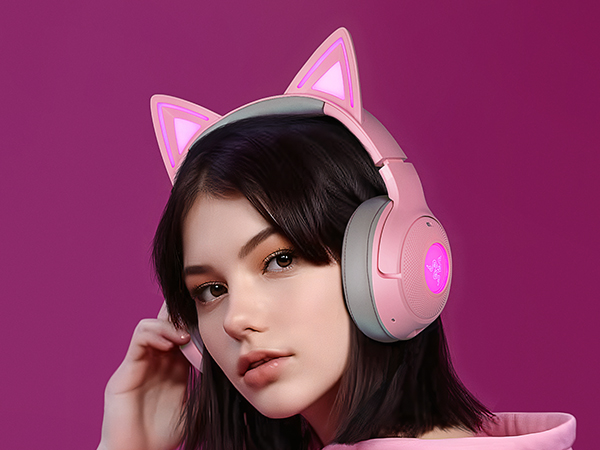
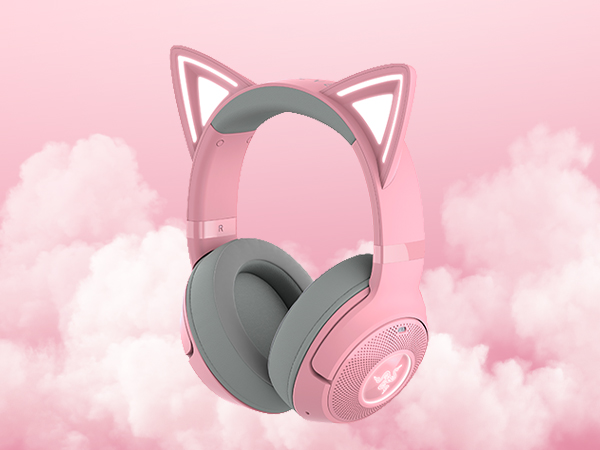
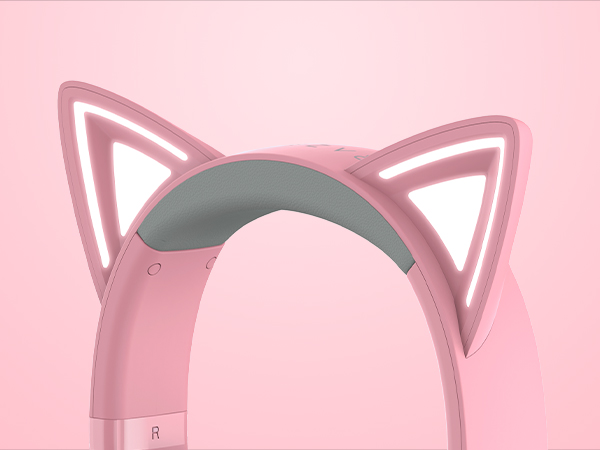
Ears and Earcups Powered by Razer Chroma RGB
With access to 16.8 million colors and countless effects, customize the headset lighting to your heart’s content and settle on a style that brings out your unique personality
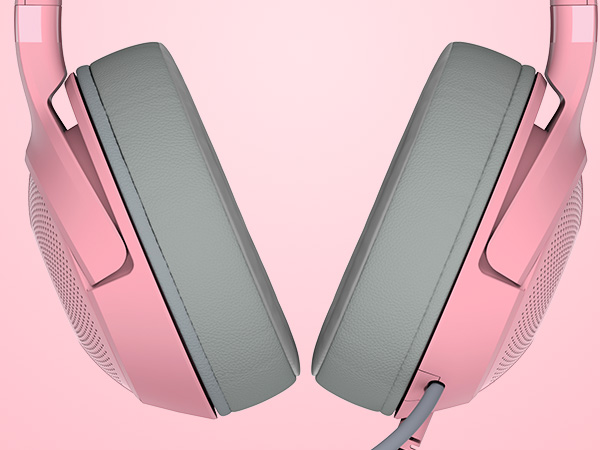
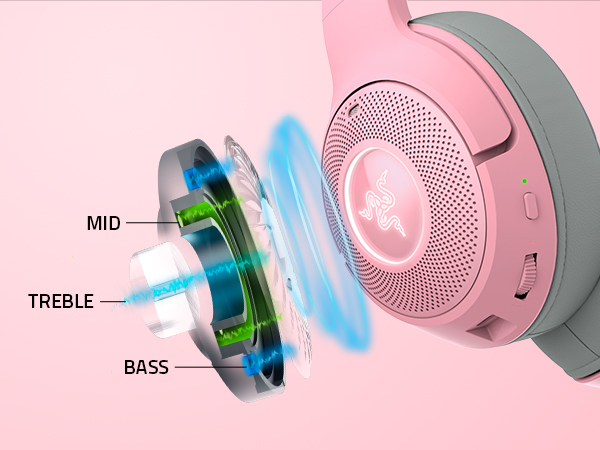
Razer TriForce 40 mm Drivers
The headset’s patented 3-part driver design pushes out exceptional highs, mids, and lows that doesn’t muddy - providing clarity and quality that sounds as good as it looks
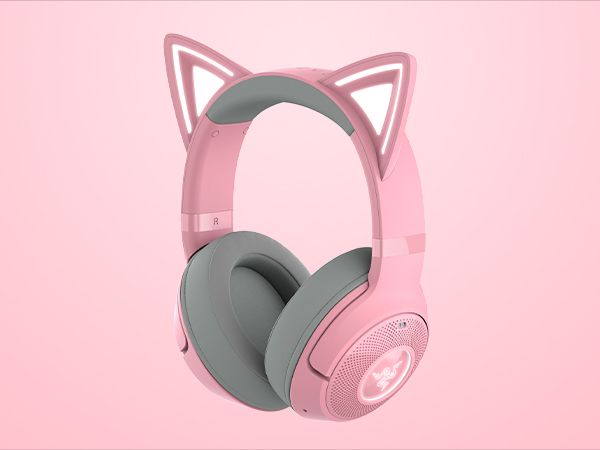
325 g Lightweight Build
Stream or game for hours without feeling fatigued, thanks to a lightweight design complete with plush, breathable ear cushions lined with fabric and leatherette
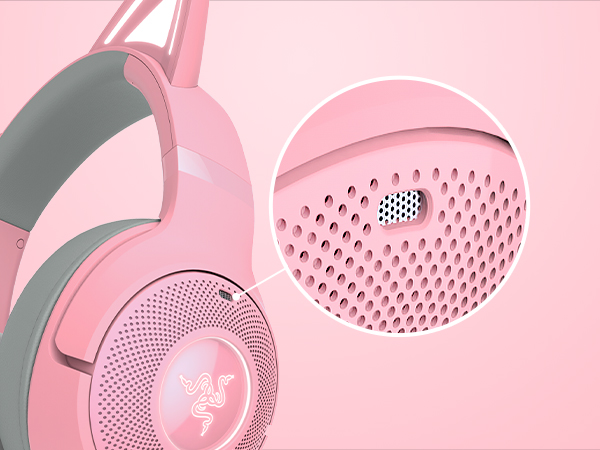
Integrated Beamforming Noise-Cancelling Mics
Built into the earcups, the discreet mics feature powerful levels of noise suppression that can be customized for indoor or outdoor use, ensuring clarity that never gets in the way of your style
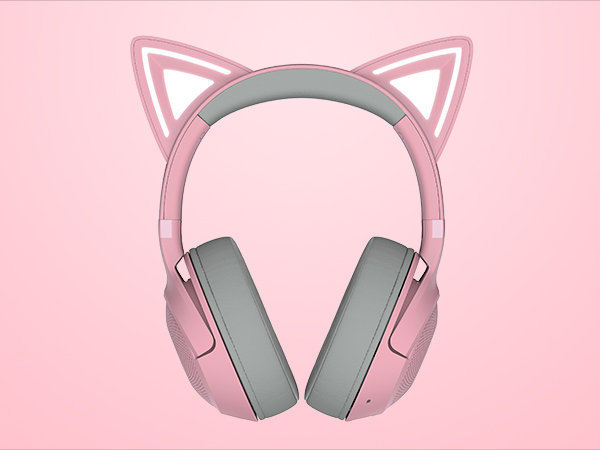
Up to 40-Hour Battery Life with Type C Charging
Power through a full day of uninterrupted gaming or IRL streaming, as you keep the headset charged and ready to go for your next session via a convenient USB Type C cable
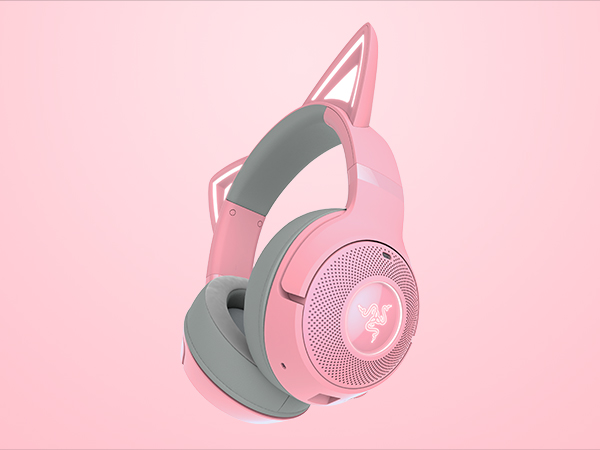
Bluetooth 5.2 with Gaming Mode
Enjoy smooth, stutter-free audio ideal for long hours of gaming or IRL streaming. Enable Gaming Mode for faster wireless response when you need to get serious in your favorite competitive title.
Gear Up
Razer Kiyo Pro
Razer Seiren V3 Chroma
Razer Key Light Chroma


Explore our full lineup and create your best content with gear that's from the #1 Selling PC Gaming Peripherals Brand in the U.S*
A full HD USB webcam with a high-performance adaptive light sensor, so you can enjoy crisp, clear quality in any setup and lighting condition
Be heard and seen with the Razer Seiren V3 Chroma—a pro USB mic with RGB lighting, stream-reactive effects, and tap-to-mute. Enjoy clarity, control, and flair for gaming, streaming, and chatting!
An all-in-one accessory for professional studio lighting. Whether you want to look your best, set the mood, or turn up the engagement, do it all with convenient wireless control from your phone or PC
How do I connect my Razer Kraken Kitty V2 BT headphones to my device?
To activate Bluetooth pairing mode, switch off your headphones. Press and hold the power button until the indicator light blinks blue. Turn on your device's Bluetooth and connect to "Razer Kraken Kitty V2 BT". An audio cue will play upon connection
How long does the battery last on the Razer Kraken Kitty V2 BT?
Fully charged, the Razer Kraken Kitty V2 BT can last up to 30 hours with Razer Chroma RGB enabled (up to 60 hours with Razer Chroma RGB disabled)
How do I activate low latency Gaming Mode?
Press and hold the multi-function button until you hear "Gaming Mode". Repeat to return to Normal Mode. If audio drops/skips, keep the headset very close to the audio source when in Gaming Mode (within 2 ft/60 cm) and use Normal Mode when not gaming
Is the Razer Kraken Kitty V2 BT compatible with Bluetooth audio from the Nintendo Switch?
Yes! First, confirm that you have the latest software installed on both devices. The Razer Kraken Kitty V2 BT may be updated via the Razer Audio App. Next, simply follow the Nintendo Switch Bluetooth audio pairing instructions to connect the headset
Kraken Kitty Headsets Comparision Chart
Kraken Kitty V2 BT | Kraken Kitty V2 Pro | Kraken Kitty V2 | Kraken Kitty |
|---|---|---|---|
| Customer Reviews | |||
| — | — | — | — |
| Price | |||
| — | — | — | — |
| Ears | |||
| Built-In Kitty Ears | Kitty, Bear and Bunny Ears | Built-In Kitty Ears | Built-In Kitty Ears |
| Connection Type | |||
| Bluetooth 5.2 | USB-A (wired) | USB-A (wired) | USB-A (wired) |
| Chroma RGB | |||
| Normal Mode | Stream Reactive & Cosplay Mode | Stream Reactive & Cosplay Mode | Stream Reactive & Cosplay Mode |
| Audio Driver | |||
| Razer Triforce 40 mm | Razer Triforce Titanium 50 mm | Razer Triforce 40 mm | 50 mm |
| Surround Sound | |||
| 7.1 Surround Sound | THX Spatial Audio | 7.1 Surround Sound | THX Spatial Audio |
| Microphone | |||
| Integrated Beamforming ANC Mic | Razer Hyperclear Cardioid Mic | Razer Hyperclear Cardioid Mic | Active Noise Cancelling Mic |
| Ear Cushions | |||
| Hybrid Fabric and Leatherette | Hybrid Fabric and Leatherette | Hybrid Fabric and Leatherette | Cooling-gel Cushions |
| Weight | |||
| 325 g / 0.72 lbs | 332 g / 0.76 lbs | 325 g / 0.72 lbs | 408 g / 0.90 lbs |
| Colorways Available | |||
| Quartz, Black, White | Quartz & Black | Quartz, Black, White | Quartz & Black |