



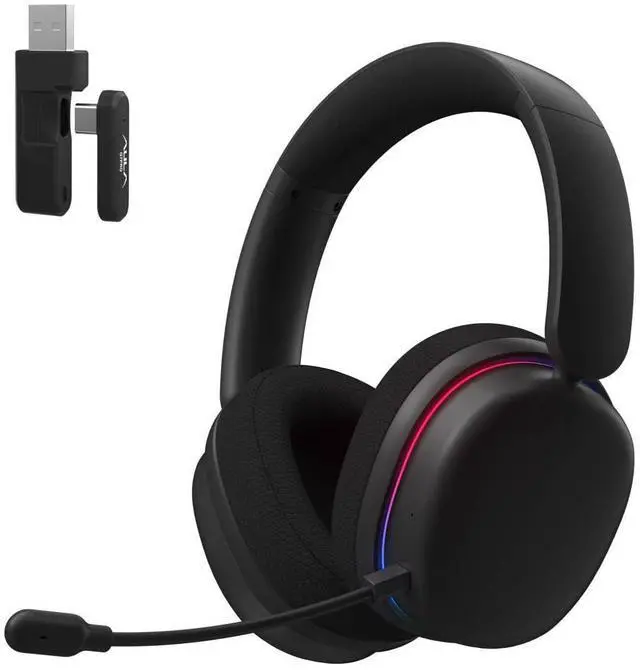
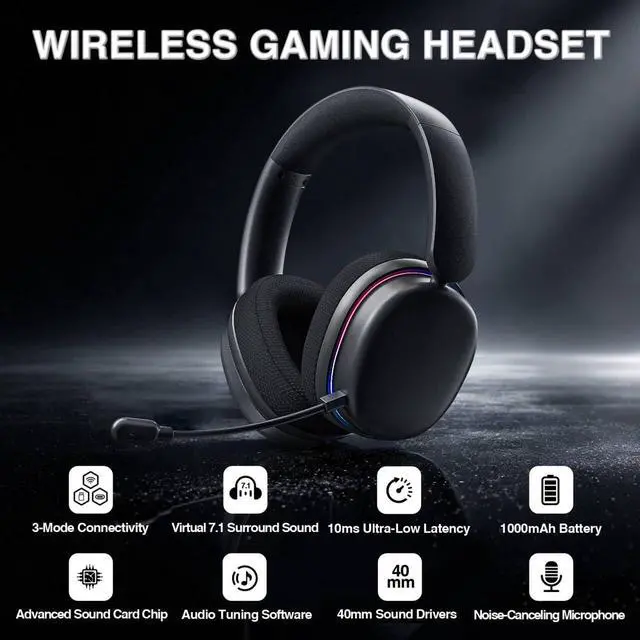


 G7 Pro Gaming Headset |  G7 Pro Gaming Headset |  G7 Pro Gaming Headset |  G7 Gaming Headset |  G7 Gaming Headset |  G7 Gaming Headset | |
|---|---|---|---|---|---|---|
Customer Reviews | — | — | — | — | — | — |
Price | — | — | — | — | — | — |
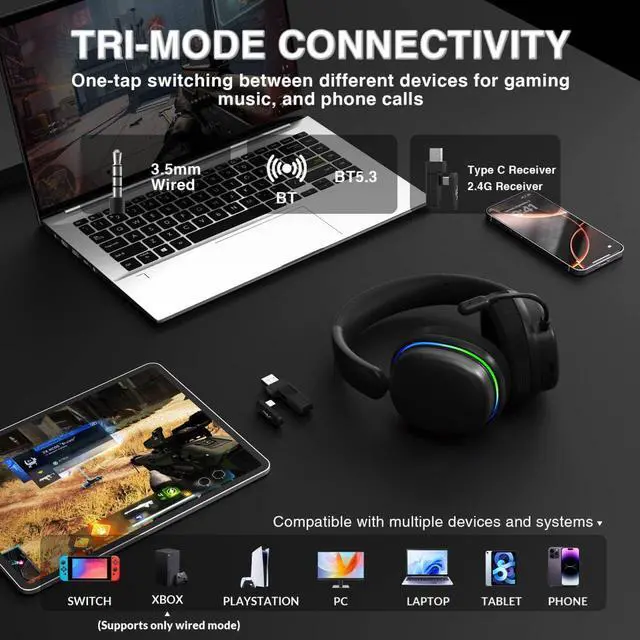
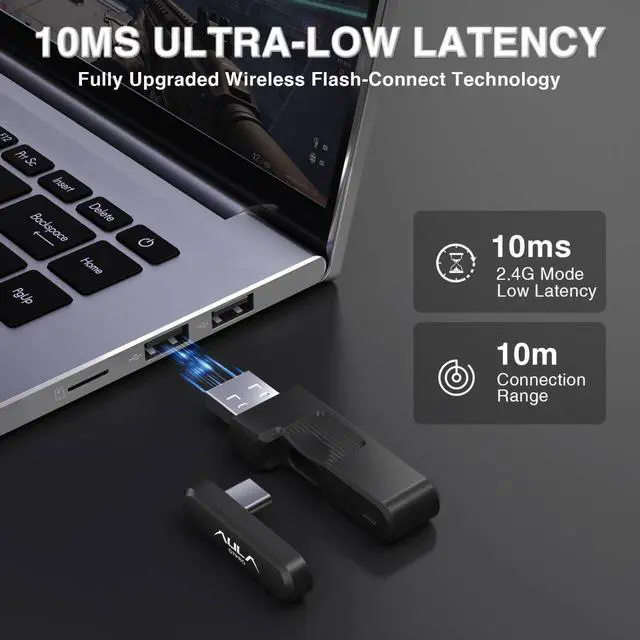
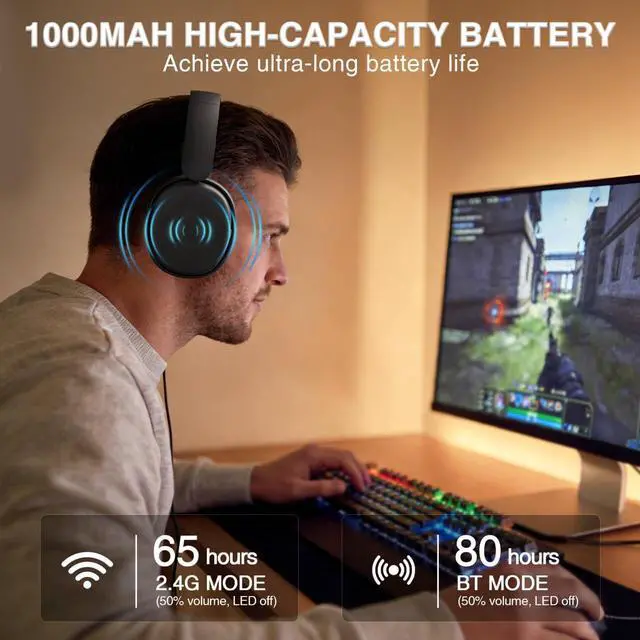
Connection | Type C Wired/2.4G/Type C/BT5.4 | Type C Wired/2.4G/Type C/BT5.4 | Type C Wired/2.4G/Type C/BT5.4 | 3.5mm Wired/2.4G/BT5.2 | 3.5mm Wired/2.4G/BT5.2 | 3.5mm Wired/2.4G/BT5.2 |
Surround Sound | ? | ? | ? | ? | ? | ? |
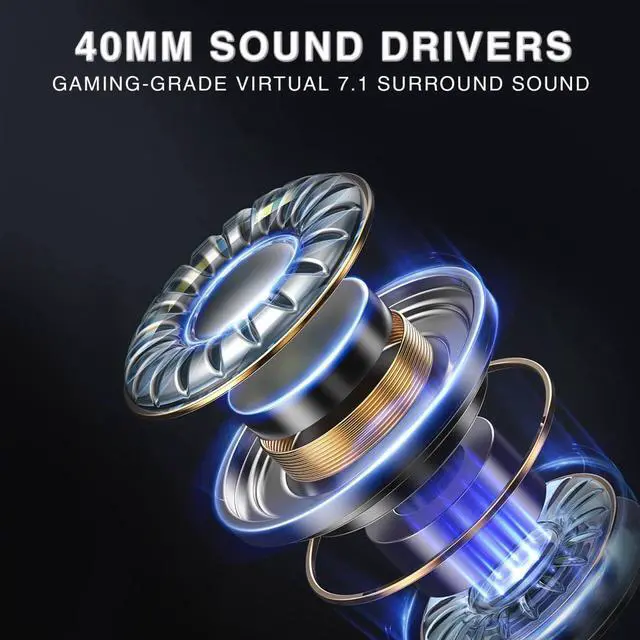
Driver Unit | 40mm | 40mm | 40mm | 40mm | 40mm | 40mm |
Battery Life | 80Hr | 80Hr | 80Hr | 60Hr | 60Hr | 60Hr |
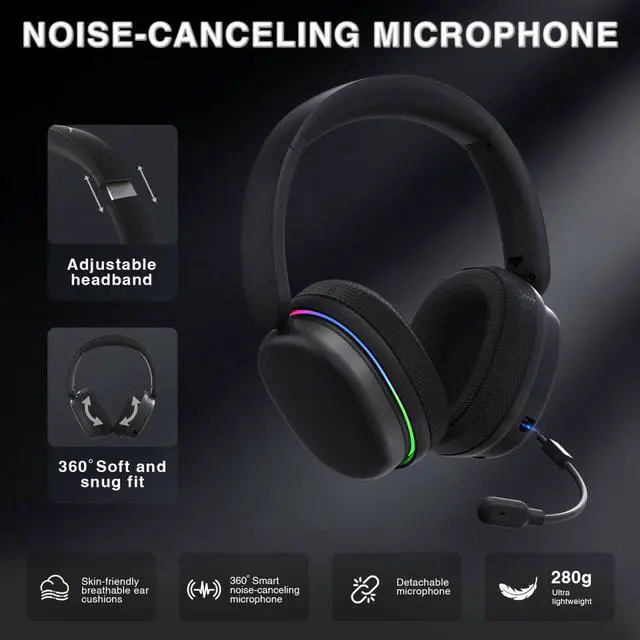
Headband | 8-position adjustable headband | 8-position adjustable headband | 8-position adjustable headband | Adjustable elastic webbing | Adjustable elastic webbing | Adjustable elastic webbing |
Driver Software Support | ? | ? | ? | ? | ? | ? |
Weight | 280g | 280g | 280g | 260g | 260g | 260g |
Is it compatible with Xbox?
Yes, the AULA G7 Pro gaming headset is compatible with Xbox in wired mode only. To connect it to an Xbox controller, use the included 3.5mm audio cable to connect the headset’s Type-C port.
What should I do if the microphone isn't working?
These gaming headsets come with a detachable microphone. The plug has a distinct top and bottom—the top is flat and the bottom is curved—and must be inserted into the port correctly; inserting it upside down will cause the microphone to stop working
Does it have a mute button?
Yes, simply tap the microphone icon in the control panel to mute or unmute the microphone—all with a single tap, even without looking.
Why is the volume on my headphones too low, and how can I fix it?
The headset buttons only control its own volume, cannot adjust the volume of phones, computers and other playback devices. The maximum headset volume depends on your device volume. If the sound is low, increase the volume of your media player
How do I switch between BT and 2.4 GHz wireless modes?
Press and hold the power button for 3 seconds to power on. Press the power button 3 times continuously to enter BT pairing mode. Search and select (AULA G7 Pro) on your device to connect. Press the power button 3 times again to switch to 2.4GHz mode

ABOUT AULA
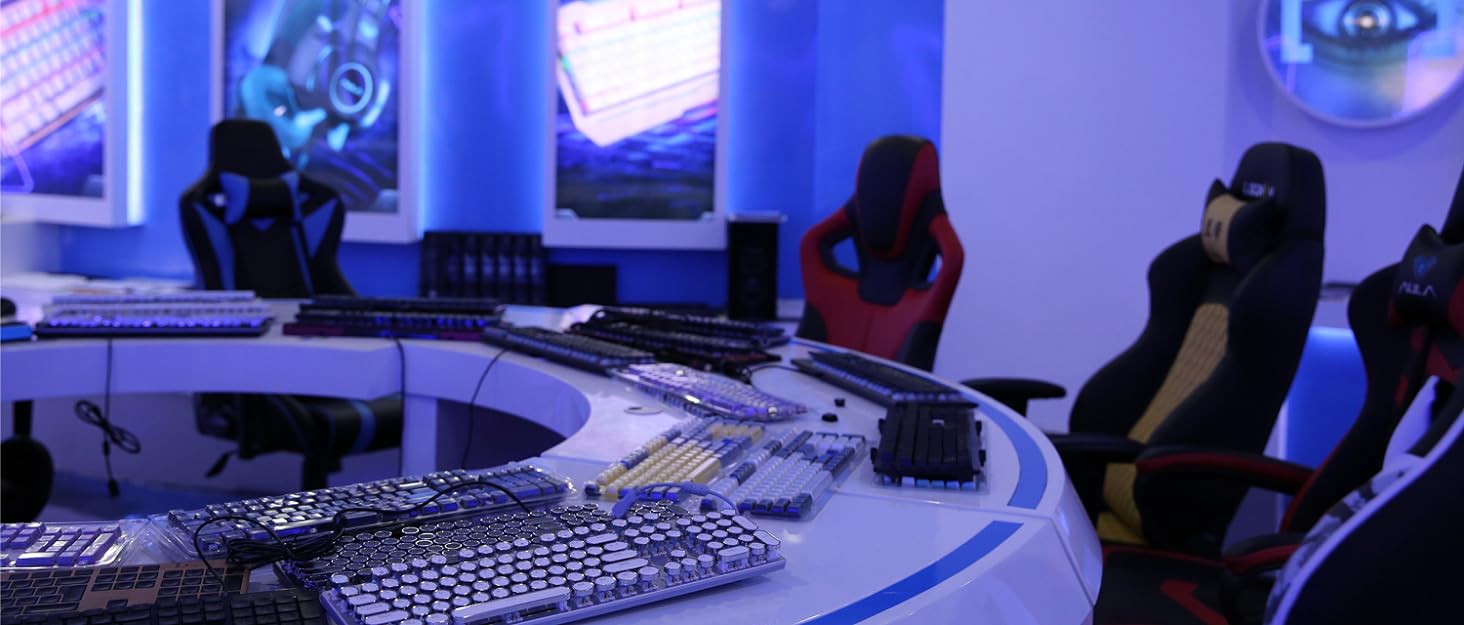
Founded in 2002, AULA is an enterprise integrating production, sales, distribution and after-sales service. The brand is inspired by one of the largest spiders in the world, the tarantula, which is characterized by its speed and strength, like the response of AULA keyboard and mouse. Our products are sold all over the world and are loved by gaming enthusiasts.
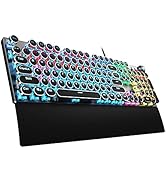
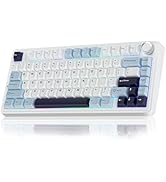
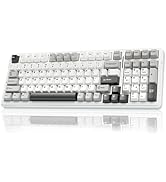

AULA Hot Selling
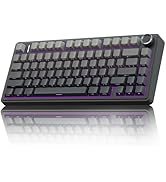

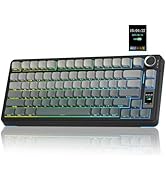
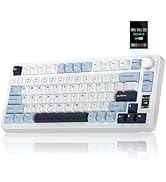
75% Keyboard-F75 PRO & S75 PRO


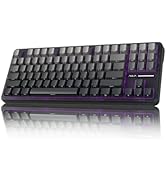
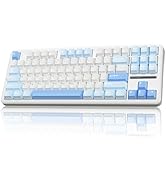
Creamy Keyboard - S98pro & F87
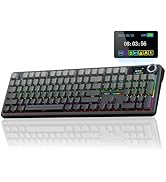
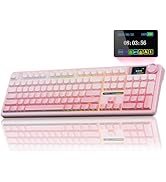

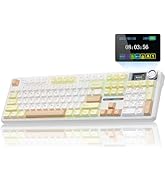
Full Size Keyboard - F108 Pro
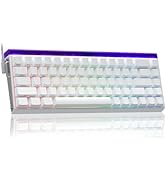


Magnetic Keyboard-HERO68&WIN68
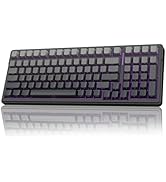
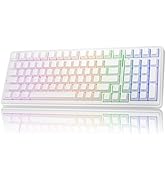
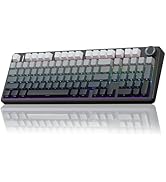
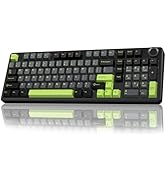
AULA F99/F99Pro
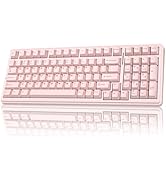
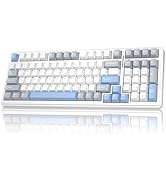
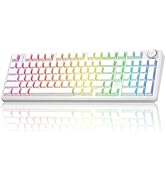
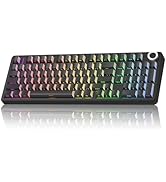
Silent Mechanical Keyboards

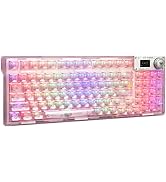
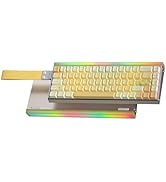
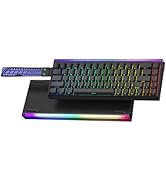
RGB Keyboards-F98Pro &Hero68HE
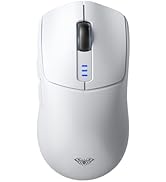
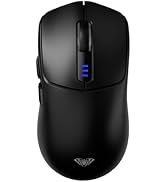
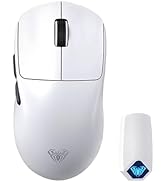

Tri-Mode Mouse-SC580 & SC800
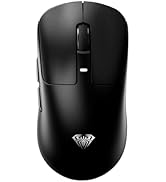


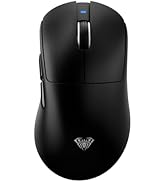
Tri-Mode Mouse-SC680 &SC900pro

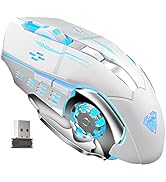

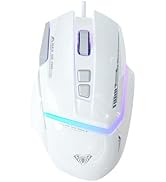
Gaming Mice
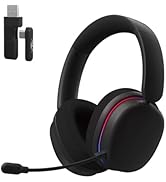
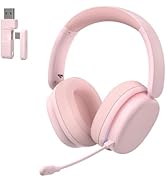
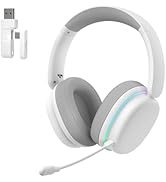
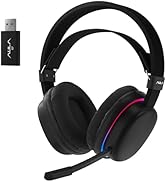
Wireless Gaming Headset-G7 Pro
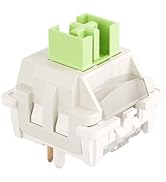
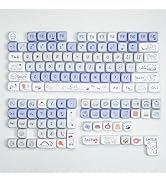
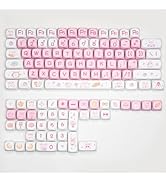
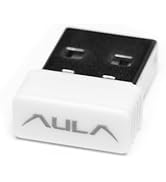
Accessories
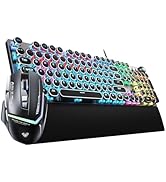

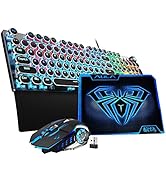

Gaming Keyboard&Mouse Combo
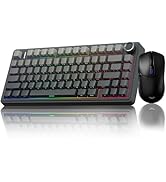
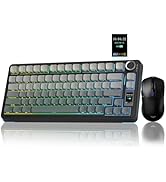
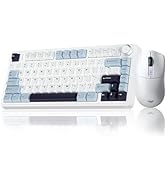
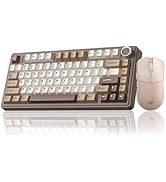
Gaming Keyboard&Mouse Combo
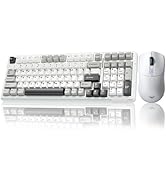
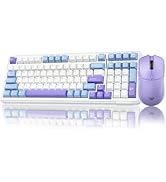
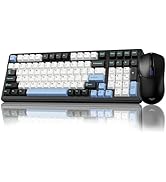
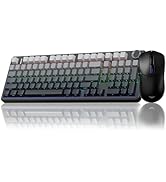
Wireless Keyboard&Mouse Combo
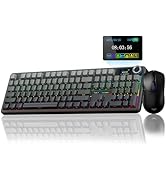
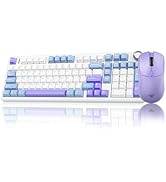
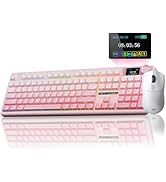
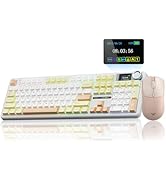
Wireless Keyboard&Mouse Combo


G7 Pro Gaming Headset | G7 Pro Gaming Headset | G7 Pro Gaming Headset | G7 Gaming Headset | G7 Gaming Headset | G7 Gaming Headset |
|---|---|---|---|---|---|
| Customer Reviews | |||||
| — | — | — | — | — | — |
| Price | |||||
| — | — | — | — | — | — |
| Connection | |||||
| Type C Wired/2.4G/Type C/BT5.4 | Type C Wired/2.4G/Type C/BT5.4 | Type C Wired/2.4G/Type C/BT5.4 | 3.5mm Wired/2.4G/BT5.2 | 3.5mm Wired/2.4G/BT5.2 | 3.5mm Wired/2.4G/BT5.2 |
| Surround Sound | |||||
| ? | ? | ? | ? | ? | ? |
| Driver Unit | |||||
| 40mm | 40mm | 40mm | 40mm | 40mm | 40mm |
| Battery Life | |||||
| 80Hr | 80Hr | 80Hr | 60Hr | 60Hr | 60Hr |
| Headband | |||||
| 8-position adjustable headband | 8-position adjustable headband | 8-position adjustable headband | Adjustable elastic webbing | Adjustable elastic webbing | Adjustable elastic webbing |
| Driver Software Support | |||||
| ? | ? | ? | ? | ? | ? |
| Weight | |||||
| 280g | 280g | 280g | 260g | 260g | 260g |
Is it compatible with Xbox?
Yes, the AULA G7 Pro gaming headset is compatible with Xbox in wired mode only. To connect it to an Xbox controller, use the included 3.5mm audio cable to connect the headset’s Type-C port.
What should I do if the microphone isn't working?
These gaming headsets come with a detachable microphone. The plug has a distinct top and bottom—the top is flat and the bottom is curved—and must be inserted into the port correctly; inserting it upside down will cause the microphone to stop working
Does it have a mute button?
Yes, simply tap the microphone icon in the control panel to mute or unmute the microphone—all with a single tap, even without looking.
Why is the volume on my headphones too low, and how can I fix it?
The headset buttons only control its own volume, cannot adjust the volume of phones, computers and other playback devices. The maximum headset volume depends on your device volume. If the sound is low, increase the volume of your media player
How do I switch between BT and 2.4 GHz wireless modes?
Press and hold the power button for 3 seconds to power on. Press the power button 3 times continuously to enter BT pairing mode. Search and select (AULA G7 Pro) on your device to connect. Press the power button 3 times again to switch to 2.4GHz mode
ABOUT AULA
Founded in 2002, AULA is an enterprise integrating production, sales, distribution and after-sales service. The brand is inspired by one of the largest spiders in the world, the tarantula, which is characterized by its speed and strength, like the response of AULA keyboard and mouse. Our products are sold all over the world and are loved by gaming enthusiasts.
AULA Hot Selling
75% Keyboard-F75 PRO & S75 PRO
Creamy Keyboard - S98pro & F87
Full Size Keyboard - F108 Pro
Magnetic Keyboard-HERO68&WIN68
AULA F99/F99Pro
Silent Mechanical Keyboards
RGB Keyboards-F98Pro &Hero68HE
Tri-Mode Mouse-SC580 & SC800
Tri-Mode Mouse-SC680 &SC900pro
Gaming Mice
Wireless Gaming Headset-G7 Pro
Accessories
Gaming Keyboard&Mouse Combo
Gaming Keyboard&Mouse Combo
Wireless Keyboard&Mouse Combo
Wireless Keyboard&Mouse Combo