




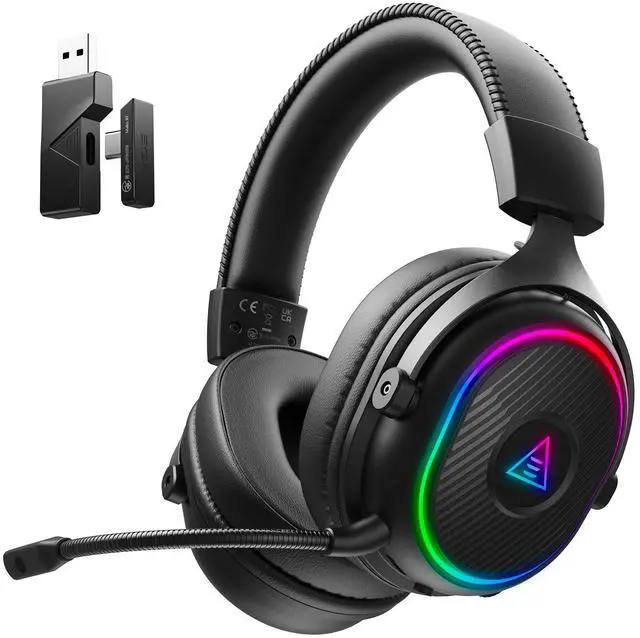
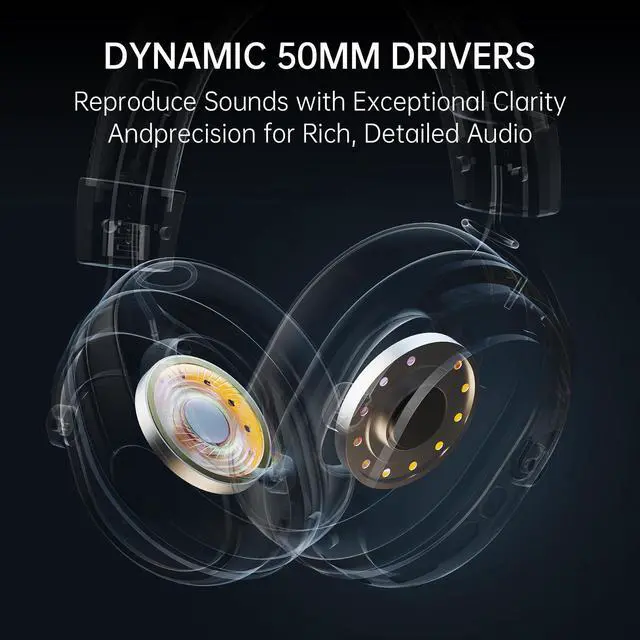
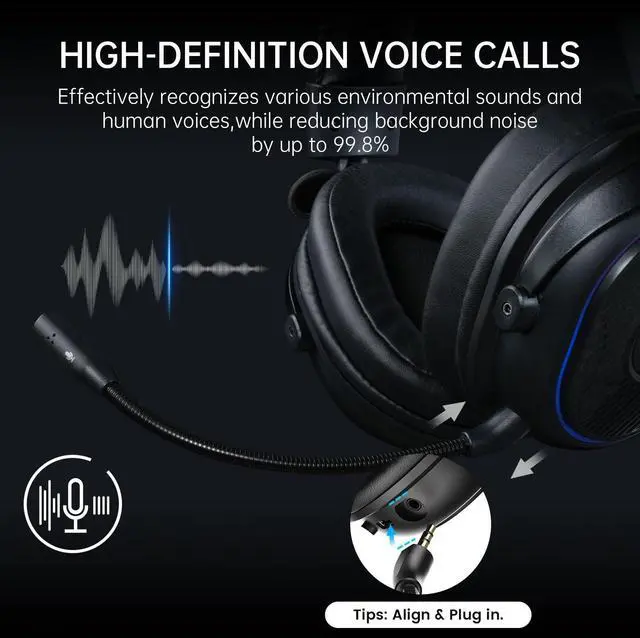
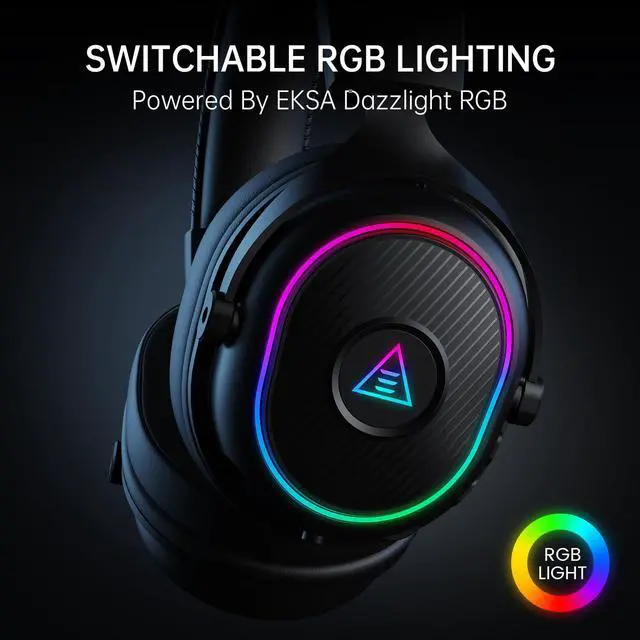


EKSA 2.4GHz Wireless Gaming Headset for PS5,PS4,PC
Merchant VideoThere is no sound from the microphone or headset, or the sound is low.
1. Verify headset connection and check audio settings (unmute/adjust volume on both device & headset).
2. Disconnect, clean, and reconnect transmitter/3.5mm cable.
3. For detailed sound setup, refer to pages 4-5 in manual.
I cannot use the microphone of the headset when connecting to my computer.
1. Go to Control Panel > Hardware and Sound > Sound. Disable the built-in microphone on your computer and set the headset microphone as the default.
2. Check that the microphone is not muted.
The person on the other end of the call cannot hear my voice.
1. Check that the microphone isn't muted.
2. Set headset as default audio device in settings (see manual pp4-5).
3. Confirm compatibility (Older versions of Xbox One requires separate MS adapter).
The headset cannot connect to the transmitter.
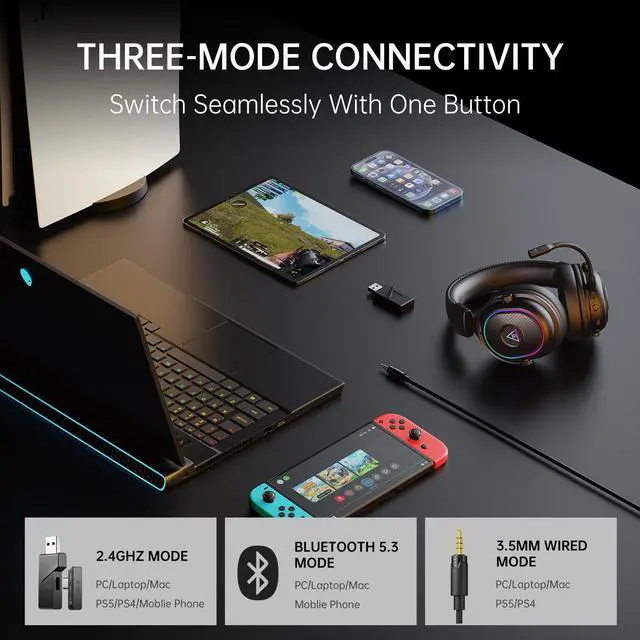
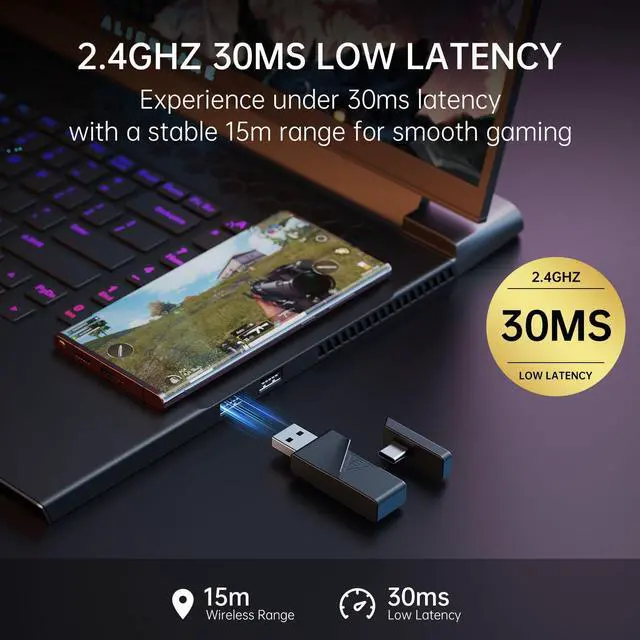
1. Insert transmitter (check light). Turn on headset, select 2.4G mode, hold mute button 5s until lights flash/"Pairing" heard. Release - "Connected" confirms pairing (with LED blinks blue 2x/2s).


For the Love of the Game
For female gamers
For male gamers


EKSA 2.4GHz Wireless Gaming Headset for PS5,PS4,PC
Merchant VideoThere is no sound from the microphone or headset, or the sound is low.
1. Verify headset connection and check audio settings (unmute/adjust volume on both device & headset).
2. Disconnect, clean, and reconnect transmitter/3.5mm cable.
3. For detailed sound setup, refer to pages 4-5 in manual.
I cannot use the microphone of the headset when connecting to my computer.
1. Go to Control Panel > Hardware and Sound > Sound. Disable the built-in microphone on your computer and set the headset microphone as the default.
2. Check that the microphone is not muted.
The person on the other end of the call cannot hear my voice.
1. Check that the microphone isn't muted.
2. Set headset as default audio device in settings (see manual pp4-5).
3. Confirm compatibility (Older versions of Xbox One requires separate MS adapter).
The headset cannot connect to the transmitter.
1. Insert transmitter (check light). Turn on headset, select 2.4G mode, hold mute button 5s until lights flash/"Pairing" heard. Release - "Connected" confirms pairing (with LED blinks blue 2x/2s).