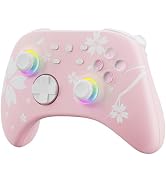
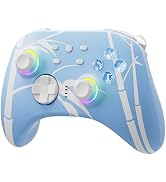
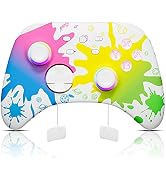
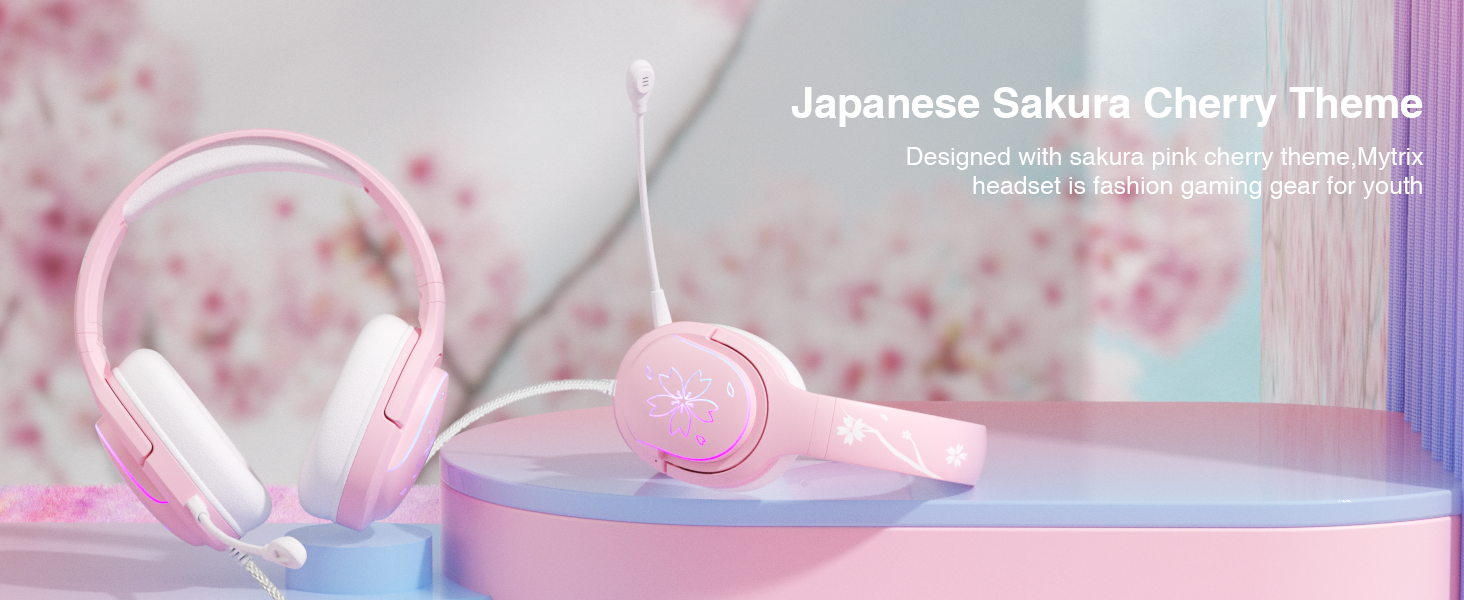
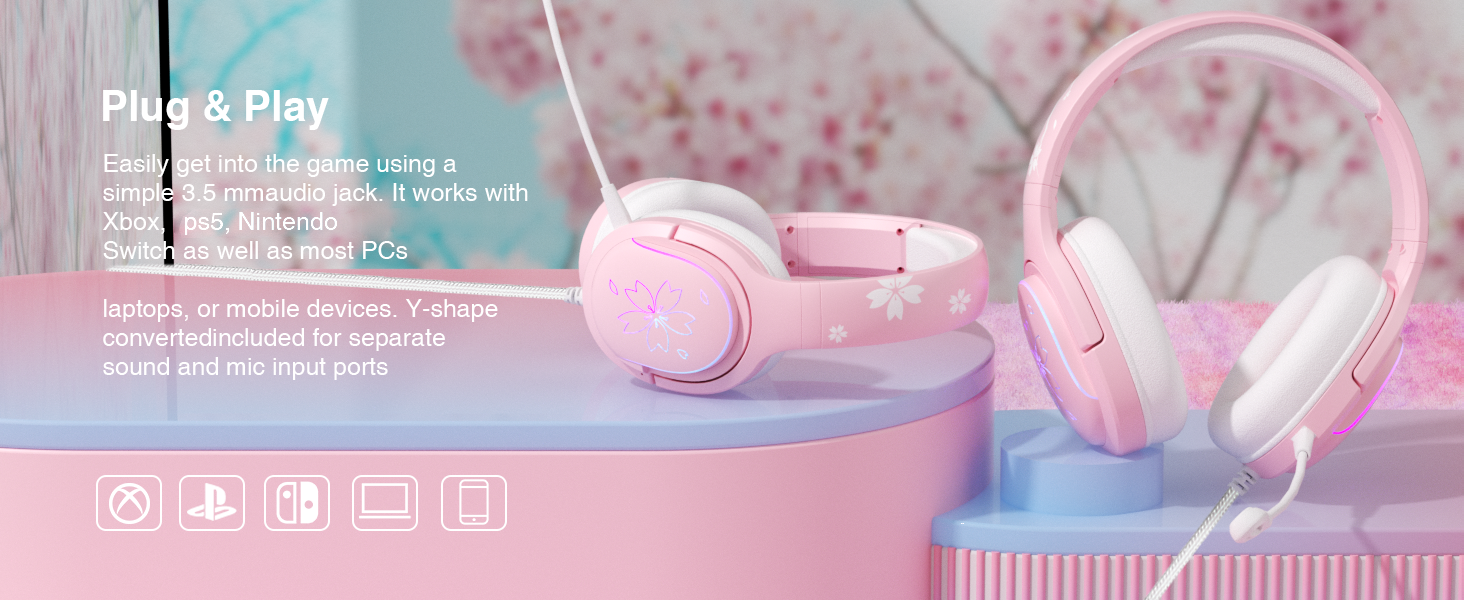
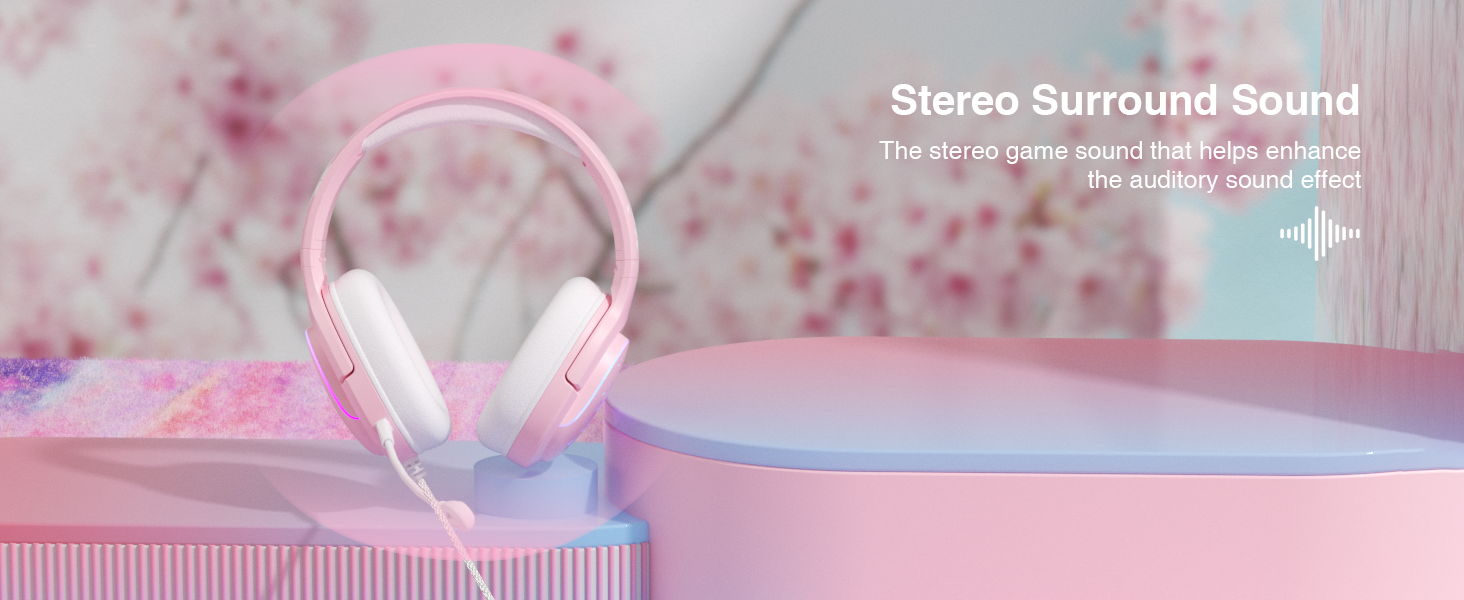
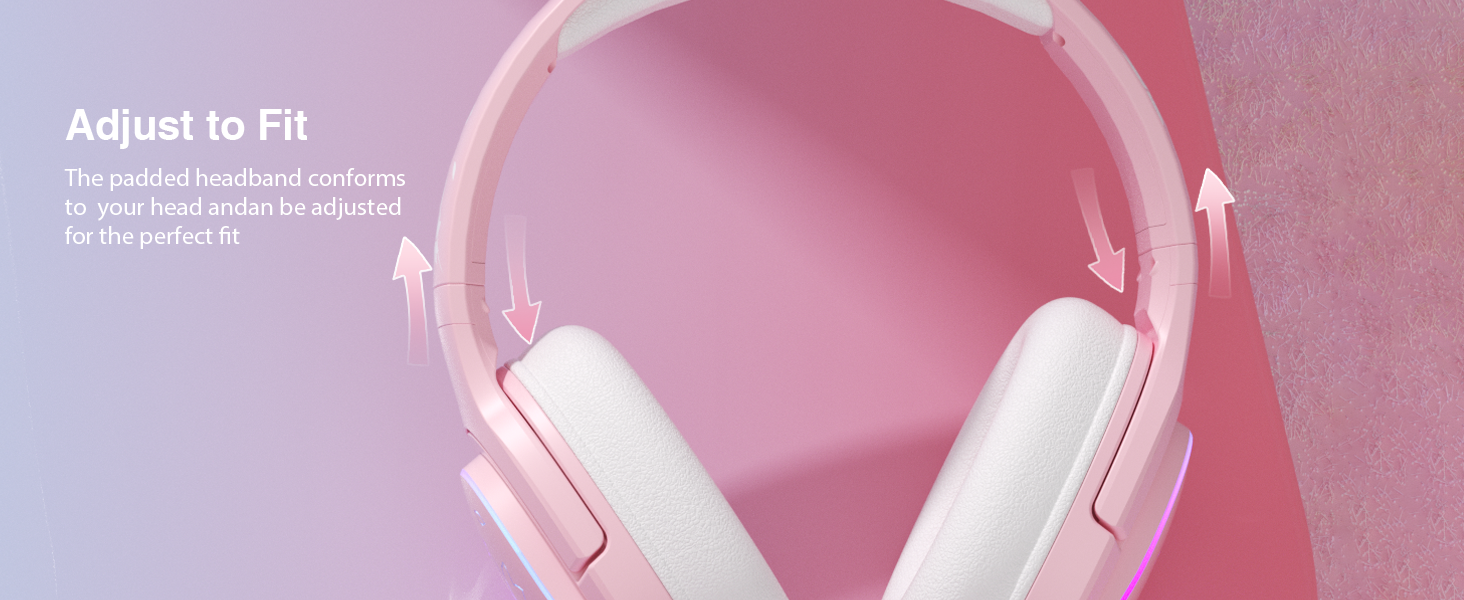
here!
here!
I’m your shopping assistant for PC builds, upgrades, and everything tech.
Got questions? Ask away!
Start a conversation
here!
I’m your shopping assistant for PC builds, upgrades, and everything tech.
Got questions? Ask away!
Start a conversation

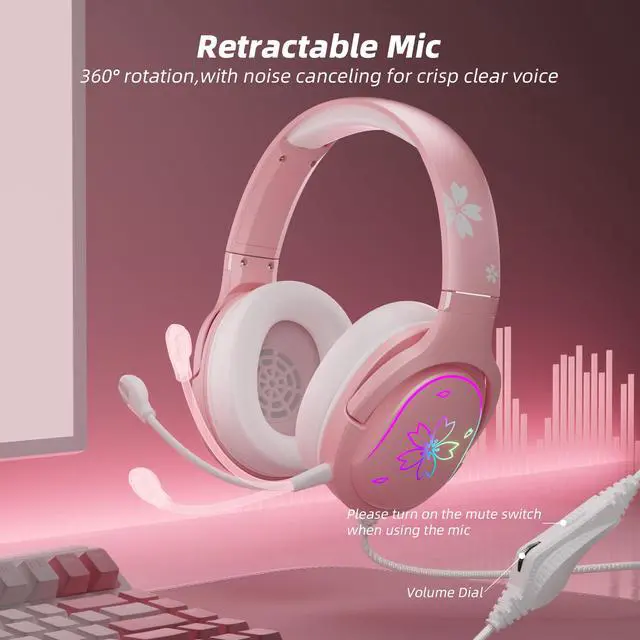



Any questions? Ask CelesteSM will help you find out quickly.
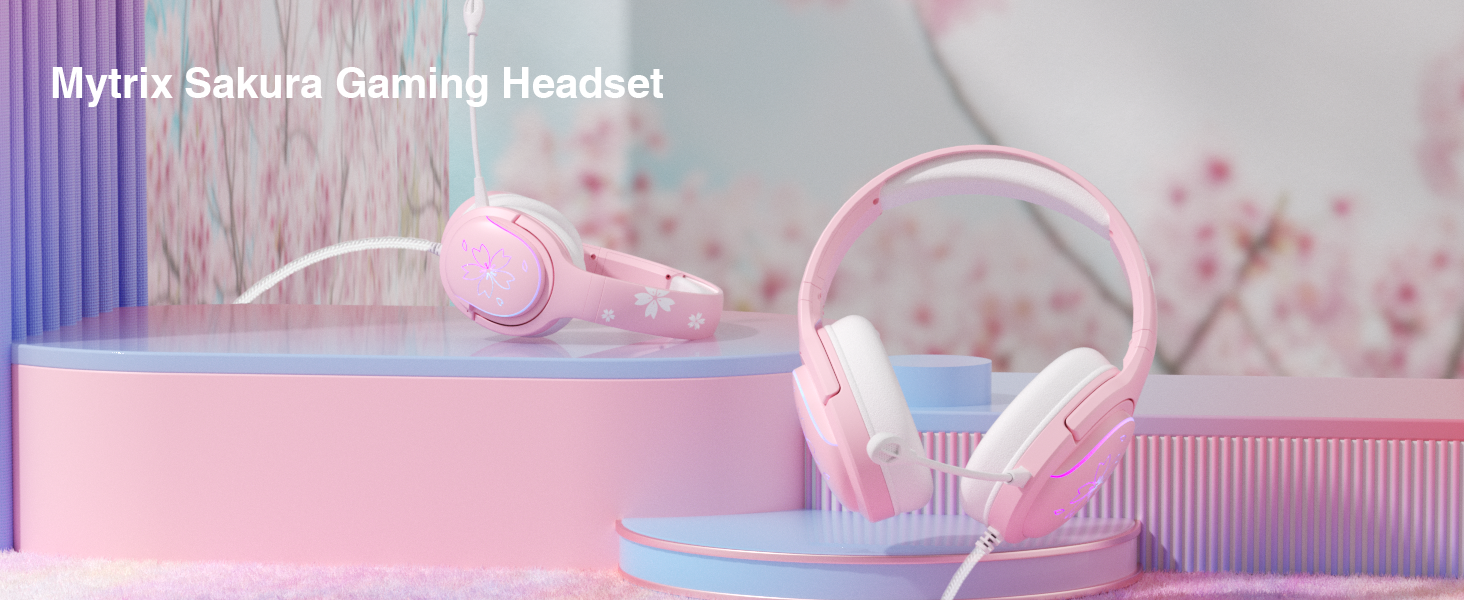
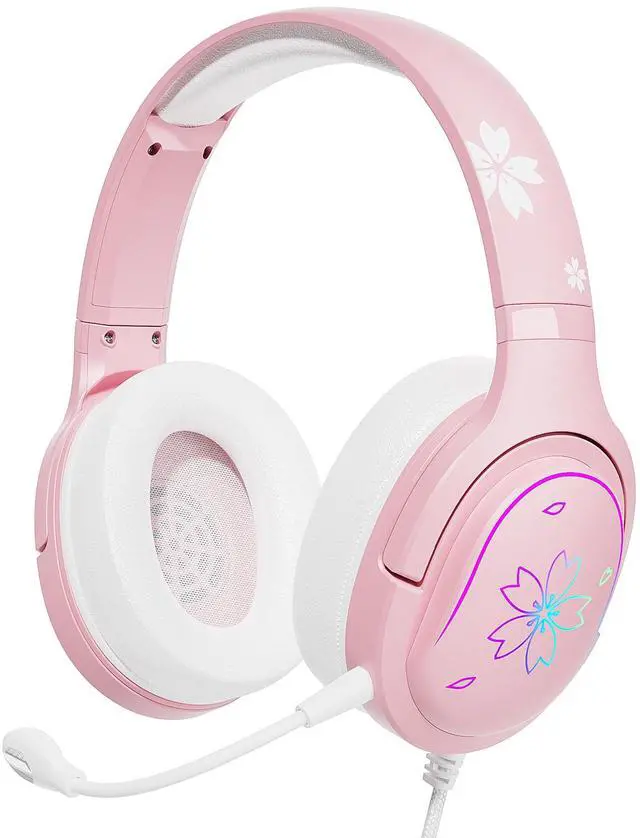
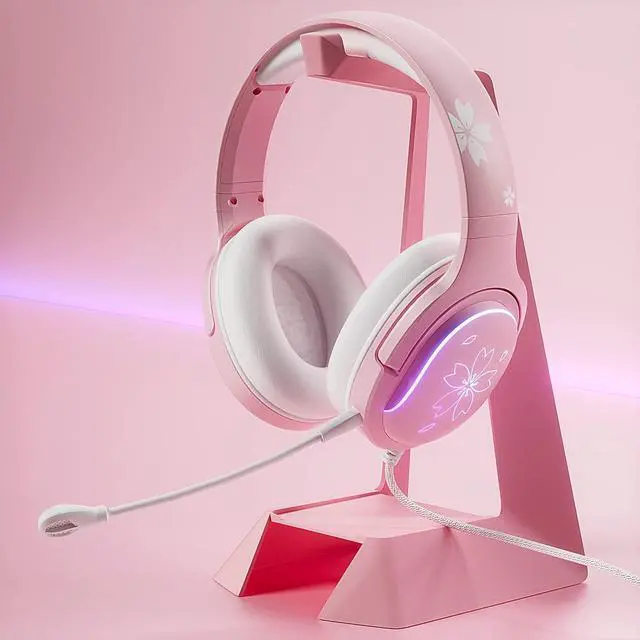
Wireless | ||
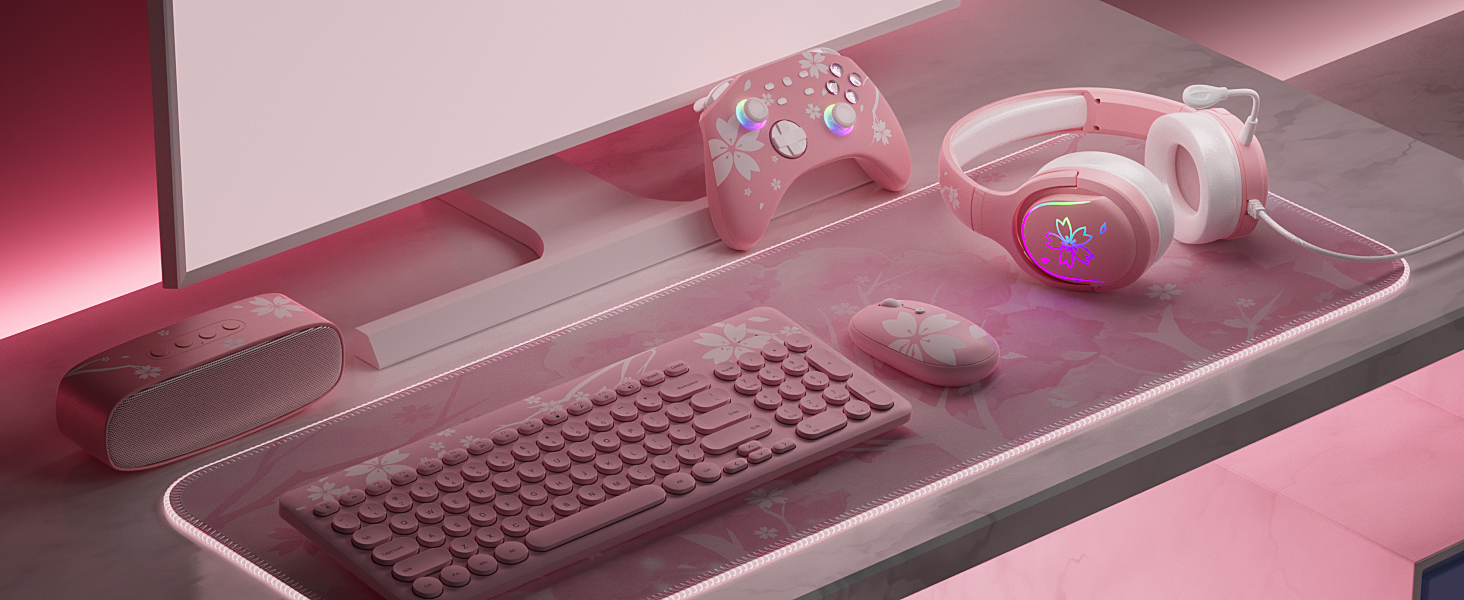
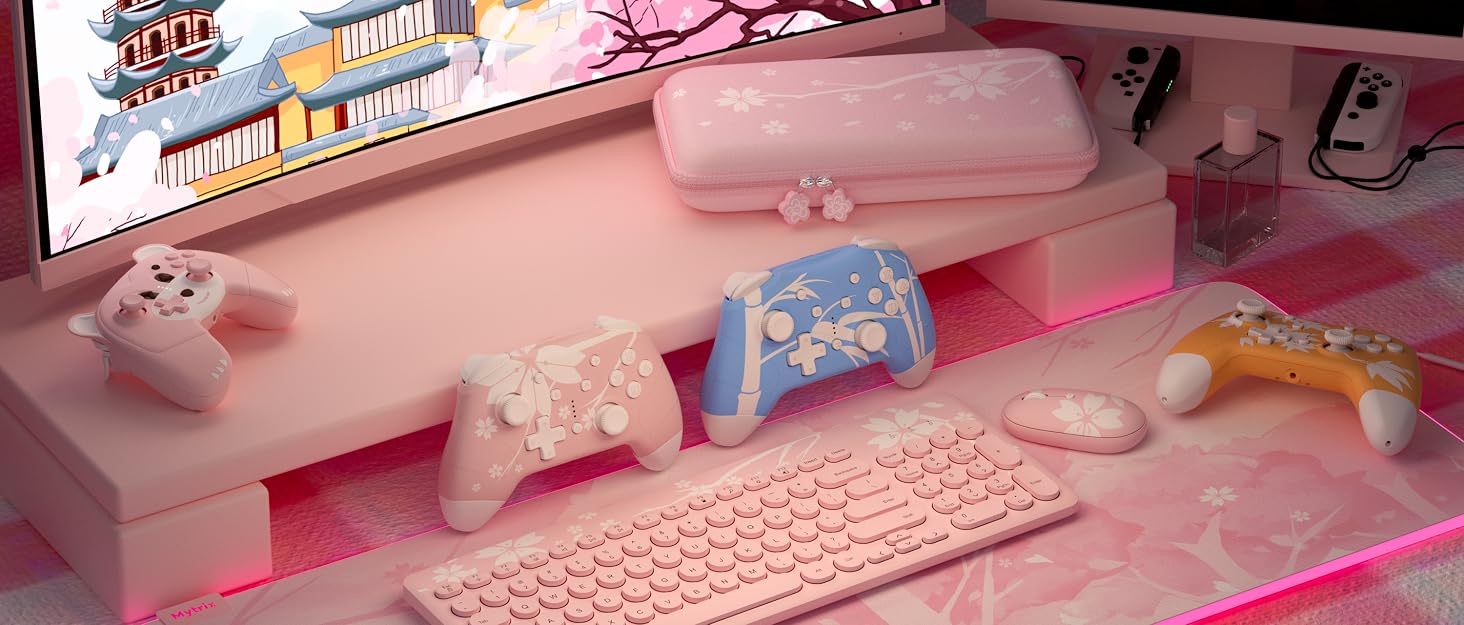
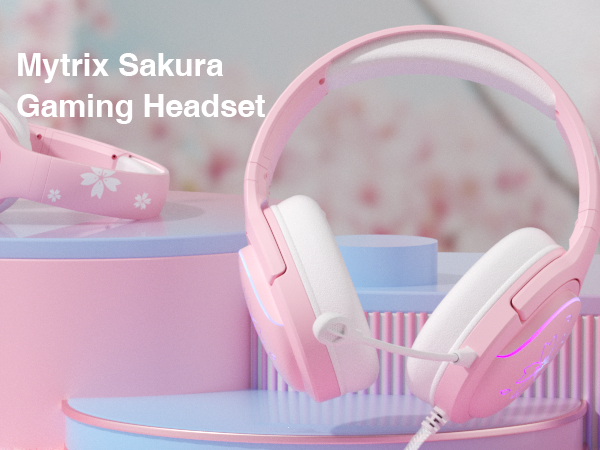
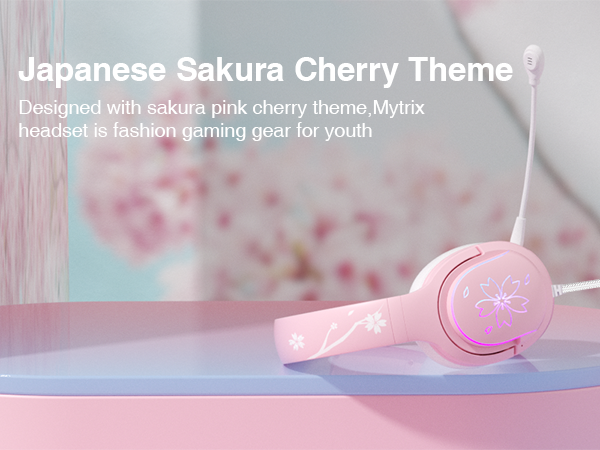
Sakura Design | ||
RGB Light | ||
10% | On Sale Off | — |
Wireless | ||
Sakura Design | ||
RGB Light | ||
10% | On Sale Off | 15% |
Wireless | ||
Sakura Design | ||
RGB Light | ||
10% | On Sale Off | 10% |
Wireless | ||
Sakura Design | ||
RGB Light | ||
10% | On Sale Off | NA |
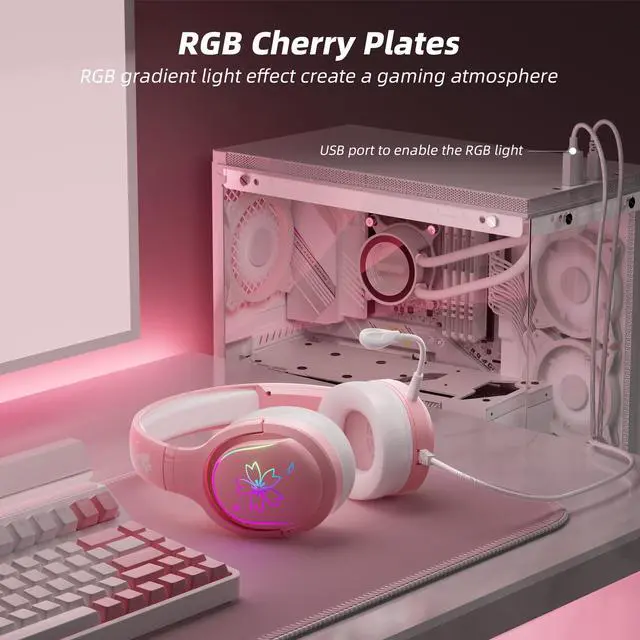
How to set up RGB light ?
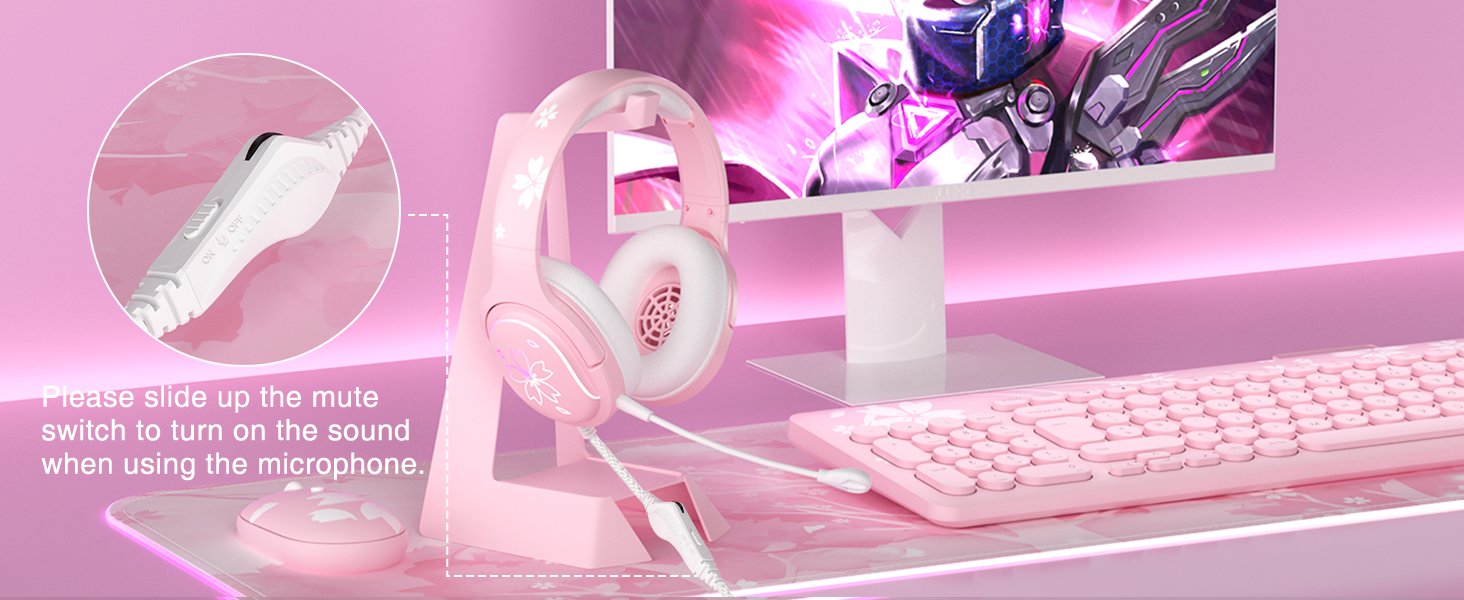
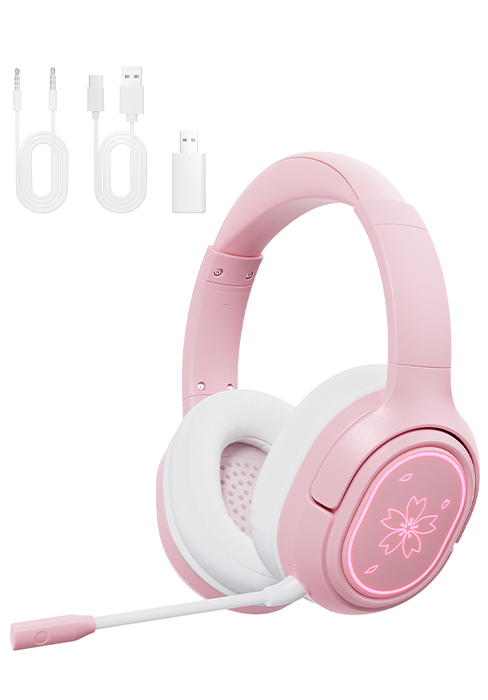
To enable the LED light illumination on the headset,the USB plug will need to be connected to a powered USB port.USB ports can be found on a gaming console or computer.
What should I do if no lights?
Make sure the USB cable is plugged into a power source either on your computer or console.
What should I do if the volume on the headset is low?
Make sure the volume on your device or console is turned up. You may need to go into your console's or device's settings to make this change.
What should I do if microphone feedback no audio or muffled audio?
Unplug your headset and if it is connected to a controller turn the controller OFF &ON then reconnect your headset
What should I do if the mic has an echo?
On your computer, in the sound settings, under the recording tab, disable the stereo mixing.

We develop and offer consumer electronics and cutting-edge technologies to help you modernize and stay ahead of the curve in today's incresingly digital world.
Because of the love, opportunity, so start. as an emerging star in the computer industry, Mytrix Technology develops and sells PCs, gaming consoles, accessories, and home/office electronics.
We offer customers innovative experiences through cutting-edge technologies, meeting diverse needs and promoting digital innovation in our professional and personal lives.
Mytrix Technology develops innovative consumer electronics and is dedicated to providing the high standards service.

Compatible with Nintendo Switch/Lite/OLED, Windows PC, Steam, Steam Deck, iOS devices and Android devices

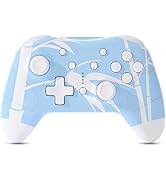
Black Ice Bluetooth Controller for Nintendo Switch, PC Steam with Hall Sensor Joysticks/Hall Effect Trigger, RGB lighting Mode


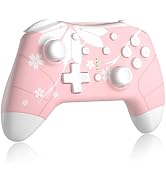


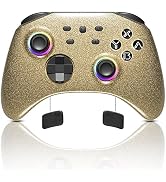

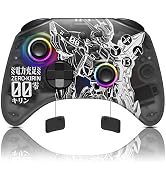
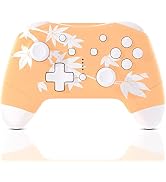








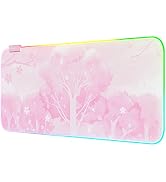
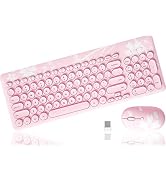
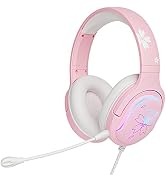
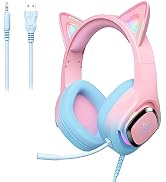
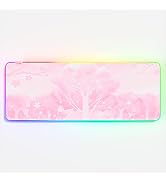
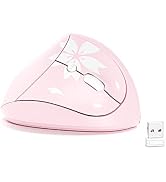
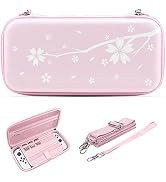
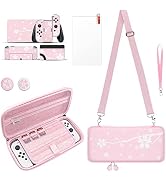



Wireless | |
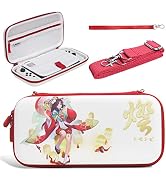
Sakura Design | |
RGB Light | |
On Sale Off | 10% |
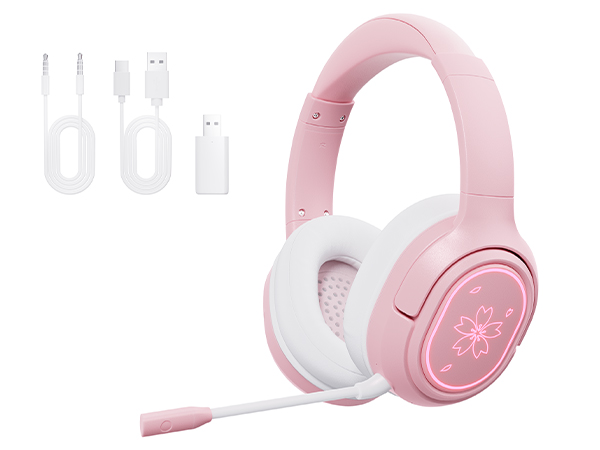
Wireless | |
Sakura Design | |
RGB Light | |
On Sale Off | — |
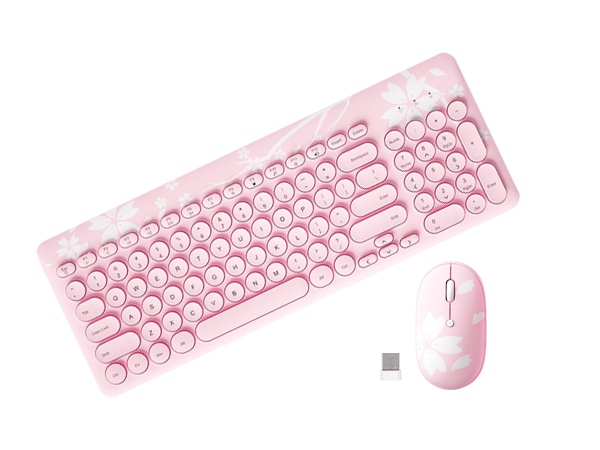
Wireless | |
Sakura Design | |
RGB Light | |
On Sale Off | 15% |
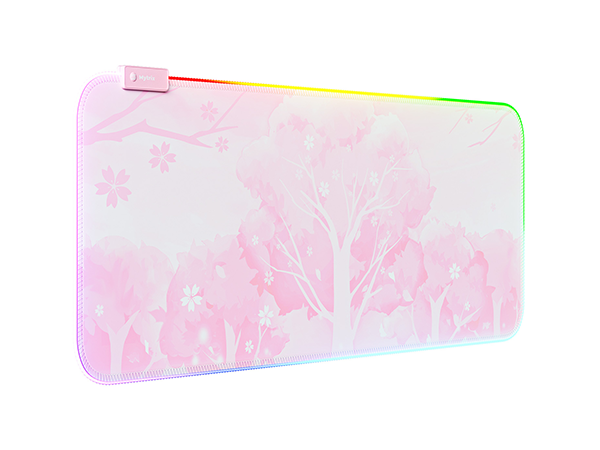
Wireless | |
Sakura Design | |
RGB Light | |
On Sale Off | 10% |
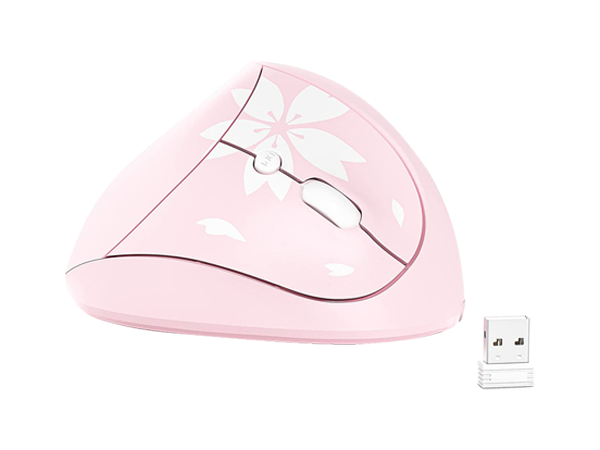
Wireless | |
Sakura Design | |
RGB Light | |
On Sale Off | NA |

How to set up RGB light ?
To enable the LED light illumination on the headset,the USB plug will need to be connected to a powered USB port.USB ports can be found on a gaming console or computer.
What should I do if no lights?
Make sure the USB cable is plugged into a power source either on your computer or console.
What should I do if the volume on the headset is low?
Make sure the volume on your device or console is turned up. You may need to go into your console's or device's settings to make this change.
What should I do if microphone feedback no audio or muffled audio?
Unplug your headset and if it is connected to a controller turn the controller OFF &ON then reconnect your headset
What should I do if the mic has an echo?
On your computer, in the sound settings, under the recording tab, disable the stereo mixing.
We develop and offer consumer electronics and cutting-edge technologies to help you modernize and stay ahead of the curve in today's incresingly digital world.
Because of the love, opportunity, so start. as an emerging star in the computer industry, Mytrix Technology develops and sells PCs, gaming consoles, accessories, and home/office electronics.
We offer customers innovative experiences through cutting-edge technologies, meeting diverse needs and promoting digital innovation in our professional and personal lives.
Mytrix Technology develops innovative consumer electronics and is dedicated to providing the high standards service.
Compatible with Nintendo Switch/Lite/OLED, Windows PC, Steam, Steam Deck, iOS devices and Android devices
Black Ice Bluetooth Controller for Nintendo Switch, PC Steam with Hall Sensor Joysticks/Hall Effect Trigger, RGB lighting Mode