here!
here!
I’m your shopping assistant for PC builds, upgrades, and everything tech.
Got questions? Ask away!
Start a conversation
here!
I’m your shopping assistant for PC builds, upgrades, and everything tech.
Got questions? Ask away!
Start a conversation



Any questions? Ask CelesteSM will help you find out quickly.
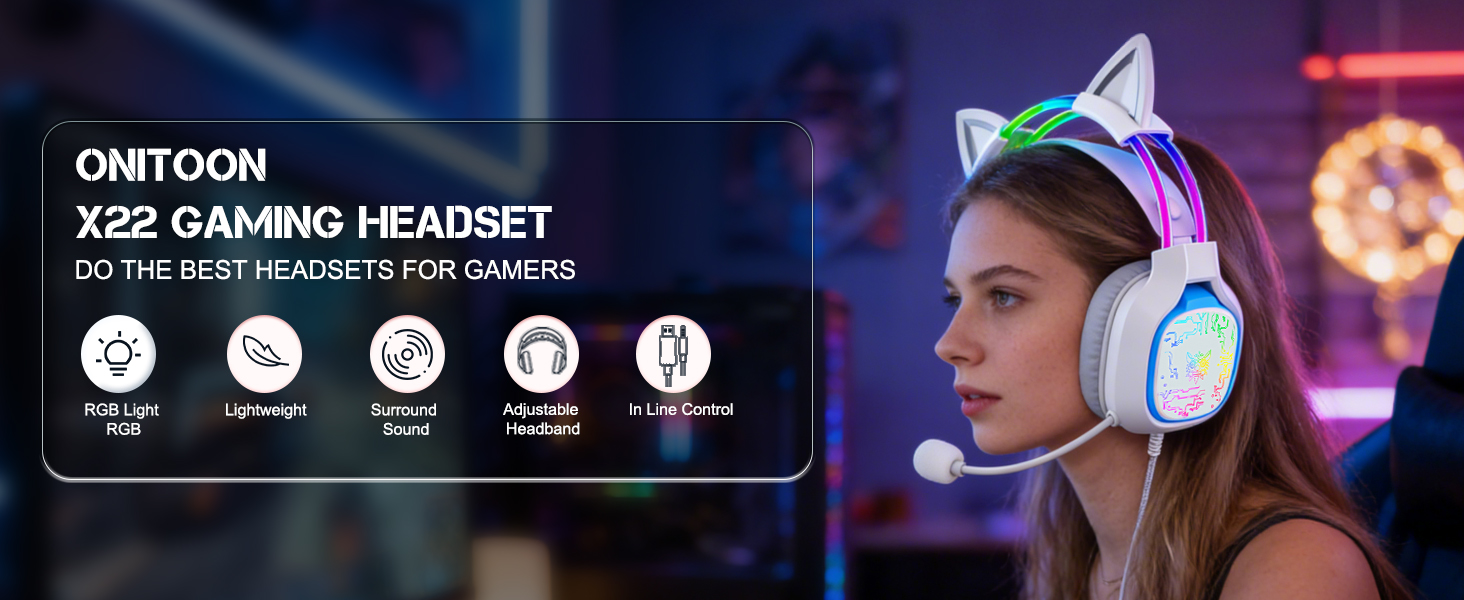

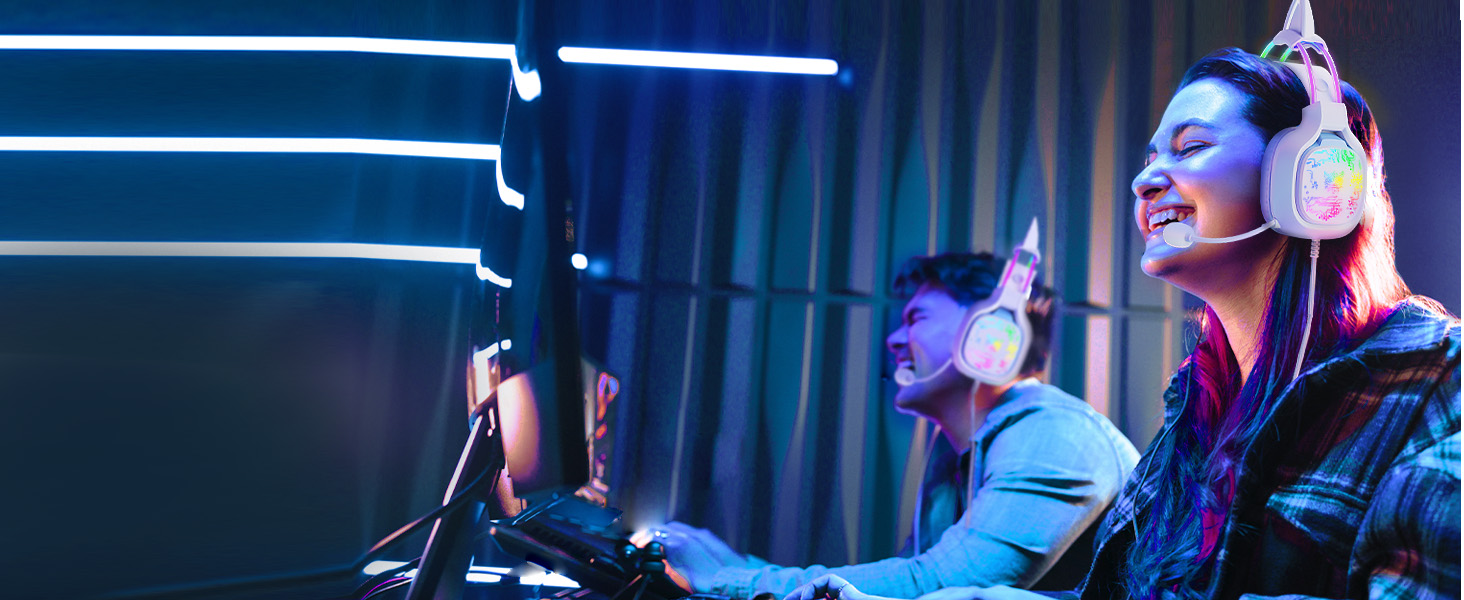
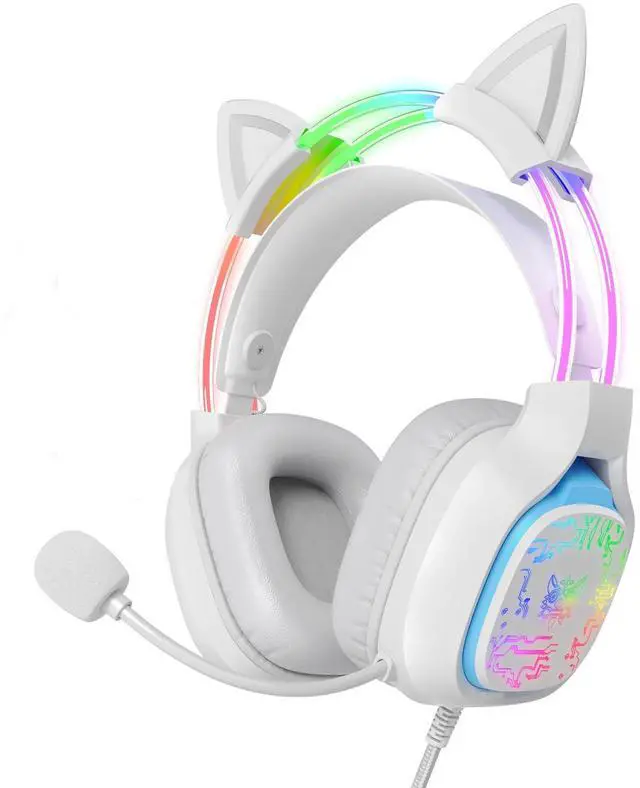
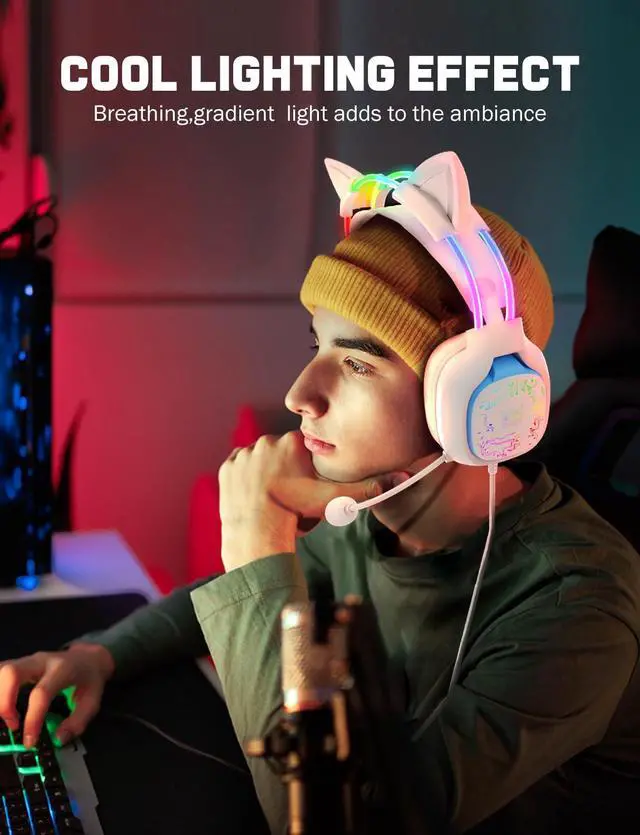
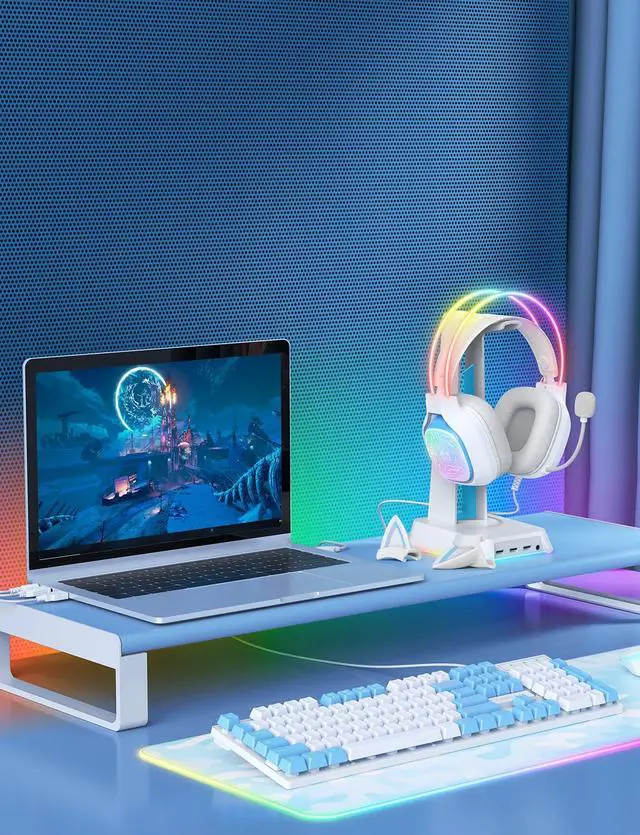
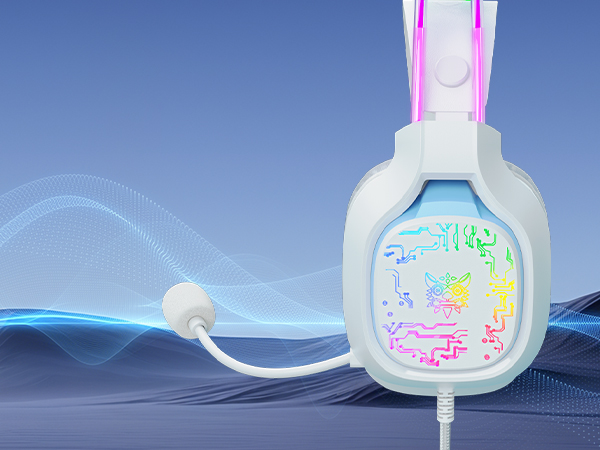
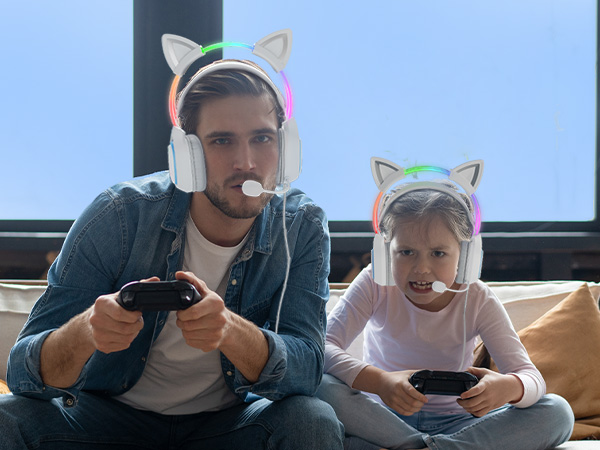
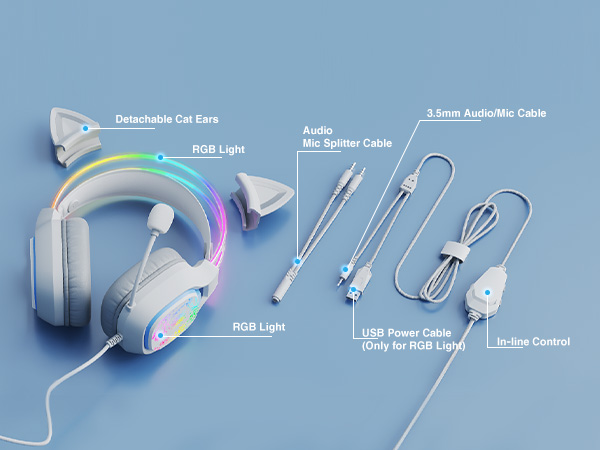
Colorful gradient RGB light enhances your visual experience, adds cool style to your gaming setup.
(Lights require a USB cable connection)

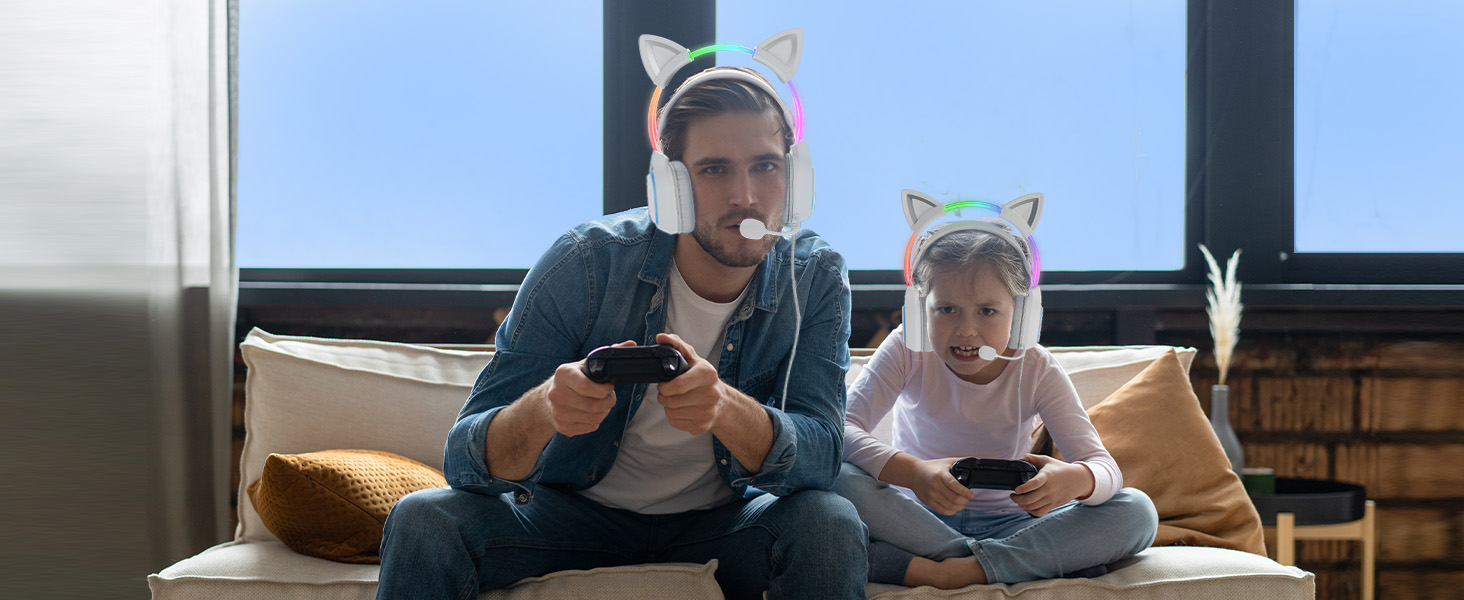
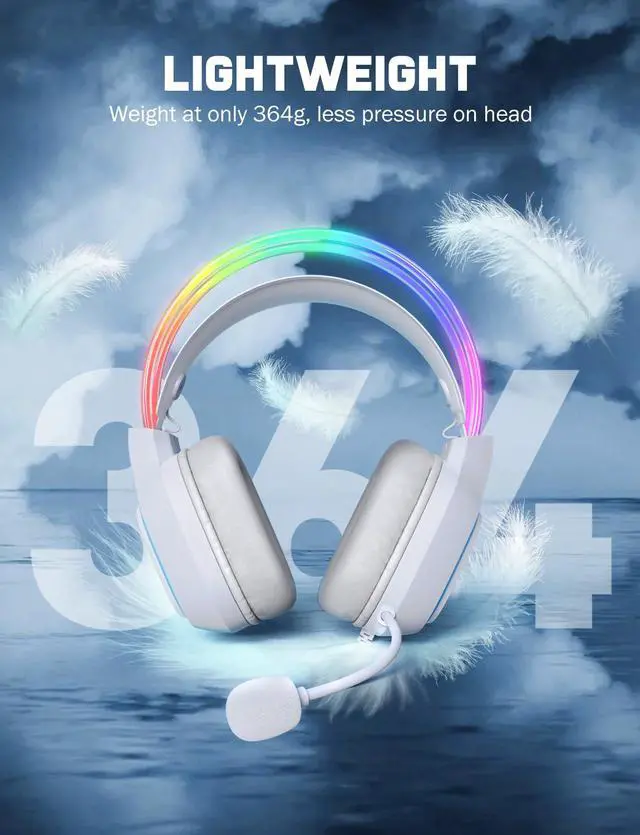
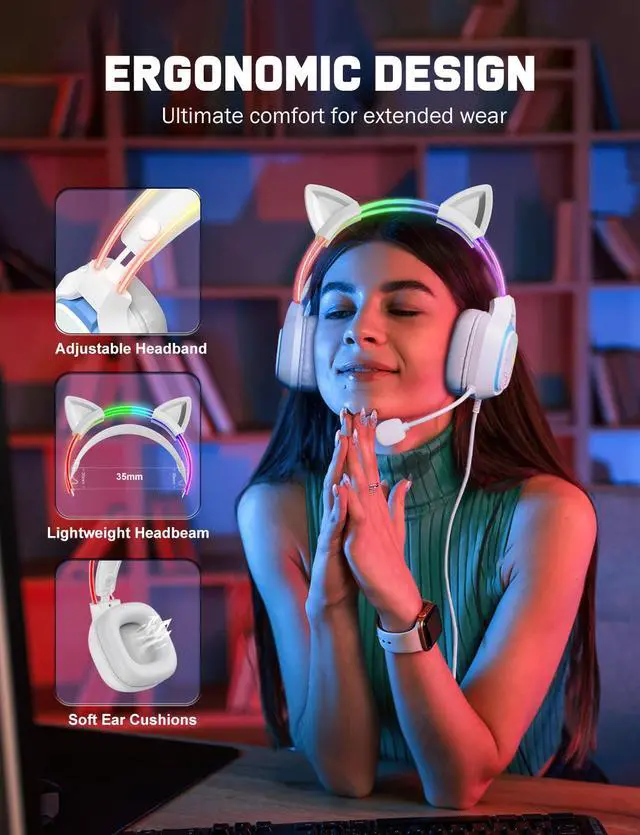
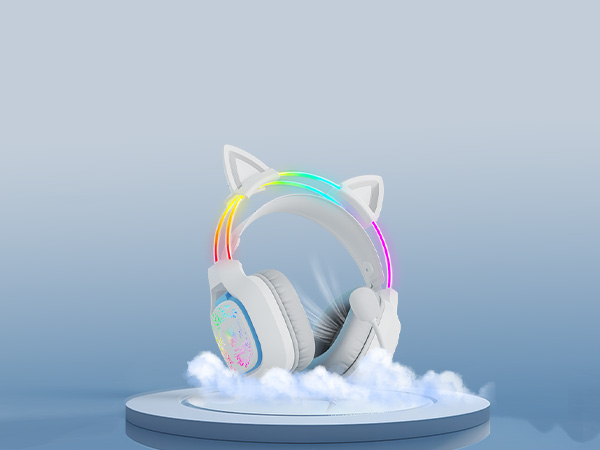
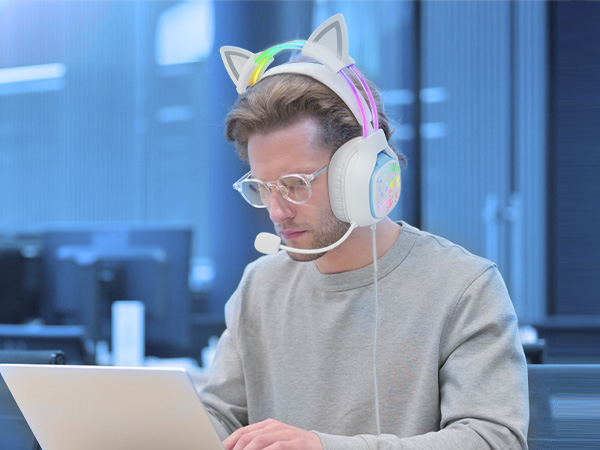
Lightweight design and soft memory foam breathable earmuffs provide long-lasting comfort during intense gaming sessions.
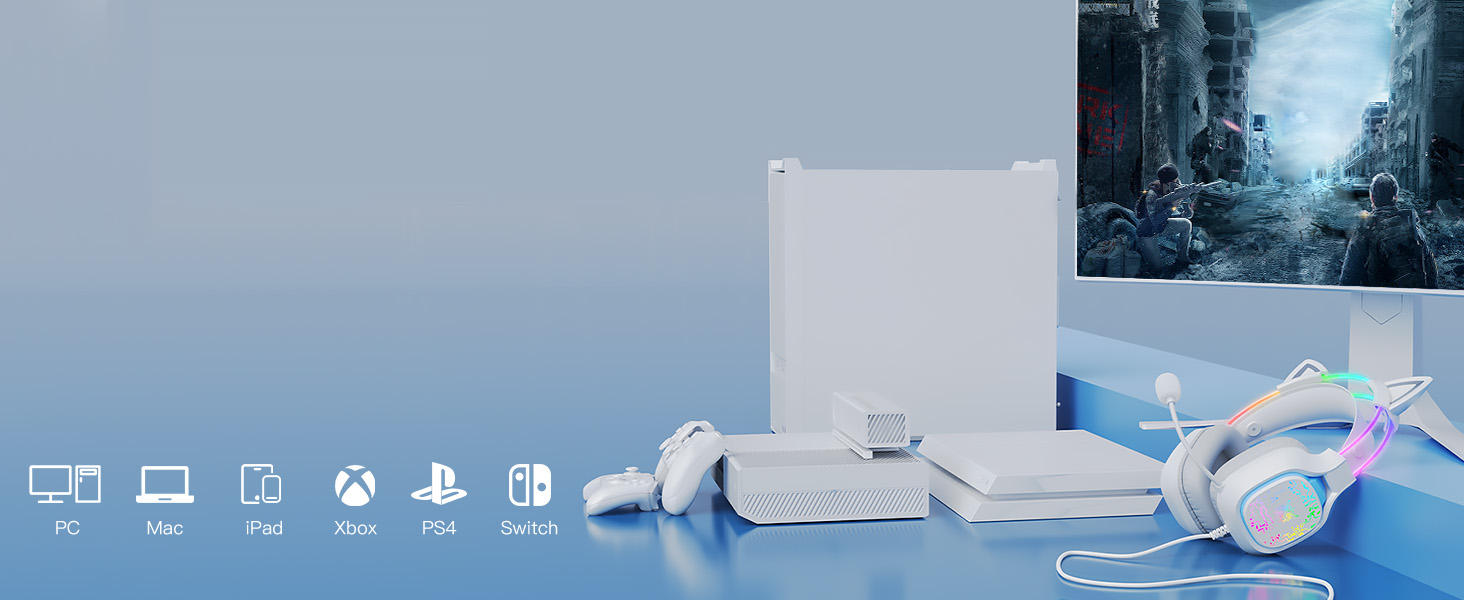
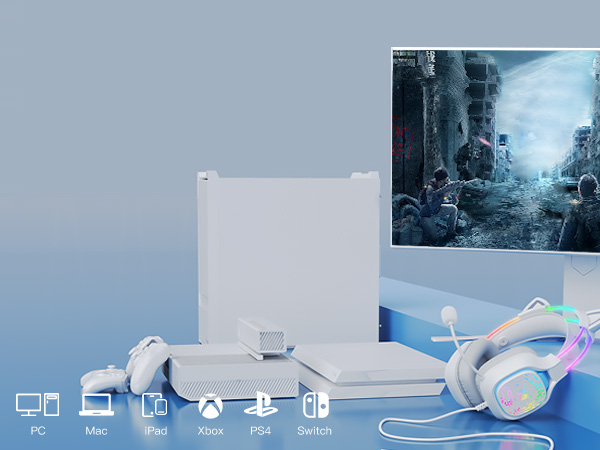
Compatible with PC, desktop, laptops, switch(without microphone), PS4, PS5,tablets any other devices supports 3.5mm jack.

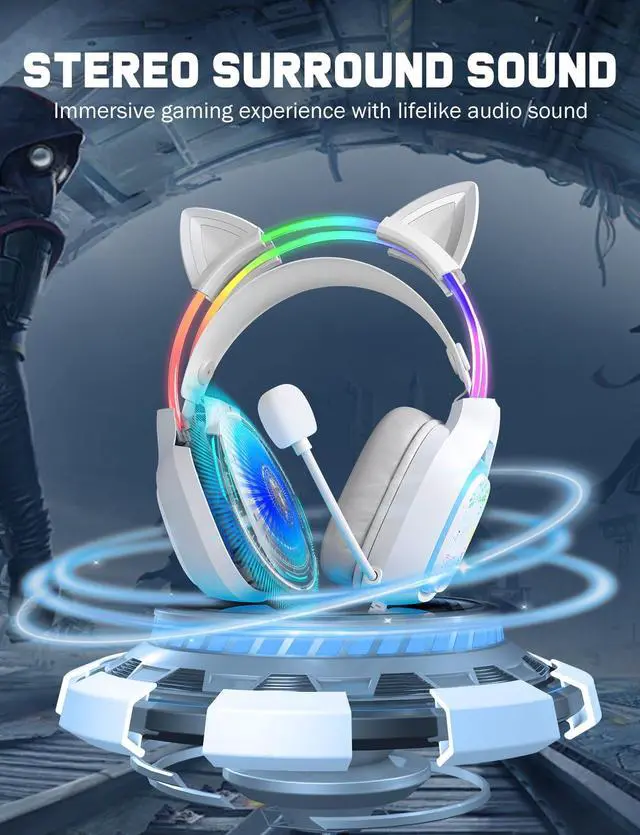
With large 50mm drivers and precise sound positioning, you will be immersed in gaming adbentures.
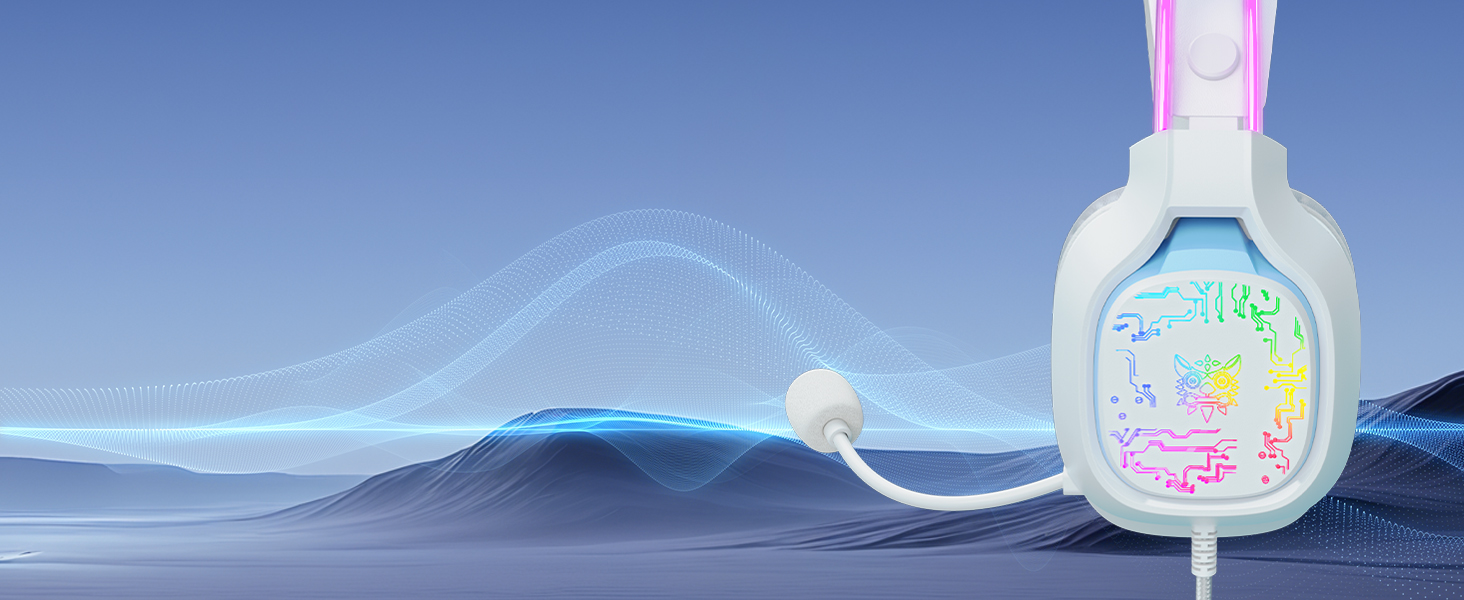
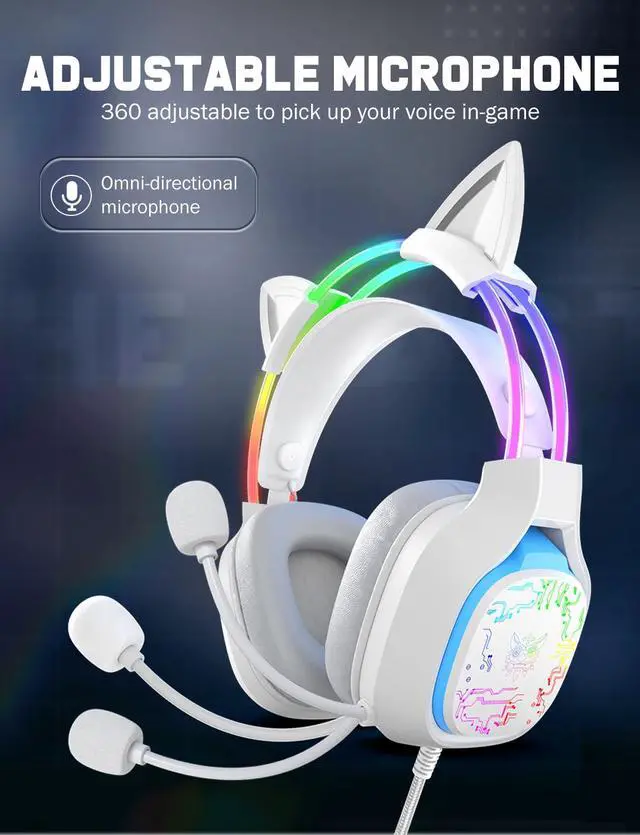
Bend the flexible microphone toward your mouth. This optimal positioning captures your voice directly for a clear call.
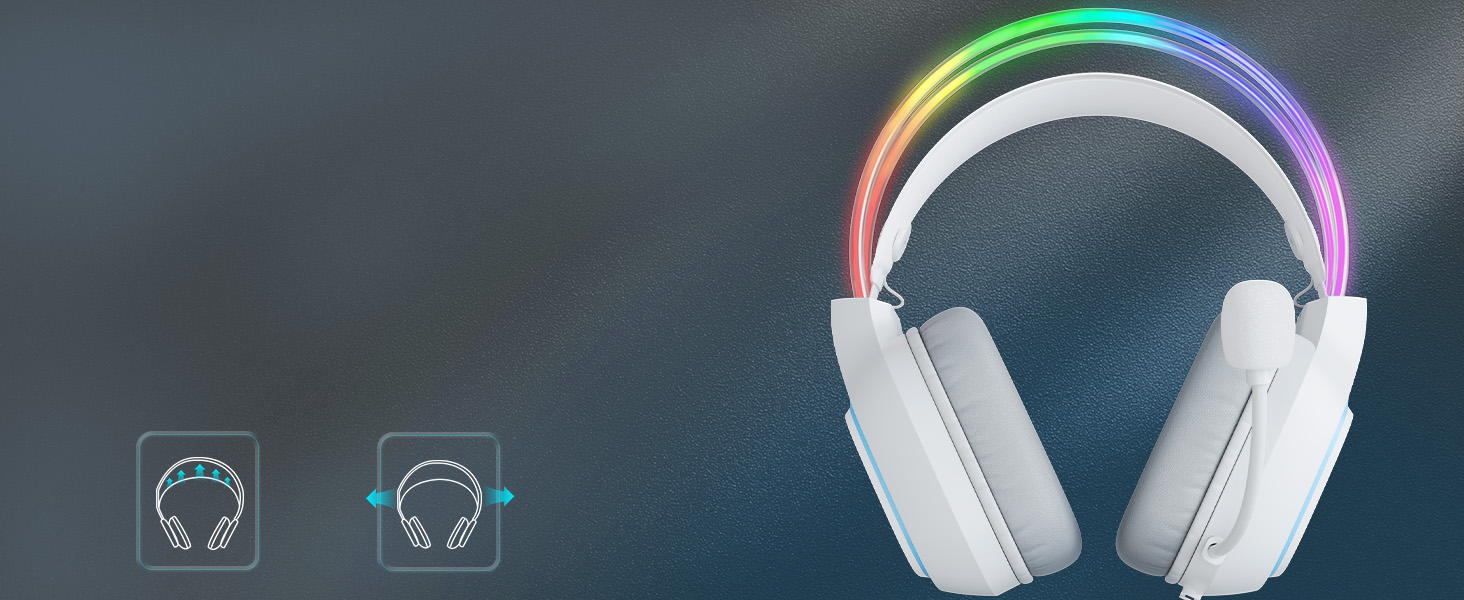
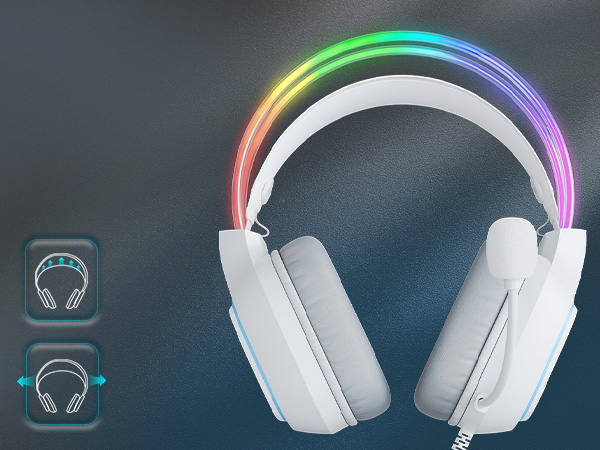
Relieve pressure on the top and side, comfortable for extended wear.
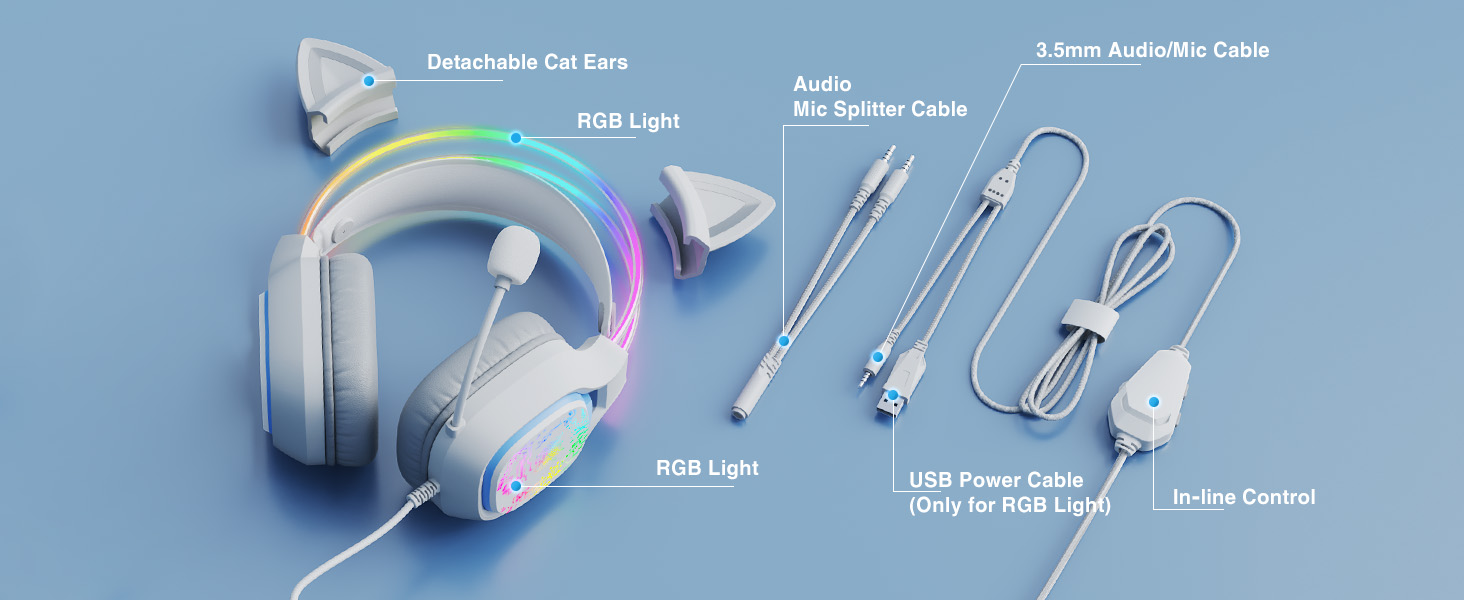
How the light works?
The cat ear headset device is connected to a power source via a USB cable to provide the necessary power supply.
Why doesn't the microphone work?
1. Make sure 3.5mm audio cable or audio(green)/mic(red) splitter cable is plugged into connected device.
2. Check the mic switch is on before use it.
3. If the above steps are done, the mic still doesn' work, please reach out us.
No sound/buzzing from cat ears headphones?
Please make sure that 3.5mm audio cable or audio(green)/mic(red) splitter adapter is plugged into connected device.
Make sure the cable is inserted correctly, otherwise it will not be recognized.
What if the USB cable is too short?
You may want to consider getting a USB extension cable to increase the length.
Special Notes on Headphones
(1) The cat ears gaming headset is not compatible with Xbox 360. If the connected device is xbox 1, please prepare adapter yourself.
(2) Ninetendo Switch consoles doesn't have a microphone, the mic on the headset won't work properly
 Cat Ear Gaming Headset | 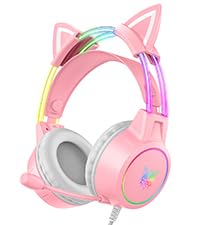 Pink Lightweight Headset | 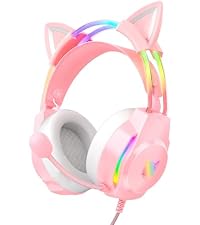 Pink Cat Ear Headset | 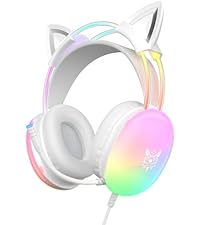 Rainbow RGB Headset |  RGB Bluetooth Headphones | 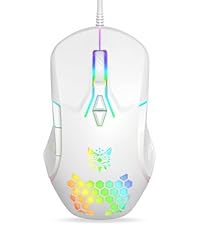 Wired USB Mouse White | |
|---|---|---|---|---|---|---|
Customer Reviews | — | — | — | — | — | — |
Price | — | — | — | — | — | — |
LED Light UP | ? | ? | ? | ? | ? | ? |
Special Feature | Detachable Cat Ear & ANC Mic | Detachable Cat Ear & RGB Light | Lightweight & Gradient RGB | Rainbow RGB Lights & Headband | Unique lighting design | RGB Light Up |
Sound Quality | Steroe Surround Sound | Virtual Surround Sound | Virtual Surround Sound | Surround Sound | HIFI Steore Sound | / |
Volume/DPI Limited | 105 dB | 105 dB | 105 dB | 105 dB | 115 dB | 800 to 3600 DPI |
Connection | 3.5mm Wired & USB | 3.5mm Wired & USB | 3.5mm Wired & USB | 3.5mm Wired & USB | Bluetooth 5.3 & Wired 3.5mm | Wired |
Microphone Feature | Noise Canceling | 360° Adjustable | 360° Adjustable | 360° Adjustable | Built-in | / |
Compatibility | PC/Laptop/PS4/PS5/Switch | Phone/Pad/Tablet/Laptop/PC | PC/Laptop/PS4/PS5/Switch | PC/Laptop/PS4/PS5/Switch | PC/Laptop/PS4/PS5/Switch | PC/Laptop/Desktop/Mac |
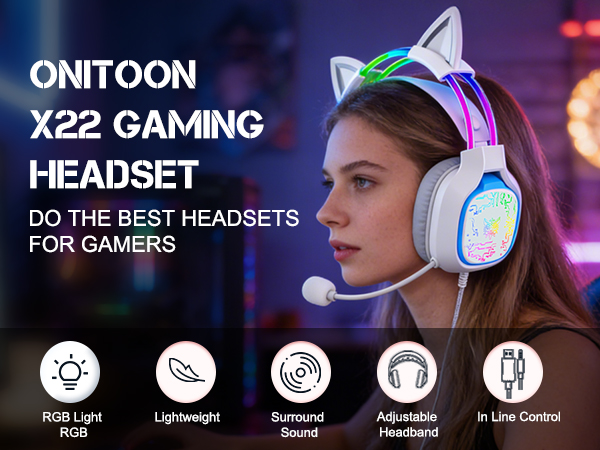
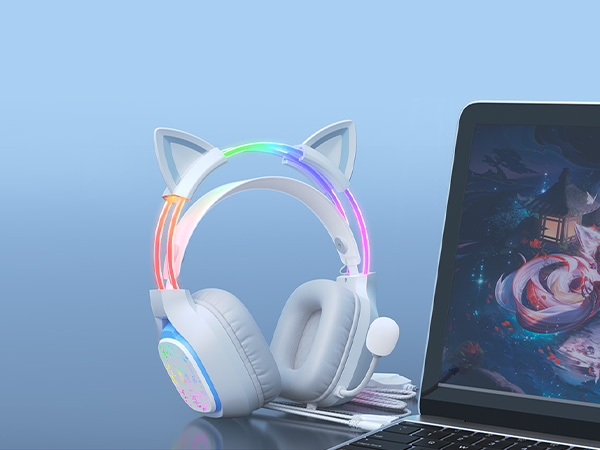
Colorful gradient RGB light enhances your visual experience, adds cool style to your gaming setup.
(Lights require a USB cable connection)
Lightweight design and soft memory foam breathable earmuffs provide long-lasting comfort during intense gaming sessions.
Compatible with PC, desktop, laptops, switch(without microphone), PS4, PS5,tablets any other devices supports 3.5mm jack.
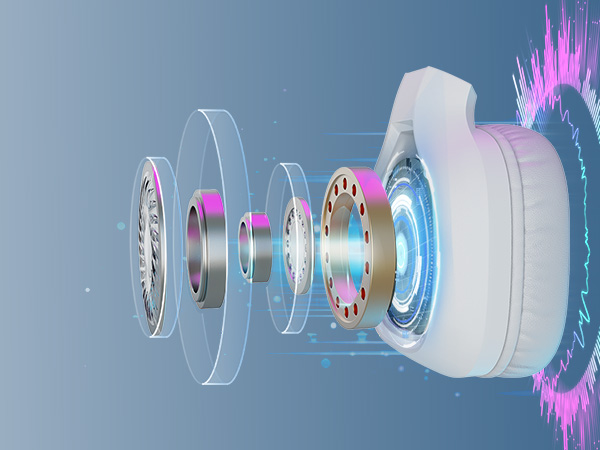
With large 50mm drivers and precise sound positioning, you will be immersed in gaming adbentures.
Bend the flexible microphone toward your mouth. This optimal positioning captures your voice directly for a clear call.
Relieve pressure on the top and side, comfortable for extended wear.
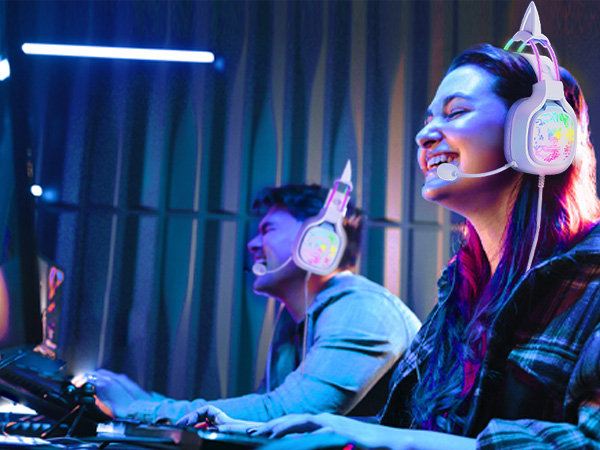
How the light works?
The cat ear headset device is connected to a power source via a USB cable to provide the necessary power supply.
Why doesn't the microphone work?
1. Make sure 3.5mm audio cable or audio(green)/mic(red) splitter cable is plugged into connected device.
2. Check the mic switch is on before use it.
3. If the above steps are done, the mic still doesn' work, please reach out us.
No sound/buzzing from cat ears headphones?
Please make sure that 3.5mm audio cable or audio(green)/mic(red) splitter adapter is plugged into connected device.
Make sure the cable is inserted correctly, otherwise it will not be recognized.
What if the USB cable is too short?
You may want to consider getting a USB extension cable to increase the length.
Special Notes on Headphones
(1) The cat ears gaming headset is not compatible with Xbox 360. If the connected device is xbox 1, please prepare adapter yourself.
(2) Ninetendo Switch consoles doesn't have a microphone, the mic on the headset won't work properly
Cat Ear Gaming Headset | Pink Lightweight Headset |  Pink Cat Ear Headset |  Rainbow RGB Headset | 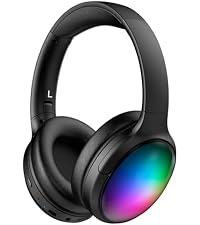 RGB Bluetooth Headphones | Wired USB Mouse White |
|---|---|---|---|---|---|
| Customer Reviews | |||||
| — | — | — | — | — | — |
| Price | |||||
| — | — | — | — | — | — |
| LED Light UP | |||||
| ? | ? | ? | ? | ? | ? |
| Special Feature | |||||
| Detachable Cat Ear & ANC Mic | Detachable Cat Ear & RGB Light | Lightweight & Gradient RGB | Rainbow RGB Lights & Headband | Unique lighting design | RGB Light Up |
| Sound Quality | |||||
| Steroe Surround Sound | Virtual Surround Sound | Virtual Surround Sound | Surround Sound | HIFI Steore Sound | / |
| Volume/DPI Limited | |||||
| 105 dB | 105 dB | 105 dB | 105 dB | 115 dB | 800 to 3600 DPI |
| Connection | |||||
| 3.5mm Wired & USB | 3.5mm Wired & USB | 3.5mm Wired & USB | 3.5mm Wired & USB | Bluetooth 5.3 & Wired 3.5mm | Wired |
| Microphone Feature | |||||
| Noise Canceling | 360° Adjustable | 360° Adjustable | 360° Adjustable | Built-in | / |
| Compatibility | |||||
| PC/Laptop/PS4/PS5/Switch | Phone/Pad/Tablet/Laptop/PC | PC/Laptop/PS4/PS5/Switch | PC/Laptop/PS4/PS5/Switch | PC/Laptop/PS4/PS5/Switch | PC/Laptop/Desktop/Mac |