





Barracuda X Chroma Product Trailer
Razer Barracuda X Chroma
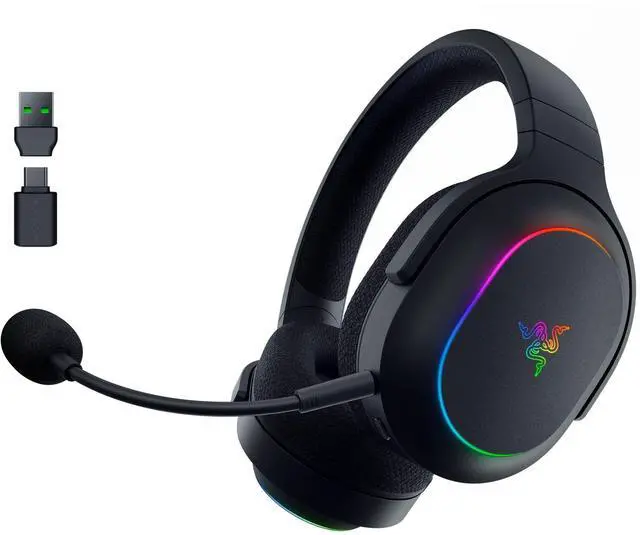
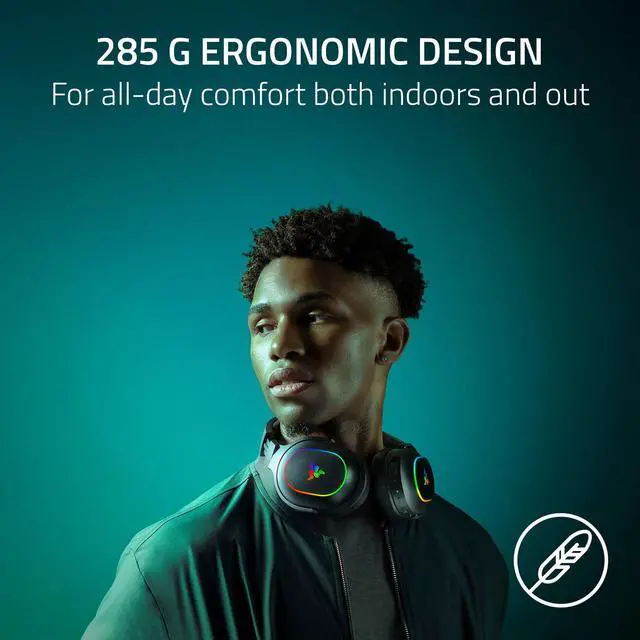
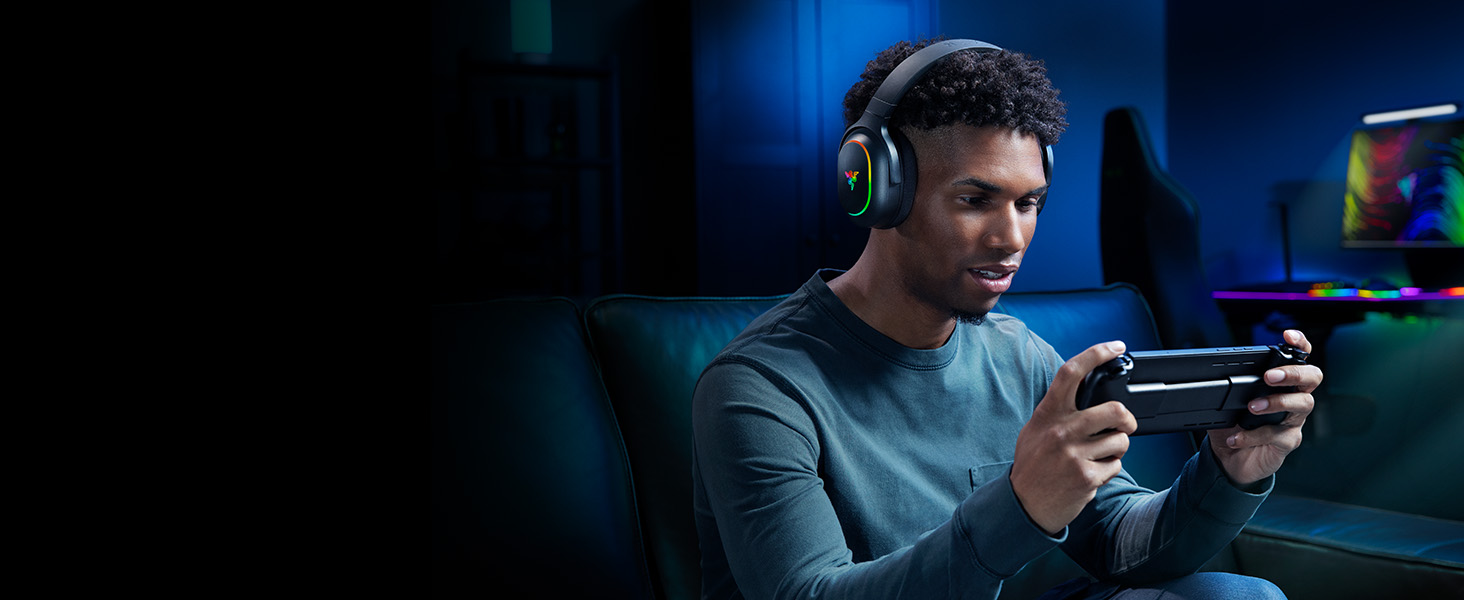
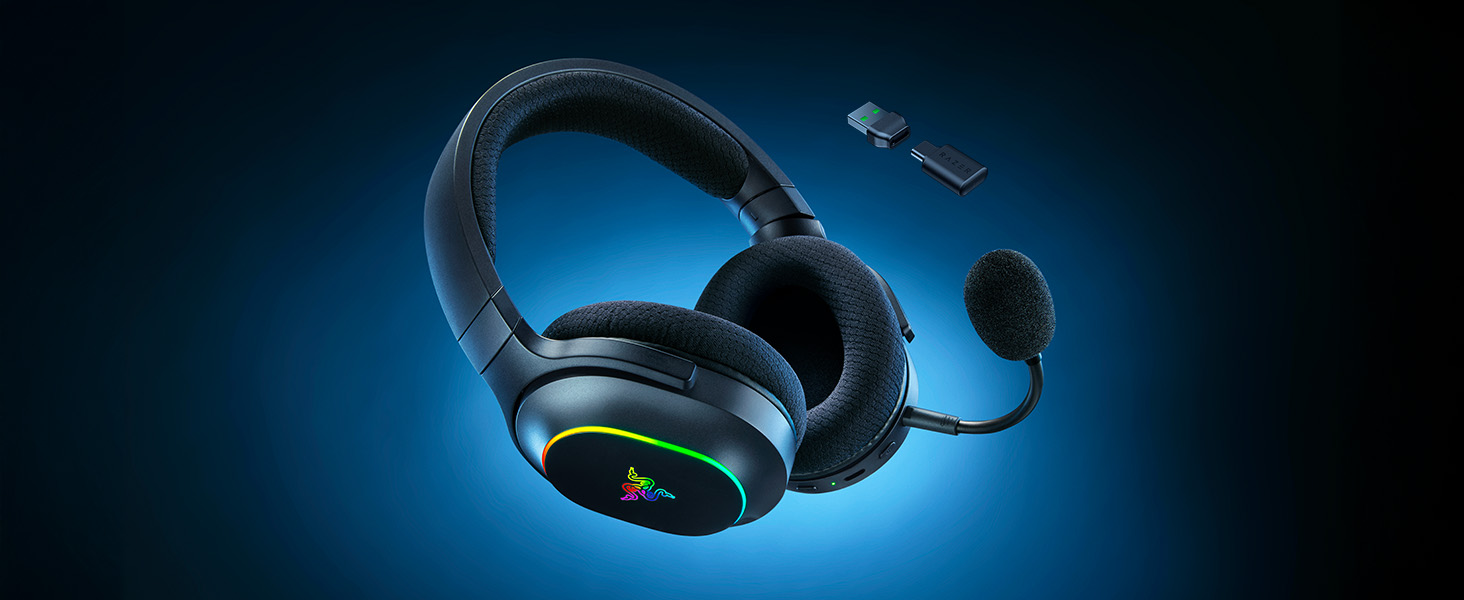
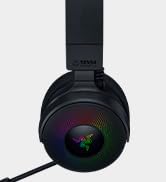
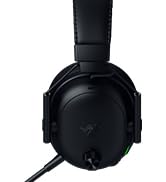
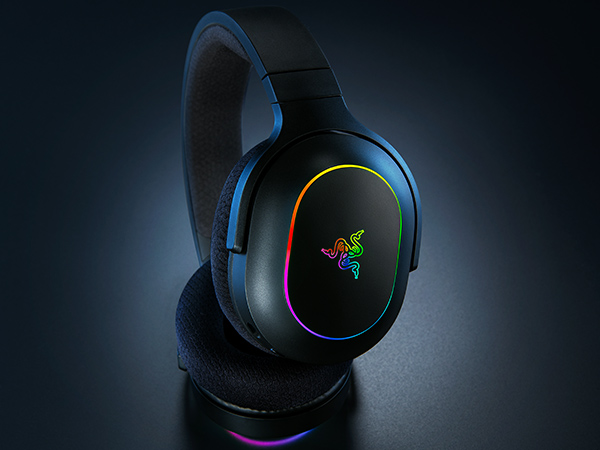
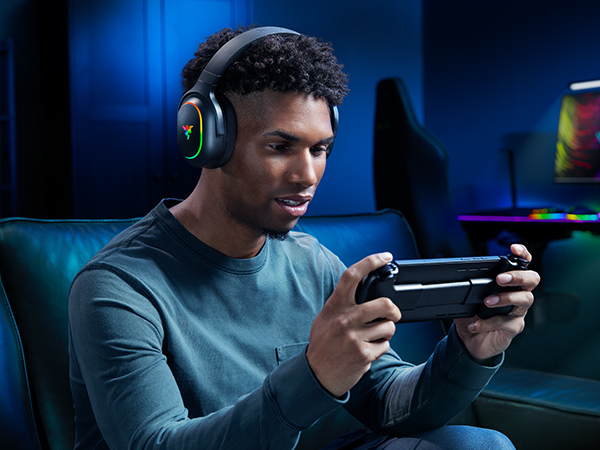
Whether you’re at home or on the go, experience true audio versatility and flair anywhere with the Razer Barracuda X Chroma. Featuring Razer SmartSwitch Dual Wireless, toggle between gaming and mobile use instantly with a lightweight wireless RGB gaming headset that offers the best of both worlds
barracuda x chroma black headset
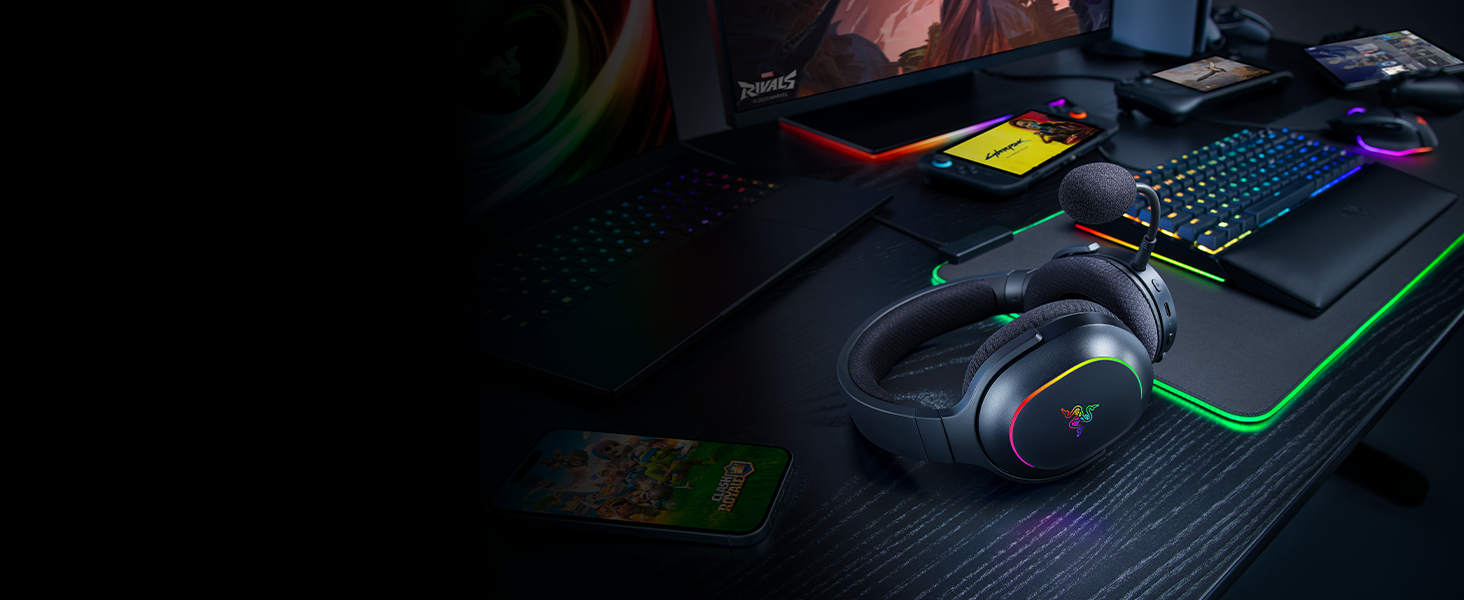
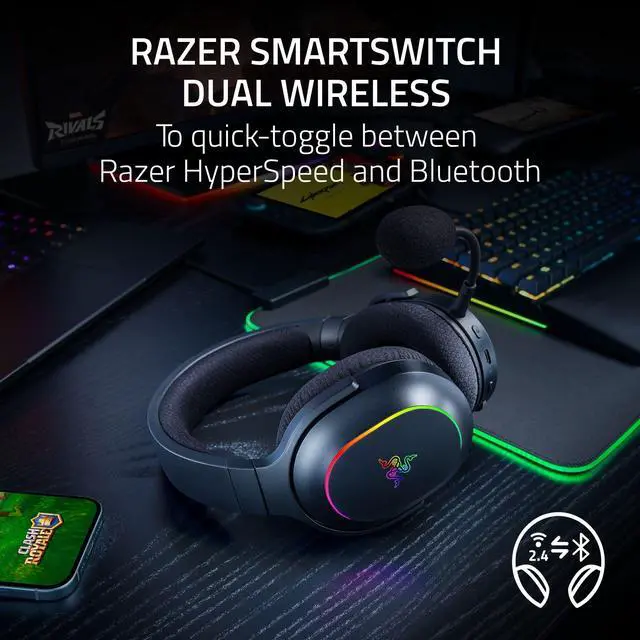
Quick Toggle Between 2.4 GHz Wireless & Bluetooth
Conveniently switch between high-performance gaming at home and seamless mobile use on the streets
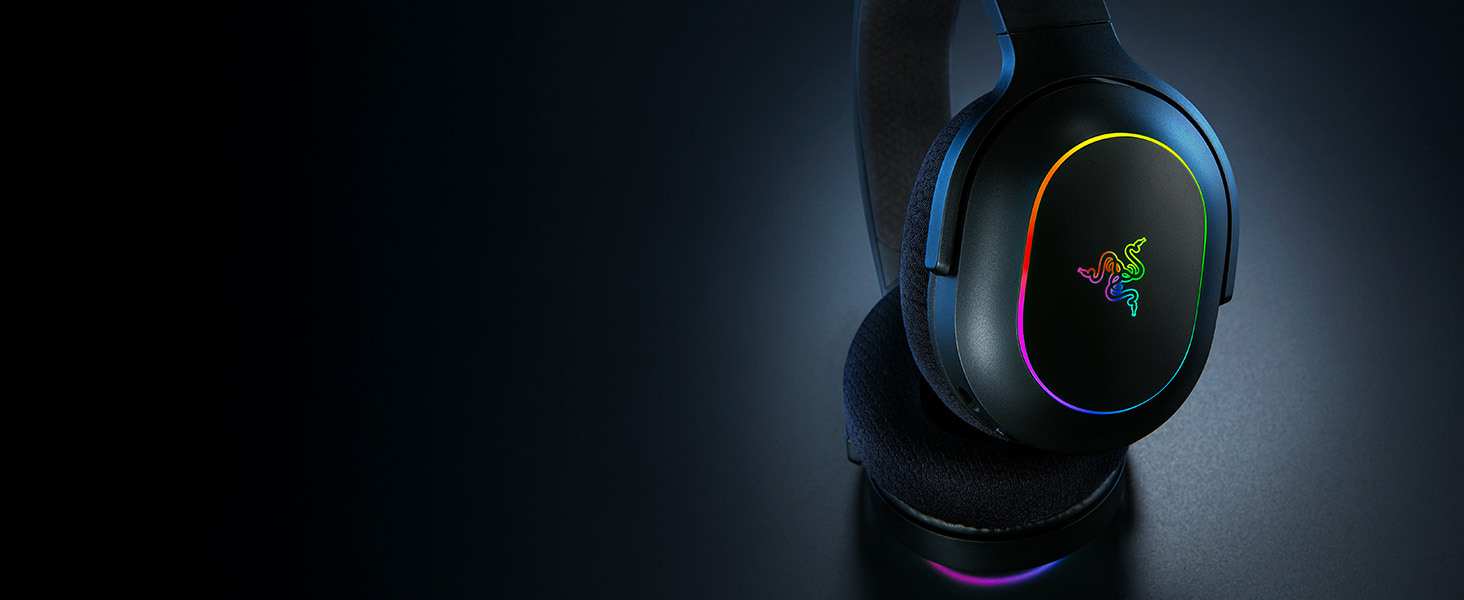
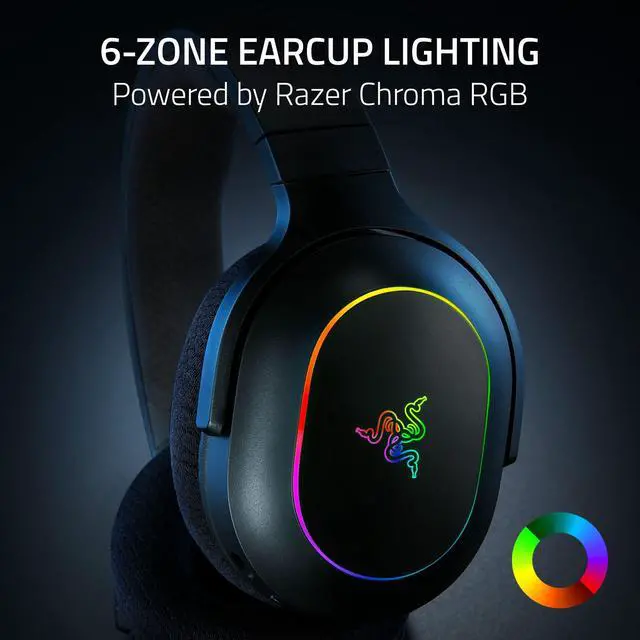
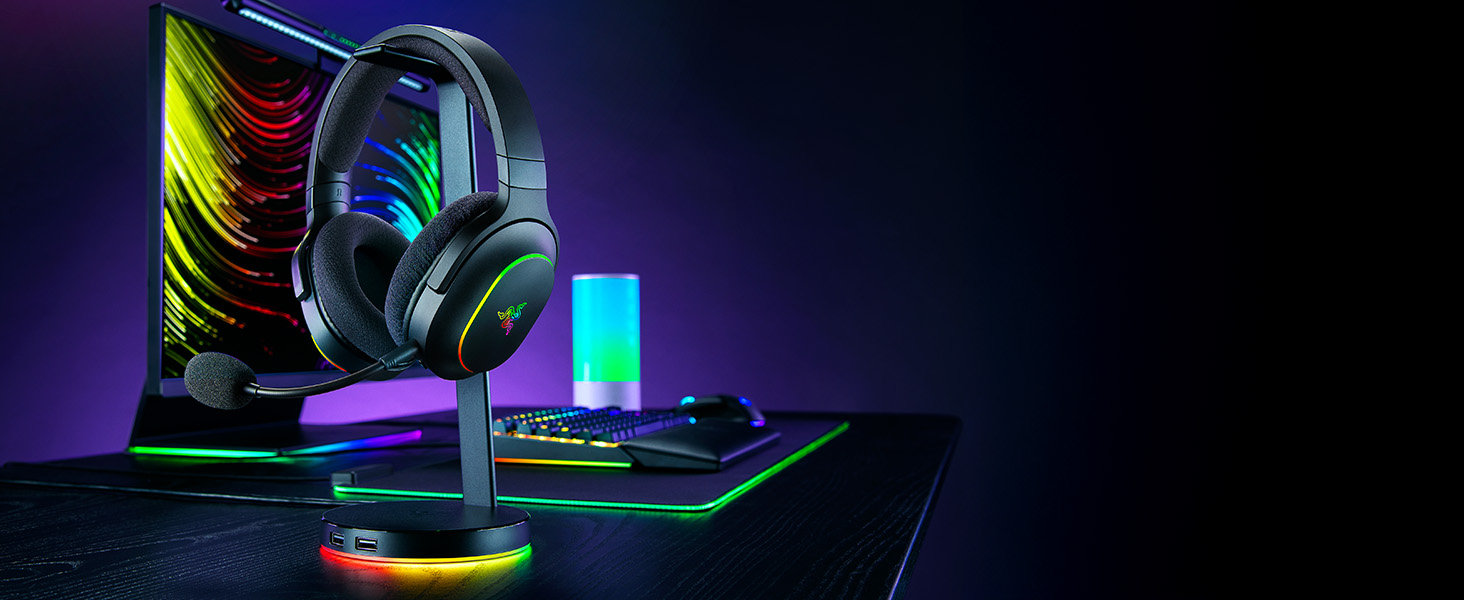
Powered by Razer Chroma RGB
Personalize individual RGB zones with a suite of effects via the Razer Audio App or Chroma Studio
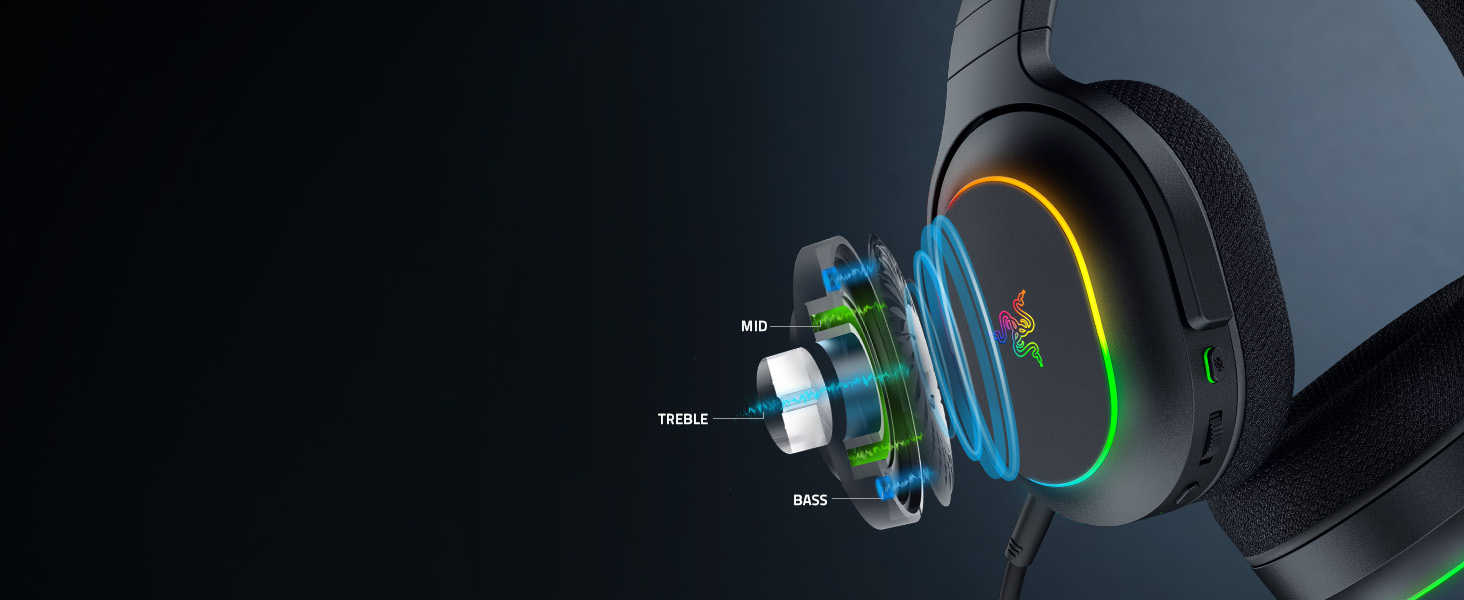
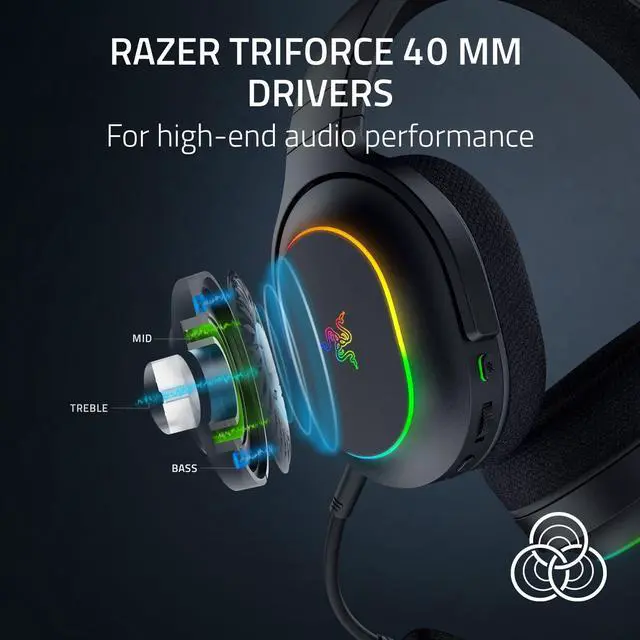
Powerful, Lifelike Audio
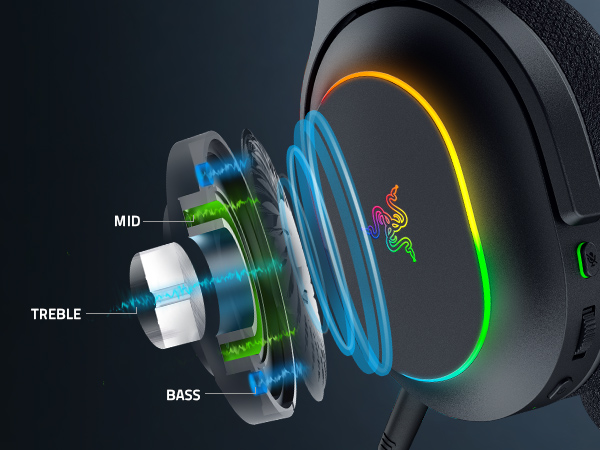
Patented 3-part driver design that pushes out exceptional highs, mids, and lows that don't muddy
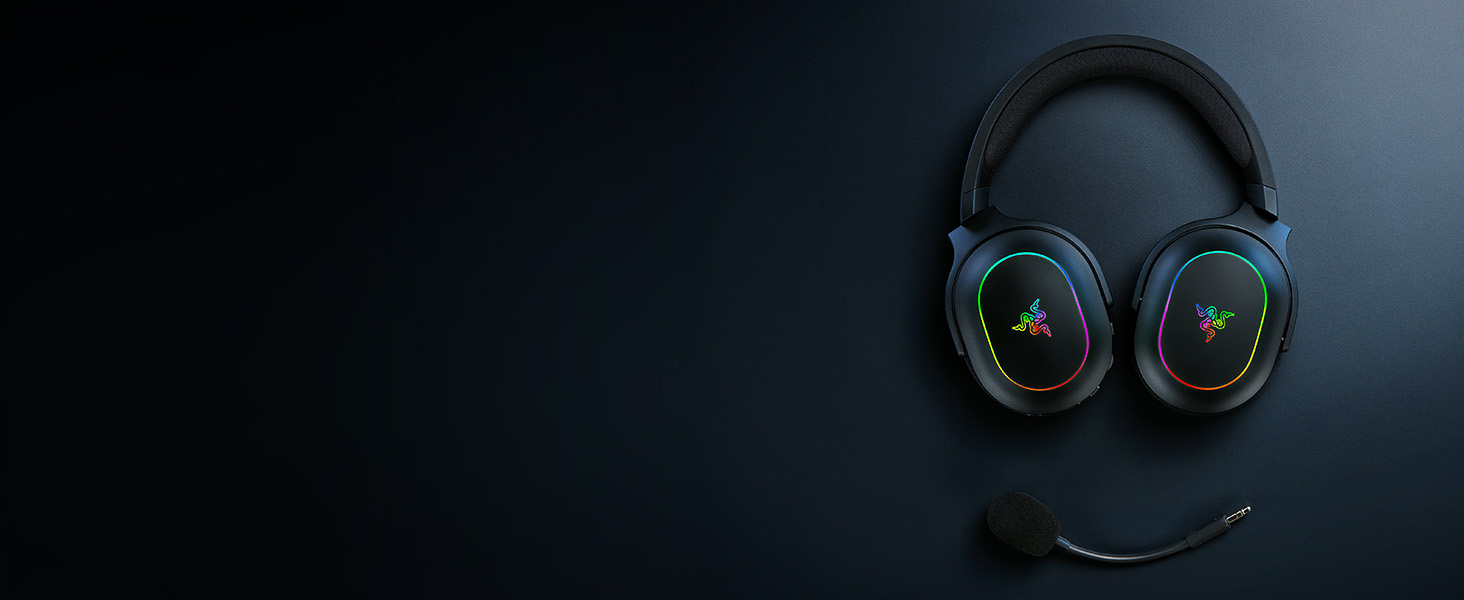
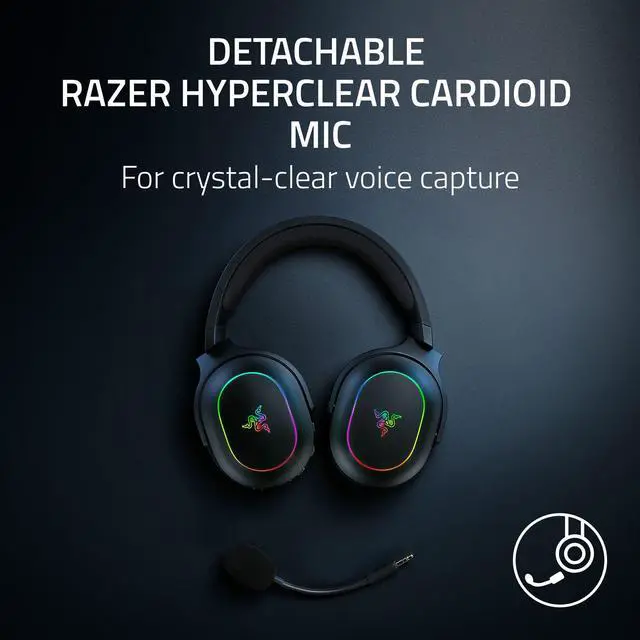
Crystal-Clear Voice Capture
An upgraded mic enhances bass and high-frequency pickup for a warmer & natural voice quality
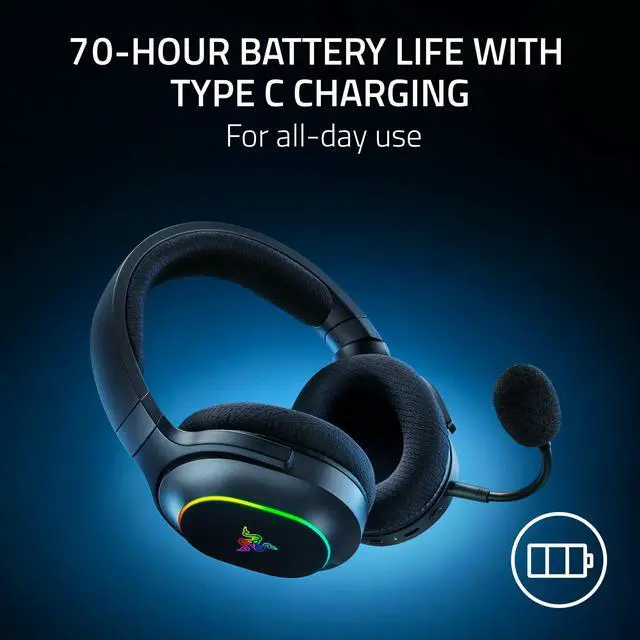
Long-Lasting Battery Life for Multi-Day Use
A quick 15 minutes of charging will yield approximately 6 hours of playtime
Complete Your Immersion
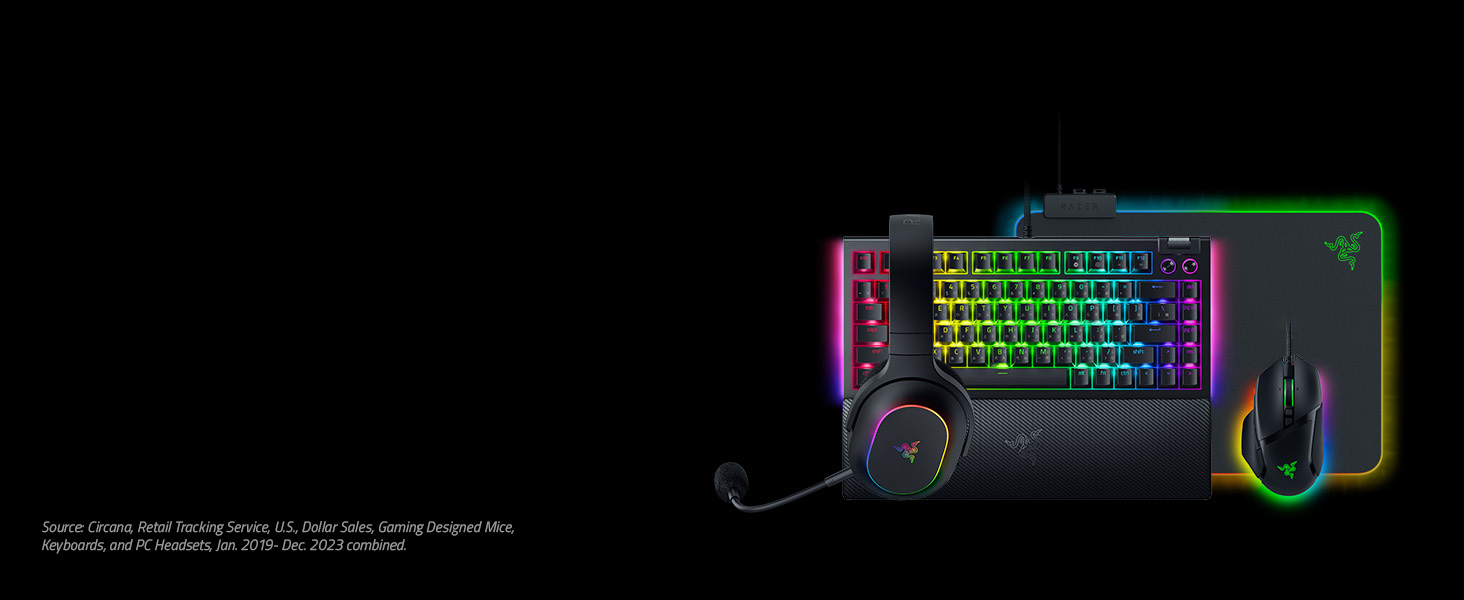
Looking for more upgrades? Deck out your battlestation with Razer—the #1 Selling PC Gaming Peripherals Brand in the U.S.*
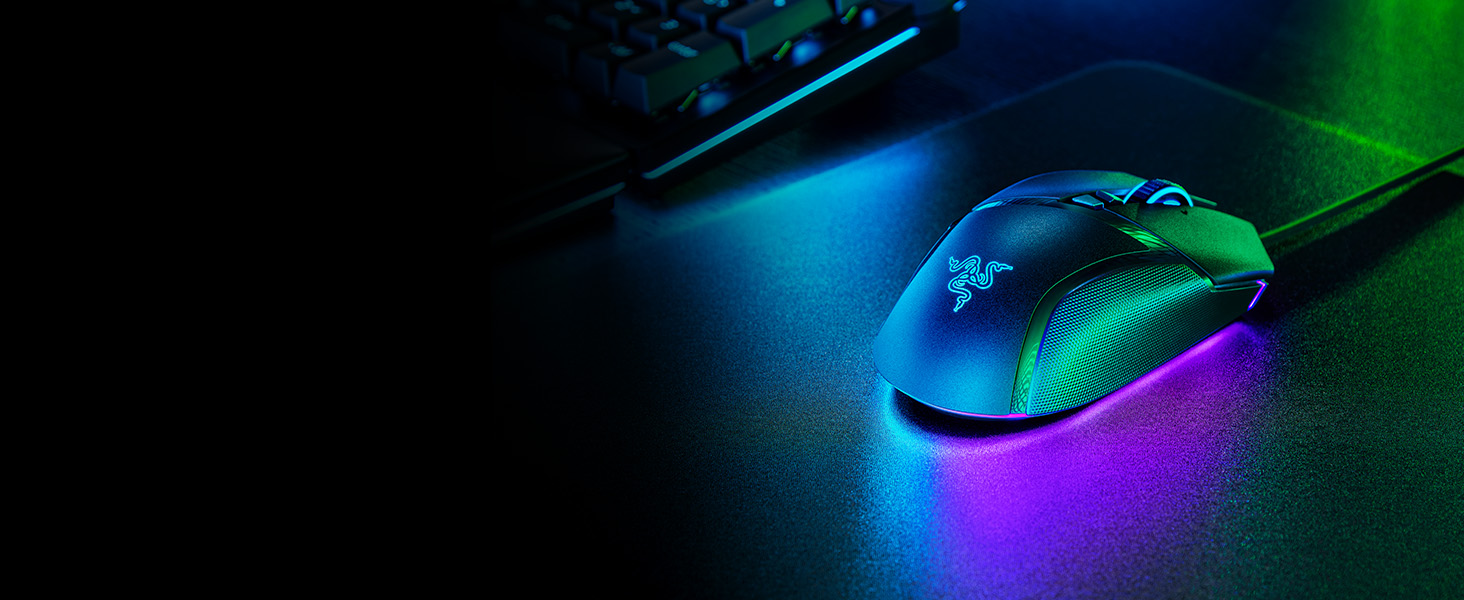
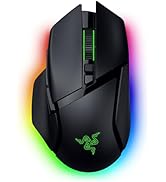
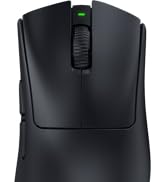
Razer Basilisk V3
The quintessential ergonomic gaming mouse for customized performance. With 10+1 programmable buttons, an intelligent scroll wheel, and a heavy dose of Razer Chroma RGB
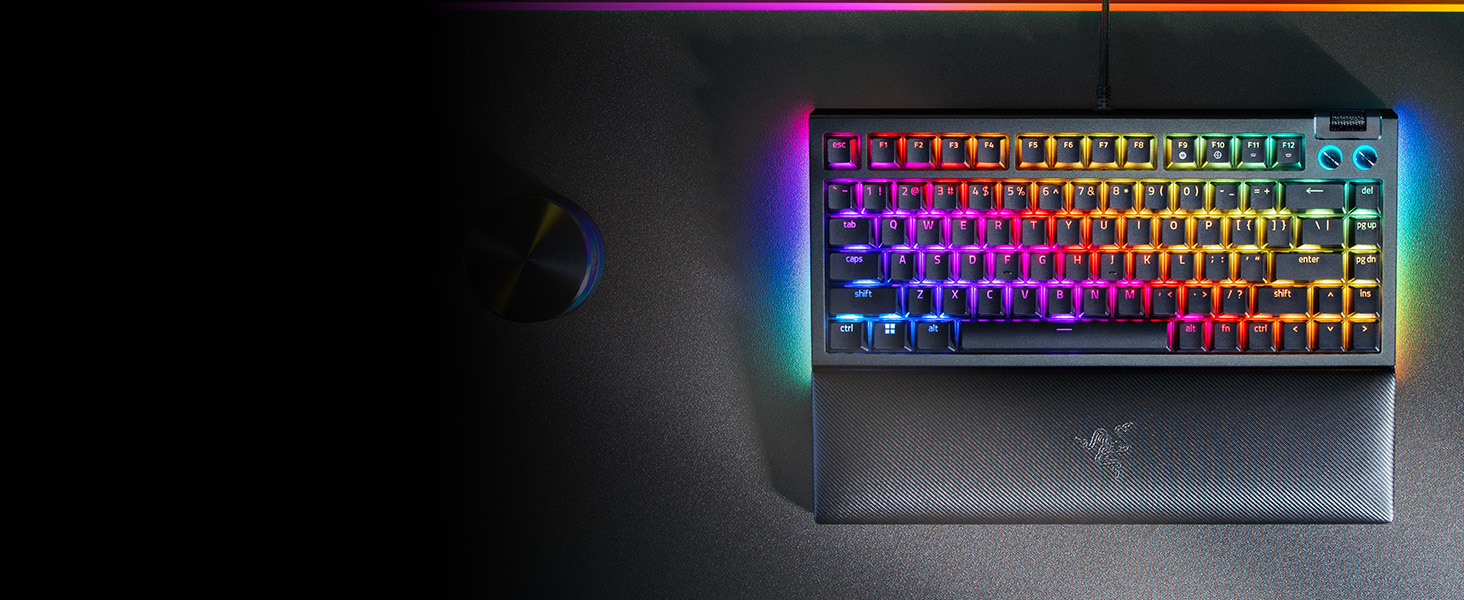
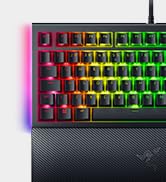
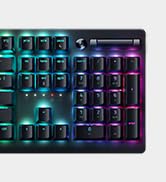
Razer BlackWidow V4 75%
For those who crave greater customization and immersion, satisfy your enthusiast needs with the Razer BlackWidow V4 75%—a compact, hot-swappable mechanical keyboard powered by Razer Chroma RGB
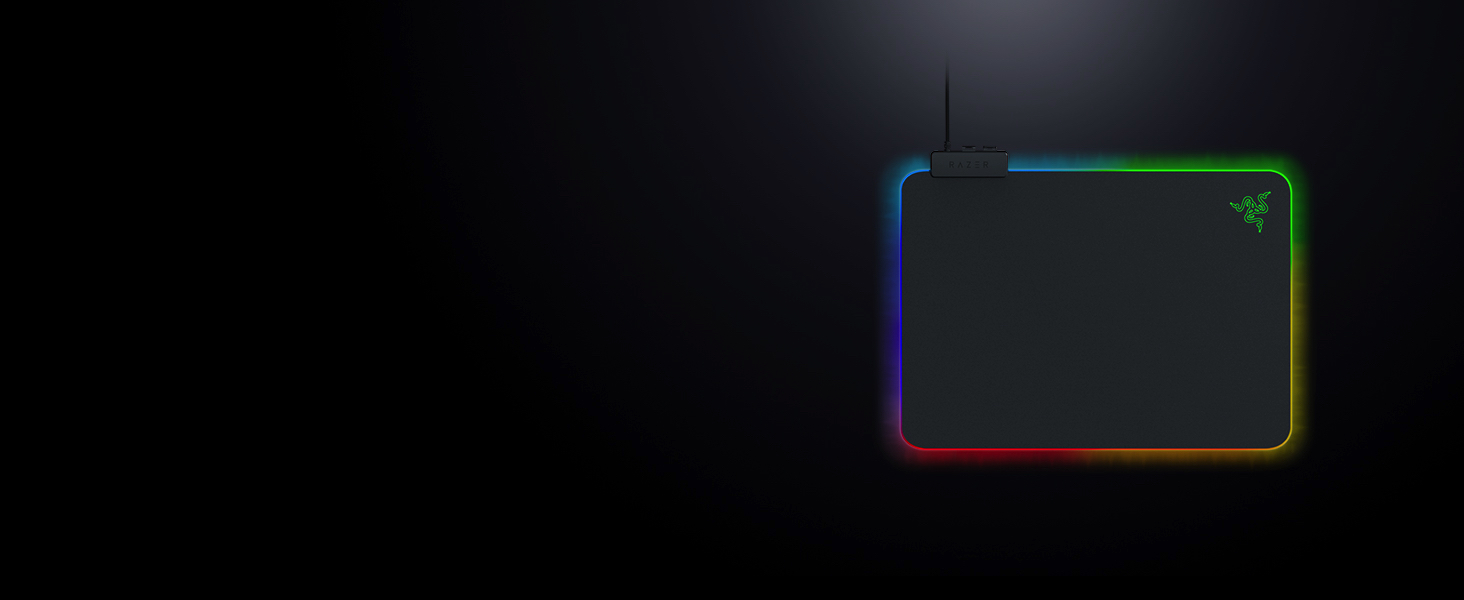
Razer Firefly V2
An ultra-thin, micro-textured mouse mat for enhanced aim, complete with all-round edge lighting powered by Razer Chroma RGB
What connectivity options are available on the Razer Barracuda X Chroma?
The headset offers 2 modes of connectivity; 2.4GHz wireless via the provided Type C Razer HyperSpeed wireless dongle, and Bluetooth mode supported by Razer SmartSwitch Dual Wireless
Should I be using Razer HyperSpeed Wireless (2.4GHz) or Bluetooth for PC gaming?
Razer HyperSpeed Wireless (2.4GHz) is optimal for gaming with its ultra-low latency of 20 ms and more stable connectivity, while Bluetooth offers mobile convenience on the go without the need for an additional wireless dongle
What is Razer SmartSwitch Dual Wireless?
It is a feature that lets you connect a 2.4 GHz and Bluetooth device to the headset at once, allowing for seamless use between them without having to manually pair and unpair. Simply double-tap the SmartSwitch button to toggle between wireless modes
How do I re-pair the Bluetooth on the headset?
Press and hold the SmartSwitch button on the headset for 7 sec to enter Bluetooth pairing mode. Once the LED indicator starts flashing blue, you are free to pair the headset with any Bluetooth enabled device.
How long does it take to charge the Razer Barracuda X Chroma?
A full charge of 70 hours of play time will take around 4 hours, while 15 minutes of charge will yield approximately 6 hours of play time.

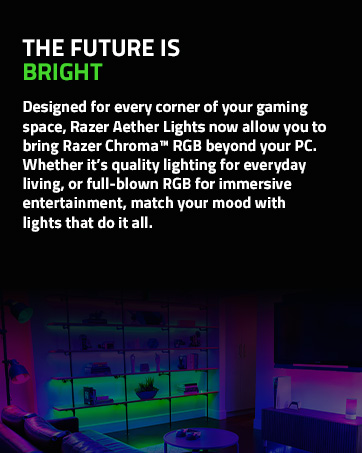
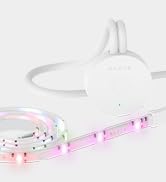

Powered by Razer Chroma
Gamer Room
Sustainability
Barracuda X Chroma Product Trailer
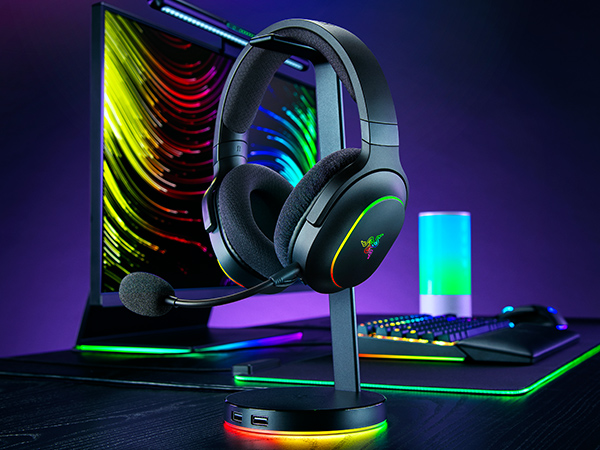
Razer Barracuda X Chroma
Whether you’re at home or on the go, experience true audio versatility and flair anywhere with the Razer Barracuda X Chroma. Featuring Razer SmartSwitch Dual Wireless, toggle between gaming and mobile use instantly with a lightweight wireless RGB gaming headset that offers the best of both worlds
barracuda x chroma black headset
Quick Toggle Between 2.4 GHz Wireless & Bluetooth
Conveniently switch between high-performance gaming at home and seamless mobile use on the streets
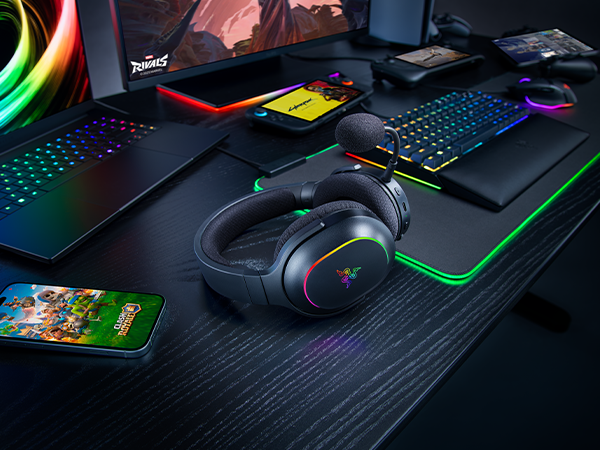
Powered by Razer Chroma RGB
Personalize individual RGB zones with a suite of effects via the Razer Audio App or Chroma Studio
Powerful, Lifelike Audio
Patented 3-part driver design that pushes out exceptional highs, mids, and lows that don't muddy
Crystal-Clear Voice Capture
An upgraded mic enhances bass and high-frequency pickup for a warmer & natural voice quality
Long-Lasting Battery Life for Multi-Day Use
A quick 15 minutes of charging will yield approximately 6 hours of playtime
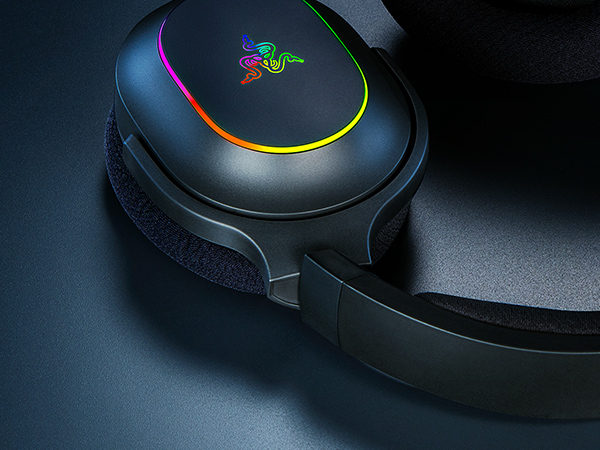
Swivel Mechanism
For added comfort and improved sealing
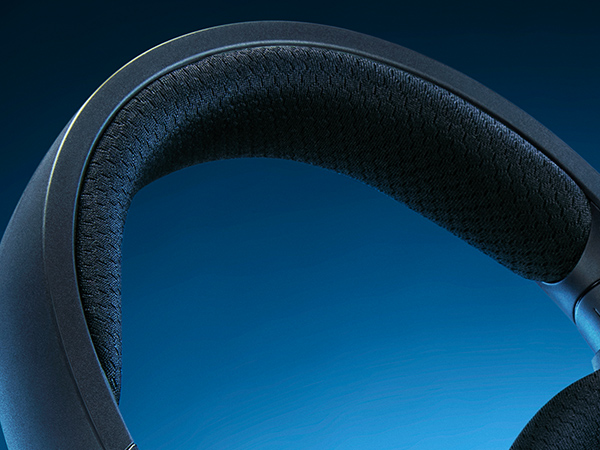
Breathable Fabric with Memory Foam Top Band
Distributes weight evenly for a pressure-free fit
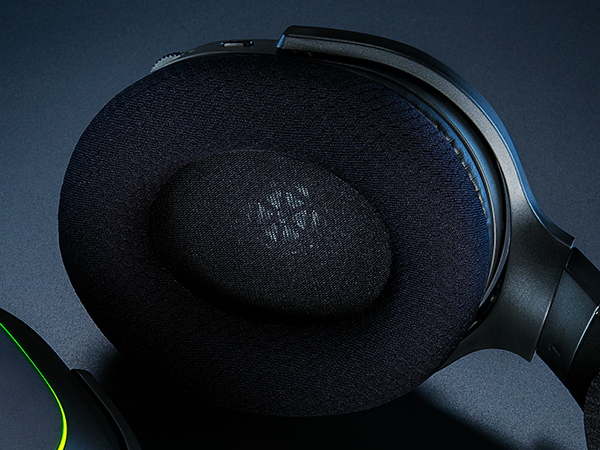
Breathable Fabric with Memory Foam Ear Cushions
Stay cool and comfortable throughout intense gaming sessions
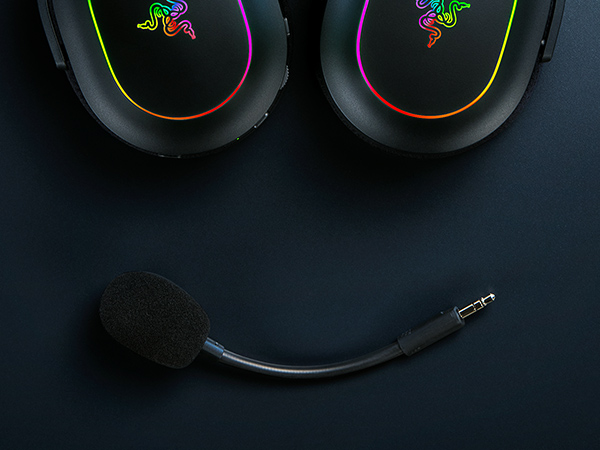
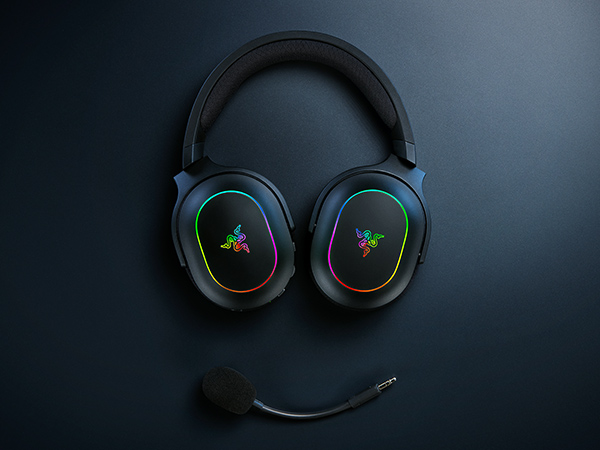
Detachable Microphone
Easily removable for increased portability
Up to 40% Faster
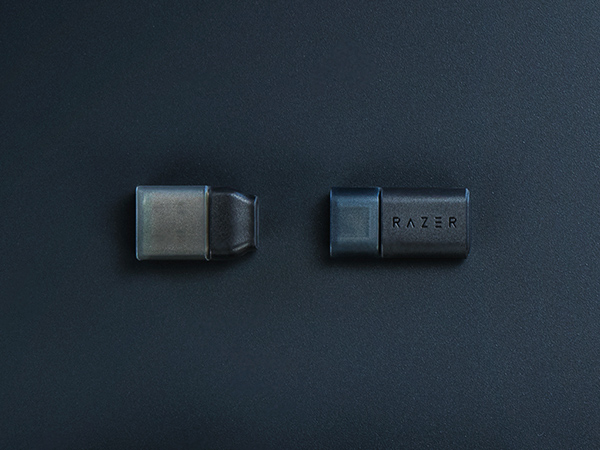
Experience high-speed wireless connectivity via the Type C Razer HyperSpeed wireless dongle with 20 ms latency response, making it even quicker than the Barracuda X’s 35 ms
Complete Your Immersion
Razer Basilisk V3
Razer BlackWidow V4 75%
Razer Firefly V2
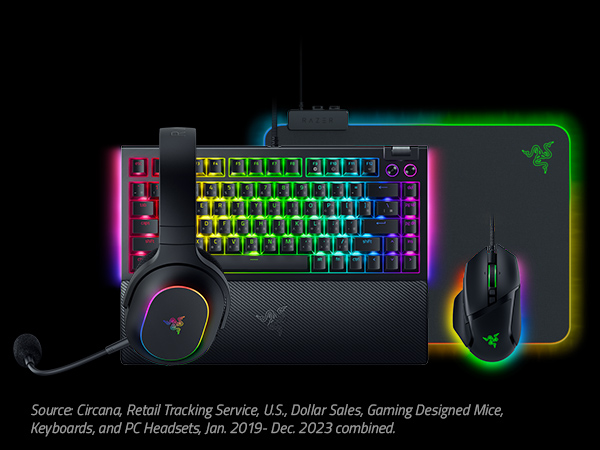


Looking for more upgrades? Deck out your battlestation with Razer—the #1 Selling PC Gaming Peripherals Brand in the U.S.*
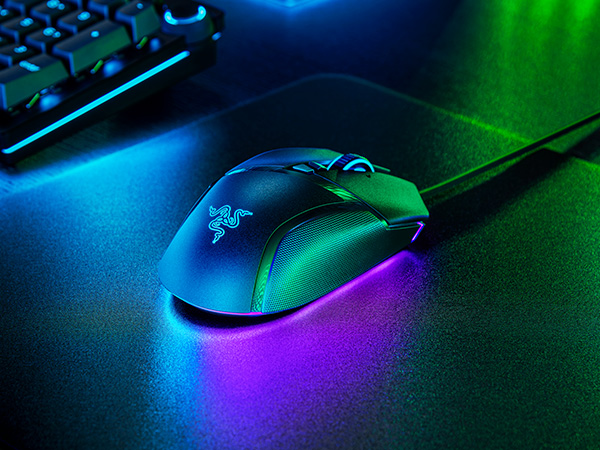
The quintessential ergonomic gaming mouse for customized performance. With 10+1 programmable buttons, an intelligent scroll wheel, and a heavy dose of Razer Chroma RGB
For those who crave greater customization and immersion, satisfy your enthusiast needs with the Razer BlackWidow V4 75%—a compact, hot-swappable mechanical keyboard powered by Razer Chroma RGB
An ultra-thin, micro-textured mouse mat for enhanced aim, complete with all-round edge lighting powered by Razer Chroma RGB
What connectivity options are available on the Razer Barracuda X Chroma?
The headset offers 2 modes of connectivity; 2.4GHz wireless via the provided Type C Razer HyperSpeed wireless dongle, and Bluetooth mode supported by Razer SmartSwitch Dual Wireless
Should I be using Razer HyperSpeed Wireless (2.4GHz) or Bluetooth for PC gaming?
Razer HyperSpeed Wireless (2.4GHz) is optimal for gaming with its ultra-low latency of 20 ms and more stable connectivity, while Bluetooth offers mobile convenience on the go without the need for an additional wireless dongle
What is Razer SmartSwitch Dual Wireless?
It is a feature that lets you connect a 2.4 GHz and Bluetooth device to the headset at once, allowing for seamless use between them without having to manually pair and unpair. Simply double-tap the SmartSwitch button to toggle between wireless modes
How do I re-pair the Bluetooth on the headset?
Press and hold the SmartSwitch button on the headset for 7 sec to enter Bluetooth pairing mode. Once the LED indicator starts flashing blue, you are free to pair the headset with any Bluetooth enabled device.
How long does it take to charge the Razer Barracuda X Chroma?
A full charge of 70 hours of play time will take around 4 hours, while 15 minutes of charge will yield approximately 6 hours of play time.