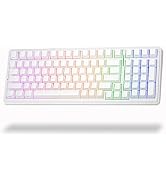
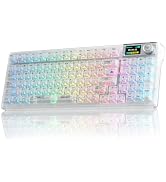
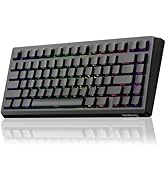
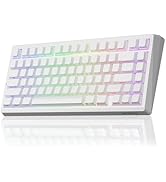
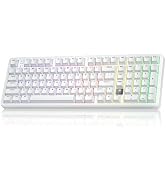
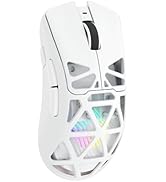
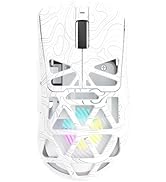
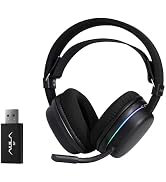
here!
here!
I’m your shopping assistant for PC builds, upgrades, and everything tech.
Got questions? Ask away!
Start a conversation
here!
I’m your shopping assistant for PC builds, upgrades, and everything tech.
Got questions? Ask away!
Start a conversation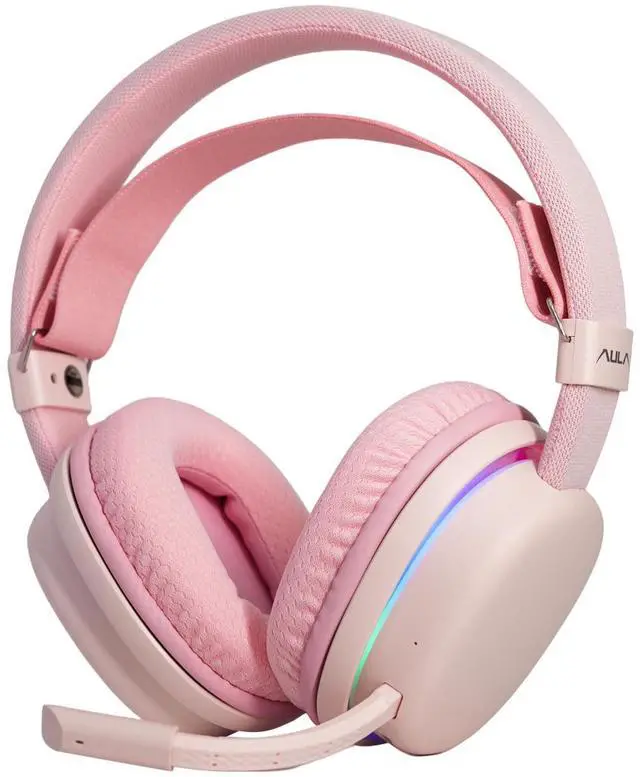



Any questions? Ask CelesteSM will help you find out quickly.
Why is my headset volume too low? How to fix it?
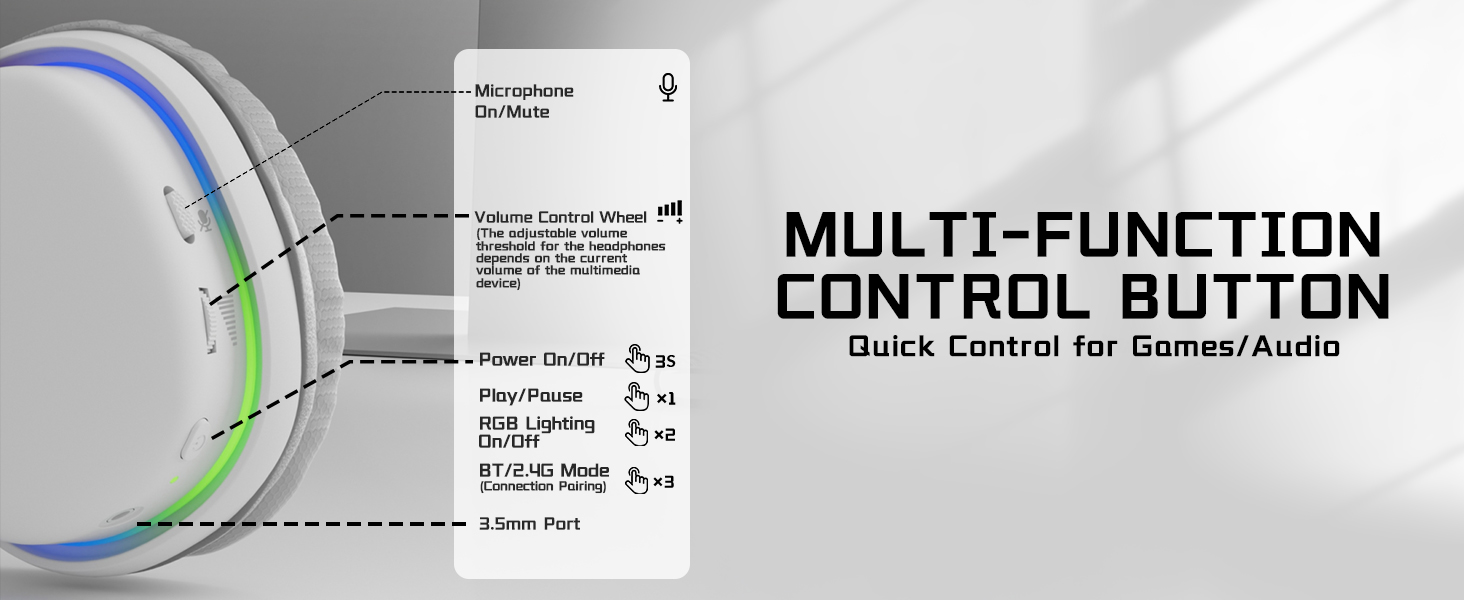
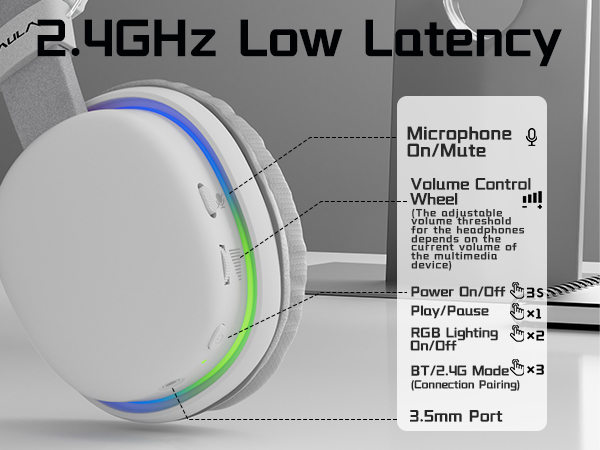
The headset buttons only adjust its own volume instead of your phone/computer volume. The max sound is limited by your playback device. Just turn up the volume on your media player to get louder sound.
My microphone has no sound, what’s wrong?
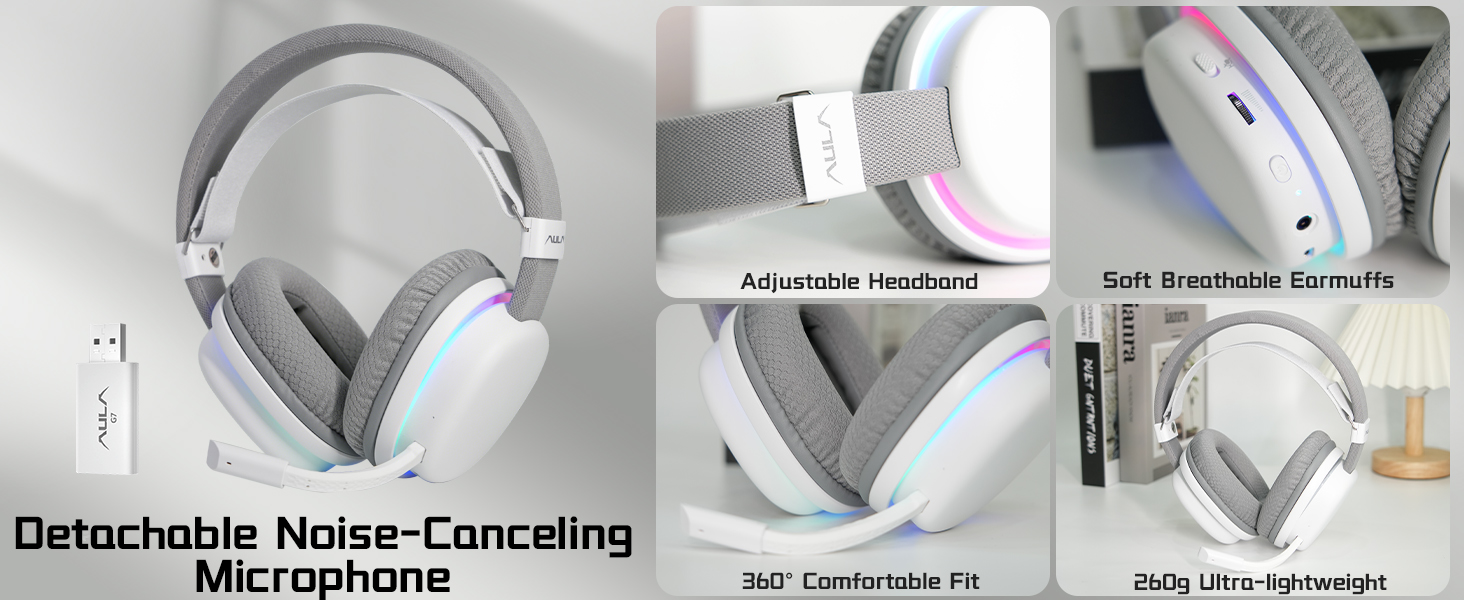
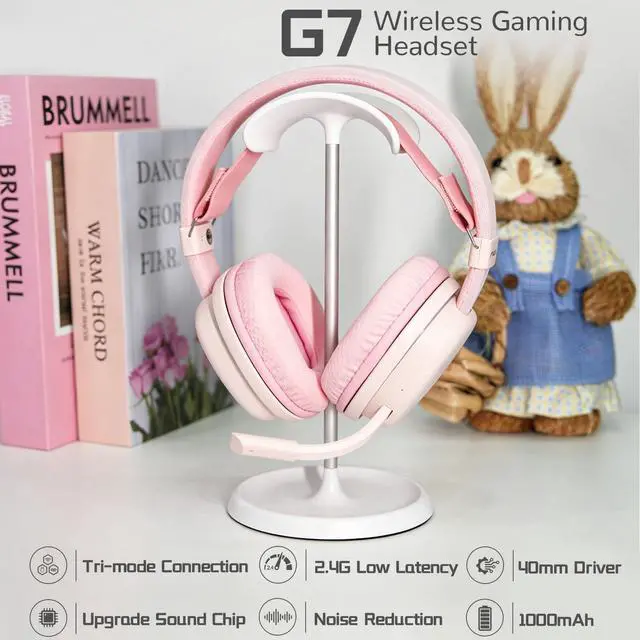
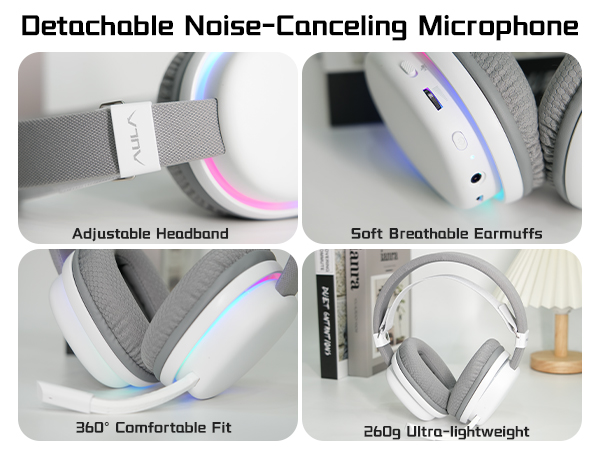
The mic is detachable with a directional plug (flat front & curved back). It will stop working if inserted reversely. Please pull it out and plug in with the flat side facing forward correctly.
How to connect Bluetooth and switch between Bluetooth & 2.4G?
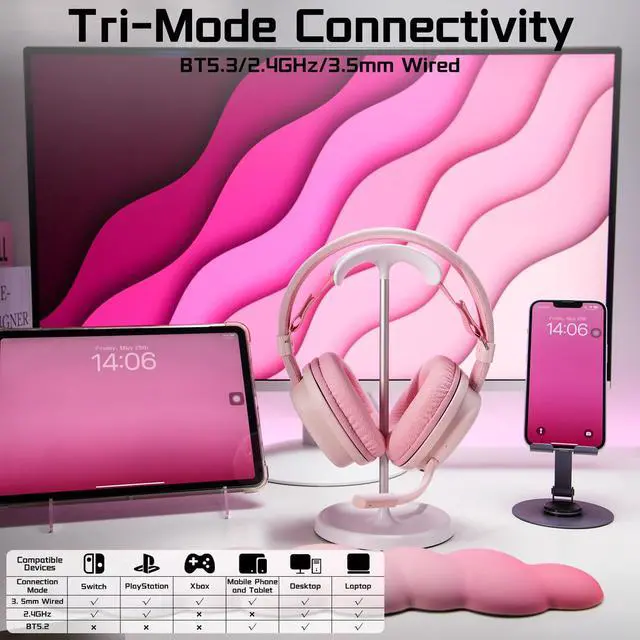
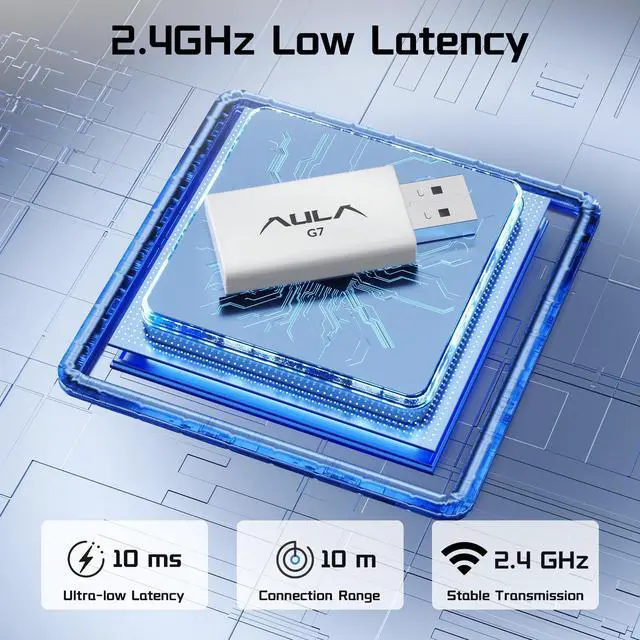
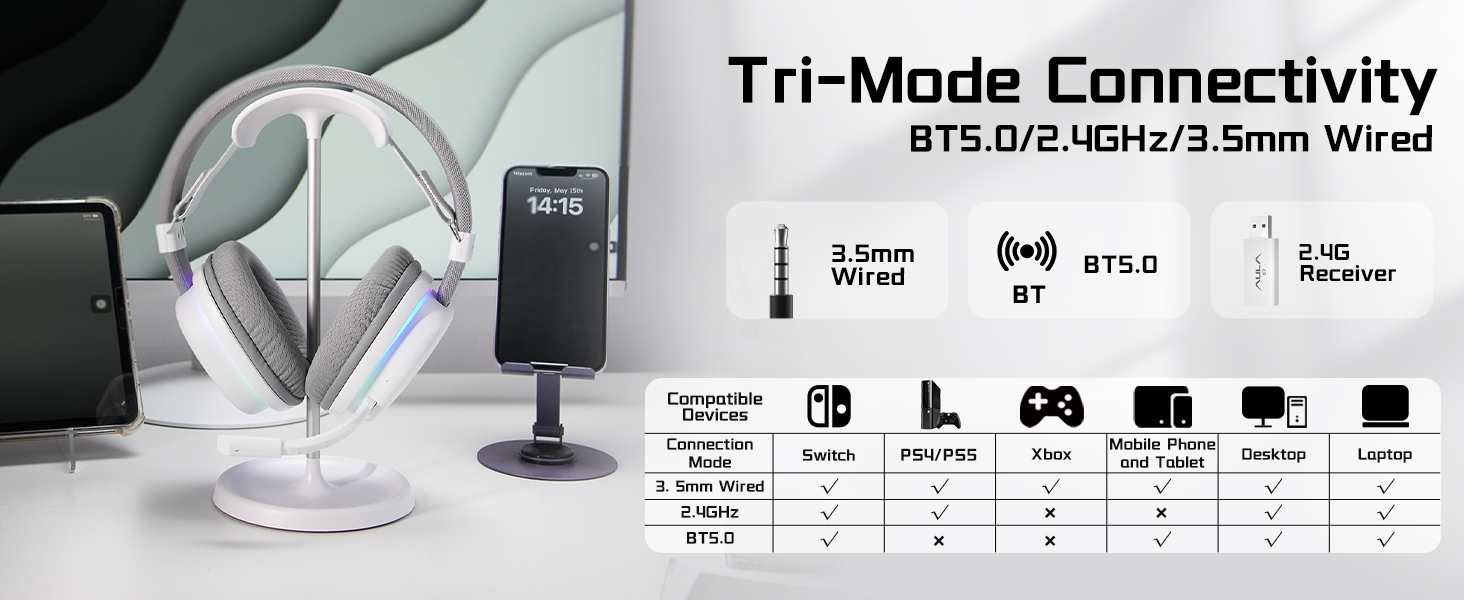
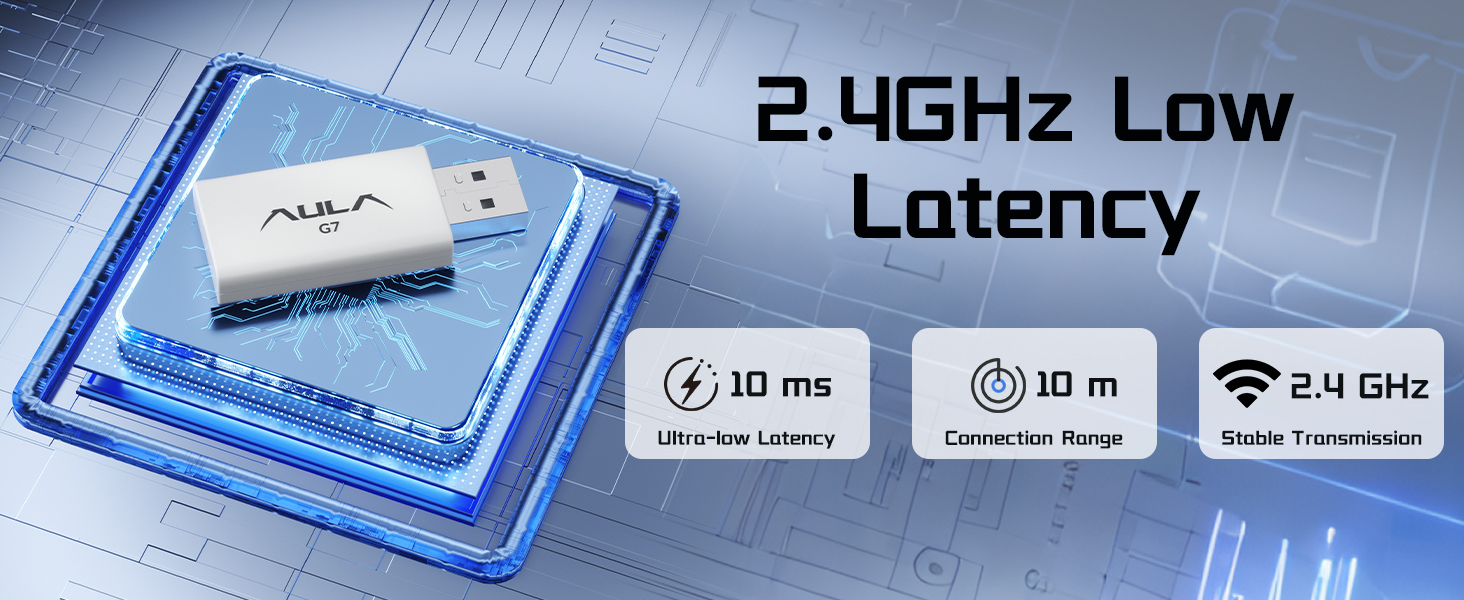
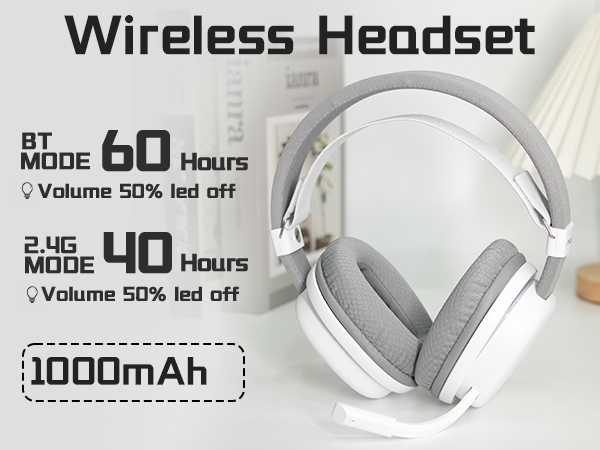
Hold power key 3s to turn on. Tap power key 3 times to enter Bluetooth pairing, search AULA G7 to connect. Tap 3 times again to shift to 2.4GHz wireless mode.
Can this headset work with Xbox?
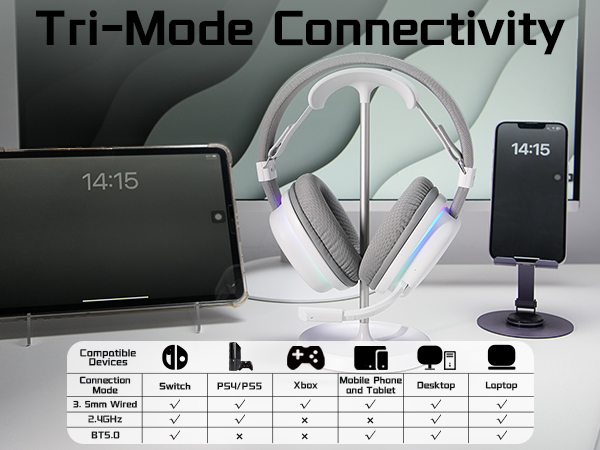
Yes, it supports Xbox only via wired connection. Use the included 3.5mm audio cable to link the headset’s Type-C port and your Xbox controller for audio input and output.
Is there a one-touch mute button for the microphone?
Sure. Tap the mic icon on the control panel once to mute or unmute the microphone instantly. You can operate it easily without checking your screen.


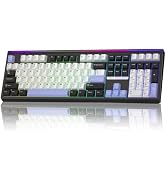
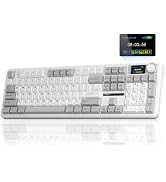
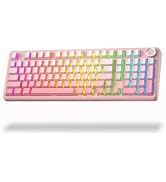
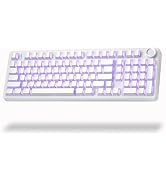
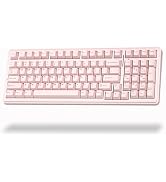
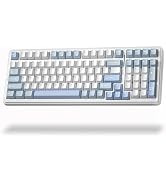
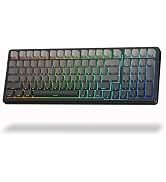
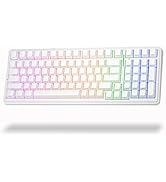
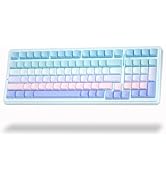
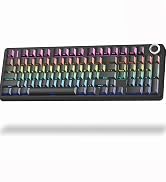
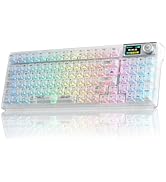
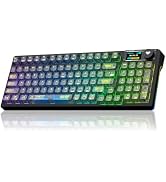
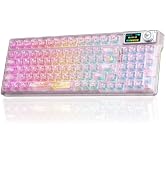
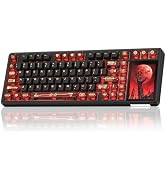
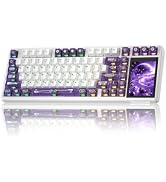
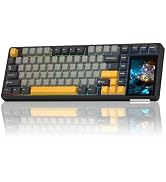
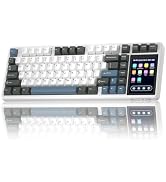
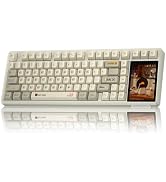
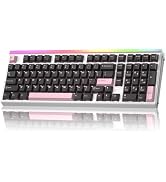
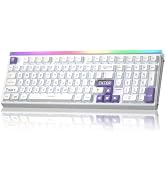
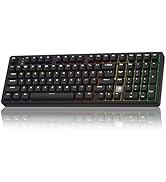
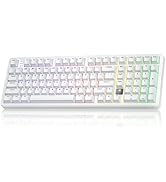
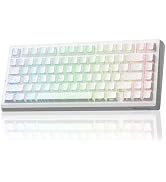
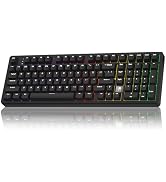
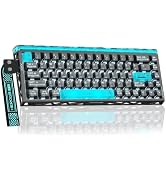
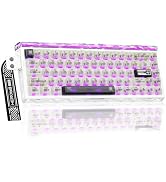
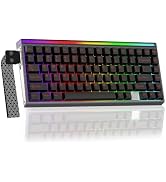
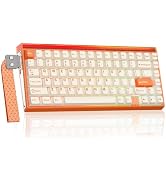
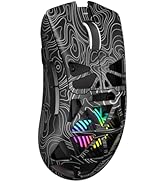
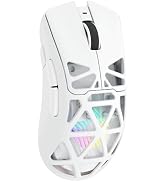
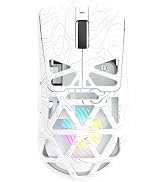
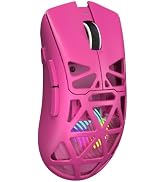
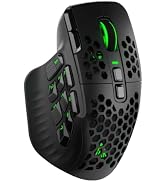
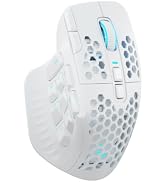
Strikonx keyboards and mice are beloved by remote workers and casual gamers alike—those who seamlessly switch between spreadsheets and battlefields, never compromising on speed or comfort. We firmly believe: great gear amplifies passion and unlocks limitless efficiency. The Strikonx brand draws inspiration from the X-shaped structure, symbolizing a steadfast promise: lightning-fast response when it matters most, with reliability you can count on.

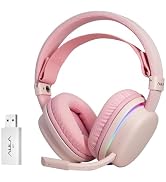
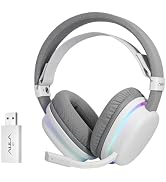
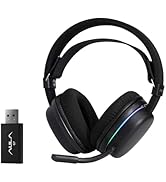
Why is my headset volume too low? How to fix it?
The headset buttons only adjust its own volume instead of your phone/computer volume. The max sound is limited by your playback device. Just turn up the volume on your media player to get louder sound.
My microphone has no sound, what’s wrong?
The mic is detachable with a directional plug (flat front & curved back). It will stop working if inserted reversely. Please pull it out and plug in with the flat side facing forward correctly.
How to connect Bluetooth and switch between Bluetooth & 2.4G?
Hold power key 3s to turn on. Tap power key 3 times to enter Bluetooth pairing, search AULA G7 to connect. Tap 3 times again to shift to 2.4GHz wireless mode.
Can this headset work with Xbox?
Yes, it supports Xbox only via wired connection. Use the included 3.5mm audio cable to link the headset’s Type-C port and your Xbox controller for audio input and output.
Is there a one-touch mute button for the microphone?
Sure. Tap the mic icon on the control panel once to mute or unmute the microphone instantly. You can operate it easily without checking your screen.
Strikonx keyboards and mice are beloved by remote workers and casual gamers alike—those who seamlessly switch between spreadsheets and battlefields, never compromising on speed or comfort. We firmly believe: great gear amplifies passion and unlocks limitless efficiency. The Strikonx brand draws inspiration from the X-shaped structure, symbolizing a steadfast promise: lightning-fast response when it matters most, with reliability you can count on.