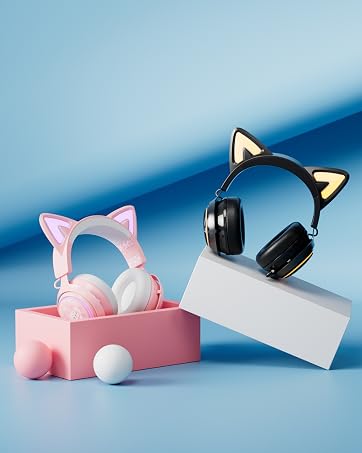
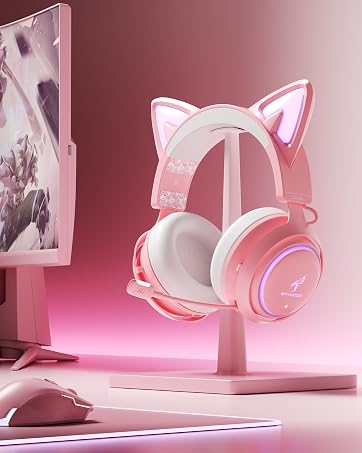
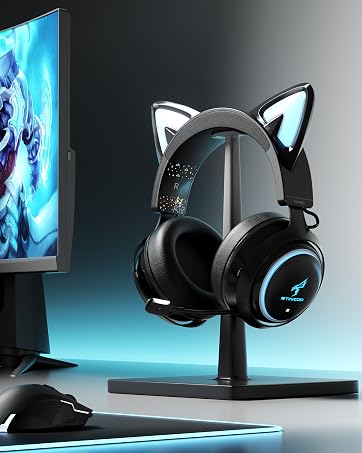
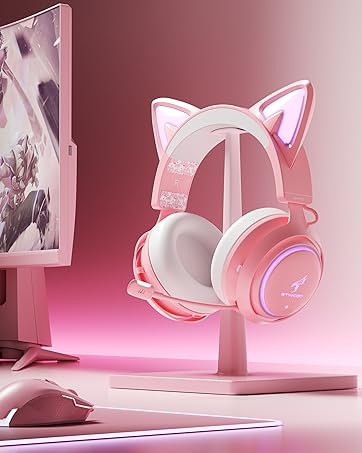
here!
here!
I’m your shopping assistant for PC builds, upgrades, and everything tech.
Got questions? Ask away!
Start a conversation
here!
I’m your shopping assistant for PC builds, upgrades, and everything tech.
Got questions? Ask away!
Start a conversation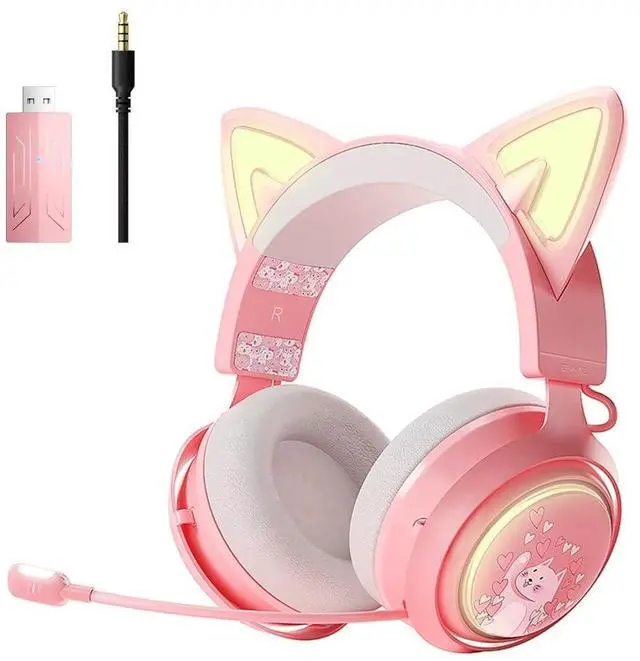
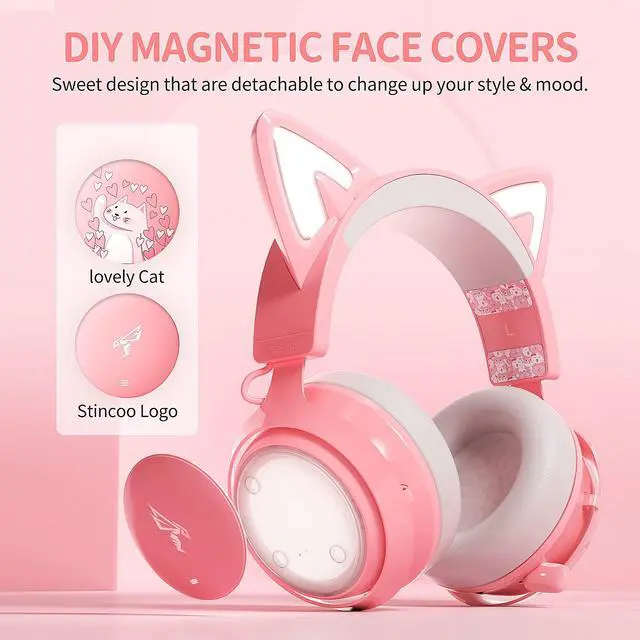



Any questions? Ask CelesteSM will help you find out quickly.
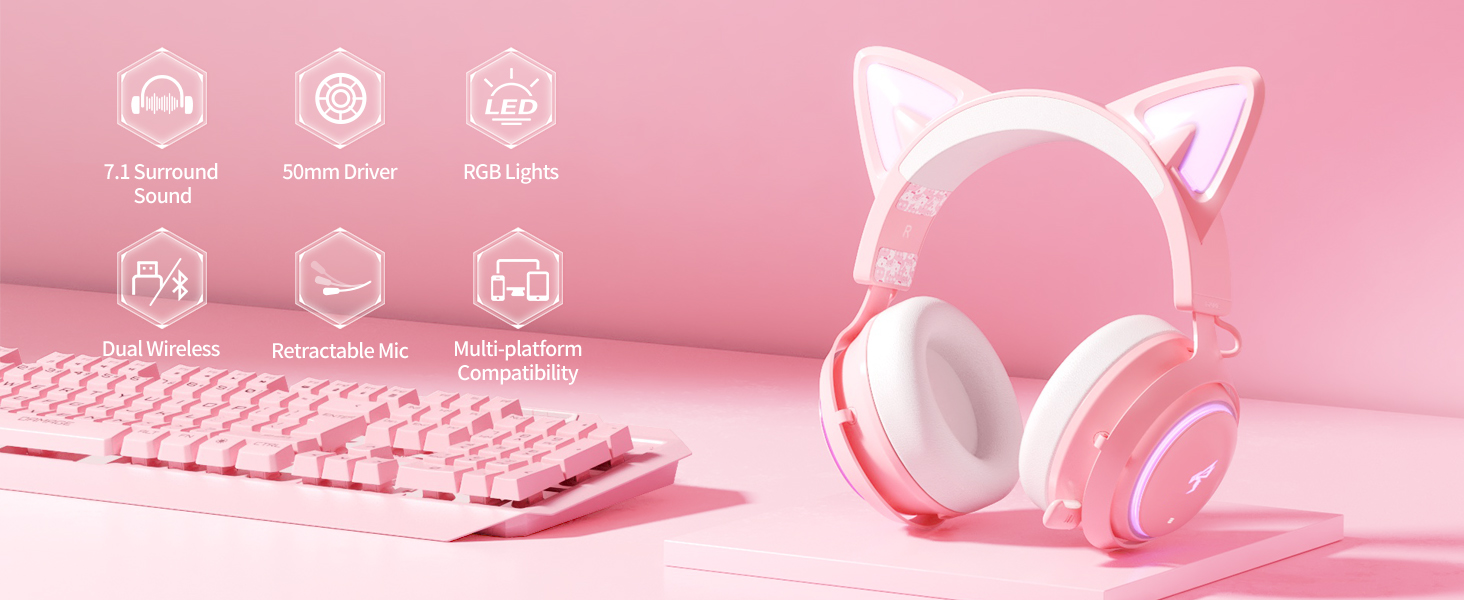
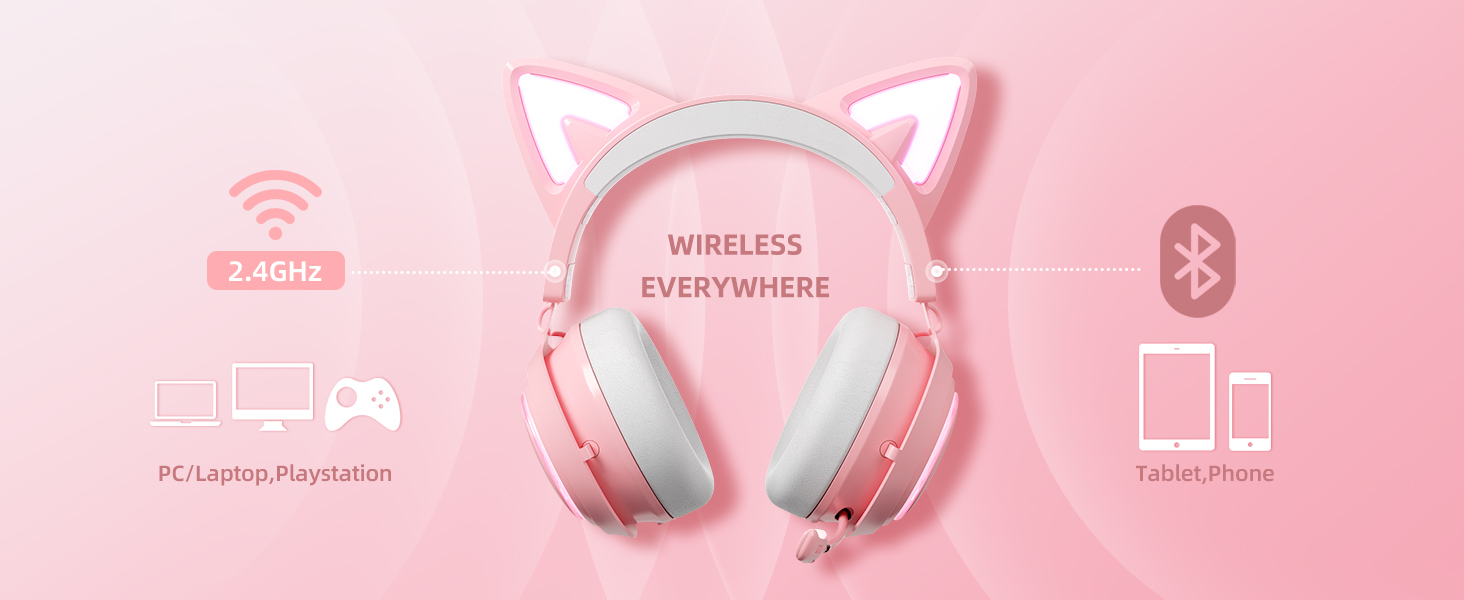

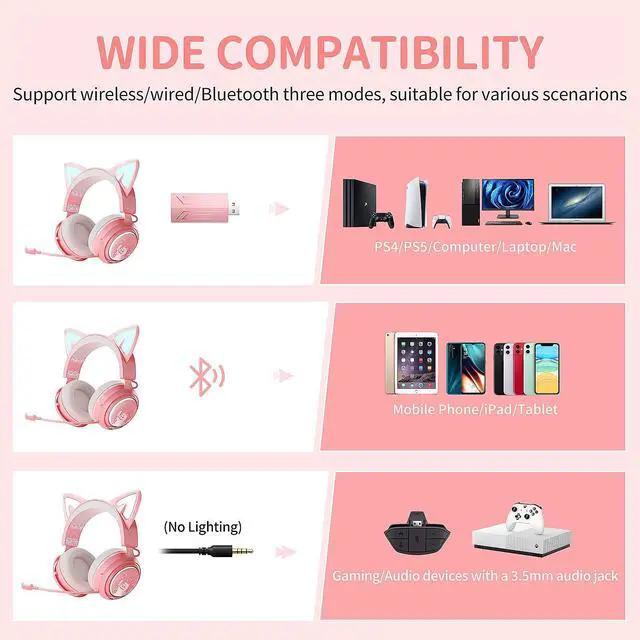
Compatible with smartphone and laptop. (Bluetooth function NOT compatible with Switch, PS4/PS5 )

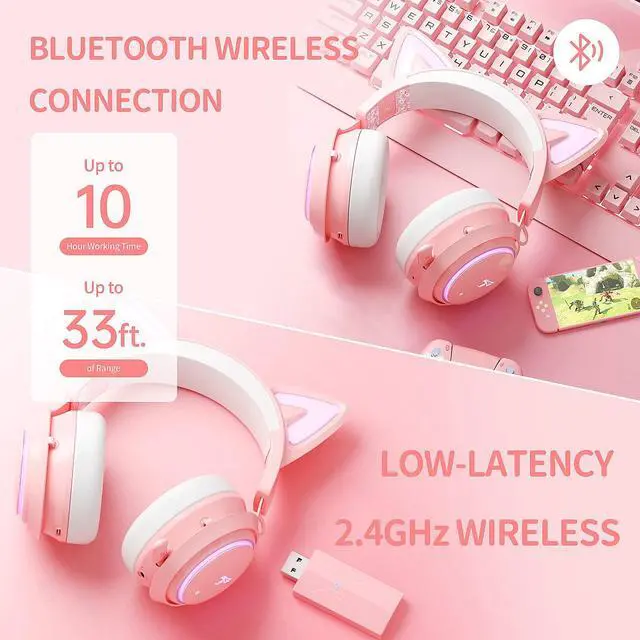
35ms Low Latency
Compatible with PS4, PS5, Nintendo Switch, laptop and PC.
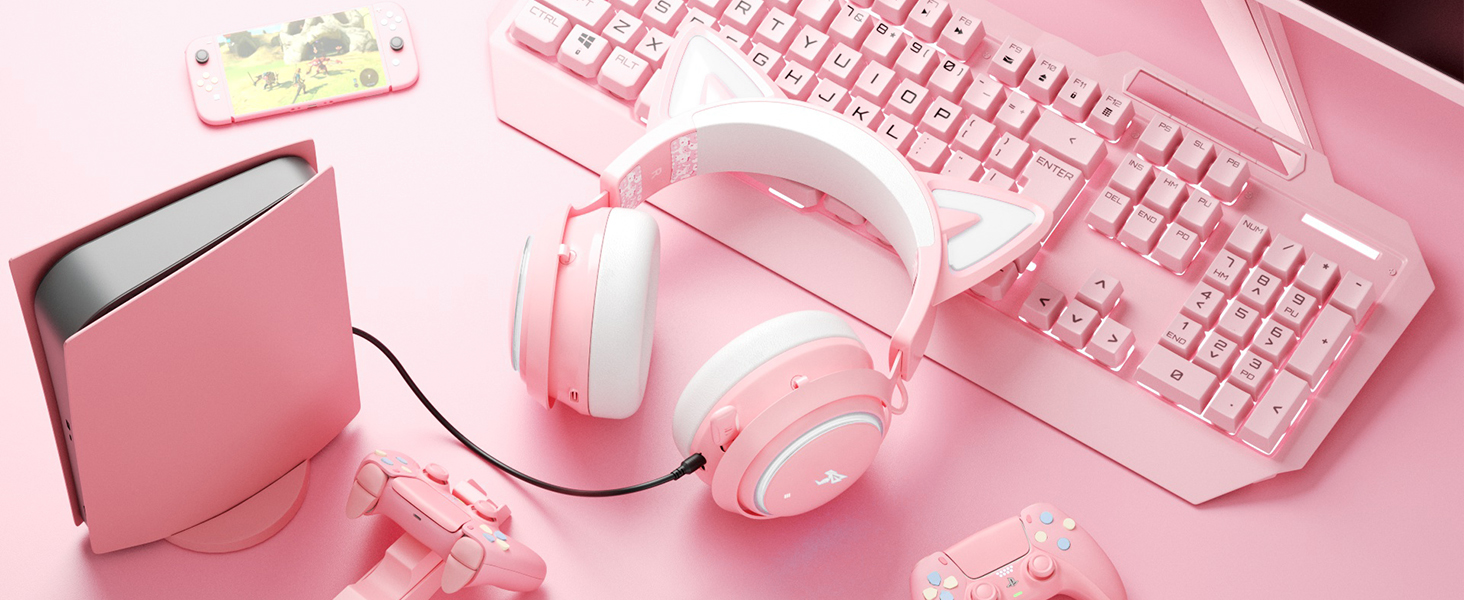
Compatible with Xbox one/Xbox one X/S, Xbox Series X/S controller and other mobile device
*Not light

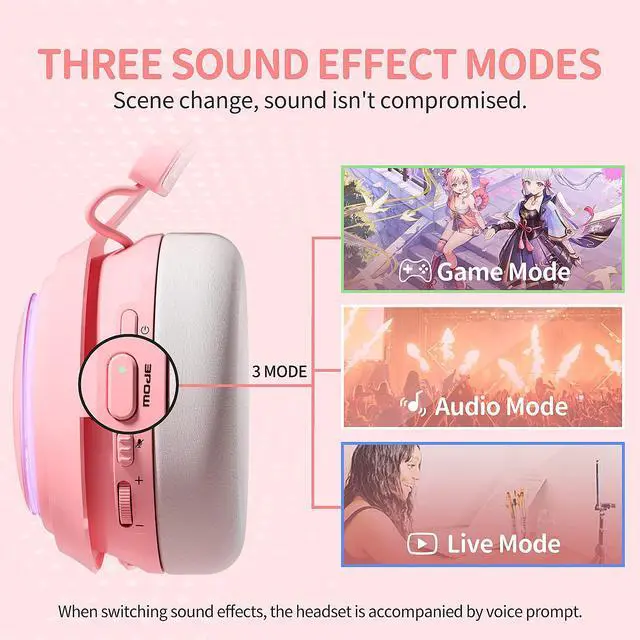
Lets you hear the footsteps and environmental cues with amazingly clear during gaming.

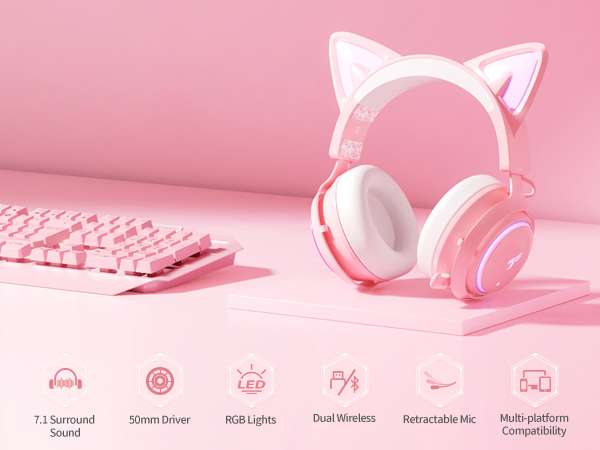
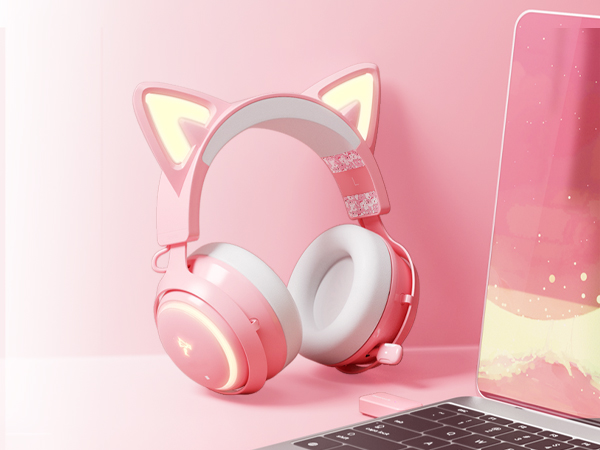
Included Eight RGB lighting effects and one multi-color cycling mode.

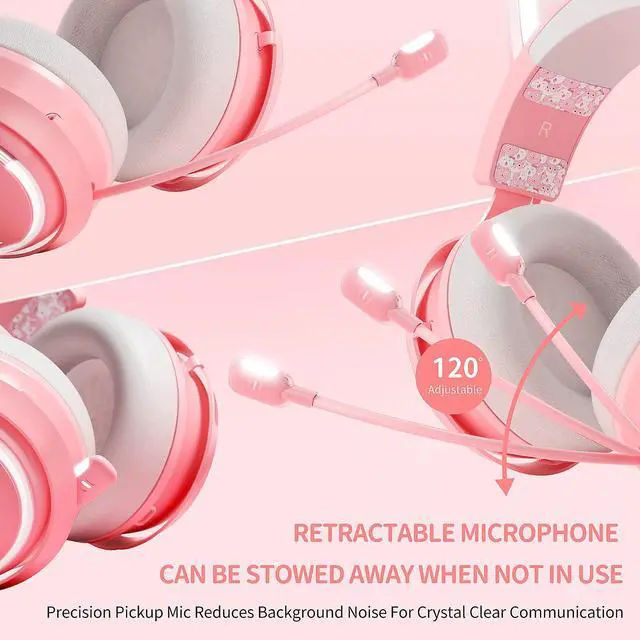
120° roting microphone designed to focus on your voice and cancel ambient sound.
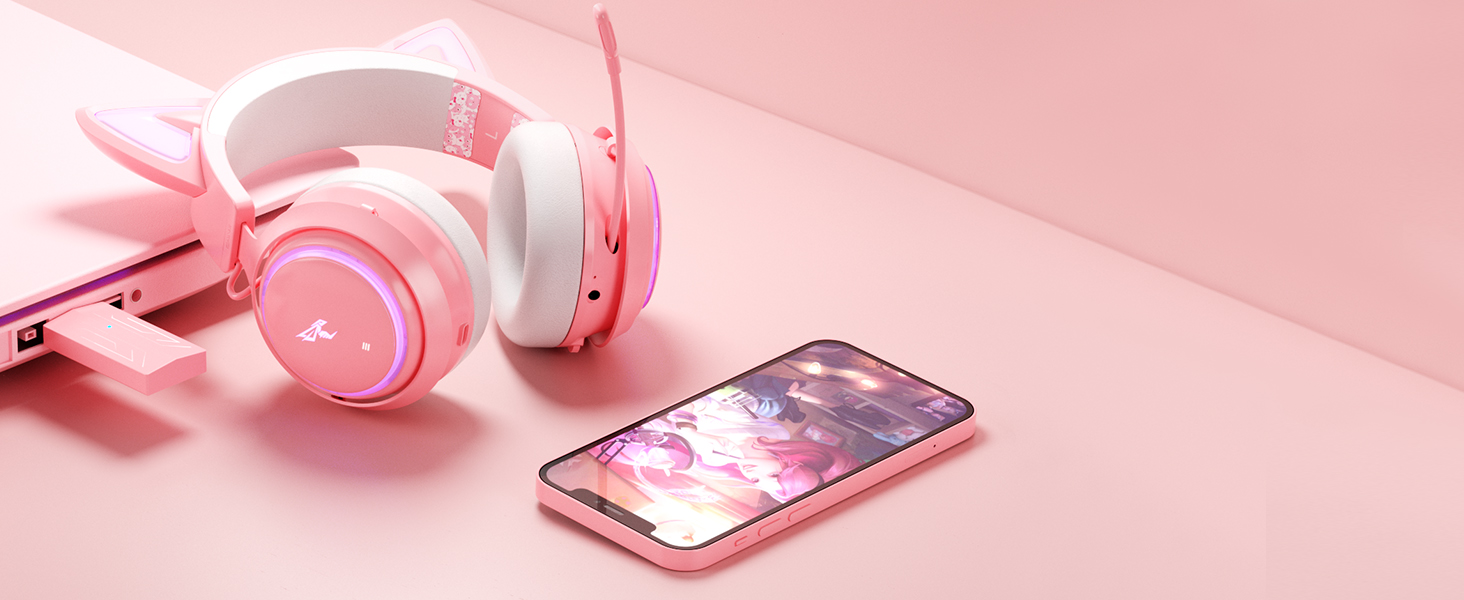
The cat ear headset supports you play game for up to 8 hours ( At 60% volume) and only takes 2 hours to make it fully charged.
Notes:
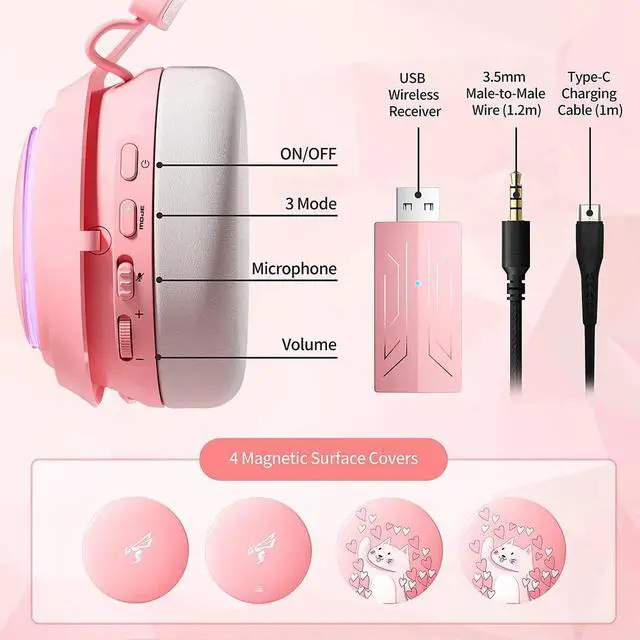
Please never plug any cord into the headset when you use it in wireless mode. It will automatically power off when the cord is plugged into.
In wired mode, the headset light don't work, all buttons are disable except for adjusting the volume+/-.
Reset the dongle when the headset can’t connect to your device:
Step 1: plug the wireless transmitter into the USB port of your devic.
Step 2: insert a small pin into the reset hole(next to the LED indicator) on the transmitter, then push in for at least 2 seconds until the LED rapidly blink blue.
Step 3: turn on the headset. When the blue light on the USB transmitter is solid, the pairing is completed.
Reset the headset when it has microphone or sound issues you can't solve:
Step: when the headset is on, insert a small pin into the reset hole (next to the 3.5m Aux interface) on the headset, then push in for 2 seconds to reset the headset.
 GS510Pro Wireless headset |  GS510 Wireless Headset |  GS510 Wired Headset |  G810 Wireless Headset |  G951S Wired Headset | |
|---|---|---|---|---|---|
Customer Reviews | — | — | — | — | — |
Price | — | — | — | — | — |
Headset Light | RGB Lights | RGB Lights | White Color Light | RGB Lights | NOT |
Wireless or Wired | Wireless (Via USB transmitter) | Wireless | Wired | Wireless | Wired |
Microphone | Retractable | Retractable | Retractable | Built in Mic | Adjustable |
Bluetooth Function | ? | ? | ? | ? | ? |
Driver Unit | 50mm | 50mm | 50mm | 50mm | 40mm |
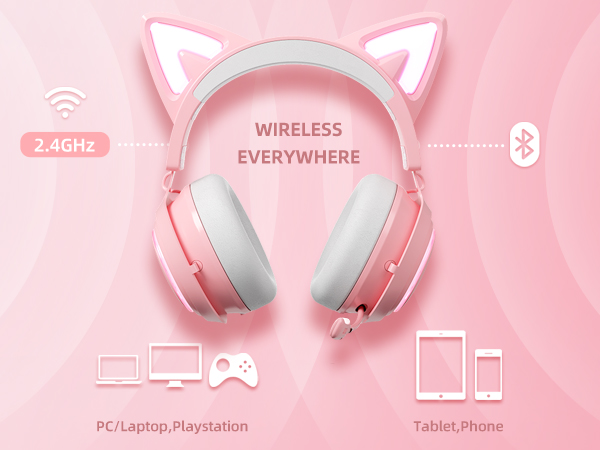
Compatible with smartphone and laptop. (Bluetooth function NOT compatible with Switch, PS4/PS5 )
Compatible with PS4, PS5, Nintendo Switch, laptop and PC.
Compatible with Xbox one/Xbox one X/S, Xbox Series X/S controller and other mobile device
*Not light
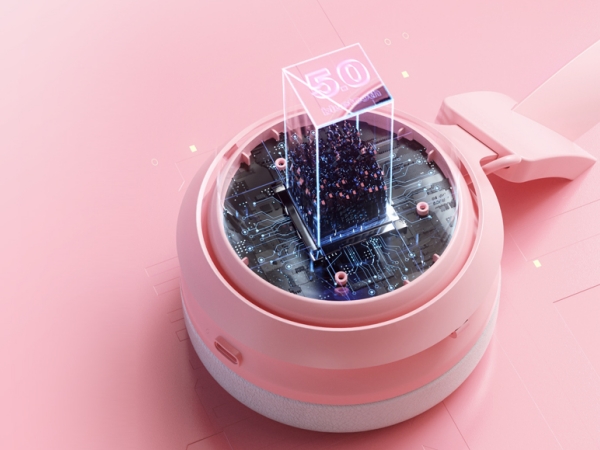
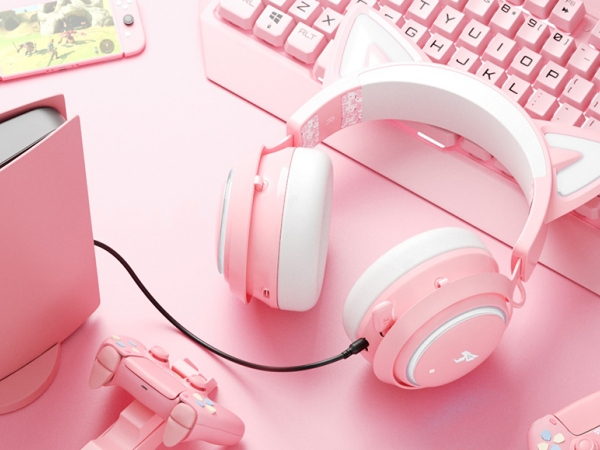
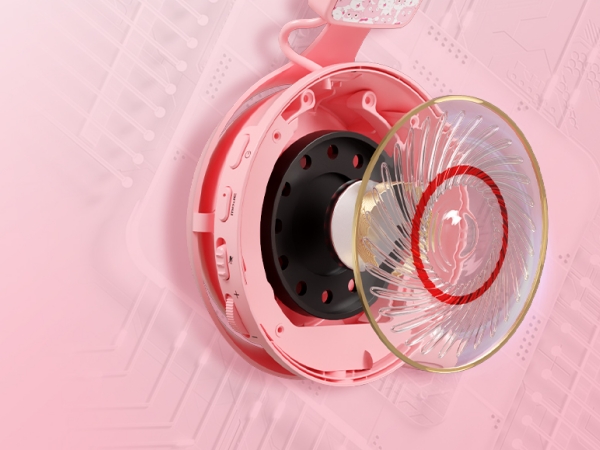
Lets you hear the footsteps and environmental cues with amazingly clear during gaming.
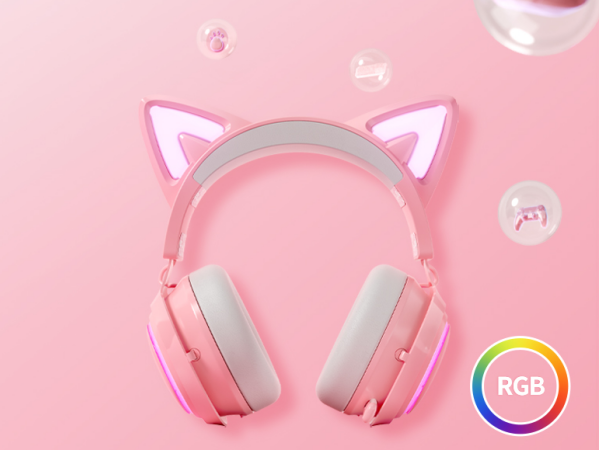
Included Eight RGB lighting effects and one multi-color cycling mode.
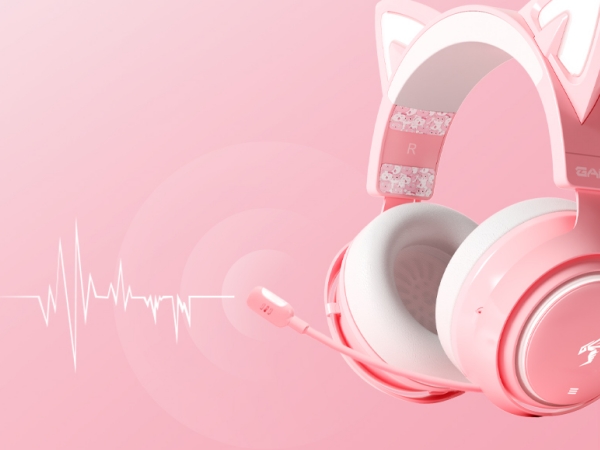
120° roting microphone designed to focus on your voice and cancel ambient sound.
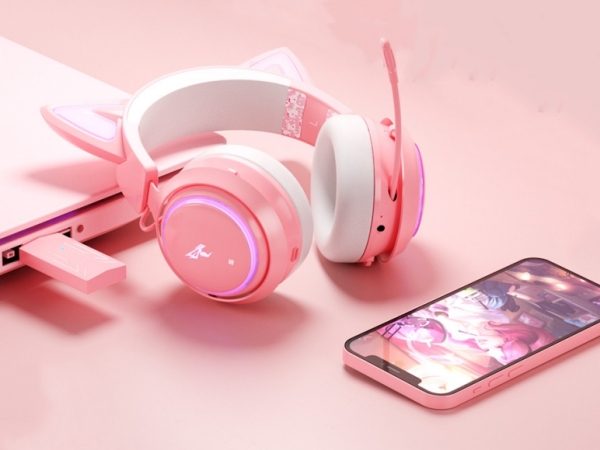
The cat ear headset supports you play game for up to 8 hours ( At 60% volume) and only takes 2 hours to make it fully charged.
Notes:
Please never plug any cord into the headset when you use it in wireless mode. It will automatically power off when the cord is plugged into.
In wired mode, the headset light don't work, all buttons are disable except for adjusting the volume+/-.
Reset the dongle when the headset can’t connect to your device:
Step 1: plug the wireless transmitter into the USB port of your devic.
Step 2: insert a small pin into the reset hole(next to the LED indicator) on the transmitter, then push in for at least 2 seconds until the LED rapidly blink blue.
Step 3: turn on the headset. When the blue light on the USB transmitter is solid, the pairing is completed.
Reset the headset when it has microphone or sound issues you can't solve:
Step: when the headset is on, insert a small pin into the reset hole (next to the 3.5m Aux interface) on the headset, then push in for 2 seconds to reset the headset.
GS510Pro Wireless headset | GS510 Wireless Headset | GS510 Wired Headset | G810 Wireless Headset | G951S Wired Headset |
|---|---|---|---|---|
| Customer Reviews | ||||
| — | — | — | — | — |
| Price | ||||
| — | — | — | — | — |
| Headset Light | ||||
| RGB Lights | RGB Lights | White Color Light | RGB Lights | NOT |
| Wireless or Wired | ||||
| Wireless (Via USB transmitter) | Wireless | Wired | Wireless | Wired |
| Microphone | ||||
| Retractable | Retractable | Retractable | Built in Mic | Adjustable |
| Bluetooth Function | ||||
| ? | ? | ? | ? | ? |
| Driver Unit | ||||
| 50mm | 50mm | 50mm | 50mm | 40mm |

SOMIC was founded in 2000, a headset brand dedicated to improving gaming experience for the past decade. We have sharpened our technology edge to make each and every headset meeting the most extreme gamer’s need. You want a more immersive battle experience in games, you need a SOMIC headset.