here!
here!
I’m your shopping assistant for PC builds, upgrades, and everything tech.
Got questions? Ask away!
Start a conversation
here!
I’m your shopping assistant for PC builds, upgrades, and everything tech.
Got questions? Ask away!
Start a conversation



Any questions? Ask CelesteSM will help you find out quickly.
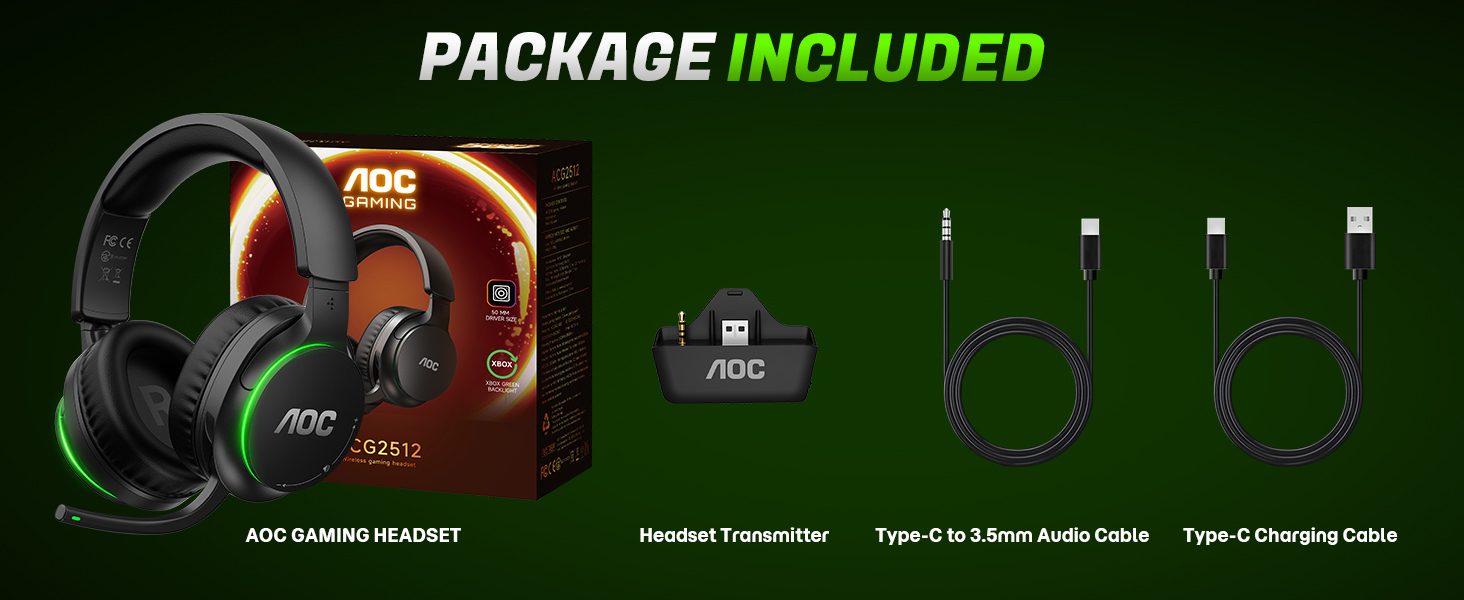
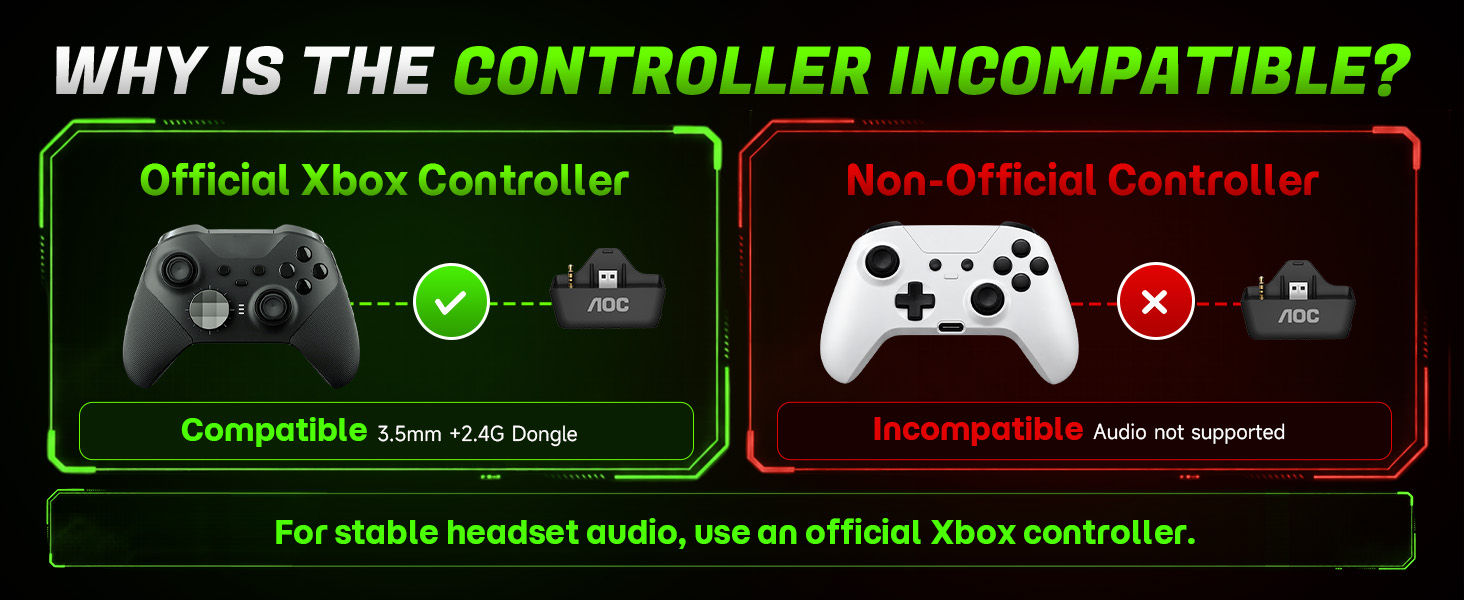
Does this wireless headset work with Xbox Series X|S,Xbox One?
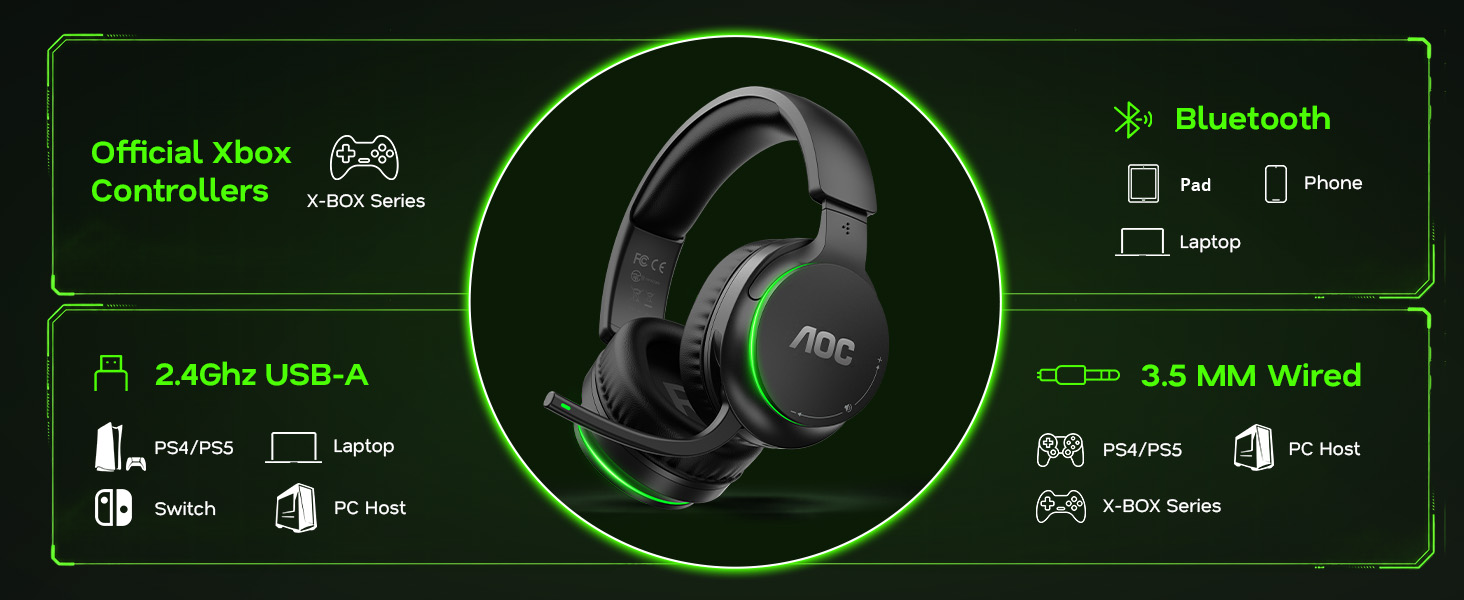
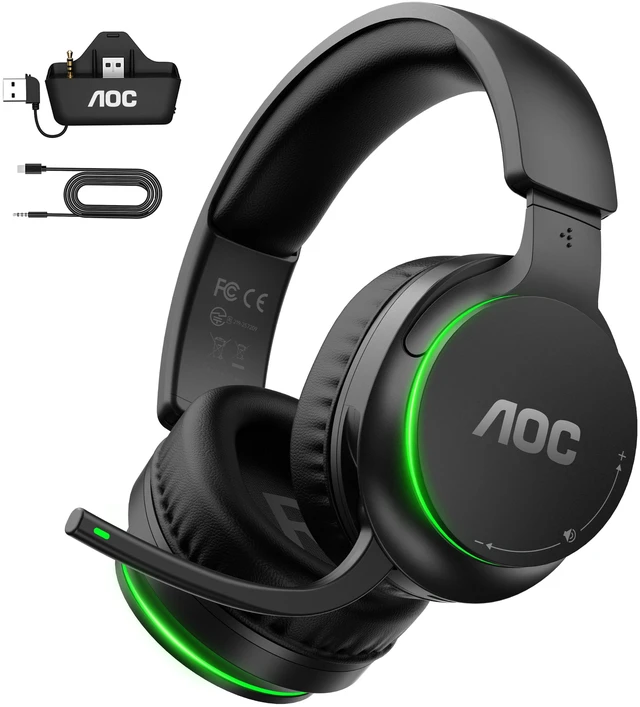
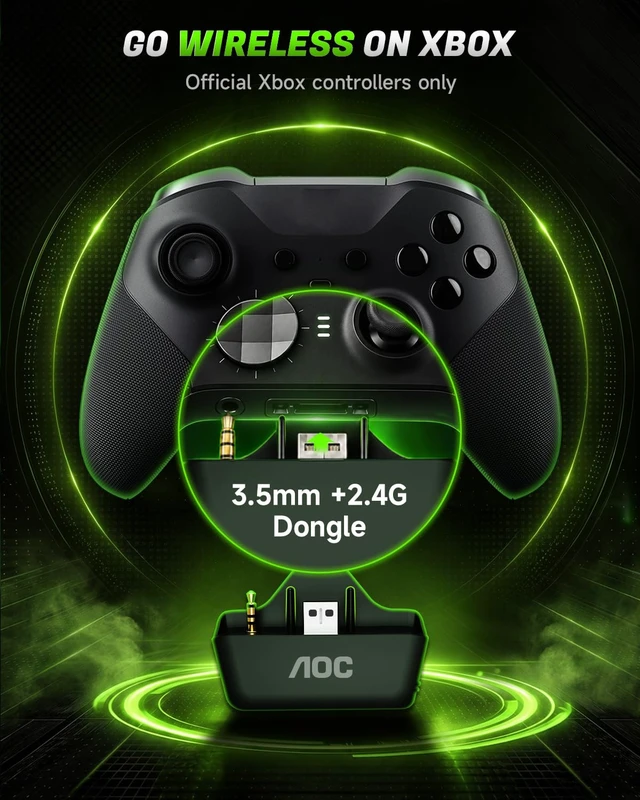
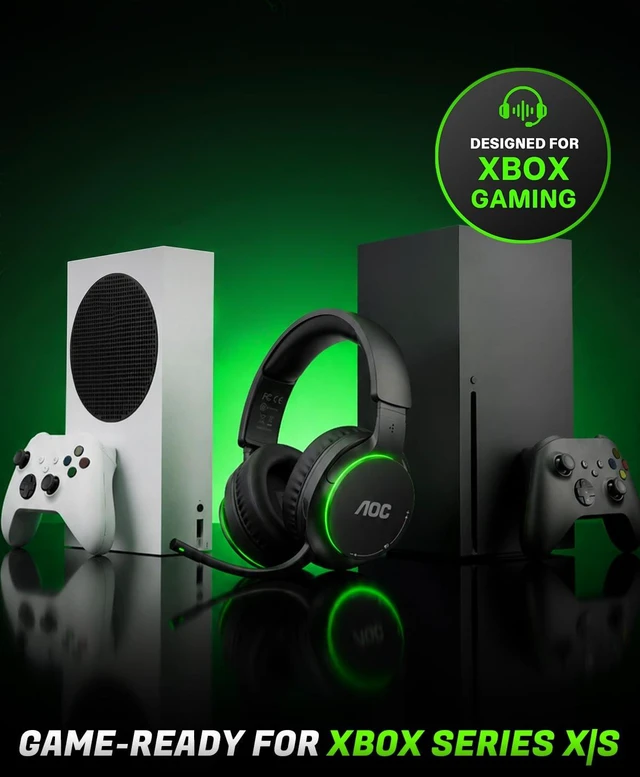
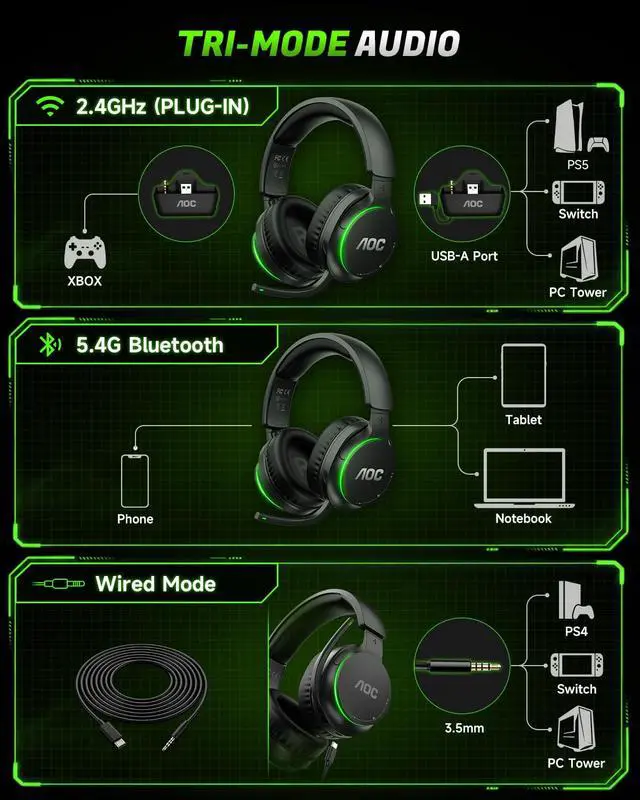
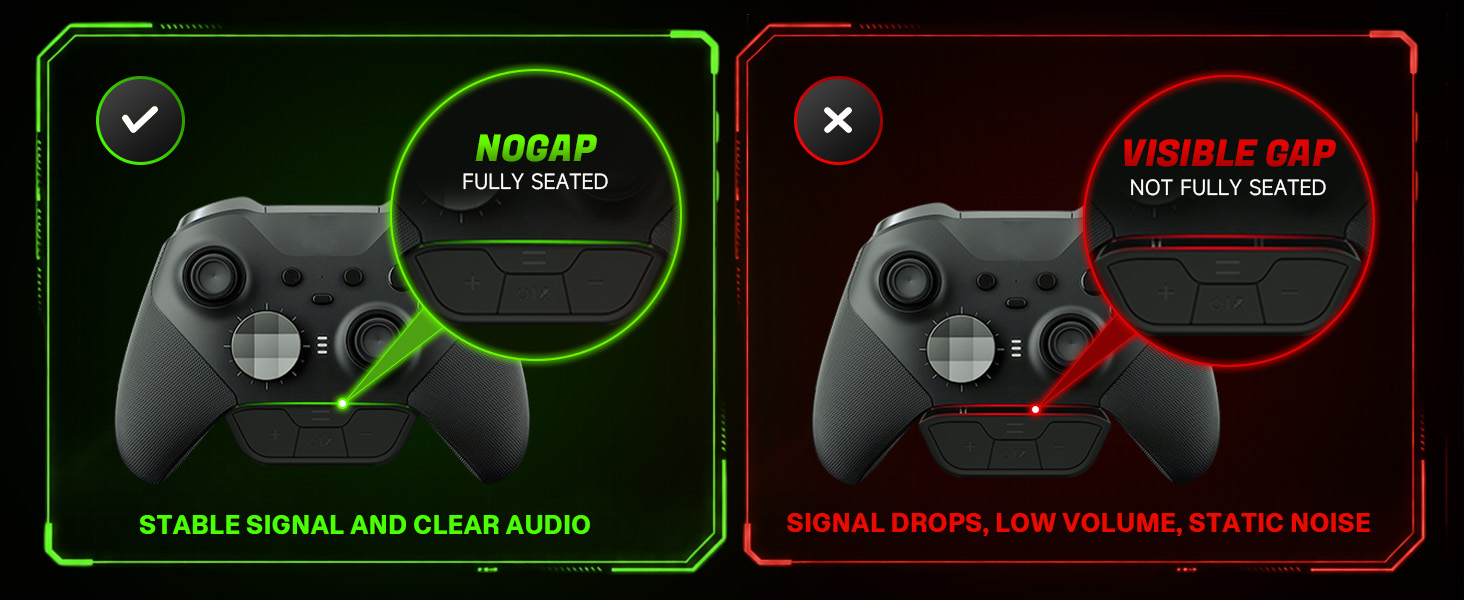
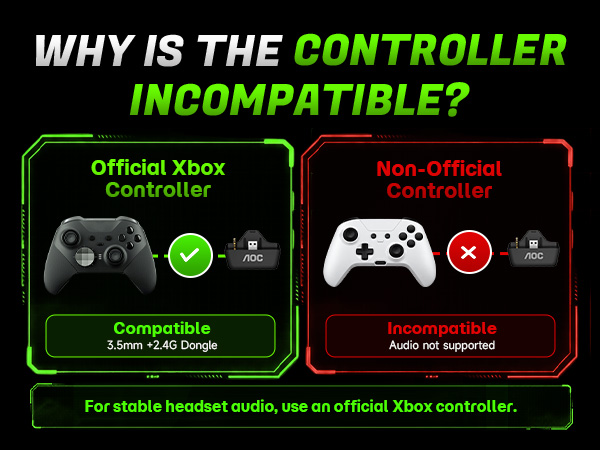
Yes, it is compatible only with official Xbox controllers (non-official controllers are not compatible). Set the headset to 2.4G mode. Ensure the transmitter is fully inserted without any gaps.
How long does the battery last, and can I charge it while playing?
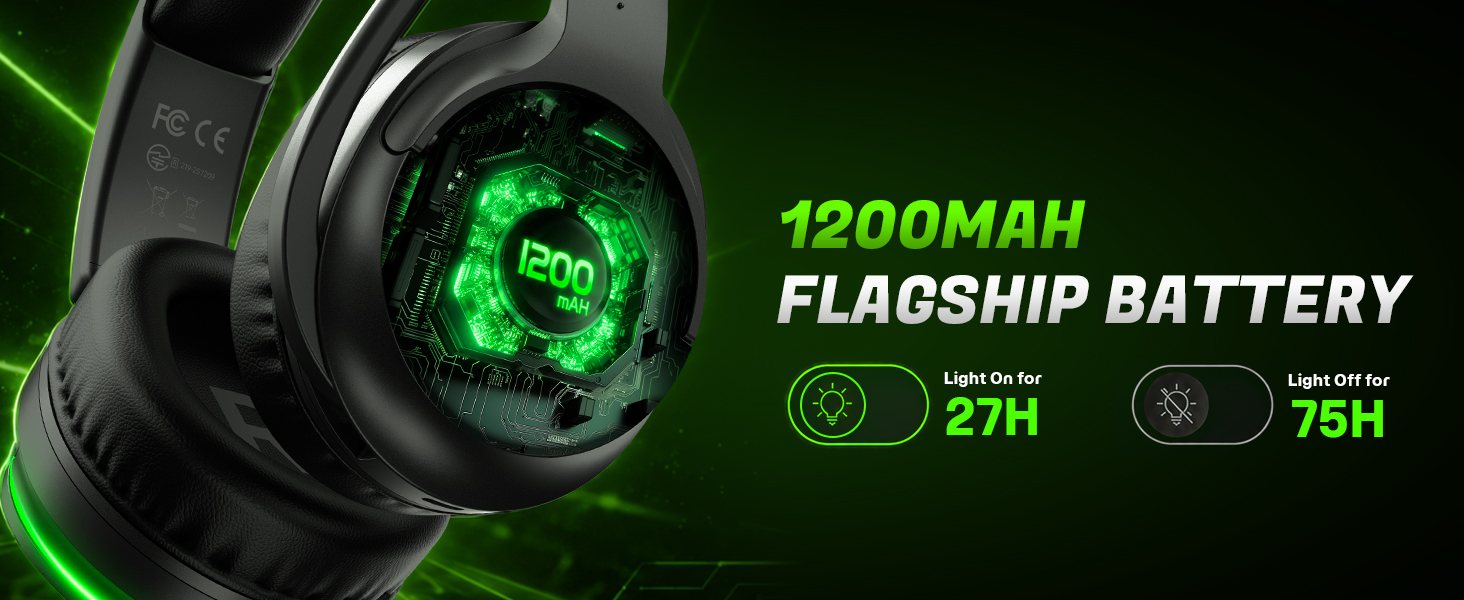
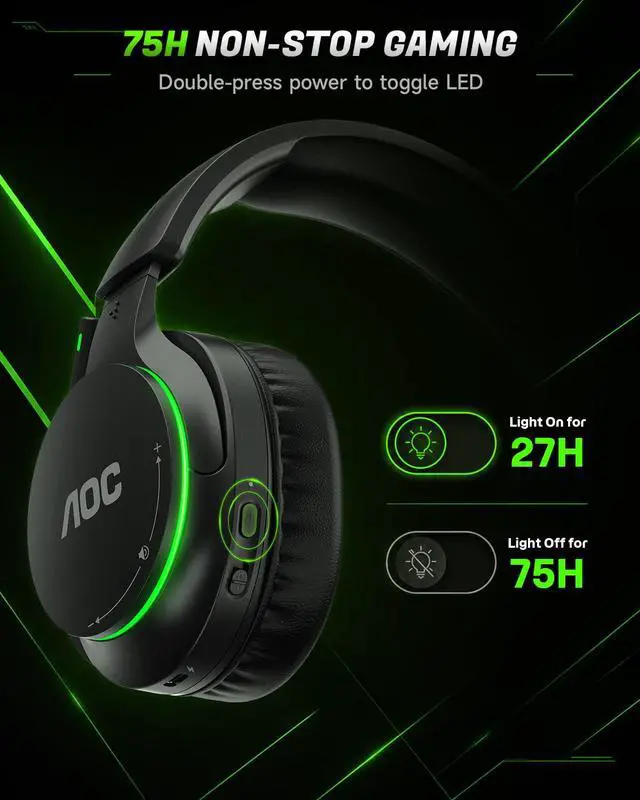
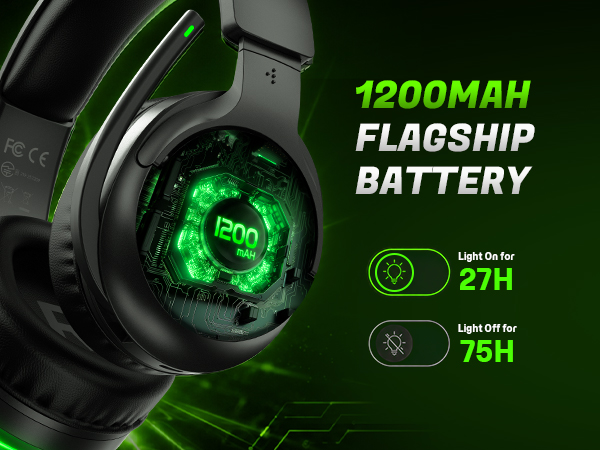
Up to 75 hours of battery life (without lights on). You can use a USB-C cable to charge while playing games.
Is this wireless headset compatible with PS5, PC, or Switch as well?
Yes. Connect the included transmitter to the USB port of your PS5 or PC, or to a Switch dock, and select 2.4G mode. Microphone input is not supported on the Switch.
How long does it take to fully charge, and how do I know when it's done?
A full charge takes approximately 3 hours. The red light stays on while charging and turns solid blue when fully charged.
How to turn off the green light?
Double-click the power button to turn the green light on/off.
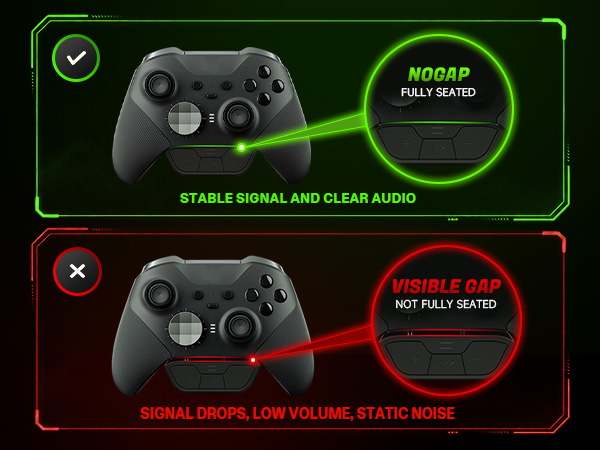
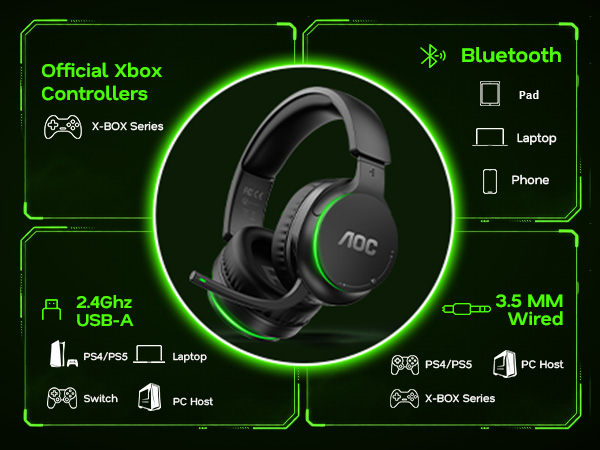



Does this wireless headset work with Xbox Series X|S,Xbox One?
Yes, it is compatible only with official Xbox controllers (non-official controllers are not compatible). Set the headset to 2.4G mode. Ensure the transmitter is fully inserted without any gaps.
How long does the battery last, and can I charge it while playing?
Up to 75 hours of battery life (without lights on). You can use a USB-C cable to charge while playing games.
Is this wireless headset compatible with PS5, PC, or Switch as well?
Yes. Connect the included transmitter to the USB port of your PS5 or PC, or to a Switch dock, and select 2.4G mode. Microphone input is not supported on the Switch.
How long does it take to fully charge, and how do I know when it's done?
A full charge takes approximately 3 hours. The red light stays on while charging and turns solid blue when fully charged.
How to turn off the green light?
Double-click the power button to turn the green light on/off.