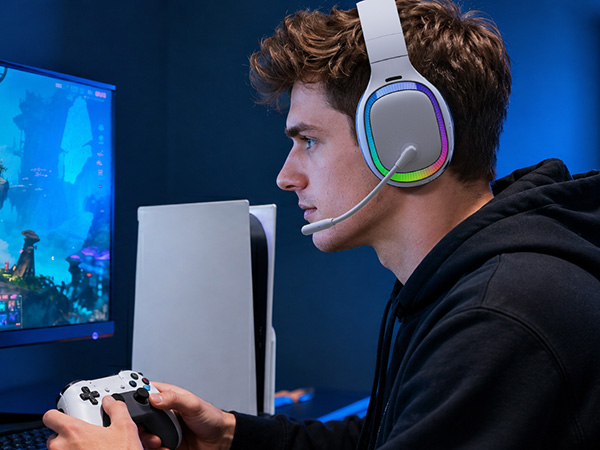
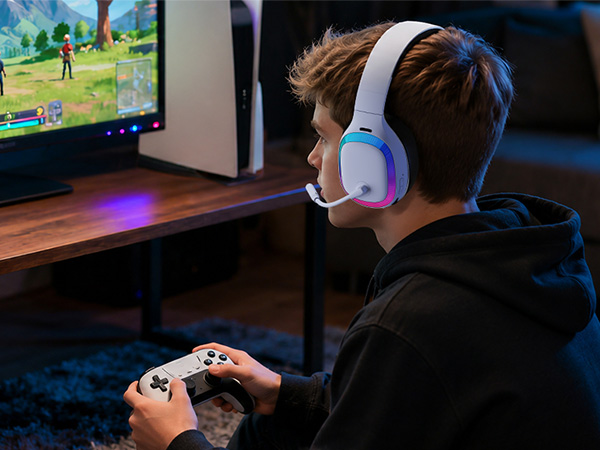
here!
here!
I’m your shopping assistant for PC builds, upgrades, and everything tech.
Got questions? Ask away!
Start a conversation
here!
I’m your shopping assistant for PC builds, upgrades, and everything tech.
Got questions? Ask away!
Start a conversation
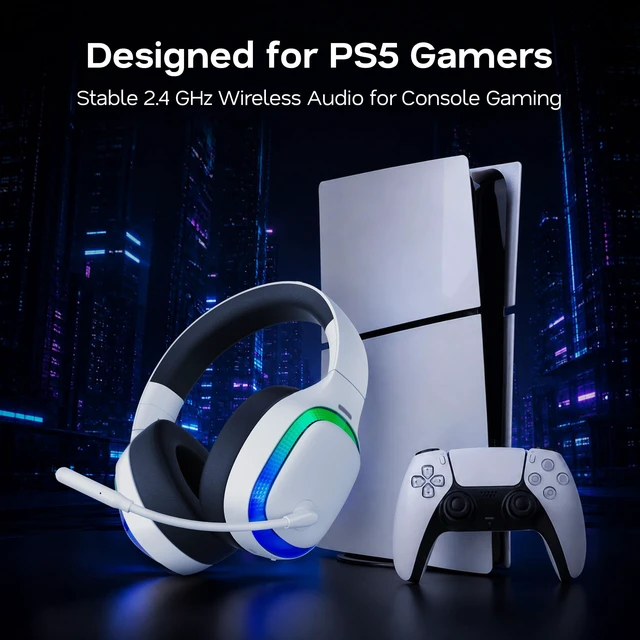
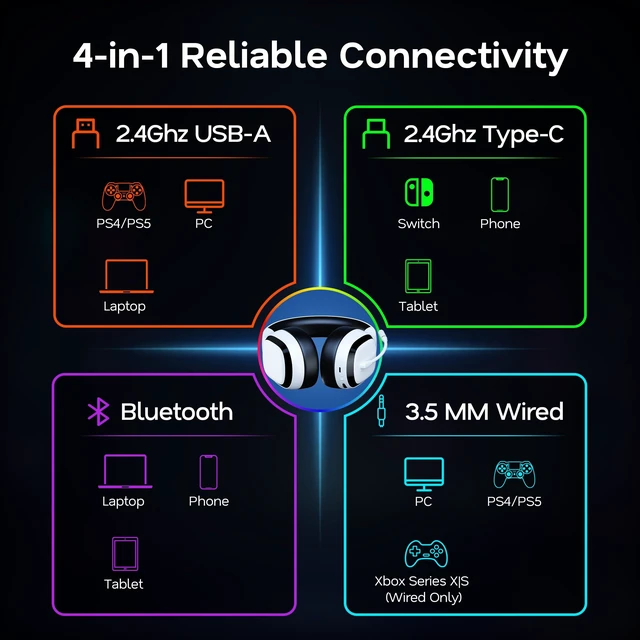
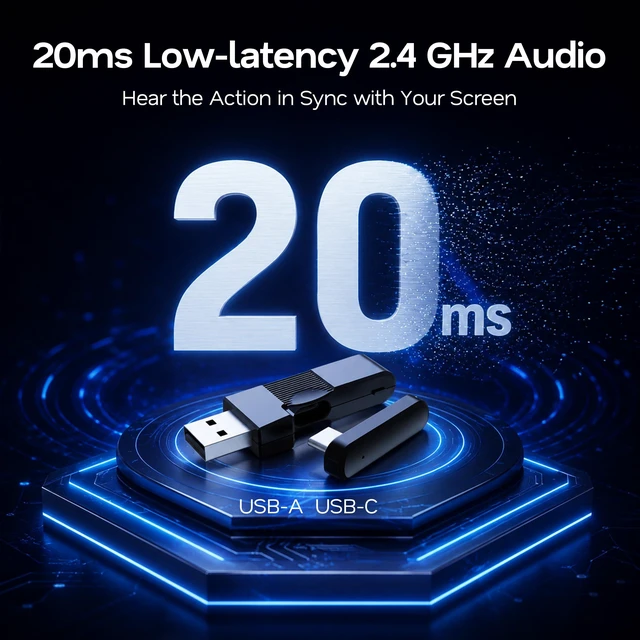
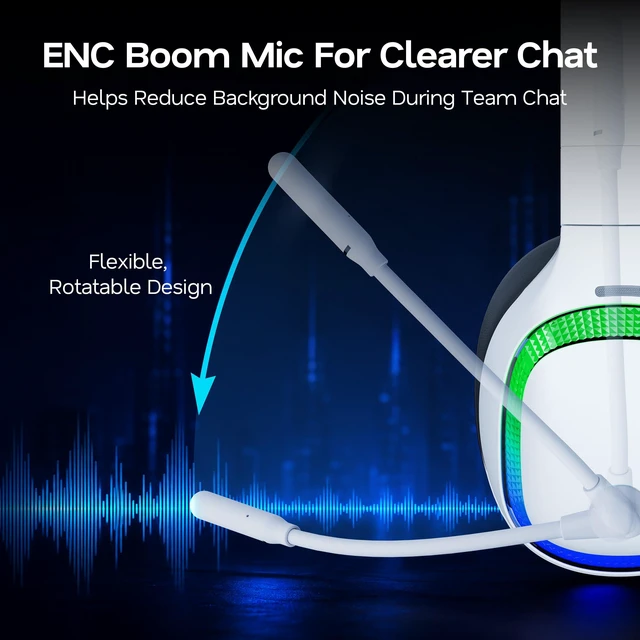




Any questions? Ask CelesteSM will help you find out quickly.
Can I use Bluetooth with this headset for PS5, PS4, or Nintendo Switch? (NO)
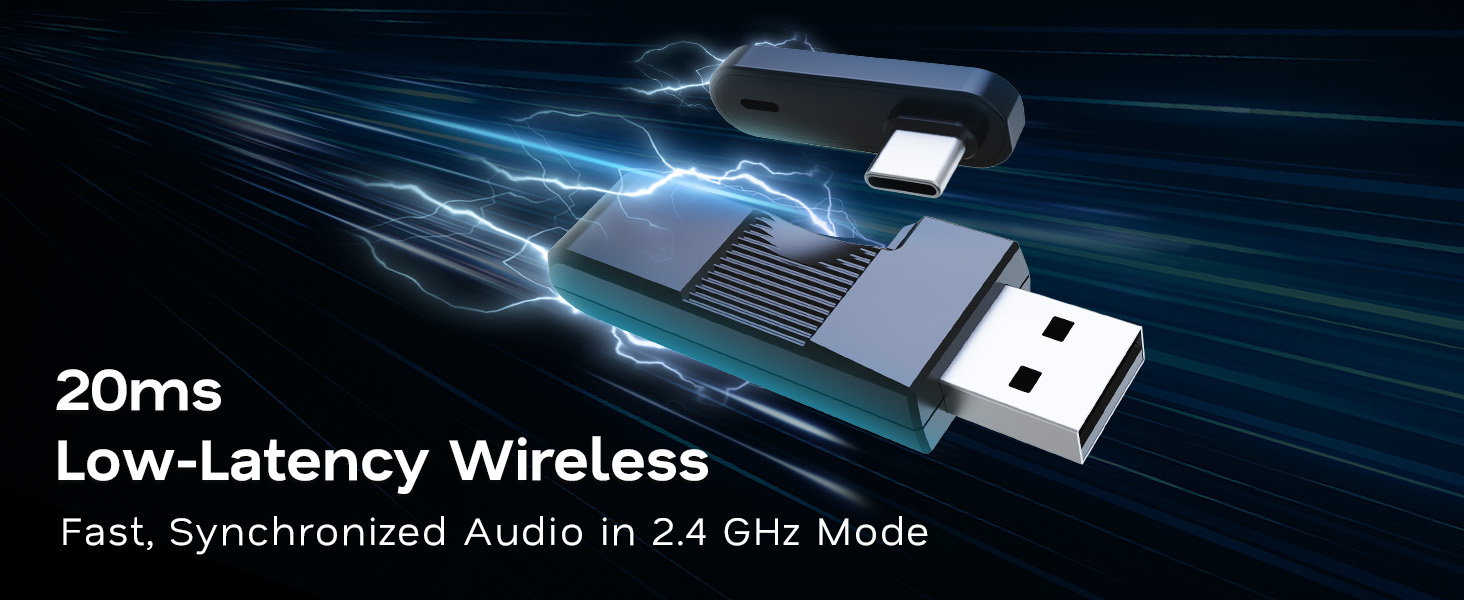
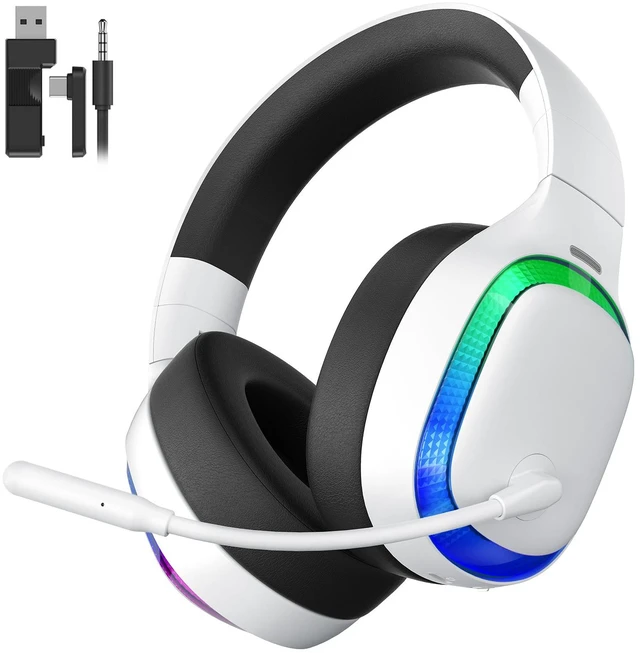
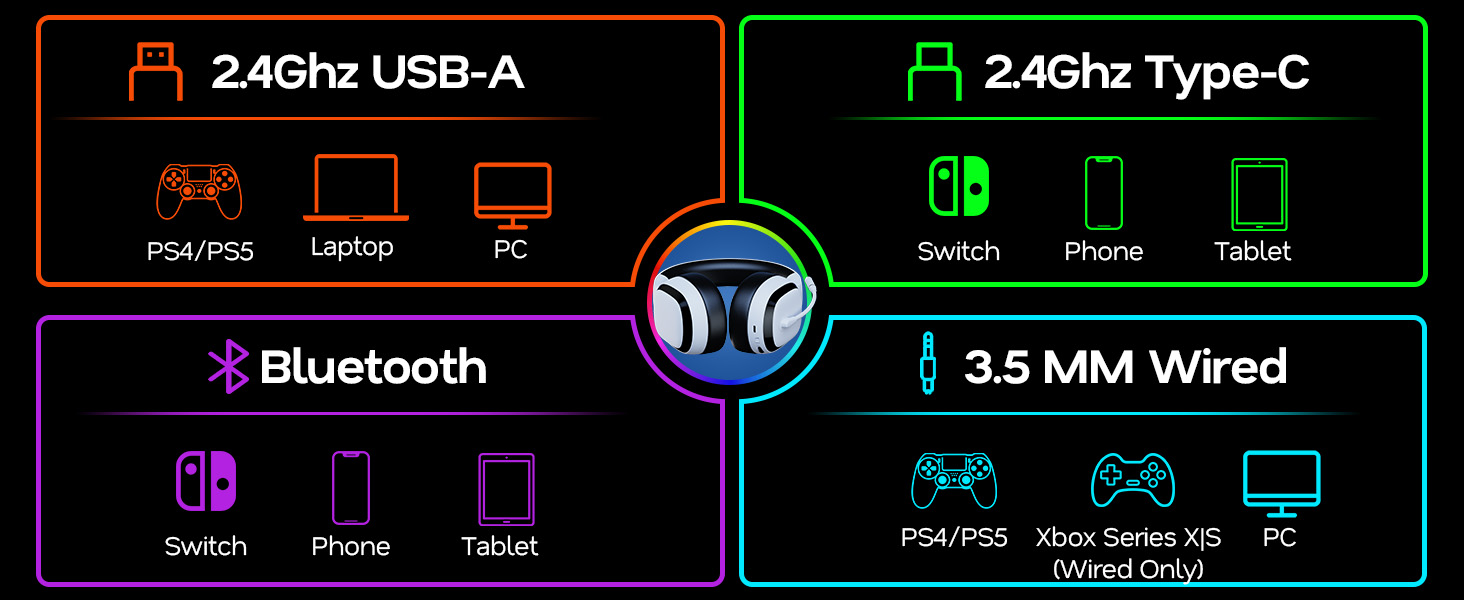
Bluetooth is intended for phones and tablets and also works with the latest Nintendo Switch. For PS5 and PS4 gaming, Bluetooth is not supported. Please use the included wireless dongle instead.
How can I use this gaming headset WIRELESSLY with Xbox consoles? (NO)
The 2.4GHz wireless and Bluetooth modes do not work with Xbox consoles. For gaming with Xbox, connect the headset through the 3.5mm audio cable.
How do I change the RGB lighting on this gaming headset?
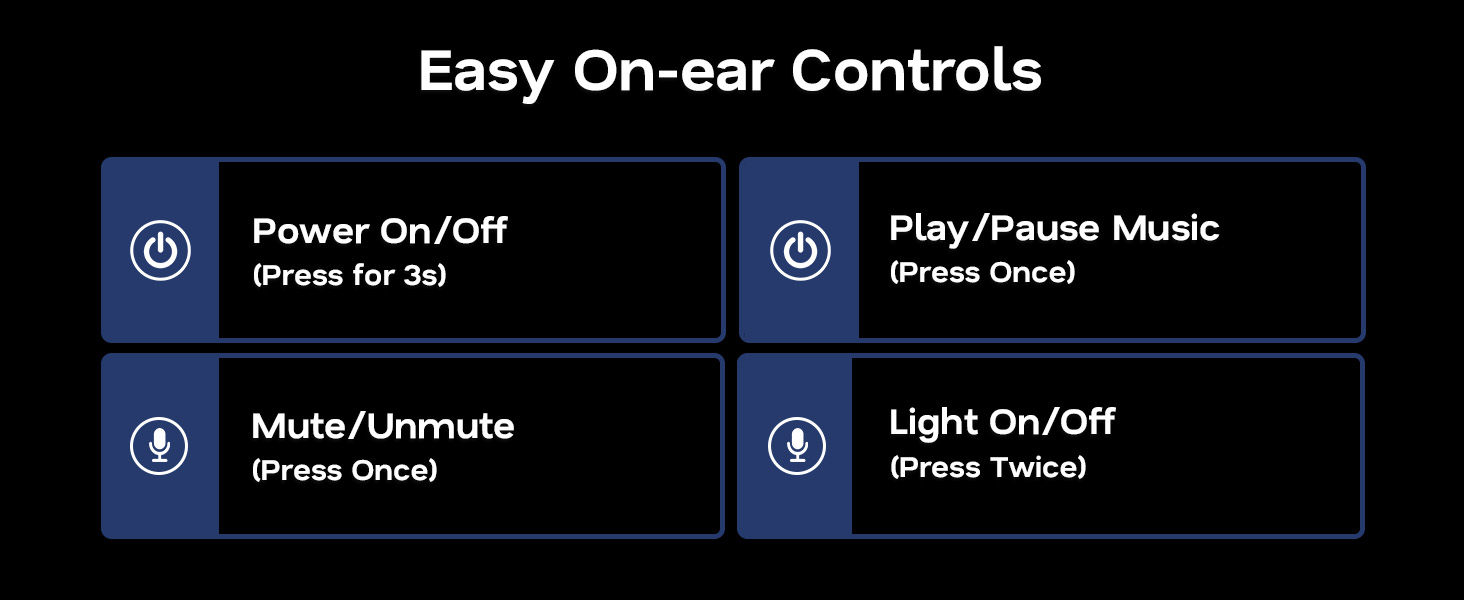
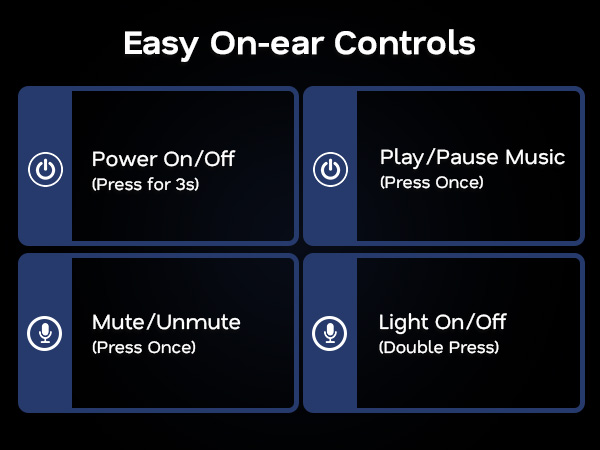
Press and hold the mic-logo button beside the left earcup for 3 seconds to change the lighting mode. Choose from 6 effects, including Dynamic RGB, RGB Breathing, Purple, Ice Blue, Neon Green, and Single-Color Cycle.
How do I mute the microphone on this gaming headset?
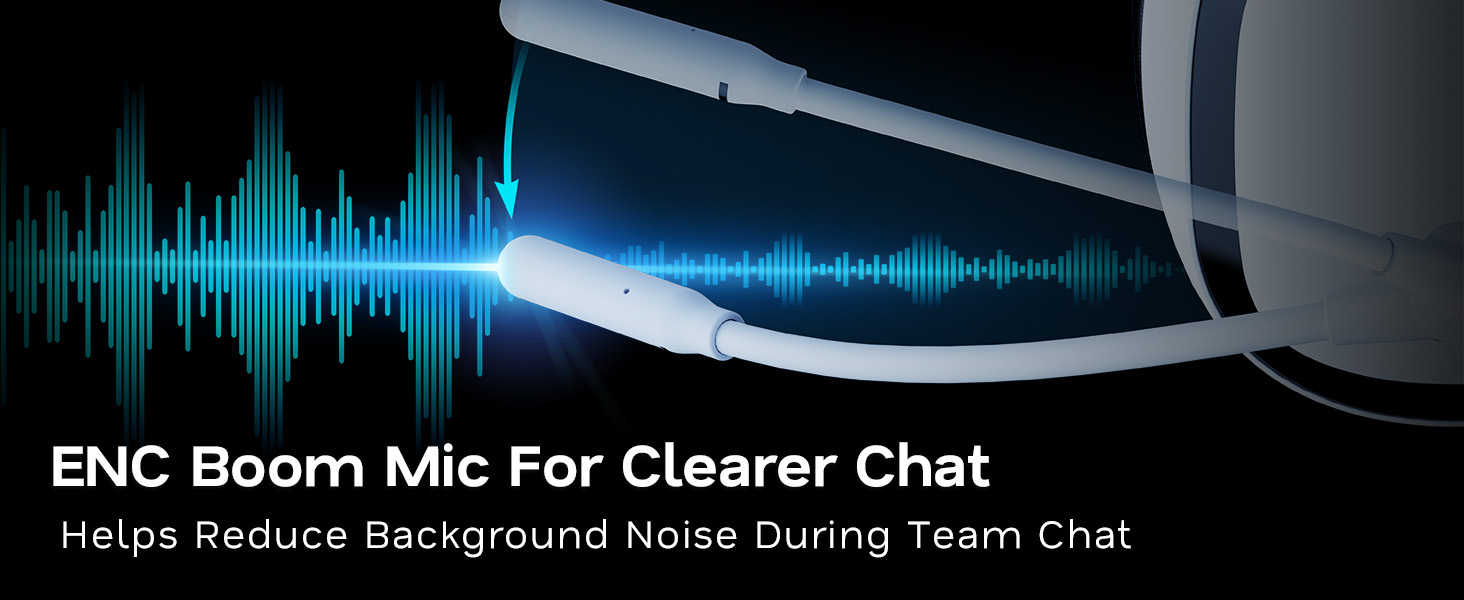
Press the mic button once on the left earcup to mute or unmute the microphone. This model uses button control and does not support flip-to-mute.
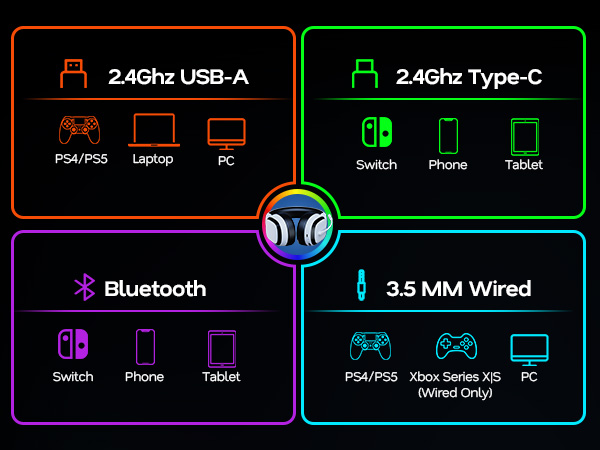
Can I use Bluetooth with this headset for PS5, PS4, or Nintendo Switch? (NO)
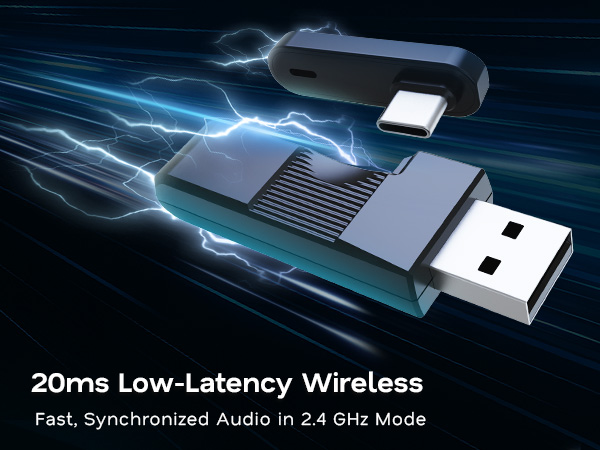
Bluetooth is intended for phones and tablets and also works with the latest Nintendo Switch. For PS5 and PS4 gaming, Bluetooth is not supported. Please use the included wireless dongle instead.
How can I use this gaming headset WIRELESSLY with Xbox consoles? (NO)
The 2.4GHz wireless and Bluetooth modes do not work with Xbox consoles. For gaming with Xbox, connect the headset through the 3.5mm audio cable.
How do I change the RGB lighting on this gaming headset?
Press and hold the mic-logo button beside the left earcup for 3 seconds to change the lighting mode. Choose from 6 effects, including Dynamic RGB, RGB Breathing, Purple, Ice Blue, Neon Green, and Single-Color Cycle.
How do I mute the microphone on this gaming headset?
Press the mic button once on the left earcup to mute or unmute the microphone. This model uses button control and does not support flip-to-mute.