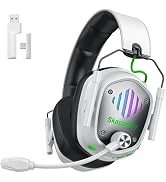
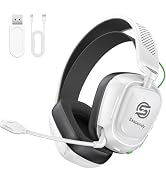
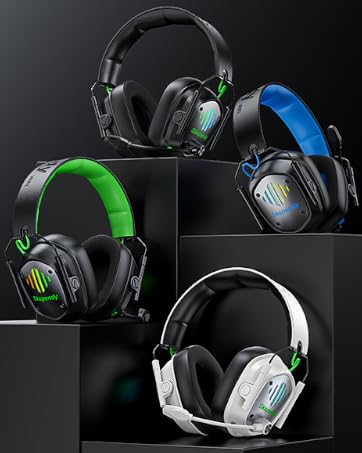
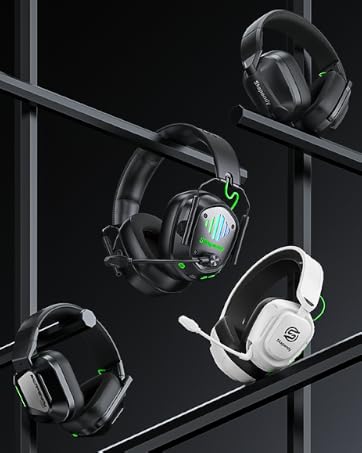
here!
here!
I’m your shopping assistant for PC builds, upgrades, and everything tech.
Got questions? Ask away!
Start a conversation
here!
I’m your shopping assistant for PC builds, upgrades, and everything tech.
Got questions? Ask away!
Start a conversation



Any questions? Ask CelesteSM will help you find out quickly.

Can I use Bluetooth mode with my PC or PS5/PS4?
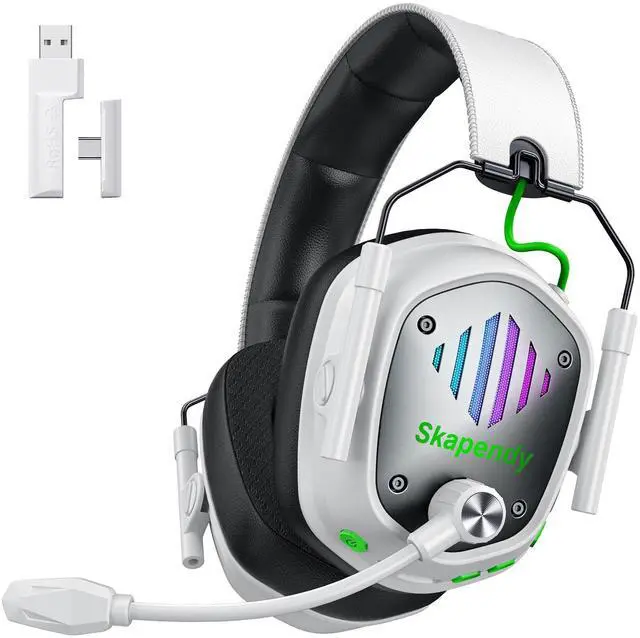
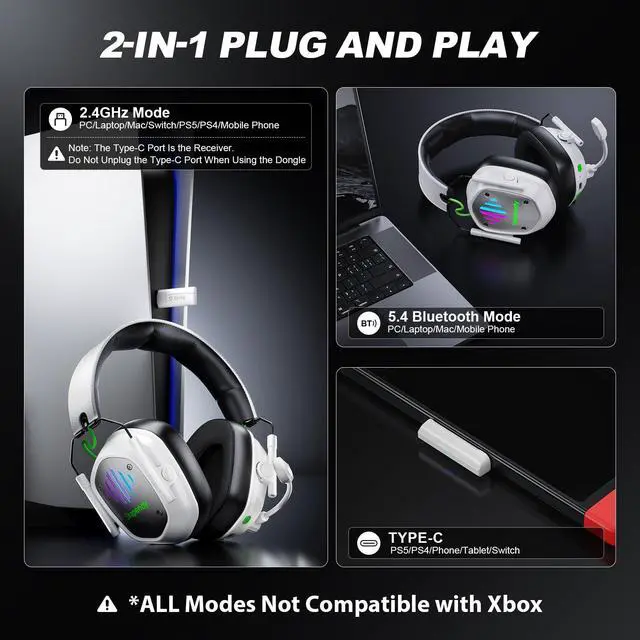
Bluetooth works with Bluetooth-enabled PCs, laptops, phones, tablets, and other compatible devices. For PS5 or PS4, use the included 2.4GHz USB/Type-C dongle; direct Bluetooth audio is not supported.
Is the VK81 wireless headset compatible with Xbox Series X?
No. This headset is not compatible with Xbox consoles. It supports PS5, PS4, PC, Mac, Nintendo Switch, and compatible Bluetooth devices depending on the connection mode.
When the headset is connected to a Nintendo Switch, can I use the microphone to chat with teammates?
Yes. When connected to Nintendo Switch via the included 2.4GHz USB/Type-C dongle, the headset supports both game audio and microphone chat.
How do I connect the headset to PS4/PS5?
1. Insert the USB dongle into the PS5/PS4 USB port.
2. Short press the mic button to switch to USB 2.4GHz Dongle mode.
3. PS4/PS5 Console settings: Settings-Audio-Audio devices-Set input & output device to "wireless gaming headset"
Is the latency noticeable with the VK81 wireless gaming headset?
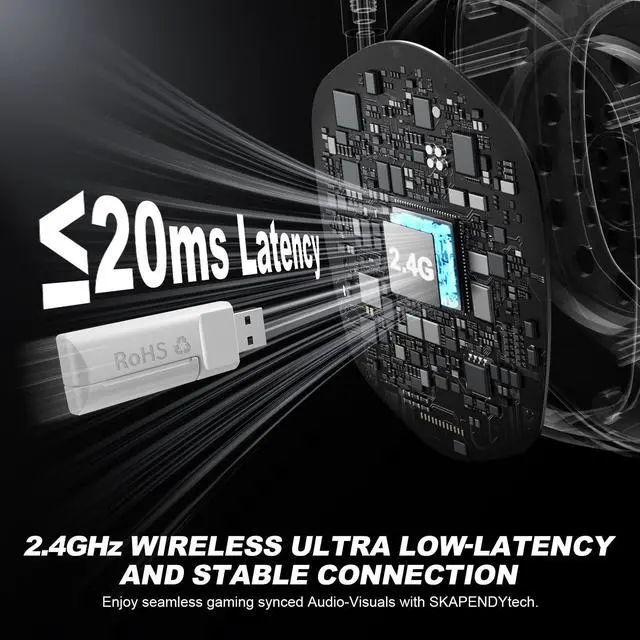
The VK81 delivers ultra-low latency of less than 20 ms in 2.4GHz USB dongle mode for responsive gaming. Bluetooth mode is ideal for everyday listening, though audio delay may be more noticeable.
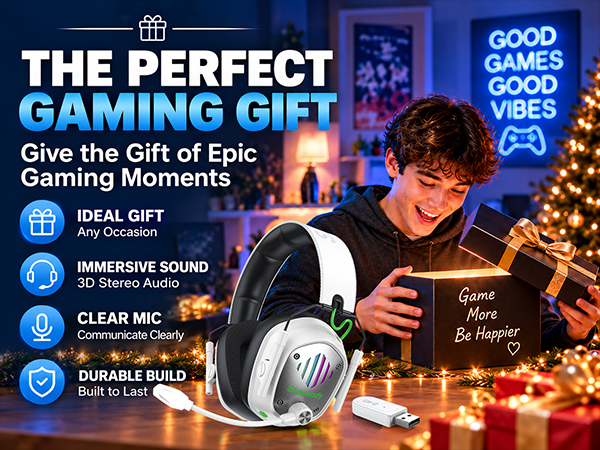
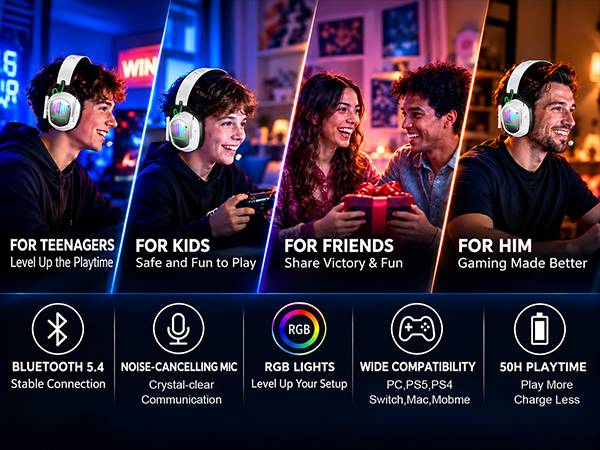


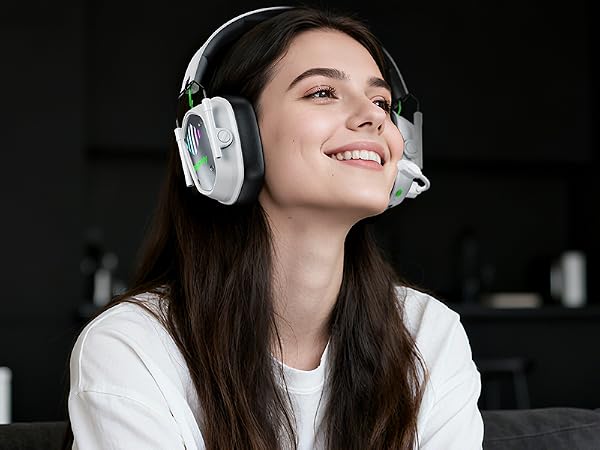

For PC Independent Exploration
Enjoy the Fantastic Gaming Time
Experience The Most Shocking Stereo Sound
Enjoy The Most Touching Movie
Immersive Gaming: Cheerful and Stimulating
2-IN-1 Plugs Specific Uses for PS4/PS5/Switch/Mobile


Can I use Bluetooth mode with my PC or PS5/PS4?
Bluetooth works with Bluetooth-enabled PCs, laptops, phones, tablets, and other compatible devices. For PS5 or PS4, use the included 2.4GHz USB/Type-C dongle; direct Bluetooth audio is not supported.
Is the VK81 wireless headset compatible with Xbox Series X?
No. This headset is not compatible with Xbox consoles. It supports PS5, PS4, PC, Mac, Nintendo Switch, and compatible Bluetooth devices depending on the connection mode.
When the headset is connected to a Nintendo Switch, can I use the microphone to chat with teammates?
Yes. When connected to Nintendo Switch via the included 2.4GHz USB/Type-C dongle, the headset supports both game audio and microphone chat.
How do I connect the headset to PS4/PS5?
1. Insert the USB dongle into the PS5/PS4 USB port.
2. Short press the mic button to switch to USB 2.4GHz Dongle mode.
3. PS4/PS5 Console settings: Settings-Audio-Audio devices-Set input & output device to "wireless gaming headset"
Is the latency noticeable with the VK81 wireless gaming headset?
The VK81 delivers ultra-low latency of less than 20 ms in 2.4GHz USB dongle mode for responsive gaming. Bluetooth mode is ideal for everyday listening, though audio delay may be more noticeable.