Your Browsing History
Meet Your Seller
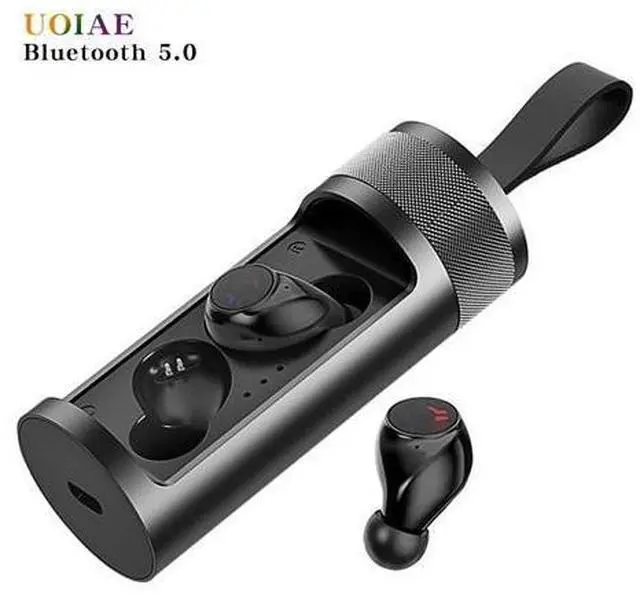
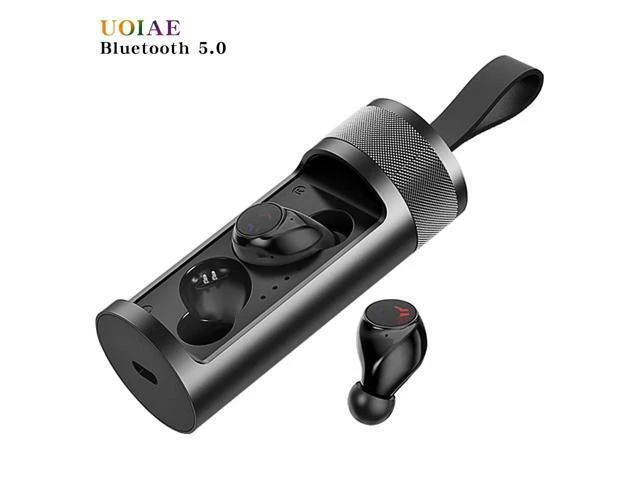
TWS Wireless Bluetooth Headphones,3D Stereo Sports Wireless Earphones,Noise Cancelling Gaming Headset Binaural
Limited time offer, ends 07/19 By Kepler Forge
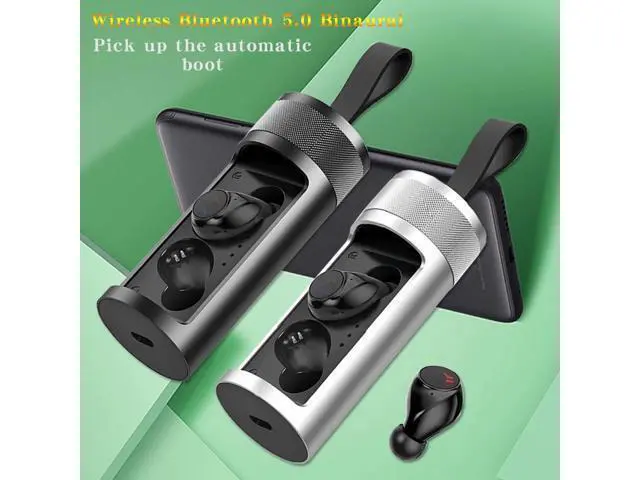
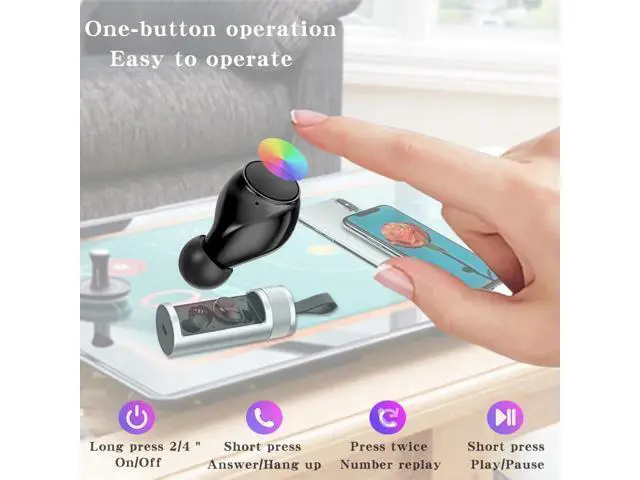
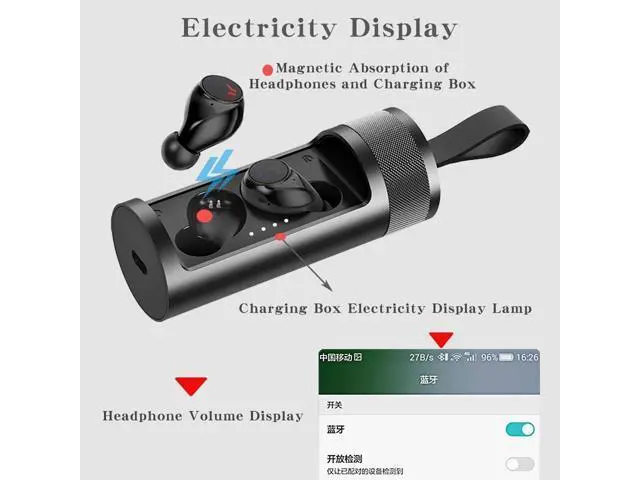
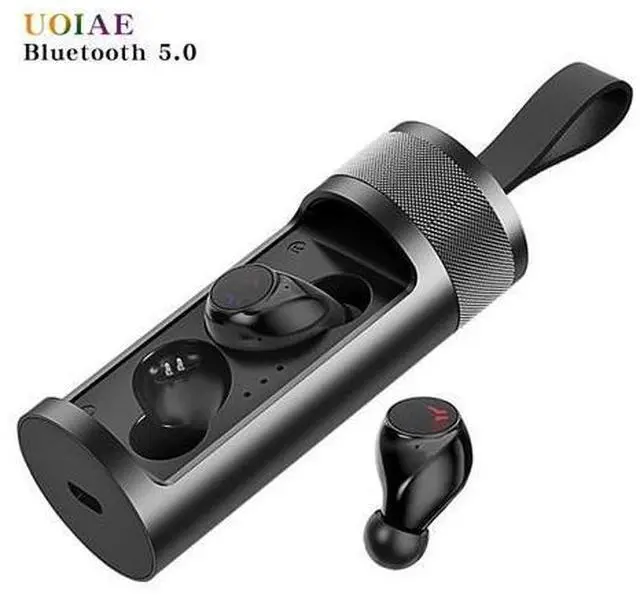
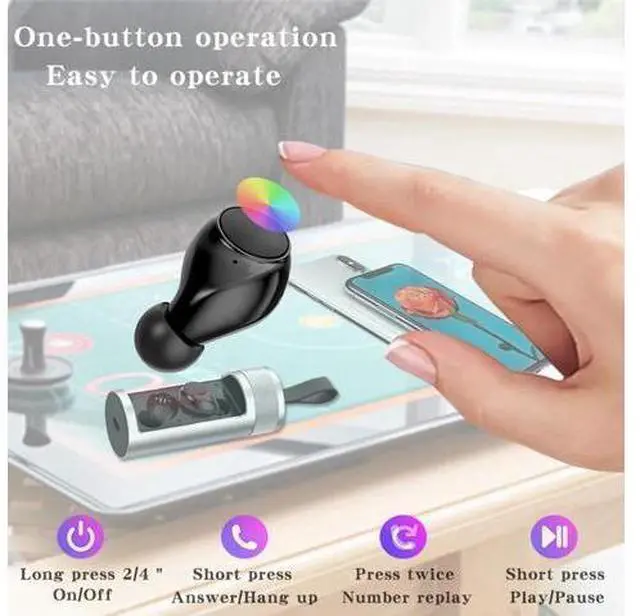
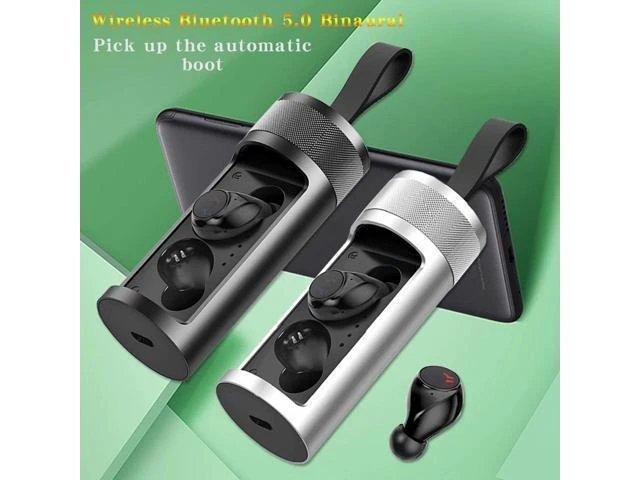
- Q9B Really Wireless Bluetooth 5.0 HeadsetCompact wear comfortable, portable aluminum alloy rotary charging box, easy to carry and protect. The headset supports all smartphones as long as your smartphone supports Bluetooth. Function keys: Powered on:Hold down the headset function button for 2 seconds(Left and right headphones at the same time ) Powered off:Press and hold the headphone button for 4 seconds(As long as one headset is operated, the left and right headphones will be turned off at the same time.) Short press function key:Play/pause/answer/hang up/call back. Long press function key:Restart/Reject Calls. Reset1,If headset is off state,press the headset function buttonsand until headset turn on. 2,If headset is in on state,press the headset and hold until headset turn off and then turn on again. 3,If the earphone is on and one earphone is silent (there is no connection between the two earphones), hold the earphone until the earphone is off, and then turn it on again (long press the headphone function key for 8-15 seconds).

+
+
Overview
Specs
Reviews
Any questions? Our AI beta will help you find out quickly.
Try me now
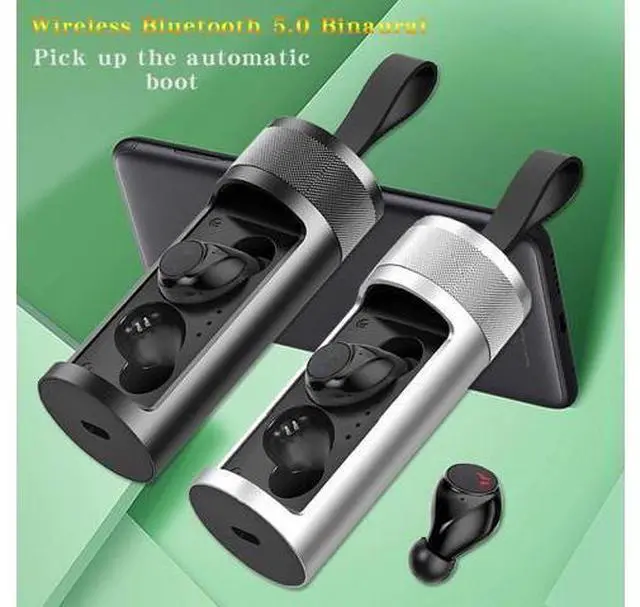
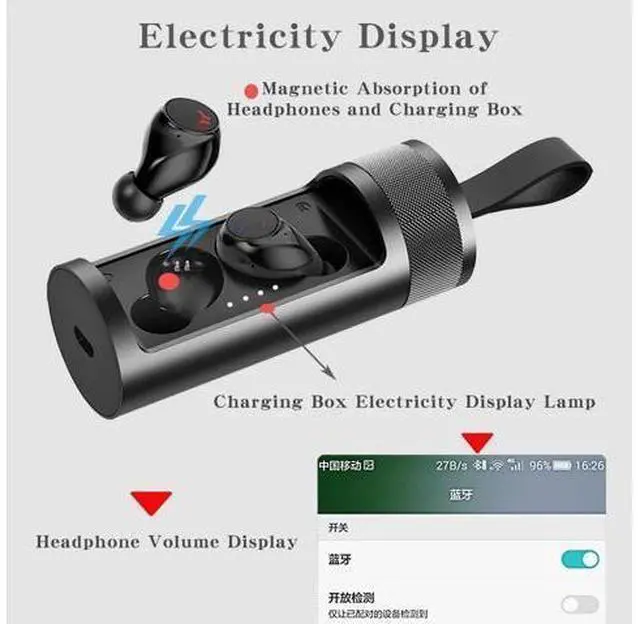
Q9B Really Wireless Bluetooth 5.0 HeadsetCompact wear comfortable, portable aluminum alloy rotary charging box, easy to carry and protect. The headset supports all smartphones as long as your smartphone supports Bluetooth.
Function keys: Powered
on: Hold down the headset function button for 2 seconds (Left and right headphones at the same time )
Powered off: Press and hold the headphone button for 4 seconds(As long as one headset is operated, the left and right headphones will be turned off at the same time. )
Short press function key: Play/pause/answer/hang up/call back.
Long press function key: Restart/Reject Calls. Reset1, If headset is off state, press the headset function buttonsand until headset turn on. 2, If headset is in on state, press the headset and hold until headset turn off and then turn on again. 3, If the earphone is on and one earphone is silent (there is no connection between the two earphones), hold the earphone until the earphone is off, and then turn it on again (long press the headphone function key for 8-15 seconds).
Function keys: Powered
on: Hold down the headset function button for 2 seconds (Left and right headphones at the same time )
Powered off: Press and hold the headphone button for 4 seconds(As long as one headset is operated, the left and right headphones will be turned off at the same time. )
Short press function key: Play/pause/answer/hang up/call back.
Long press function key: Restart/Reject Calls. Reset1, If headset is off state, press the headset function buttonsand until headset turn on. 2, If headset is in on state, press the headset and hold until headset turn off and then turn on again. 3, If the earphone is on and one earphone is silent (there is no connection between the two earphones), hold the earphone until the earphone is off, and then turn it on again (long press the headphone function key for 8-15 seconds).
Warranty & Returns
Warranty, Returns, And Additional Information
Warranty
- Please contact the Seller directly for warranty information. Warranty information may also be found on the Manufacturer's website.
- CONTACT
Return Policies
- Return for refund within: 30 days
- Return for replacement within: 30 days
- This item is covered by Kepler Forge Return Policy
Manufacturer Contact Info
- For a directory of all our manufacturers, please click below.
- Manufacturers Directory
LOADING...