here!
here!
I’m your shopping assistant for PC builds, upgrades, and everything tech.
Got questions? Ask away!
Start a conversation
here!
I’m your shopping assistant for PC builds, upgrades, and everything tech.
Got questions? Ask away!
Start a conversation



Any questions? Ask CelesteSM will help you find out quickly.
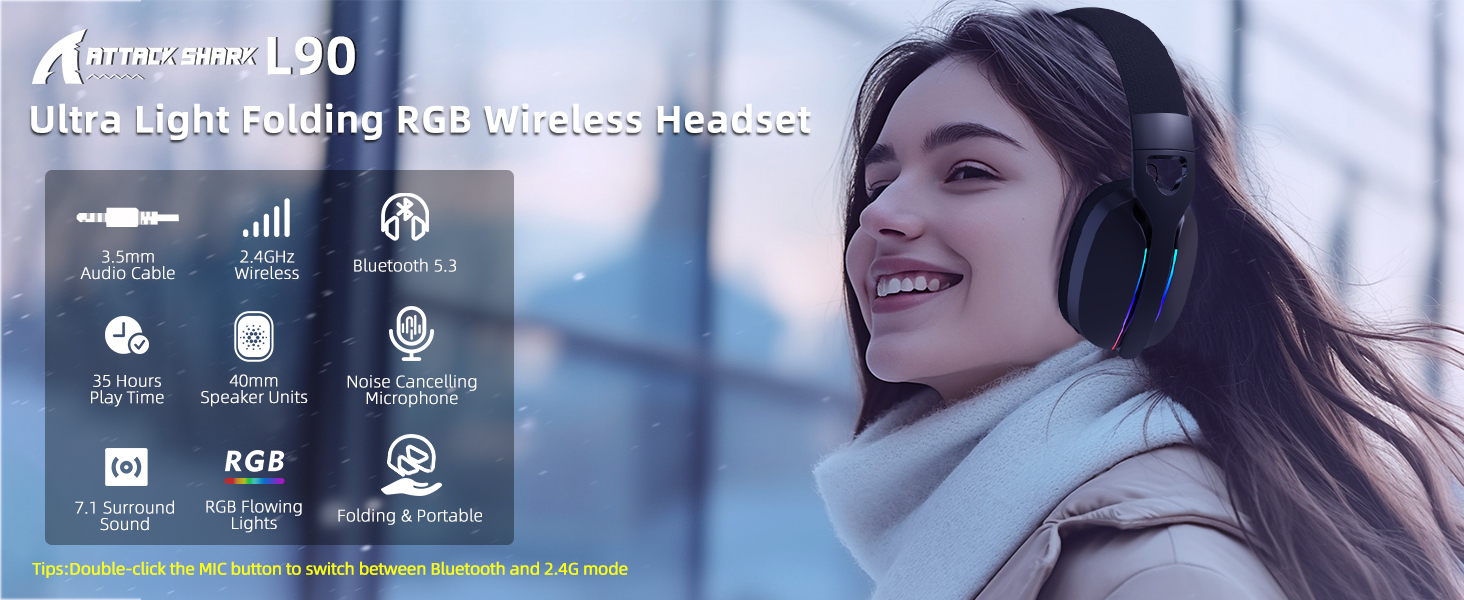

Bluetooth Connection
Press the "M" button twice to switch to Bluetooth mode, For the first time use, the headset will automatically enter pairing mode and then, check your Bluetooth pairing list on the phones or pads to find "L90" and connect to it, Once connected, you will hear the prompt "Connected" and the blue indicator will turned on it, The headset will automatically shut down if the device is not connected for 5 minutes.
2.4Ghz Connection
After plug the 2.4G Receiver into your PC, console, or mobile device, the headset will automatically connect after turning it on. When the headset are connected, you will hear the prompt "Connected"' and the 2.4G dongle and headset's blue light will remains on.The headset will automatically shut down if the device is not connected for 5 minutes.
Important: Switching Between Bluetooth and 2.4GHz Wireless Modes on Different Devices
If you need to connect the headset to another device after using it on one device for more than 5 minutes,press and hold the up arrow button for 3 seconds to enter forced pairing mode. The blue indicator light on the headset will flash every 0.5 seconds.


Bluetooth Connection
Press the "M" button twice to switch to Bluetooth mode, For the first time use, the headset will automatically enter pairing mode and then, check your Bluetooth pairing list on the phones or pads to find "L90" and connect to it, Once connected, you will hear the prompt "Connected" and the blue indicator will turned on it, The headset will automatically shut down if the device is not connected for 5 minutes.
2.4Ghz Connection
After plug the 2.4G Receiver into your PC, console, or mobile device, the headset will automatically connect after turning it on. When the headset are connected, you will hear the prompt "Connected"' and the 2.4G dongle and headset's blue light will remains on.The headset will automatically shut down if the device is not connected for 5 minutes.
Important: Switching Between Bluetooth and 2.4GHz Wireless Modes on Different Devices
If you need to connect the headset to another device after using it on one device for more than 5 minutes,press and hold the up arrow button for 3 seconds to enter forced pairing mode. The blue indicator light on the headset will flash every 0.5 seconds.