




 here!
I’m your shopping assistant for PC builds, upgrades, and everything tech.
Got questions? Ask away!
Start a conversation
here!
I’m your shopping assistant for PC builds, upgrades, and everything tech.
Got questions? Ask away!
Start a conversation



Any questions? Ask CelesteSM will help you find out quickly.
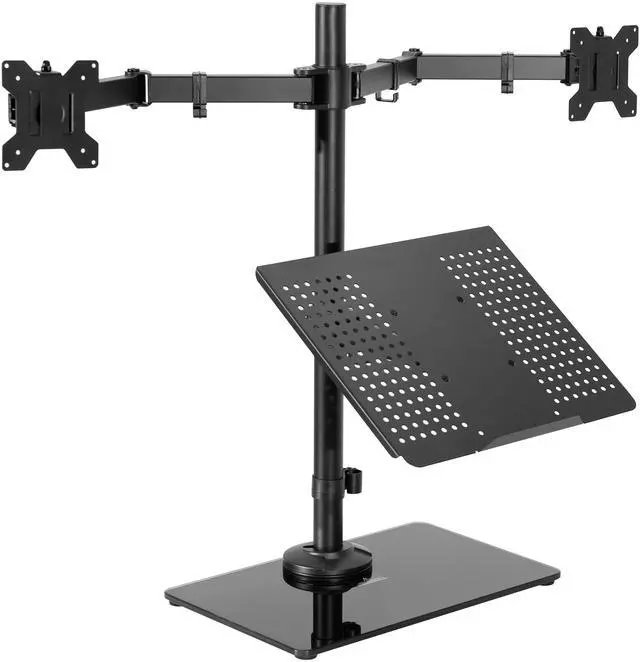
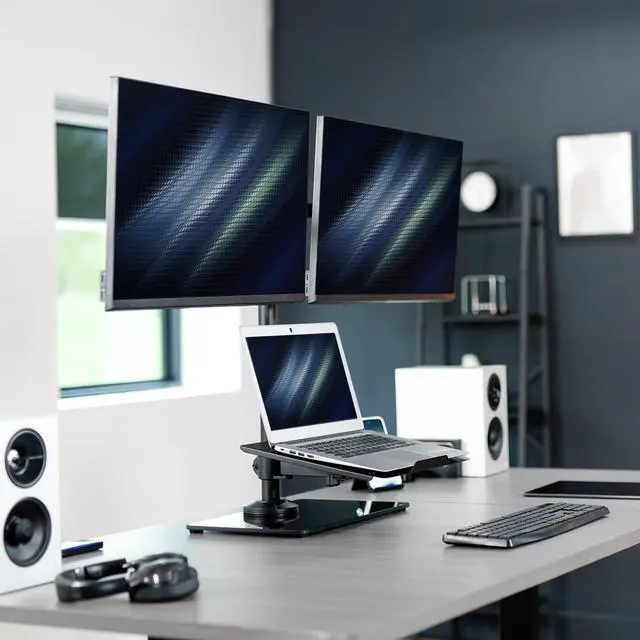
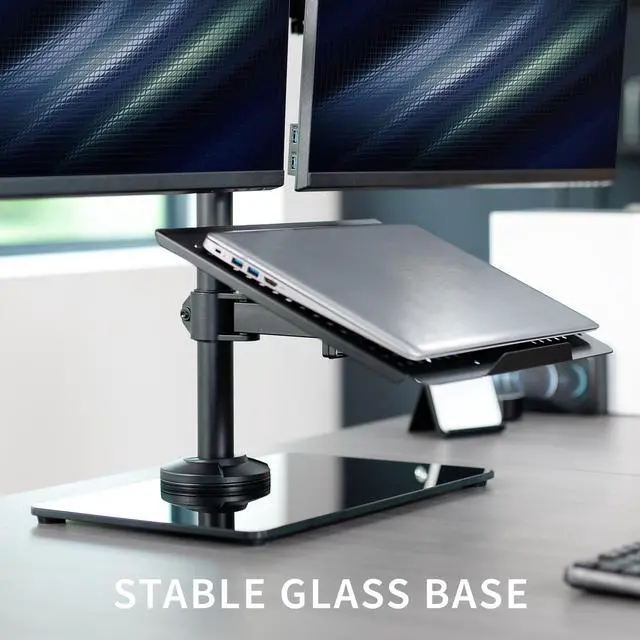
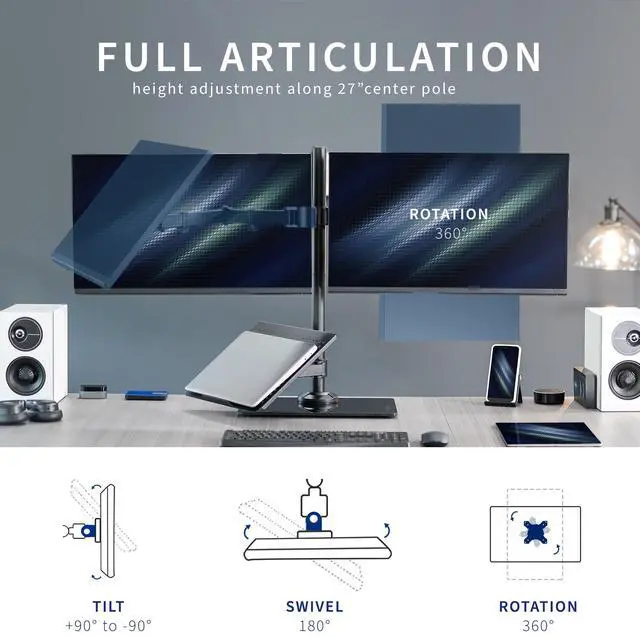
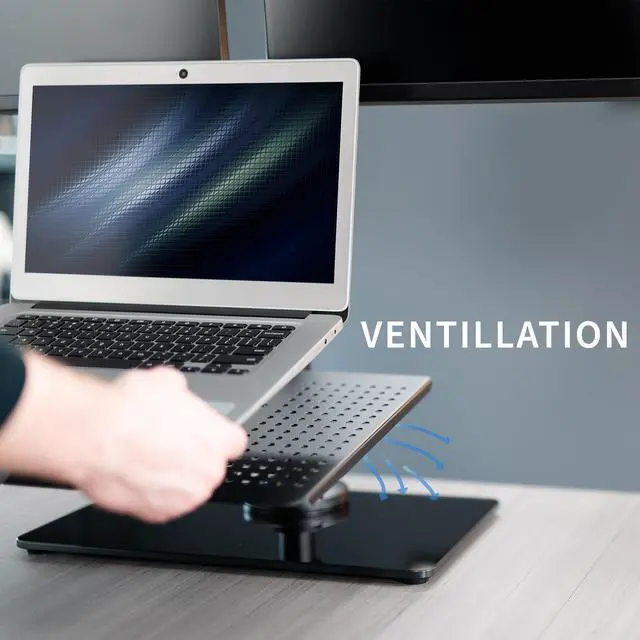
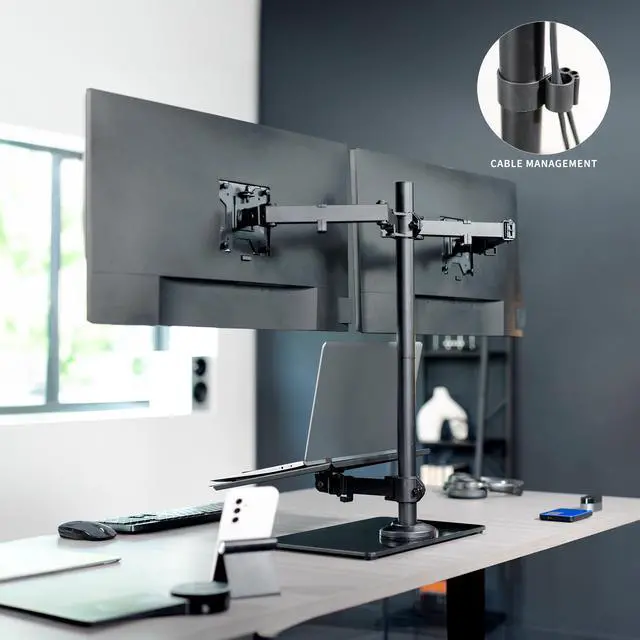
Elevate your work to a more ergonomic position and save valuable desk space with the Dual Monitor and Laptop Desk Stand (STAND-V003FGL) from VIVO! No need to install anything to your table with this sturdy mount. The sleek, glass base and high-grade steel design hold your monitors and laptop safe and secure without the need for drilling or clamping. Featuring tilt, swivel, rotation, and height adjustment along the center pole, you can find optimal viewing angles that increase work comfort. The mounting brackets support VESA 75x75mm and 100x100mm hole patterns, fitting the majority of monitors on the market. The ventilated tray holds laptops up to 17 to complete your triple-screen display.
Compatibility
Specifications
The VIVO laptop and dual-monitor desk stand is a freestanding triple-screen mount for desk users who want to position two monitors up to 32 inches alongside a laptop up to 17 inches, within the stand’s weight and VESA limits.
| Attribute | Value |
|---|---|
| Best For | Desk setups using a laptop alongside two monitors |
| Compatibility And Mounting | For monitors and laptops; designed for tabletop mounting |
| Adjustability | Adjustable design with swivel functionality |
| Build And Finish | Alloy steel construction in black |
| Model Identifiers | VIVO STAND-V003FGL |
Q: VIVO STAND-V003FGL vs. STAND-V002FG: which one fits two monitors and a laptop?
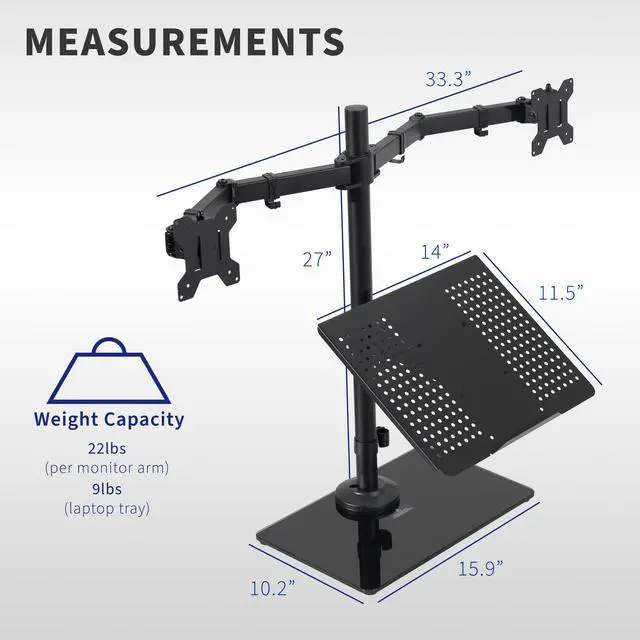
A: Choose the STAND-V003FGL if you want two monitors plus a laptop on one stand: it combines two monitor arms for screens up to 32 inches and 22 lb each with a tray for a laptop up to 17 inches and 9 lb. The STAND-V002FG is VIVO’s glass-base stand for two monitors, supporting screens up to 32 inches and 22 lb each.
Q: Should I get the VIVO dual-monitor-and-laptop stand or the single-monitor-and-laptop version?
A: Choose the dual-monitor version when your setup calls for two VESA-mounted screens plus a laptop; it supports two monitors up to 32 inches and a laptop up to 17 inches. The single-monitor version in VIVO’s STAND-V002FGL series pairs one monitor with a laptop.
Q: VIVO STAND-V003FGL vs. STAND-V103F: laptop plus two monitors or three monitors?
A: Choose the STAND-V003FGL for a two-monitor-and-laptop setup, with support for monitors up to 32 inches and a laptop up to 17 inches. Choose the STAND-V103F when you want to mount three monitors; it supports screens from 23 to 32 inches and up to 22 lb per monitor.
Q: VIVO STAND-V003FGL vs. STAND-V002LG: which glass-base stand suits a laptop-and-monitor setup?
A: Choose the STAND-V003FGL to combine a laptop with two monitors. Choose the STAND-V002LG for two vertically stacked monitors; VIVO lists support for screens up to 34 inches and 22 lb per screen.
Q: Can this stand hold two monitors and a laptop at the same time?
A: Yes. It is designed for a two-monitor-and-laptop setup. The monitors must each be within the listed size and weight limits and have 75 × 75 mm or 100 × 100 mm VESA mounting holes; the laptop tray supports laptops up to 17 inches and 9 lb.
Q: Will it fit my monitor?
A: Check the monitor’s VESA pattern, screen size, and weight before buying: this stand is listed for screens up to 32 inches and 22 lb, with 75 × 75 mm or 100 × 100 mm VESA holes. Confirm that your monitor meets all three requirements.
Q: Does this stand need to be clamped or drilled into the desk?
A: No. It uses a freestanding tempered-glass base rather than a desk clamp. The base measures 15.9 × 10.2 inches, so check that your desk has room for it and keep the monitors positioned to avoid instability.
Q: Is assembly and monitor mounting complicated?
A: The listing says the stand includes assembly instructions and hardware, plus detachable VESA plates for mounting the screens. Confirm your monitors’ VESA pattern and weight before assembly.
Q: Is this stand suitable for a work-from-home setup with a laptop and external monitors?
A: It is designed for a laptop-plus-monitor desk setup: the tray supports laptops up to 17 inches and 9 lb, and the arms support VESA-compatible monitors within the product’s stated limits. A Reddit user discussing a VIVO laptop-and-monitor stand said it freed desk space and provided a secondary screen, but noted that keeping the laptop also preserves its webcam.
Q: Can I keep the laptop as a second screen, or replace it with a smaller monitor?
A: The stand’s tray is intended for a laptop, so keeping the laptop supports the product’s laptop-plus-monitor configuration. A Reddit user considering this setup said they were still deciding whether to keep the laptop or replace it with a smaller monitor, partly because they had not found a suitable small display. The supplied product information does not establish that a monitor can be mounted on the laptop tray.
Q: Does using a wider monitor setup make it harder to share only part of the screen in Teams?
A: A commenter in the Reddit discussion said they had no issue when sharing the relevant window rather than the entire screen. That addresses the software-sharing concern, but it is not a product-specific feature of the stand.


