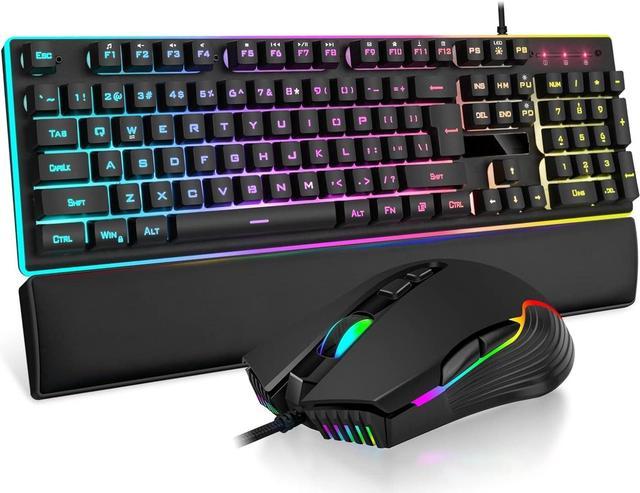
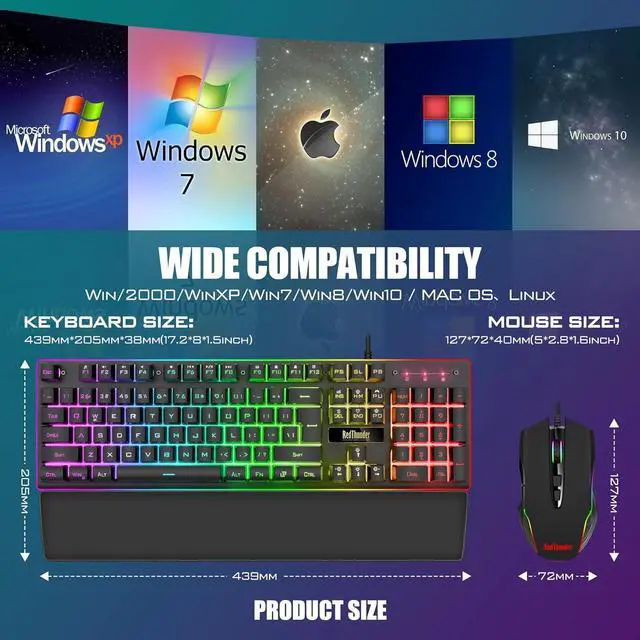
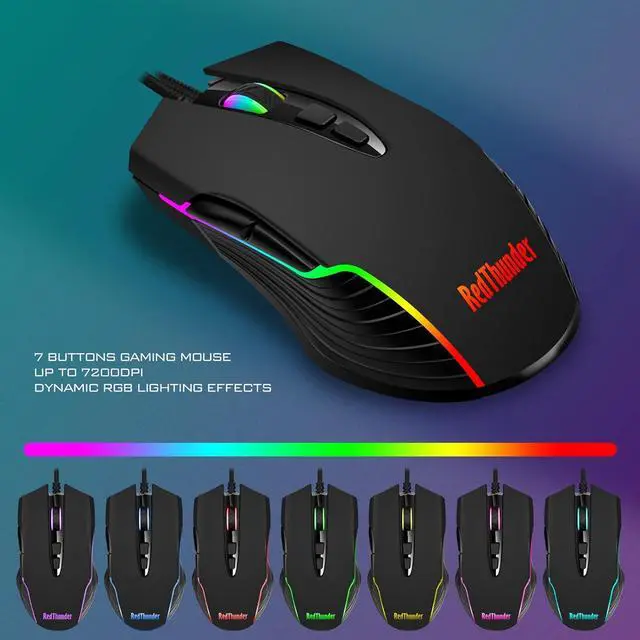
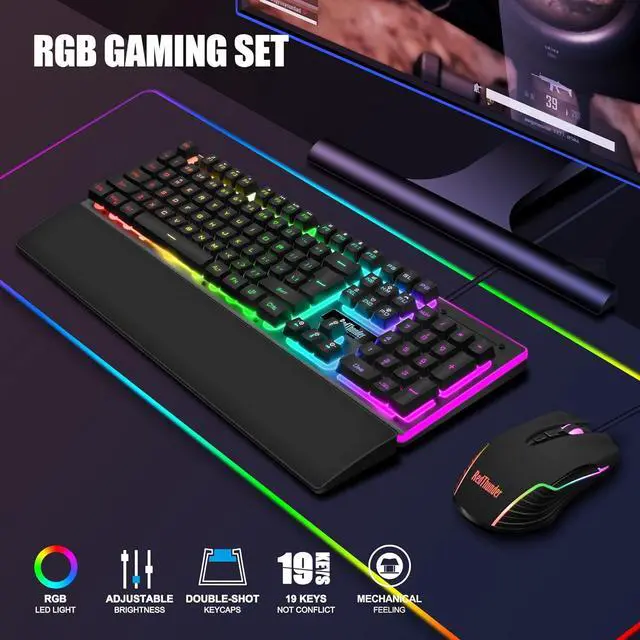
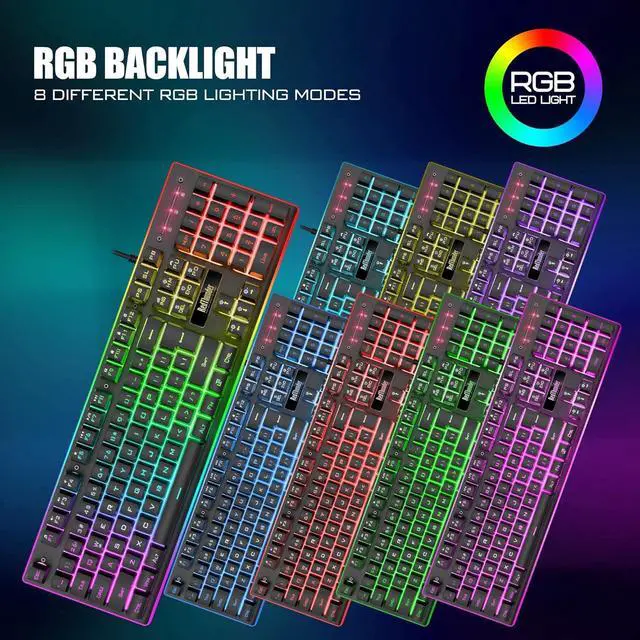
Upgraded RGB Lighting Gaming ComboAll the keys of the keyboard, the light bar on the bottom side of the keyboard, and the RGB lights on the side of the mouse will glow. Your fingertips dance on the designed floating keycaps and click on the hyper-responsive mouse, accompanied by rainbow-like RGB lighting, allowing you to instantly enter the cool game state.
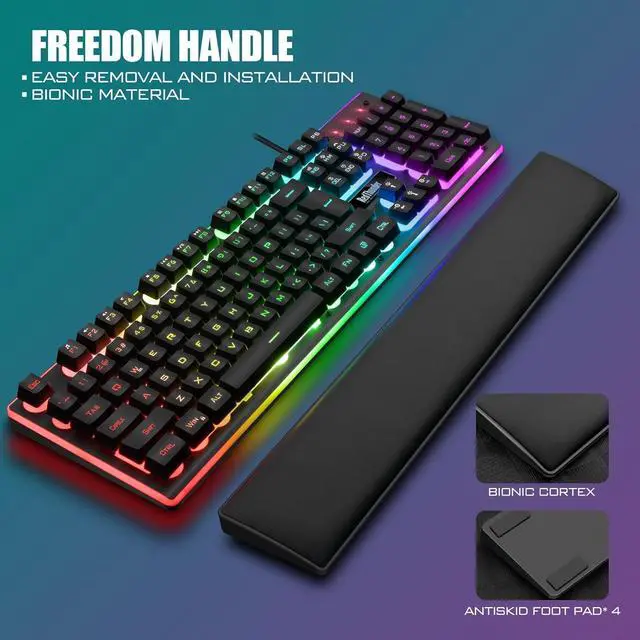
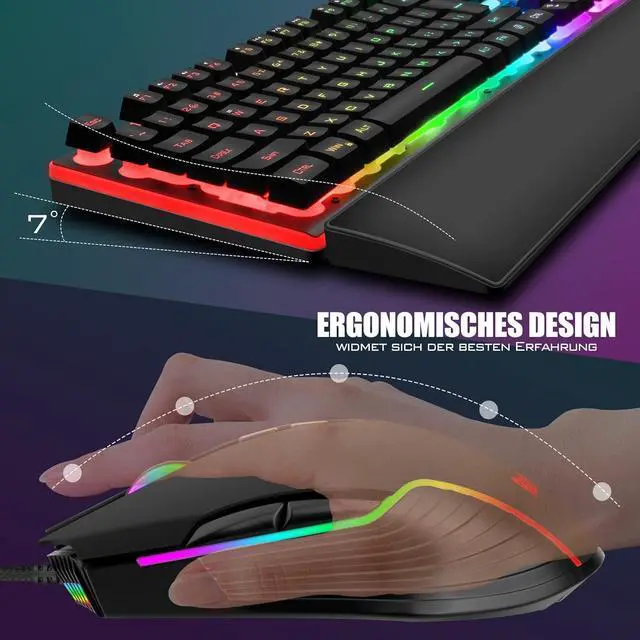
Perfect Ergonomic Computer Game ComboThe adjustable tripod keyboard makes your keys easier. The anti-slip material mouse that is more suitable for the hand can reduce your hand fatigue. Soft leather wrist rest made from smooth faux leather and memory foam for extra relaxation while gaming.
High-quality Game CombinationThe curved ABS keycaps are exquisite in workmanship, the built-in steel plate of the keyboard base is sturdy and resistant to falling, the non-slip ABS material mouse has a better grip, and the soft leather wrist-rest filled with memory foam is more textured. High quality allows you to choose worry-free.
How to use the Fn function?
FN + Insert = Cyclic Mode; FN + Delete = Streamer Mode; FN + PgUp = Custom Mode; FN + Home = Switch Color; FN + End =Breathing Mode;
FN + PgDn = Turn Off Backlight; FN + =Brightness Adjustment; FN + = Breath Rate Adjustment
How to customize RGB light?
Press FN + PGUP twice to start customizing.
FN + (
1 - 6 ): Change the color of the corresponding custom area.
FN + PGUP: Save and complete. Restore default after power off.
FN + W: Exchange WASD and arrow keys.
FN + WIN: WIN key lock.
FN + (
F1 - F12 ): 12 multimedia combination keys.