




 here!
I’m your shopping assistant for PC builds, upgrades, and everything tech.
Got questions? Ask away!
Start a conversation
here!
I’m your shopping assistant for PC builds, upgrades, and everything tech.
Got questions? Ask away!
Start a conversation




Any questions? Ask CelesteSM will help you find out quickly.
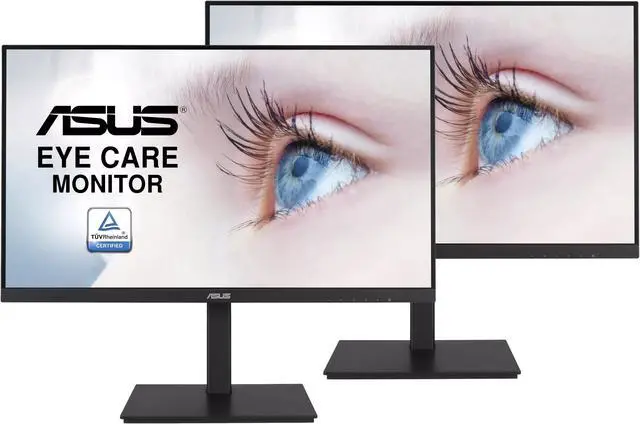
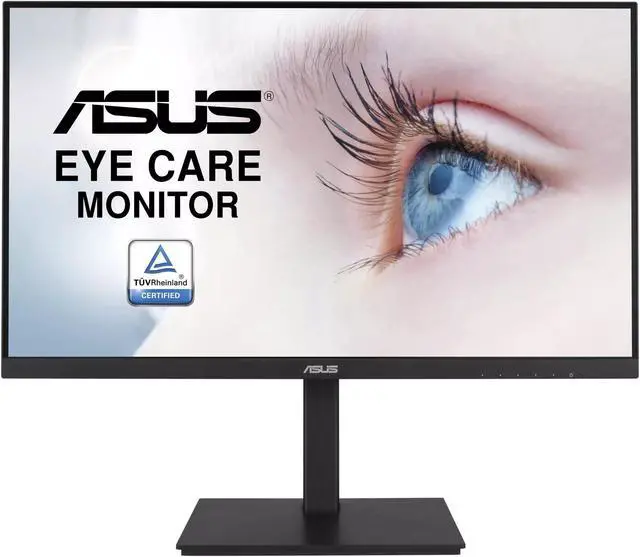
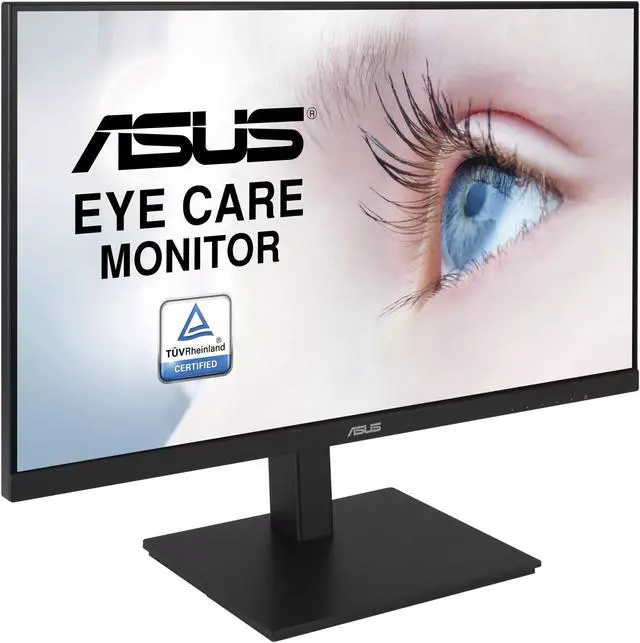
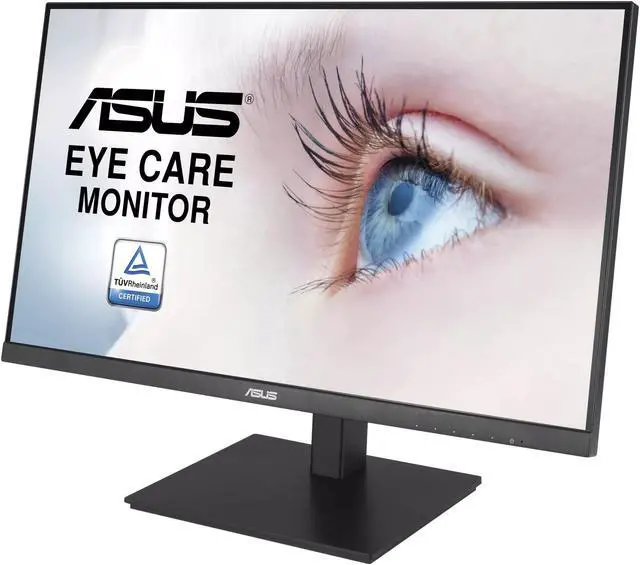
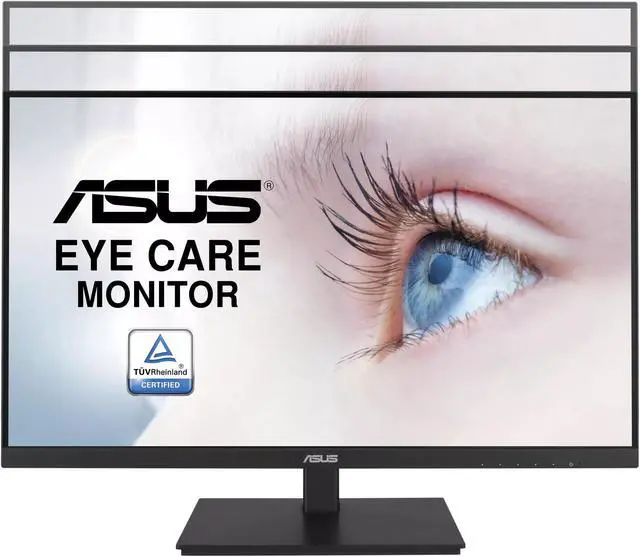
The ASUS VA24DQSB Pack-2 is a two-monitor bundle of 24-inch-class Full HD IPS displays with 75Hz refresh rates, suited to home offices and businesses that need clear, wide-angle screens for everyday work, video, and general media.
| Attribute | Value |
|---|---|
| Best For | Home and office setups needing a 24-inch Full HD IPS monitor |
| Panel And Resolution | 24-inch IPS panel with 1920 × 1080 resolution, 16:9 aspect ratio, 178° horizontal and vertical viewing angles, 16.7 million colors, and a 1,000:1 contrast ratio |
| Refresh Rate And Response | 75 Hz refresh rate with a 5 ms response time |
| Model Identifiers | ASUS |
Q: ASUS VA24DQSB vs VA24EHE: which is better for an adjustable office setup?
A: Choose the ASUS VA24DQSB if you want a height-adjustable stand with tilt, swivel, and pivot, plus a USB hub and built-in speakers. Both models have a 23.8-inch Full HD IPS panel with a 75Hz refresh rate; the VA24EHE is a fit for a simpler monitor setup.
Q: Should I get the ASUS VA24DQSB or VA24EQSB?
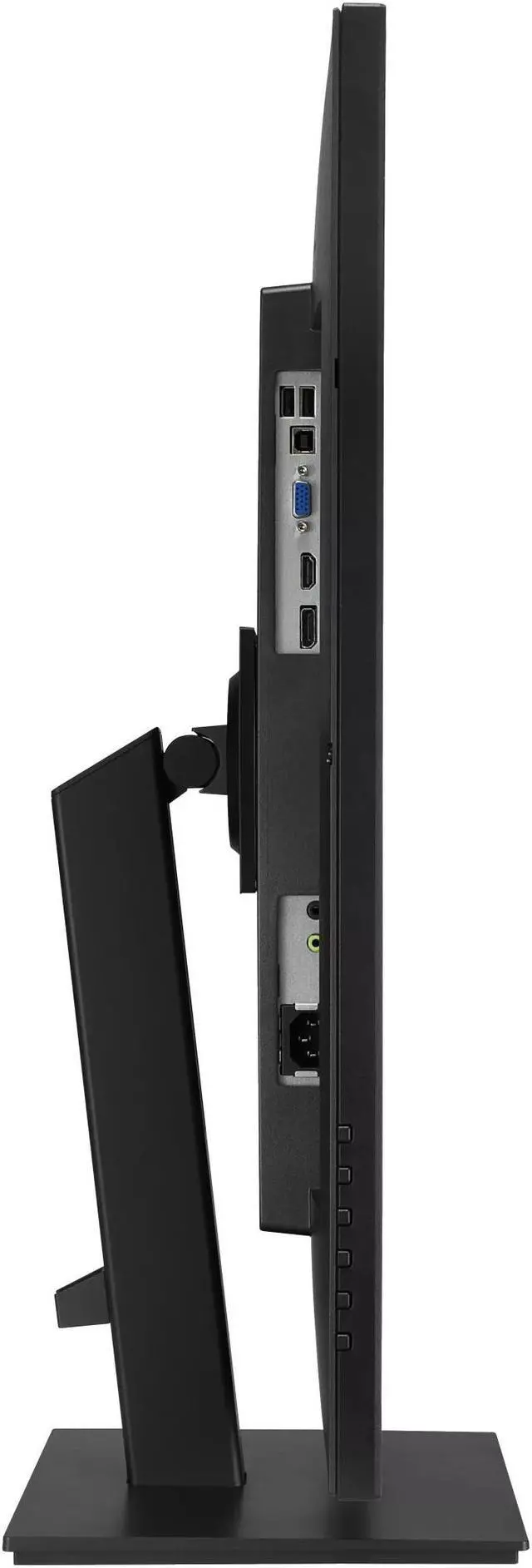
A: Both are 23.8-inch Full HD IPS monitors with 75Hz refresh rates and ergonomic stands. Choose the VA24DQSB for its DisplayPort, HDMI, VGA, USB 2.0 hub, and built-in speakers; choose the VA24EQSB if you prefer its 300 cd/m² rated brightness and USB 3.2 Gen 1 hub.
Q: ASUS VA24DQSB vs VA27DQSB: which screen size should I choose?
A: Choose the VA24DQSB for a 23.8-inch display in a more compact desktop setup, or the VA27DQSB if you prefer a larger 27-inch viewing area. Both offer Full HD IPS, 75Hz refresh, Adaptive-Sync, built-in speakers, a USB hub, and an adjustable stand.
Q: ASUS VA24DQSB vs VA24DQ: which one offers more stand flexibility?
A: Choose the VA24DQSB if you want a stand with height adjustment, swivel, and portrait pivot for tailoring screen position. It also includes a USB hub and built-in speakers, while both models share a 23.8-inch Full HD IPS panel and 75Hz refresh rate.
Q: Is this monitor suitable for everyday office and home-office work?
A: Yes. Its 24-inch Full HD IPS display, non-glare surface, wide viewing angles, and eye-care features suit common tasks such as documents, spreadsheets, browsing, and video meetings. The product information does not list a built-in webcam or microphone, so plan to use separate or computer-connected meeting equipment if needed.
Q: Can I connect this monitor to a laptop or desktop?
A: It has HDMI, DisplayPort, and VGA inputs. It can connect to a computer that has a matching video output; check the computer’s ports and whether an adapter or cable is needed. The monitor does not connect to a computer over Wi-Fi.
Q: Can I use it in portrait orientation or mount it on an arm?
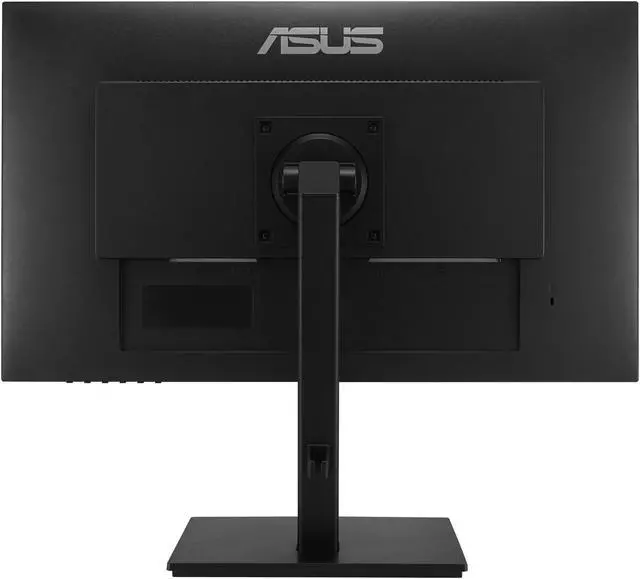
A: The product information lists pivot and swivel adjustments, and says the monitor is VESA compatible. It is intended to support flexible positioning; check the stand’s pivot range and the mount’s VESA fit before setup.
Q: Is this monitor good for gaming?
A: It can suit casual gaming: it supports 75Hz refresh, a 5ms response time, and AMD FreeSync. Those specifications are more modest than what many buyers seek for high-refresh competitive gaming, so choose it primarily for general use if gaming performance is a priority.
Q: Is the VA24DQSB a suitable monitor for general work and productivity?
A: It fits the needs discussed for a compact work monitor: a 23.8-inch 1080p IPS screen, DisplayPort, and an adjustable stand with height, swivel, and pivot adjustments. Its 75Hz refresh rate is geared toward everyday use rather than high-refresh gaming.
Q: Can the VA24DQSB work as a portrait-oriented side monitor?
A: Yes. Its stand supports pivoting the screen into portrait orientation. One Reddit user reported using it vertically as a side display, while noting that its 16:9 shape may not match a 16:10 screen.
Q: What should I compare when choosing the VA24DQSB over another ASUS 24-inch model?
A: Compare the specific features and price rather than relying on the model names. In a Reddit comparison, buyers considered the VA24DQSB and VA24EQSB for productivity and asked about differences including brightness and power use; check the exact listing to confirm the specifications and included features.


