




 here!
I’m your shopping assistant for PC builds, upgrades, and everything tech.
Got questions? Ask away!
Start a conversation
here!
I’m your shopping assistant for PC builds, upgrades, and everything tech.
Got questions? Ask away!
Start a conversation

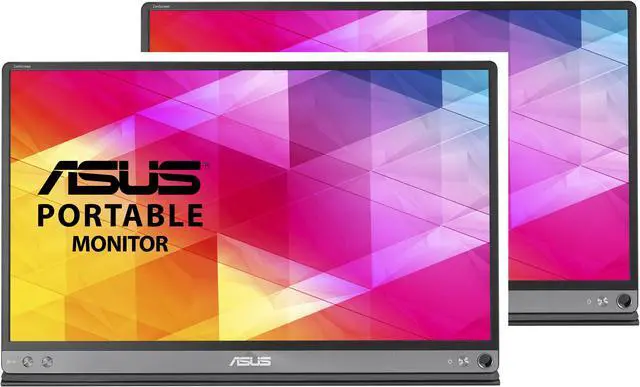

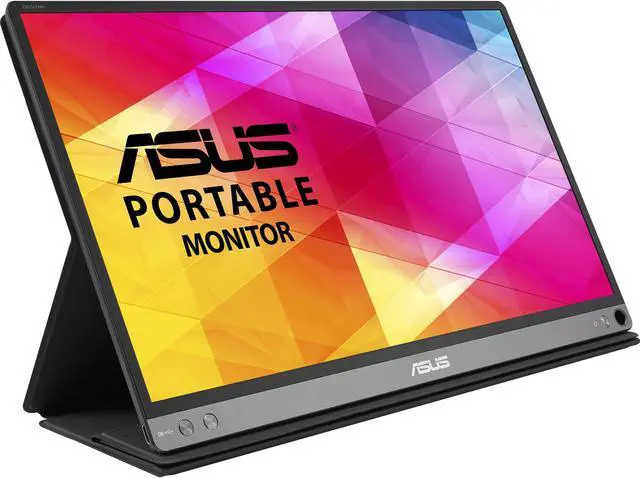
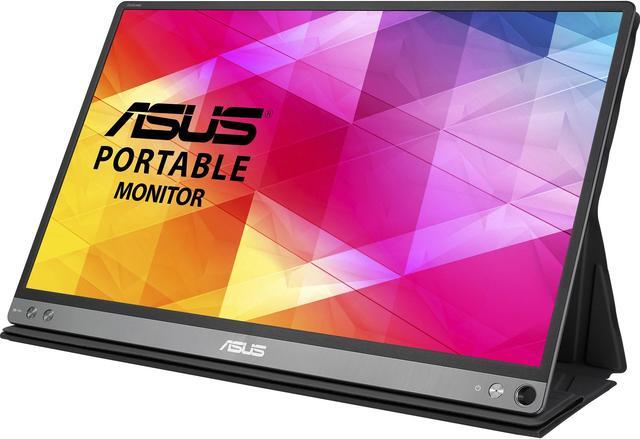
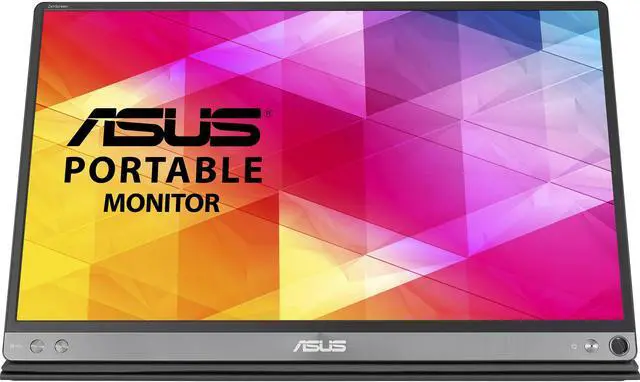



Any questions? Ask CelesteSM will help you find out quickly.
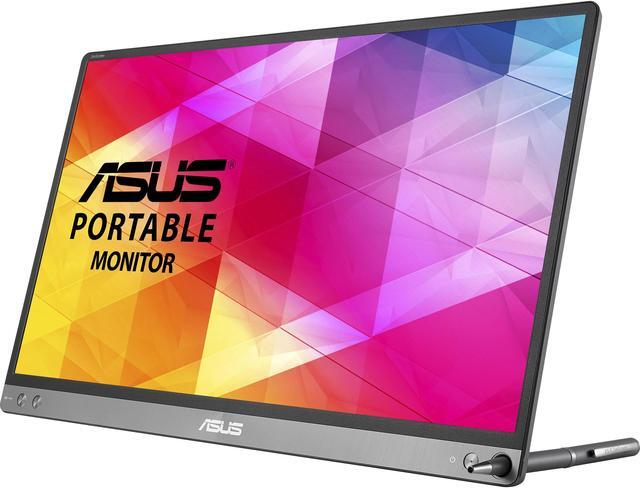
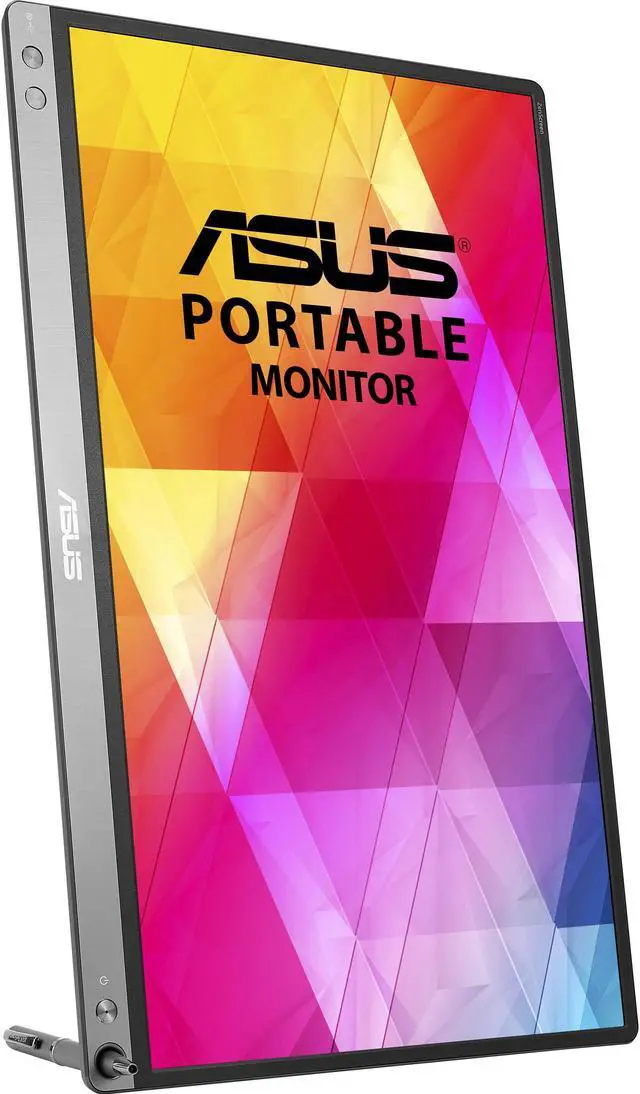
The ASUS MB16AC is a 15.6-inch Full HD monitor with an anti-glare screen, 60Hz refresh rate, and USB Type-C connectivity, suited to home and business users who want a compact display for everyday work, videos, and general use.
| Attribute | Value |
|---|---|
| Best For | Home and business use with Full HD content on a 15.6-inch monitor |
| Panel And Resolution | 15.6-inch FHD display with 1920 × 1080 resolution, 16:9 aspect ratio, 178° horizontal and vertical viewing angles, 262,000 colors, and a 1,000:1 contrast ratio |
| Refresh Rate And Response | 60 Hz refresh rate and 5 ms response time |
Q: ASUS MB16AC vs MB166C: which is better for connecting to different laptops?
A: Choose the ASUS MB16AC if you want the option to connect through USB-C or USB-A: ASUS specifies hybrid-signal support for both, with a driver required for USB-A. The MB166C is a 15.6-inch Full HD portable monitor with USB-C DisplayPort Alt Mode and a tripod socket.
Q: Should I get the ASUS MB16AC or MB16ACV for a portable second screen?
A: Both are 15.6-inch Full HD portable monitors. Choose the MB16ACV if you value its built-in kickstand, tripod socket, and 250-nit brightness specification; choose the MB16AC for its hybrid USB-C and USB-A connection support, with a driver required for USB-A.
Q: ASUS MB16AC vs MB16AH: which should I choose for laptop work?
A: Choose the MB16AC for a portable laptop display with hybrid USB-C and USB-A connection support. The MB16AH is another 15.6-inch Full HD option; ASUS lists built-in speakers and Micro HDMI input among its features, which may suit setups that prioritize those connections and audio.
Q: Is this monitor a practical choice for travel and meetings?
A: Yes. Its 15.6-inch Full HD screen and USB-C connection make it suitable as a portable second screen for laptop work and presentations. The product information lists two monitors in the pack. Confirm that your laptop’s USB-C port supports video output before buying.
Q: Will it work with my laptop’s USB-C port?
A: It should work when the laptop’s USB-C port supports video output, such as DisplayPort Alt Mode. A USB-C connector alone does not guarantee video compatibility, so check your laptop’s specifications. The product information lists USB-C connectivity.
Q: Is it suitable for office work and video meetings?
A: It is suited to everyday office tasks such as documents, email, and using a second screen during meetings. Its 15.6-inch 1920 × 1080 display, 60 Hz refresh rate, anti-glare screen, and listed low-blue-light and flicker-free features support general work use. The product information does not specify a built-in webcam or microphone.
Q: Is the screen bright enough to use outdoors or in a bright room?
A: The listed brightness is 220 nits, so it is better suited to typical indoor use than direct sunlight or very bright environments. Its anti-glare screen can help reduce reflections, but it does not increase the display’s brightness.
Q: Is the MB16AC a practical travel monitor for work?
A: It can suit travel and general work as a portable second screen: users describe carrying it and using it for work on the road, and one YouTube reviewer highlights its single-cable setup. It is 15.6 inches with Full HD resolution, but the screen draws power from the connected computer in that setup, which can use more of the laptop’s battery.
Q: Will it work with any laptop over a single USB-C cable?
A: Not necessarily. Users report single-cable use on compatible laptops, but also describe devices where the monitor did not work. Check that the laptop’s USB-C port supports video output before buying; the product information lists USB Type-C connectivity but does not specify compatibility with every host.
Q: Is the screen bright enough to use outdoors or in bright places?
A: It may be difficult to see in bright conditions. The provided specifications list 220 nits, and a YouTube reviewer describes the monitor as dim and unsuitable for outdoor use. Although the product description says anti-glare, that reviewer also found the screen reflective.
Q: Is the MB16AC suitable for gaming?
A: It is not the strongest choice for responsive gaming. The product data lists a 60 Hz refresh rate and 5 ms response time, while a YouTube reviewer reports noticeable input latency during testing. It is better suited to general work and media than to games where fast response matters.


