




 here!
I’m your shopping assistant for PC builds, upgrades, and everything tech.
Got questions? Ask away!
Start a conversation
here!
I’m your shopping assistant for PC builds, upgrades, and everything tech.
Got questions? Ask away!
Start a conversation




Any questions? Ask CelesteSM will help you find out quickly.
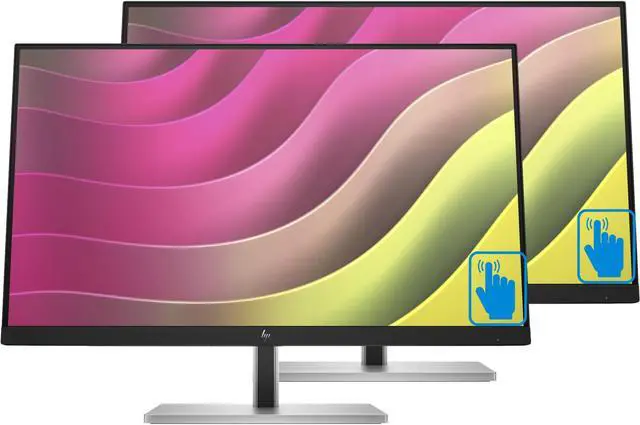
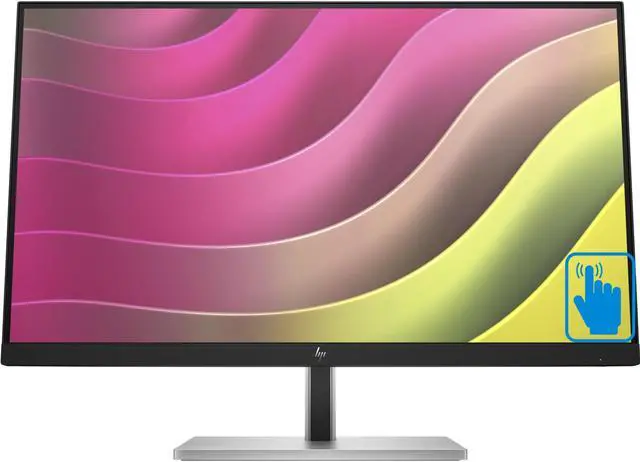
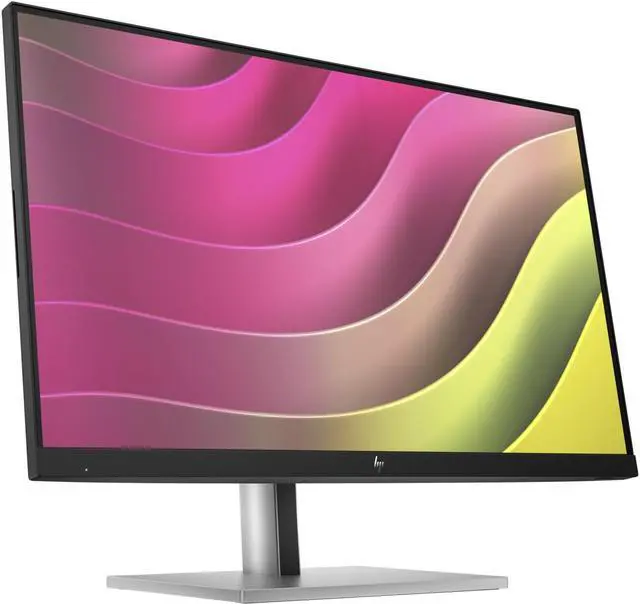
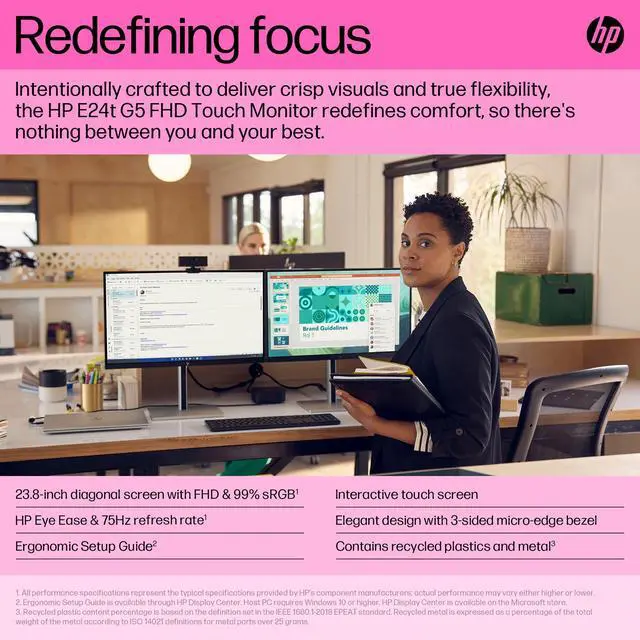
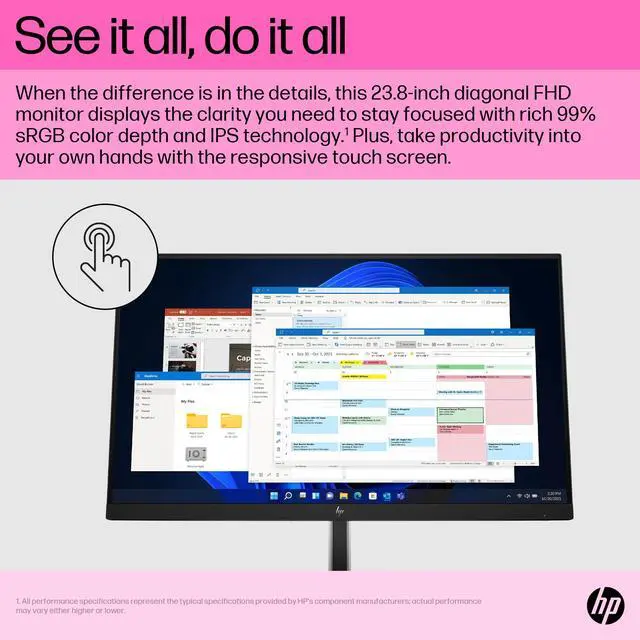
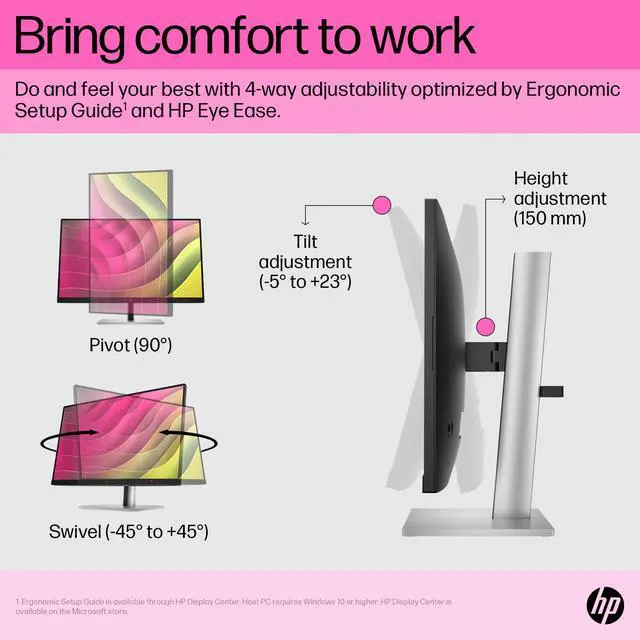
The HP E24t G5 Pack-2 is a pair of 24-inch Full HD IPS touchscreen monitors with 75Hz refresh, suited to home or business users who want touch input, clear viewing from wide angles, and adjustable desk positioning.
| Attribute | Value |
|---|---|
| Best For | Home and business desktop use with a 24-inch Full HD IPS display |
| Panel And Resolution | 24-inch IPS display with 1920 × 1080 resolution, 16:9 aspect ratio, 178° horizontal and vertical viewing angles, 16.7 million colors, and a 1,000:1 contrast ratio |
| Refresh Rate And Response | 75 Hz refresh rate with a 5 ms response time |
| Model Identifiers | HP |
Q: HP E24t G5 vs. HP E24 G5: which should I choose for an office desk?
A: Choose the HP E24t G5 if you want a 23.8-inch Full HD IPS monitor with up to 10-point touch for direct screen interaction. Choose the HP E24 G5 for a similar 23.8-inch Full HD IPS, 75Hz office display without touch. Both models include an adjustable stand and HP Eye Ease features.
Q: HP E24t G5 vs. HP E24u G5: which is better for a laptop workstation?
A: Choose the HP E24u G5 when you want a 23.8-inch Full HD display with USB-C video, up to 65W laptop power delivery, Ethernet, and a USB hub for a streamlined workstation connection. Choose the HP E24t G5 when 10-point touchscreen interaction is the priority; it also provides Full HD IPS visuals at up to 75Hz.
Q: HP E24t G5 vs. HP E27 G5: should I get the 24-inch or 27-inch model?
A: Choose the HP E24t G5 for a 23.8-inch workspace with 10-point touch. Choose the HP E27 G5 for a larger 27-inch screen while keeping Full HD resolution, IPS technology, and a 75Hz maximum refresh rate. Both offer an adjustable stand and HP Eye Ease features.
Q: Is this monitor suitable for everyday office work?
A: Yes. Its 24-inch Full HD IPS screen, anti-glare finish, adjustable stand, and touchscreen are suited to everyday office tasks such as working with documents and navigating on-screen controls. It is a monitor, so it must be connected to a computer to run applications.
Q: Can I take notes on the touchscreen without connecting a computer?
A: No. This is a monitor, not a standalone tablet; it needs a connected computer or other compatible host to run note-taking software. The product information confirms touch support but does not specify stylus compatibility.
Q: Will the touchscreen work when I connect the monitor to my computer?
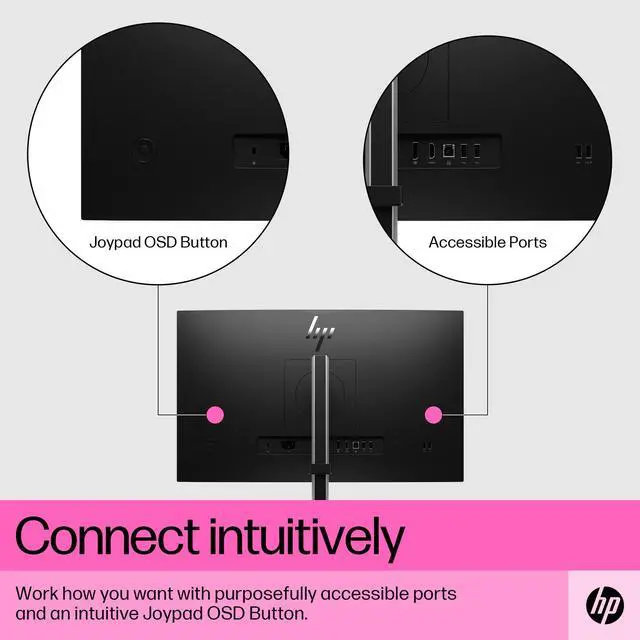
A: The monitor supports touchscreen input, but touch use depends on a compatible computer and the required touch-data connection. The listed HDMI and DisplayPort connections carry video; check the included connection instructions and your computer’s compatibility before buying.
Q: Can I mount this monitor on an arm or wall mount?
A: Yes. The product information says it is VESA compatible. Check that the mount matches the monitor’s VESA pattern and supports its size and weight.
Q: Will the touchscreen work with only an HDMI or DisplayPort connection?
A: No. A Reddit owner says the monitor must also be connected to the computer by USB to use touch; HDMI or DisplayPort carries the video signal, not the touch input.
Q: Could connecting the touchscreen USB cable cause a computer to have trouble booting?
A: One Reddit user reported a Dell Vostro 3710 freezing during startup when the monitor’s USB cable was connected; touch worked after connecting the cable once Windows had started. This is one reported setup-specific issue, not evidence of a widespread problem.


