




 here!
I’m your shopping assistant for PC builds, upgrades, and everything tech.
Got questions? Ask away!
Start a conversation
here!
I’m your shopping assistant for PC builds, upgrades, and everything tech.
Got questions? Ask away!
Start a conversation




Any questions? Ask CelesteSM will help you find out quickly.
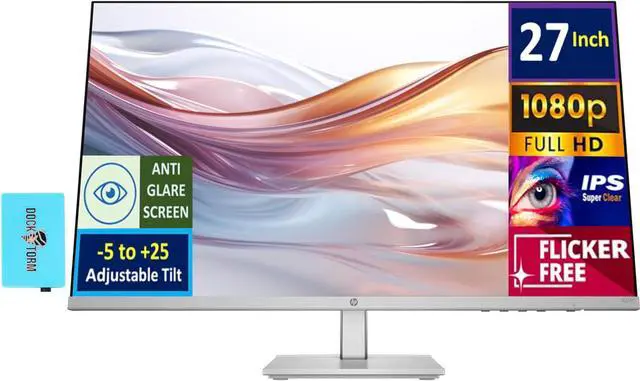
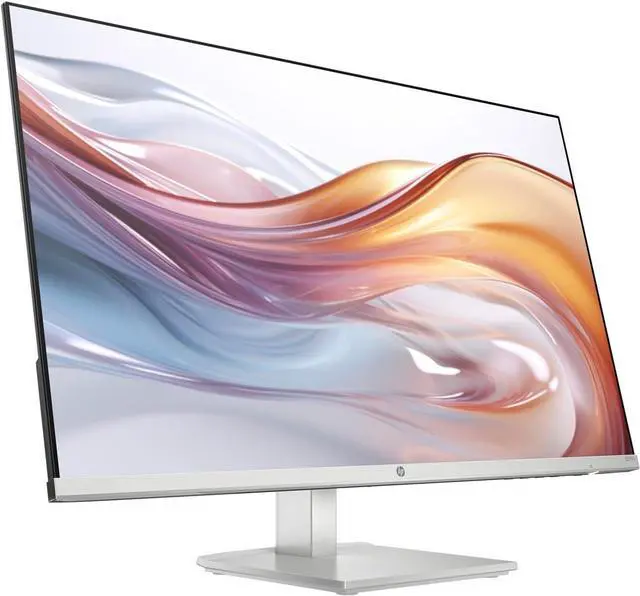
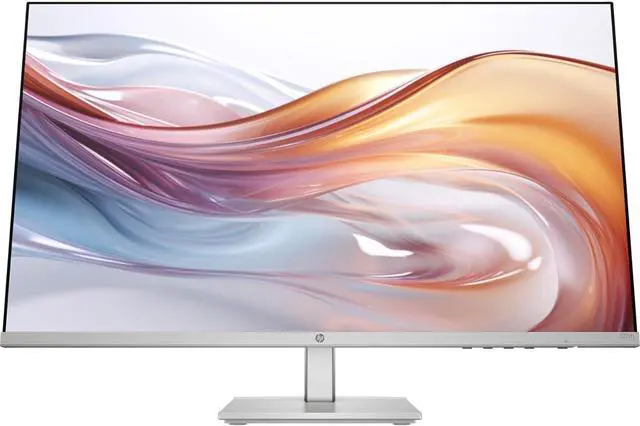
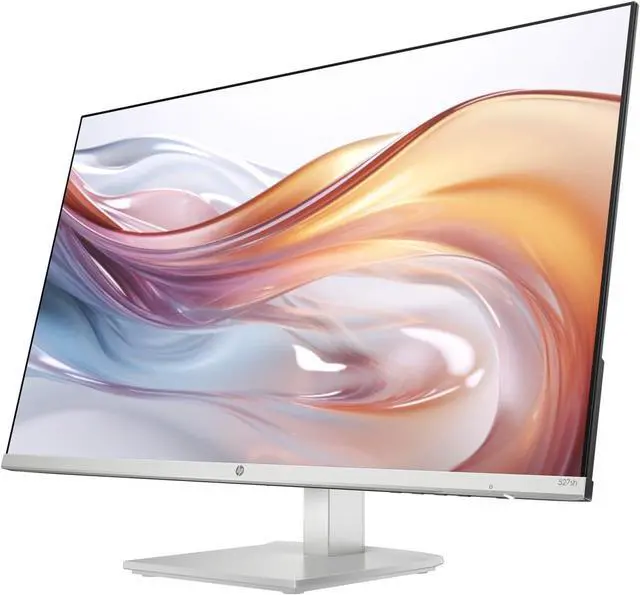
HP 27" FHD IPS (1920x1080) Height Adjust Monitor Bundle with Docztorm Dock
Life-like color, deeper detail
Upgrade your every day with a vibrant 27" FHD monitor. Enjoy all you see as it was meant to be seen with enhanced 99% sRGB, 1500:1 contrast ratio, and 300 nits brightness. Work or multitask with a 100 Hz refresh rate that delivers seamless scrolling and smooth video playback.
100 Hz Refresh Rate
With a 100 Hz refresh rate, this monitor is capable of clearer details, smoothly moving from frame to frame, allowing for faster split-second reaction time.
Specifications Table
Display size: (27")
Aspect ratio: 16:9
Response time: 5ms GtG (with overdrive)
Contrast ratio: 1500:1
Pixel Pitch: 0.31 x 0.31 mm
Pixel Per Inch: 82
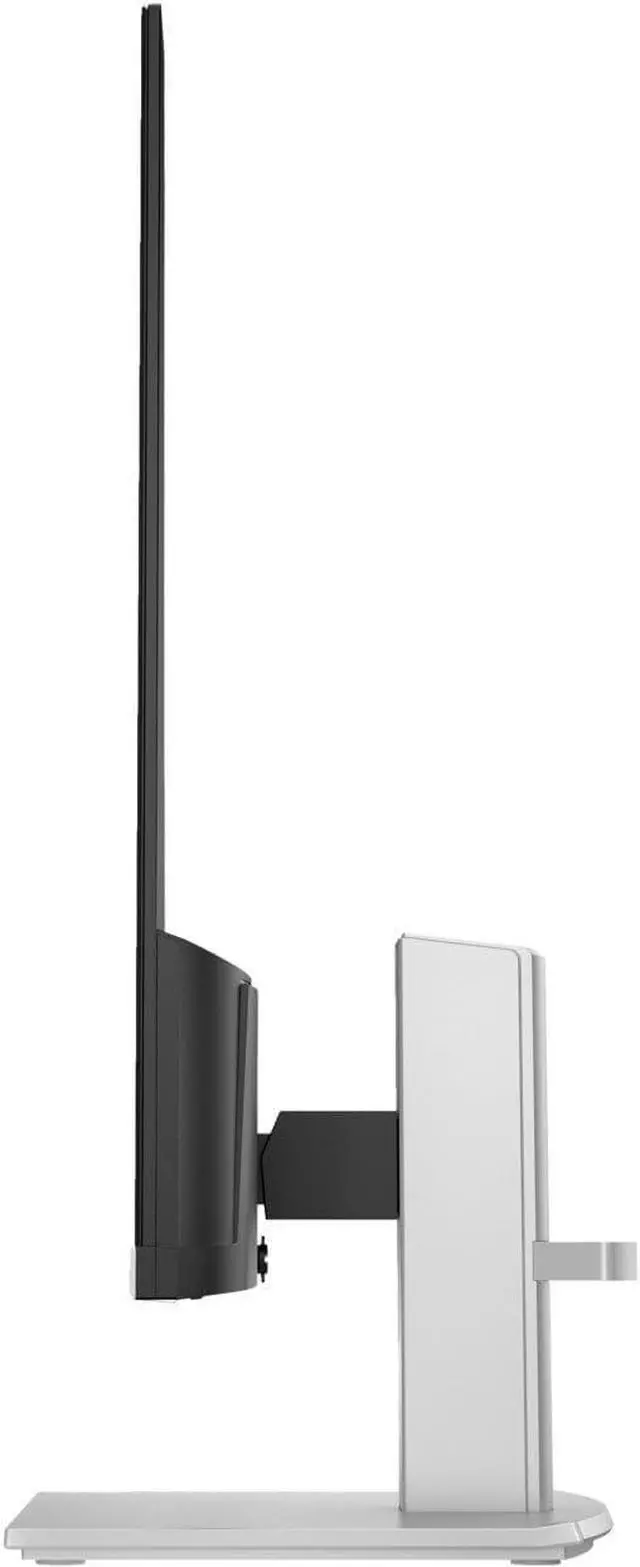
Height adjustment range: 100 mm
Color Support: 16.7M
Product color: Black
Webcam: No
Resolution (maximum): FHD IPS (1920x1080)
Resolutions supported: 640 x 480; 720 x 400; 800 x 600; 1024 x 768; 1280 x 720; 1280 x 800; 1280 x 1024; 1440 x 900; 1600 x 900; 1680 x 1050; 1920 x 1080
VESA Mount: No
Backlight type: Edge-lit
Vertical and Horizontal viewing angle: 178 degree
Display features: On-screen controls; Anti-glare; Height adjustable; HP Eye Ease
Onscreen controls: Management; Information; Exit; Input; Color; Image; Power; Menu; Brightness+
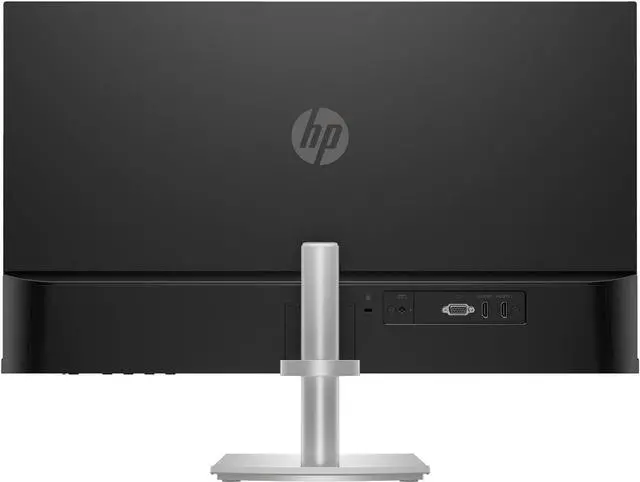
Port and Connectors: 2x HDMI 1.4, 1x VGA
HDCP: Yes
What's in the box: Monitor; HDMI cable; Power adapter; AC power cord; Document kit
Dimensions (WxDxH): 23.93 x 8.35 x 19.7 in
Weight: 9.15lb
Docztorm: Includes Docztorm USB HUB (Special Edition Portable Docztorm Data Hub; Super Speedy Data Sync Rate upto 5Gbps)
The HP 27-inch FHD IPS monitor bundle pairs a 1920 × 1080, 100Hz anti-glare display with height and tilt adjustment, two HDMI inputs, VGA, and a Docztorm data hub, making it a good fit for home offices and business setups that need a comfortable everyday screen and flexible connectivity.
| Attribute | Value |
|---|---|
| Best For | General desktop work and viewing on a 27-inch Full HD IPS display, with height and tilt adjustment for setup flexibility |
| Panel And Resolution | 27-inch flat IPS display with 1920 × 1080 Full HD resolution, 16:9 aspect ratio, and 0.31 × 0.31 mm pixel density |
| Refresh Rate And Response | 100Hz refresh rate with 5ms GtG response time with overdrive |
| Image And Viewing | 300-nit brightness, 1,500:1 contrast ratio, and 178° horizontal and vertical viewing angles |
| Ports And Connectivity | Two HDMI 1.4 ports and one D-Sub (VGA) input; HDCP supported |
| Stand And Ergonomics | Height-adjustable stand with tilt adjustment; HP Eye Ease and on-screen controls |
| Design And Finish | Anti-glare screen with a black and silver cabinet |
| Audio | No built-in speakers |
| Controls | On-screen controls for management, information, input, color, image, power, menu, and brightness |
| In The Box | Monitor, HDMI cable, power adapter, AC power cord, and document kit |
Q: HP 27-inch height-adjust bundle or HP Series 5 527sf: which should I choose?
A: Choose the HP height-adjust bundle when you want to set the screen height and include the Docztorm data hub in the purchase. Choose the HP Series 5 527sf for a similar 27-inch FHD IPS display with 100Hz refresh rate and a tilt-adjust stand.
Q: Is the HP height-adjust bundle or HP Series 5 527da better if I want speakers?
A: Choose the HP Series 5 527da if built-in audio is a priority: HP lists dual 2W speakers along with a 27-inch FHD IPS screen, 100Hz refresh rate, and height adjustment. Choose the height-adjust bundle when the included Docztorm data hub is more relevant to your setup.
Q: How does the HP height-adjust bundle compare with the HP E27 G5 for office use?
A: Choose the HP E27 G5 when you want a more adjustable stand—with height, tilt, swivel, and pivot—and a built-in USB hub with four USB-A ports. Choose the HP height-adjust bundle when its 100Hz refresh rate and included Docztorm data hub fit your priorities.
Q: Is this monitor suitable for everyday home or office work?
A: Yes. Its 27-inch FHD IPS screen, anti-glare finish, height adjustment, tilt, and flicker-free feature suit general office tasks such as documents, browsing, and video meetings. It has no built-in speakers, so use separate speakers or headphones for meeting audio; the listed specifications do not mention a webcam.
Q: Can I connect this monitor to a laptop?
A: Yes, if the laptop can output video through HDMI or VGA. This monitor has two HDMI 1.4 inputs and one VGA input. A laptop with only USB-C or another video output may need a compatible video adapter; check the laptop’s output and adapter support before buying.
Q: Does this monitor have built-in speakers for calls or videos?
A: No. The product specifications state that it has no built-in speakers. Plan to use headphones or separate speakers for audio; the listed specifications also do not identify a built-in webcam.
Q: Can I attach this monitor to a VESA arm or wall mount?
A: No. The product information says it does not support VESA mounting. It includes a stand with 100 mm of height adjustment and tilt, so it is intended for use on a desk rather than a standard VESA arm or wall mount.
Q: Is this HP 27-inch monitor suitable for office work and occasional gaming?
A: It suits general office work and casual gaming: it has a 27-inch IPS FHD screen, 100Hz refresh rate, and height adjustment. It is not a high-resolution or gaming-focused display, and it has no built-in speakers.
Q: Will 1080p look sharp enough on a 27-inch screen?
A: The 1920×1080 resolution provides a large workspace, but it is less pixel-dense than 27-inch QHD. If crisp small text or detailed image editing is a priority, a 27-inch QHD monitor may be a better fit; for routine work, FHD may be sufficient.
Q: Is it a good choice for a first monitor for console gaming?
A: It can work for casual console gaming if Full HD resolution and up to 100Hz meet your needs. Check that your console and connection support the refresh rate you want; this monitor has HDMI 1.4 inputs and is not positioned as a high-performance gaming display.


