




 here!
I’m your shopping assistant for PC builds, upgrades, and everything tech.
Got questions? Ask away!
Start a conversation
here!
I’m your shopping assistant for PC builds, upgrades, and everything tech.
Got questions? Ask away!
Start a conversation




Any questions? Ask CelesteSM will help you find out quickly.
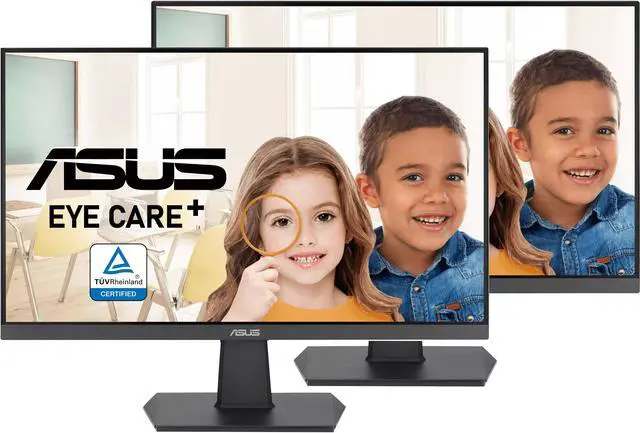
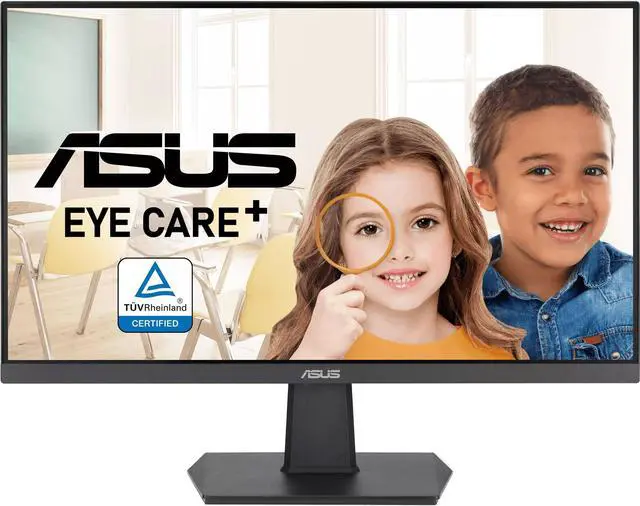
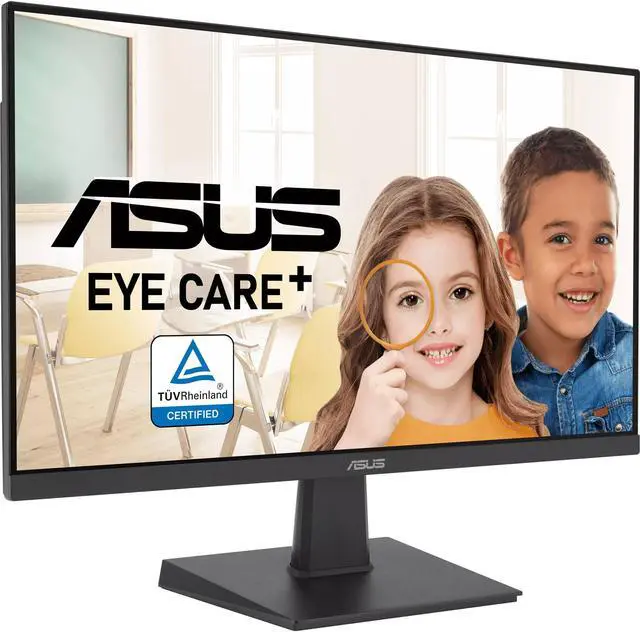
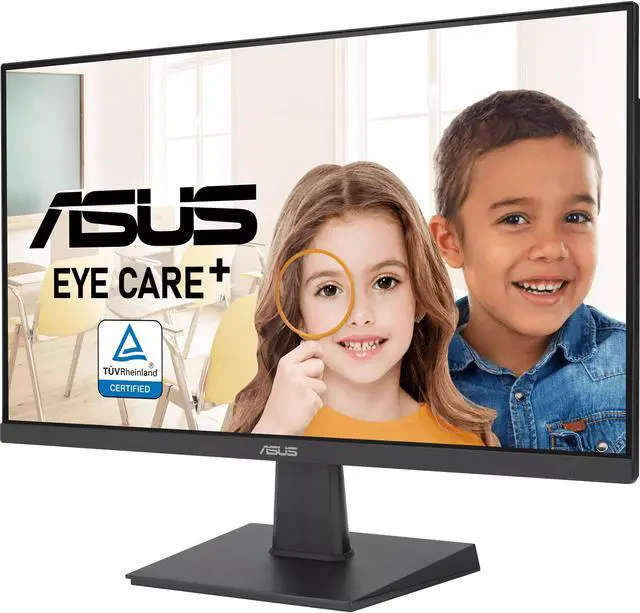
The ASUS VA27EHF is a 27-inch Full HD IPS monitor listed as a Pack-2, with a 100Hz refresh rate, 1ms response time, and non-glare screen, suited to everyday gaming, office work, and media viewing.
| Attribute | Value |
|---|---|
| Best For | Desktop work, media viewing, and gaming on a 27-inch Full HD IPS monitor |
| Panel And Resolution | 27-inch IPS panel with 1920 × 1080 Full HD resolution and a 16:9 aspect ratio |
| Refresh Rate And Response | 100 Hz refresh rate with a 1 ms response time |
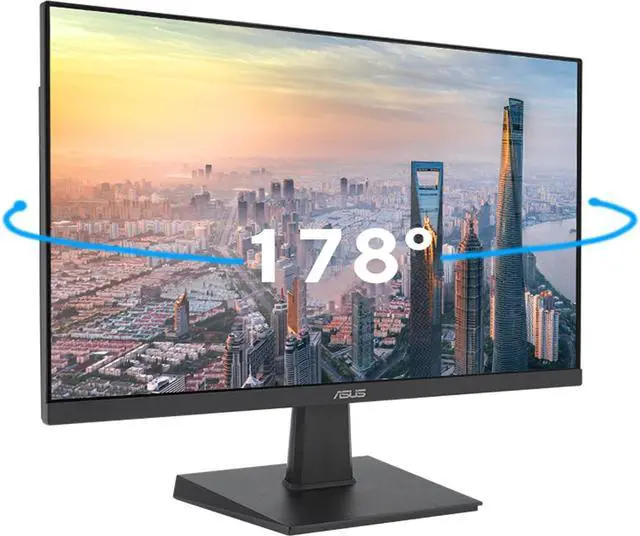
| Viewing And Image Quality | 178° horizontal and vertical viewing angles, 16.7 million display colors, and a 1,300:1 contrast ratio |
| Model Identifiers | ASUS |
Q: ASUS VA27EHF vs. VA27EHE: which is better for everyday use and casual gaming?
A: Choose the ASUS VA27EHF if you want a 27-inch Full HD IPS monitor with a 100Hz refresh rate for smoother scrolling and casual gaming. Both models have a 27-inch Full HD IPS display; the VA27EHE supports up to 75Hz, while the VA27EHF supports up to 100Hz.
Q: ASUS VA27EHF vs. TUF Gaming VG279Q3A: which should I choose for gaming?
A: Choose the VA27EHF for everyday use and casual gaming with a 100Hz Full HD IPS display. Choose the TUF Gaming VG279Q3A if your priority is a higher refresh rate: it pairs Full HD resolution with a 180Hz Fast IPS panel and gaming features such as ELMB Sync and FreeSync Premium.
Q: ASUS VA27EHF vs. VA27AQSB: which is better for detailed work?
A: Choose the VA27AQSB if you want more workspace detail: its 27-inch WQHD resolution is 2560 × 1440, compared with the VA27EHF’s 1920 × 1080. Choose the VA27EHF if you prefer its 100Hz refresh rate; the VA27AQSB is specified at 75Hz.
Q: ASUS VA27EHF vs. VA27DQF: which is better if I need more connection options?
A: Both models offer a 27-inch Full HD IPS display with a 100Hz refresh rate. Choose the VA27DQF if you want DisplayPort, an earphone jack, and built-in stereo speakers alongside HDMI. Choose the VA27EHF for a straightforward HDMI-based setup.
Q: Does this monitor have built-in speakers?
A: No. The ASUS VA27EHF does not have integrated speakers, so plan to use speakers or a headset connected to your computer or another audio source.
Q: Can I connect it to a laptop as a second screen?
A: Yes, if the laptop has an HDMI output or you use a compatible adapter or dock. The monitor has HDMI connectivity; the laptop’s display settings let you extend the desktop instead of mirroring it.
Q: Can I mount it on a wall or monitor arm?
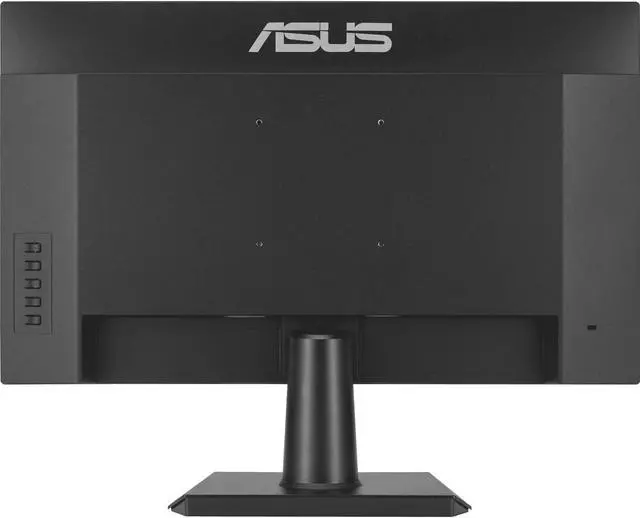
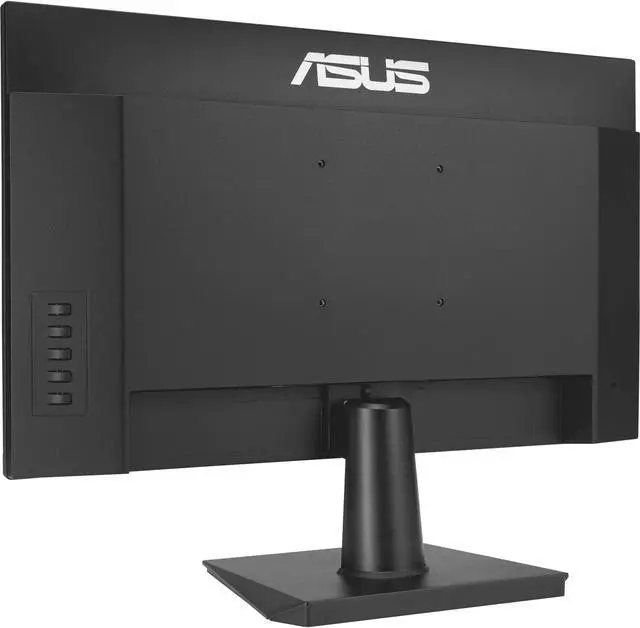
A: Yes. The product information lists VESA compatibility, so it can be used with a compatible wall mount or monitor arm. Check the mount’s VESA pattern and weight limit before buying.
Q: Is it suitable for office work and gaming?
A: It suits everyday office work and casual gaming: it has a 27-inch IPS Full HD screen, 100Hz refresh rate, and 1 ms response time. Its resolution is 1920 × 1080, so buyers prioritizing more on-screen detail or workspace may prefer a higher-resolution display.
Q: Is the ASUS VA27EHF a good choice for coding or reading lots of text?
A: It may be less suitable if text sharpness is a priority: the VA27EHF is 27 inches with 1920×1080 resolution, and Reddit users discussing this model reported text looking blurry for coding and reading. Consider a 27-inch 1440p monitor if you want sharper text.
Q: Will the VA27EHF look sharp as a secondary monitor beside a 1440p display?
A: It may look less sharp, especially for text. A Reddit user with a 27-inch 1440p main monitor reported that this 27-inch 1080p model looked blurry as a secondary screen. If matching sharpness matters, consider a second 1440p display.
Q: Is the VA27EHF suitable for gaming on a PS5?
A: One Reddit user said the VA27EHF worked well with their PS5. Its listed 1920×1080 resolution and 100Hz refresh rate indicate a Full HD display; check that those limits meet your preferences before buying.


