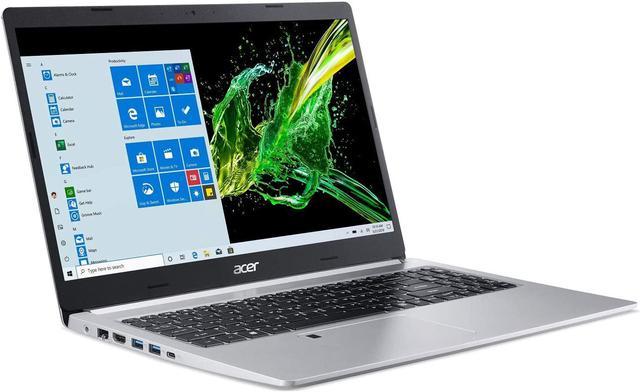
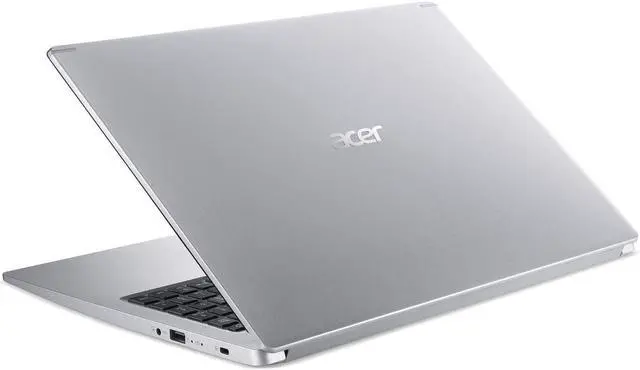
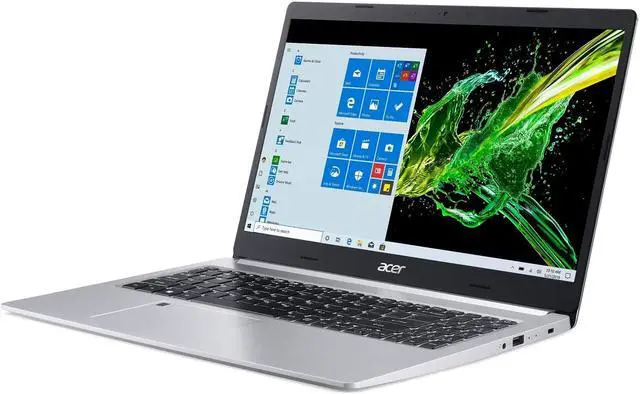
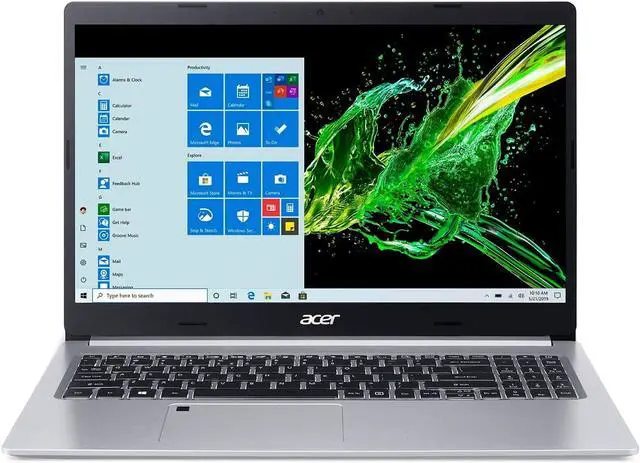
This computer is sold with professional upgrade and customization. The manufacturer box is opened to install the upgrades to achieve the specifications/configurations as advertised, and the computer is tested and inspected before selling. Defects & blemishes are significantly reduced by our in-depth inspection & testing.
How to switch s mode to windows 10
1. On your PC running Windows 10 in S mode, open Settings > Update & Security > Activation.
2. In the Switch to Windows 10 Home or Switch to Windows 10 Pro section, select Go to the Store. (If you also see an "Upgrade your edition of Windows" section, be careful not to click the "Go to the Store" link that appears there)
3. On the Switch out of S mode (or similar) page that appears in the Microsoft Store, select the Get button. After you see a confirmation message on the page, you'll be able to install apps from outside of the Microsoft Store
Display: 15.6-in Full HD (1920 x 1080) widescreen LED IPS Display
Processor: 10th Gen Intel Core i3-1005G1 Processor 1.2GHz with Turbo Boost Technology up to 3.4GHz (4MB Smart cache)
Video: Intel UHD Graphics
Operating system: Windows 10 Home (S Mode)
Ram and Storage: 8GB Memory and 256GB SSD
Network: Intel Wireless Wi-Fi 6 AX201 802.11ax Dual-Band 2.4GHz and 5GHz featuring 2x2 MU-MIMO technology (Max Speed up to 2.4Gbps), Bluetooth 5.0
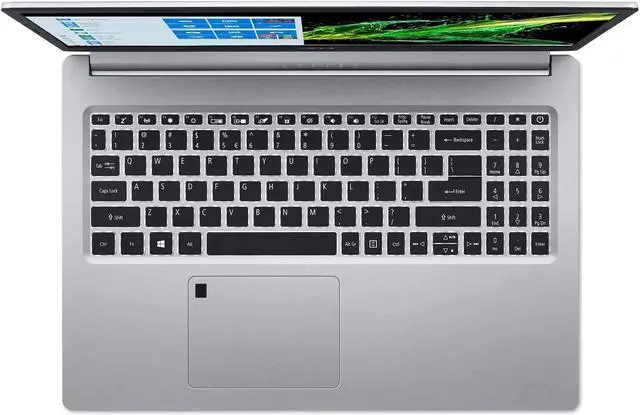
Keyboard: Backlit Keyboard
Battery: Lithium-Ion Battery, Up to 8 Hours Battery Life
Audio: Two Built-in Stereo Speakers
WebCam: HD Webcam (1280 x 720)
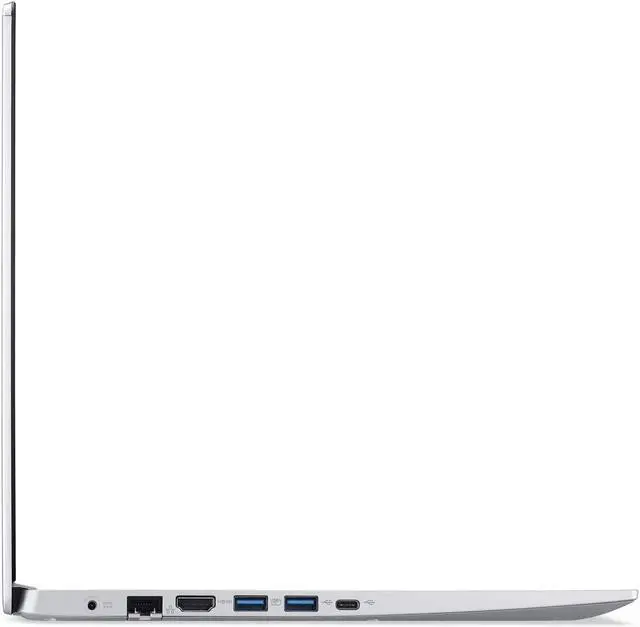
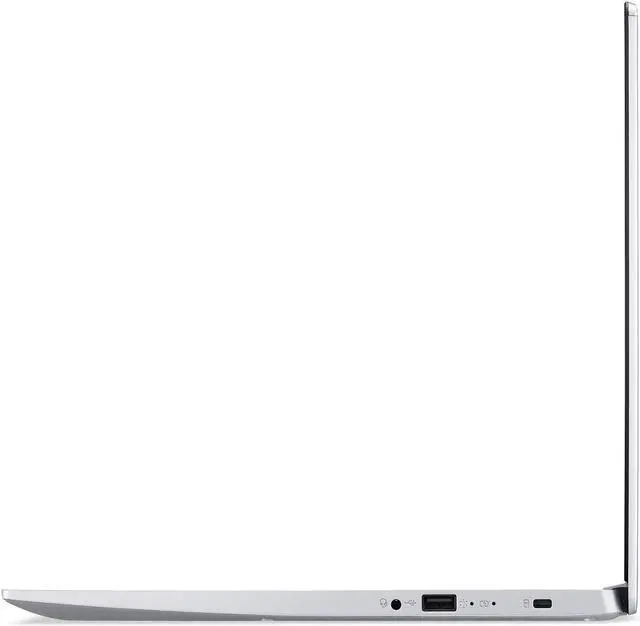
Ports:
1 X USB 3.1 (Type-C) Gen 1 port (up to 5 Gbps)
2 X USB 3.1 Gen 1 Port (One with Power-off Charging)
1 X USB 2.0 Port
1 X10/100/1000 Gigabit Ethernet LAN (RJ-45 port)
1 X HDMI Port with HDCP Support
Dimensions: 14.31 x 9.86 x 0.71 inches
Weight: 3.97 lb
Color: Silver