




 here!
here!
I’m your shopping assistant for PC builds, upgrades, and everything tech.
Got questions? Ask away!
Start a conversation
here!
I’m your shopping assistant for PC builds, upgrades, and everything tech.
Got questions? Ask away!
Start a conversation



Any questions? Ask CelesteSM will help you find out quickly.
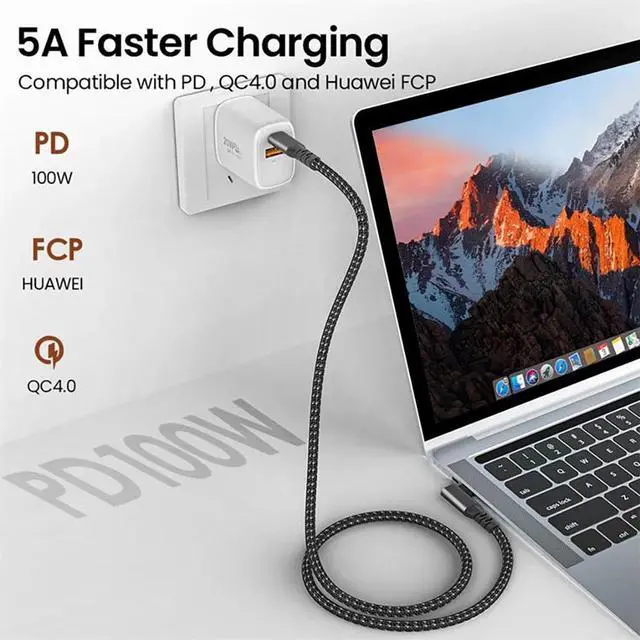
[240W USB C Cable]: This USB C to USB C 3.1 Gen 2 Cable offers 240W 48V 5A with built in E-marker chip and PD 3.0 QC 3.0 quick charge
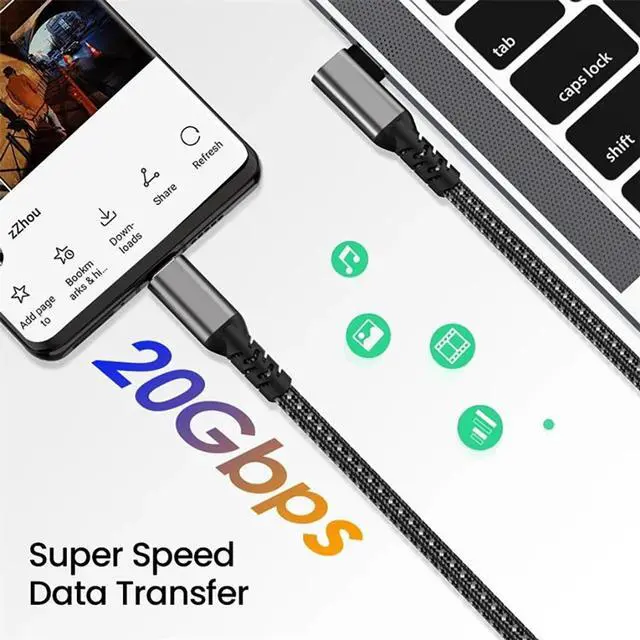
[20Gbps SuperSpeed Data Transfer]: USB-C 3.1 Cable provides 20 Gbps super speed sync. Transferring big files to hard drive and SSD in seconds
[4K Video Output ]: 4k monitor usb c cable is compatible with Thunderbolt 3 port. Offering 4K@60Hz (3840*2160) video output from USB C laptop to USB C display screen or monitor with a vivid image. You can enjoy dual screens and true-to-life 4K visuals to increase productivity (Note: as for video function, please ensure your devices having USB C ports support DP Alt Mode)
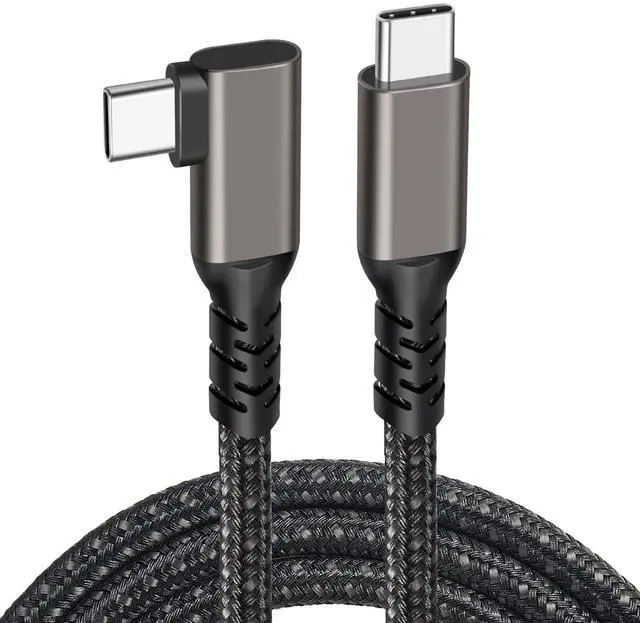
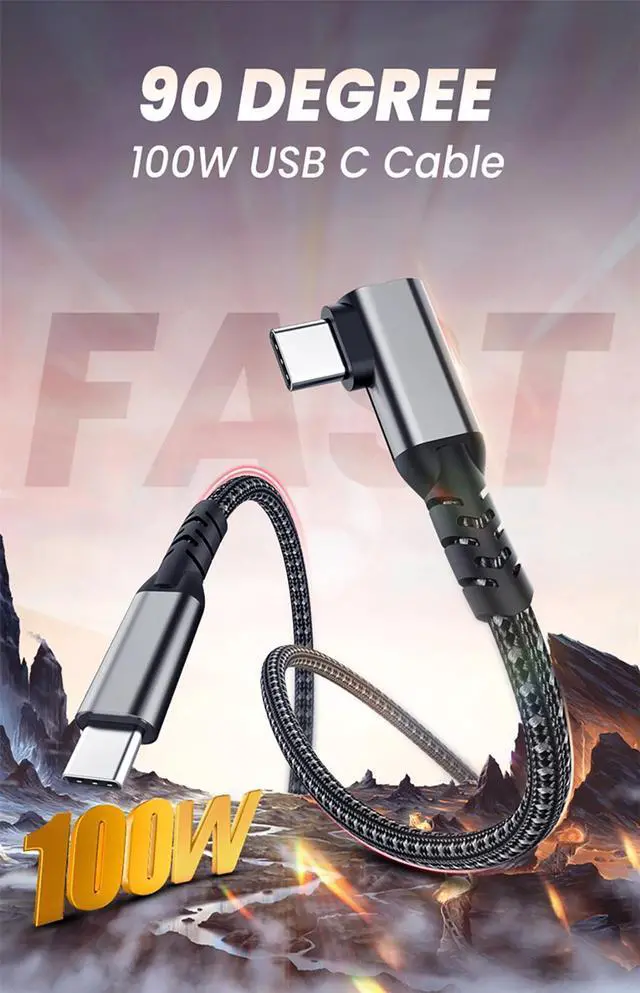
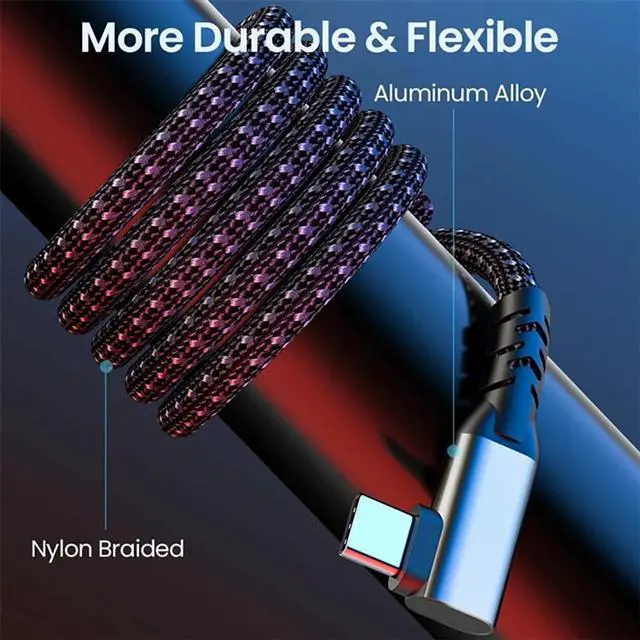
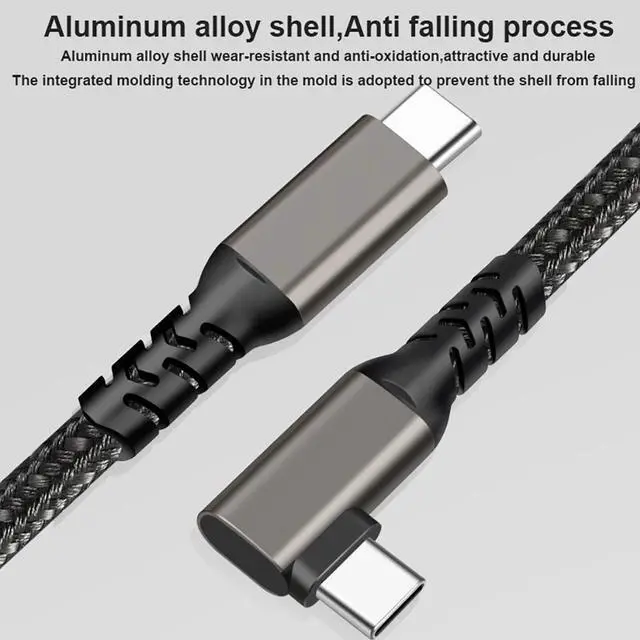
[Right Angle Design]: The usb c gen 2 cable 10 ft with an innovative 90 degrees L design, which is much more convenient
[Compatibility List]: This USB cable compatible with MacBook, MacBook Pro, iPad Air, iPad Pro, Samsung Galaxy S21/ S21 Ultra Google Pixel 2/3/3a/4 Nexus 6P and more
The Hannord USB-C to USB-C Cable is a 10-foot USB 3.2 Gen 2 cable for users who need fast charging, 20Gbps data transfer, and 4K monitor connectivity in one cable. It supports up to 240W charging, while video output requires USB-C devices with DP Alt Mode.
| Attribute | Value |
|---|---|
| Best For | USB-C devices that need high-power charging, high-speed data transfer, or USB-C display connectivity |
| Appearance | Gray |
Q: Is the Hannord 10 ft 20Gbps cable better than a standard USB-C charging cable?
A: Choose the Hannord when you need long-distance USB-C charging plus high-speed data and video support. Its listed capabilities include up to 240W Power Delivery, 20Gbps data transfer, 4K at 60Hz video, and a 90-degree connector. A basic USB-C charging cable is sufficient for phones, tablets, and charging-only setups, but many basic cables support only USB 2.0 data speeds and do not support USB-C video output.
Q: Should I buy the Hannord cable or a USB4/Thunderbolt 4 cable?
A: Buy the Hannord if 20Gbps data transfer, 4K60 video, 240W charging, and a 10 ft reach meet your requirements. Choose a certified USB4 or Thunderbolt 4 cable when you need higher bandwidth, such as 40Gbps-class storage, advanced docking, or higher-resolution and higher-refresh-rate display setups. USB4 cables can support 20Gbps or 40Gbps depending on the specific product, so the label and certification should be checked rather than assuming every USB4 cable is faster.
Q: Is the Hannord cable a good match for an iPhone 15 Pro or 15 Pro Max?
A: The Hannord is useful for an iPhone 15 Pro or 15 Pro Max when you want extra length, a right-angle connector, or one cable that also works with USB-C monitors and computers. The phone itself supports USB 3 data transfer up to 10Gbps, so it will not use the cable's full advertised 20Gbps data ceiling. For ordinary charging, a shorter USB-C cable is usually more convenient.
Q: Should I choose the Hannord 10 ft cable or a shorter cable for travel?
A: Choose the Hannord for a desk, bedside setup, gaming area, or monitor connection where the 10 ft length and right-angle plug improve reach and cable routing. Choose a shorter cable for travel, power banks, and compact charging kits because it takes up less space and is easier to manage. The Hannord is the more flexible option when one cable must cover charging, high-speed storage, and USB-C display connections.
Q: Is the Hannord better than a 240W USB-C cable that only supports USB 2.0 data?
A: Choose the Hannord when you need file transfers or USB-C video because its listing includes 20Gbps data and 4K60 video support. Choose a 240W USB 2.0 cable when the main job is charging and your data needs are limited to basic synchronization. Both cable types can support high-power charging when the charger and device support the required USB Power Delivery profile, but USB-C power capability does not automatically indicate high-speed data or video support.
Q: Can this cable charge a laptop or phone at the full 240W rating?
A: It is rated for up to 240W through USB Power Delivery, but the actual charging speed depends on the charger, device, and supported charging protocol. A compatible 240W charger and device are required to reach the maximum output. ([bestbuy.com](https://www.bestbuy.com/site/questions/plugable-usb-c-to-usb-c-cable-240w-epr-usb-c-charging-cable-20gbps-4k-120hz-8k-60h-black/10133357?utm_source=openai)
Q: Does this cable really support 20Gbps data transfer?
A: Yes, the product is specified for up to 20Gbps data transfer through USB 3.2 Gen 2. The connected computer, device, ports, and storage drive must also support the same speed; otherwise, transfer rates will be lower. ([bestbuy.com](https://www.bestbuy.com/site/questions/esoulk-high-speed-6-6-ft-thunderbolt-3-20gbps-usb-c-charging-data-transfer-and-4k-video-display-cable-100w-20v-5a-black/10915711?utm_source=openai)
Q: Can it connect a USB-C laptop or phone to a 4K monitor?
A: Yes, it is specified to support 4K video at 60Hz when both connected devices support USB-C DisplayPort Alt Mode. USB-C charging or data support alone does not guarantee video output. ([bestbuy.com](https://www.bestbuy.com/product/belkin-connect-usb4-cable-6-6ft-2m-power-cable-usb-c-to-usb-c-cable-w-240w-power-delivery-20gbps-black/JX5329WGZT?utm_source=openai)
Q: Will this cable work with an iPhone 15 Pro and other USB-C devices?
A: It is suitable for USB-C devices such as the iPhone 15 Pro, compatible MacBook and iPad models, Samsung Galaxy phones, Google Pixel devices, external SSDs, and USB-C chargers. Charging, data, and video features depend on the capabilities of the connected device and port. ([bestbuy.com](https://www.bestbuy.com/site/questions/anker-usb-c-to-usb-c-cable-type-c-charging-cord-fast-charge10ft100w-red/11949272?utm_source=openai)
Q: Is the 10-foot length and 90-degree connector practical for everyday use?
A: The 10-foot length is useful when a charger, laptop, monitor, or external drive is positioned far away, and the 90-degree connector can reduce strain in tight spaces. The trade-offs are less portability and potentially more cable slack than with a shorter straight connector, so it is best suited to desk, workstation, bedside, or in-room use.


