




 here!
I’m your shopping assistant for PC builds, upgrades, and everything tech.
Got questions? Ask away!
Start a conversation
here!
I’m your shopping assistant for PC builds, upgrades, and everything tech.
Got questions? Ask away!
Start a conversation
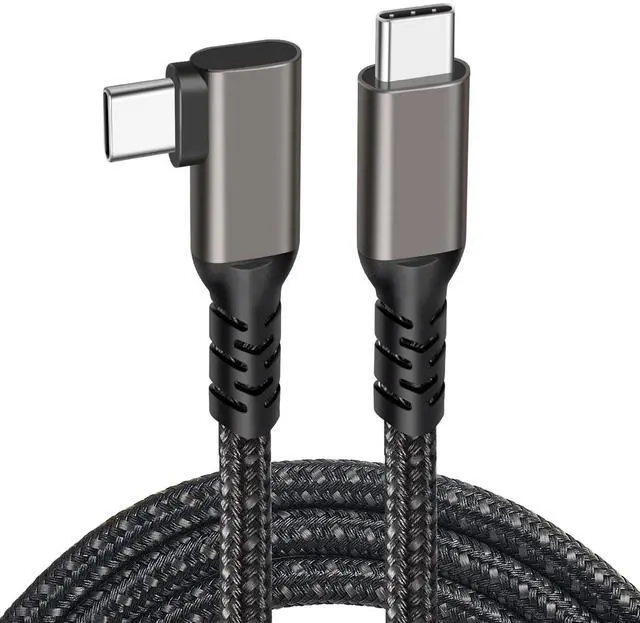
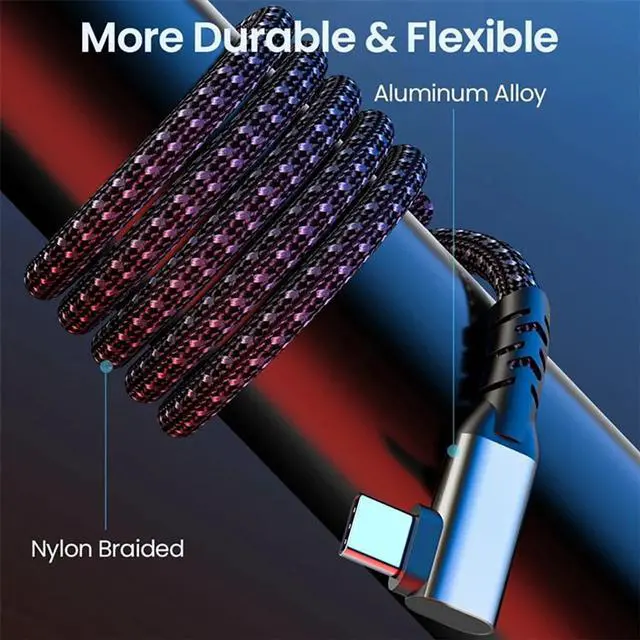
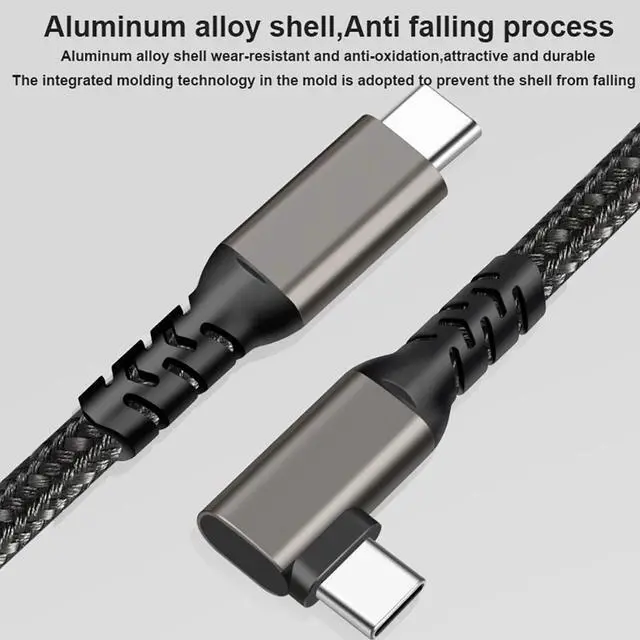



Any questions? Ask CelesteSM will help you find out quickly.
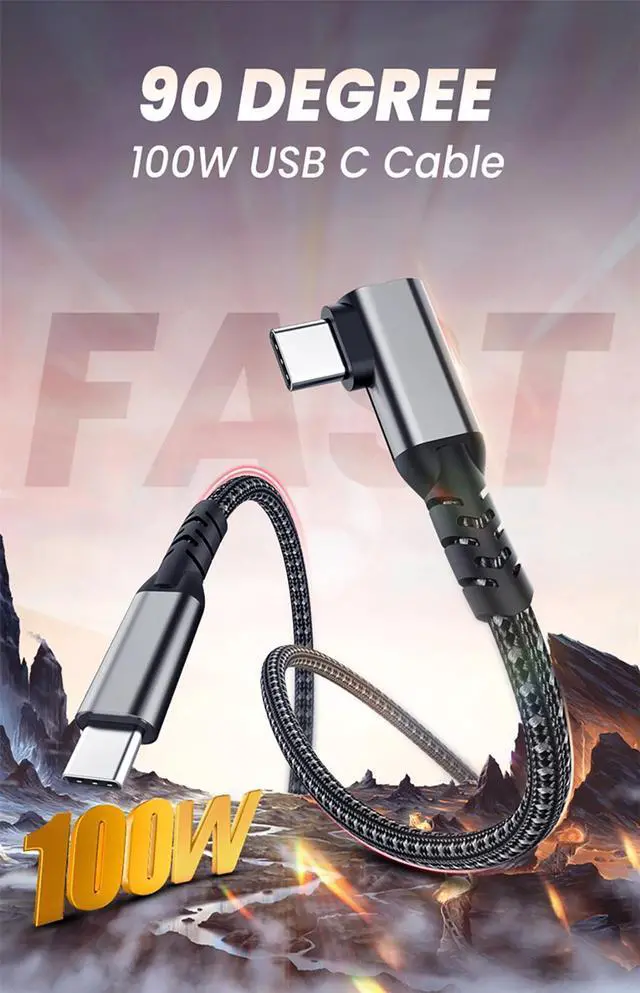
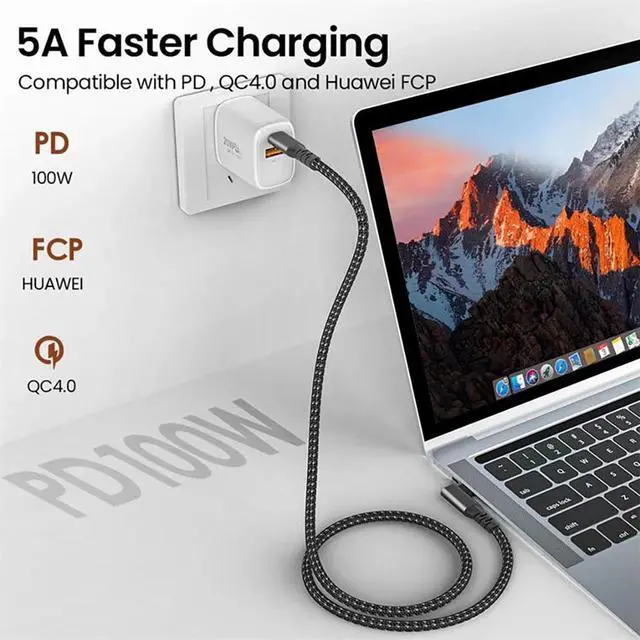
[100W USB C Cable]: This USB C to USB C 3.1 Gen 2 Cable offers 240W 48V 5A with built in E-marker chip and PD 3.0 QC 3.0 quick charge
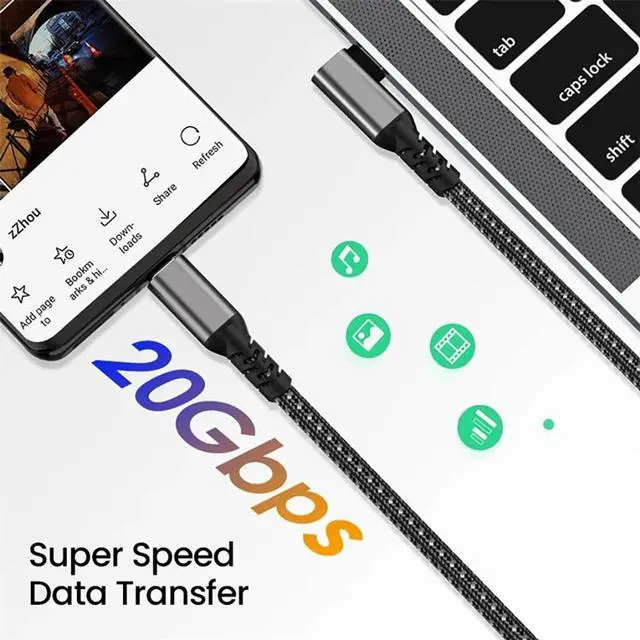
[20Gbps SuperSpeed Data Transfer]: USB-C 3.1 Cable provides 20 Gbps super speed sync. Transferring big files to hard drive and SSD in seconds
[4K Video Output ]: 4k monitor usb c cable is compatible with Thunderbolt 3 port. Offering 4K@60Hz (3840*2160) video output from USB C laptop to USB C display screen or monitor with a vivid image. You can enjoy dual screens and true-to-life 4K visuals to increase productivity (Note: as for video function, please ensure your devices having USB C ports support DP Alt Mode)
[Right Angle Design]: The usb c gen 2 cable with an innovative 90 degrees L design, which is much more convenient
[Compatibility List]: This USB cable compatible with MacBook, MacBook Pro, iPad Air, iPad Pro, Samsung Galaxy S21/ S21 Ultra Google Pixel 2/3/3a/4 Nexus 6P and more
The Hannord USB-C to USB-C cable is a high-performance 6.6-foot cable for charging, 20Gbps data transfers, and 4K@60Hz USB-C display output. It suits laptop, tablet, SSD, and monitor users whose devices support USB Power Delivery and DisplayPort Alt Mode.
| Attribute | Value |
|---|---|
| Best For | USB-C device users who need a cable for charging, high-speed data transfer, and compatible USB-C display connections |
| Color | Gray |
Q: Is the Hannord 240W 20Gbps cable better than a basic USB-C charging cable?
A: Choose the Hannord cable when you need more than charging: it is listed with 240W Power Delivery, 20Gbps data transfer, 4K video support, and a 6.6-foot right-angle design. A basic USB-C charging cable is usually the more practical choice for phones, tablets, or accessories that only need power and standard-speed data. The Hannord cable’s full performance still depends on the charger, host device, storage device, and display supporting the same capabilities.
Q: Should I buy the Hannord cable or a USB4/Thunderbolt 4 cable?
A: Choose the Hannord cable for a longer 6.6-foot connection, right-angle routing, 240W charging, and up to 20Gbps USB data. Choose a USB4 or Thunderbolt 4 cable when you need up to 40Gbps data, high-bandwidth docks, or the greatest performance margin for fast external SSDs and displays. The Hannord cable is the more suitable configuration for everyday charging, 20Gbps storage, and 4K monitor connections; USB4 or Thunderbolt 4 is the higher-bandwidth option.
Q: Is the Hannord cable a good match for an iPhone 15 Pro or 15 Pro Max?
A: Yes, it can support the iPhone 15 Pro and 15 Pro Max’s USB 3 data connection when paired with a compatible USB-C port and storage device. However, the iPhone 15 Pro models support USB data speeds up to 10Gbps, so the cable’s listed 20Gbps ceiling will not produce 20Gbps transfers from the iPhone itself. The 6.6-foot length and right-angle connector are useful for desk, vehicle, or external-storage setups, while a shorter cable is easier to carry.
Q: Is the Hannord 20Gbps cable faster than a 10Gbps USB-C cable?
A: In a compatible USB 3.2 Gen 2x2 setup, the Hannord cable’s listed 20Gbps capability provides twice the theoretical link bandwidth of a 10Gbps cable. The difference is most relevant when the computer, external SSD, enclosure, and cable all support 20Gbps operation. USB-IF identifies 20Gbps as USB 3.2 Gen 2x2; the Hannord listing’s wording of “Gen 2” should therefore be verified against the seller’s detailed specifications before purchase.
Q: Is the Hannord cable better for portability or for a fixed desk setup?
A: The Hannord cable is better suited to a fixed desk, gaming, laptop, or monitor setup because its 6.6-foot length and 90-degree connector provide reach and cleaner routing. A shorter 1- to 3-foot USB4 or 20Gbps cable is more practical for travel, compact chargers, and portable SSDs because it takes less space and is easier to manage. Choose Hannord when reach and connector orientation matter more than minimum packed size.
Q: Can this cable connect a USB-C laptop to a 4K monitor?
A: Yes, it can support up to 4K at 60Hz when both the computer and monitor use USB-C video connections and the computer's USB-C port supports DisplayPort Alt Mode. A USB-C port that supports charging or data only may not output video. ([newegg.com](https://www.newegg.com/plugable-1-usb-black/p/181-02BC-00TZ0?utm_source=openai)
Q: Will this cable actually transfer data at 20Gbps?
A: It is specified for data transfer speeds up to 20Gbps, but the actual speed depends on the USB standard supported by both connected devices, as well as the storage device or computer involved. It will not make a USB 2.0 or slower port operate at 20Gbps. ([bestbuy.com](https://www.bestbuy.com/site/questions/esoulk-high-speed-6-6-ft-thunderbolt-3-20gbps-usb-c-charging-data-transfer-and-4k-video-display-cable-100w-20v-5a-black/10915711?utm_source=openai)
Q: Can this cable charge a laptop or other high-power USB-C device?
A: Yes, the cable supports USB Power Delivery up to 240W through its built-in E-marker chip. Actual charging power depends on the USB-C charger and the device's own charging limit, so a 240W-rated cable does not guarantee 240W charging. ([bestbuy.com](https://www.bestbuy.com/site/questions/belkin-usb-4-2-6-usb-c-to-usb-c-cable-with-100w-power-delivery-black/6540160?utm_source=openai)
Q: Is this cable compatible with phones, tablets, laptops, and external SSDs?
A: It is suitable for USB-C devices such as compatible iPhone, iPad, MacBook, Samsung Galaxy, Google Pixel, laptop, monitor, and external-storage connections. Compatibility depends on the device having the required USB-C charging, data, or video features; USB-C connector shape alone does not guarantee every function. ([bestbuy.com](https://www.bestbuy.com/site/questions/insignia-7-usb-c-to-usb-c-braided-charge-and-sync-cable-with-high-speed-data-transfer-white/6587916?utm_source=openai)
Q: Is the 6.6-foot right-angle design useful for desk setups and gaming devices?
A: The 6.6-foot length provides more reach for a laptop, monitor, charger, or external drive, while the 90-degree connector can help route the cable along the side of a device. The trade-off is that a longer cable may be less convenient for compact travel setups and may be harder to manage in tight spaces.


