




 here!
I’m your shopping assistant for PC builds, upgrades, and everything tech.
Got questions? Ask away!
Start a conversation
here!
I’m your shopping assistant for PC builds, upgrades, and everything tech.
Got questions? Ask away!
Start a conversation




Any questions? Ask CelesteSM will help you find out quickly.

Intel Core Ultra 5-225 processor (10 Cores, 20MB Total Cache, 3.3GHz)

Intel UHD Graphics

Bring you closer to the people
and things you love while
giving you a place to think,
express and create
| Brand | Dell |
|---|---|
| Features | Wifi 6,Bluetooth 5.4 |
| CPU | Intel Core Ultra 5-225 processor (10 Cores, 20MB Total Cache, 3.3GHz) |
| Graphic | Intel UHD Graphics |
| Operating System | Windows 11 Home/Pro |
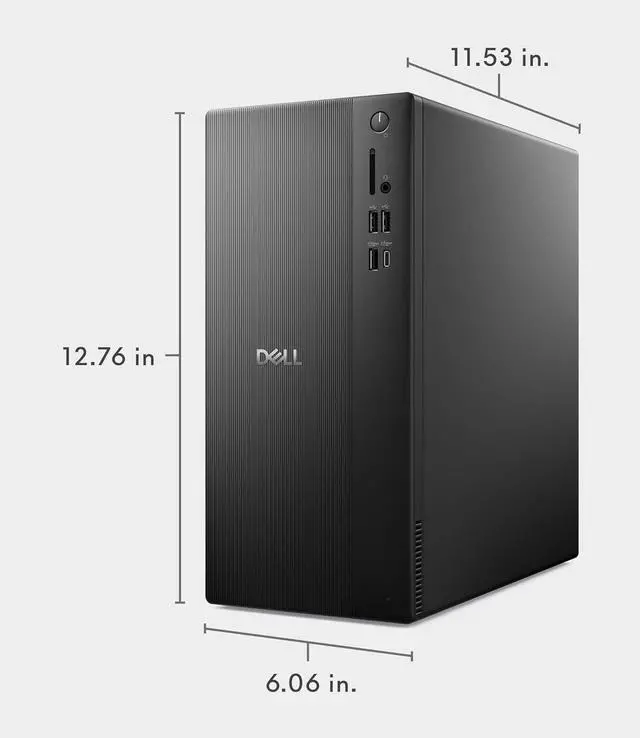
| Dimensions | 12.76 x 6.06 x 11.53 in,12 lb |
| Weight | 21 lbs |
| Memory (RAM) | Up to 64 GB |
| Hard Drive | up to 2 TB PCIe NVMe M.2 SSD |
CPU:Intel Core Ultra 5-225 processor (10 Cores, 20MB Total Cache, 3.3GHz)
Display:NO
Memory:up to 64 GB DDR5 RAM
Hard Drive:up to 2 TB PCIe NVMe M.2 SSD
Operating System:Windows 11 Home/Pro
Graphics:Intel UHD Graphics
Keyboard and mouse: Wired Keyboard and mouse
Wireless Connectivity:Intel Wi-Fi 6 (2x2) Gig+ and Bluetooth 5.4
Color:Black
Dimensions:12.76 x 6.06 x 11.53 in,12 lb
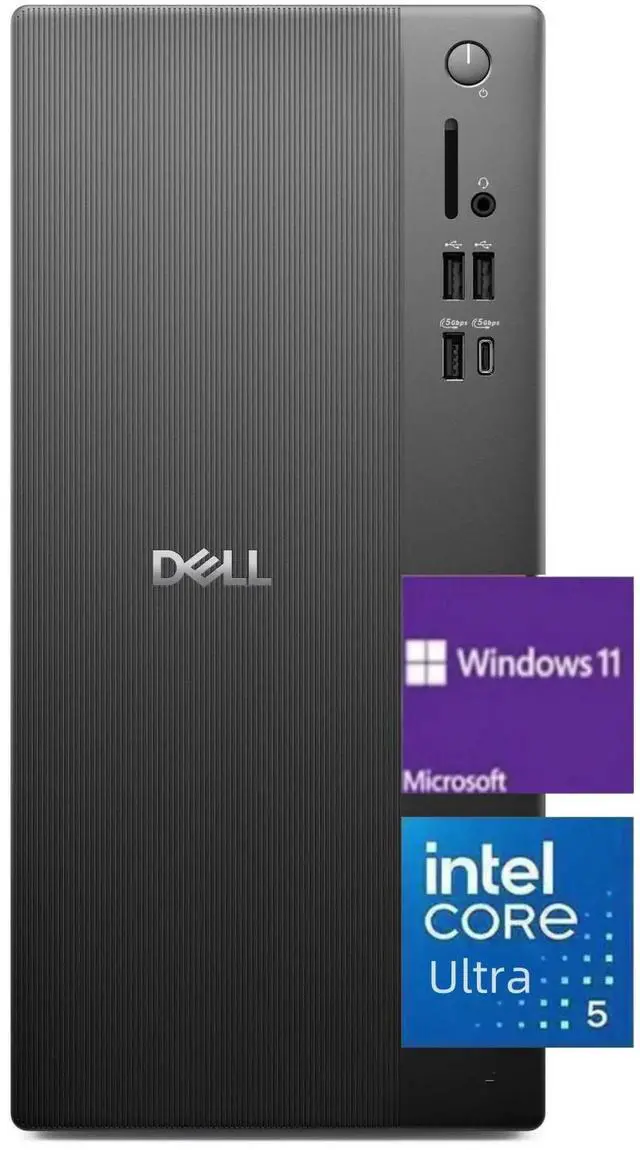
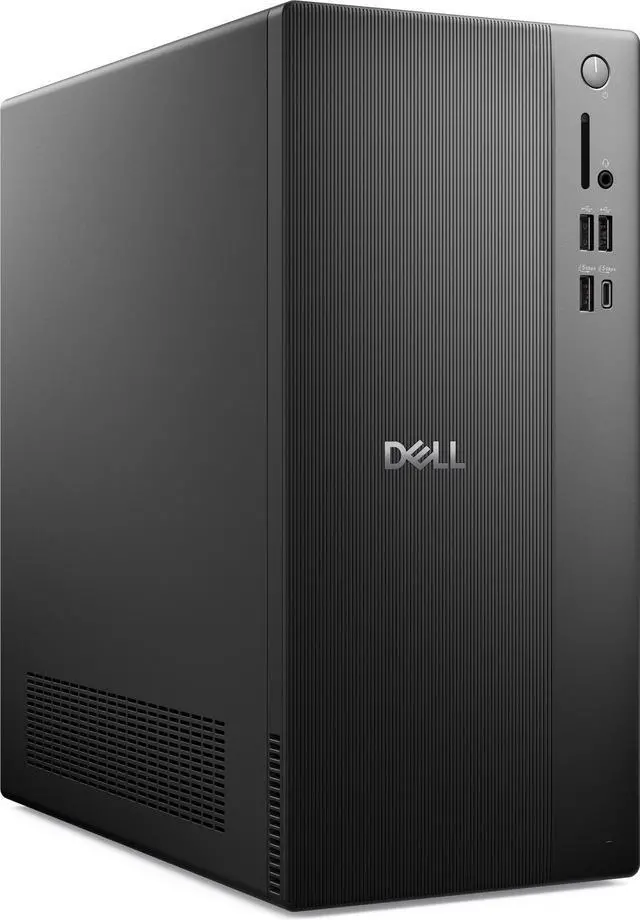
The Dell ECT1250 is a Windows 11 Pro tower desktop with an Intel Core Ultra 5 225, 32GB DDR5 memory, and a 2TB PCIe NVMe SSD, suited to office work, study, and everyday multitasking.
| Attribute | Value |
|---|---|
| Best For | Desktop computing with Windows 11 Pro, 32GB of DDR5 memory, and a 2TB SSD; monitor not included |
| Processor | Intel Core Ultra 5 225 |
| Graphics | Intel UHD Graphics |
| Memory | 32GB DDR5 |
| Storage | 2TB SSD; no HDD |
| Operating System | Windows 11 Pro |
| Wireless Connectivity | Wi-Fi 6 and Bluetooth 5.4 |
| Form Factor And Color | Desktop form factor in black |
| Included Peripherals And Display | USB keyboard and USB mouse included; monitor not included |
Q: Should I choose this ECT1250 or an ECT1250 with Core Ultra 7 265?
A: Choose this Core Ultra 5 225 configuration for its 32GB of memory, 2TB SSD, and Windows 11 Pro. An ECT1250 configuration with Core Ultra 7 265 has a higher-core-count processor—20 cores versus 10—so it is the option to consider when processor capacity is the priority. Dell lists ECT1250 configurations with both processors and with different memory and storage options.
Q: How does this ECT1250 compare with the 16GB RAM, 512GB SSD configuration?
A: Both are ECT1250 configurations with the Core Ultra 5 225 and Intel UHD Graphics. This model doubles the memory to 32GB and provides four times the SSD capacity at 2TB, making it the stronger fit for running more applications at once and keeping a larger file library on the desktop. The 16GB/512GB version is a lower-capacity configuration for users with lighter memory and storage needs.
Q: Is the 2TB ECT1250 worth choosing over a 1TB ECT1250?
A: Choose this 2TB configuration when you want more room for applications, work files, and media stored locally. A 1TB ECT1250 configuration provides less SSD capacity, while this model pairs 2TB storage with 32GB DDR5 memory, a Core Ultra 5 225, and Windows 11 Pro.
Q: Is this desktop suitable for school, office work, and everyday multitasking?
A: Yes. Its Intel Core Ultra 5 225 processor, 32 GB of DDR5 memory, and 2 TB SSD make it suitable for typical productivity tasks such as documents, browsing, and multitasking. The monitor is not included, and a webcam or microphone is not specified, so check your meeting setup separately.
Q: Does it come with a monitor?
A: No. The monitor is not included and must be supplied separately. A wired USB keyboard and mouse are included.
Q: Is it suitable for gaming?
A: It may suit casual or less graphics-intensive games, but it is not the best fit for demanding modern games. The listed graphics are Intel UHD Graphics, and no dedicated graphics card is specified.
Q: Can it connect to Wi-Fi and Bluetooth devices?
A: Yes. The listed specifications include Wi-Fi 6 and Bluetooth 5.4, so it can connect wirelessly to a network and compatible Bluetooth devices.
Q: Can I add a dedicated graphics card later?
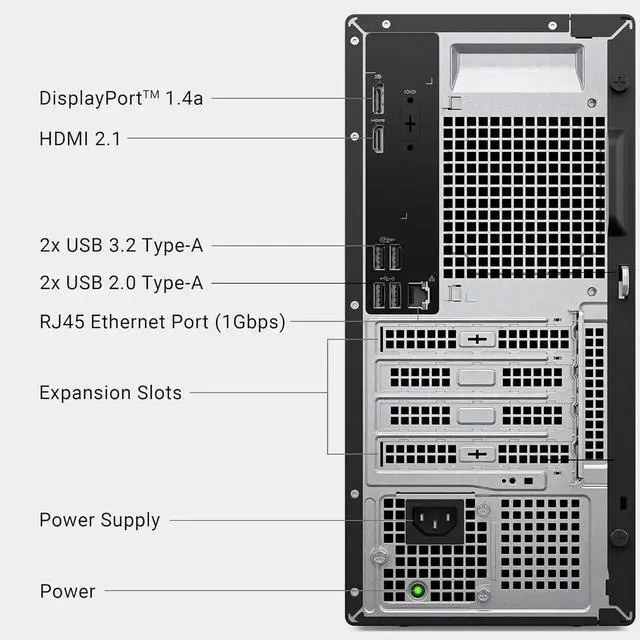
A: The listed configuration uses Intel UHD Graphics. Reddit discussions about the ECT1250 report that adding a graphics card can depend on the installed power supply and the card’s power requirements; check the exact configuration before buying a card or counting on an easy upgrade.
Q: Is the ECT1250 a good choice for gaming?
A: It has an Intel Core Ultra 5 225, 32 GB of RAM, and Intel UHD Graphics. The integrated graphics make this configuration a less suitable choice for graphics-intensive gaming than a desktop with a dedicated GPU. Reddit gaming discussions about the ECT1250 also raise questions about graphics-card and power-supply upgrades.
Q: Can I add a second SSD or hard drive?
A: The listed configuration includes one 2 TB M.2 PCIe NVMe SSD. An ECT1250 owner discussion about adding a secondary SATA SSD reports needing to resolve the drive’s power connection. Confirm the exact drive type, available connections, and required cable before planning an internal storage upgrade.


