




 here!
I’m your shopping assistant for PC builds, upgrades, and everything tech.
Got questions? Ask away!
Start a conversation
here!
I’m your shopping assistant for PC builds, upgrades, and everything tech.
Got questions? Ask away!
Start a conversation

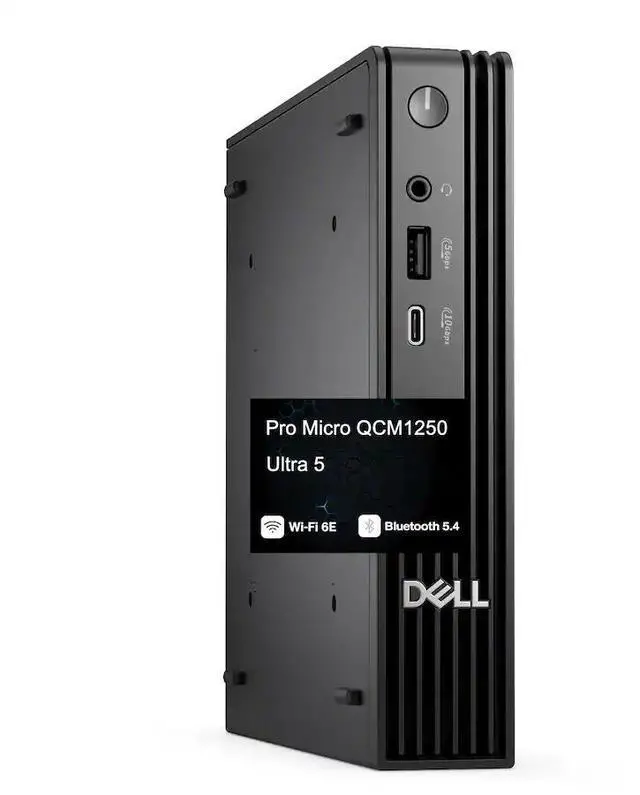
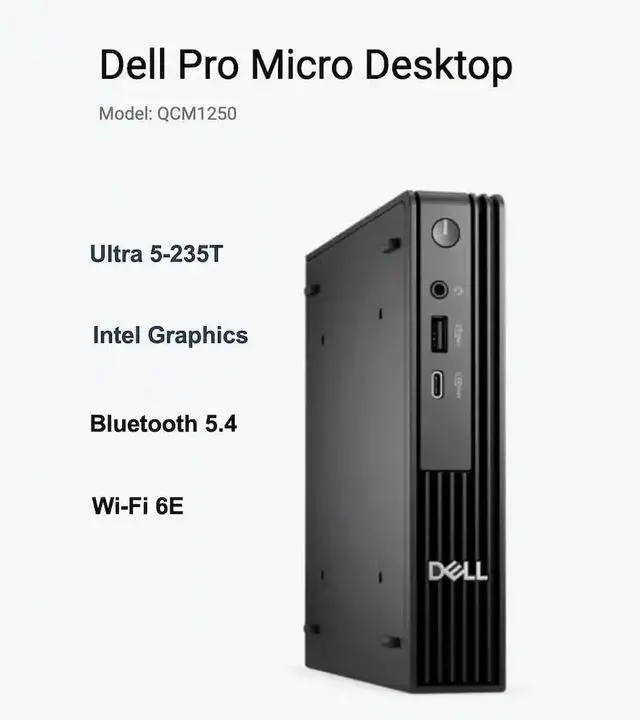
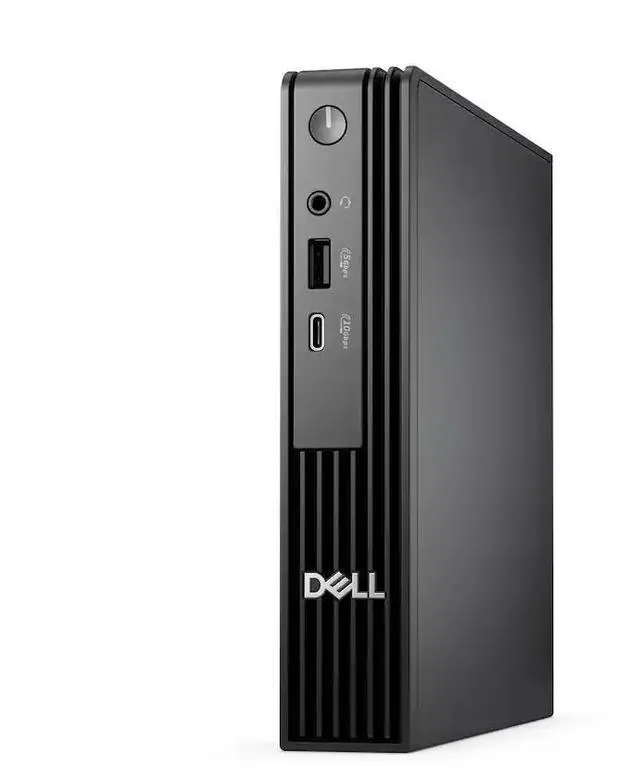
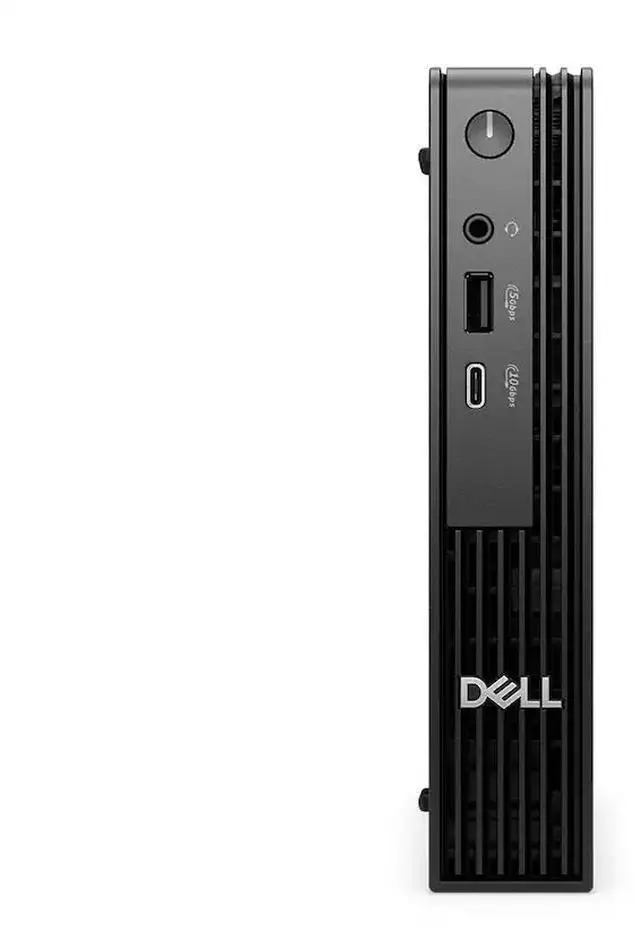



Any questions? Ask CelesteSM will help you find out quickly.
We sell new,unused computers,the original Seal is opened for upgrade ONLY. If you've selected a custom-configured computer, our professional technicians will carefully open the original manufacturer's box and professionally install the upgrades to achieve the advertised specifications.
CPU:Intel Core Ultra 5 235T Processor
Graphics:Integrated Graphics
Display:NO Display
Memory:up to 64 GB DDR5 RAM
Hard Drive:up to 2 TB PCIe NVMe M.2 SSD
Operating System:Windows 11 Pro
Keyboard and mouse:USB Keyboard & USB Mouse
Wireless Connectivity:Wi-Fi 6E and Bluetooth 5.4
Dimensions:7.17" x 7.01" x 1.42"in,2.56 lb
Color:Black
The Dell Pro Micro QCM1250 is a compact business desktop with an Intel Core Ultra 5 235T, 16GB DDR5 memory, a 512GB SSD, and Windows 11 Pro, suited to office work, multitasking, and professional users who want a small-form-factor PC.
| Attribute | Value |
|---|---|
| Best For | Business desktop productivity, with integrated graphics, 16 GB of memory, and a 512 GB SSD |
| Processor | Intel Core Ultra 5 235T |
| Memory Configuration | 16 GB DDR5 |
| Storage | 512 GB SSD |
| Graphics | Integrated graphics |
| Operating System | Windows 11 Pro |
| Networking | Wi-Fi 6E and Bluetooth 5.4 |
| Keyboard And Mouse | Wired keyboard and wired mouse |
| Physical Design | Black Micro Tower desktop PC |
| Brand | Dell |
Q: Dell Pro Micro QCM1250 vs. Pro Micro Plus QBM1250: which should I choose?
A: Choose the QCM1250 for a compact business desktop with the Core Ultra 5 235T, Windows 11 Pro, Wi-Fi 6E, HDMI, and DisplayPort. Choose the Pro Micro Plus when your setup benefits from its expanded connectivity options, such as an optional Thunderbolt 4 port or 5GbE networking.
Q: Should I get the QCM1250 with Core Ultra 5 235T or the Core i3-14100T configuration?
A: Choose the listed Core Ultra 5 235T configuration when you want a 14-core processor and a 512 GB SSD for multitasking and a larger application or file library. The Core i3-14100T configuration is a lower processor tier, and Dell lists it with 8 GB of memory and a 256 GB SSD in one base configuration.
Q: Is the QCM1250 with Core Ultra 5 235T or Core Ultra 7 265T the better fit?
A: The Core Ultra 5 235T has 14 cores and boosts up to 5.0 GHz; the Core Ultra 7 265T has 20 cores and boosts up to 5.3 GHz. Choose the 235T configuration for the specified 16 GB memory and 512 GB SSD setup; choose the Ultra 7 tier when your applications can use additional processor cores or you want the higher listed boost frequency.
Q: Should I upgrade from a Dell OptiPlex 7000 Micro to the Pro Micro QCM1250?
A: The QCM1250 is a relevant upgrade when you want a newer processor and memory platform: a Principled Technologies comparison lists the tested QCM1250 with a 14-core Core Ultra 5 235T and DDR5, versus a 6-core Core i5-12500T and DDR4 in the tested OptiPlex 7000 Micro. The systems have a similar listed height and depth, so the QCM1250 keeps a compact micro-desktop format while updating those core components.
Q: Is this desktop suitable for everyday office work and video meetings?
A: Yes. Its 14-core Intel Core Ultra 5 processor, 16 GB of DDR5 memory, 512 GB SSD, and Windows 11 Pro are suited to common office tasks, multitasking, and video meetings. It uses integrated graphics, so it is not configured for graphics-intensive workloads. A monitor, webcam, and headset are not listed as included.
Q: Does it come with a monitor?
A: No. The listing specifies that no display is included. It does include a wired keyboard and mouse, and its HDMI and DisplayPort outputs can connect to a compatible monitor.
Q: Can I connect two monitors?
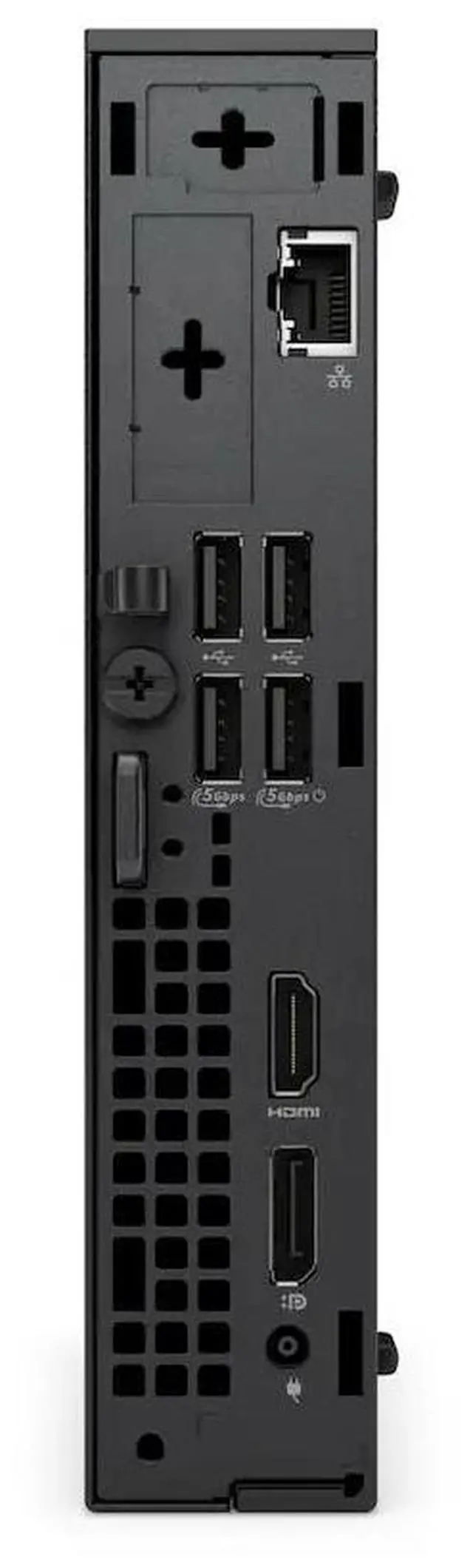
A: Yes. The desktop has one HDMI port and one DisplayPort, so it can connect to two compatible monitors at the same time. Check that each monitor has a matching input or use the appropriate adapter.
Q: Does it have built-in Wi-Fi?
A: Yes. It includes Wi-Fi 6E and Bluetooth 5.4, so wireless networking does not require a separate adapter. It also has an Ethernet port for a wired network connection.
Q: Is the Dell Pro Micro QCM1250 suitable for everyday office work and multitasking?
A: Its Core Ultra 5 235T, 16 GB of RAM, and 512 GB SSD fit typical office tasks. For heavier multitasking—such as many browser tabs and video across two 4K displays—Reddit users have reported lag on other QCM1250 configurations. Those reports are anecdotal and don’t establish how this exact configuration will perform.
Q: Is the QCM1250 a reasonable choice for a small home lab or running virtual machines?
A: A Reddit user described using a QCM1250 for networking tests, Docker, and a Windows virtual machine. That example used a different processor configuration, so it shows a reported use case rather than a performance guarantee. This model’s 16 GB of RAM may limit how much you can run at once.
Q: Should I be concerned about heat during sustained, demanding work?
A: One Reddit report describes overheating and shutdowns on a QCM1250 with a Core Ultra 7 265T while running camera software; that is a different processor configuration from this Core Ultra 5 235T model. Treat it as a reason to check temperatures and ventilation under your own workload, not as proof that this configuration will overheat.


