




 here!
I’m your shopping assistant for PC builds, upgrades, and everything tech.
Got questions? Ask away!
Start a conversation
here!
I’m your shopping assistant for PC builds, upgrades, and everything tech.
Got questions? Ask away!
Start a conversation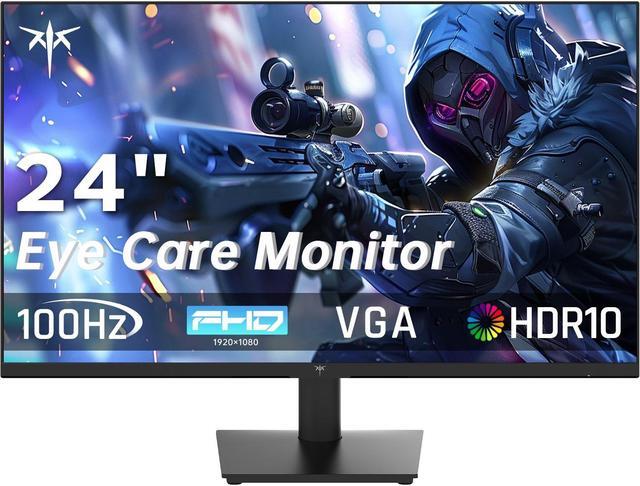



Any questions? Ask CelesteSM will help you find out quickly.


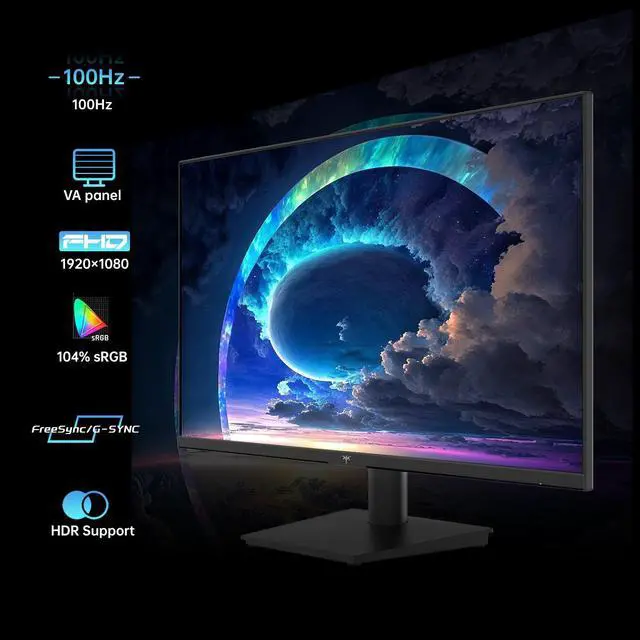
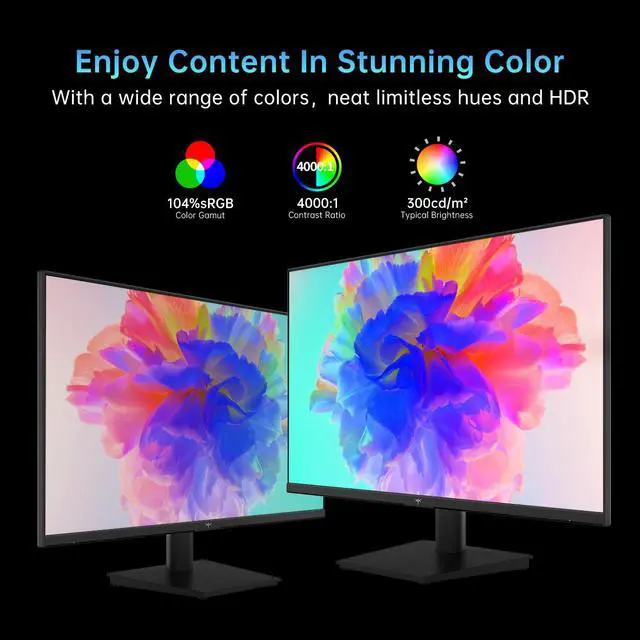
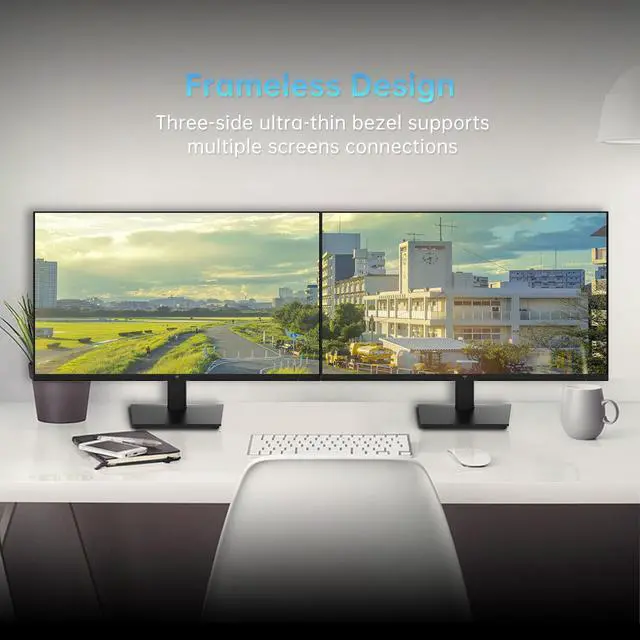
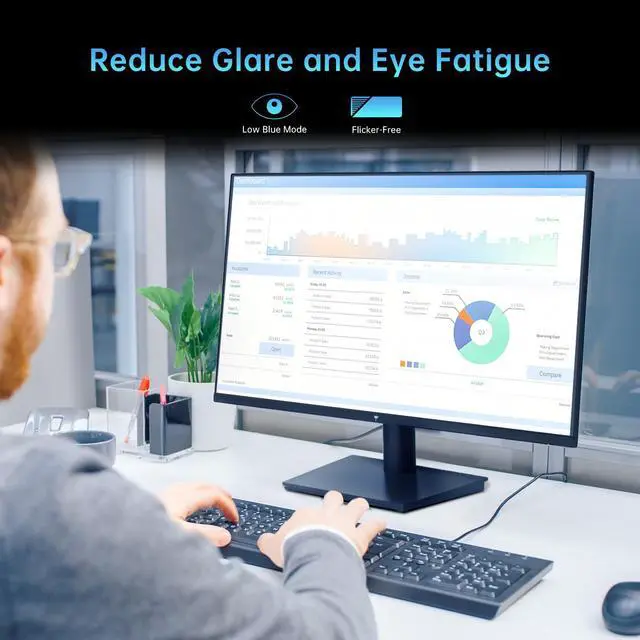
The KTC H24V27 is a 23.8-inch Full HD monitor with a 100Hz refresh rate, HDR10, and FreeSync. It suits users who want a versatile display for everyday office work, home use, and casual gaming, with HDMI and VGA connectivity, low-blue-light viewing, and a frameless design.
| Attribute | Value |
|---|---|
| Best For | Suitable for office or gaming use where a 24-inch screen fits the workspace |
Q: Should I buy the KTC H24V27 or a 180Hz monitor like the AOC 24G4 for gaming?
A: Choose the KTC H24V27 for office work, casual gaming, and lower-cost setups where 100Hz, high contrast, and VGA connectivity are sufficient. Choose the AOC 24G4 when gaming performance is the priority: it uses an IPS panel, supports up to 180Hz, and adds DisplayPort plus a more adjustable stand. The KTC is the simpler productivity-and-casual-gaming option, while the AOC is better suited to high-frame-rate competitive play. ([prtimes.jp](https://prtimes.jp/main/html/rd/p/000000007.000148306.html?utm_source=openai))
Q: Is the KTC H24V27 worth choosing over a basic 60Hz office monitor?
A: Choose the KTC H24V27 if you want smoother scrolling, cursor movement, and casual gaming without moving to a high-refresh competitive monitor. Its 100Hz refresh rate is a practical step above 60Hz, while 1080p resolution and HDMI/VGA inputs keep it suitable for standard office PCs. A 60Hz monitor remains adequate when the display is used mainly for static documents and the lowest purchase price is the main priority. ([prtimes.jp](https://prtimes.jp/main/html/rd/p/000000007.000148306.html?utm_source=openai))
Q: Should I get the KTC H24V27 or the higher-tier KTC H24F8?
A: Choose the H24V27 for mixed office use and casual gaming when 100Hz, strong VA contrast, and legacy VGA support are enough. Choose the H24F8 for faster gaming because it upgrades to a Fast IPS panel, 180Hz refresh rate, HDR400-class brightness, and DisplayPort connectivity. The H24F8 provides smoother motion and more flexible modern connectivity; the H24V27 is the more straightforward choice for general computing and darker-looking images from its higher stated VA contrast ratio. ([prtimes.jp](https://prtimes.jp/main/html/rd/p/000000007.000148306.html?utm_source=openai))
Q: Is the KTC H24V27 better than a 27-inch 1080p monitor for desk use?
A: Choose the KTC H24V27 when desk space, sharper text at 1080p, and a compact viewing area matter most. A 27-inch 1080p monitor provides a larger physical image but spreads the same 1920×1080 resolution over more area, so the 24-inch format is generally the more practical fit for close-range office work. Choose 27 inches when screen size is more important than compactness or text density.
Q: Should I choose the KTC H24V27 for competitive FPS gaming?
A: Choose the KTC H24V27 for entry-level or casual FPS gaming when your system commonly produces around 100 frames per second and you also need the monitor for office work. For competitive FPS gaming, a 144Hz-to-180Hz monitor is the more suitable configuration because it can display more frequent updates and typically offers a gaming-focused IPS panel, faster response tuning, and DisplayPort. The H24V27 is better matched to mixed-use gaming than to performance-first competitive play. ([youtube.com](https://www.youtube.com/watch?v=XI6ANHrmDGQ&utm_source=openai))
Q: Is this monitor suitable for office work, note-taking, and online meetings?
A: Yes. Its 23.8-inch Full HD screen, 100Hz refresh rate, tilt adjustment, low-blue-light mode, and HDMI/VGA inputs make it suitable for documents, browsing, note-taking, and video-meeting applications. The listed specifications do not identify a built-in webcam, microphone, or speakers, so those functions must come from the connected computer or external accessories. ([bestbuy.com](https://www.bestbuy.com/site/questions/hp-24-ips-led-fhd-freesync-monitor-hdmi-vga-silver-and-black/6454576?utm_source=openai))
Q: Is this monitor good for gaming?
A: It is suitable for casual, console, and entry-level PC gaming. The 1920x1080 resolution, 100Hz refresh rate, FreeSync support, HDR10, and FPS counter can provide smoother gameplay than a basic 60Hz monitor. It is less appropriate for users specifically seeking very high refresh rates for competitive gaming. ([bestbuy.com](https://www.bestbuy.com/site/questions/asus-tuf-gaming-24-fhd-ips-180hz-1ms-gaming-monitor-with-freesync-premium-displayport-hdmi-black/11087886?utm_source=openai))
Q: Can this monitor be wall-mounted or used with a monitor arm?
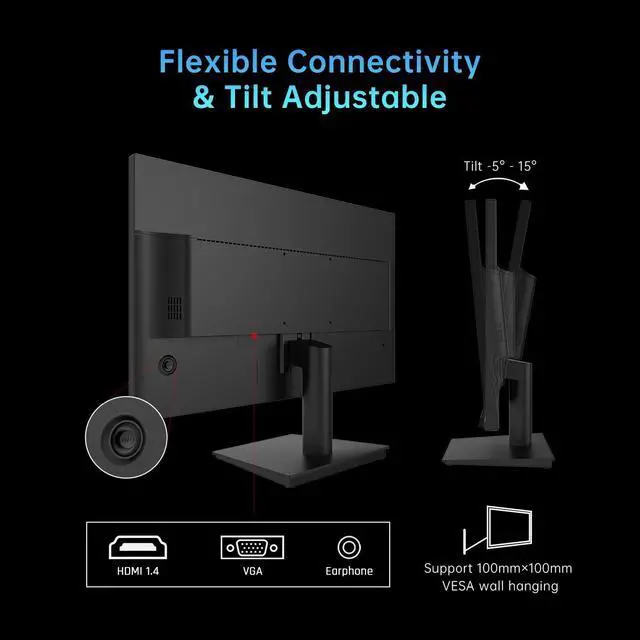
A: Yes. It supports a standard 100 x 100 mm VESA mounting pattern. The included stand provides tilt adjustment from approximately -5° to 15°, but height, swivel, and portrait rotation are not listed, so those adjustments would require a compatible monitor arm. ([bestbuy.com](https://www.bestbuy.com/site/questions/asus-tuf-gaming-24-fhd-ips-180hz-1ms-gaming-monitor-with-freesync-premium-displayport-hdmi-black/11087886?utm_source=openai))
Q: Can it be used as a second monitor with a laptop, desktop, or docking station?
A: Yes, provided the computer or docking station has an HDMI or VGA output. HDMI is the preferred connection for modern systems and Full HD use; devices with only USB-C, DisplayPort, or another output will require a compatible adapter or dock. ([bestbuy.com](https://www.bestbuy.com/site/questions/hp-24f-23-8-ips-led-fhd-freesync-monitor-hdmi-vga-natural-silver/6317590/question/f3df63cf-dfe5-3ed0-a99a-0c1b4363878b?utm_source=openai))
Q: Is it comfortable for long work sessions?
A: It includes low-blue-light mode, tilt adjustment, a frameless three-side design, and a 23.8-inch Full HD display, which support basic ergonomic setup and extended office use. Comfort will still depend on brightness, viewing distance, room lighting, and taking regular breaks; the monitor does not provide height adjustment according to the listed specifications. ([bestbuy.com](https://www.bestbuy.com/site/questions/viewsonic-va2448-mh-24-1080p-ips-monitor-with-120hz-variable-refresh-rate-eye-care-hdmi-and-vga-inputs-black/12250448?utm_source=openai))
Q: Is the KTC H24V27 worth buying as a budget monitor?
A: It is a reasonable budget choice if you want a 24-inch 1080p display with a smoother-than-60Hz 100Hz refresh rate for office work, browsing, and casual gaming. The main trade-offs are its basic tilt-only stand, HDMI/VGA-only connectivity, and VA-panel limitations compared with faster IPS gaming monitors.
Q: Is the KTC H24V27 good as a second or vertical monitor?
A: Yes. It is well suited to secondary-monitor tasks such as a streaming dashboard, chat, documents, or reference material. Its 100 x 100 mm VESA support allows vertical mounting with a compatible monitor arm, while the included stand itself only provides tilt adjustment.
Q: Is the KTC H24V27 suitable for gaming?
A: It is suitable for casual gaming at 1080p, especially when FreeSync and the 100Hz refresh rate are useful. It is less suitable for competitive players who prioritize very high refresh rates, faster motion handling, or consistently wide viewing angles; community discussion identifies the VA panel as a limitation in those areas.
Q: Who should avoid the KTC H24V27?
A: Avoid it if you need DisplayPort, a height-adjustable stand without using a VESA arm, a high-refresh competitive gaming display, or IPS-level viewing angles. It is better matched to users who value basic 1080p productivity and casual gaming at a low purchase price.



