




 here!
I’m your shopping assistant for PC builds, upgrades, and everything tech.
Got questions? Ask away!
Start a conversation
here!
I’m your shopping assistant for PC builds, upgrades, and everything tech.
Got questions? Ask away!
Start a conversation



Combo Up Savings Up To $220+
The more you add, the more you'll save!
Any questions? Ask CelesteSM will help you find out quickly.


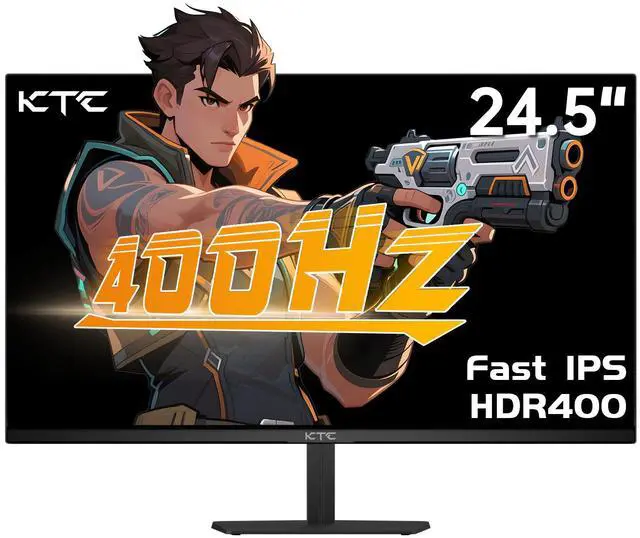
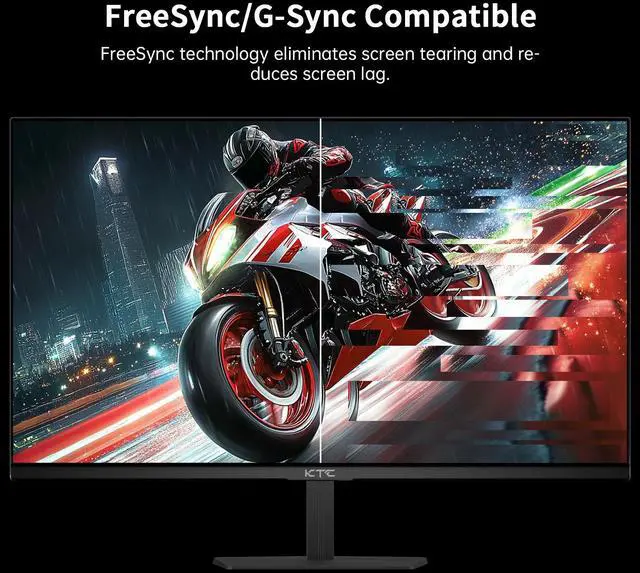
The KTC H25X7 is a 24.5-inch FHD gaming monitor with an advertised 400Hz refresh rate, Fast IPS panel, and 1ms response time, making it suitable for competitive gamers who prioritize extremely smooth motion and fast response.
| Attribute | Value |
|---|---|
| Best For | Gaming and fast-motion visual work in a compact 24.5-inch display format |
| Panel And Resolution | 24.5-inch monitor display |
Q: Is the KTC H25X7 better than a 240Hz or 280Hz 1080p gaming monitor?
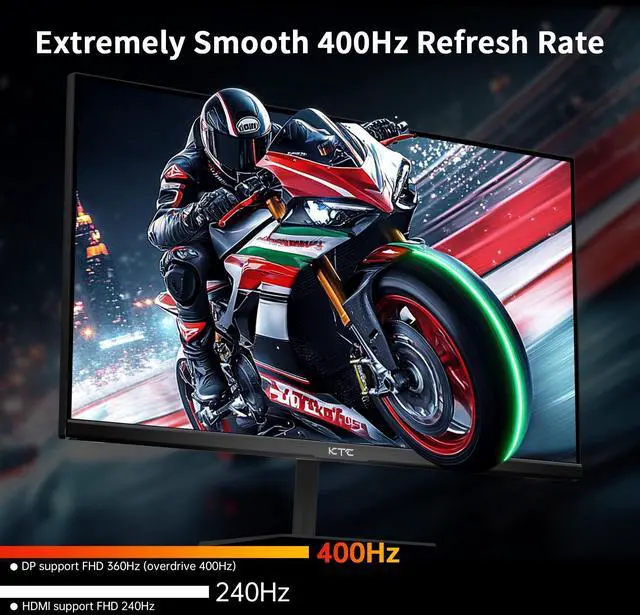
A: Choose the KTC H25X7 when you play competitive FPS games, have a PC that can sustain very high frame rates, and want 360Hz native operation or 400Hz overclocked operation through DisplayPort. Choose a 240Hz or 280Hz monitor when the lower refresh rate is sufficient for your hardware or when you prefer to allocate more of the budget to resolution, size, or other features. The upgrade from 240Hz to 400Hz reduces frame time from about 4.17ms to 2.5ms, so the benefit is primarily relevant to high-FPS competitive gaming rather than general use.
Q: Should I buy the KTC H25X7 or a 360Hz esports monitor like the BenQ ZOWIE XL2566K?
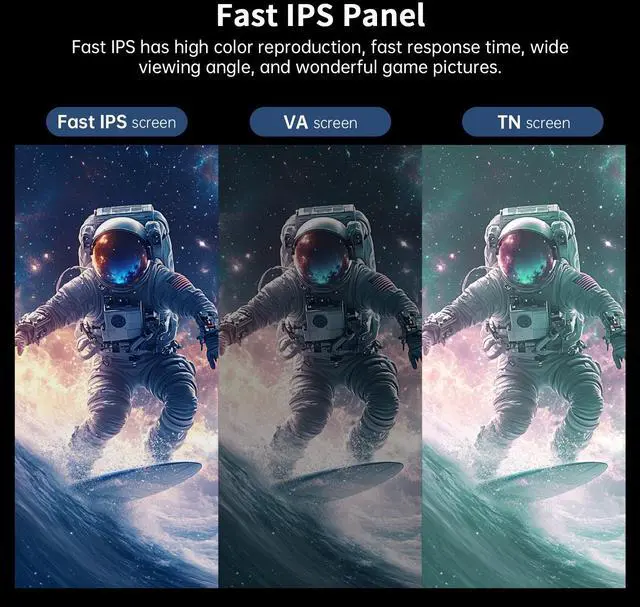
A: Choose the KTC H25X7 if you want a Fast IPS panel, wider viewing angles, and more color-oriented image quality while retaining very high refresh rates. Choose the ZOWIE XL2566K if your priority is esports-focused motion handling and its DyAc+ backlight-strobing feature on a 360Hz TN panel. The KTC operates at 360Hz natively and up to 400Hz overclocked, while the ZOWIE is designed around 360Hz operation.
Q: Is the KTC H25X7 a better choice than a 1440p 240Hz monitor for gaming?
A: Choose the KTC H25X7 for competitive games such as Counter-Strike 2, Valorant, Apex Legends, or other titles where sustained frame rate and motion smoothness matter more than image detail. Choose a 1440p 240Hz monitor for a broader mix of single-player games, productivity, and applications where sharper text and a higher-detail image are more valuable. The H25X7 uses a 24.5-inch 1920×1080 panel, so it favors performance at high FPS over resolution.
Q: Should I upgrade from a 240Hz monitor to the KTC H25X7?
A: Upgrade to the KTC H25X7 when your system consistently produces more than 240 FPS in your main games and you actively prioritize competitive motion smoothness. Keep a 240Hz monitor when your frame rate usually stays near or below 240 FPS, because the H25X7's 400Hz mode cannot display additional high-refresh frames that the PC does not generate. The difference is measurable but smaller than the jump from 60Hz or 144Hz to 240Hz.
Q: Is the KTC H25X7 suitable for mixed gaming and everyday use, or is it mainly for esports?
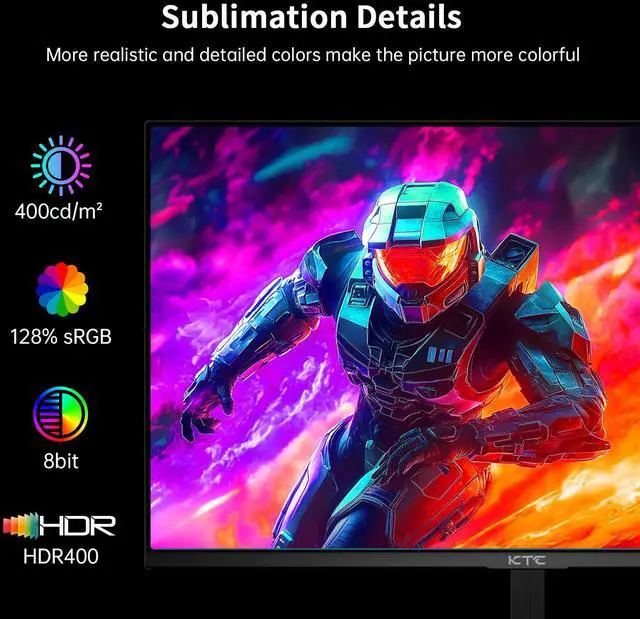
A: The KTC H25X7 is suitable for mixed use if you value smooth desktop scrolling, an IPS panel, HDR400 support, and a compact 24.5-inch format. It is a stronger fit for esports than for image-detail-focused gaming because its resolution is limited to 1080p. For frequent single-player gaming, creative work, or sharper text, a 1440p monitor may provide a more balanced experience; for competitive FPS gaming, the H25X7's high refresh rate is the more relevant advantage.
Q: Will I actually get the full 400Hz refresh rate?
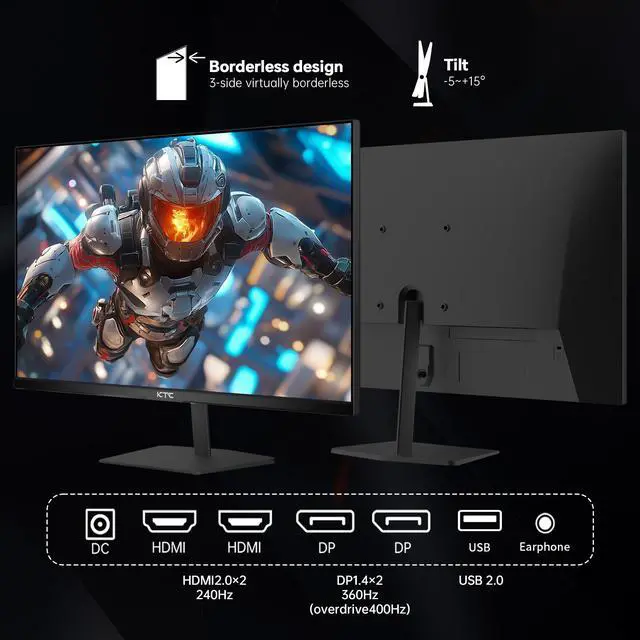
A: The product is listed with a 400Hz refresh rate, but achieving the maximum requires a compatible gaming PC, graphics card, connection, cable, and game frame rate. The provided listing also mentions 240Hz and 360Hz, so buyers should confirm the monitor's supported refresh-rate modes and which input enables 400Hz before purchase.
Q: Is this monitor suitable for competitive PC gaming?
A: Yes. The 24.5-inch FHD Fast IPS panel, listed 400Hz refresh rate, and 1ms response time are best suited to competitive PC games where motion clarity and low latency matter more than high resolution. The trade-off is that 1920 × 1080 provides less desktop detail than a QHD or 4K monitor.
Q: Can I use it with a monitor arm or wall mount?
A: The product is listed as VESA-compatible, so it is intended for use with a compatible monitor arm or wall mount. The provided specifications do not state the exact VESA pattern or monitor weight, so verify those details before selecting a mount.
Q: Will it work well with a gaming console?
A: It should connect to compatible consoles through its two HDMI inputs and display up to FHD resolution. However, a console will not use the monitor's full 400Hz capability; the actual refresh rate depends on the console, game, HDMI port specification, and cable. This monitor is better optimized for high-frame-rate PC gaming than for maximum console refresh rates.
Q: Is it practical for office work, meetings, and everyday use?
A: Yes, for users who prefer a compact 24.5-inch screen. The FHD resolution is adequate for documents, web browsing, and video meetings, while the IPS panel and tilt adjustment support general desk use. It is less suitable for users who need extra workspace for detailed spreadsheets, multitasking, photo editing, or high-resolution text.
Q: Is the KTC H25X7 worth buying for competitive FPS gaming?
A: It can be a good value for competitive FPS players who can consistently produce very high frame rates and prefer 24.5-inch 1080p gaming. Its main trade-off is that the benefit of 360–400Hz is limited for most users, while the FHD resolution and compact screen are less suitable for general-purpose or high-detail gaming.
Q: Who is the KTC H25X7 best suited for?
A: It is best suited for competitive players of games such as Counter-Strike 2 and Valorant who prioritize motion smoothness, low latency, and a 24.5-inch 1080p display. It is less suitable for users who want higher resolution, large-screen productivity, or visually demanding single-player games.
Q: Does the H25X7 really run at 400Hz, or is it a 360Hz monitor?
A: Community reports indicate that some H25X7 units operate at 360Hz by default and reach 400Hz through an overclocking option in the monitor menu. Buyers should verify the exact regional model, connection requirements, and on-screen refresh-rate setting before assuming 400Hz is available as a standard mode.
Q: Does the KTC H25X7 have noticeable ghosting or poor motion performance?
A: Reports are mixed but generally describe acceptable motion performance, with some users reporting no noticeable ghosting and others questioning response-time behavior at the highest refresh rates. If motion clarity is critical, compare performance at 360Hz and 400Hz and use the retailer’s return policy to manage panel-to-panel variation.
Q: What are the main risks or trade-offs of buying the KTC H25X7?
A: The main trade-offs are limited independent coverage, uncertain long-term support experiences, basic stand construction, and the monitor’s 1080p resolution. User reports describe the display as good value when working properly, but buyers should confirm the seller, warranty process, return policy, and whether the stand or VESA mounting arrangement meets their needs.


