




 here!
here!
I’m your shopping assistant for PC builds, upgrades, and everything tech.
Got questions? Ask away!
Start a conversation
here!
I’m your shopping assistant for PC builds, upgrades, and everything tech.
Got questions? Ask away!
Start a conversation



Combo Up Savings Up To $210
The more you add, the more you'll save!
Any questions? Ask CelesteSM will help you find out quickly.


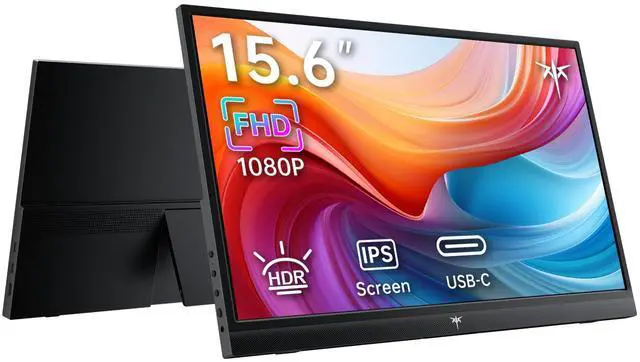
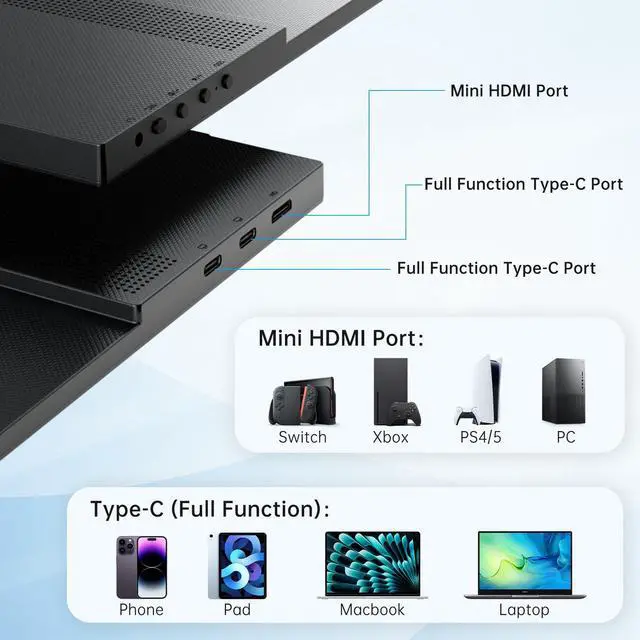
The KTC 15.6-inch portable monitor is a slim FHD 1080p IPS second screen with HDR, built-in speakers, and USB-C or mini HDMI connectivity. It suits remote workers, students, business travelers, and laptop users who want a lightweight way to expand their workspace.
| Attribute | Value |
|---|---|
| Best For | Portable second-screen use for work, presentations, and gaming with laptops, phones, and consoles |
| Panel And Resolution | 15.6-inch display |
Q: Is the KTC H15F8 better than the AOC 16T20 for a portable second screen?
A: Choose the KTC H15F8 when you want a lighter 15.6-inch FHD monitor with two full-featured USB-C ports, mini HDMI, built-in speakers, and a stated 300 cd/m² brightness level. Choose the AOC 16T20 when a protective smart cover, adjustable stand design, and a longer stated warranty are more important. Both provide 15.6-inch 1920×1080 IPS displays, 60Hz operation, USB-C, mini HDMI, and speakers.
Q: Should I buy the KTC H15F8 or the ASUS ZenScreen MB16ACV for work travel?
A: The KTC H15F8 is the more flexible choice if you need HDMI compatibility, two USB-C inputs, and built-in speakers for laptops, phones, consoles, or mini PCs. The ASUS ZenScreen MB16ACV is better suited to USB-C laptop users who prioritize ASUS display features such as anti-glare treatment, blue-light controls, and a business-oriented design. The ASUS model has one USB-C display input and no built-in speakers, while the KTC adds mini HDMI and speakers.
Q: Is the KTC H15F8 suitable for gaming, or should I get a 144Hz portable monitor?
A: Choose the KTC H15F8 for console gaming, casual PC gaming, and general travel use where 1080p resolution, HDMI connectivity, and portability matter more than motion performance. Choose a 144Hz model such as the Arzopa Z1FC when your laptop or gaming device can produce high frame rates and smoother motion is a priority. The KTC is specified as a 15.6-inch FHD monitor, but its listed specifications do not identify a high-refresh-rate mode; the Arzopa Z1FC is reviewed and marketed as a 144Hz portable gaming monitor.
Q: KTC H15F8 or Lenovo ThinkVision M14: which is better for business travel?
A: The KTC H15F8 is the better fit when you need broader device compatibility, including mini HDMI sources, phones, consoles, and computers with different connection types. The Lenovo ThinkVision M14 is better for USB-C laptop users who value a business-focused design and USB-C power pass-through. The KTC provides a larger 15.6-inch screen, speakers, and mini HDMI, while the ThinkVision M14 is a smaller 14-inch USB-C display designed around laptop portability.
Q: Is this portable monitor a good choice for travel work and remote meetings?
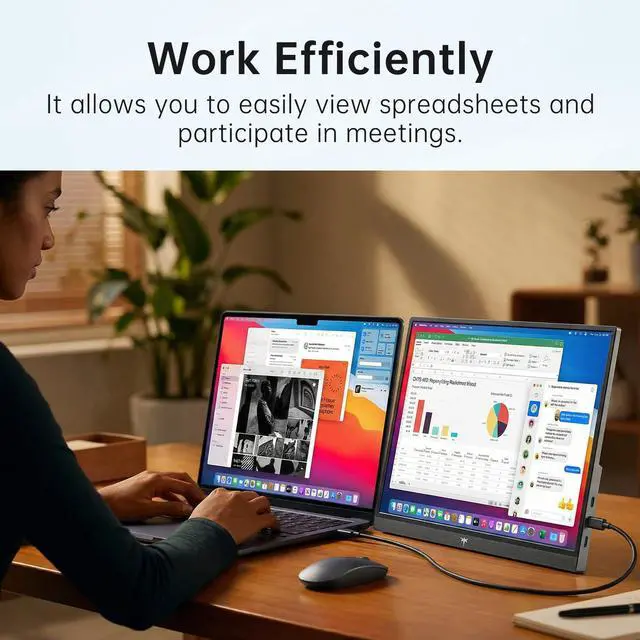
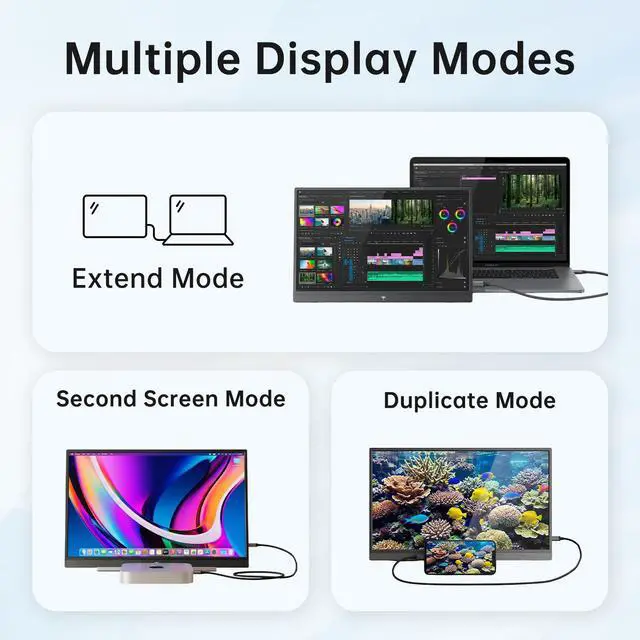
A: Yes, it is well suited to travel work when you need a lightweight second screen for spreadsheets, documents, presentations, or video meetings. Its 15.6-inch FHD IPS display weighs 1.4 lb and supports extended or duplicated displays. The main trade-offs are its 300 cd/m² brightness and the need to confirm how the monitor will be powered with your specific device. ([bestbuy.com](https://www.bestbuy.com/site/questions/plugable-usb-c-portable-monitor-and-hub-with-protective-case-stand-100w-pass-through-charging-black/10221133?utm_source=openai))
Q: Will it work with my laptop, MacBook, phone, or game console?
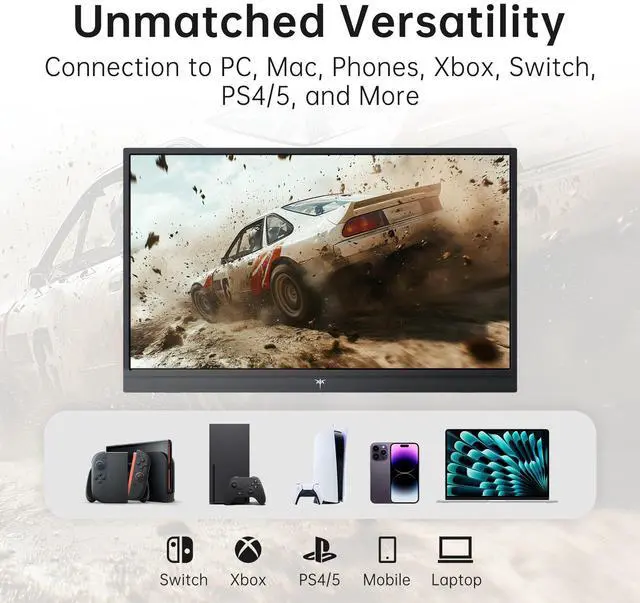
A: It is designed to work with laptops, MacBooks, compatible phones, mini PCs, PS4/PS5, Xbox, and Nintendo Switch through USB-C or mini HDMI. For USB-C video, the connected device must support DisplayPort Alt Mode; HDMI-connected devices generally require a separate power connection for the monitor. ([bestbuy.com](https://www.bestbuy.com/site/questions/acer-pm161w-16-0-wuxga-60hz-freesync-compatible-ips-portable-monitor-2-x-usb-3-1-type-c-mini-hdmi-audio-out-black/6617471/question/cf4fa7b1-5634-30c9-ad77-94da817c5059?utm_source=openai))
Q: Does the monitor need to be plugged into an outlet?
A: Power depends on the connection. A compatible USB-C connection may carry both video and power through one cable, but HDMI transmits video and audio without powering the monitor, so HDMI use typically requires a USB-C power source or another external power connection. The product listing does not specify a built-in battery. ([bestbuy.com](https://www.bestbuy.com/site/questions/acer-pm161w-16-0-wuxga-60hz-freesync-compatible-ips-portable-monitor-2-x-usb-3-1-type-c-mini-hdmi-audio-out-black/6617471/question/cf4fa7b1-5634-30c9-ad77-94da817c5059?utm_source=openai))
Q: Is it suitable for note-taking, office work, and video meetings?
A: Yes. The 15.6-inch 1920×1080 IPS screen provides useful workspace for documents, spreadsheets, notes, presentations, and video-conference windows. Built-in speakers support meeting audio, but the listing does not mention a webcam or microphone, so it should be treated as an additional display rather than a complete meeting device. ([bestbuy.com](https://www.bestbuy.com/site/questions/monduo-16-led-portable-monitor-black/6571122?utm_source=openai))
Q: Is it good for console gaming and entertainment?
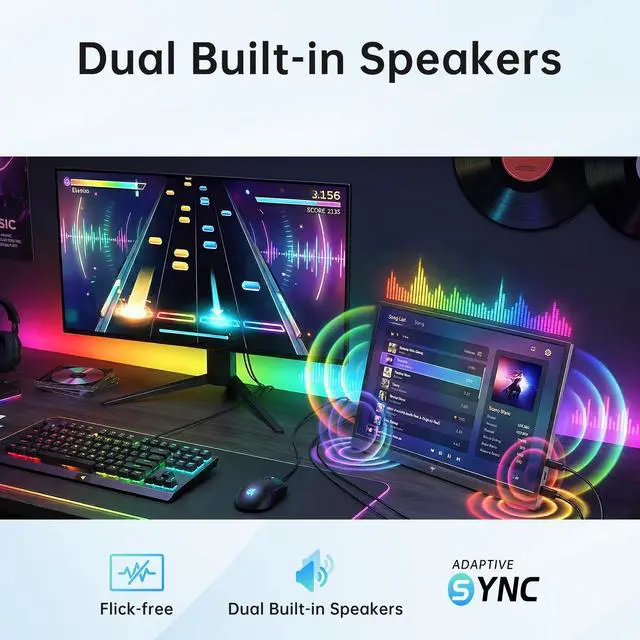
A: It is suitable for portable console gaming and general entertainment because it has a 15.6-inch FHD IPS panel, HDR support, built-in speakers, and mini HDMI connectivity. However, the listed specifications do not provide a refresh rate or response time, so buyers seeking high-refresh competitive gaming should verify those specifications before purchasing. ([bestbuy.com](https://www.bestbuy.com/site/questions/monduo-16-led-portable-monitor-black/6571122?utm_source=openai))
Q: Is the KTC 15.6-inch portable monitor a good choice for work travel?
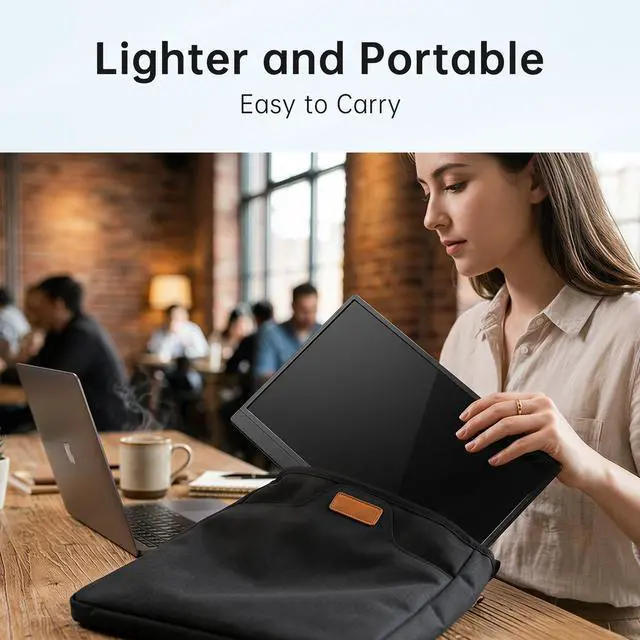
A: Yes, if you need a temporary second screen for laptop-based work. Its 15.6-inch FHD IPS display and 1.4-pound weight suit spreadsheets, meetings, and general office tasks, but its size may be less convenient than a 13.3- or 14-inch monitor for frequent travelers.
Q: What should I check before using this monitor with a laptop over USB-C?
A: Confirm that the laptop's USB-C port supports video output. A compatible USB-C connection can carry display and power, but some laptops may not provide enough power, requiring a separate power source. Devices without video-capable USB-C can use the monitor's mini HDMI input with separate power as needed.
Q: Is 15.6 inches too large for a portable monitor?
A: It depends on the travel bag and setup. A 15.6-inch monitor provides more workspace than smaller portable displays, but users report that monitors of this size can take up most of a laptop compartment. Choose it for workspace priority; choose a 13.3- or 14-inch model for easier packing.
Q: What are the main trade-offs of buying this KTC portable monitor?
A: The main trade-offs are portability versus screen size, possible dependence on an external power source, and uncertainty about features such as speaker quality and USB passthrough. The monitor offers FHD IPS, HDR, two full-featured USB-C ports, mini HDMI, and built-in speakers, but the community discussion does not establish professional-grade HDR, audio quality, or long-term reliability.


