




 here!
I’m your shopping assistant for PC builds, upgrades, and everything tech.
Got questions? Ask away!
Start a conversation
here!
I’m your shopping assistant for PC builds, upgrades, and everything tech.
Got questions? Ask away!
Start a conversation








Any questions? Ask CelesteSM will help you find out quickly.
| Technology | DDR4 |
|---|---|
| Speed | PC4-17000 2133MHz CL15 |
| Form Factor | 288PIN ECC REGISTERED DIMM |
| ECC Type | ECC REGISTERED |
| Voltage | 1.2v |
| Compatibility | Server, Workstation, NAS System |
















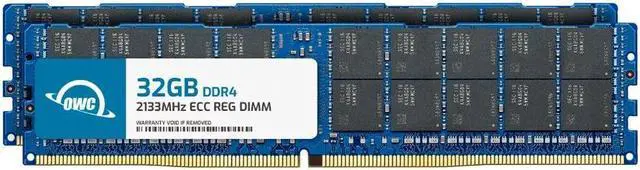
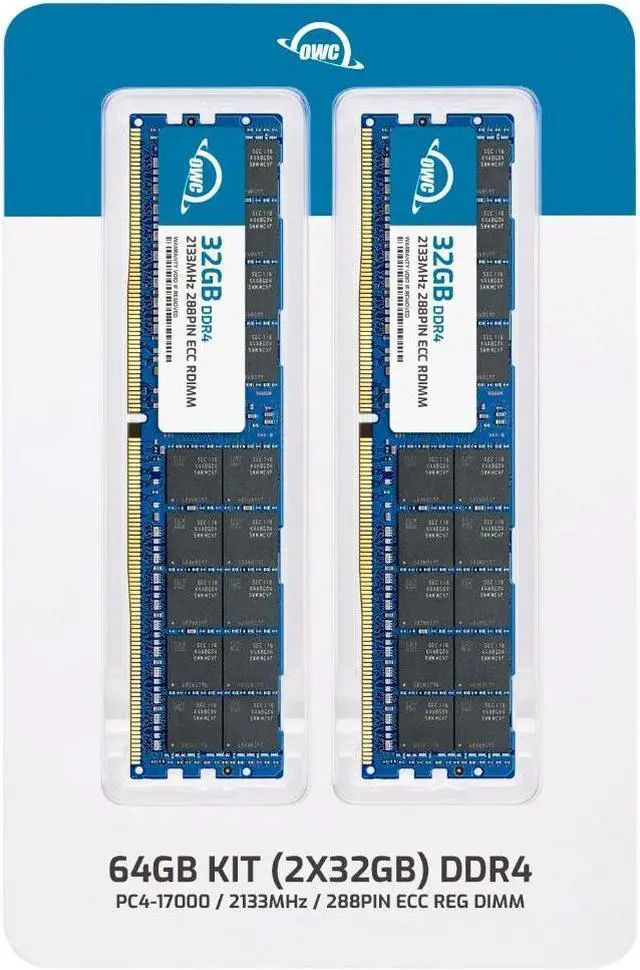
OWC 64GB (2×32GB) DDR4-2133 ECC Registered RDIMM is a server-memory upgrade listed as compatible with Synology FS3017, FS2017, and RS18017xs+ NAS systems. It suits owners of compatible servers, workstations, or NAS devices that support registered ECC memory.
| Attribute | Value |
|---|---|
| Best For | Server and NAS memory upgrades requiring 288-pin DDR4 ECC registered DIMMs, including compatible Synology FS3017, FS2017, and RS18017xs+ systems |
| Capacity And Kit Configuration | 64GB kit with two 32GB modules, configured as a dual-channel kit |
| Memory Type And Organization | 288-pin DDR4 SDRAM with ECC registered buffering and 2Rx4 rank organization |
| Speed And Timing | 2133 MHz (PC4-17000) with CL15 latency |
| Electrical And Physical | 1.2V; no heat spreader |
| Model Identifiers | OWC part number 2R1D42R4064P; model number OWC2R1D42R4064P |
Q: OWC 64GB (2x32GB) vs. OWC 32GB (2x16GB): which should I choose for a Synology FS3017?
A: Choose the OWC 64GB kit when you want twice the memory capacity in a two-module kit. Both OWC kits are DDR4-2133 ECC registered RDIMMs; the 32GB kit is a lower-capacity option, while the 64GB kit is the choice for workloads that need more memory headroom. Synology lists the FS3017 as expandable to 512GB.
Q: Should I choose this OWC 64GB kit or OWC’s 128GB DDR4-2133 ECC RDIMM kit?
A: Choose the 64GB (2×32GB) kit for a 64GB memory kit with two modules. OWC’s 128GB (4×32GB) kit provides twice the capacity at the same DDR4-2133 ECC RDIMM specification; consider it when your workload calls for more memory and the NAS model’s supported capacity and module configuration allow it. Synology lists the FS3017’s maximum memory as 512GB.
Q: For 64GB of OWC DDR4-2133 ECC RDIMM, should I get 2×32GB or 4×16GB?
A: Both OWC configurations total 64GB and use DDR4-2133 ECC RDIMMs. The 2×32GB kit uses two modules; the 4×16GB kit uses four. Choose based on the module layout that fits your NAS’s memory configuration and your expansion plan.
Q: Will this memory work in my FS3017, FS2017, or RS18017xs+?
A: It is specified as compatible with the Synology FS3017, FS2017, and RS18017xs+. Before buying, verify your NAS model and memory configuration, since this is 288-pin DDR4-2133 ECC registered RDIMM—not universal desktop memory.
Q: Can I use this RAM in a standard desktop computer?
A: No. This is ECC registered RDIMM memory intended for compatible servers and NAS systems; the product information says it is not compatible with standard desktop computers.
Q: Can I mix this kit with the RAM already in my NAS?
A: Do not mix it with unbuffered or load-reduced memory; the product information says those combinations are incompatible. Check the NAS’s current memory type and recommended configuration before installing the kit.
Q: Does the 64GB kit come as one module or two?
A: It contains two 32GB modules, for 64GB of memory in total. That is the kit capacity; it does not by itself indicate the NAS’s total installed memory after the upgrade.
Q: How much RAM does an FS3017 need for a 200TB volume?
A: A Synology FS3017 webinar states that 32GB of RAM is required for a 200TB volume. This OWC kit provides 64GB (2 × 32GB) of ECC registered memory, exceeding that stated requirement; the webinar does not establish whether the extra capacity improves performance.


