




 here!
I’m your shopping assistant for PC builds, upgrades, and everything tech.
Got questions? Ask away!
Start a conversation
here!
I’m your shopping assistant for PC builds, upgrades, and everything tech.
Got questions? Ask away!
Start a conversation








Any questions? Ask CelesteSM will help you find out quickly.
| Technology | DDR4 |
|---|---|
| Speed | PC4-21300 2666MHz CL19 |
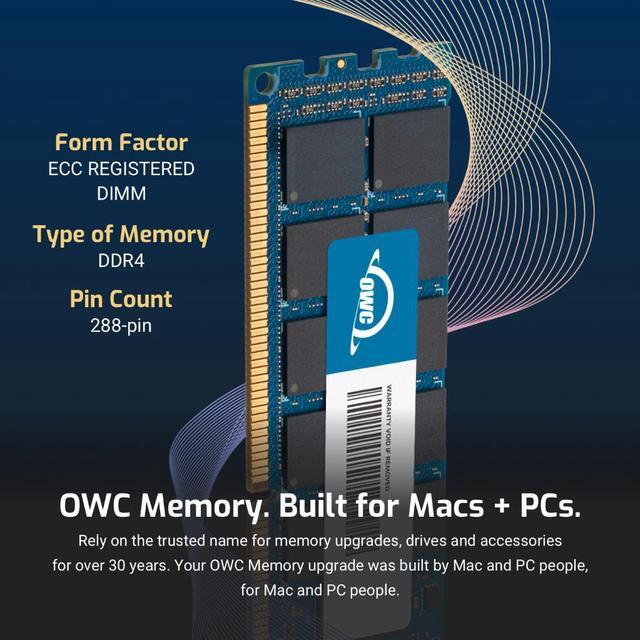
| Form Factor | 288PIN ECC REGISTERED DIMM |
| ECC Type | ECC REGISTERED |
| Voltage | 1.2v |
| Compatibility | Server, Workstation, NAS System |
| Backward Compatibility | Also Compatible with 2133MHz, 2400MHz |
















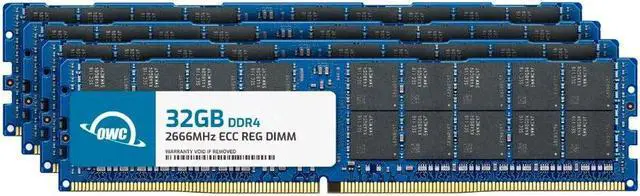
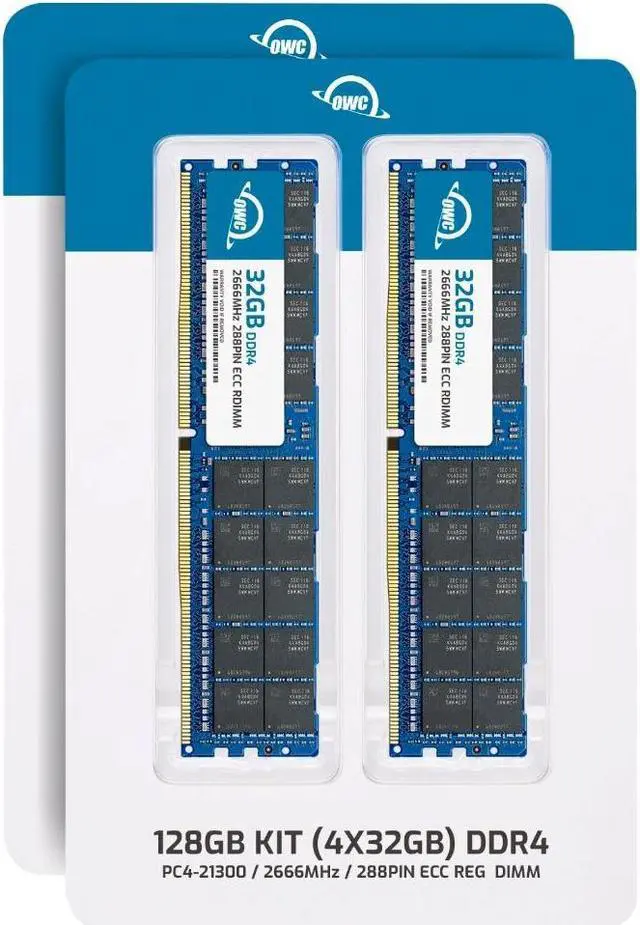
The OWC 128GB (4×32GB) kit is DDR4-2666 ECC Registered RDIMM memory for upgrading compatible Synology FlashStation FS3400, FS3410, and FS3600 systems, as well as supported servers and workstations that use registered DIMMs.
| Attribute | Value |
|---|---|
| Best For | ECC registered memory upgrades for compatible Synology systems |
| Capacity | 128GB total as a dual-channel kit of four 32GB modules |
| Memory Type And Configuration | 288-pin DDR4 SDRAM DIMM, ECC registered, 2Rx4 |
| Speed And Latency | 2666 MHz (PC4-21300) with CL19 latency |
| Power And Heat Spreader | 1.2V; no heat spreader |
| Compatible Devices | FS3400, FS3422, FS3600, FS6412, HD6512, SA3400, SA3410, SA3612, SA3610, and SA6412 |
| Model Identifiers | OWC (Other World Computing); part number 2R6D42R4128S; model number OWC2R6D42R4128S |
Q: Should I choose this OWC 128GB kit or a 64GB memory configuration for a Synology FS3400?
A: Choose the OWC 128GB kit when you want the FS3400’s documented maximum memory capacity: it supplies four 32GB modules. A 64GB configuration is an intermediate capacity; Synology lists supported 64GB module arrangements in its FS3400 installation guide.
Q: Is the OWC 128GB kit or a smaller OWC memory kit the better upgrade for an FS3400?
A: Choose this 128GB kit when your target is 128GB total memory in the FS3400. A smaller-capacity kit is the capacity-focused option when a lower total is sufficient; the FS3400 guide lists configurations below its 128GB maximum.
Q: Should I keep the FS3400’s 16GB memory or upgrade to this 128GB OWC kit?
A: Keep the 16GB configuration when that capacity meets your needs; choose the OWC kit when you want to equip the FS3400 with 128GB. Synology lists 16GB as the FS3400’s preinstalled memory and 128GB as its maximum capacity.
Q: Will this memory work in a standard desktop PC?
A: No. This is ECC Registered RDIMM server memory, not standard desktop memory. The product information lists compatibility with Synology FlashStation FS3400, FS3410, and FS3600; confirm your system supports this exact memory type before buying.
Q: Can I mix this kit with the memory already installed?
A: Do not mix these registered DIMMs with unbuffered or load-reduced memory. Before combining modules, verify that the system supports the memory type and configuration; the product is supplied as four matched 32GB modules.
Q: How much memory is included, and how many modules are in the kit?
A: The kit provides 128GB total as four 32GB DDR4-2666 ECC Registered RDIMMs. It is a matched kit, not a single 128GB module.
Q: What should I check before buying this RAM for my server?
A: Check that the server supports DDR4-2666, 32GB ECC Registered 2Rx4 RDIMMs, and a four-module 128GB configuration. This kit is identified as compatible with the Synology FlashStation FS3400, FS3410, and FS3600; compatibility with other systems is not specified here.
Q: Will this 128GB kit work in any Synology NAS?
A: No. The product information lists it for the FlashStation FS3400, FS3410, and FS3600. It is registered ECC RDIMM, so check your exact NAS model’s supported memory type and capacity before buying; Synology users also report that compatibility can differ between models.
Q: Can I mix this kit with the RAM already in my Synology?
A: Check the existing memory type first. This kit is registered ECC RDIMM, and the product information says not to mix it with unbuffered or ECC load-reduced memory. A Reddit discussion also highlights that ECC and registered/unbuffered describe different memory characteristics.
Q: Is third-party OWC RAM a reasonable alternative to Synology-branded RAM?
A: It may be, if the module matches your NAS’s requirements. In a Reddit discussion, a user reported using OWC RAM successfully in a different Synology model; that report does not confirm this kit in the FS3400, FS3410, or FS3600. Verify model-specific compatibility and any support requirements before purchasing.
Q: Who is likely to benefit from upgrading to 128GB?
A: A 128GB upgrade is most relevant when the NAS workload needs the additional memory, such as running virtual machines or multiple resource-intensive services. For lighter use, the discussion does not establish that this full-capacity kit is necessary; check the NAS’s supported capacity and your workload first.


