




 here!
I’m your shopping assistant for PC builds, upgrades, and everything tech.
Got questions? Ask away!
Start a conversation
here!
I’m your shopping assistant for PC builds, upgrades, and everything tech.
Got questions? Ask away!
Start a conversation








Any questions? Ask CelesteSM will help you find out quickly.
| Technology | DDR4 |
|---|---|
| Speed | PC4-21300 2666MHz CL19 |
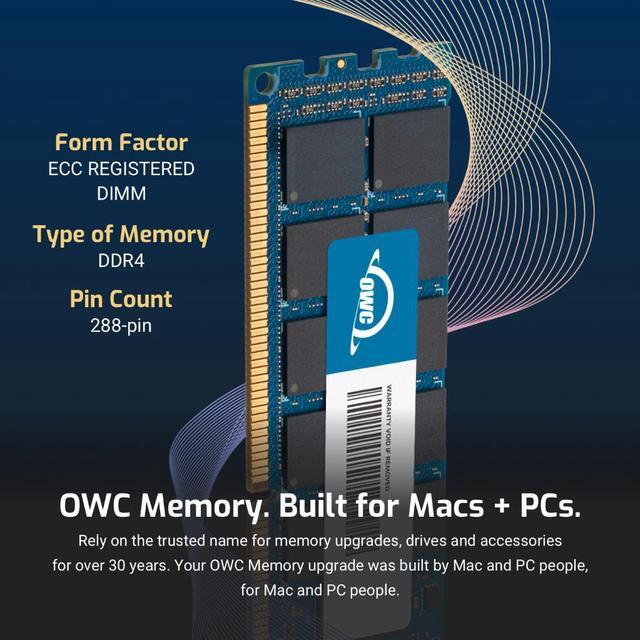
| Form Factor | 288PIN ECC REGISTERED DIMM |
| ECC Type | ECC REGISTERED |
| Voltage | 1.2v |
| Compatibility | Server, Workstation, NAS System |
| Backward Compatibility | Also Compatible with 2133MHz, 2400MHz |
















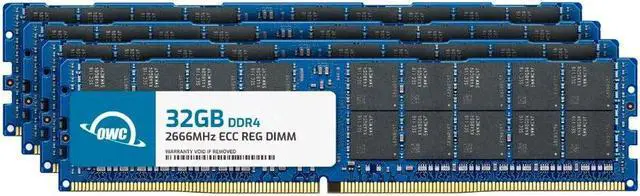
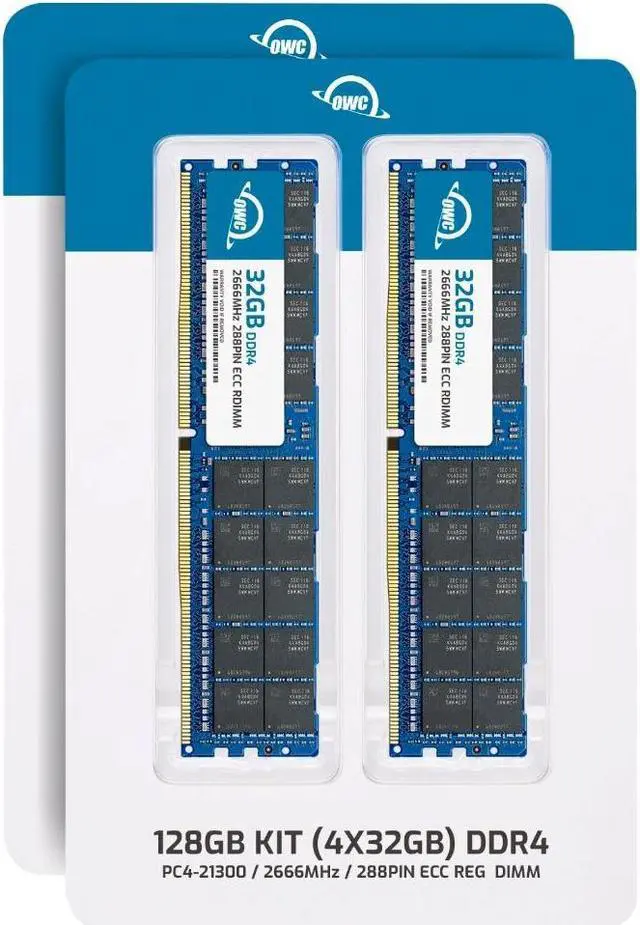
The OWC 128GB (4×32GB) DDR4-2666 ECC Registered memory kit is a server-memory upgrade for the Synology FlashStation FS2017, suitable for users needing compatible, error-correcting RDIMM capacity. It uses 288-pin modules and is not intended for standard desktop systems.
| Attribute | Value |
|---|---|
| Best For | ECC registered DDR4 memory upgrades for the listed Synology FS, HD, and SA systems |
| Capacity And Kit Configuration | 128GB kit with four 32GB modules, configured as a dual-channel kit |
| Memory Type And Compatibility | 288-pin DDR4 SDRAM DIMM with ECC registered memory |
| Speed And Timing | 2666 MHz (PC4-21300) with CL19 latency |
| Module Configuration And Voltage | 2Rx4 rank configuration, 1.2V, without a heat spreader |
| Model Identifiers | OWC part number 2R6D42R4128S; model number OWC2R6D42R4128S |
Q: Should I choose OWC 128GB or 64GB (2x32GB) for a Synology FS2017?
A: Choose the OWC 128GB kit when you want the FS2017’s full 128GB memory capacity now. Choose the OWC 64GB (2x32GB) kit when 64GB meets your target and keeping two of the system’s four memory slots open matters. Both kits are DDR4-2666 ECC Registered memory; Synology advises using identical modules in multi-module configurations.
Q: OWC 128GB (4x32GB) vs 64GB (4x16GB): what’s the difference?
A: Both kits use four DDR4-2666 ECC Registered modules, while the 128GB kit provides twice the total capacity: 128GB instead of 64GB. Choose 128GB if you want more memory capacity; choose 64GB if that is the capacity you plan to install.
Q: Does the OWC 128GB kit or the 64GB (2x32GB) kit get the FS2017 closer to its memory limit?
A: The OWC 128GB kit reaches the FS2017’s stated 128GB maximum; the 64GB kit provides half that capacity. Choose the 128GB kit when matching the system’s maximum memory capacity is the priority.
Q: Will this 128GB kit work in a Synology FS2017?
A: It is listed as compatible with the Synology FlashStation FS2017 and contains four 32GB DDR4-2666 ECC registered RDIMMs, for 128GB total. Confirm that your FS2017 supports this capacity and module configuration before installation.
Q: Can I use this RAM in a standard desktop PC?
A: No. This kit uses ECC registered DIMMs for compatible servers and workstations; it is not compatible with standard desktop computers that require unbuffered memory.
Q: Can I mix this kit with the RAM already in my server?
A: Do not mix it with unbuffered or load-reduced memory. Check the server’s memory rules before combining it with any other modules; using a matched configuration is the safer choice.
Q: How much RAM is included, and how many modules are in the kit?
A: The kit includes four 32GB modules, for 128GB total. Check your server’s supported capacity and slot configuration before buying.


