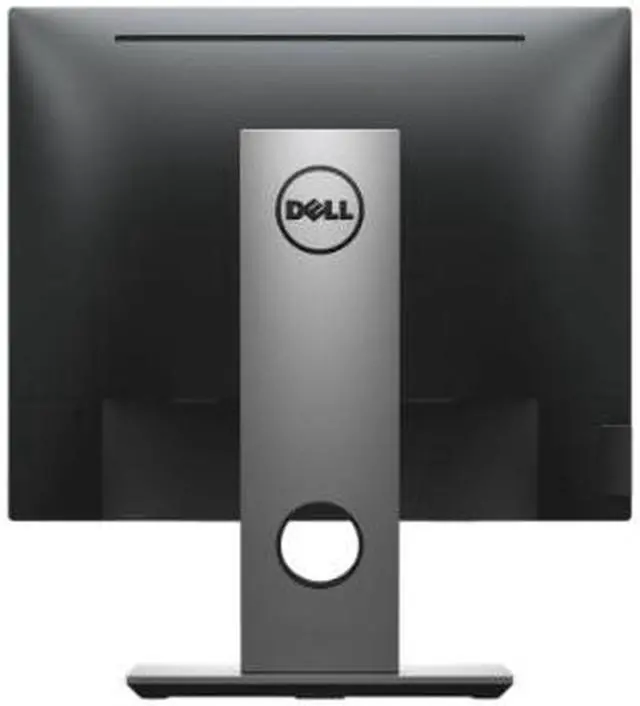
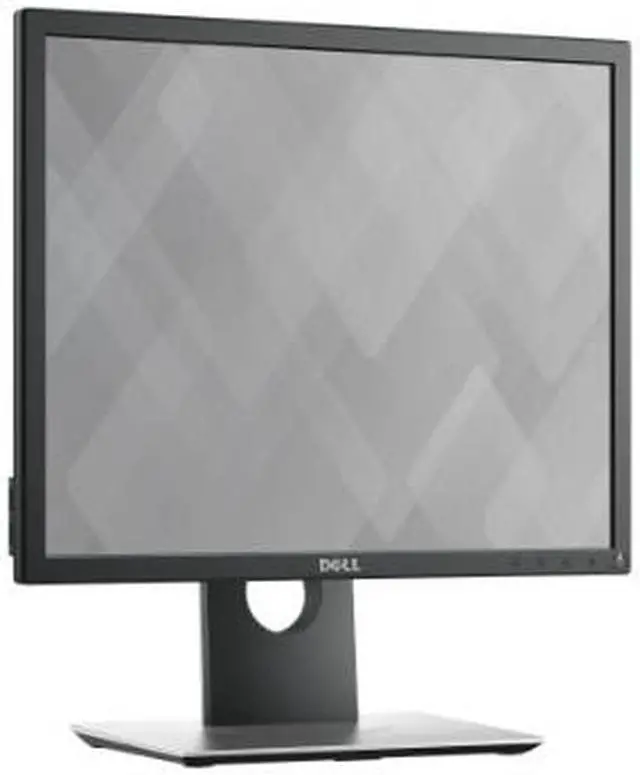
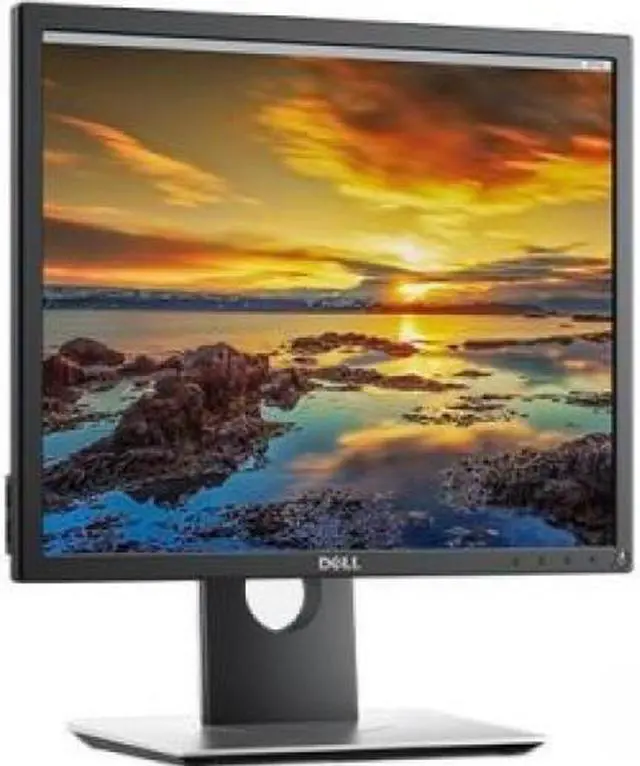
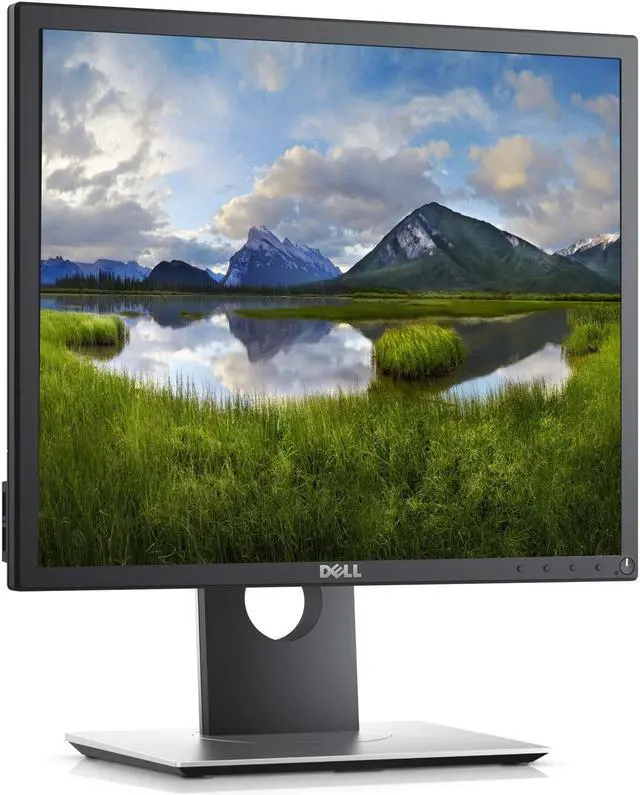
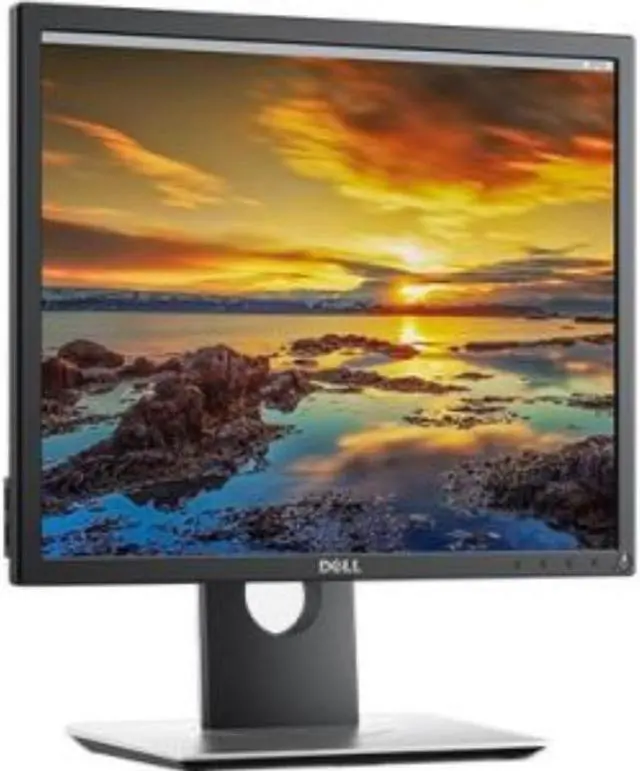
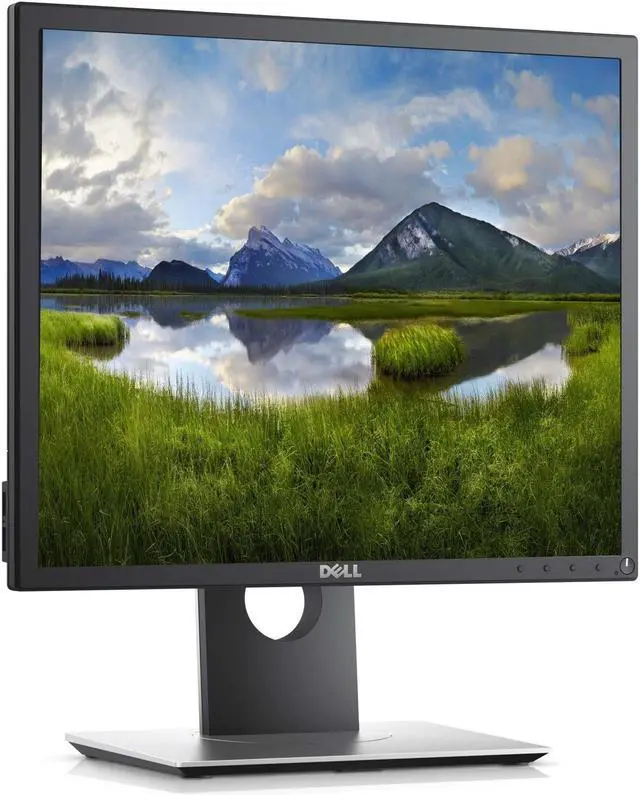
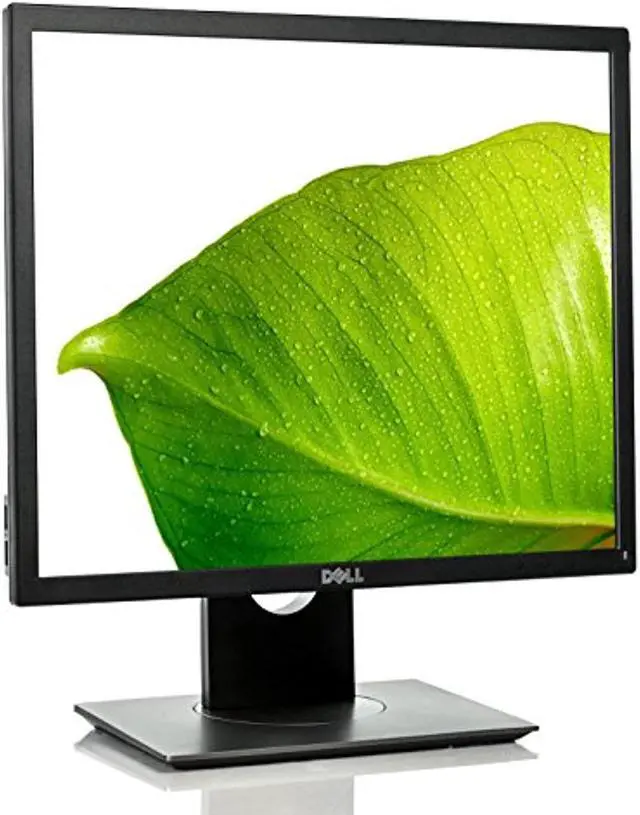
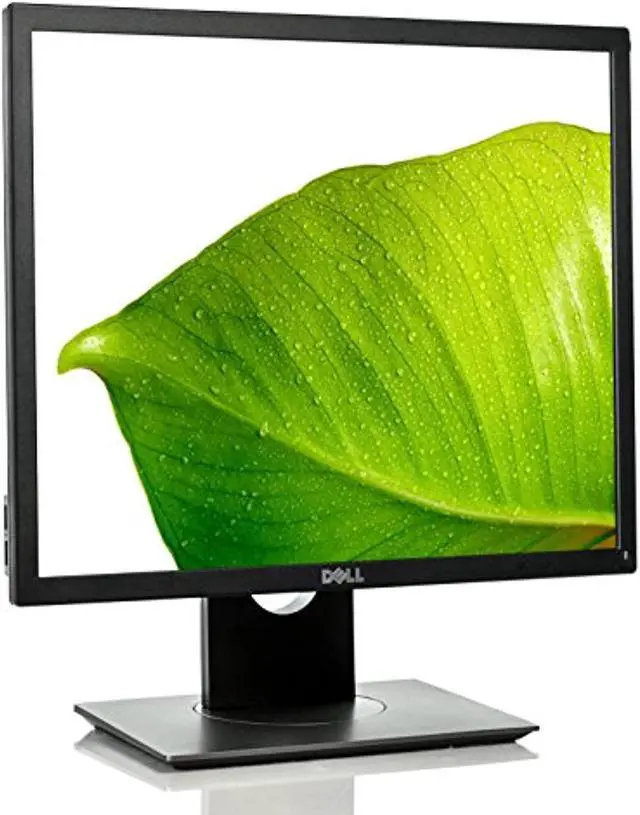
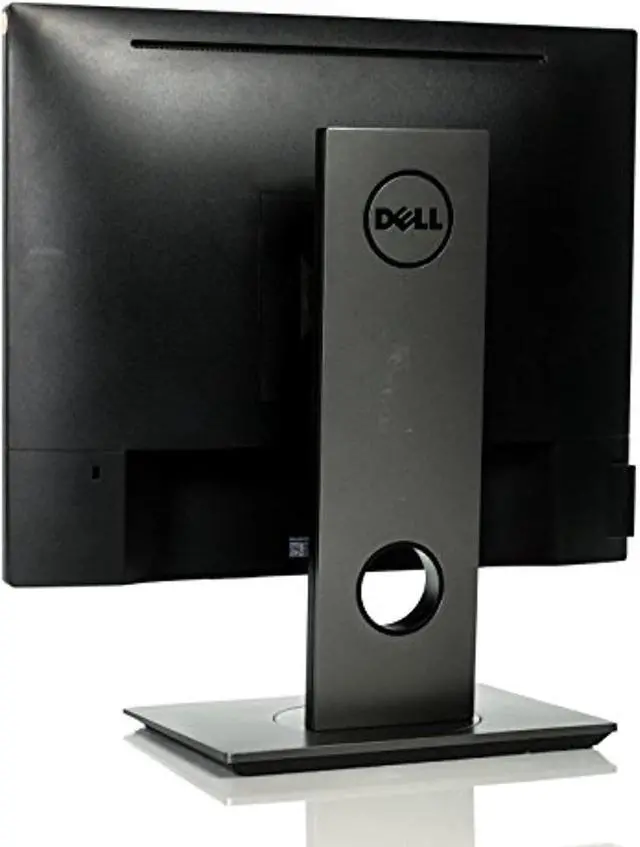
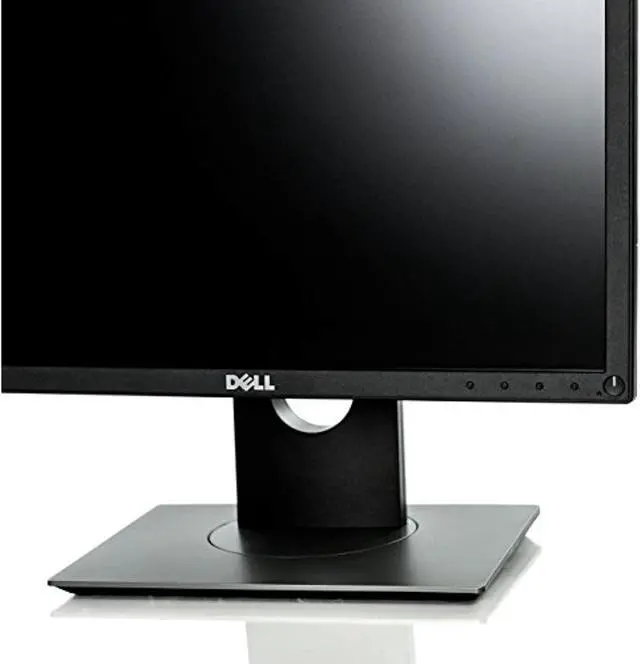
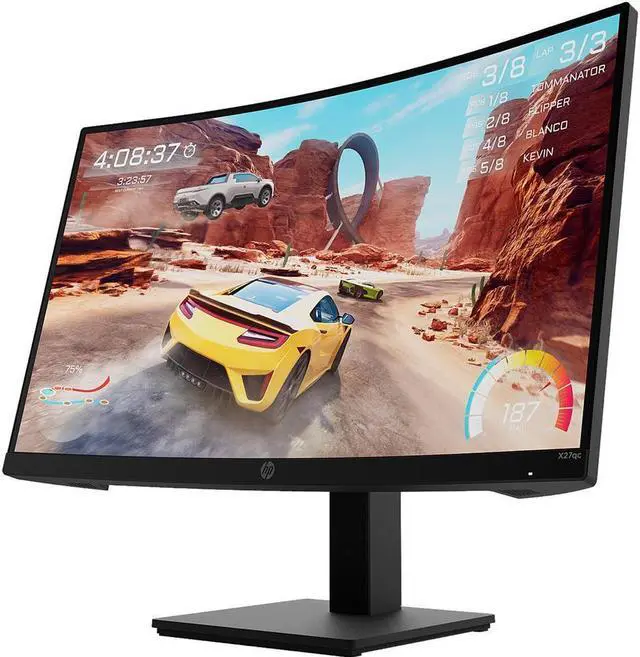
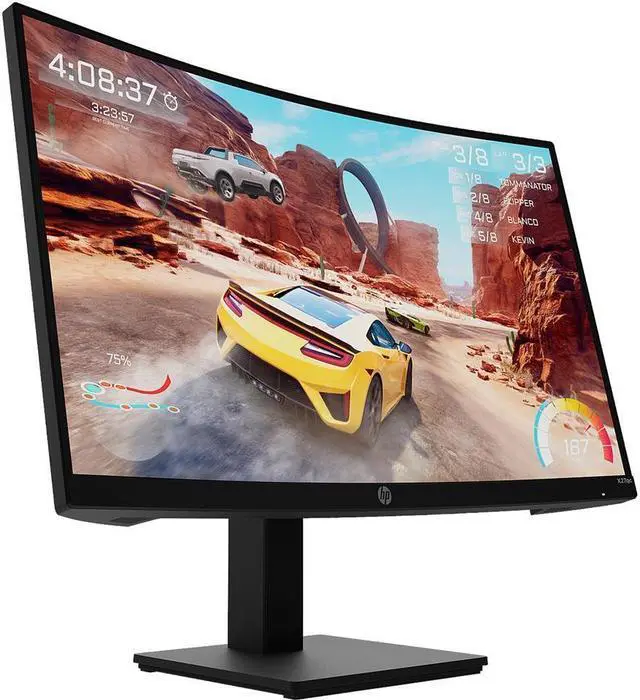
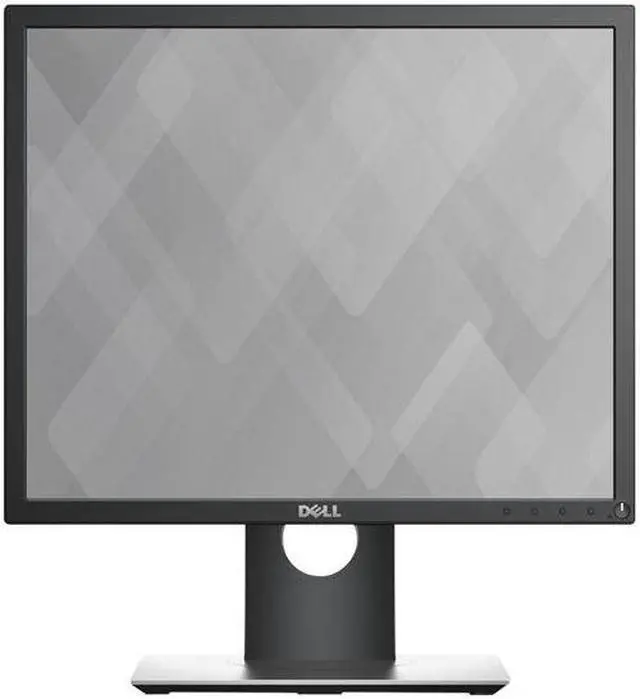
The Dell Pro 19 Plus P1917S is a compact 18.9-inch monitor for office workers who need a dedicated screen for everyday productivity in a space-conscious workspace.
Recommended For
- Office workers handling forms, email, or other single-window tasks at a fixed desk who want a compact 5:4 display with an adjustable stand.
- People adding a secondary screen for documents, chat, or other reference windows, especially when they want a display that can pivot between landscape and portrait.
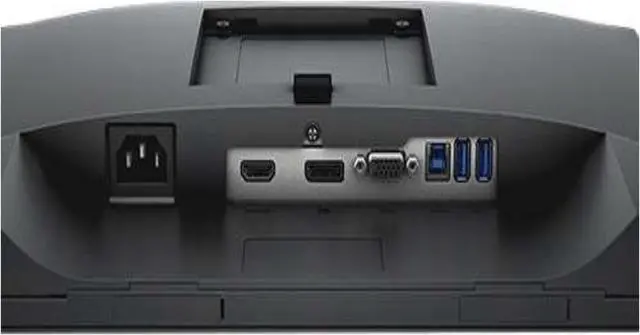
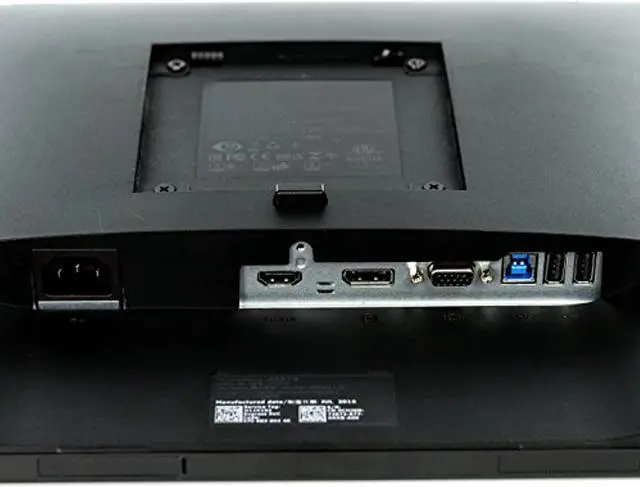
- Workstations that need flexible connections to PCs with DisplayPort, HDMI, or VGA, plus USB-A ports for nearby peripherals.
- Users of older PC or retro-computing setups who specifically want a 5:4 screen with modern video inputs such as HDMI or DisplayPort.
Real-World Use Scenarios
- For everyday office work—such as email, documents, and data-entry forms—the P1917S provides a compact, square-format workspace suited to a desk where a larger widescreen monitor may not fit.
- As a secondary screen beside a larger monitor, it can keep email, chat, or reference material visible while the main screen is used for focused work; owners have described using the P1917S this way in home-office setups.
- In an office with a mix of older and newer computers, its VGA, HDMI, and DisplayPort inputs make it easier to connect to different systems without relying on a single video connector type.
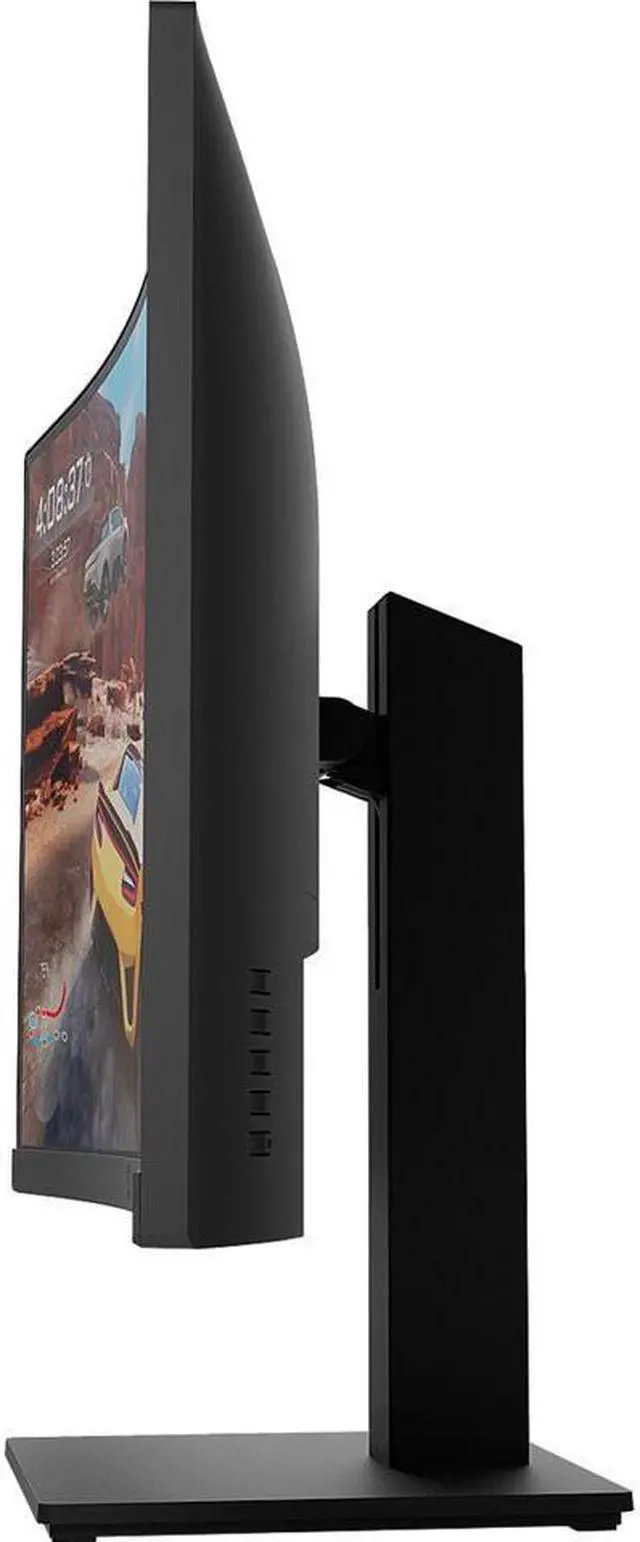
- At a shared desk or workstation, users can adjust the monitor’s height, tilt, swivel, or pivot to better match their seating position or viewing preference.
- For a basic desk setup, connecting the monitor’s USB upstream cable to the computer lets users access its downstream USB ports for nearby peripherals, reducing the need to reach the computer’s ports.




 here!