




 here!
I’m your shopping assistant for PC builds, upgrades, and everything tech.
Got questions? Ask away!
Start a conversation
here!
I’m your shopping assistant for PC builds, upgrades, and everything tech.
Got questions? Ask away!
Start a conversation



Any questions? Ask CelesteSM will help you find out quickly.


All-in-One USB Hub with Built-in Clip-on Microphone Combines a 4-port USB 3.0 expansion hub with a high-sensitivity clip-on microphone, eliminating the need for separate adapters and external mics. Perfect for laptops, ultrabooks, and desktop PCs.
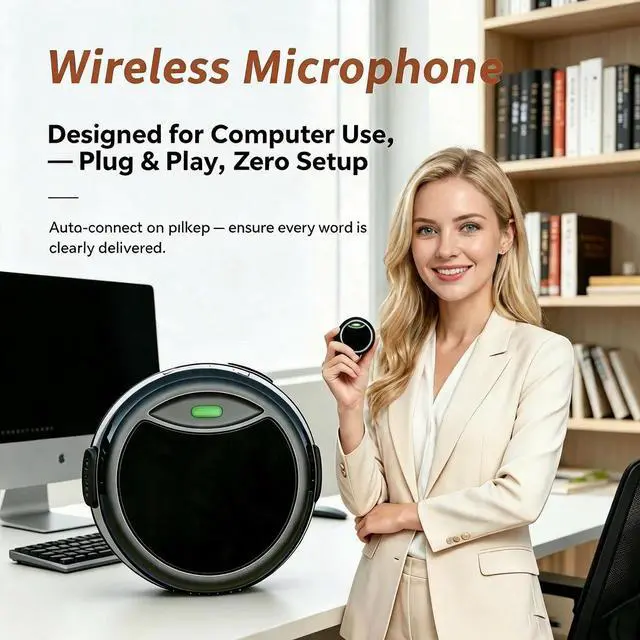
Crystal-Clear Audio for Meetings & Online Classes The integrated clip-on microphone captures clear, distortion-free voice pickup, making it ideal for video conferences, remote work, webinars, and e-learning sessions. The clip design allows for convenient attachment to collars or desks for optimal sound positioning.
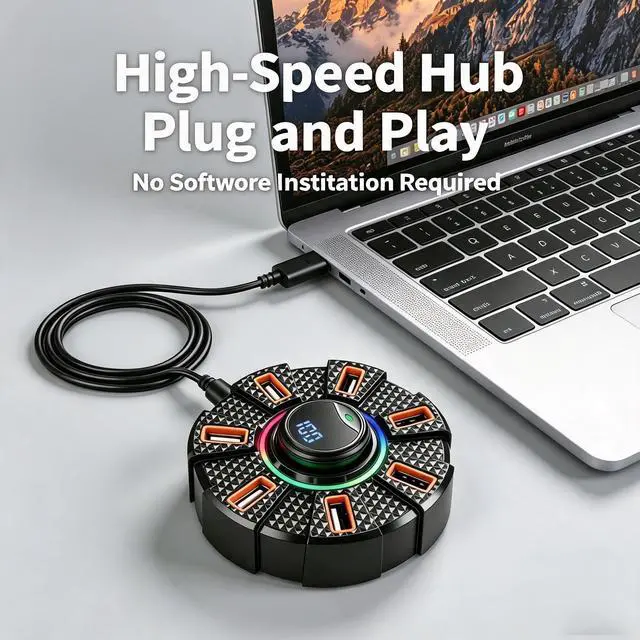
Plug & Play No Driver Installation Required Simply plug the hub into your laptop's USB port and it's ready to use instantly. No complicated setup, no additional software downloads saves time and eliminates technical hassles for users of all levels.
Ultra-Compact & Portable Design Lightweight and pocket-sized, this USB hub with microphone is designed for on-the-go professionals and students. Slip it into your laptop bag or briefcase and stay productive anywhere home, office, classroom, or coffee shop.
Versatile Compatibility Works with Multiple Devices Compatible with Windows, macOS, and Chrome OS laptops and desktops. Supports a wide range of USB peripherals including flash drives, keyboards, mice, and external hard drives. The clip-on microphone is perfect for popular platforms like Zoom, Teams, Google Meet, and Skype.
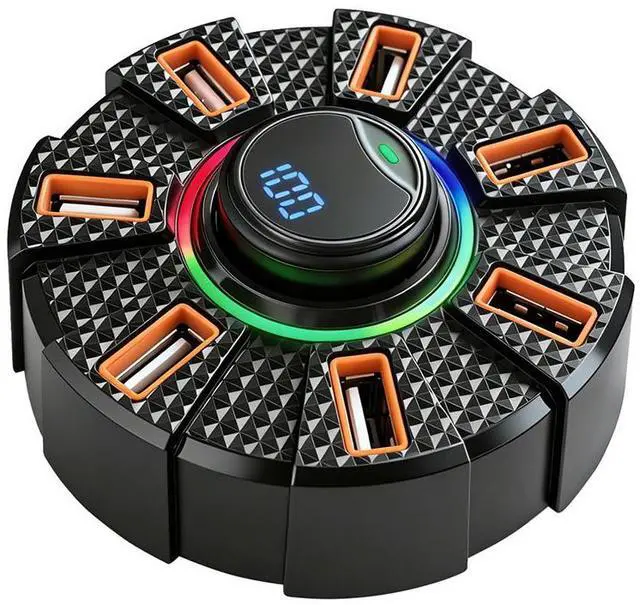
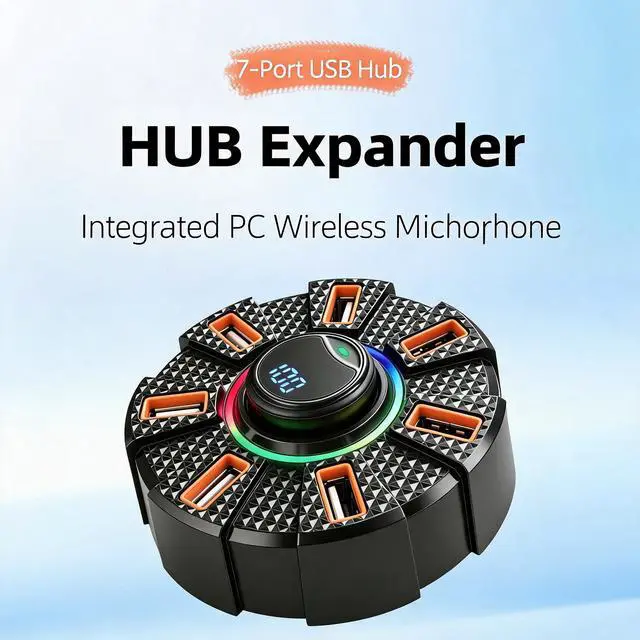
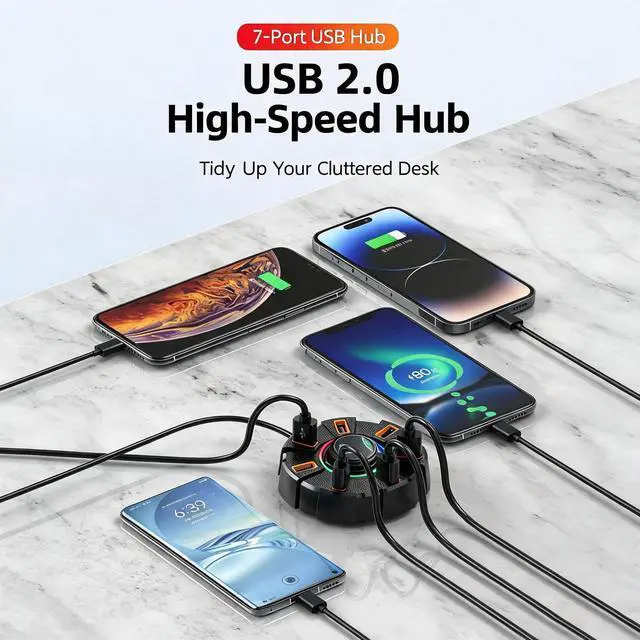
The SUSO SS-USBH16 is a compact USB hub with a built-in clip-on microphone, designed for laptops and desktop PCs used in video meetings, online classes, remote work, and conference calls. It suits users who need added USB connectivity and convenient voice pickup in one portable accessory; the listed specifications identify seven USB 2.0 ports with up to 400/480 Mbps transfer rates.
| Attribute | Value |
|---|---|
| Best For | Laptop and desktop users who need USB peripheral expansion for meetings, online classes, and conference calls with a clip-on microphone |
| Ports And Connectivity | 7-port USB 2.0 hub for connecting multiple USB peripherals |
| Transfer Rate | 400/480Mbps data transfer rate |
| Model Identifiers | SUSO SS-USBH16 |
Q: Is this better than a standard 4-port USB 3.0 hub for Zoom meetings?
A: Choose this product when you want USB expansion and a clip-on microphone in one compact device. Choose a standard USB 3.0 hub when faster file transfers are more important. The supplied specifications list this model as USB 2.0 with up to 480Mbps, while USB 3.x hubs can support up to 5Gbps. This product is therefore more convenient for meetings, classes, and basic peripherals, but a USB 3.0 hub is the stronger fit for external SSDs and frequent large-file transfers.
Q: Should I choose this hub or a powered USB hub?
A: Choose this product for portability and low-power devices such as keyboards, mice, flash drives, and a clip-on microphone. Choose a powered hub when connecting several devices at once, external hard drives, or equipment with higher power requirements. The supplied listing does not specify an external power adapter, so it should not be treated as a replacement for a powered hub in a storage-heavy or high-draw setup.
Q: Is this a better choice than a USB-C docking station?
A: Choose this product when your main needs are additional USB ports, a clip-on microphone, and a small travel-friendly accessory. Choose a USB-C dock when you also need features such as HDMI, Ethernet, SD card access, or laptop charging. Multiport docks commonly combine these functions, while this product is focused on USB expansion and voice pickup.
Q: Is this worth upgrading from a basic USB 2.0 hub?
A: Upgrade to this product when you need more USB connections and want a clip-on microphone without carrying a separate mic. The upgrade is mainly about convenience, port count, and microphone placement—not faster USB performance, because the supplied specifications also identify this model as USB 2.0 with up to 480Mbps. For faster storage transfers, upgrade instead to a verified USB 3.0 or USB 5Gbps hub.
Q: Should I use this clip-on microphone or my laptop’s built-in microphone?
A: Choose this product when you want the microphone positioned closer to your collar or desk and also need additional USB ports. Use the laptop’s built-in microphone when you want the simplest setup and do not need port expansion. The clip-on design can make microphone placement more consistent, but the listing does not provide independent microphone measurements or professional audio test results, so it should be selected for convenience rather than assumed recording quality.
Q: Is this USB hub with microphone suitable for travel work, online classes, and meetings?
A: Yes, it is suitable for portable office use because it combines USB expansion and a clip-on microphone in a compact, plug-and-play design. It is best for keyboards, mice, flash drives, and meeting accessories. Because no external power adapter is listed, users should not assume it can reliably power multiple high-draw devices or external hard drives at the same time. ([bestbuy.com](https://www.bestbuy.com/site/questions/insignia-7-port-usb-2-0-hub-black/5633201/question/031f5ca7-eccd-355f-91d2-cb9e7d6512bd?utm_source=openai))
Q: Does it work with Windows, macOS, and Chrome OS without installing drivers?
A: The product information states compatibility with Windows, macOS, and Chrome OS and describes the hub as plug and play. In normal use, it should be recognized automatically when connected to a compatible USB port, although the computer must have the correct physical USB connection and the operating system must support the connected peripheral. ([bestbuy.com](https://www.bestbuy.com/site/questions/insignia-4-port-usb-3-0-hub-gray/6460660?utm_source=openai))
Q: Can I use the hub and microphone together for Zoom, Teams, Google Meet, or online classes?
A: Yes. The product is intended for video meetings and online classes, and its integrated clip-on microphone can be selected as the computer’s audio input after connection. It is appropriate for voice calls and classes, but the listing does not provide studio-grade audio specifications, noise-cancellation details, or a mute control, so users needing advanced audio control may require a separate microphone. ([bestbuy.com](https://www.bestbuy.com/site/shop/usb-microphones-for-zoom-meetings?utm_source=openai))
Q: Can it support several USB devices at the same time?
A: Yes, the product is designed to expand one computer connection for multiple USB peripherals such as keyboards, mice, flash drives, and other low- to moderate-power accessories. Available power and bandwidth are shared across connected devices, so simultaneous use of several high-power or high-speed peripherals may reduce stability or performance. ([bestbuy.com](https://www.bestbuy.com/site/questions/startech-com-4-port-usb-3-0-hub-black/4487058/question/e9760d92-c002-30d9-98e4-544f64b06462?utm_source=openai))
Q: What ports and data-transfer speed does this product actually provide?
A: The supplied product information is inconsistent: the title and bullets describe a 4-port USB 3.0 hub, while the specifications list 7 USB 2.0 ports with a maximum transfer rate of 400/480 Mbps. Buyers should confirm the final port count and USB standard with the seller before purchasing, especially if they need USB 3.0 speeds for large file transfers. ([bestbuy.com](https://www.bestbuy.com/site/questions/best-buy-essentials-4-port-usb-2-0-hub-black/6453992?utm_source=openai))


