Your Browsing History
100%


 Holiday Shipping Details & Extended Holiday Returns


Any questions? Our AI beta will help you find out quickly.
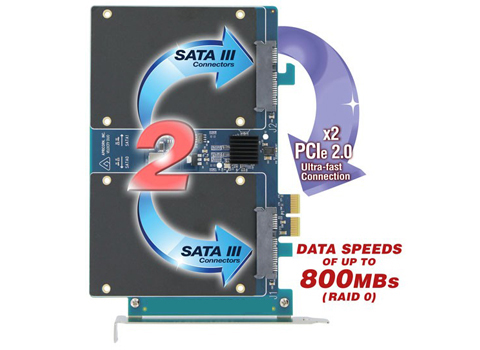

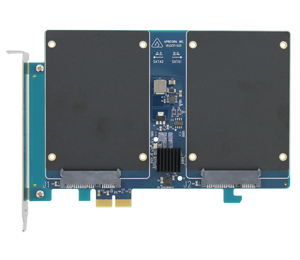
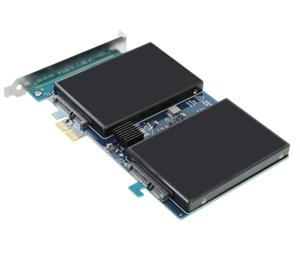
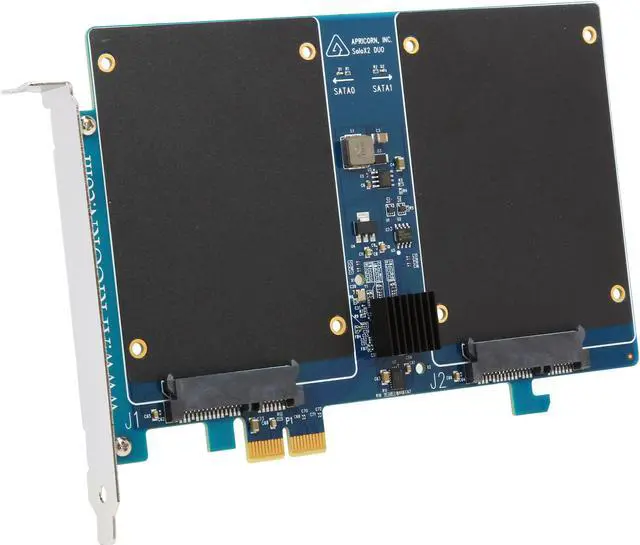
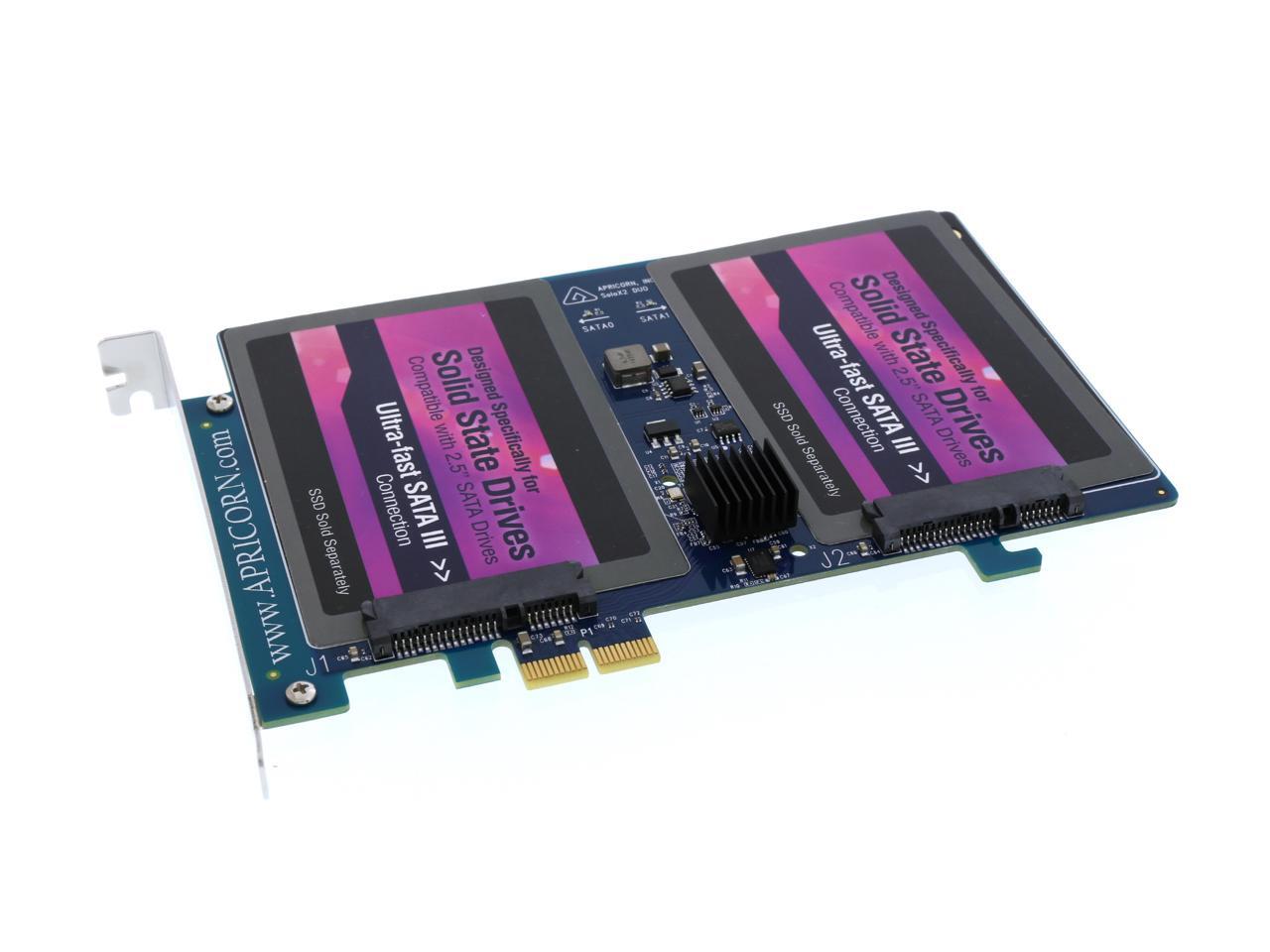
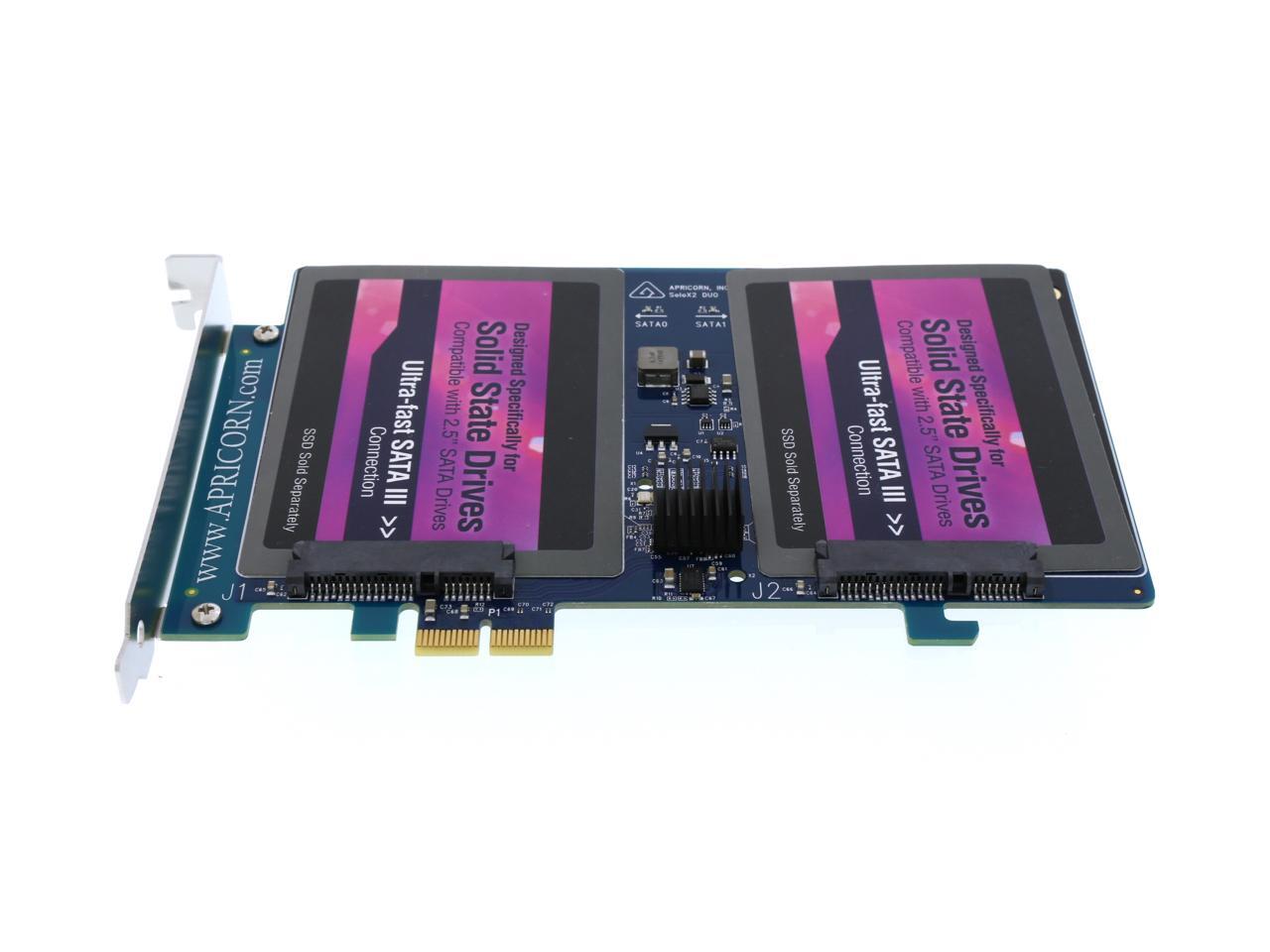
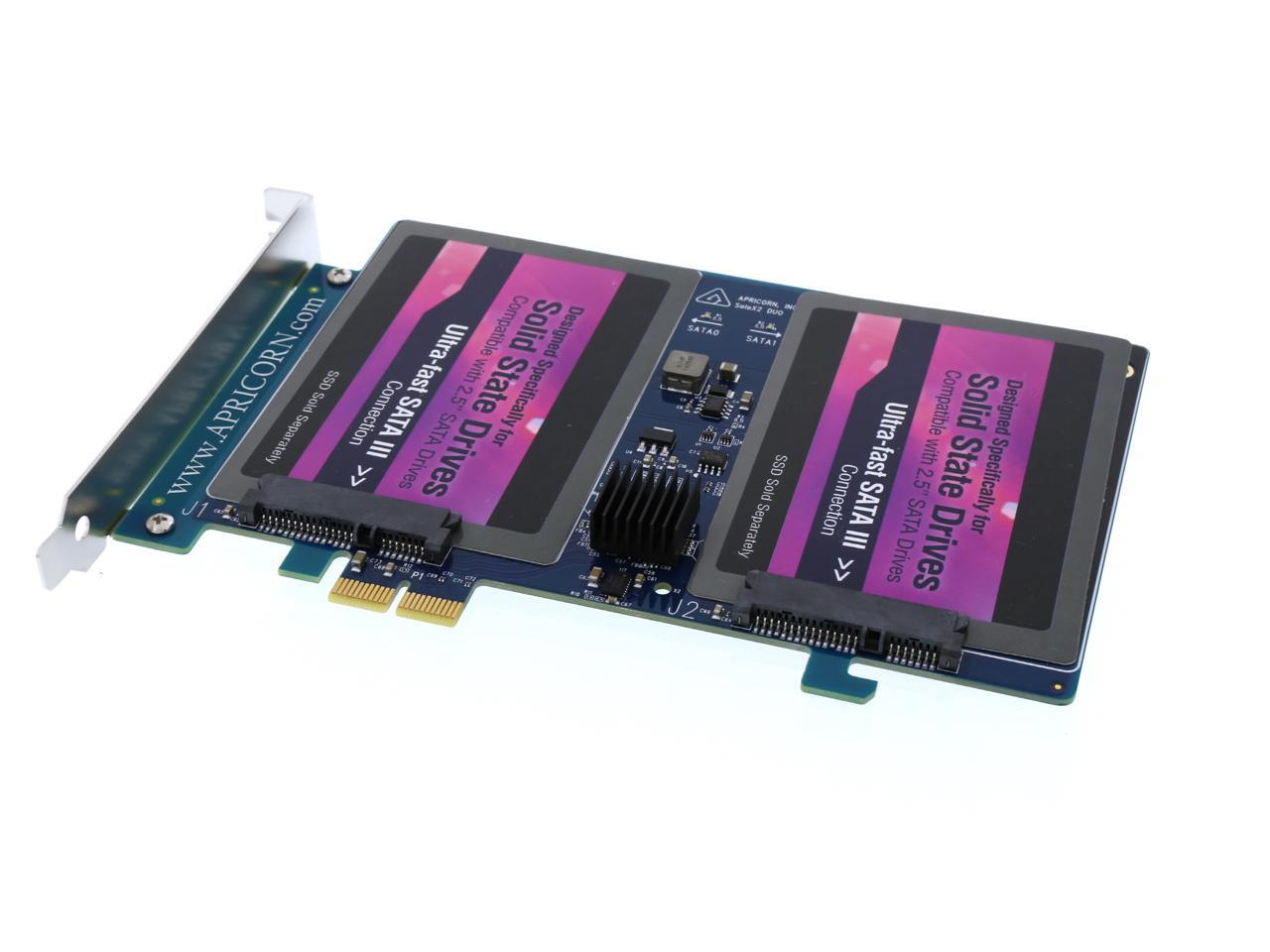
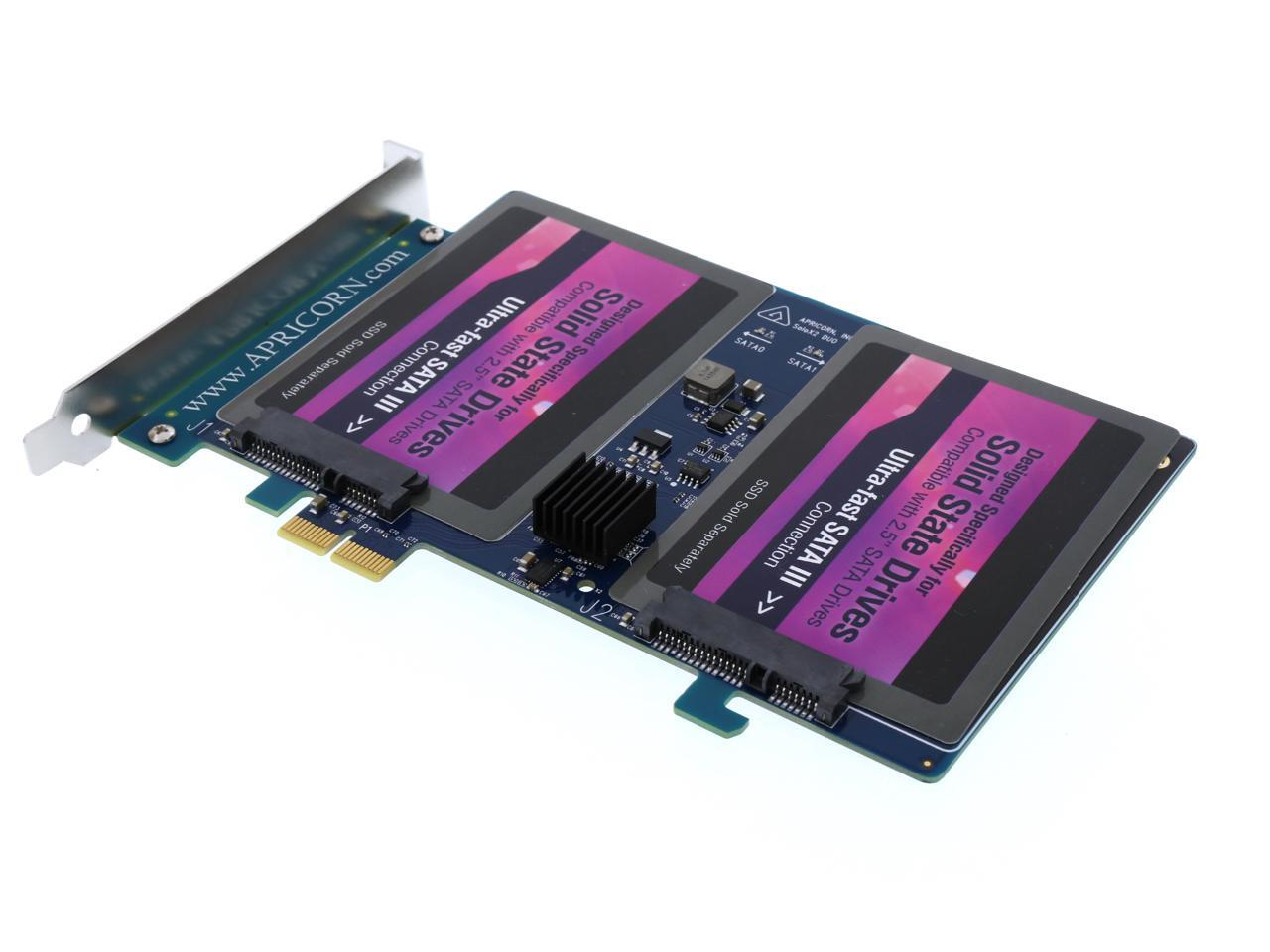
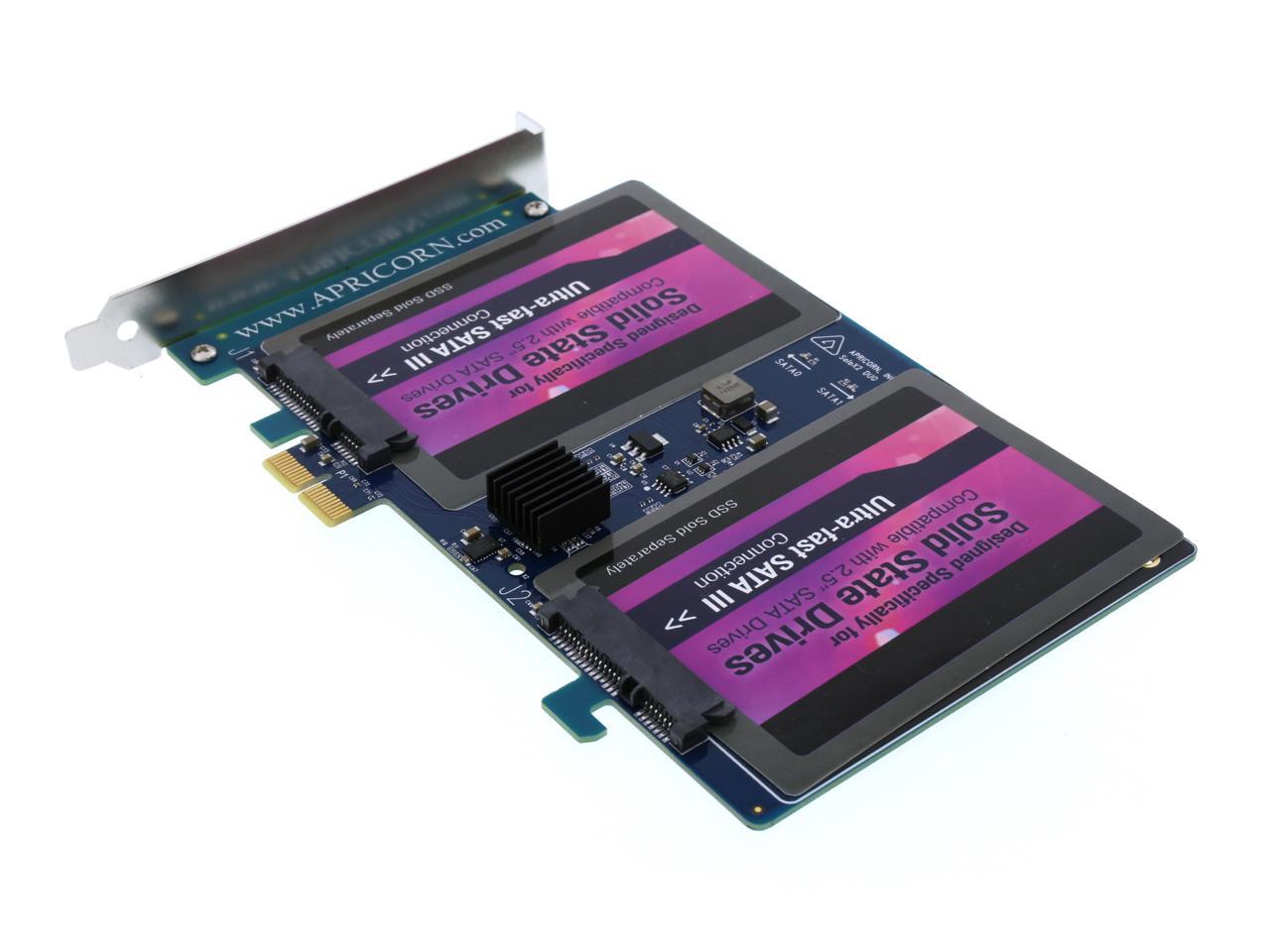
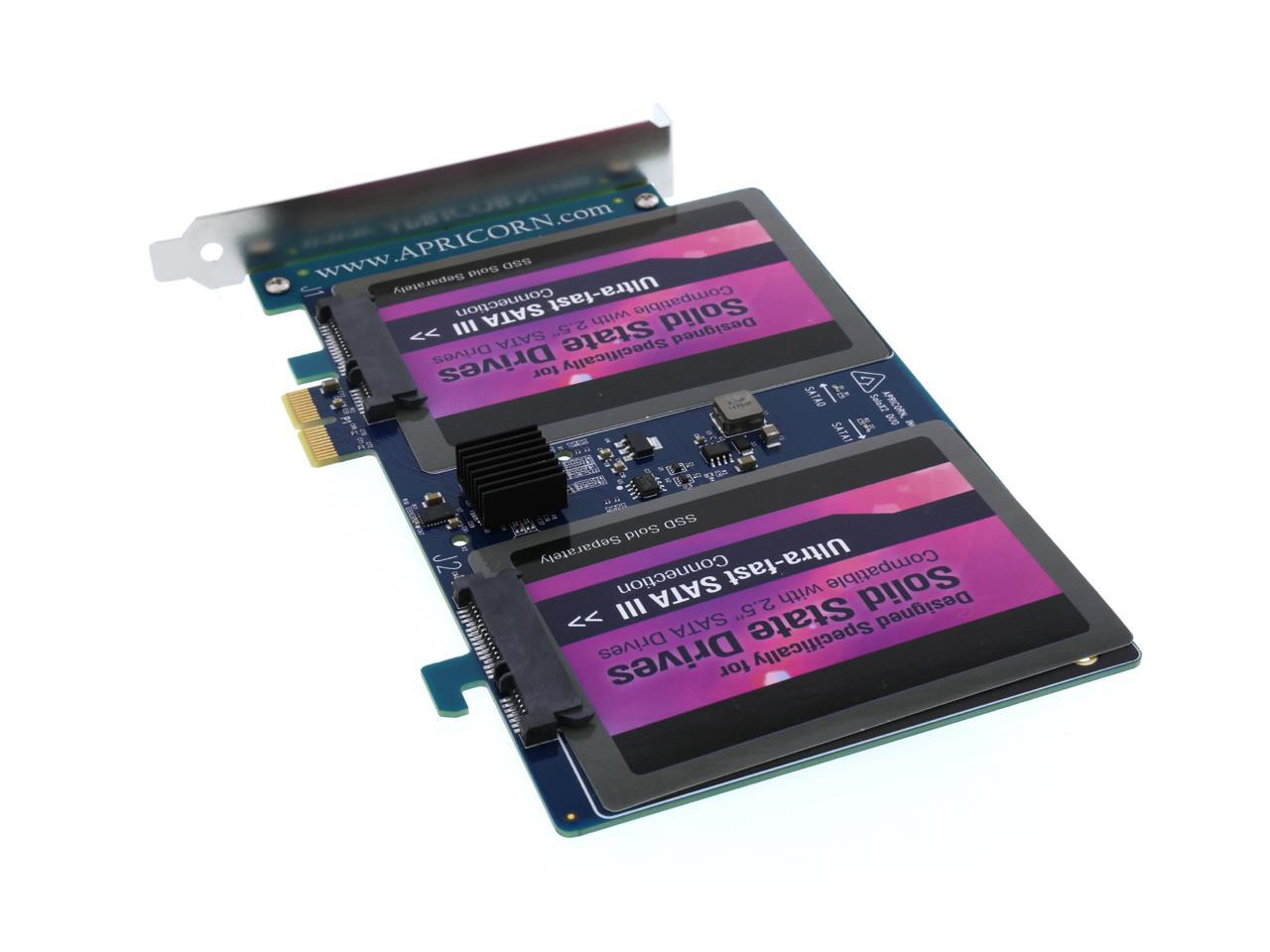
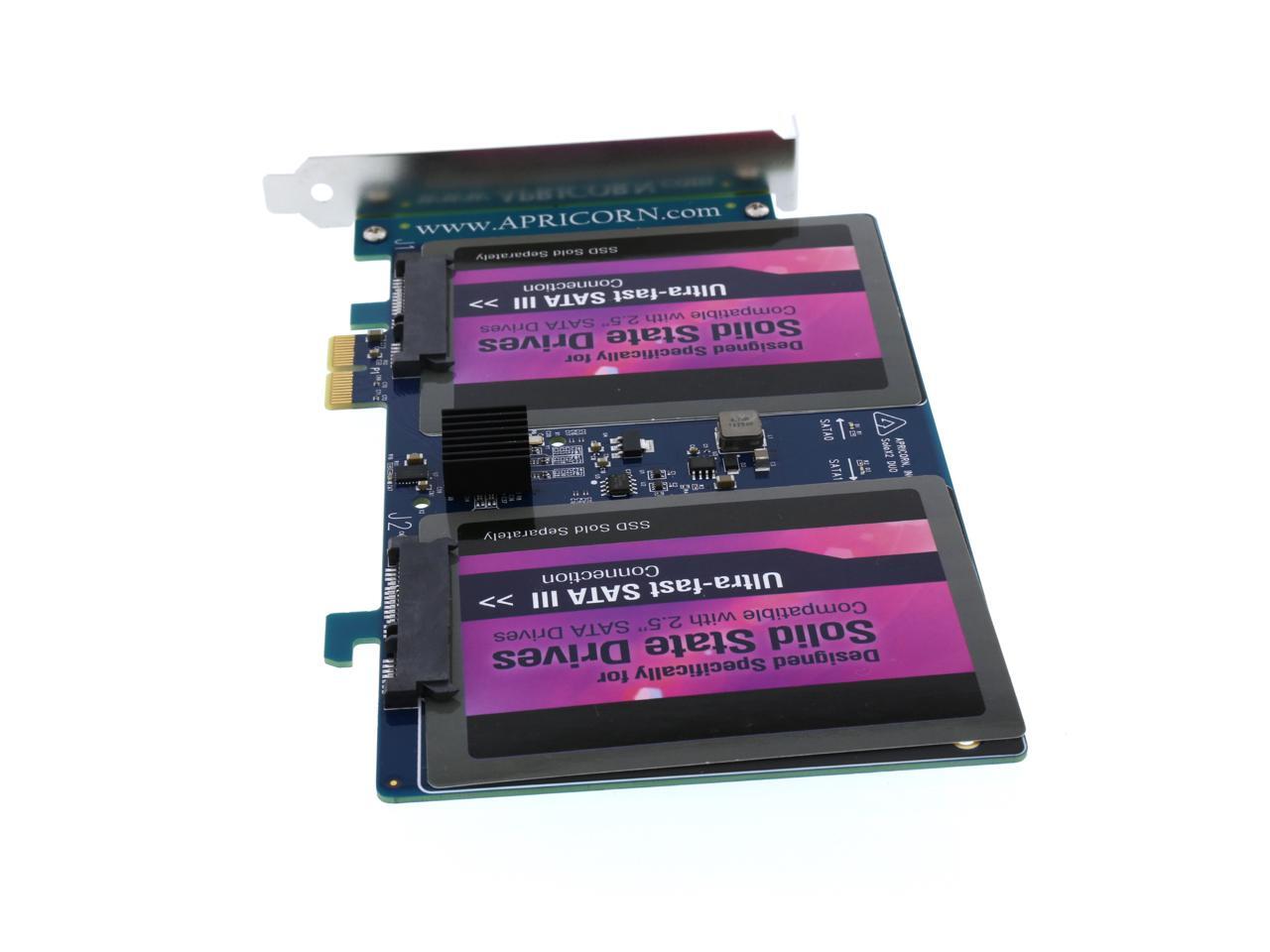
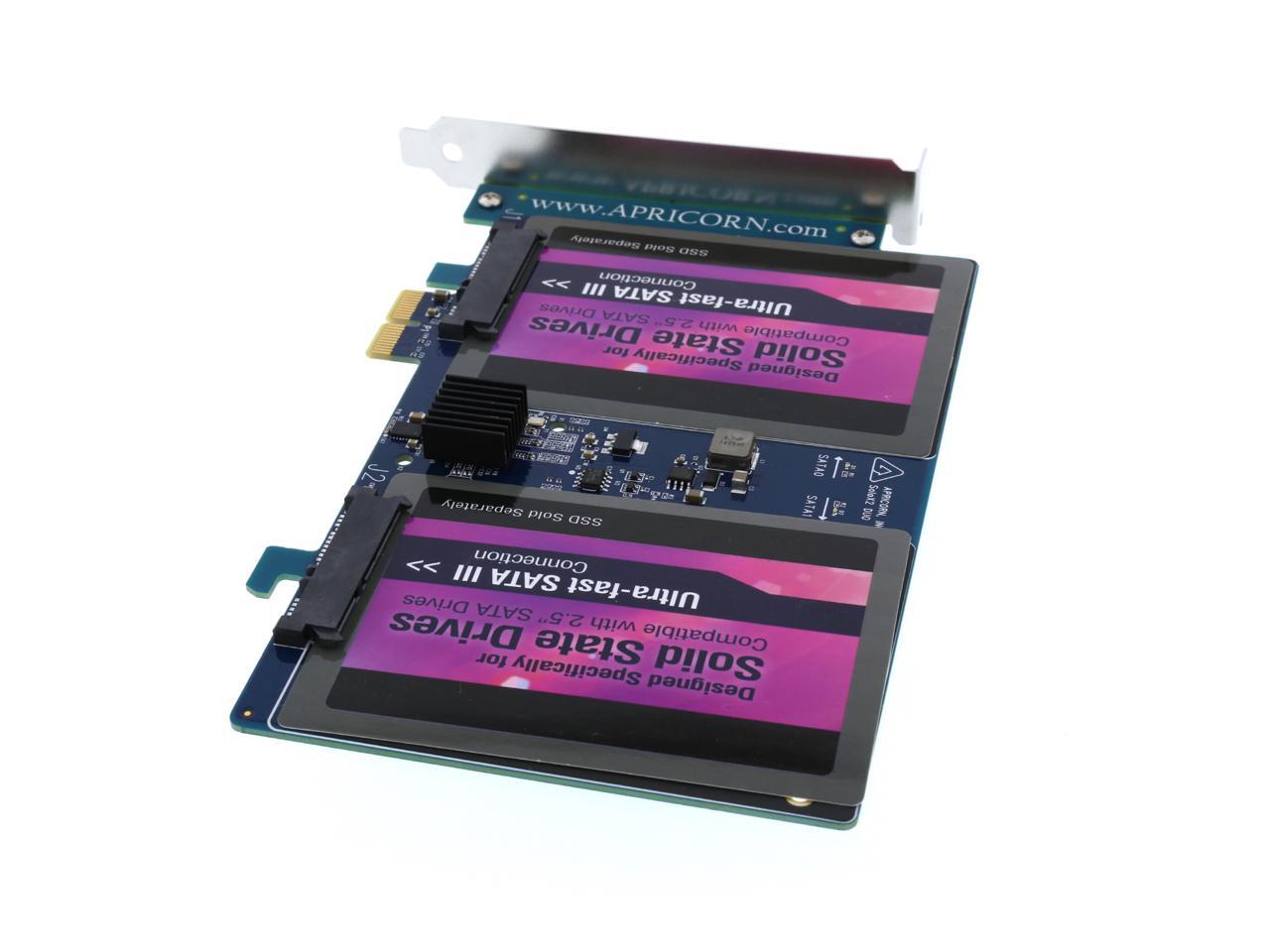
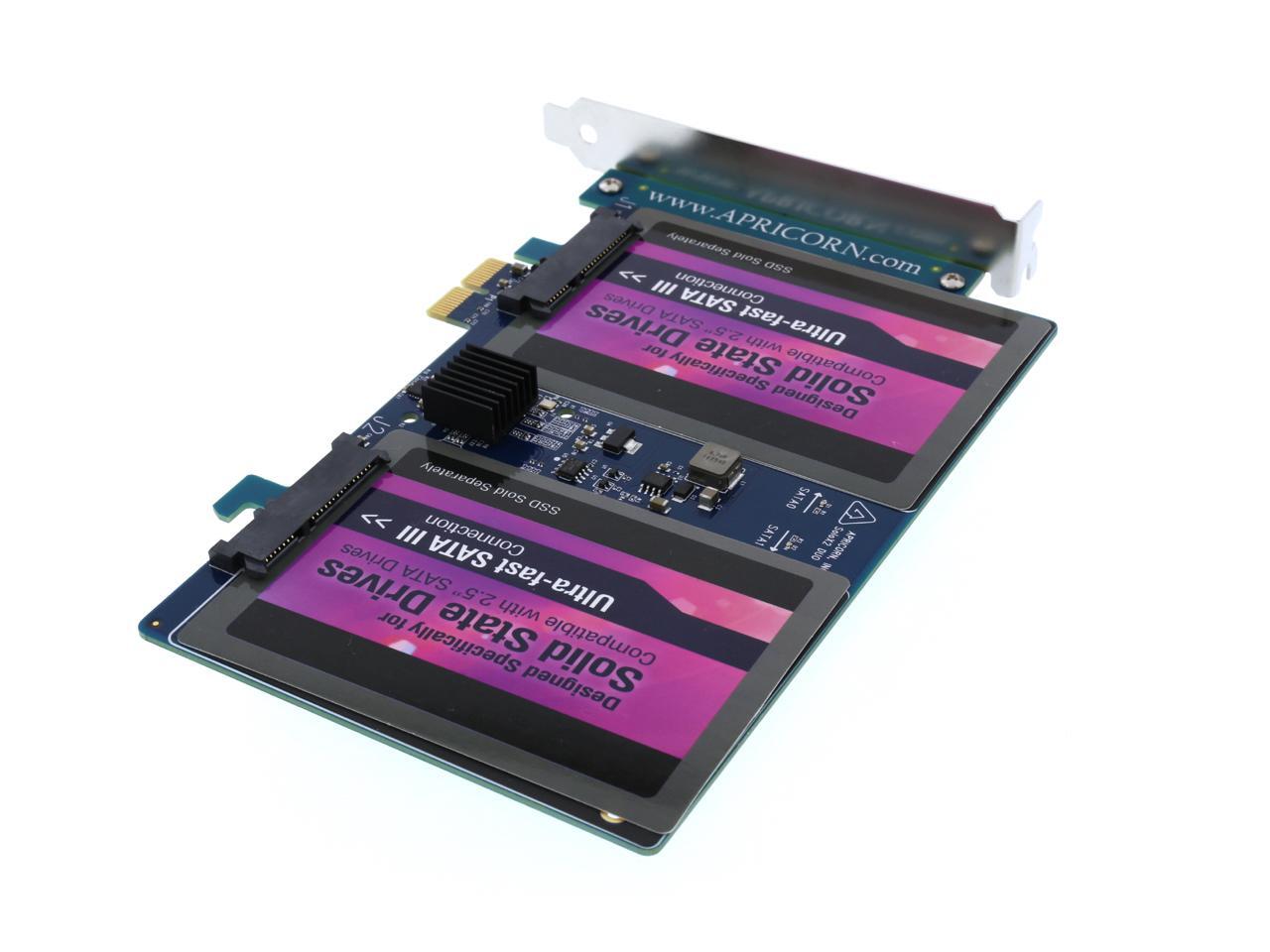
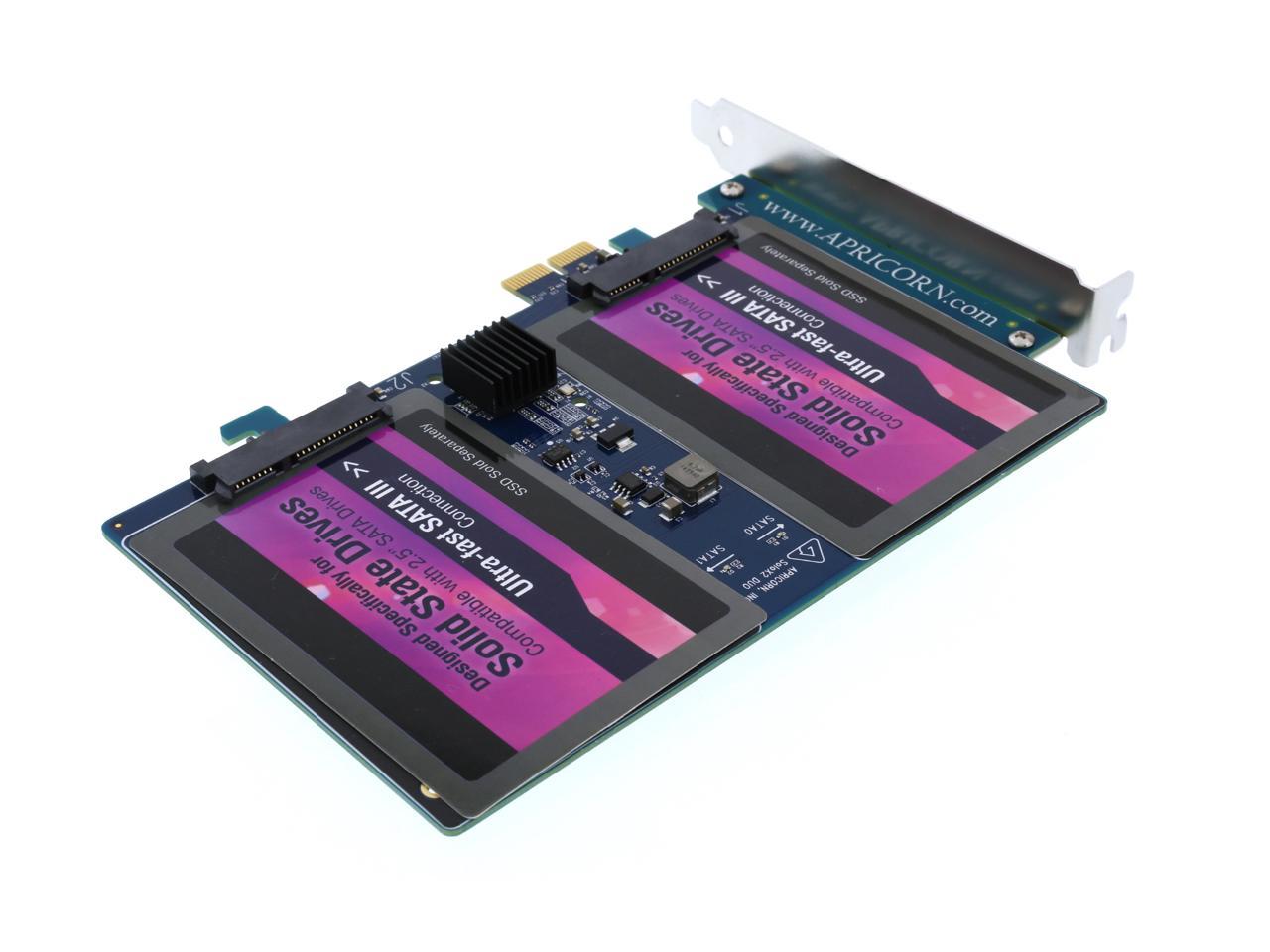
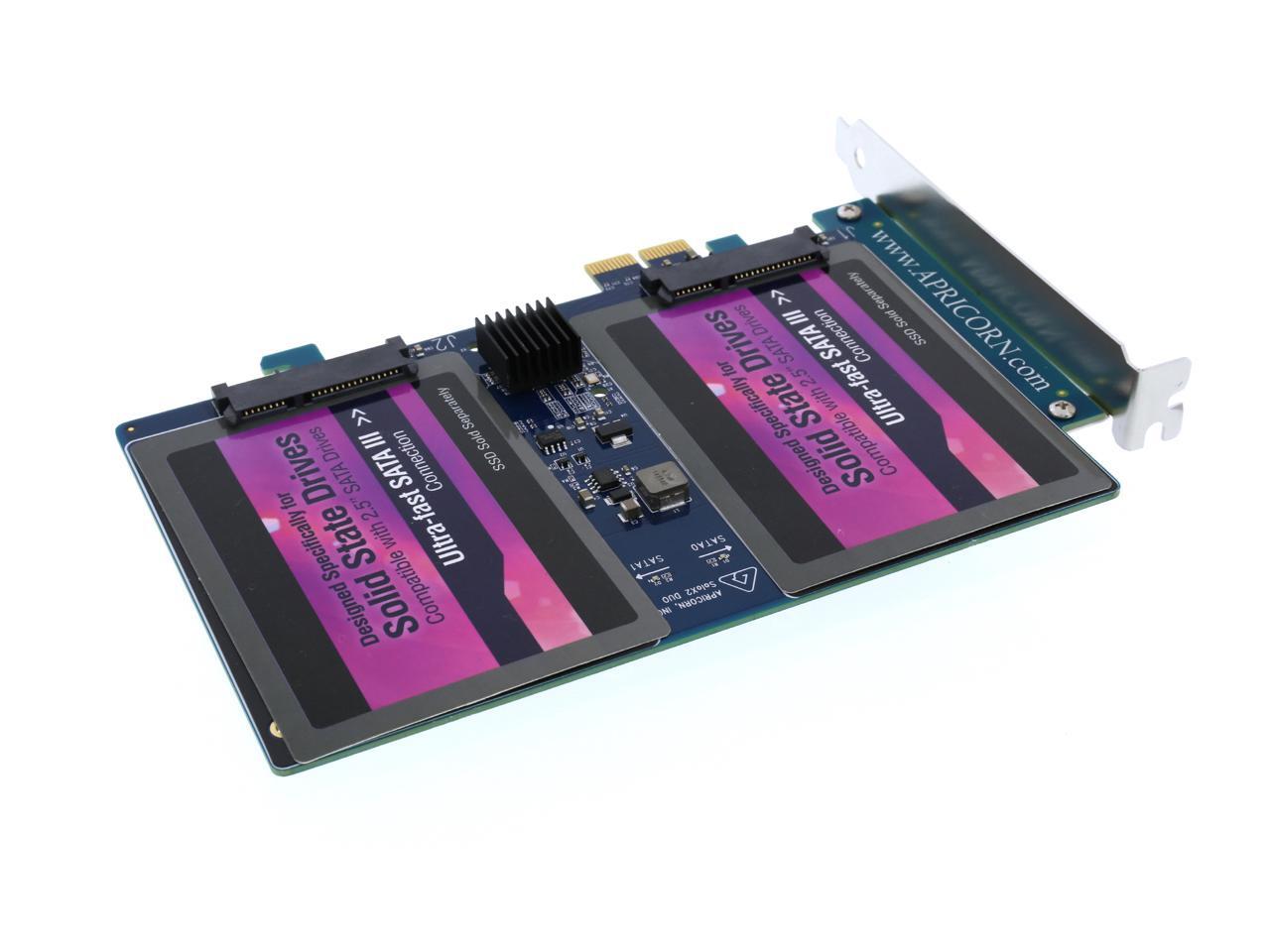
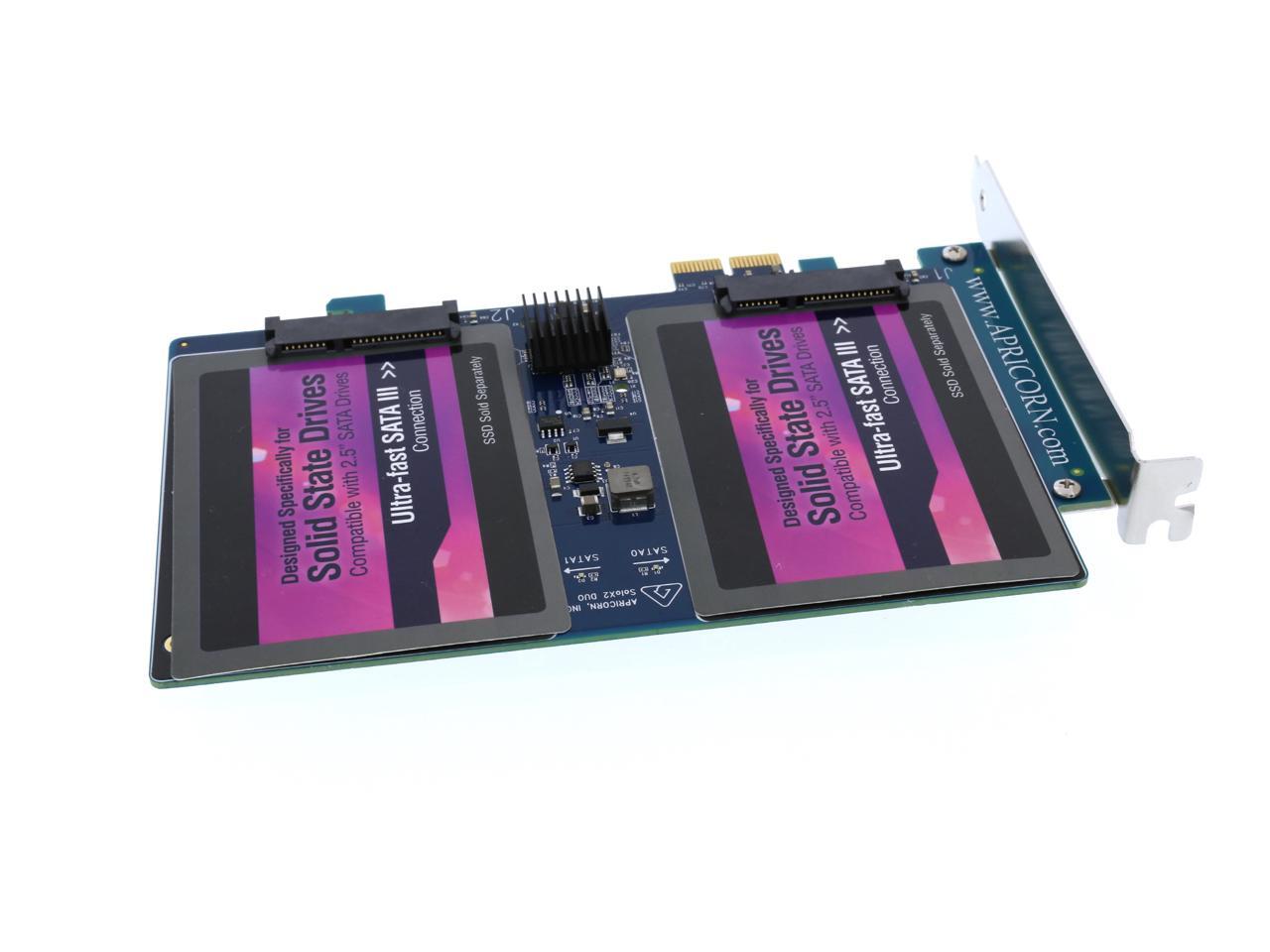
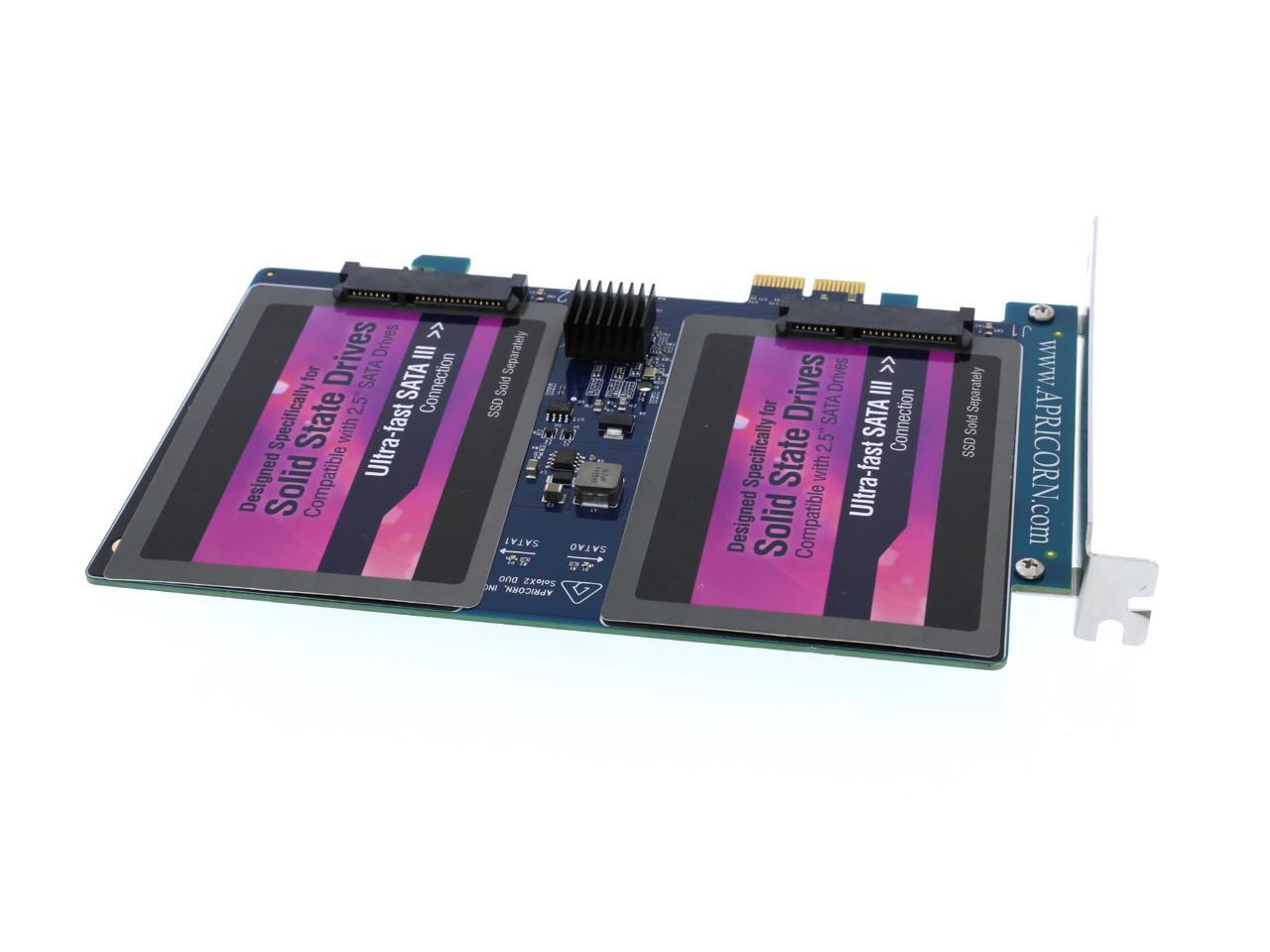
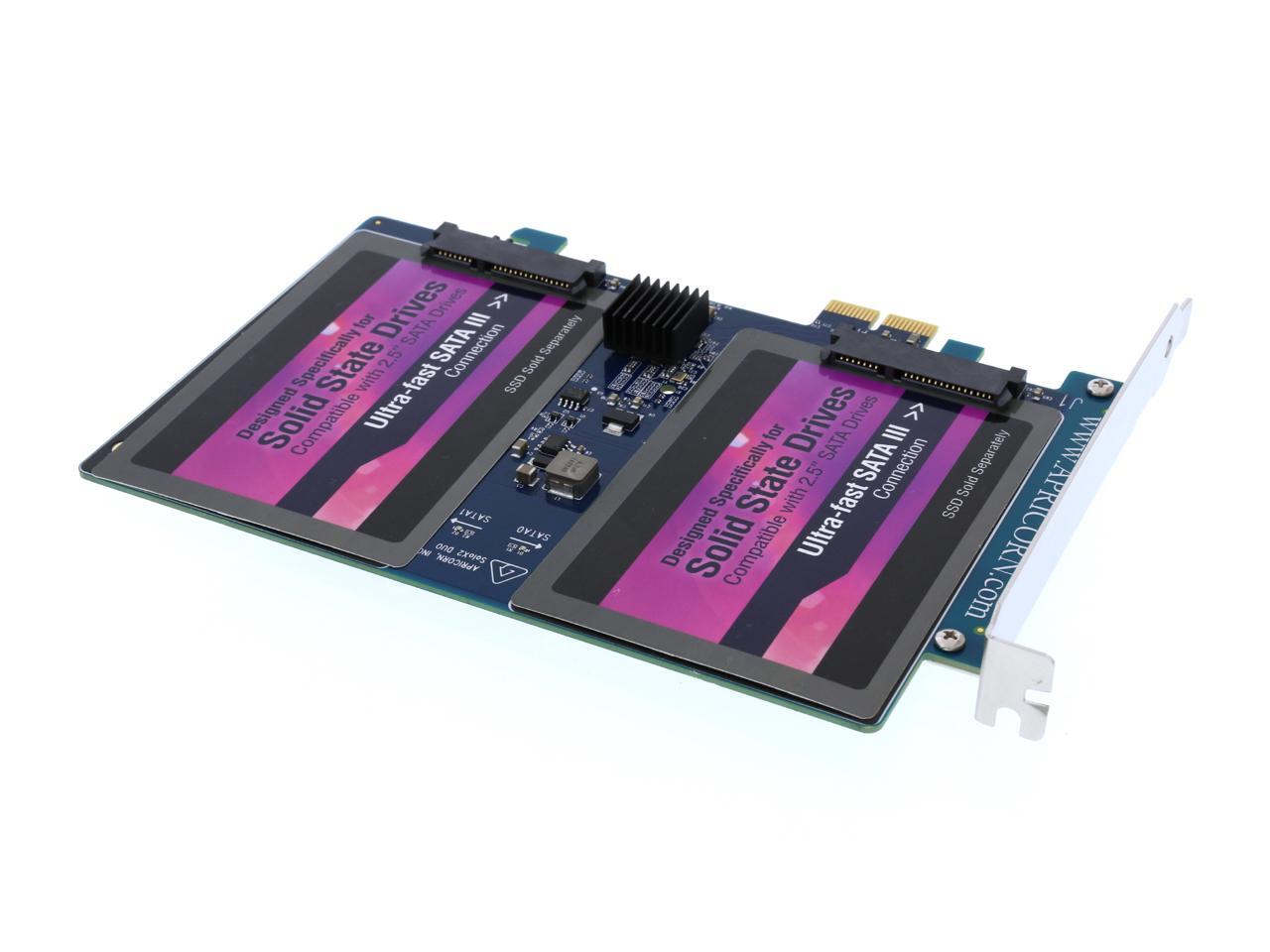
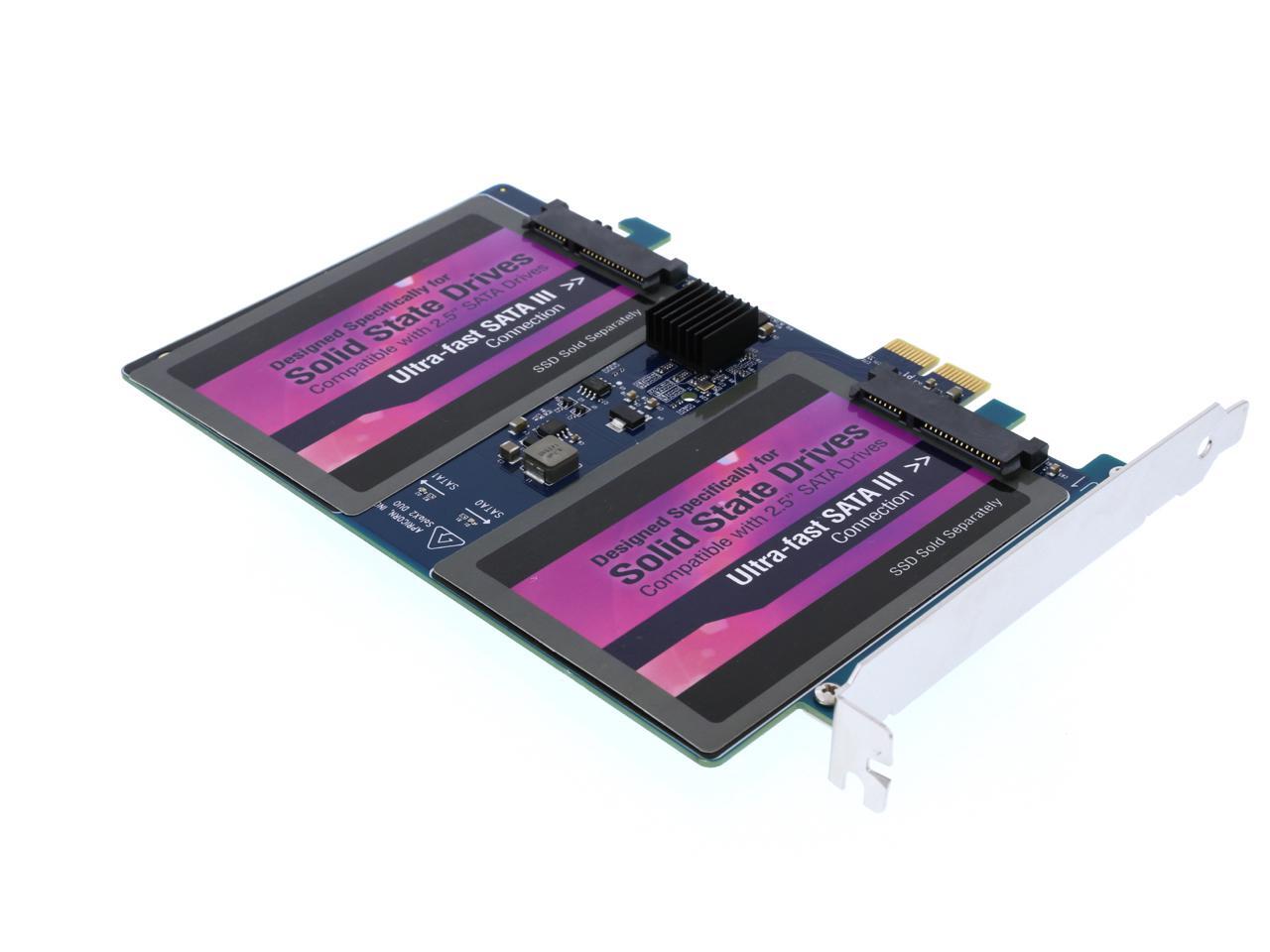
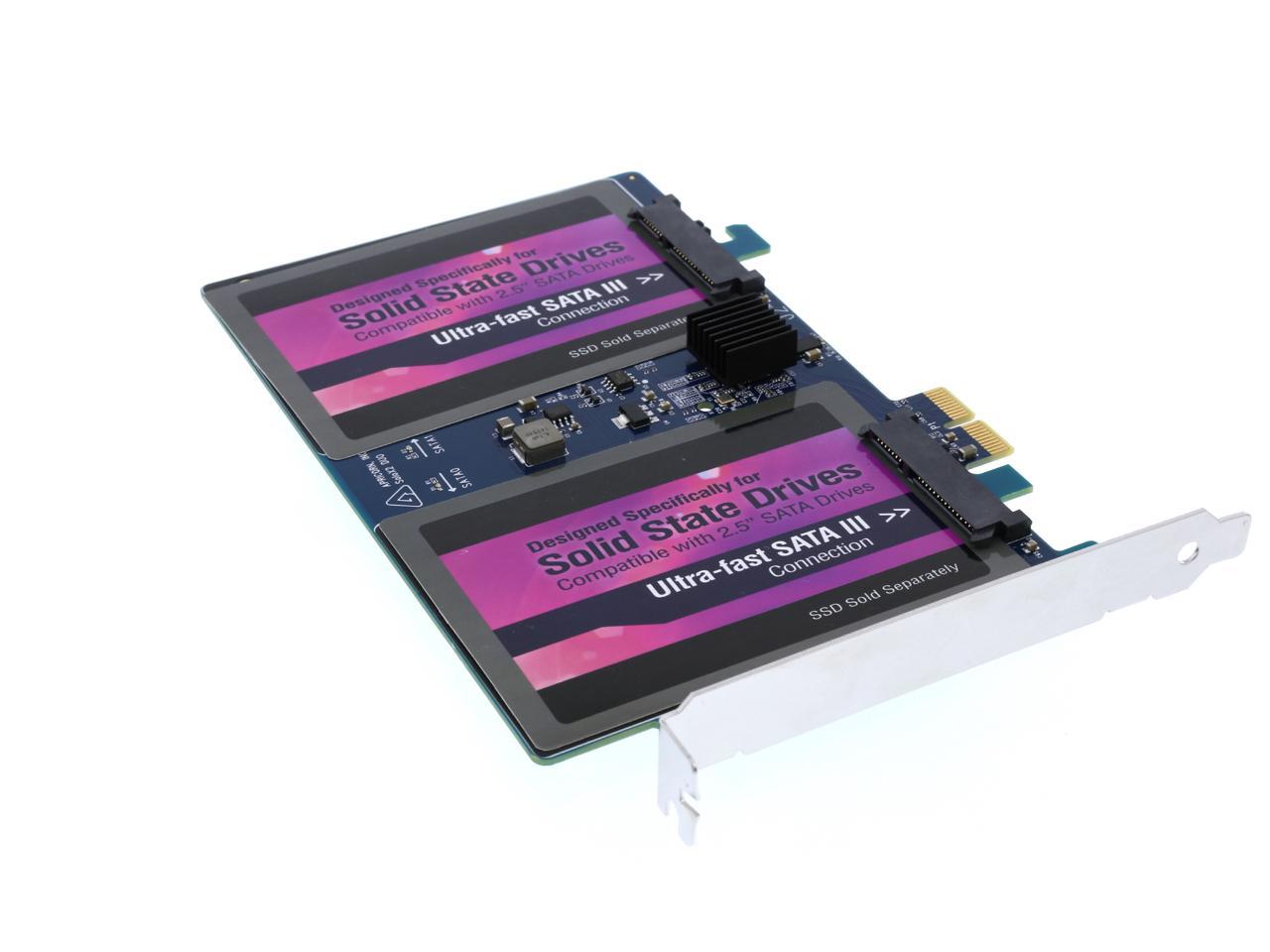
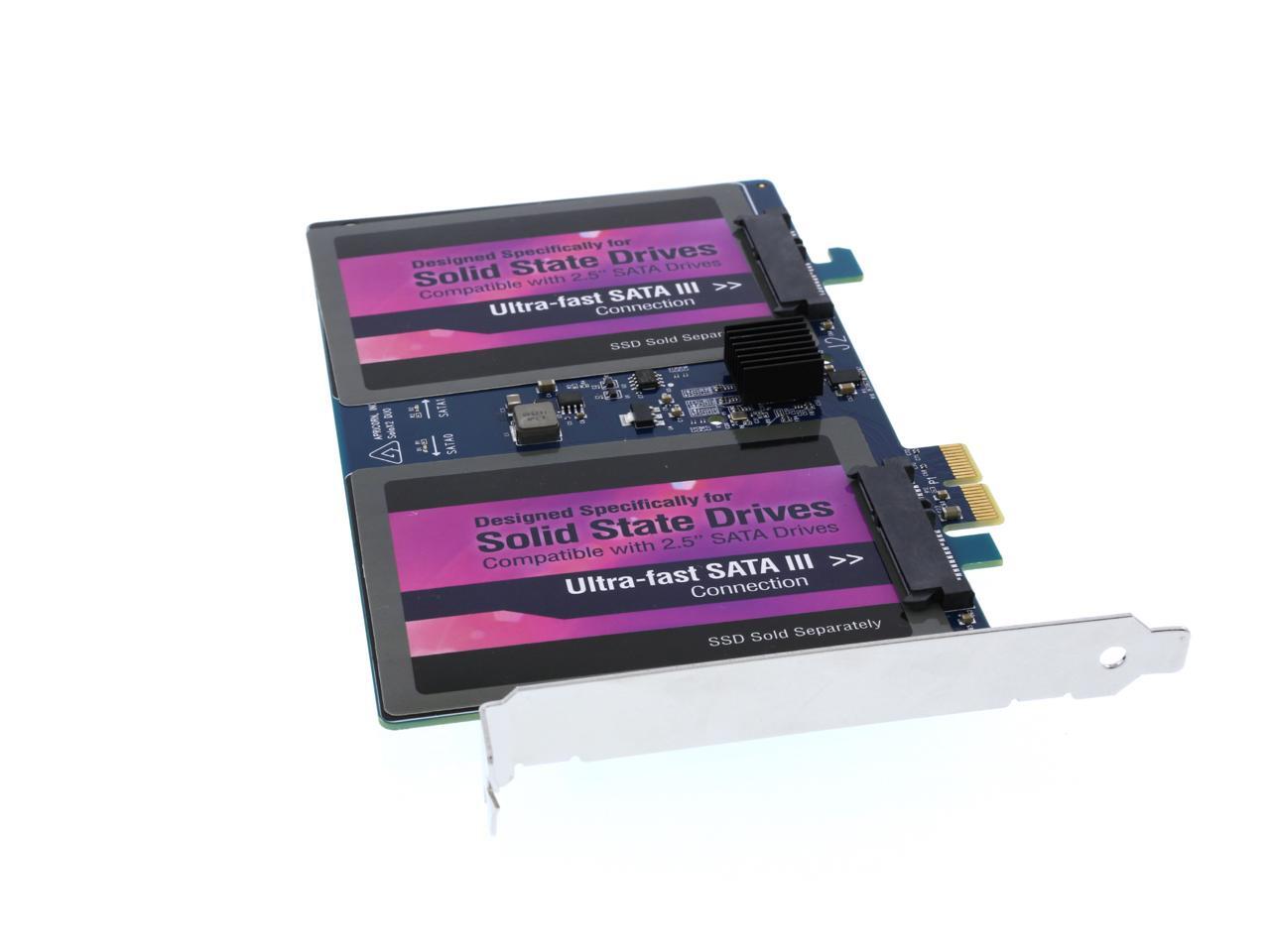
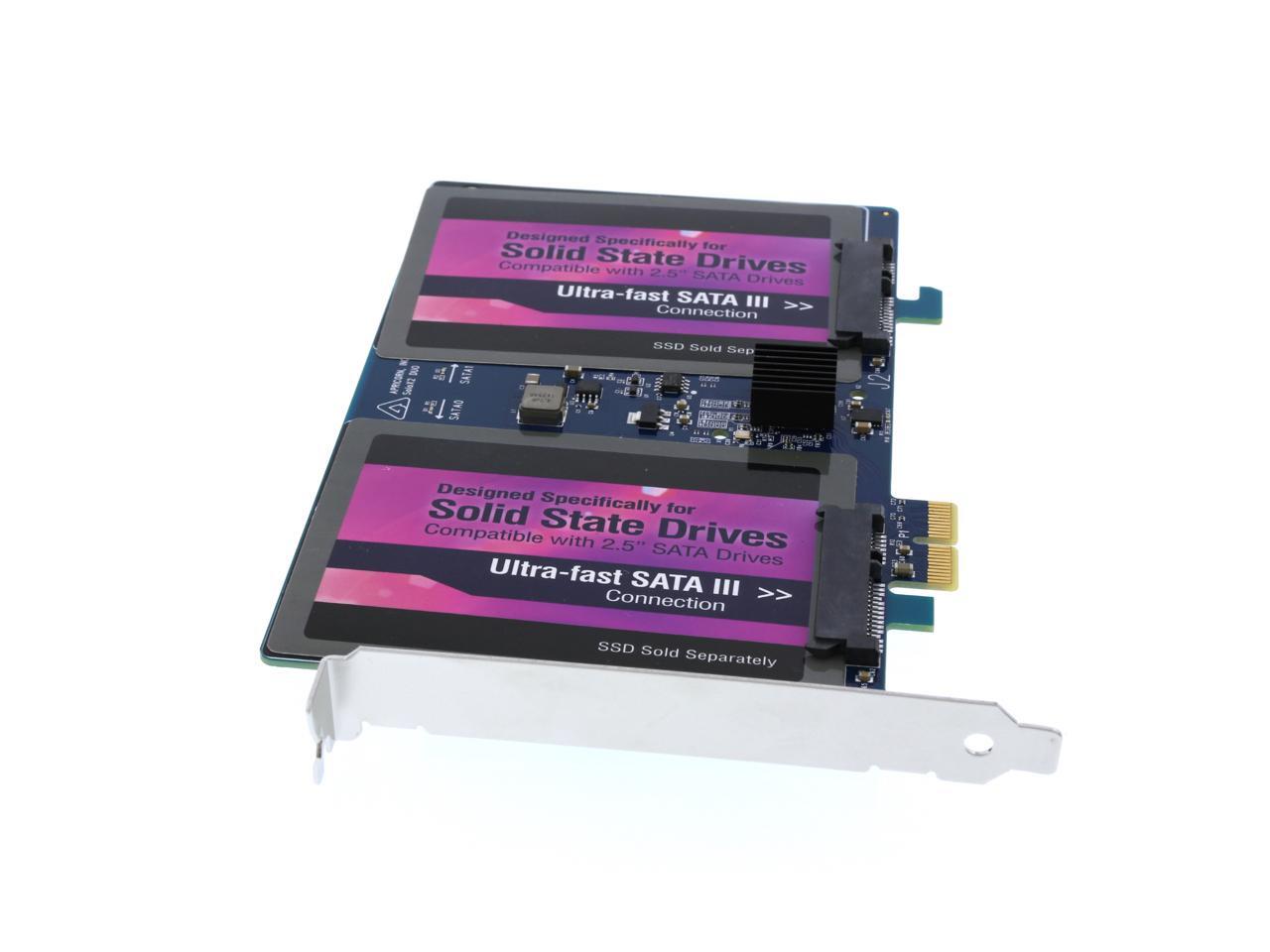
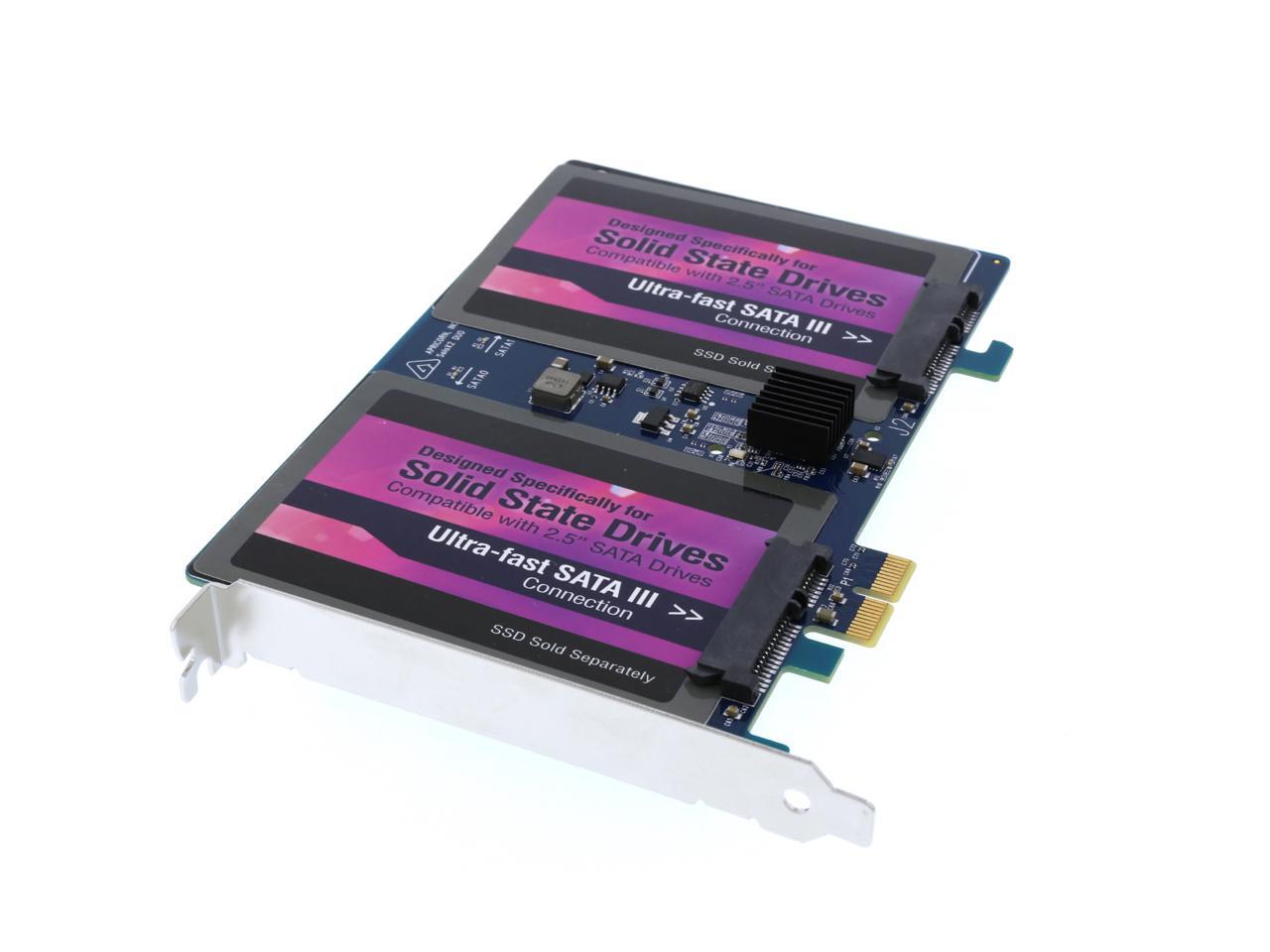
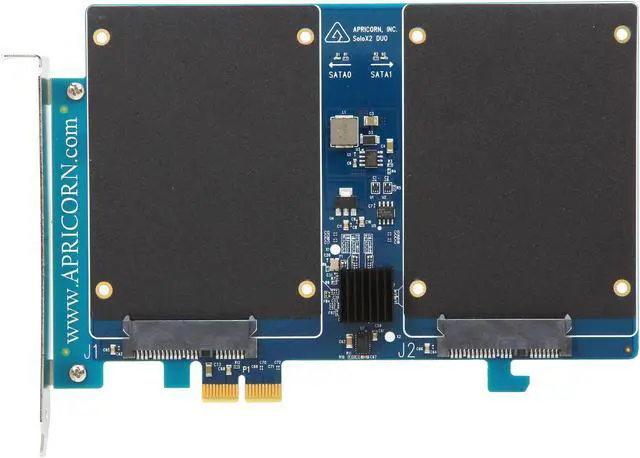
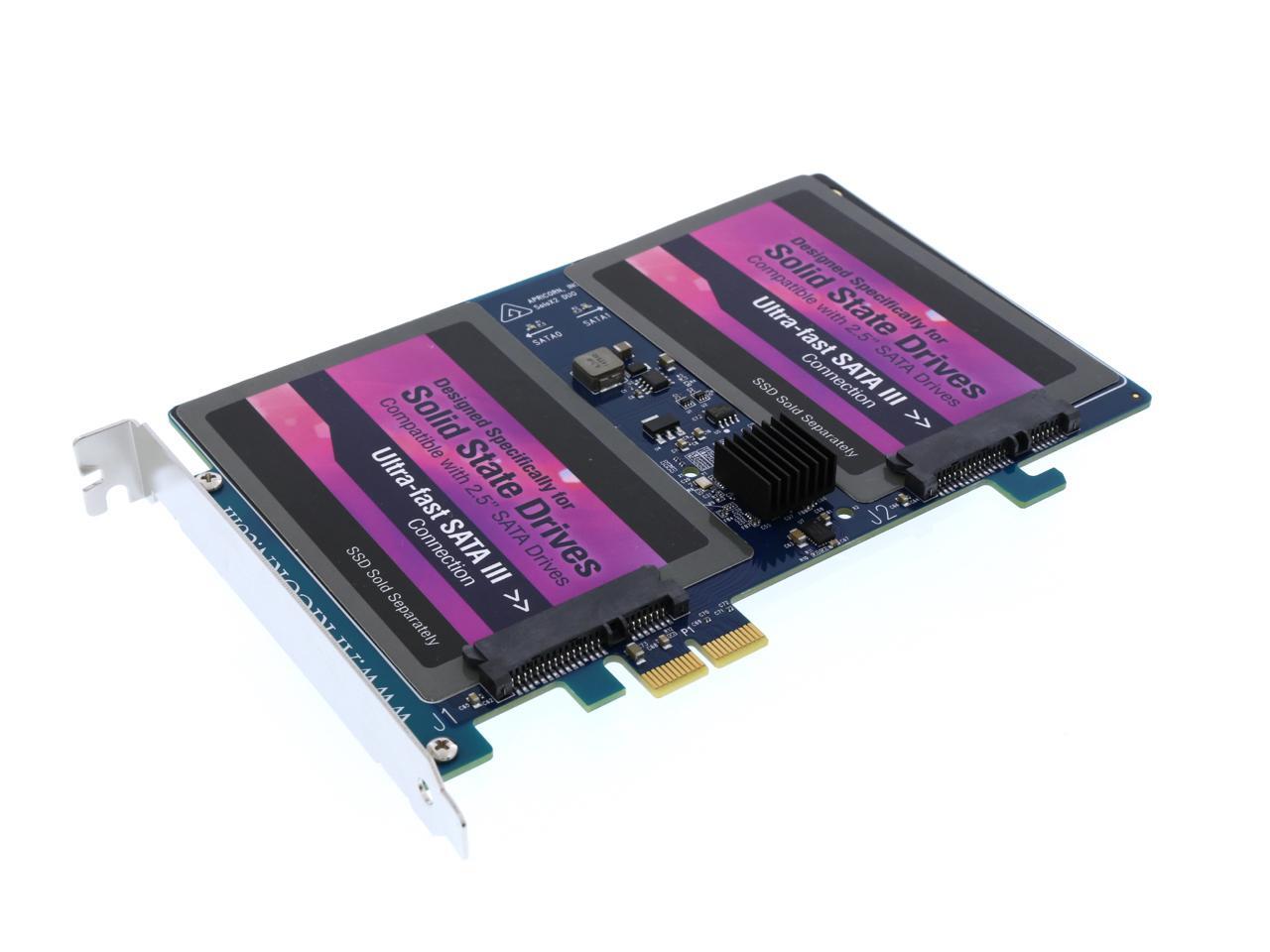
Simple to install and with PCIe 2.0 data transfer speeds up to 800MBps, the Velocity Duo x2 gives your desktop a whole new gear with Dual SSDs (RAID 0) and super-fast SATA III connections. The Velocity Duo utilizes a Marvell 9230 chipset and is bootable in both PC and Mac systems.
The Velocity Duo takes just minutes to install. Simply snap your Solid State Drives to the Velocity Duo's SATA connectors, secure them with the provided mounting screws, then slide the card into any available PCIe slot (x2 or larger.) Once installed, transfer your OS and applications from your desktop hard drive to your new SSDs using Apricorn’s EZ Gig cloning software for PC systems, or for the Mac Pro use Apple's built-in Disk Utility.
Running your OS and applications on an SSD provides a measurable performance increase, but the Velocity Duo is the ultimate upgrade for improving gaming performance.

As games become too large for their assets to be fully cached on modern graphics cards and main memory, the addition of two SSDs brings faster disk access during game play and greatly eliminates in-game pauses for a smoother playing experience. Games are also faster to load and save with two SSDs.
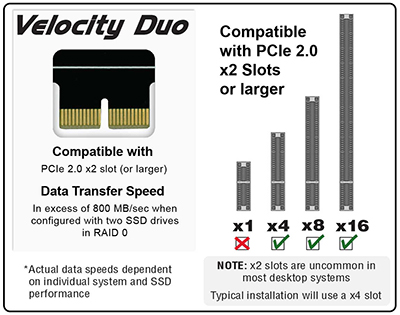
| Specs | Velocity Solo X2 | Velocity Duo X2 |
|---|---|---|
| SATA Controller Chipset | Marvell 9182 | Marvell 9230 |
| Read/Write Performance | 550/550MBps - Single drive 800/800MBps - Two drives (RAID 0) |
800/800MBps - Two drives (RAID 0) |
| Max Performance | SATA 3 interface - Single drive PCIe x2 interface - Two drives |
SATA 3 interface - Two drives |
| Bootable OS Support | Windows Vista, 7, 8 Mac OSX 10.5.8 and later Drivers required for Windows XP *Linux |
Windows Vista, 7, 8 Mac OSX 10.5.8 and later Drivers required for Windows XP *Linux |
| 32-Bit / 64-Bit | 32/64 Windows 32/64 Mac |
32/64 Windows 64 Mac |
| Bootable Mac Pro Support | Mac Pro Models 1,1 2,1 3,1 4,1 5,1 | Mac Pro Models 3,1 4,1 5,1 |
The Velocity Duo is bundled with Apricorn’s EZ Gig Cloning software with Data Select. Data Select provides a simple method to deselect data folders from the cloning process which is helpful when migrating from a large HDD to a smaller SSD and perfect for creating a Boot Disk. This gives you the option to run your OS and applications from a fast, smaller SSD boot drive, while keeping your documents and media files on your original hard drive.

Select Your Source drive
This is your computer’s internal drive and is denoted by the prefix IDE

Select Your Destination drive
This is your SSD connected to your computer by Apricorn’s Velocity Duo

Data Select Tool
Select any folders you wish to exclude from the clone, such as photos, videos, music or documents. This is helpful when migrating from a large HDD to a smaller SSD or when creating a Boot Disk.

Press the "Start Clone" Button
EZ Gig will clone everything (with the exception of any folders your deselected) to the SSD drives on the Velocity Duo. It really is that simple