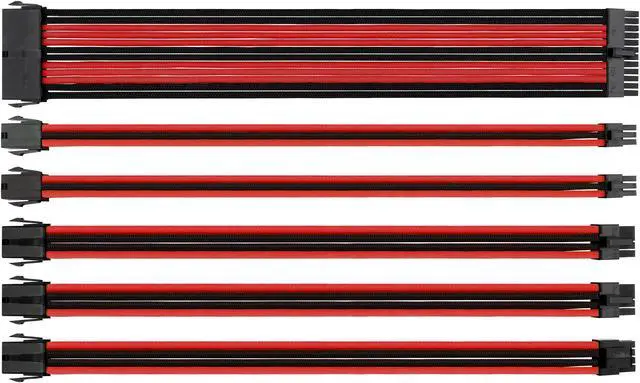
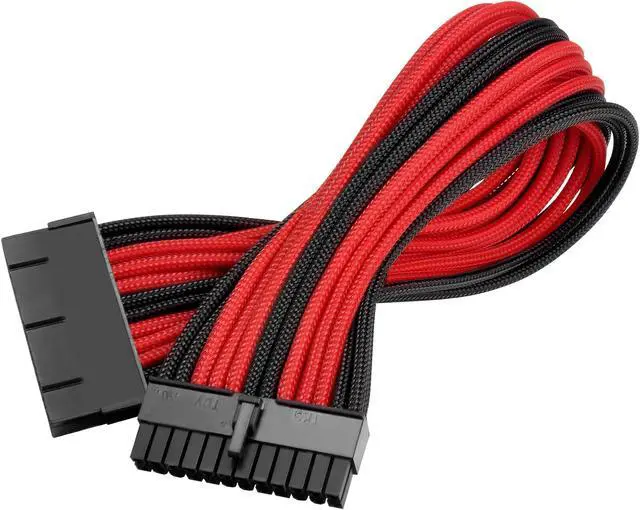
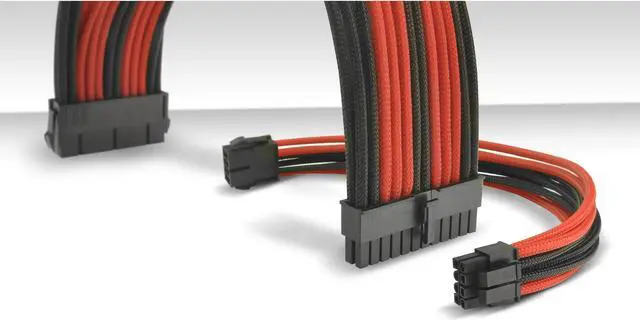
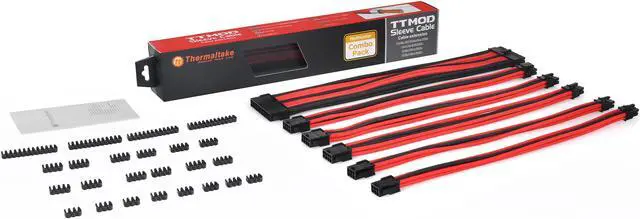
The Thermaltake TtMod Sleeve AC-033-CN1NAN-A1 is a red-and-black ATX power-supply extension cable kit for PC builders who want coordinated cable routing and a cleaner-looking build; it includes ATX, EPS, and PCIe extensions with black cable combs.
Recommended For
- Builders creating a red-and-black showcase PC who want the visible motherboard and graphics-card power leads to match and stay aligned with the included cable combs.
- PC builders whose existing 24-pin ATX, 4+4-pin EPS, or 6/8-pin PCIe power leads need extra reach for routing neatly in a standard ATX case; these are extensions, so they connect to existing PSU cables.
- Builders who want sleeved extensions with a consistent look across motherboard, CPU, and PCIe power connections, rather than replacing the PSU’s own cables.
Real-World Use Scenarios
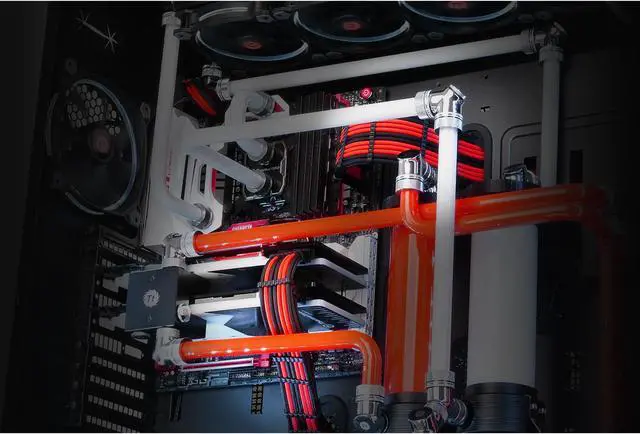
- In a windowed PC build, a user replaces the visible look of plain PSU leads with red-and-black sleeved extensions; the cables become a coordinated part of the build’s appearance.
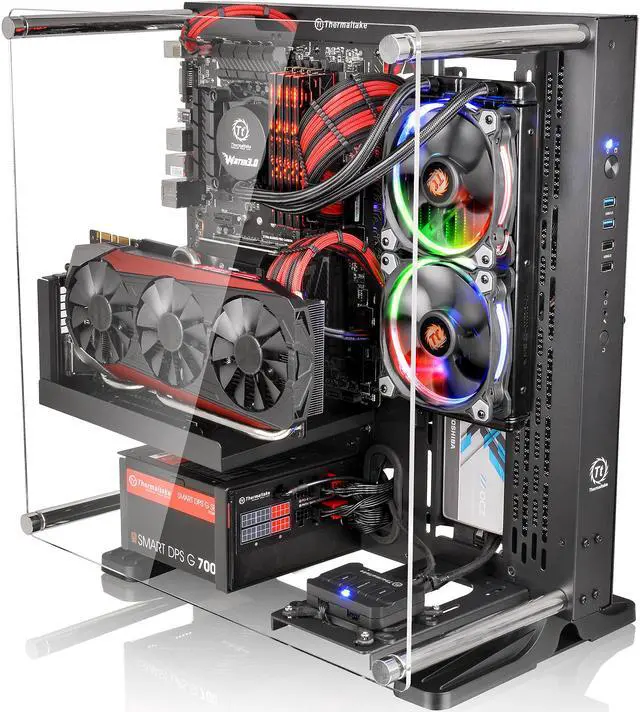
- When assembling a red-and-black themed PC, a user matches the motherboard and graphics-card power leads to the build’s color scheme; the result is a more consistent look through a clear side panel.
- A builder tidying visible motherboard, CPU, and graphics-card power runs uses the included combs to keep cable strands aligned; this can make the front of the build look neater, though arranging extensions may add cable bulk behind the motherboard tray.
- A user refreshing a PC’s cable appearance without buying PSU-specific replacement cables connects these extensions to the original PSU leads; the original cables remain in use, so the extensions should not be plugged directly into the PSU.
- While routing cables in a compact case, a user should check space behind the motherboard tray and plan bends before installation; customer feedback notes that the cables can feel stiff and that managing the added extensions may be awkward in some builds.




 here!