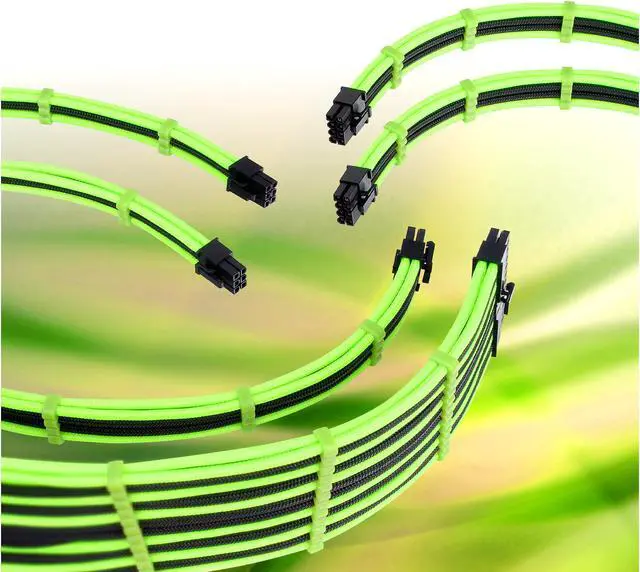
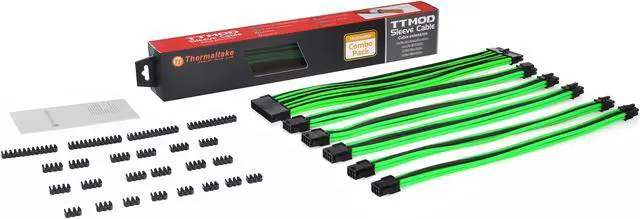
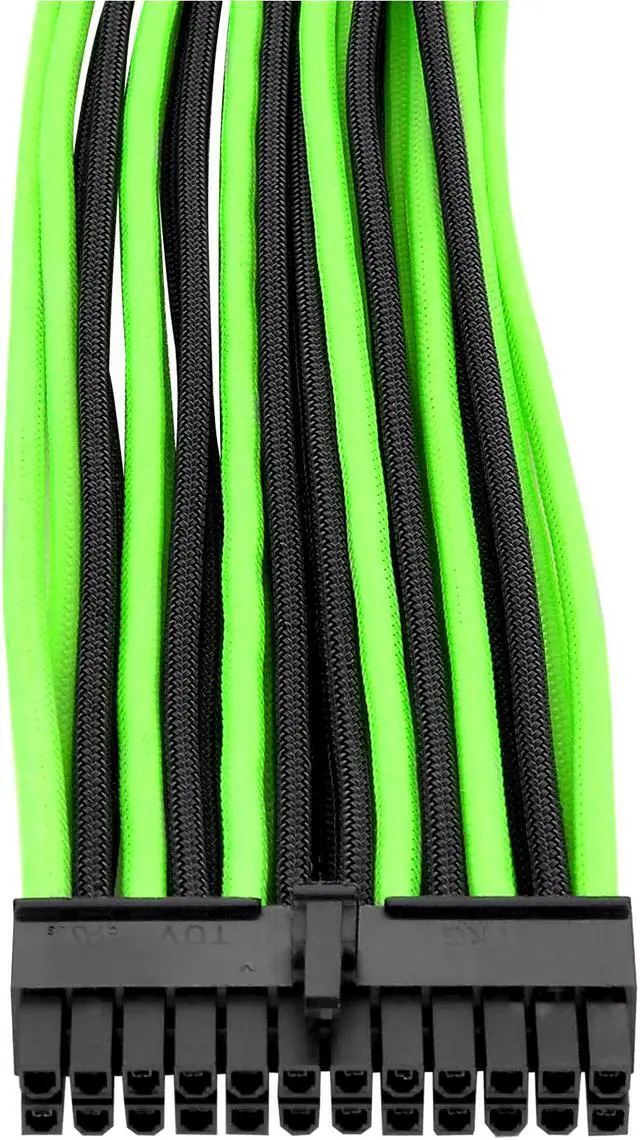
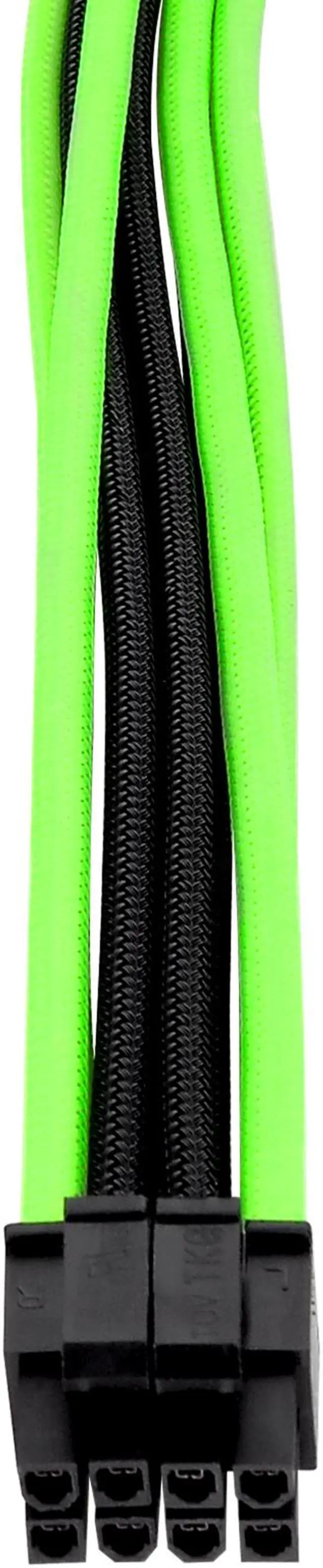
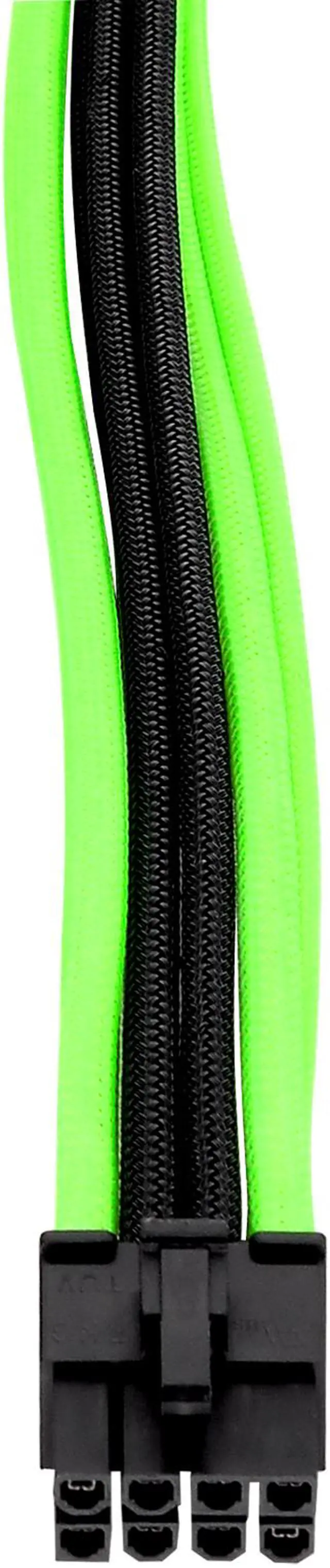
The Thermaltake AC-034-CN1NAN-A1 is a black-and-green ATX power supply extension cable kit for PC builders who want coordinated cable styling and cleaner cable routing. It includes 24-pin ATX, 4+4-pin EPS, 8-pin PCIe, and two 6-pin PCIe extensions, plus black cable combs.
Recommended For
- PC builders who want visible black-and-green sleeved extensions to coordinate with a color-themed case or components; the cable combs help keep the visible runs aligned.
- Builders refreshing the look of an existing ATX desktop who want sleeved extensions for the motherboard, CPU, and supported PCIe power connections without replacing the PSU’s original cables.
- DIY builders who are comfortable routing and arranging cables inside a desktop case and want combs to keep the visible cable runs orderly.
Real-World Use Scenarios
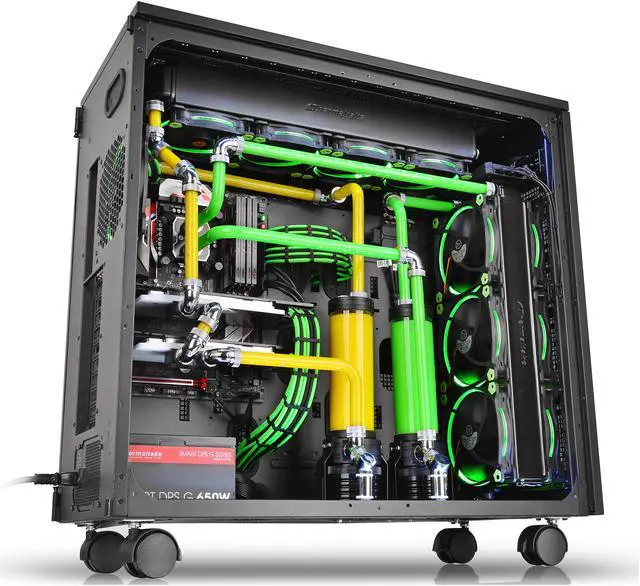
- When building a green-and-black PC with a glass side panel, use the visible motherboard and GPU power leads to carry the color theme through the build; the sleeved cables and black combs help create a more coordinated interior.
- When upgrading the appearance of an existing PC, connect these as extensions to the PSU’s existing cables rather than treating them as replacement cables that plug directly into the power supply; this can refresh the visible cable runs without changing the PSU’s cable set.
- During a system build, use the included combs to keep the visible motherboard, CPU, and graphics-card power runs aligned; this makes the cable layout easier to arrange neatly inside the case.
- If a stock PSU lead does not comfortably reach a component, use a compatible extension to add routing length between the PSU cable and that component; check the case route and connector type before installation.
- In a compact case or a build with little room behind the motherboard tray, plan the cable path before adding extensions: their extra length can leave more cable to route and may make the back panel harder to close.




 here!

 Top Rated