Out of stock
This item is currently out of stock and it may or may not be restocked.
Sold by Newegg

Shipped by Newegg

Shop it at NeweggBusiness.

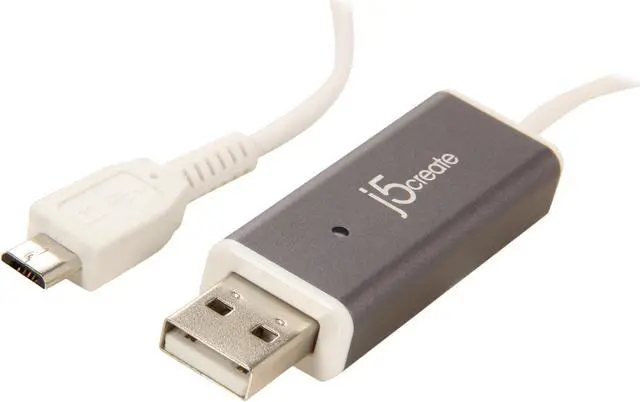
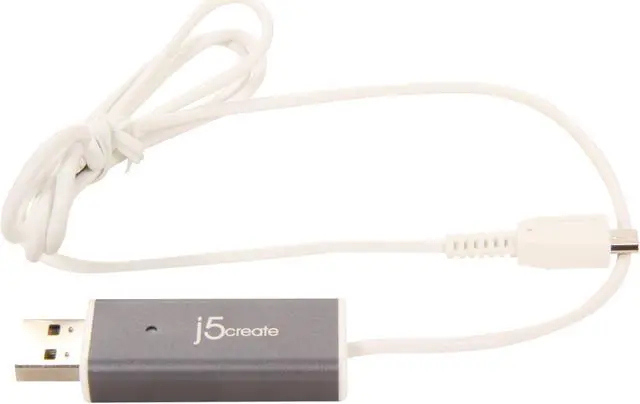
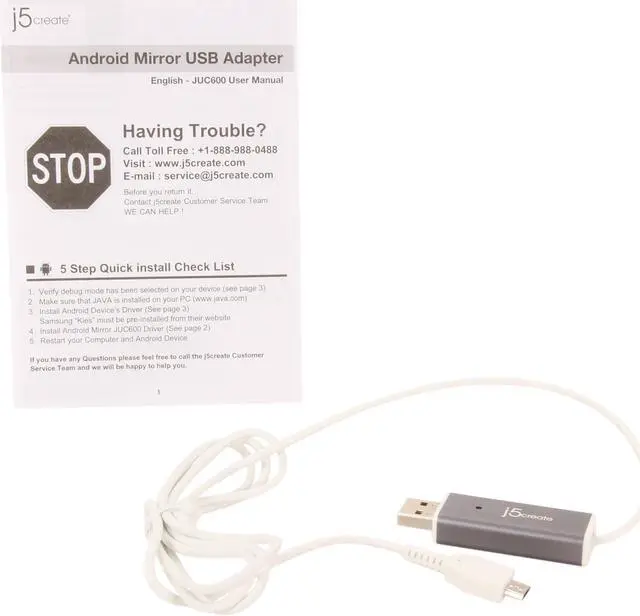
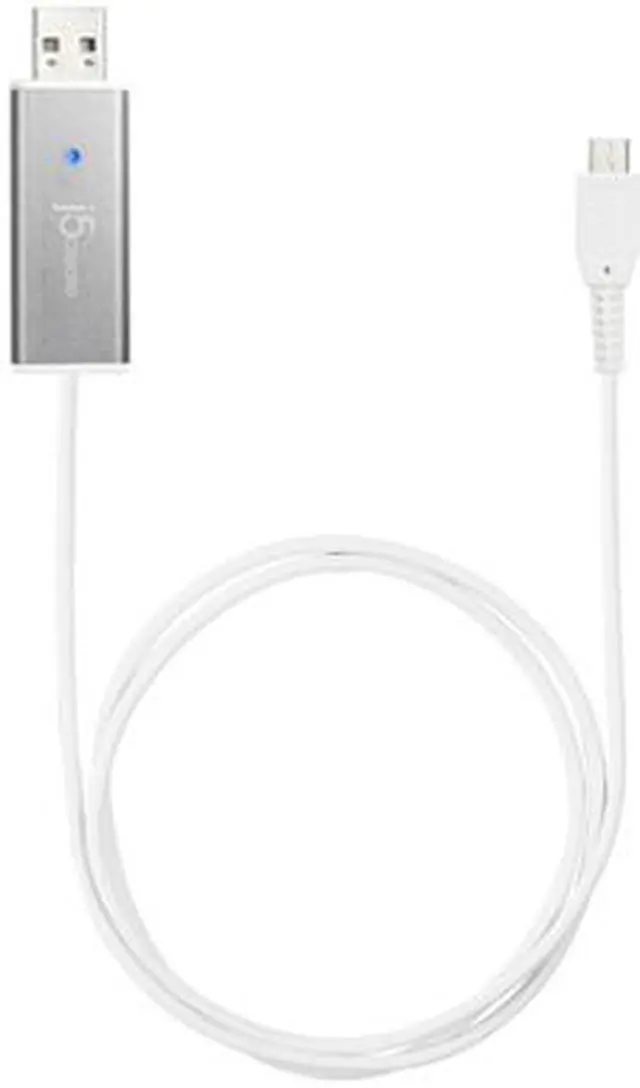
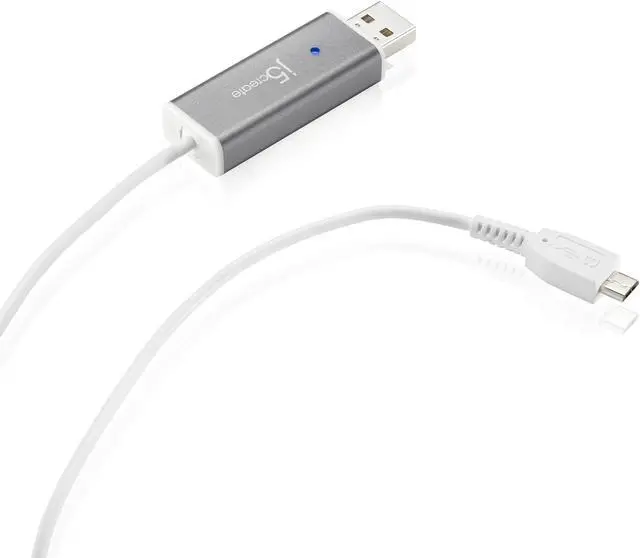
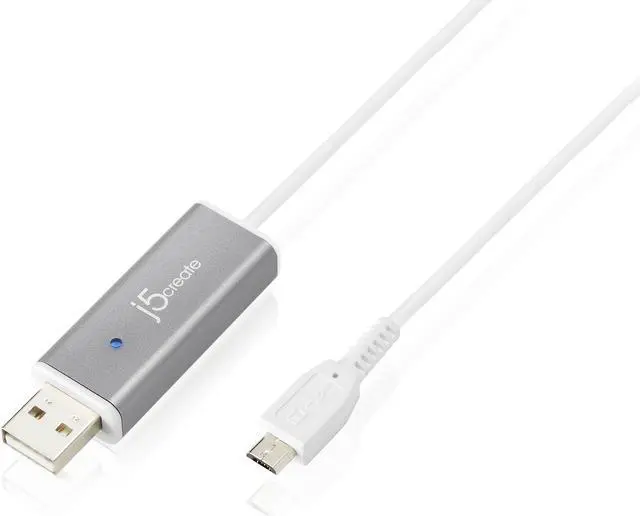
j5create Android Mirror Cable

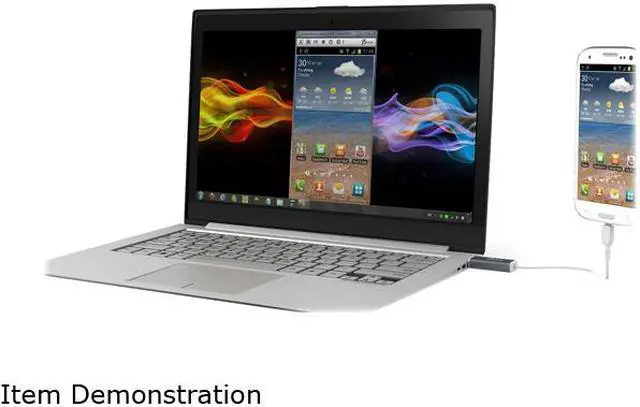
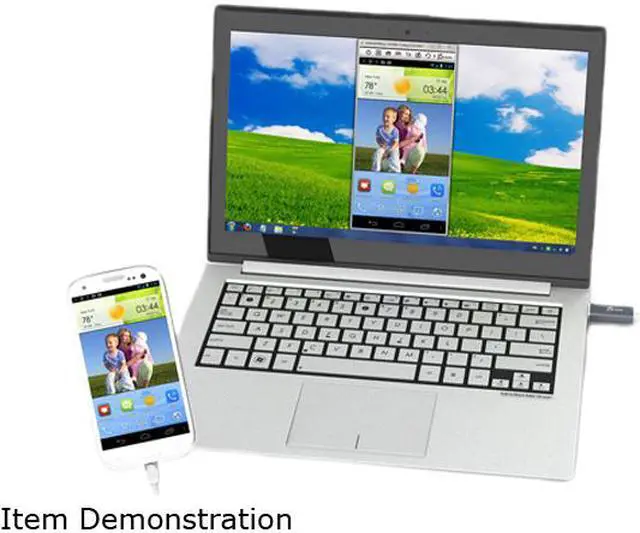
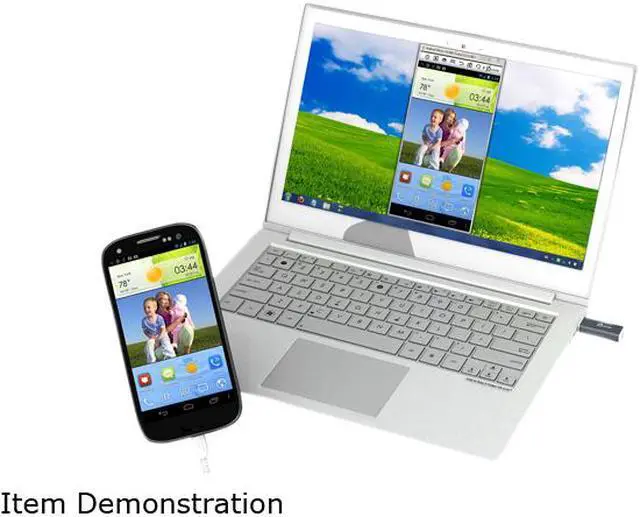
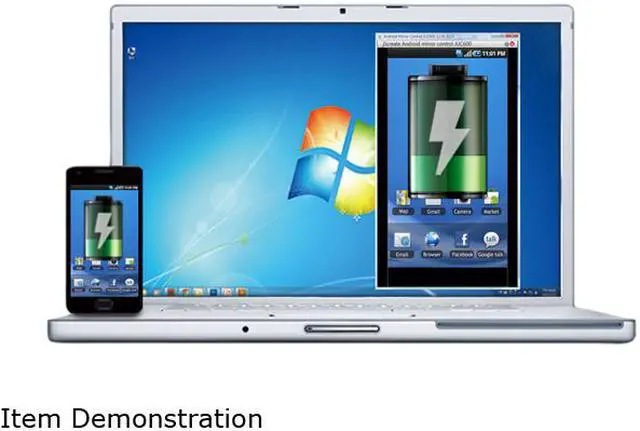
  • Display your Android device screen on a Windows desktop
  • The Android device screen can be magnified and rotated on the Windows desktop
  • Full keyboard and mouse functionality directly from the connected PC
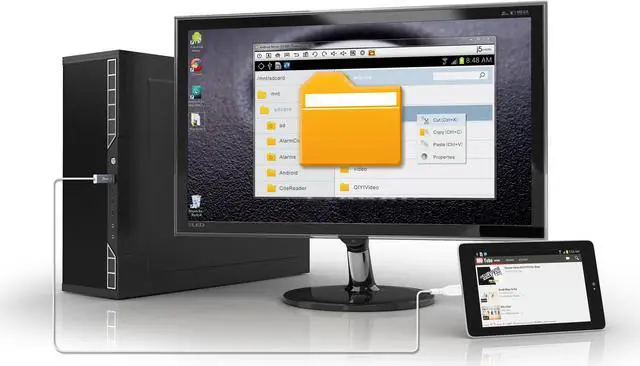
  • Data transfer functionality through file manager
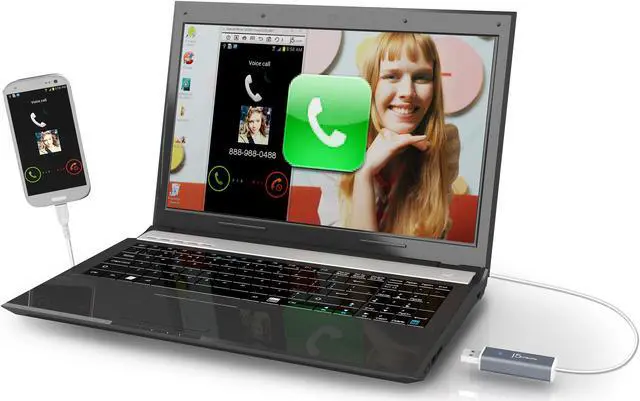
  • Receive incoming phone call and text message notifications directly on the connected PC
  • Capture the screen of the Android device and directly save it to the PC
  • Compatible with Android OS 2.3/4.0/4.1/4.2/4.3
Overview
Specs
Reviews (24)
See all Q & A
avatar

Any questions? Our AI beta will help you find out quickly.

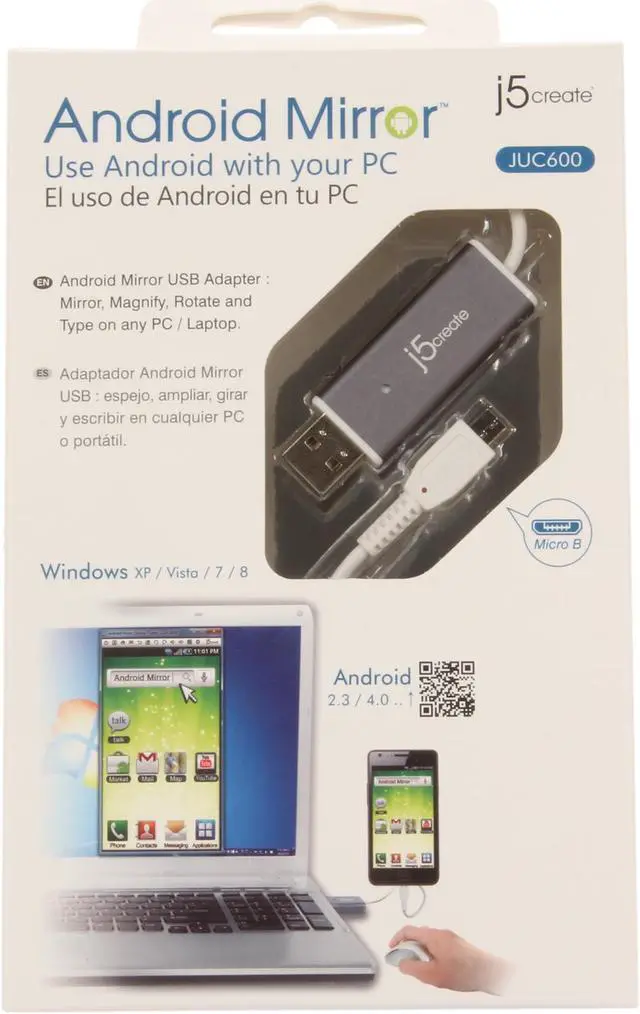
Android Mirror - JUC600
 
    Key Features
  • Display your phone on your PC
  • Magnify & rotate your phone's screen on your monitor
  • Copy and paste text from your PC to your phone or vice versa
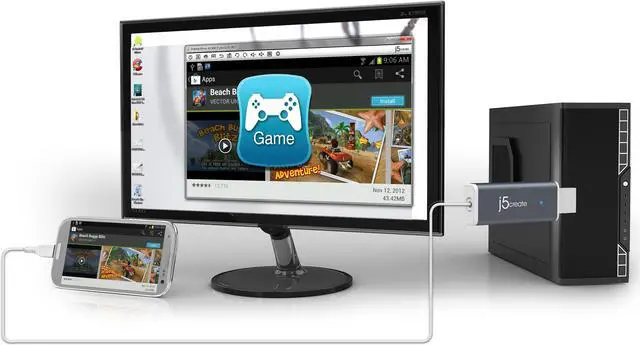
  • Play your favorite games on a large screen display
  • Use your keyboard and mouse to directly type or click any programs
  • Transfer data through the file manager
  • Get incoming call and text message notifications directly on your PC
  • Use multi-language typing
  • Take quick and easy screenshots of your phone
  • Compatible with Android OS 2.3x & 4.0 and up

Welcome to the next revolution in Android technology! The Android Mirror from j5create transforms your PC into a full-fledged Android powerhouse. When you connect your Android device through the Android Mirror it allows you to use your device as if it were your computer. Use your full-size keyboard and mouse to send emails, browse the web, check and update your Facebook and Twitter, play your favorite games, and even screen your phone calls – all while charging your phone too!

Play Harder and Browse Smarter – Take your gaming to the next level with the Android Mirror. Don't limit your Android gaming to such a small screen – go big and play on your full sized monitor! Browse your favorite social sites, websites, Youtube and more all while utilizing your keyboard and mouse to navigate conveniently and smartly!

Work Smarter with the Android Mirror – Responding to lengthy emails or multitasking can be a pain on your phone. The Android Mirror increases your efficiency and convenience by allowing you to respond to your emails and texts quicker and with more accuracy. Use the Android Mirror while you are traveling to check and respond to emails directly on your PC.

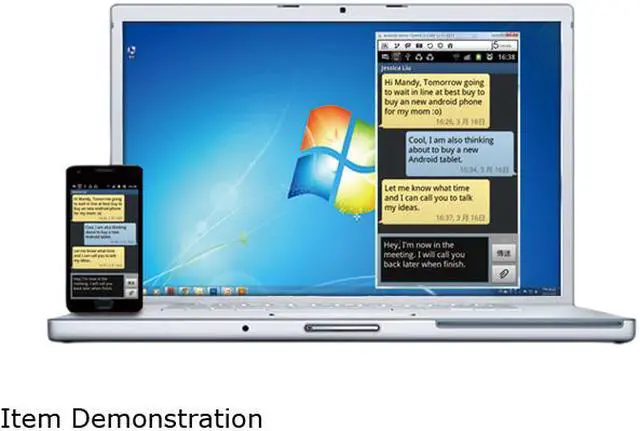
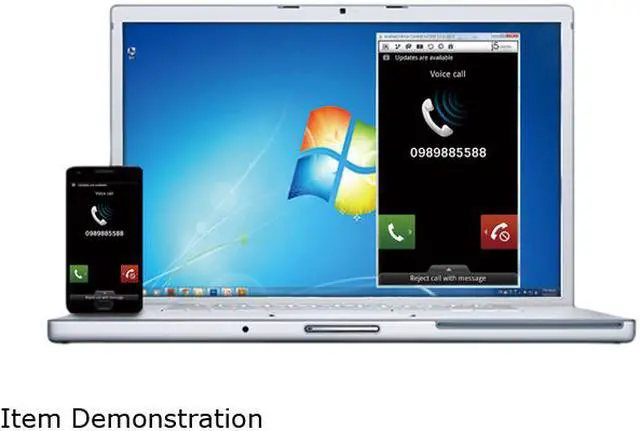
Screen your Calls – Incoming call and text notifications directly on your desktop make it easy to manage your communications. Accept or decline your calls or even respond to phone calls with a text right from your computer.

Unleash the full power of your Android Device with the Android Mirror JUC600!
 
Specifications
Interface
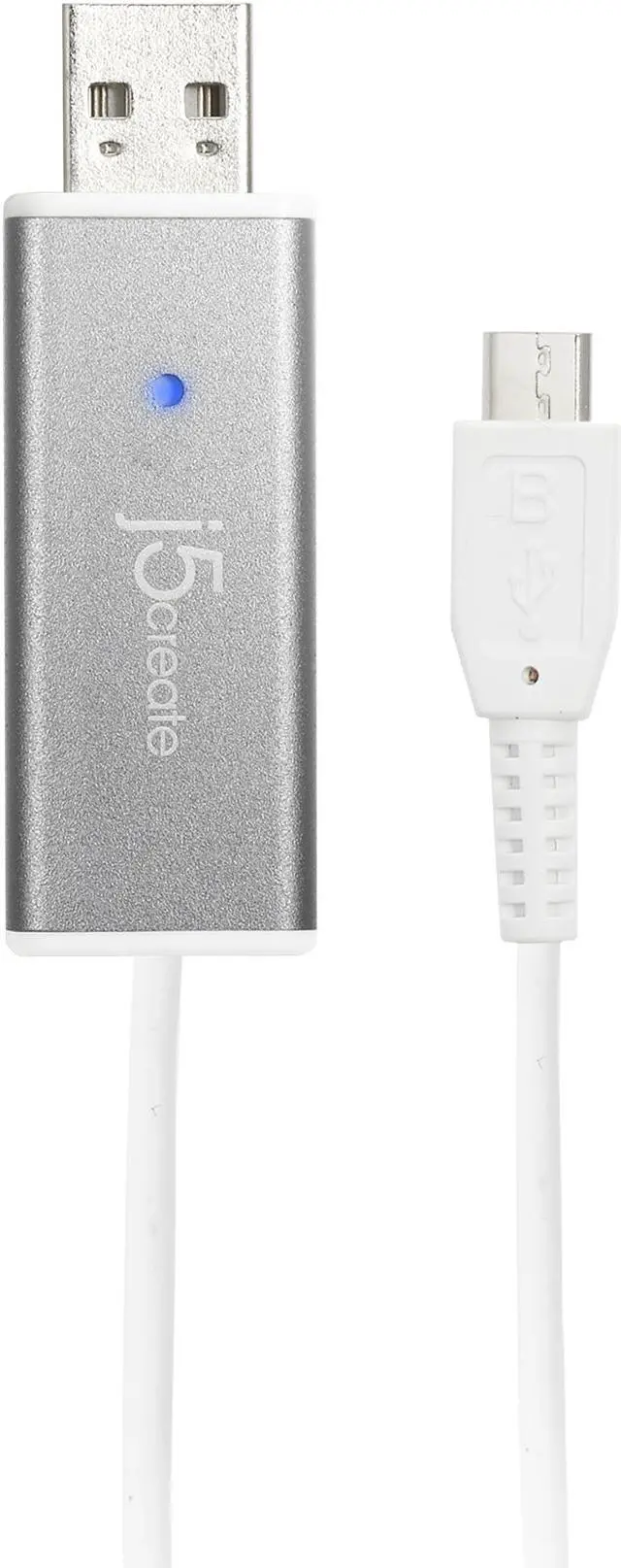
Interface USB 2.0 Type-A to Micro-B Connector
USB Cable Cable: 1200mm
Power
Power Mode USB-powered
Physical Specifications
Housing
Material
Aluminum
LED Link Indicator blue LED
Dimensions Main body: 10.5 (H) x 19 (W) x 59mm (L)
Weight Approximately 0.7oz (20g)
Transfer Rate Up to 480Mbps
System Requirements
PC / Laptop OS: Windows 8, 7, Vista, XP (32-bit or 64-bit) CPU: Intel Core 2 Due or later
RAM: 2G RAM or higher
Available USB 2.0 port
Some USB 3.0 ports are not compatible; it is highly recommended to use the Android Mirror with a USB 2.0 port on your PC.
Android OS: 2.3 / 4.0
Available Micro USB port
 
Unleash the full power of your Android device with the JUC600 Android Mirror!

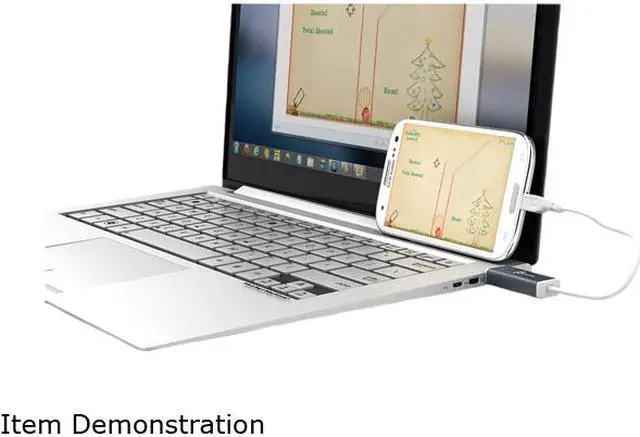
The JUC600 Android Mirror creates a bridge between an Android mobile device and a Windows computer.

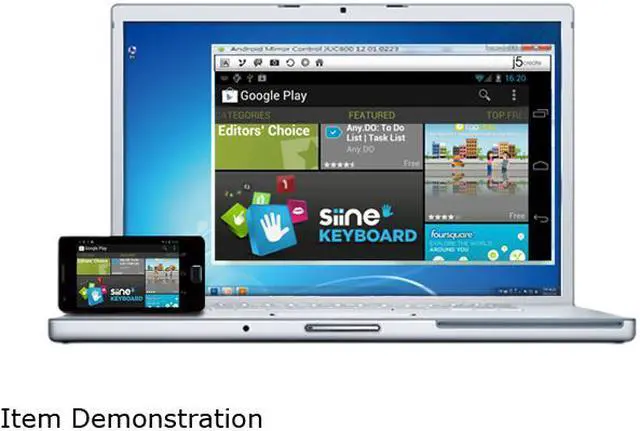
When the Mirror is connected to an Android mobile device and a computer, the mobile device screen will be mirrored, magnified, and displayed on the computer's desktop. The user can employ the keyboard and mouse of the computer to control the smartphone or tablet during the sync while simultaneously charging the mobile device.

With a friendly software interface, the Mirror can support a 360° screen rotation. Text can be copied and pasted from the Windows computer to the Android device and screen shots can be taken and saved onto the computer. It also turns the keyboard and mouse of the computer into a full-size physical keyboard and mouse for the Android device.

In addition, incoming calls and/or messages can be received and replied to instantly using the desktop.

Warranty & Returns

Warranty, Returns, And Additional Information

Warranty

  • Limited Warranty period (parts): 1 year
  • Limited Warranty period (labor): 1 year
  • Read full details

Return Policies

LOADING...