




 here!
here!
I’m your shopping assistant for PC builds, upgrades, and everything tech.
Got questions? Ask away!
Start a conversation
here!
I’m your shopping assistant for PC builds, upgrades, and everything tech.
Got questions? Ask away!
Start a conversation


Any questions? Ask CelesteSM will help you find out quickly.
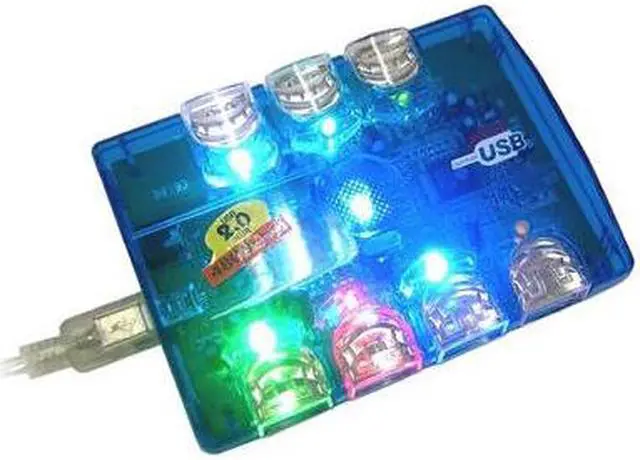
 4-port USB HubThe SABRENT SBT-UHPA USB hub features one USB 2.0 upstream port to connect the hub and your computer and four USB 2.0 downstream ports for connection to a variety of USB devices such as storage devices, scanners, printers, external optical drivers, MO (Magneto-Optical) drives, and digital cameras.
 USB 2.0 InterfaceThe USB 2.0 interface enables high data transfer speeds of up to 480Mbps so you save time while copying or moving data. This device is also backwards compatible with USB Revision 1.1 products.
 Power Adapter IncludedThe SABRENT SBT-UHPA USB 2.0 hub can be powered either via the USB port on your computer or via the external power adapter. When the bus power (through the USB port on the computer) fails to meet the power requirements of the USB devices, plugging the power adapter to external power will ensure your USB devices work properly.


