




 here!
I’m your shopping assistant for PC builds, upgrades, and everything tech.
Got questions? Ask away!
Start a conversation
here!
I’m your shopping assistant for PC builds, upgrades, and everything tech.
Got questions? Ask away!
Start a conversation Top Rated


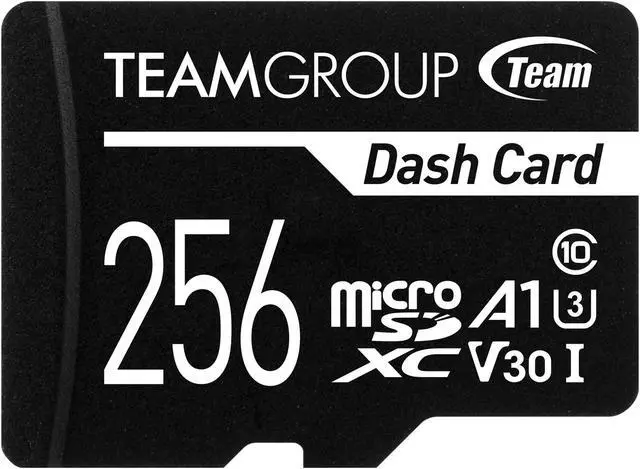
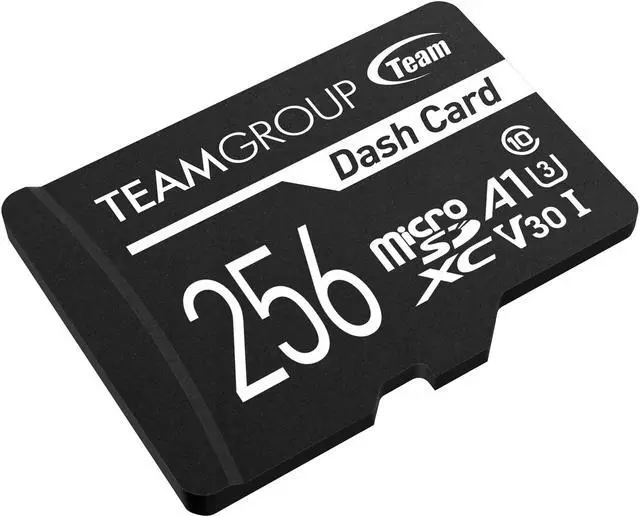
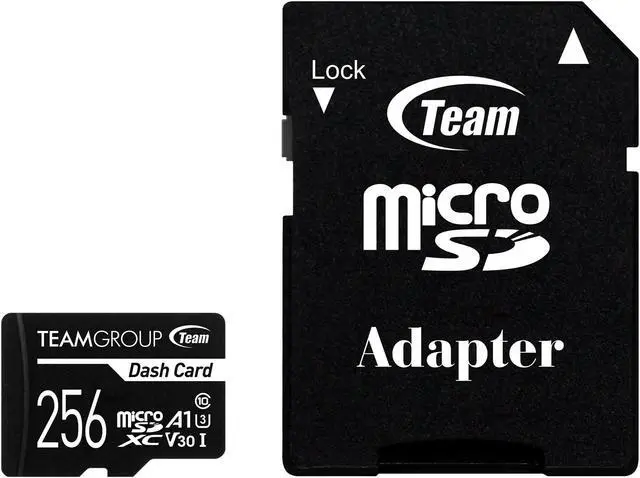
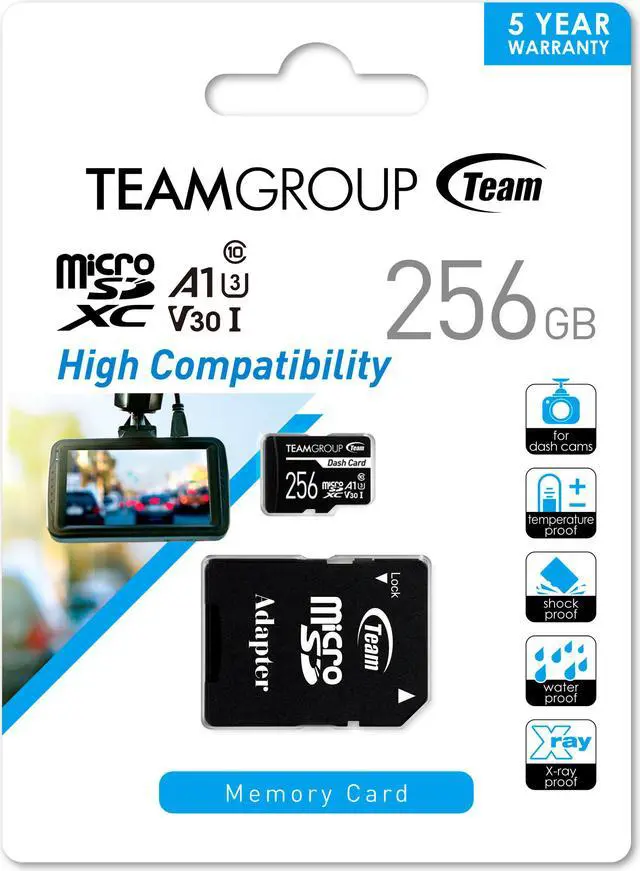



Any questions? Ask CelesteSM will help you find out quickly.


With UHS-I U1 (Class 10) specification, Dash Card allows dash cam to record Full HD 1080p (30fps) high quality video without any lag or unsmooth motions. It can record driving images or crucial moments clearly and provided as evidence to clarify the cause and responsibility of the accident.


After testing the record and photo function of numerous major dash cams on the market, Dash Card is proven to have high compatibility, long period of time and stable storage performance that can completely record the trip and crucial moments.
Dash Card not only endures the extreme environmental conditions and wide operating temperature from -25 to 85°C, it is also shockproof, waterproof and X-ray proof. It provides an all-around protection to the recording data so you don't have to worry even if the device is damaged, the memory card will still keep the data intact.


| Model | Dash Card |
| Capacity | 8GB / 16GB / 32GB / 64GB / 128GB / 256GB / 512GB [1] |
| Color | Black |
| Voltage | 2.7V ~ 3.6V |
| Operation Temperature | -25°C ~ 85°C |
| Storage Temperature | -40°C ~ 85°C |
| Data Transfer Rate |
64GB-512GB: Read: up to 100MB/s; Write: up to 30MB/s 32GB: Read: up to 100MB/s; Write: up to 20MB/s 8GB-16GB: Read: up to 80MB/s; Write: up to 15MB/s[2] |
| Weight | 1g |
| Dimensions | 15.0(L) x 11.0(W) x 1.0(H) mm |
| Operating System |
Micro SDHC
Micro SDXC
|
| Write protect | Micro SD (No) Micro SD to SD Adapter (Yes) |
| Warranty | 5-year limited warranty |
[1] Part of the capacity of FLASH storage products will be used for formatting or other functions, and the displayed capacity in the operating system will be less than the actual storage capacity due to unit conversion. It is recommended to calculate the actual storage capacity based on this equation: total bytes/1024/1024/1024.
[2] Speed may vary by actual usage. It is tested under an ideal condition.
* We reserve the right to modify product specifications without prior notice.
We want to ensure your holiday shopping this year is hassle-free. That’s why we’re automatically extending our return policies on almost every product! For purchases placed between November 1st, 2026 and December 31, 2026 you will have until January 31, 2027 to return your product.
The Team Dash Card is a 256GB microSDXC memory card designed for dash cams, making it suitable for drivers who need storage for Full HD video recording and playback; it includes an adapter and is rated for temperatures from -25°C to 85°C.
| Attribute | Value |
|---|---|
| Best For | Dash-camera recording and Full HD video capture and playback |
| Capacity | 256GB |
| Card Format And Compatibility | microSDXC card format; compatible with cameras |
| Speed Rating And Performance | Class 10, U1 and UHS-I ratings; also specified as U3/V30 for video, with read speeds up to 100 MB/s |
| Durability | Temperature-resistant from -25 to 85°C; shockproof, waterproof and X-ray proof |
| Warranty | 5-year limited warranty |
| Model Identifiers | Team Dash Card, model TDUSDX256GUHS03 |
Q: Team Dash Card 256GB vs a standard microSD card: which should I use in a dash cam?
A: Choose the Team Dash Card if you want a card specifically positioned for dash cams, with a published operating-temperature range of -25°C to 85°C and a 5-year limited warranty. A standard microSD card may also work if it meets your dash cam’s requirements, but check its suitability for repeated recording and overwriting. Confirm the camera supports 256GB and format the card in the camera before use.
Q: Team Dash Card 256GB vs Samsung PRO Endurance 256GB: which makes more sense for a dash cam?
A: Both are positioned for dash-cam recording. The Team card lists an operating range of -25°C to 85°C and a 5-year limited warranty; Samsung publishes an endurance estimate of up to 26,280 recording hours for its 256GB PRO Endurance card. Choose Team if its temperature specification and warranty fit your priorities; choose Samsung if a published recording-hours estimate is important to your comparison. These manufacturer specifications are not a direct independent durability test.
Q: Team Dash Card 256GB vs SanDisk High Endurance 256GB: what’s the main difference?
A: Both are marketed for dash cams and continuous recording. TEAMGROUP specifies an operating range of -25°C to 85°C and a 5-year limited warranty; SanDisk publishes up to 20,000 hours of Full HD recording for its 256GB High Endurance card. Choose Team if its stated temperature range and warranty are the deciding factors; choose SanDisk if you want a manufacturer-published recording-hours estimate. Actual recording time and compatibility depend on the camera and recording settings.
Q: Should I get the Team Dash Card 128GB or 256GB?
A: Choose 256GB if your dash cam supports it and you want more space before loop recording overwrites older footage. Choose 128GB if it already provides enough recording time for your use or your camera has a lower capacity limit. Check the dash cam’s supported capacity before buying, since a larger card will not help if the camera cannot use it.
Q: Will this 256GB microSD card work with my dash cam?
A: It is a microSDXC card marketed for dash cams, but compatibility depends on your camera’s supported card type, maximum capacity, and speed requirements. Check the dash cam manual before buying; 256GB is not supported by every model.
Q: Is this card suitable for continuous dash-cam recording?
A: The product is marketed for dash cams and is listed with temperature, shock, water, and X-ray resistance. However, the provided specifications do not state a write-cycle or endurance rating, so they do not establish how long it will last under continuous recording. Check your camera’s requirements and the card’s exact speed markings; the supplied product details list both U1 and U3/V30.
Q: Do I need to format the card before using it in a dash cam?
A: The product information does not say whether the card arrives formatted. Check your dash cam’s manual and format the card in the camera if instructed; some cameras require this before recording properly.
Q: How much dash-cam footage can 256GB hold?
A: A 256GB capacity provides room for recorded files, but the product information does not specify recording hours. Actual footage time depends on the dash cam’s resolution, recording settings, and number of cameras; loop recording may overwrite older files when storage fills.


