




 here!
here!
I’m your shopping assistant for PC builds, upgrades, and everything tech.
Got questions? Ask away!
Start a conversation
here!
I’m your shopping assistant for PC builds, upgrades, and everything tech.
Got questions? Ask away!
Start a conversation




Any questions? Ask CelesteSM will help you find out quickly.
| Best Seller Ranking | #76 in Memory Cards |
|---|
| Brand | Team |
|---|---|
| Model | TUSDX128GCL10U76 |
| Type | microSDXC |
| Capacity | 128GB |
|---|---|
| Speed Class Rating | UHS-I / U1 / Class 10 |
| Read Speed | Up to 100MB/s |
| Write Speed | Up to 20MB/s |
| Features | Supports for UHS-I ultra high-speed bus interface. Enough to satisfy the high-speed access requirement of smartphones, tablets and vehicle recorders. |
|---|
| First Listed on Newegg | September 21, 2026 |
|---|
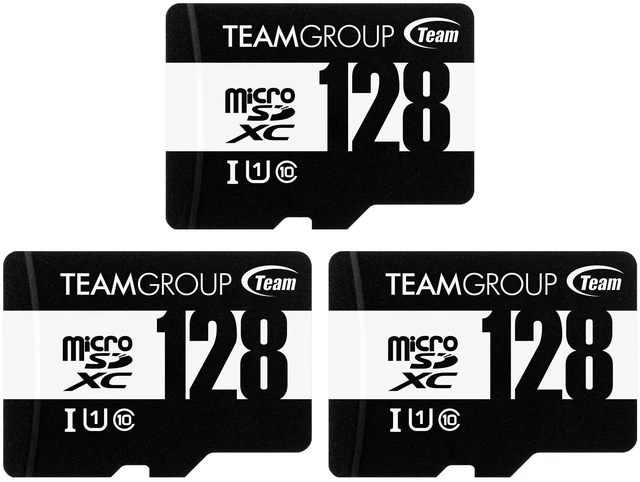
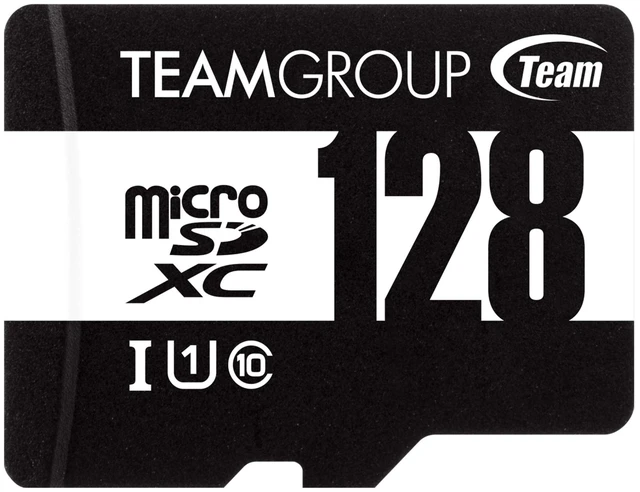
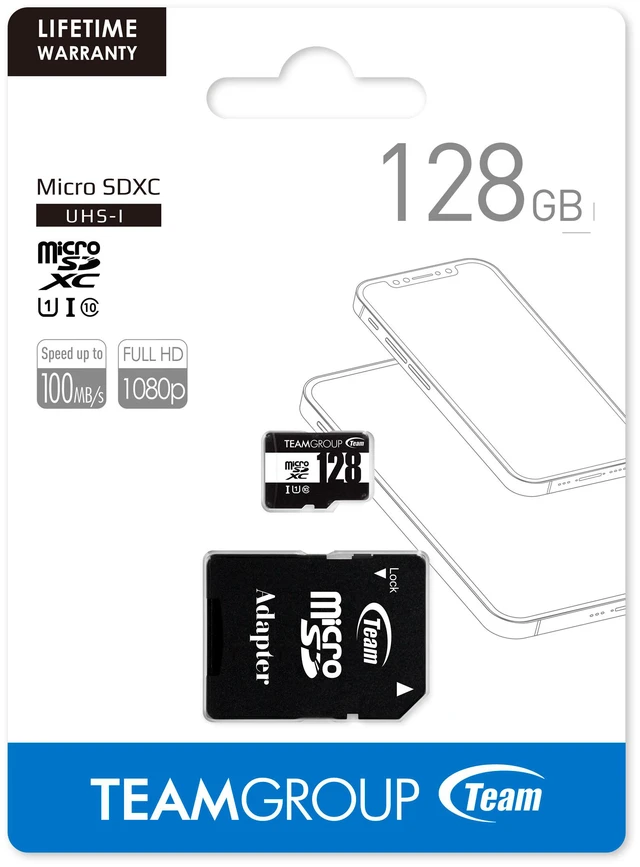
The Team TUSDX128GCL10U76 is a 128GB microSDXC card with an adapter, UHS-I/U1/Class 10 rating, and read speeds up to 100MB/s; it suits smartphone and tablet users who need portable storage for everyday access.
| Attribute | Value |
|---|---|
| Best For | Smartphones, tablets, and vehicle recorders that use microSDXC cards |
| Capacity | 128GB |
| Format And Speed Class | microSDXC card with UHS-I, U1, and Class 10 ratings; supports the UHS-I bus interface |
| Read And Write Speeds | Read speeds up to 100MB/s and write speeds up to 20MB/s |
| Brand And Model | Team, model TUSDX128GCL10U76 |
| Color And Durability | Black; X-ray proof |
| Package Details | Package weight 0.65 pounds; item weight 0.1 pounds; package dimensions 10 × 2 × 2.7 inches |
Q: Team 128GB U1 vs Samsung EVO Select 128GB: which should I choose?
A: Choose the Team card for general storage, phone or tablet files, and compatible vehicle recorders when its 128GB capacity and stated speeds of up to 100MB/s read and 20MB/s write meet your needs. Choose the Samsung EVO Select if you need a U3-rated card: U3 specifies a higher minimum sustained write speed than the Team card’s U1 rating. Actual performance depends on the device and card reader.
Q: Is the Team 128GB card enough for everyday use, or should I get a U3/V30 card?
A: For everyday file storage and recording tasks that accept U1, the Team card offers 128GB and a stated write speed of up to 20MB/s. Choose a U3/V30 card when your camera or other device requires that rating, or when you need the higher minimum sustained write speed those classes specify. Check the device’s card requirements before buying.
Q: Team 128GB U1 vs SanDisk Extreme 128GB: which is better for 4K video?
A: If your recording device specifies U3 or V30 for 4K capture, choose a card with that rating, such as the SanDisk Extreme. The Team card is U1/Class 10, while SanDisk lists its Extreme 128GB card as U3/V30. The Team card may suit devices and recording modes that accept U1, but check the camera’s requirements rather than relying on peak read or write speeds alone.
Q: Will this card work in my phone, tablet, or camera?
A: It can work in a device with a microSDXC slot that supports 128GB cards. Check the device’s specifications before buying; a microSD slot alone does not guarantee support for this card’s capacity or format.
Q: Is this card suitable for a dash cam?
A: It may be suitable if the dash cam supports 128GB microSDXC cards and its required speed class. This model is rated U1/Class 10, but its specifications do not identify it as a high-endurance card; for frequent or continuous loop recording, check the dash cam maker’s requirements and consider a card rated for high-endurance use.
Q: Can I use the included adapter in a full-size SD card slot?
A: Yes. The included adapter lets the microSD card fit a full-size SD slot. The device still needs to support the card’s capacity and format.
Q: How much video can 128GB hold?
A: Recording time depends on video resolution, bitrate, audio, and the device’s recording settings. The card’s 128GB capacity alone is not enough to give an exact number of hours; check the camera or dash cam’s recording estimates.
Q: Is this card a good choice for 4K video recording?
A: The listed specifications give a U1/Class 10 rating and write speeds of up to 20MB/s, but do not claim a 4K video rating. For reliable 4K recording, check the camera’s minimum card requirements and choose a card that meets them.


