




 here!
I’m your shopping assistant for PC builds, upgrades, and everything tech.
Got questions? Ask away!
Start a conversation
here!
I’m your shopping assistant for PC builds, upgrades, and everything tech.
Got questions? Ask away!
Start a conversationShipped by Newegg

Make informed decisions with expert advice. Learn More





Any questions? Ask CelesteSM will help you find out quickly.
We want to ensure your holiday shopping this year is hassle-free. That’s why we’re automatically extending our return policies on almost every product! For purchases placed between November 1st, 2026 and December 31, 2026 you will have until January 31, 2027 to return your product.
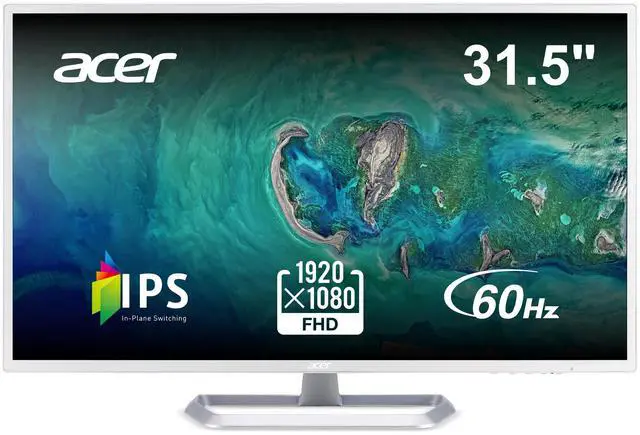
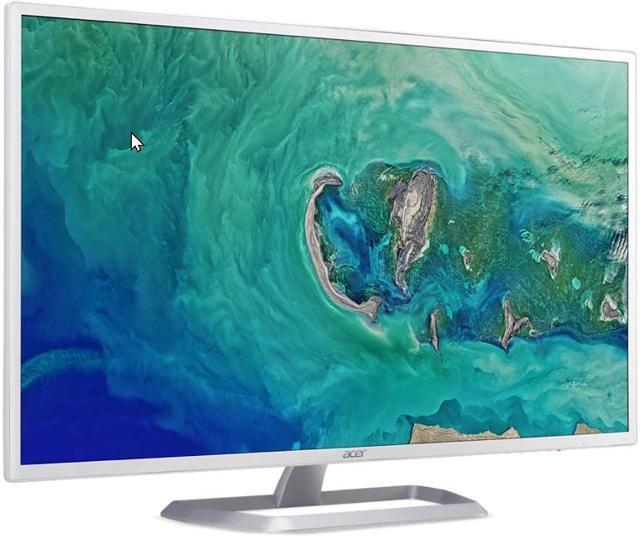
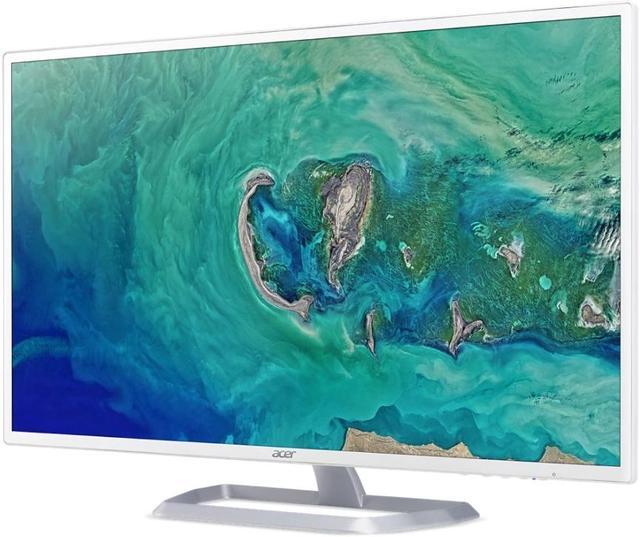
The Acer EB321HQ Awi is a 32-inch Full HD IPS monitor with a 60Hz refresh rate, suited to office and home users who want a large screen for everyday productivity and general computing.
| Attribute | Value |
|---|---|
| Best For | Business and personal desktop use with a large Full HD display |
| Panel And Resolution | 31.5-inch flat, matte IPS LED display with 1920 × 1080 resolution, 16:9 aspect ratio, 178° horizontal and vertical viewing angles, 16.7 million colors, 300 cd/m² brightness, and 0.3675 mm pixel pitch |
| Refresh Rate And Response | 60 Hz refresh rate and 4 ms response time |
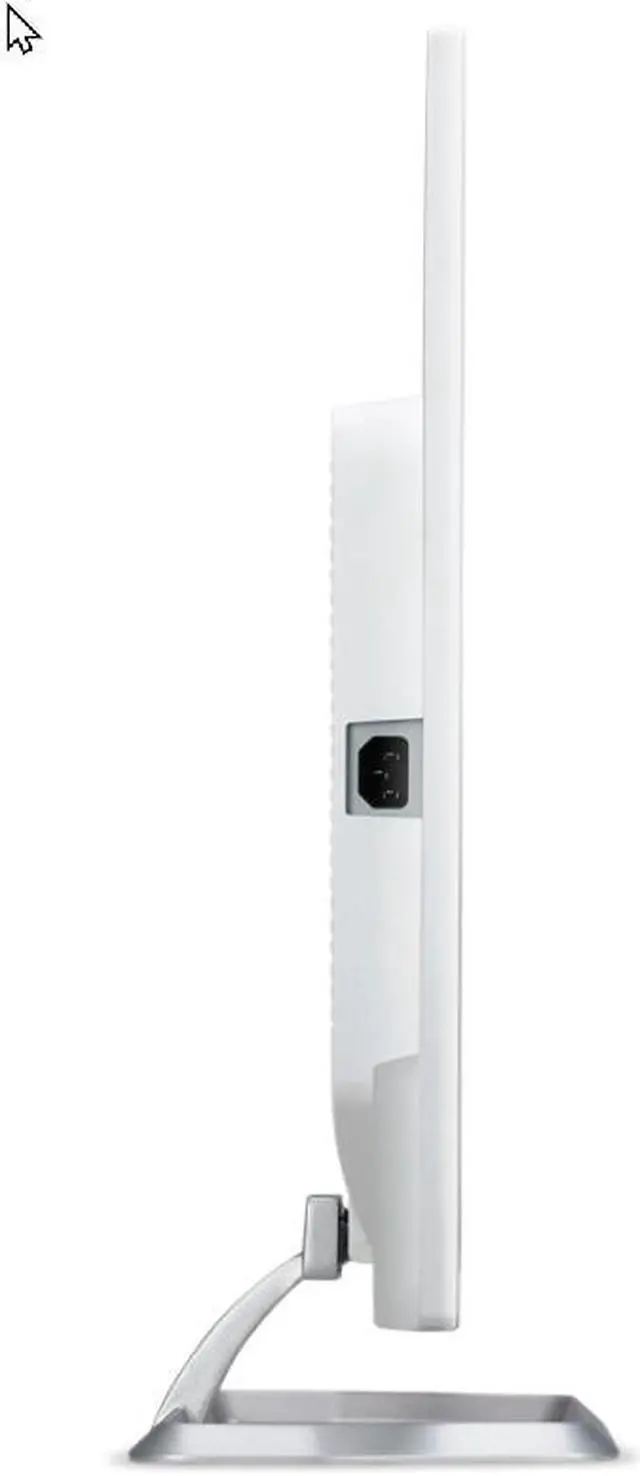
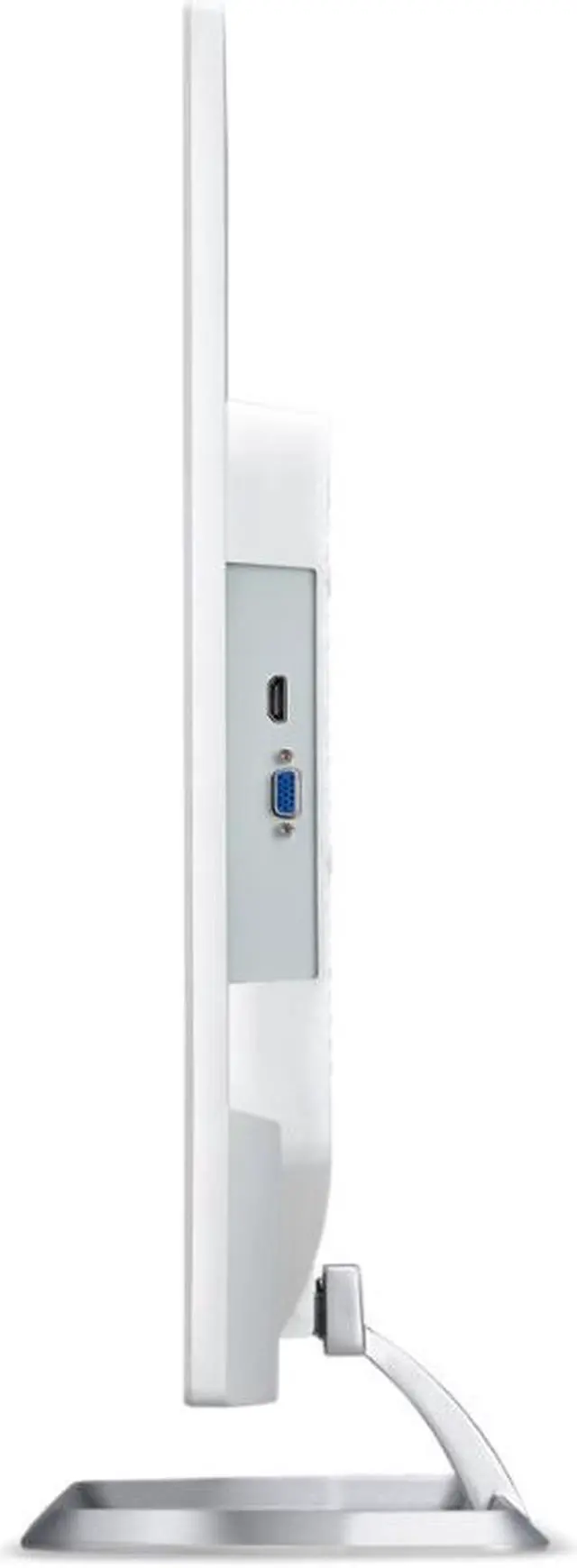
| Ports And Connectivity | One HDMI 1.4 port and one VGA (D-Sub) port; no USB ports |
| Display Features | Acer VisionCare and Flicker-less technology; contrast ratio listed as 100 million:1 maximum with ACM |
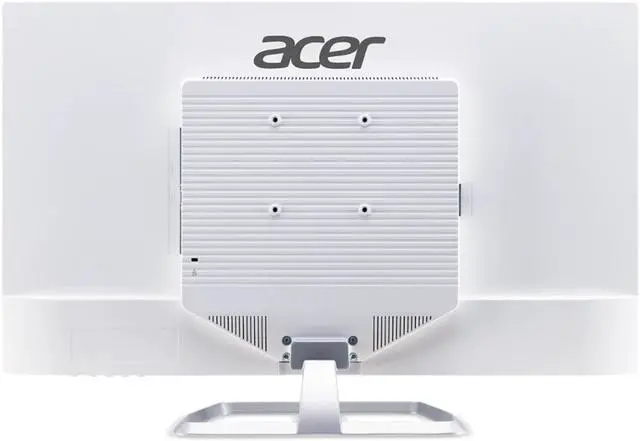
| Stand And Ergonomics | Tilt adjustment from -5° to 10°; compatible with 100 × 100 mm VESA mounts |
| Power And Consumption | 100–240 VAC, 50/60 Hz power supply; normal operating consumption under 52 W and power-save consumption under 1 W |
| Dimensions And Weight | With stand: 28.73 × 19.13 × 7.09 inches and 15.21 lb; without stand: 28.73 × 16.90 × 2.00 inches and 13.89 lb |
| Included Components | Display, stand, power cord, and VGA cable |
| Regulatory Approvals | UL, cUL, FCC Class B, CE, TUV/GS, VCCI, RoHS, MPR II, TCO, and Energy Star |
| Model Identifiers | Acer EB1 Series, model EB321HQ Awi; part number UM.JE1AA.A06 |
Q: Acer EB321HQ vs. EB321HQU: which should I choose for a 32-inch desktop?
A: Choose the Acer EB321HQ for a 31.5-inch IPS display at Full HD (1920 × 1080), with HDMI and VGA inputs. Choose the Acer EB321HQU if you want the same 31.5-inch screen size and IPS panel at WQHD (2560 × 1440), which provides more resolution detail.
Q: Acer EB321HQ vs. CB322QK: which is better for a large office display?
A: The EB321HQ is a fit for a large 31.5-inch IPS screen with a Full HD resolution and HDMI or VGA connectivity. The 31.5-inch Acer CB322QK is the higher-resolution option, with 4K UHD, USB-C, DisplayPort, and HDMI; choose it when added pixel detail and those connections matter to your setup.
Q: Acer EB321HQ vs. SH272: do I choose the larger screen or the higher refresh rate?
A: Choose the EB321HQ for its 31.5-inch Full HD IPS screen and HDMI/VGA inputs. Choose the Acer SH272 for a 27-inch Full HD IPS screen with a 100 Hz refresh rate. The main distinction is the EB321HQ’s larger display area versus the SH272’s higher refresh rate.
Q: Is this monitor suitable for everyday office work?
A: Yes. Its 31.5-inch IPS screen and 1920 × 1080 resolution suit documents, browsing, and general desk work. Because Full HD is spread across a large screen, fine text may look less crisp than on a higher-resolution display. It has no built-in speakers, so plan to use separate audio for meetings.
Q: Can I mount it on a monitor arm or wall mount?
A: Yes. It supports a 100 × 100 mm VESA mount. Check that the arm or bracket supports the monitor’s size and weight; the included stand only offers tilt adjustment, not height adjustment.
Q: Can I connect a laptop or game console to it?
A: Yes, if the device provides HDMI or VGA video output. The monitor has one HDMI 1.4 port and one VGA port; check your device’s available output and use an adapter if needed.
Q: Does it have built-in speakers or a headphone jack?
A: No. This model has neither built-in speakers nor a 3.5 mm headphone jack. Connect headphones or speakers to your computer or other source device instead.
Q: Is the Acer EB321HQ suitable for office work and occasional gaming?
A: It fits basic office tasks and occasional gaming if a large 1080p screen and 60Hz refresh rate meet your needs. Its Full HD resolution and 60Hz refresh rate are trade-offs for users who prioritize sharper text or smoother fast-paced gaming.
Q: Will 1080p look sharp enough on this 32-inch monitor for reading and spreadsheets?
A: At 31.5 inches, Full HD has relatively low pixel density, so text and fine details may look less sharp than on a smaller 1080p screen or a higher-resolution 32-inch monitor. It may suit users who value a large display more than crisp fine detail, especially at a greater viewing distance.
Q: Is the Acer EB321HQ Awi screen matte or glossy?
A: Reddit discussions describe EB321HQ listings as both matte and glossy, so the finish may vary by version or listing. Check the exact model suffix and seller details before buying if screen finish matters to you.
Q: Can the Acer EB321HQ work as a secondary monitor?
A: It can serve as a large secondary screen for video, chat, or general desktop use. It has HDMI and VGA inputs and supports 100 × 100 mm VESA mounting; check that your computer or dock has a compatible video output.


