




 here!
I’m your shopping assistant for PC builds, upgrades, and everything tech.
Got questions? Ask away!
Start a conversation
here!
I’m your shopping assistant for PC builds, upgrades, and everything tech.
Got questions? Ask away!
Start a conversation

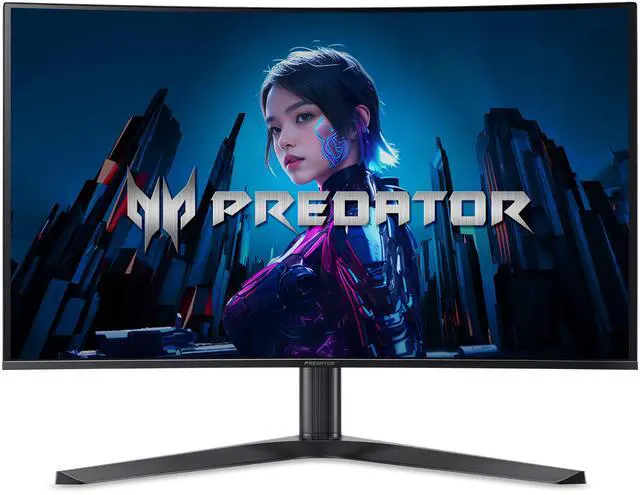
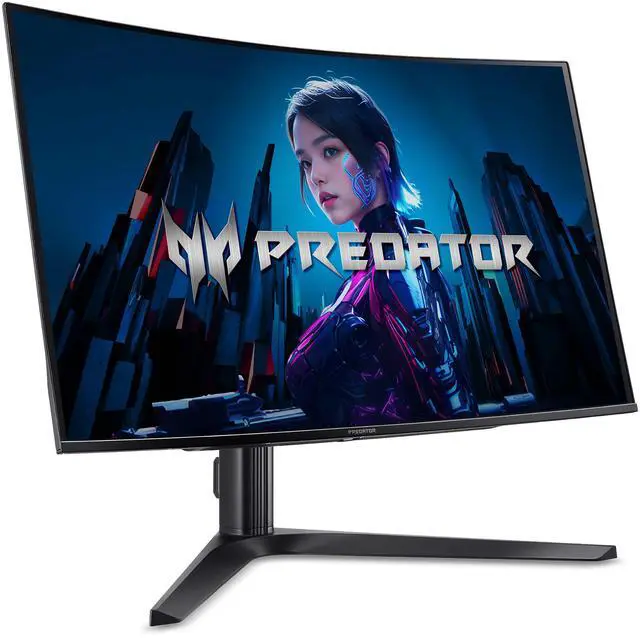
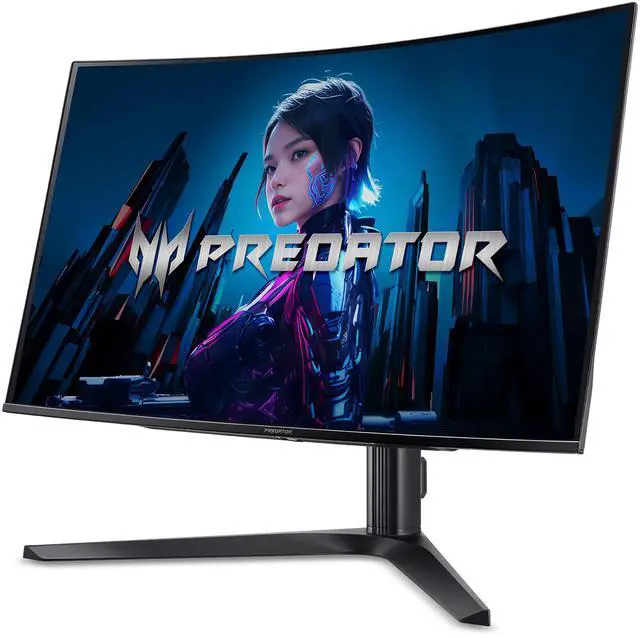
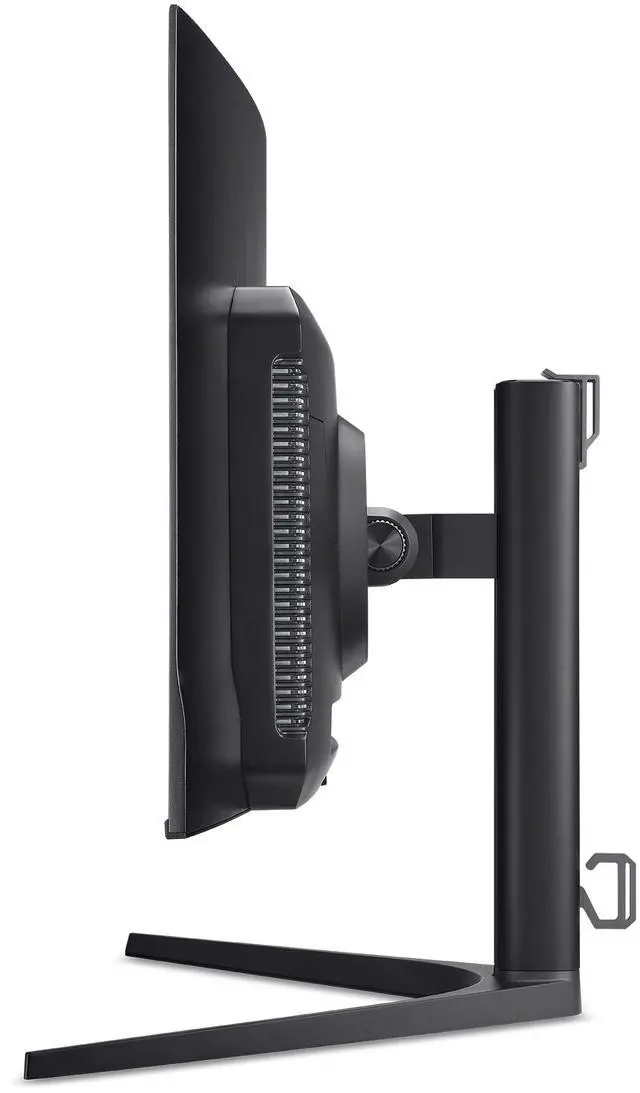
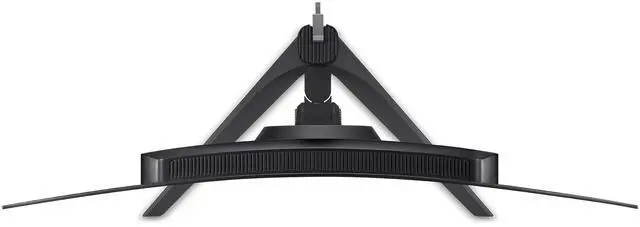
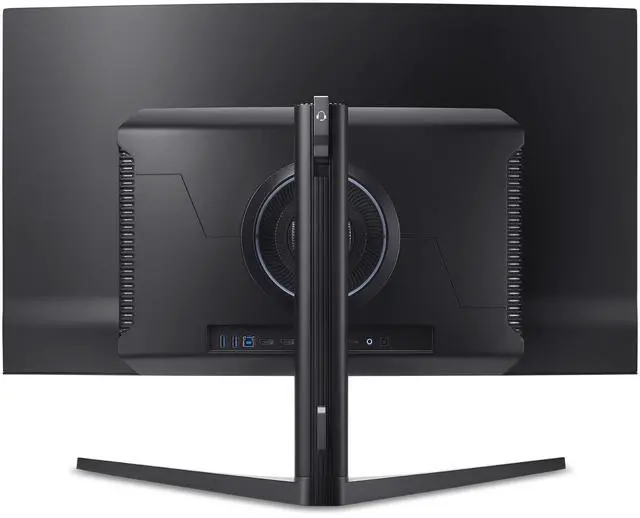



Any questions? Ask CelesteSM will help you find out quickly.


nleash the velocity of the future and engage in a spectacle where the 240Hz refresh rate and response time are as swift as a high-speed chase through the city streets, with every action rendered in the blink of an eye.

In a world where milliseconds matter, respond faster than a netrunner's code. Command a 0.03ms response time for total control and accuracy with minimal blur.

Instantly shift between devices with the inbuilt KVM switch, keeping every byte and bit of your cyber arsenal at your fingertips.

At the crossroads of technology, the Predator X32 QD-OLED is your nexus. Boasting ports aplenty, including the adaptable Type-C 65W PD and HDMI 2.1 compatibility.

We want to ensure your holiday shopping this year is hassle-free. That’s why we’re automatically extending our return policies on almost every product! For purchases placed between November 1st, 2026 and December 31, 2026 you will have until January 31, 2027 to return your product.
The Acer Predator X32 Xbmiipphuzx is a 31.5-inch curved 4K OLED gaming monitor with a 240Hz refresh rate, 0.03ms response time, and AMD FreeSync Premium. It suits PC and console gamers seeking sharp detail and smooth, responsive play.
| Attribute | Value |
|---|---|
| Best For | Gaming and desktop use with a curved 4K OLED display, 240Hz refresh rate, and FreeSync Premium |
| Panel And Resolution | 32-inch curved OLED display with 3840 × 2160 (4K) resolution, 16:9 aspect ratio, 1700R curvature, anti-glare finish, and 178° horizontal and vertical viewing angles |
| Refresh Rate And Image Quality | 240Hz refresh rate, 0.03ms G-to-G response time, FreeSync Premium adaptive sync, DisplayHDR True Black 400, up to 1000 nits peak brightness at HDR 3%, 100 million:1 maximum contrast ratio, and 1.07 billion display colors |
| Ports And Connectivity | Two HDMI 2.1 ports, two DisplayPort 1.4 ports, USB-C with data, DisplayPort video and up to 65W power delivery, two USB 3.2 ports, and a headphone audio port |
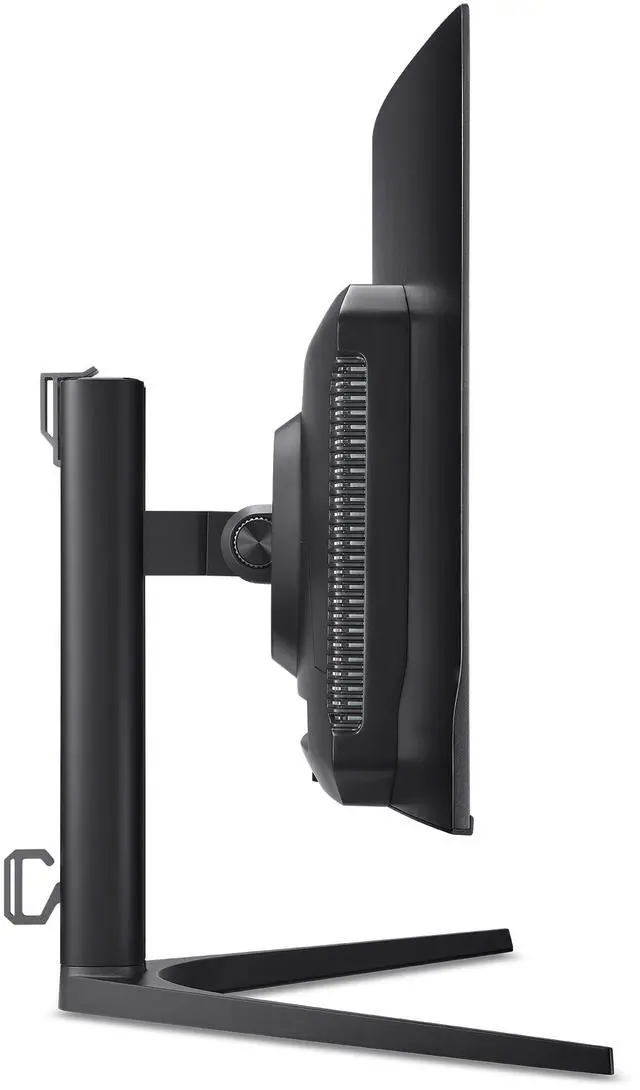
| Stand And Ergonomics | Stand adjusts from -5° to 20° tilt, swivels ±20°, and provides 4.72 inches of height adjustment |
| Audio | Two built-in speakers rated at 5W each |
| Mounting And Dimensions | 100 × 100mm VESA mounting; 28.11 × 13.62 inches, with height-adjusted display height ranging from 19.08 to 23.91 inches |
| Power | 100–240 VAC, 50/60Hz input; power consumption under 285W in normal operation and under 1W in power-save mode |
| Physical Design | Black cabinet with a three-sided frameless bezel |
| Weight | 14.74 lb |
| In The Box | Display, stand, power cord, DisplayPort cable, HDMI cable, and USB cable |
| Certifications And Compliance | UL, cUL, FCC Class B, CE, TUV/GS, VCCI, RoHS, MPRII, and TCO |
| Model Identifiers | Acer Predator X32 Xbmiipphuzx; part number UM.JXXAA.X01 |
Q: Acer Predator X32 X or Alienware AW3225QF: which 32-inch 4K OLED should I choose?
A: Both are curved 32-inch-class QD-OLED monitors with 4K resolution and a 240Hz refresh rate. Choose the Acer if its built-in KVM, speakers, and two DisplayPort inputs better fit your setup. Choose the Alienware if you prefer its HDMI eARC connection for audio equipment; it has one DisplayPort input and no built-in speakers.
Q: Should I get the Acer Predator X32 X or the ASUS ROG Swift PG32UCDM?
A: Both offer a 32-inch-class 4K QD-OLED panel with a 240Hz refresh rate. The Acer is a practical fit if you want its curved screen, built-in speakers, KVM, or two DisplayPort inputs. Consider the ASUS if you need up to 90W USB-C power delivery for a connected laptop; the Acer’s USB-C supports up to 65W.
Q: Is the Acer Predator X32 X a better fit than a 1440p high-refresh OLED for gaming?
A: Choose the Acer if you prioritize 4K detail alongside a 240Hz refresh rate. A 1440p high-refresh OLED is a better fit if your priority is reaching higher refresh rates in competitive games and you’re willing to use a lower resolution. The Acer review notes that 4K at 240Hz balances resolution and motion performance, while some faster OLED options use 1440p or lower resolution.
Q: Is this monitor suitable for both gaming and office work?
A: It can serve both uses: its 4K resolution, 240Hz refresh rate, and OLED panel suit gaming, while the adjustable stand, USB-C connectivity, and built-in KVM support desk use. The trade-off is that prolonged static content, such as spreadsheets or taskbars, can raise OLED burn-in concerns; this model’s supplied specifications do not describe specific burn-in protection features.
Q: Can I connect a laptop with one USB-C cable and charge it?
A: The USB-C port supports DisplayPort video, data, and up to 65W of power delivery, so a compatible laptop can use it for video and charging through one cable. Check your laptop’s USB-C video support and power requirements; it may need more than 65W. The monitor also lists a built-in KVM switch.
Q: Will this monitor work with a PS5 or Xbox Series X?
A: Yes. Its HDMI 2.1 ports support connection to current consoles, and its 4K resolution supports 4K output. The monitor’s 240Hz maximum refresh rate is primarily useful with a compatible gaming PC; consoles typically operate at lower refresh rates.
Q: Can I mount it on a monitor arm?
A: Yes. The monitor supports the 100 × 100 mm VESA mounting pattern. Check that your arm supports the monitor’s weight and that you use compatible mounting hardware.
Q: Is the Acer Predator X32 X worth considering in a $500–$800 monitor budget?
A: It may be worth considering if 32-inch 4K OLED and 240Hz are priorities and its price fits your budget. Reddit shoppers discussed it among 4K 240Hz options in that range, but value depends on the price you find and the alternatives available.
Q: Should I choose this over a 39-inch 1440p ultrawide for shooters?
A: Choose the X32 X if you prefer 4K detail and a standard 16:9 screen; choose an ultrawide if its wider format is more important to you. The X32 X is a 31.5-inch 3840 × 2160, 16:9 display, not an ultrawide.
Q: Is the X32 X’s slight curve a dealbreaker?
A: Probably not if you are comfortable with a gentle curve: the display has a 1700R radius, and Reddit discussion described the curve as slight, with one owner saying they preferred it. If you specifically want a flat panel, this is not the right fit.


