




 here!
here!
I’m your shopping assistant for PC builds, upgrades, and everything tech.
Got questions? Ask away!
Start a conversation
here!
I’m your shopping assistant for PC builds, upgrades, and everything tech.
Got questions? Ask away!
Start a conversationShipped by Newegg






Any questions? Ask CelesteSM will help you find out quickly.
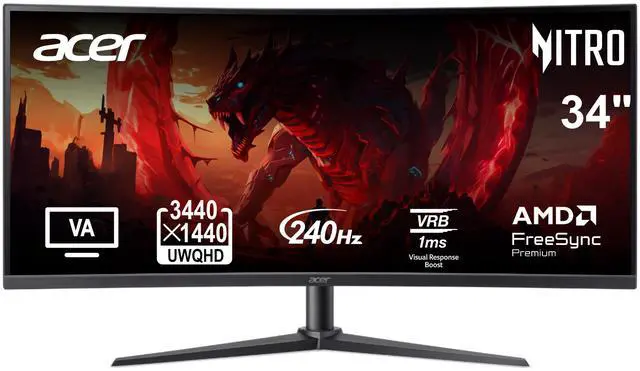
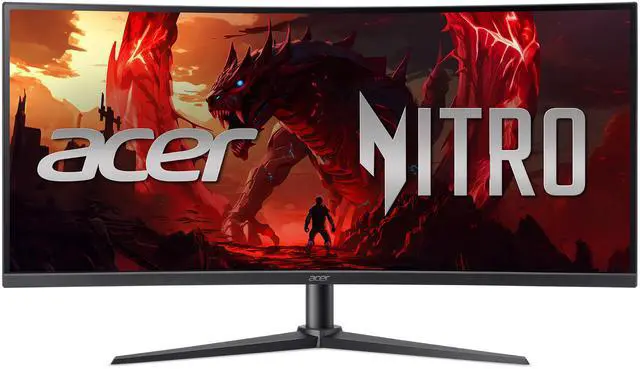
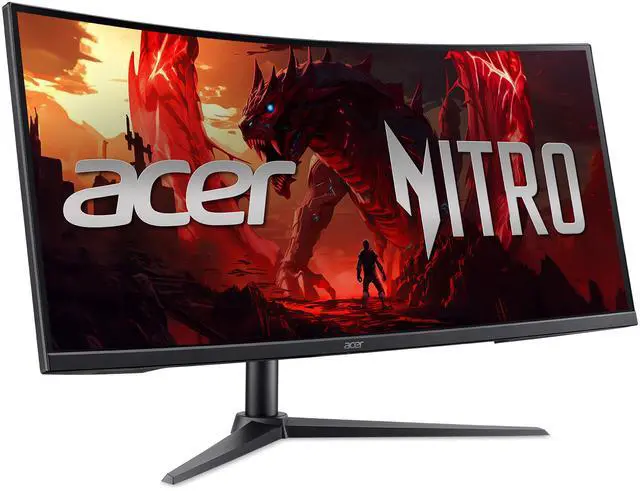
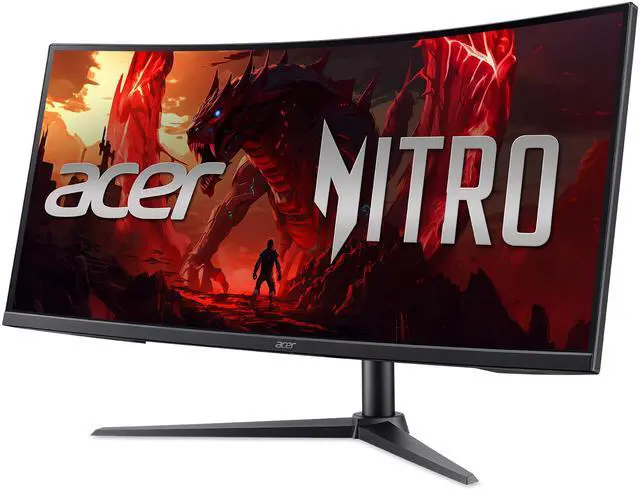
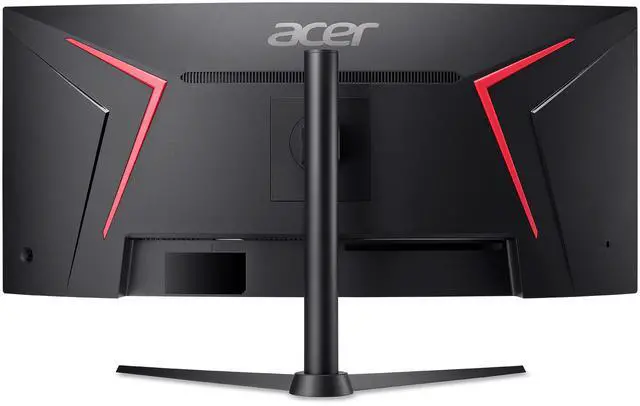
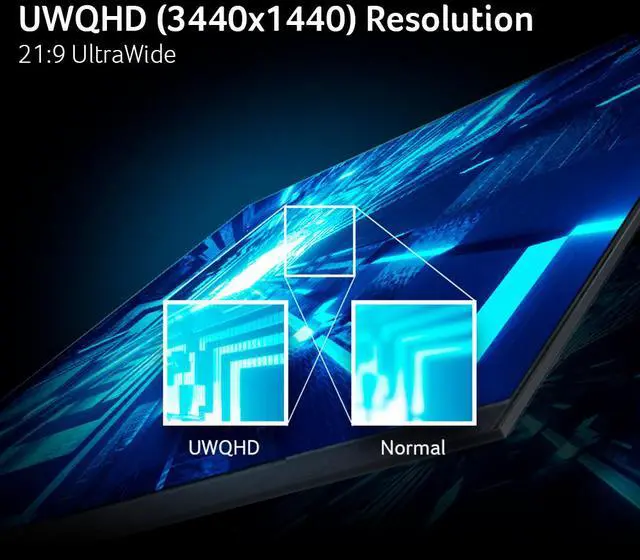
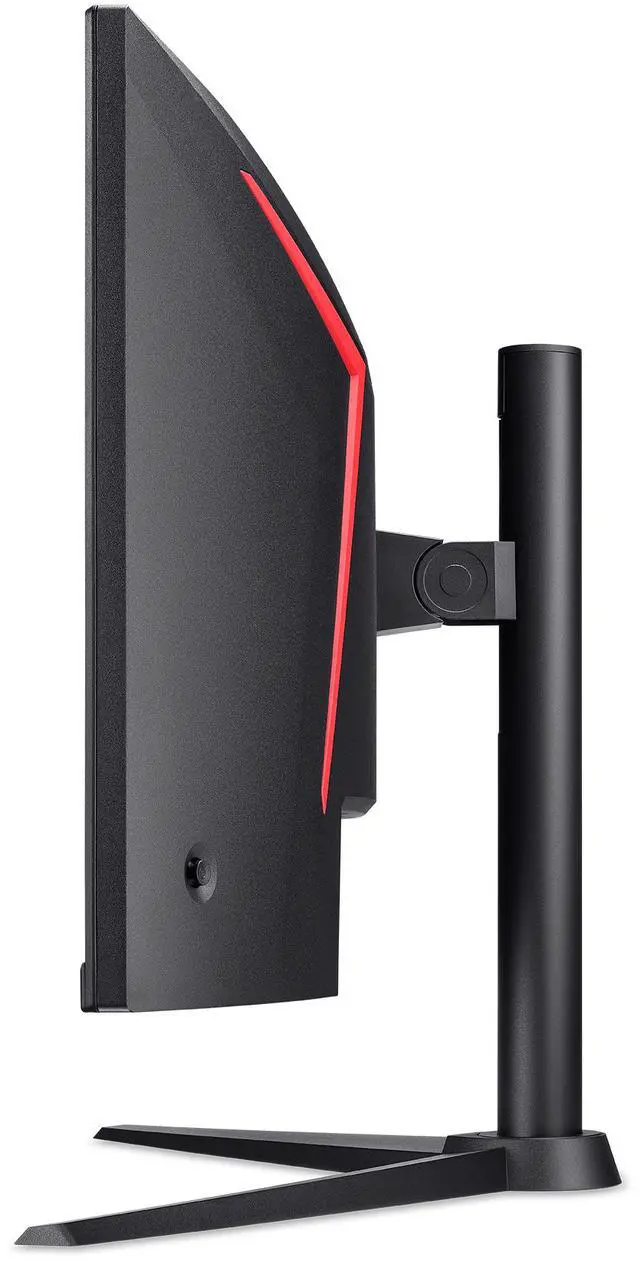
The Acer Nitro XZ340CUR is a 34-inch curved ultrawide gaming monitor with 3440 × 1440 resolution, a 240Hz refresh rate, and AMD FreeSync Premium, suited to gamers seeking a wide, smooth view for fast-paced play.
| Attribute | Value |
|---|---|
| Best For | Ultrawide gaming with a 21:9 QHD display, 240Hz refresh rate, and FreeSync Premium adaptive sync |
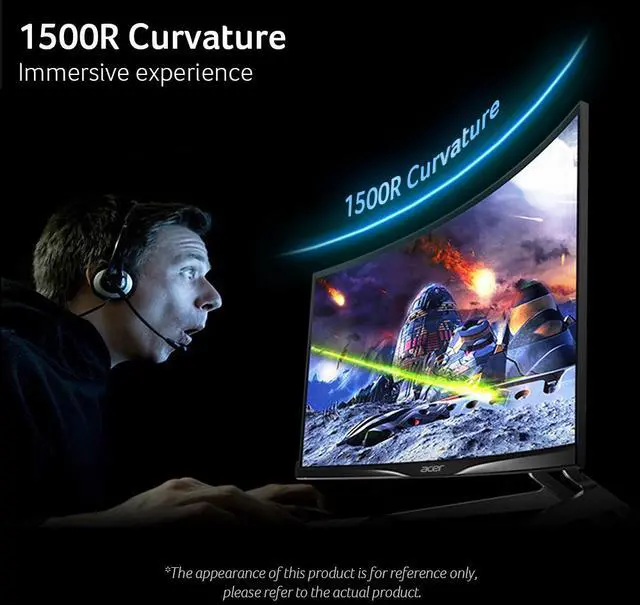
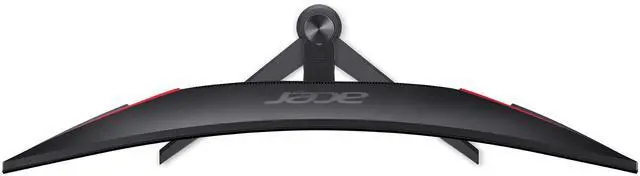
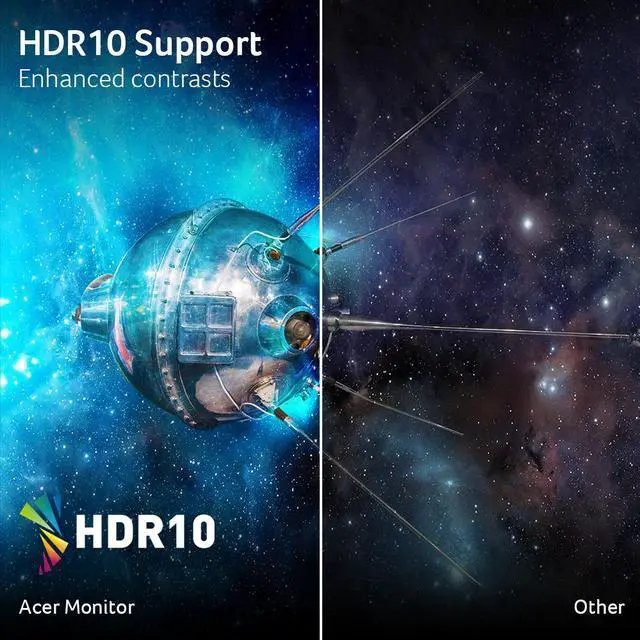
| Panel And Resolution | 34-inch curved VA panel with 3440 × 1440 resolution, 1500R curvature, anti-glare matte finish, 178° horizontal and vertical viewing angles, 250-nit brightness, 100,000,000:1 contrast ratio, HDR10, 99% sRGB gamut, and 16.7 million colors |
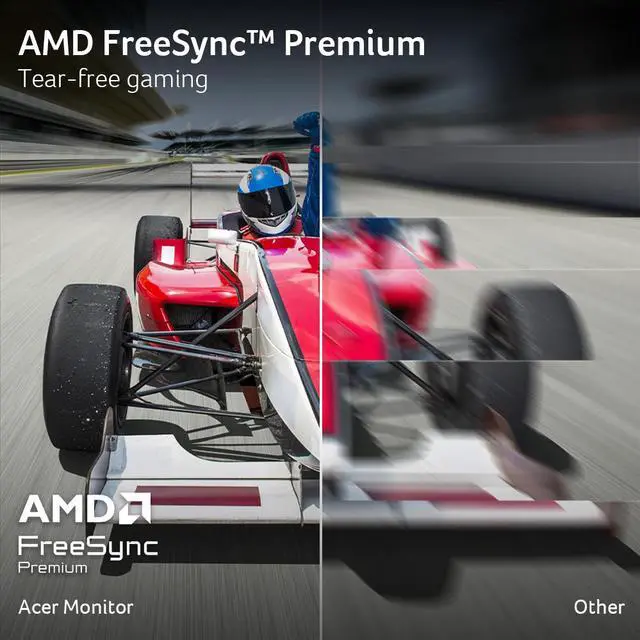
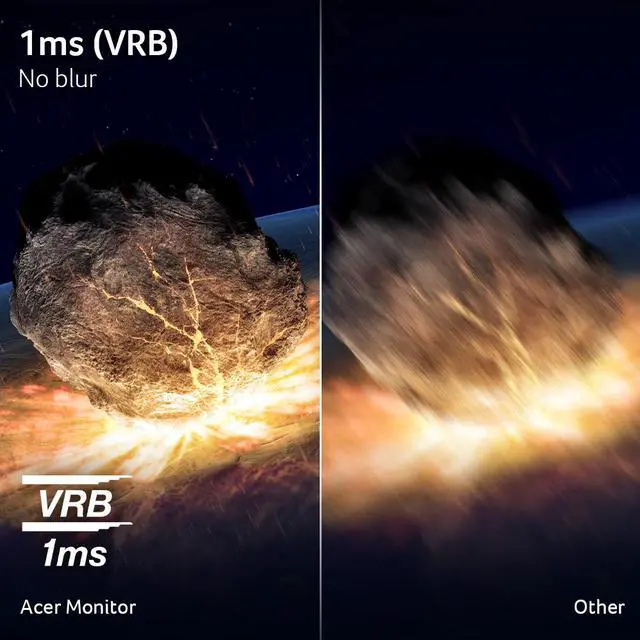
| Refresh Rate And Response | 240Hz refresh rate, 1ms response time, and AMD FreeSync Premium adaptive sync |
| Ports And Connectivity | 1 × DisplayPort 1.4, 2 × HDMI 2.1, and audio connectivity; no USB ports |
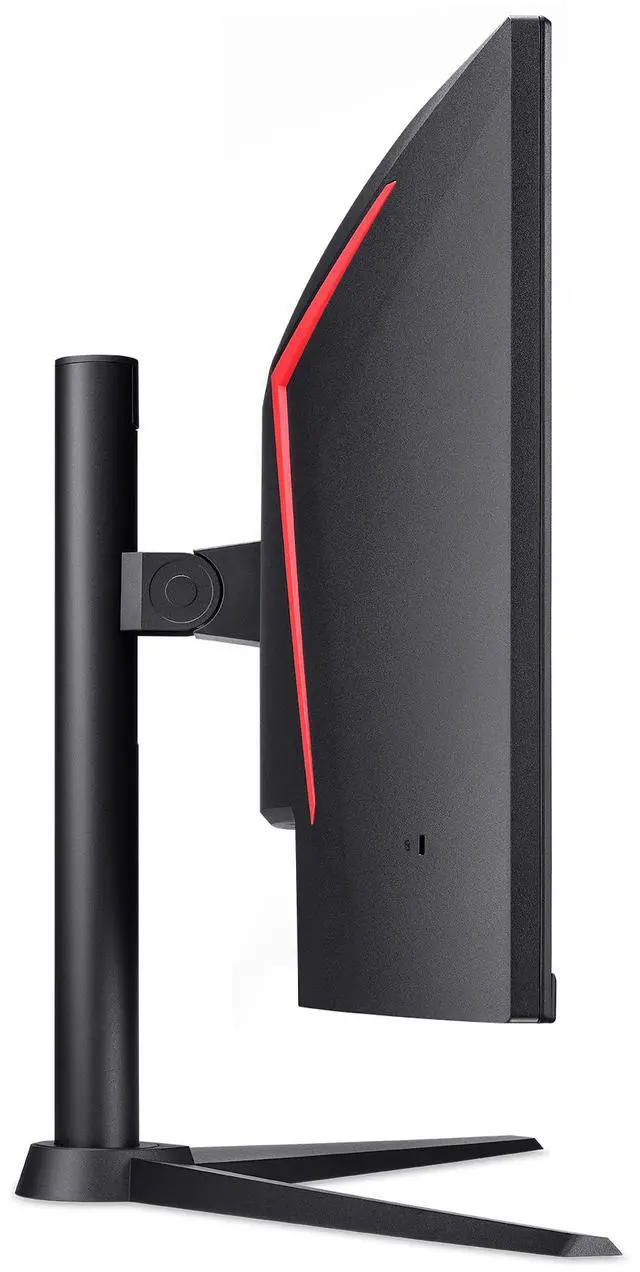
| Stand And Ergonomics | Height and tilt adjustment; VESA 100 × 100mm mount compatible |
| Audio Setup | Built-in stereo speakers rated at 2 × 2W |
| Power Requirements | 65W power consumption; 100–240VAC, 50/60Hz power supply |
| Model Identifiers | Acer Nitro; model XZ340CUR W0BMIIPHX; part number UM.CX0AA.007 |
Q: Acer Nitro XZ340CUR vs LG UltraGear 34G630A-B: which should I choose?
A: Both are 34-inch, 3440 × 1440 curved monitors rated for 240Hz with VA panels and FreeSync Premium. Choose the Acer if its price and listed features—such as height-and-tilt adjustment, built-in speakers, and two HDMI 2.1 ports—fit your setup. Choose the LG if you want USB-C with 15W power delivery or its VESA DisplayHDR 400 rating. The shared headline specs do not establish which has better measured motion performance.
Q: Acer Nitro XZ340CUR vs AOC CU34G4Z: which 34-inch 240Hz ultrawide fits my setup better?
A: Both match the core 3440 × 1440, 240Hz curved VA format. The AOC CU34G4Z adds a USB hub and VESA DisplayHDR 400, according to AOC. The Acer’s listed specifications include built-in 2W speakers and height-and-tilt adjustment. Choose based on which of those features you will use; the listed specifications alone do not show which monitor performs better in motion tests.
Q: Should I choose this Acer VA monitor or spend more on a 34-inch QD-OLED like the Alienware AW3425DW?
A: Choose the Acer if you want a 34-inch 3440 × 1440, 240Hz VA monitor and prefer its listed features and price. Choose the Alienware if QD-OLED image characteristics are the priority: it also has a 3440 × 1440 resolution and 240Hz refresh rate, but uses a QD-OLED panel. RTINGS independently identifies the AW3425DW as a high-end QD-OLED ultrawide. Compare current prices and connectivity before deciding.
Q: Is this monitor suitable for fast-paced gaming?
A: Yes. It combines a 240Hz refresh rate, 1ms response time, and AMD FreeSync Premium, making it suited to responsive gaming. To use the full refresh rate, the connected computer and display settings must support it.
Q: Is it suitable for office work and multitasking?
A: It can suit office work and multitasking: its 34-inch, 21:9 screen has a 3440 x 1440 resolution, providing wide horizontal workspace for multiple windows. The stand supports height and tilt adjustment. It does not have a built-in webcam.
Q: Does this monitor have built-in speakers?
A: Yes. It has two built-in 2W speakers for basic audio. The listed specifications do not indicate their sound quality, so users who need fuller or louder sound may prefer external speakers or headphones.
Q: Is this a 4K monitor?
A: No. Its resolution is 3440 x 1440, an ultrawide QHD resolution with a 21:9 aspect ratio, not standard 4K UHD resolution.
Q: Can I adjust the monitor's height or mount it on an arm?
A: Yes. The included stand supports height and tilt adjustment, and the monitor has a 100 x 100mm VESA mounting pattern for a compatible arm or mount.
Q: Is the Acer Nitro XZ340CUR worth buying?
A: It may suit buyers who want a 34-inch, 3440 × 1440 ultrawide with up to 240Hz and FreeSync Premium. Consider the trade-offs: it uses a VA panel, is rated at 250 nits, and its 21:9 shape may not suit every game or console. Reddit discussions show interest in its price and features, but opinions and experiences vary; they do not establish overall reliability or image quality.
Q: Is this monitor suitable for everyday work as well as gaming?
A: It can suit desk-based work if you want a wide 3440 × 1440 workspace and are comfortable using a curved screen. A Reddit discussion includes use of the related XZ340CUR model for productivity, but another notes that a curved ultrawide may not suit everyone. It is not portable, and the listed product has no webcam or USB hub.
Q: Will a PS5 display games across the monitor’s full ultrawide screen?
A: Do not assume it will. The monitor is 21:9, and a Reddit discussion notes that PS5 does not support ultrawide output. Check the games and console output you plan to use; a 16:9 image may leave unused space on the sides.
Q: Can a MacBook and Thunderbolt dock run it at 240Hz?
A: The monitor is rated for up to 240Hz and lists DisplayPort 1.4 and HDMI 2.1 inputs. Whether a MacBook-and-dock setup reaches 3440 × 1440 at 240Hz depends on the computer, dock, adapter, and cable; verify that the entire connection supports that resolution and refresh rate before buying.


