




 here!
I’m your shopping assistant for PC builds, upgrades, and everything tech.
Got questions? Ask away!
Start a conversation
here!
I’m your shopping assistant for PC builds, upgrades, and everything tech.
Got questions? Ask away!
Start a conversation




Any questions? Ask CelesteSM will help you find out quickly.
We want to ensure your holiday shopping this year is hassle-free. That’s why we’re automatically extending our return policies on almost every product! For purchases placed between November 1st, 2026 and December 31, 2026 you will have until January 31, 2027 to return your product.
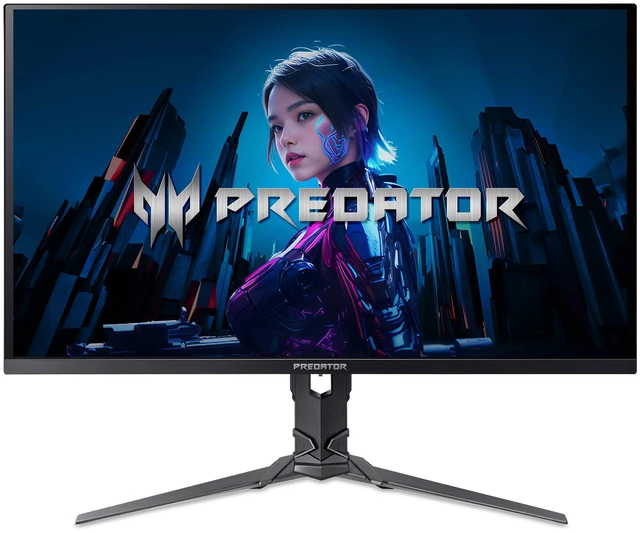
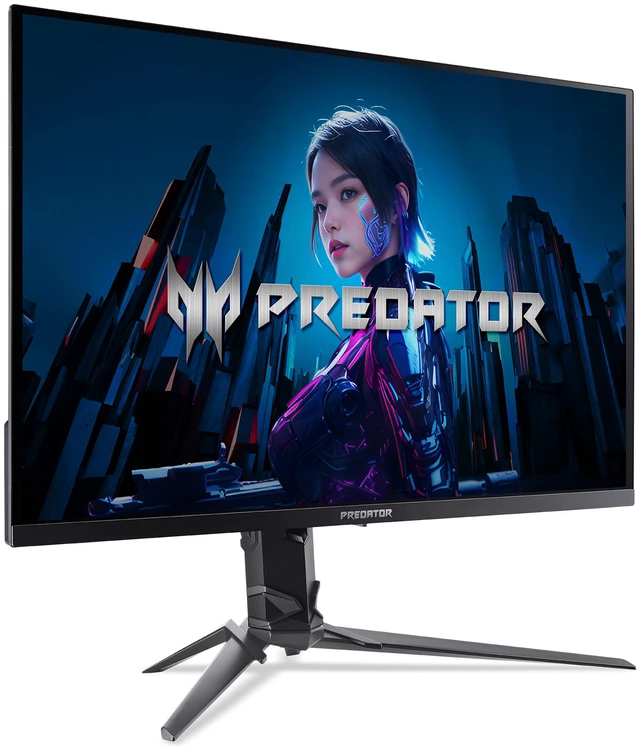
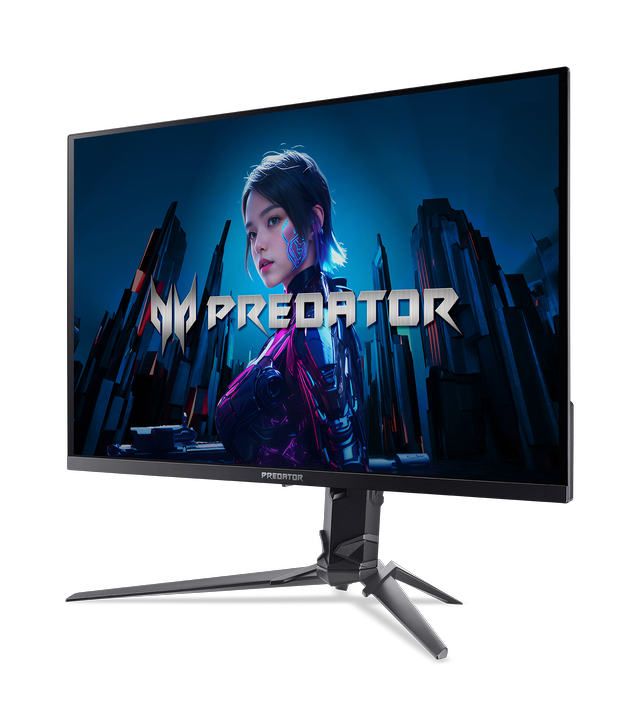
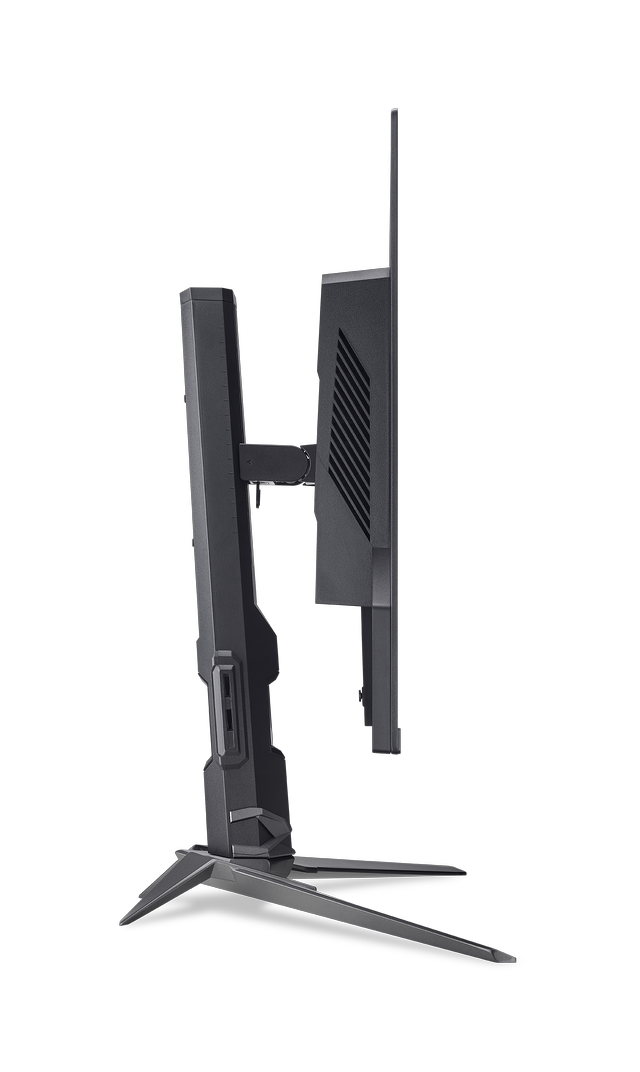
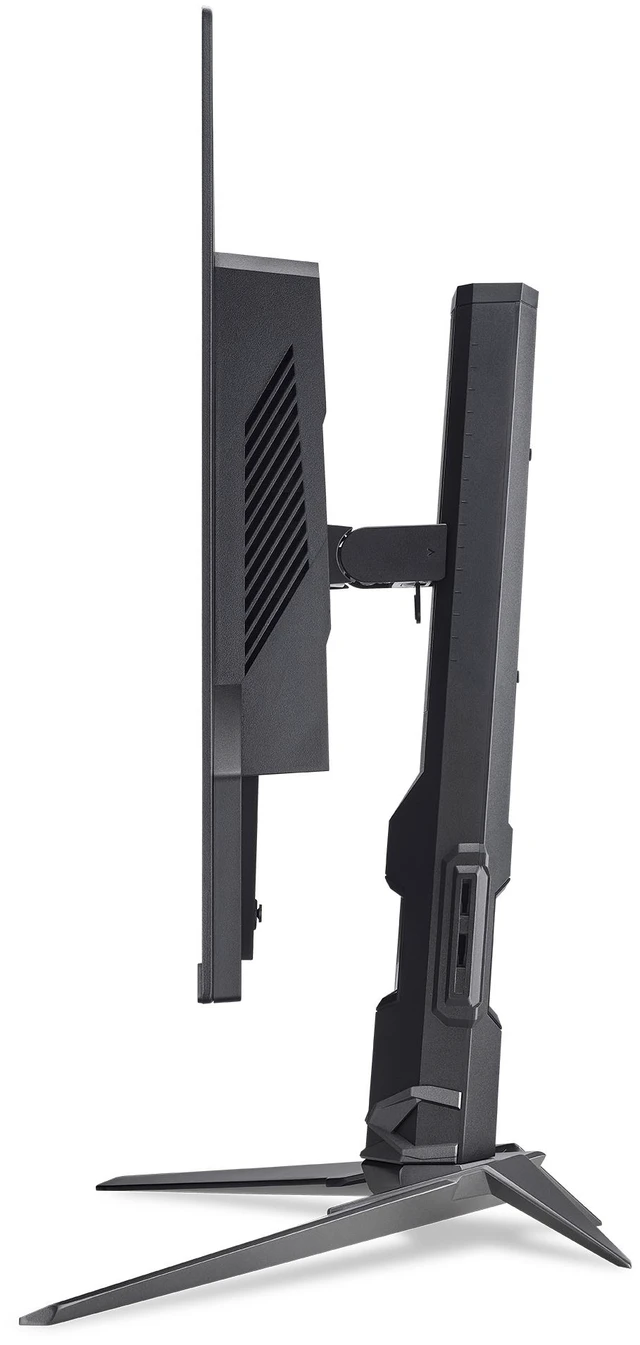
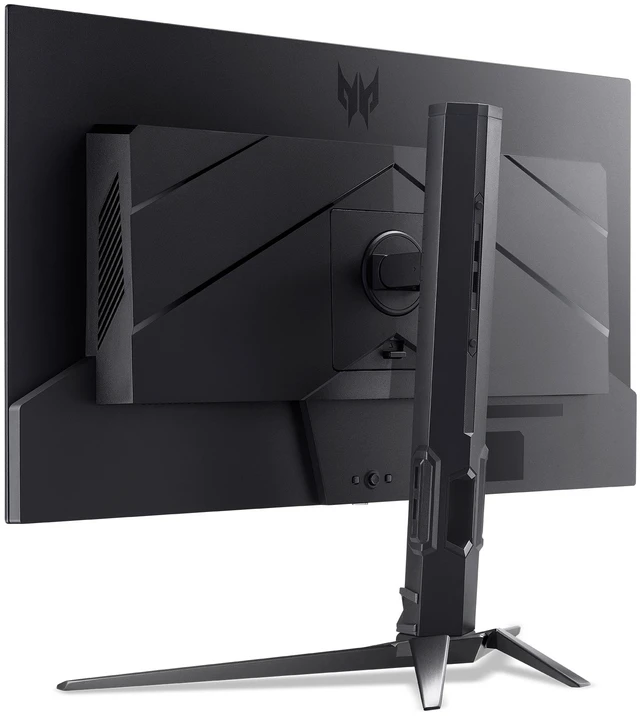
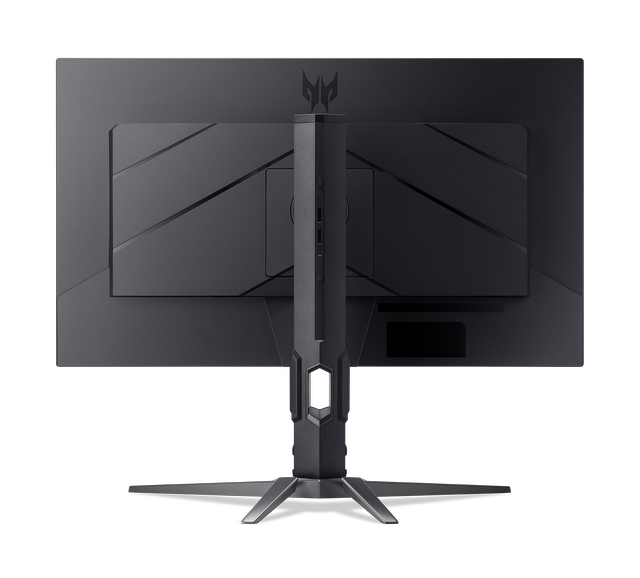
The Acer Predator X27U W2bmiiprx is a 26.5-inch QD-OLED gaming monitor with 2560 × 1440 resolution, a 240Hz refresh rate, and 0.03ms response time, suited to gamers seeking fast, responsive play with vivid color.
| Attribute | Value |
|---|---|
| Best For | Gaming and other fast-moving content, with a QD-OLED WQHD display, 240Hz refresh rate, and adaptive sync support |
| Panel And Resolution | 26.5-inch anti-glare QD-OLED panel with WQHD 2560 × 1440 resolution, 16:9 aspect ratio, and 178° horizontal and vertical viewing angles |
| Refresh Rate And Response | 240Hz refresh rate, 0.03ms G-to-G response time, and AMD FreeSync Premium adaptive sync with NVIDIA G-Sync compatibility |
| Picture Quality And HDR | HDR10 with 200-nit typical and 400-nit peak brightness at HDR 10%, 100 million:1 maximum ACM contrast ratio, 99% DCI-P3 color gamut, 1.07 billion colors, and Delta E <2 |
| Ports And Connectivity | Two HDMI 2.1 ports, one DisplayPort 1.4, and one headphone output |
| Stand And Ergonomics | Stand adjusts from -5° to 25° tilt, ±20° swivel, ±90° pivot, and up to 5.9 inches in height; supports 100 × 100mm VESA mounting |
| Audio | Two built-in 2W speakers |
| Display Features | ZeroFrame design, BlueLightShield Pro, Flicker-less technology, and Image Retention Refresh |
| Power And Dimensions | 100–240 VAC power supply; under 90W in normal operation and under 1W in power-save off mode. Measures 17.7–23.6 × 24 × 9.7 inches and weighs 10.82 lb |
| Model Identifiers | Acer Predator X27U W2bmiiprx, part number UM.GXXAA.204; black cabinet |
Q: Acer Predator X27U W2 or Predator X27U F3 for 1440p gaming?
A: Choose the Predator X27U W2 for a 26.5-inch QD-OLED display with a 240Hz refresh rate and HDMI 2.1. Choose the Predator X27U F3 if you want a higher 480Hz refresh rate at the same 2560 × 1440 resolution; Acer lists it as an OLED monitor with a 0.01ms pixel response time.
Q: Should I choose the Acer Predator X27U W2 or the 31.5-inch Predator X32 X2?
A: Choose the X27U W2 for a 26.5-inch QHD QD-OLED display and a more compact screen size. Choose the Predator X32 X2 if you prefer a larger 31.5-inch display with 4K resolution; Acer lists both models at up to 240Hz.
Q: Acer Predator X27U W2 or Acer Nitro XV272U W2 for 1440p gaming?
A: Choose the Predator X27U W2 for its QD-OLED panel, 240Hz refresh rate, 0.03ms response-time specification, and 99% DCI-P3 color gamut. The Nitro XV272U W2 is an IPS alternative with 1440p resolution, a 144Hz standard refresh rate, and up to 240Hz over DisplayPort.
Q: Acer Predator X27U W2 or Predator X27U X1?
A: Both are 26.5-inch QHD QD-OLED monitors with 240Hz refresh rates and 0.03ms response-time specifications. The X27U W2 is a good fit if you want the listed stand’s 90-degree pivot adjustment. The X27U X1 is a good fit if you value its VESA DisplayHDR True Black 400 certification and Dynamic Refresh Rate feature, which can switch to 60Hz over DisplayPort.
Q: Is this monitor suitable for both gaming and everyday work?
A: Yes. Its 1440p resolution and adjustable stand suit general desktop work, while the QD-OLED panel, 240Hz refresh rate, and 0.03ms response time are geared toward gaming. For work involving long periods of static screen elements, note that OLED image retention is a consideration; this model lists an Image Retention Refresh feature, but that does not eliminate the risk.
Q: Can I use this monitor with a game console?
A: It has two HDMI 2.1 inputs for connecting a console. The display supports up to 2560 × 1440 at 240Hz, but the resolution and refresh rate you can use depend on the console and the game; the monitor’s 240Hz maximum is most relevant to compatible PC setups.
Q: Does this OLED monitor have a risk of burn-in?
A: Static content displayed for long periods can be a concern with OLED panels. This model lists an Image Retention Refresh feature, but the provided specifications do not say that burn-in is impossible or specify warranty coverage for it. Follow Acer’s care guidance and use screen-off or screen-saver settings when practical.
Q: Does it have built-in speakers, and can I connect headphones?
A: Yes. It has two built-in 2W speakers and a headphone jack. The speakers provide basic audio; use headphones or separate speakers if you want a more substantial listening setup.
Q: Is the Acer Predator X27U W2 worth buying as a first OLED gaming monitor?
A: It may suit someone prioritizing 1440p resolution, a 240Hz refresh rate, and QD-OLED image quality. A Reddit buyer asked about it as a first OLED and received a positive owner response, but that is limited anecdotal feedback—not enough to establish long-term reliability or value at every price.
Q: Is the X27U W2 bright enough for a bright room?
A: Its listed brightness is 200 nits typical and up to 400 nits for HDR at 10% of the screen. That may be a limitation in a very bright room; the cited discussion also describes the closely related X27U W1 as dim and notes the W2’s 200-nit rating. The W1 is a different model variant, so its owner’s experience is not a direct test of the W2.


