




 here!
here!
I’m your shopping assistant for PC builds, upgrades, and everything tech.
Got questions? Ask away!
Start a conversation
here!
I’m your shopping assistant for PC builds, upgrades, and everything tech.
Got questions? Ask away!
Start a conversationShipped by Newegg
 Top Rated

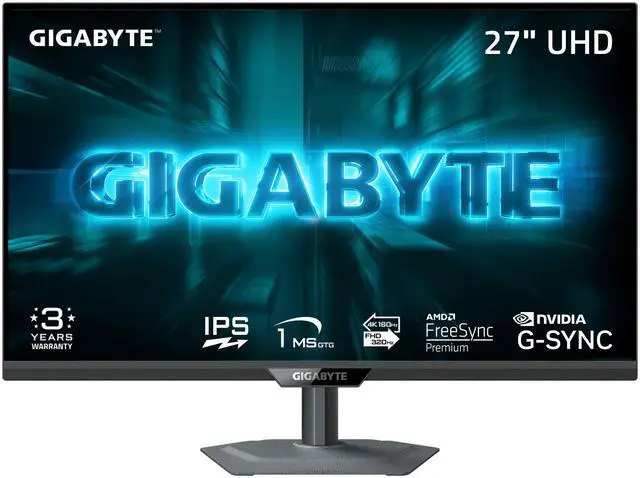
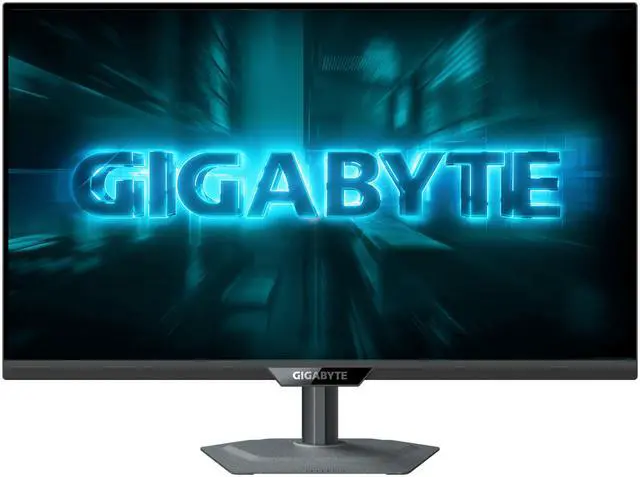
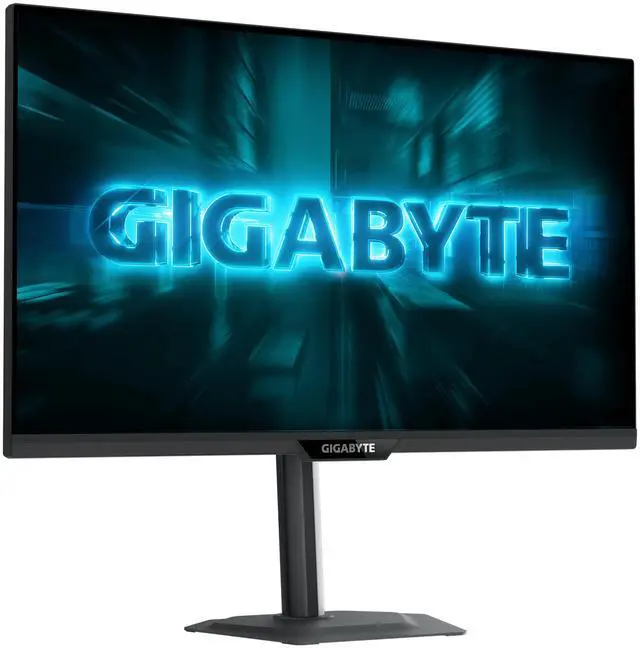
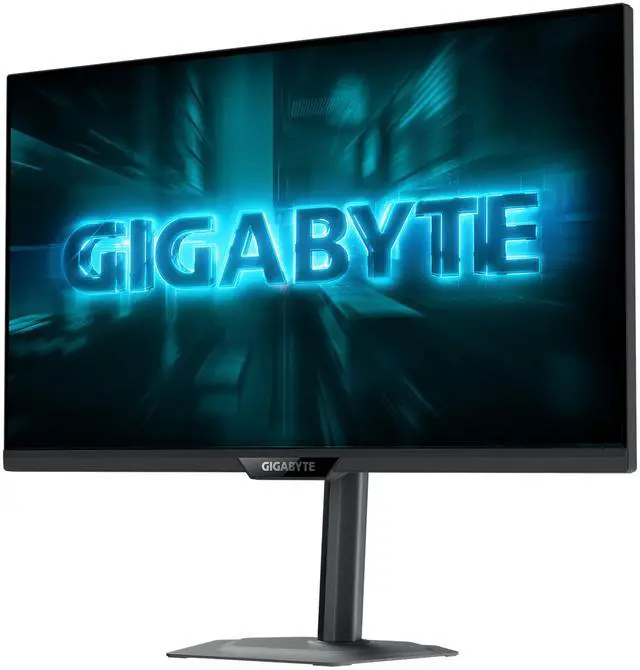



Any questions? Ask CelesteSM will help you find out quickly.


Dual Mode

95% DCI-P3, 122%sRGB

1 ms (GTG)


G-Sync Compatible


Tactical Switch 2.0
Automatically optimizes overdrive

Four-sided cooling
Easily switch between multiple refresh rates and aspect ratios with a single click.

Easily switch between ultra-clear 160Hz UHD and ultra-fast 320 Hz FHD, delivering excelent gaming experience in both AAA titles and FPS games.

95% DCI-P3 / 122% sRGB
With 1.07 billion colors and 95% DCI-P3 wide color gamut, enjoy richer, more lifelike colors for a cinema-grade visual experience.

1ms GTG Response Time
Featuring SuperSpeed IPS, delivering ultra-fast response times down to 1ms.

G-SYNC Compatible unlocks the full potential of next-gen GPUs, ensuring smooth, tear-free, and responsive gameplay.

Built for FPS games — switch between aspect ratio and resolution in a click of a button .

Black Equalizer 2.0 highlights the dark areas on the display without overexposing the brighter parts, allowing you to effortlessly spot enemies hidden in the dark.

Enhances visibility across the entire screen, allowing FPS players to easily spot enemies in dark environments.

Smart OD intelligently detects the screen’s refresh rate and dynamicially adjusts the optimal overdrive level. It automatically reduces ghosting and white trails, delivering sharper visuals and smoother motion.

Aim Stabilizer Sync combines "Dynamic Image Stabilization Technology" with VRR (Variable Refresh Rate) technology. It uses intelligent backlight control synchronization logic to enable dynamic clarity while using G-SYNC / FreeSync, significantly reducing motion blur. Specially tailored for FPS, racing, and action games, ensuring every frame is sharp and clear!
With custom crosshair, timer, intelligent HDR auto selection and more at your hands, gain an unfair competitive advantage in your gameplay through our GIGABYTE Game Assist.

TIMER

CROSSHAIRS

PIP/PBP

Four-sided heat dissipation improves temperature control, ensuring the monitor remains stable and cool under heavy load.

Prevents eye strain and fatigue.

Certified by TÜV Rheinland for eye health protection.
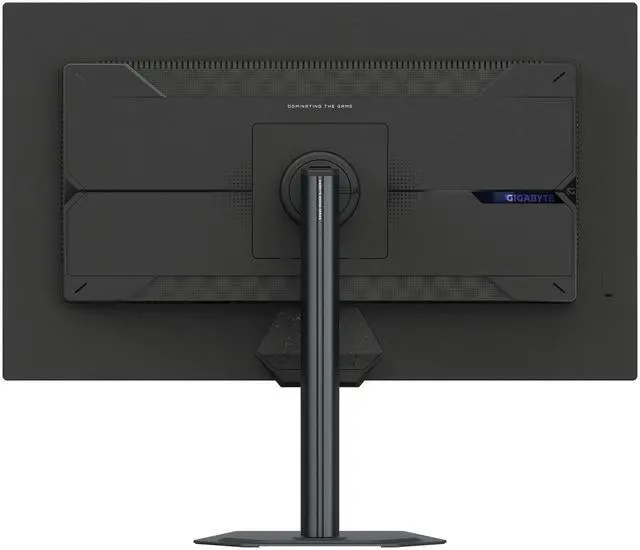
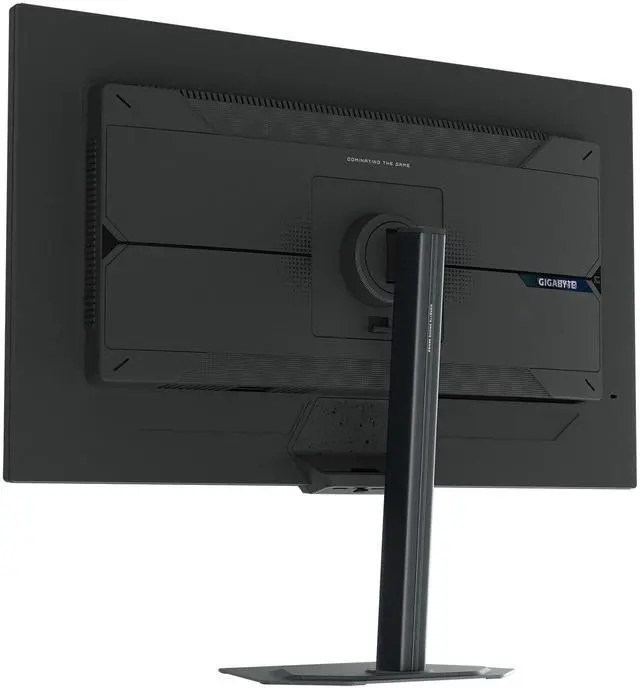
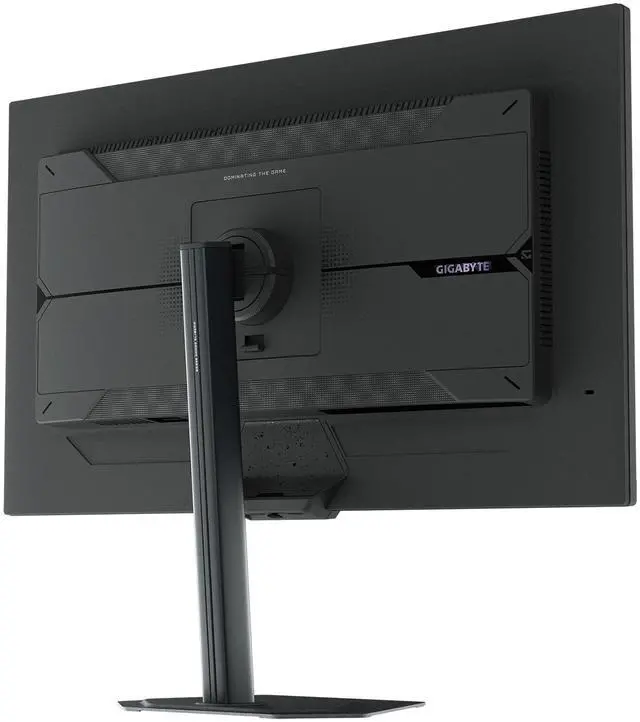
GIGABYTE Gaming monitor features an exclusive stand that's ergonomically designed to offer extensive range of height and tilt adjustments.

Height Adjustment:130mm

Tilt: -5°~+21°

Metal stand with an ultra-slim 2mm base.

Pivot:0°~+90° (clockwise)

Swivel:±15°
Equipped with two full-bandwidth HDMI 2.1 ports and DisplayPort™ 1.4 for seamless performance.


All of the images on this page are for illustration purposes only and not an exact representation of the product.
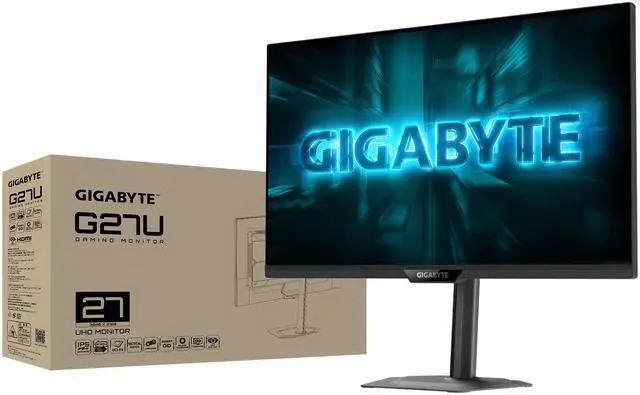
The GIGABYTE G27U is a 27-inch dual-mode gaming monitor that switches between 4K at 160Hz and Full HD at 320Hz, making it suitable for gamers who want detailed visuals for immersive play and higher refresh rates for competitive gaming.
| Attribute | Value |
|---|---|
| Best For | Gaming, entertainment, and business use, with a choice of 4K UHD at 160 Hz or Full HD at 320 Hz |
| Panel And Resolution | 27-inch, flat, non-glare SuperSpeed IPS display with edge-lit LED backlighting, 16:9 aspect ratio, and native 3840 × 2160 4K UHD resolution; supports 1920 × 1080 Full HD in dual mode, with 178° horizontal and vertical viewing angles |
| Refresh Rate And Response | Dual-mode refresh rates of 160 Hz at 4K UHD and 320 Hz at Full HD, with a 1 ms response time; FreeSync Premium and G-SYNC Compatible adaptive sync |
| Color And HDR | 95% DCI-P3 color gamut, 1.07 billion display colors, 1,000:1 contrast ratio, 350 cd/m² brightness, and VESA DisplayHDR 400 |
| Gaming Features | Includes Tactical Switch 2.0, Black Equalizer 2.0, Night Vision, and Smart OD |
| Ports And Connectivity | 2 HDMI 2.1 ports, 1 DisplayPort 1.4, 1 USB 2.0 downstream port for firmware updates, and a 3.5 mm headphone jack |
| Stand And Mounting | Stand supports height, pivot, swivel, and tilt adjustment; compatible with 100 × 100 mm VESA mounts |
| Built-In Audio And Webcam | No built-in speakers or webcam |
| Dimensions And Weight | With stand: 24.09 × 20.28 × 7.56 in and 15.34 lb; without stand: 24.09 × 14.61 × 2.32 in and 11.79 lb |
| Power | 100–240 VAC, 50/60 Hz input; 23.08 W power consumption, under 0.5 W in power-saving mode, and under 0.3 W when off |
| Model Identifiers | GIGABYTE G series, model G27U |
Q: Should I get the GIGABYTE G27U or the GS27U?
A: Choose the G27U if you want to switch between 4K at 160Hz for detailed games and Full HD at 320Hz for competitive play; it also has a height-, swivel-, tilt-, and pivot-adjustable stand. Choose the GS27U if 4K at 160Hz is enough and you do not need the G27U’s dual-mode option. ([gigabyte.com](https://www.gigabyte.com/us/Monitor/G27U/sp))
Q: GIGABYTE G27U or ASUS ROG Strix XG27UCG—which should I buy?
A: Both support 4K at 160Hz and Full HD at 320Hz, so the core resolution-and-refresh-rate options are similar. Choose the G27U if its adjustable stand, two HDMI 2.1 ports, and DisplayPort 1.4 match your setup; compare current prices and the features you specifically need before choosing between them. ([gigabyte.com](https://www.gigabyte.com/us/Monitor/G27U/sp))
Q: Is the G27U worth choosing over a regular 4K 160Hz monitor?
A: Choose the G27U if you want both 4K 160Hz gaming and a 320Hz Full HD mode on one display. A regular 4K 160Hz monitor may suit you better if you expect to stay at 4K and do not need the higher-refresh Full HD mode; the G27U’s 320Hz mode trades resolution for refresh rate. ([gigabyte.com](https://www.gigabyte.com/us/Monitor/G27U/sp))
Q: Can this monitor run at 320Hz in 4K?
A: No. Its dual modes are 4K UHD at up to 160Hz or Full HD 1080p at up to 320Hz. Choose 4K for higher resolution or 1080p for the highest refresh rate.
Q: Who is this monitor best suited for?
A: It suits PC gamers who want a choice between detailed 4K play at up to 160Hz and faster Full HD play at up to 320Hz. Its IPS panel, adaptive sync support, and adjustable stand also make it suitable for general desktop use.
Q: Is it suitable for office work and video meetings?
A: It can handle office tasks with its 27-inch 4K IPS display and adjustable stand, including pivot for portrait orientation. It has no built-in webcam or speakers, and its USB port is for firmware updates only, so plan on separate meeting equipment and do not expect it to serve as a USB hub.
Q: Does it have built-in speakers?
A: No. The G27U has no built-in speakers. Use headphones through its 3.5 mm jack or connect audio equipment separately.
Q: Can I connect a game console to it?
A: Yes. It has two HDMI 2.1 inputs for connecting a console. The resolution and frame rate you get will depend on the console, game, and settings; the monitor’s 320Hz mode is Full HD, not 4K.
Q: Is the GIGABYTE G27U worth buying?
A: It may suit buyers who want one 27-inch monitor for both detailed 4K gaming and high-refresh competitive play. Its main trade-off is that the 320Hz mode uses 1080p, not 4K; whether the added flexibility is worth it depends on how often you would use both modes and the price compared with alternatives.
Q: Will the G27U’s 1080p 320Hz mode look blurry?
A: The 1080p mode has less detail than the monitor’s native 4K mode. In a Reddit discussion, a user reports that setting both the monitor and Windows to 1080p avoids blur through pixel doubling, while another discussion raises scaling blur as a possible trade-off. Results may depend on how the mode and game are configured.
Q: Is the G27U suitable for both competitive and single-player games?
A: It is designed to accommodate both uses: UHD 4K runs up to 160Hz, while Full HD runs up to 320Hz. It is a better fit for someone who values switching between higher resolution and higher refresh rate than for someone who expects 4K resolution at 320Hz.


