




 here!
I’m your shopping assistant for PC builds, upgrades, and everything tech.
Got questions? Ask away!
Start a conversation
here!
I’m your shopping assistant for PC builds, upgrades, and everything tech.
Got questions? Ask away!
Start a conversationShipped by Newegg
 Hot Seller
 Top Rated

Make informed decisions with expert advice. Learn More

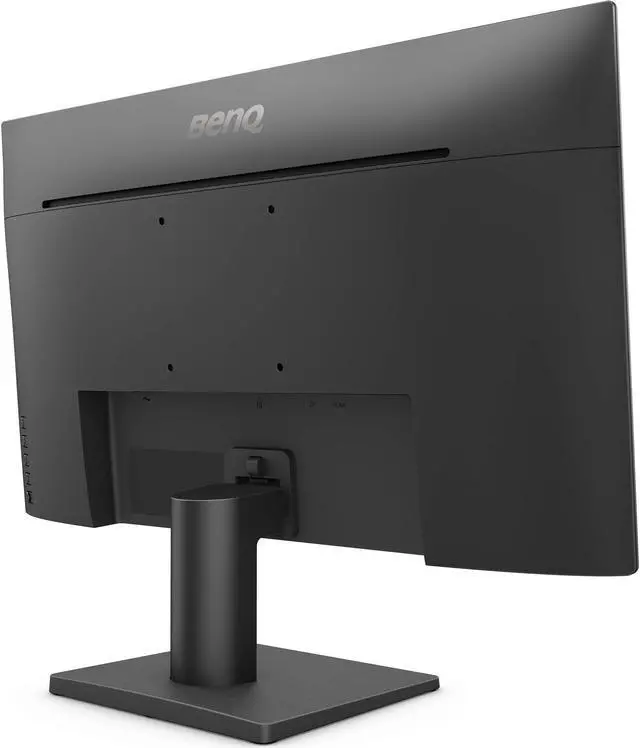



Any questions? Ask CelesteSM will help you find out quickly.


100Hz refresh rate reacts more quickly to changes, for a clearer and smoother user experience

With ePaper Mode, ensuring effortless readability and eye comfort across your needs


for eye comfort and protection


Keep vivid color while filtering out shorter, higher energy blue-violet radiation harmful to eyes.


Eliminate flickering at all brightness levels to reduce eye strain, fatigue, and headaches.


Easily benefit from Eye-Care features on integrated software
We want to ensure your holiday shopping this year is hassle-free. That’s why we’re automatically extending our return policies on almost every product! For purchases placed between November 1st, 2026 and December 31, 2026 you will have until January 31, 2027 to return your product.
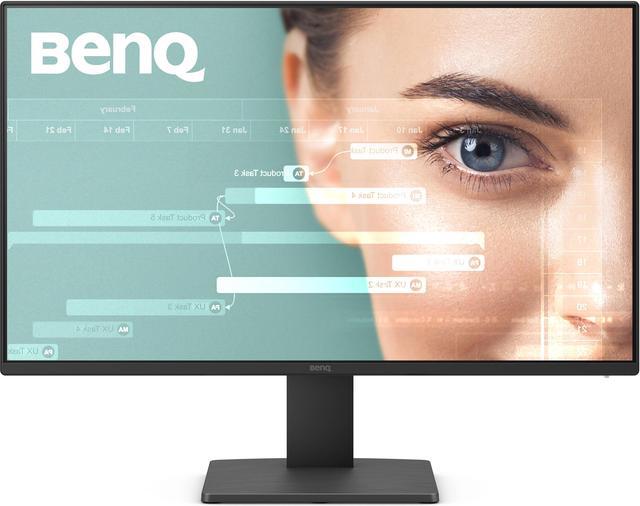
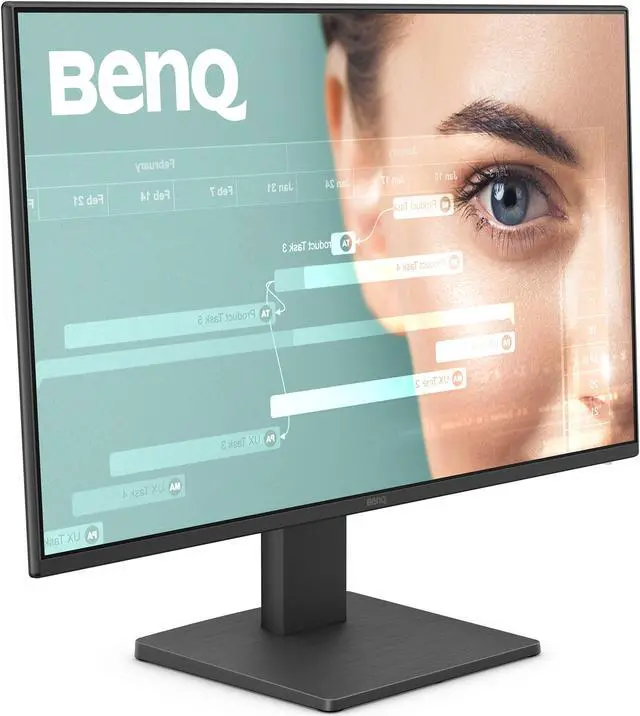
The BenQ GW2491 is a 23.8-inch Full HD IPS monitor with a 100Hz refresh rate, 99% sRGB color coverage, and wide 178° viewing angles, making it suitable for everyday work, browsing, and smoother general desktop use.
| Attribute | Value |
|---|---|
| Best For | Laptop, desktop, and gaming-console setups needing a Full HD display with 100Hz refresh and FreeSync support |
| Panel And Resolution | 23.8-inch-class flat IPS LCD with 1920 × 1080 resolution, 16:9 aspect ratio, anti-glare matte finish, 178° horizontal and vertical viewing angles, 16.7 million colors, 99% sRGB coverage, 250 cd/m² brightness, and 1,300:1 contrast ratio |
| Refresh Rate And Response | 100Hz refresh rate, 5ms response time, and FreeSync adaptive sync |
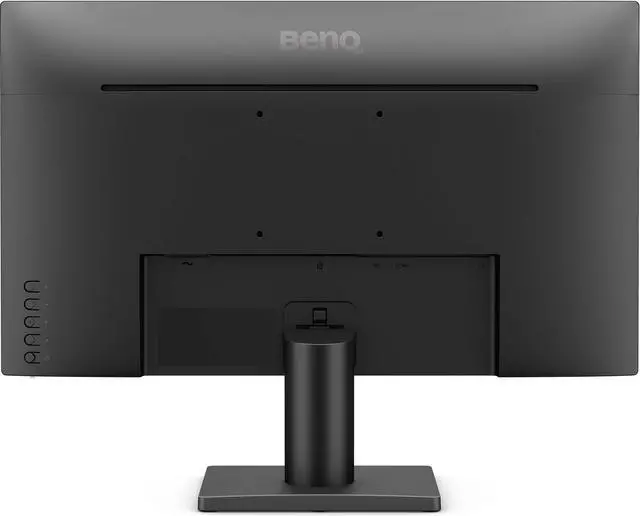
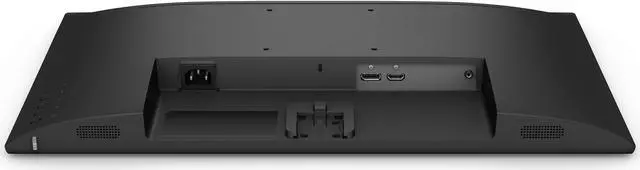
| Ports And Connectivity | 1 × HDMI 1.4, 1 × DisplayPort 1.2, 3.5mm headphone jack, and no USB ports |
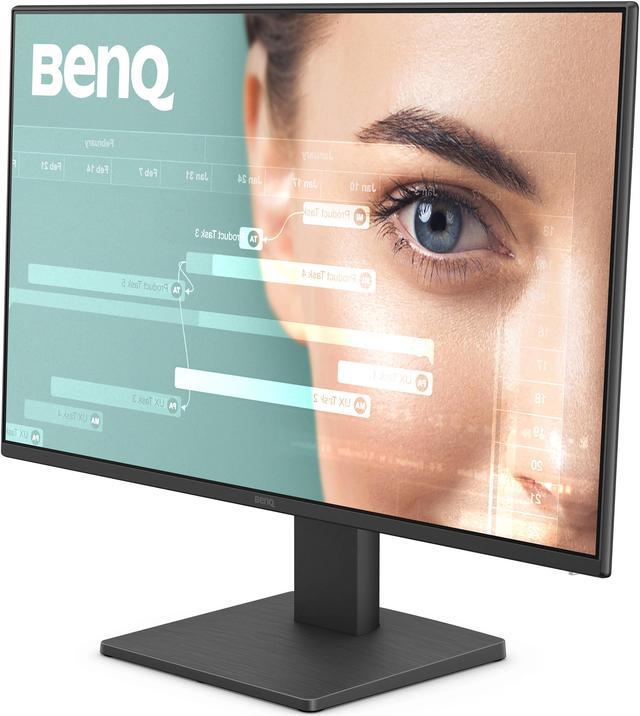
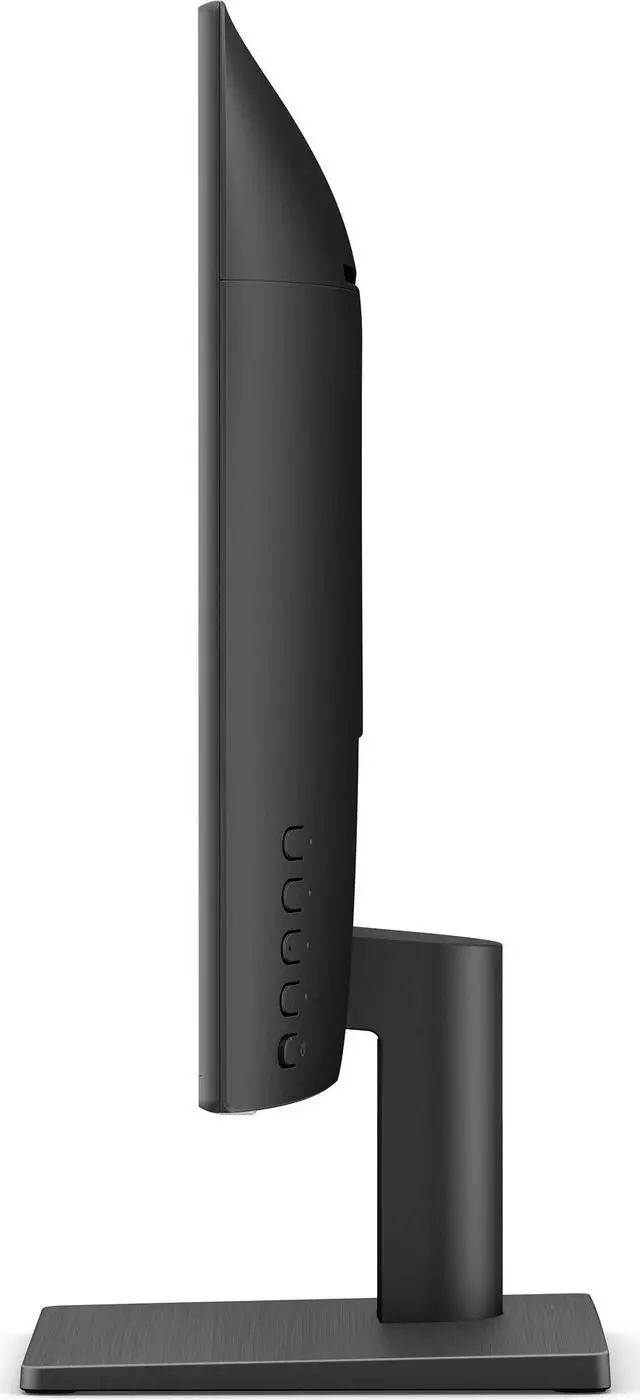
| Stand And Ergonomics | Tilt adjustment; VESA 100 × 100mm mounting support, including wall mounting |
| Audio And Webcam | No built-in speakers or webcam |
| Eye Care | Eye-Care technology and Eye-CareU |
| Physical Design | Black, rectangular monitor measuring 21.4 × 16.4 × 7.2 inches with stand or 21.4 × 12.5 × 1.9 inches without stand; weighs 6.75 lb with stand and 5.88 lb without stand |
| Power | 100–240 VAC, 50/60Hz; power consumption is 17W typical, 22W maximum, and under 0.5W in sleep mode |
| Model Identifiers | BenQ GW2491 |
Q: Should I upgrade from the BenQ GW2480 to the GW2491?
A: Choose the GW2491 if you want to keep a 23.8-inch Full HD IPS display and move to a 100Hz refresh rate. BenQ lists the GW2480 at 60Hz and 72% NTSC, while the GW2491 is 100Hz with 99% sRGB and includes ePaper mode.
Q: BenQ GW2491 or GW2790Q: which should I choose for a home office?
A: Choose the GW2491 for a compact 23.8-inch Full HD setup with 100Hz refresh and 99% sRGB. Choose the GW2790Q if you prefer a larger 27-inch QHD screen: it also runs at 100Hz and 99% sRGB, with 2560 × 1440 resolution.
Q: BenQ GW2491 vs GW2490C: which is better for everyday work?
A: Choose the GW2491 for a 23.8-inch Full HD work setup with ePaper mode and a 100Hz refresh rate. Choose the GW2490C if USB-C connectivity or its 144Hz refresh rate is a priority; both models have an IPS panel and 99% sRGB coverage.
Q: BenQ GW2491 or GW2490T: which has the more adjustable stand?
A: The GW2490T is the choice for stand adjustments including height, pivot, and swivel. Choose the GW2491 for a 23.8-inch Full HD 100Hz setup with tilt adjustment and ePaper mode.
Q: Is the GW2491 suitable for everyday office work and long reading sessions?
A: Yes. Its 23.8-inch Full HD IPS screen, 100Hz refresh rate, and ePaper and low-blue-light modes suit everyday office tasks and reading. It is a single 1080p display, so users who need more workspace for large spreadsheets may prefer a larger or additional screen.
Q: Does it have what I need for video meetings?
A: The GW2491 has no built-in webcam or speakers. You will need a separate webcam and an audio option, such as headphones or external speakers; the monitor includes a 3.5mm headphone jack.
Q: Can I adjust its height or mount it on a monitor arm?
A: The included stand tilts but does not adjust in height. The monitor supports a 100 × 100mm VESA mount, so you can use a separately purchased compatible arm or mount for height adjustment or other positioning.
Q: Will it connect to my laptop?
A: It can connect to a laptop with HDMI or DisplayPort video output. The GW2491 has one HDMI 1.4 port and one DisplayPort 1.2 port, but no USB-C video input; a laptop with only USB-C may need a compatible video adapter.
Q: Is the BenQ GW2491 suitable for everyday office work and a multi-monitor setup?
A: It is a reasonable fit for email, browsing, documents, and similar work: it has a 23.8-inch Full HD IPS screen and 100Hz refresh rate. A Reddit user who bought three reported using them for work and liking their thin bezels side by side. The stand only tilts, so plan on a VESA mount if you need more positioning options.
Q: Is the GW2491 good for gaming, or is 100Hz a limitation?
A: Its 100Hz refresh rate can suit casual gaming, but it is a basic choice for gaming rather than a high-refresh-rate display. Reddit discussion specifically raised whether 100Hz would be limiting for gaming; consider a faster monitor if competitive play or very high frame rates are priorities.
Q: Can the GW2491 help with eye comfort during long work or reading sessions?
A: It includes flicker-free and low-blue-light features and an ePaper mode, which may be useful for reading. These features do not guarantee comfort for every person: Reddit discussions about this model include both eye-health questions and individual reports of discomfort. If you are sensitive to displays, personal experience may differ.
Q: Does the GW2491 offer enough image adjustment for someone who wants to fine-tune the picture?
A: It provides preset color modes, including Standard, Game, ePaper, Coding, and Cinema, but Reddit users comparing it with another monitor described its menu and picture customization as limited. One owner reported improving the image with third-party calibration software. If detailed built-in controls are important, compare the on-screen settings before buying.


