




 here!
here!
I’m your shopping assistant for PC builds, upgrades, and everything tech.
Got questions? Ask away!
Start a conversation
here!
I’m your shopping assistant for PC builds, upgrades, and everything tech.
Got questions? Ask away!
Start a conversationShipped by Newegg
 Top Rated




Combo Up Savings Up To $250+
The more you add, the more you'll save!
Any questions? Ask CelesteSM will help you find out quickly.


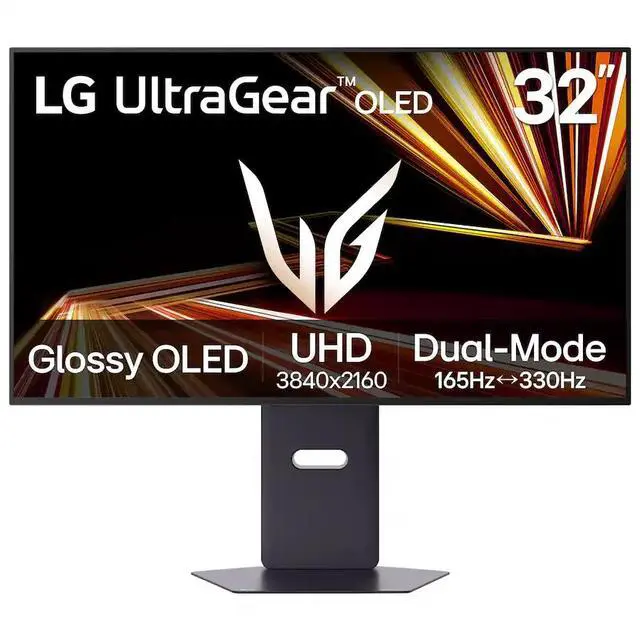
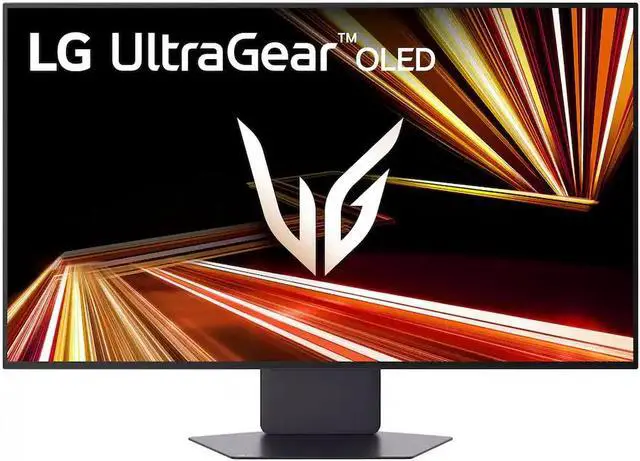
Experience ultra-sharp visuals and impeccable color on a stunning 32-inch 4K UHD (3840 x 2160) glossy OLED display. Every detail pops with depth and vibrancy, bringing your favorite games and content to life.
This UltraGear™ features Micro Lens Array+ technology. So with a typical brightness of 275 nits, this monitor is brighter than previous UltraGear™ OLED gaming displays and has improved viewing angles.

This UltraGear™ features Micro Lens Array+ technology. So with a typical brightness of 275 nits, this monitor is brighter than previous UltraGear™ OLED gaming displays and has improved viewing angles.

VESA DisplayHDR™ True Black 400 certified with up to DCI-P3 98.5% color gamut means this monitor meets industry standards for brightness as well as deep, rich black color expression. With a 1.5M:1 contrast ration, the benefit for gaming is impeccable color and image detail in dark scenes for a stunning visual experience.
Experience ultra-smooth, tear-free gameplay with up to 165Hz1 on a bright 32” Glossy UHD OLED display. React instantly, spot every detail, and outpace your opponents in every frame with outrageous speed and clarity.

Experience ultra-smooth, tear-free gameplay with up to 165Hz1 on a bright 32” Glossy UHD OLED display. React instantly, spot every detail, and outpace your opponents in every frame with outrageous speed and clarity.

Enjoy smoother scenes with less lag or ghosting thanks to LG UltraGear™ OLED's nearly instantaneous 0.03ms (GtG) response time.
This UltraGear™ OLED allows gamers to experience graphically rich, story-driven games in 4K/UHD at up to 165Hz or switch to Full HD at up to 330Hz for fast-paced FPS, MOBA or racing games via hotkey.1

This UltraGear™ OLED allows gamers to experience graphically rich, story-driven games in 4K/UHD at up to 165Hz or switch to Full HD at up to 330Hz for fast-paced FPS, MOBA or racing games via hotkey.1

Officially validated by NVIDIA® as G-SYNC® Compatible2 and equipped with AMD FreeSync™ Premium Pro means this UltraGear™ provides smooth, fast action that reduces screen tearing and stutter. Never miss a frame of the action as you clinch your victories.
This UltraGear™ OLED display is three times UL-certified—for Anti-Glare, Flicker-Free, and Low Blue Light. Combined with a glossy finish, the display helps reduce distractions, keep your view crisp, and maintain visual comfort—so you can stay focused and perform at your best, even during extended gaming sessions.

This UltraGear™ OLED display is three times UL-certified—for Anti-Glare, Flicker-Free, and Low Blue Light. Combined with a glossy finish, the display helps reduce distractions, keep your view crisp, and maintain visual comfort—so you can stay focused and perform at your best, even during extended gaming sessions.

Dynamic Action Sync reduces input lag for real-time response.
Black Stabilizer brightens dark scenes to see what's hidden
FPS Counter shows your real-time frame rate
Crosshair enhances precision for deadly accuracy
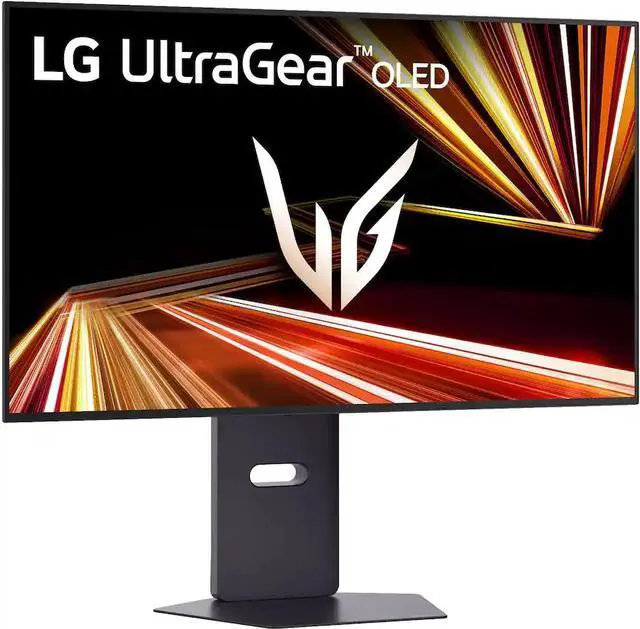
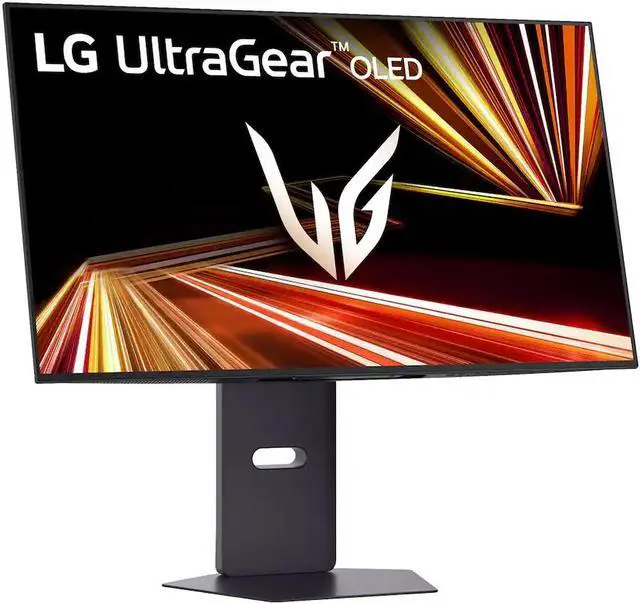
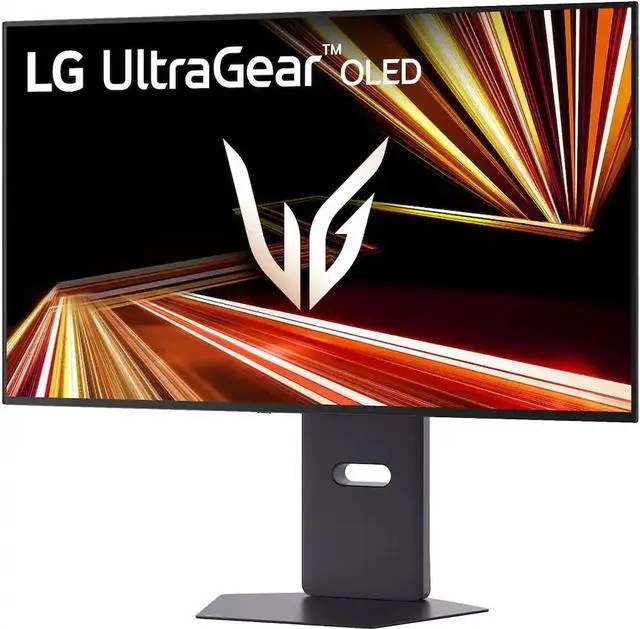
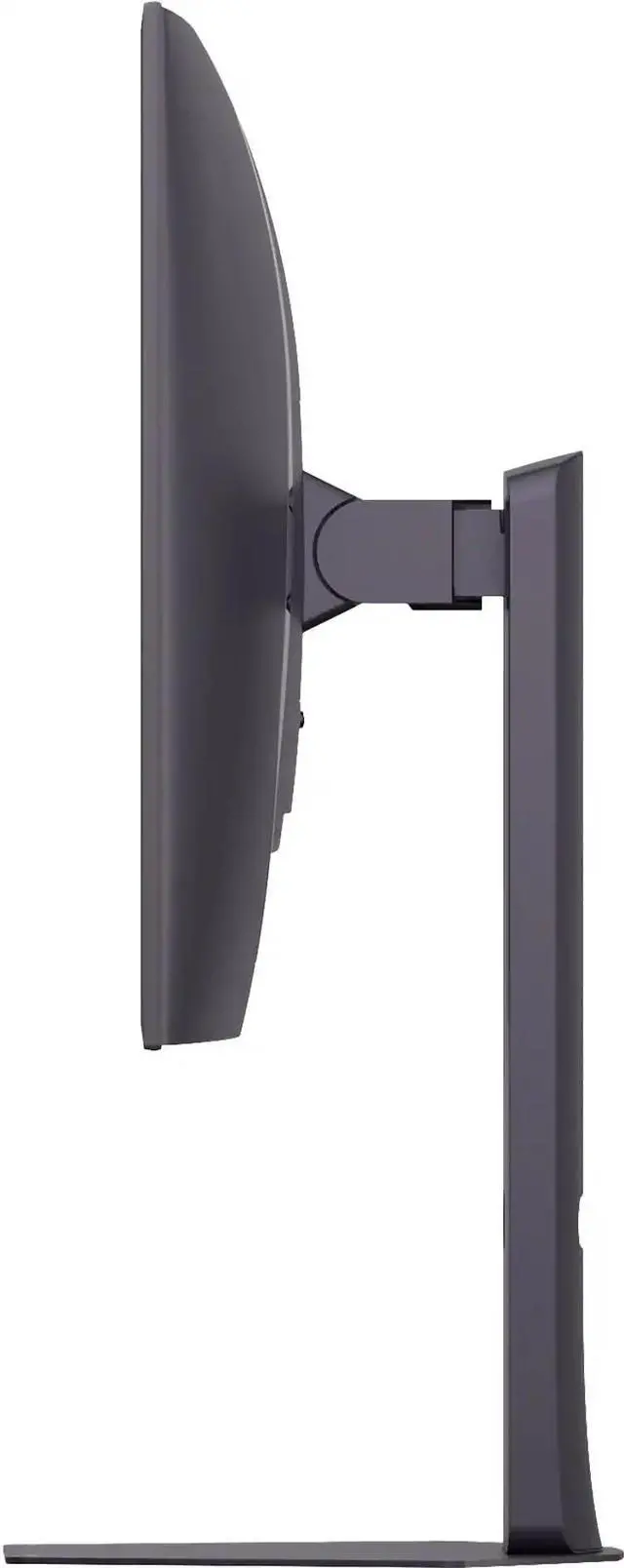
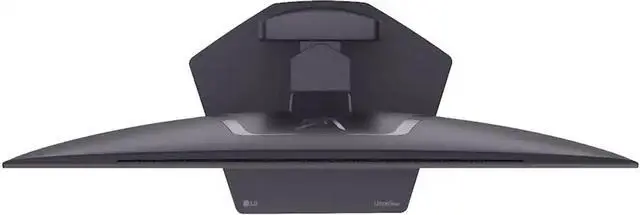
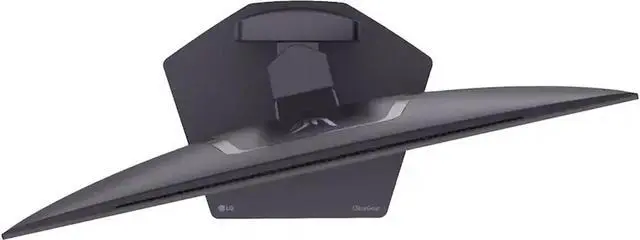
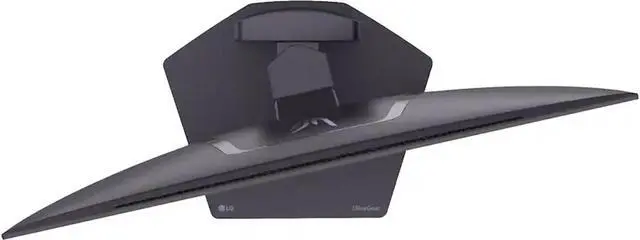
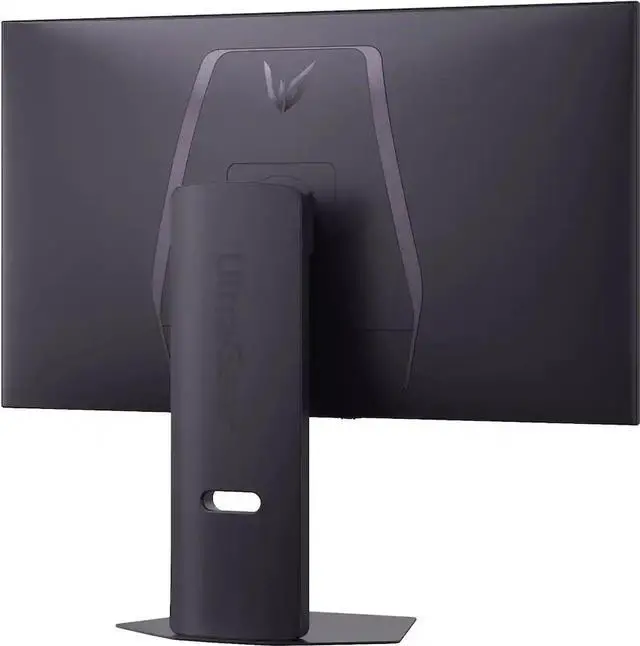
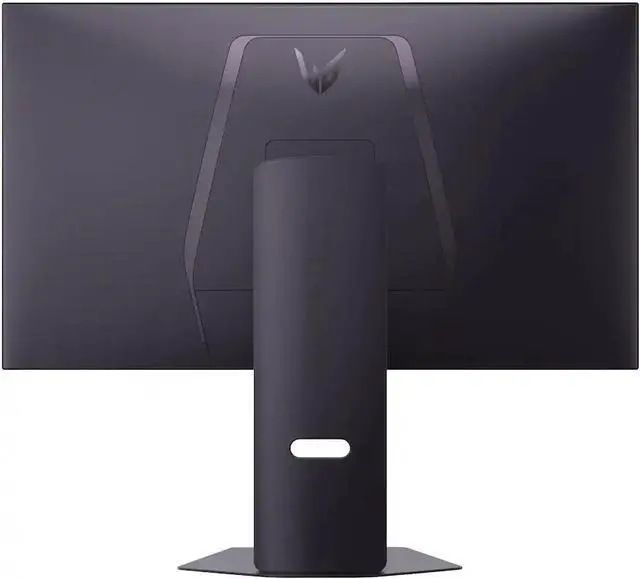
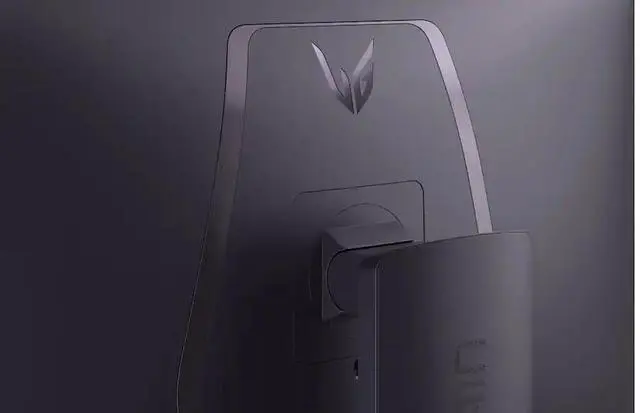
Lose yourself in the game with a virtually borderless, ultra-thin design that optimizes space within your battle station. Easily make height, tilt, swivel and pivot adjustments to the display to be able to see and play exactly to your specs.

Lose yourself in the game with a virtually borderless, ultra-thin design that optimizes space within your battle station. Easily make height, tilt, swivel and pivot adjustments to the display to be able to see and play exactly to your specs.
1. Requires graphics card that supports DisplayPort 1.4 or HDMI 2.1 for higher refresh rates (165Hz UHD / 330Hz Full HD). Actual refresh rates may vary depending on computer graphics specifications and configurations. Graphics card available separately.
2. NVIDIA® G-SYNC® Compatible supports variable refresh rate on GeForce GTX 10 Series and higher GPUs on Display Port, and GeForce RTX 30 Series and higher GPUs on HDMI 2.1.
3.LG OLED panels have been certified as Flicker-Free, Discomfort Glare Free, Low Blue Light. Certificate Number: Flicker Free Display (OLED)- A196009, Discomfort Glare Free - V563481 and, Low Blue Light Hardware Solution Platinum - V745051.
The LG UltraGear 32GX850A-B is a 32-inch glossy OLED gaming monitor with dual modes: 4K UHD at 165Hz for detailed, smooth visuals or Full HD at 330Hz for high-refresh competitive play. Its 0.03ms response time, FreeSync Premium Pro, and G-Sync compatibility suit gamers who want to switch between immersive and speed-focused gaming.
| Attribute | Value |
|---|---|
| Best For | Gaming, desktop use, and entertainment on a 32-inch OLED monitor |
| Panel And Resolution | 32-inch (31.5-inch viewable) flat, glossy OLED panel with 3840 × 2160 4K UHD resolution, 16:9 aspect ratio, 0.1814 mm pixel pitch, and 1.07 billion display colors |
| Refresh Rate And Response | 165 Hz refresh rate with 0.03 ms GTG response time |
| Color And HDR | 275 cd/m² brightness, 1,500,000:1 contrast ratio, 98.5% DCI-P3 color gamut (CIE 1976), and DisplayHDR True Black 400; HDR10 is also listed |
| Ports And Connectivity | 2 HDMI 2.1 inputs, 1 DisplayPort 1.4, 1 USB 3.0 Type-B upstream port, 2 USB 3.0 Type-A downstream ports, and a 3-pole headphone connection; supports HDCP |
| Adaptive Sync And Gaming Features | AMD FreeSync Premium Pro and G-Sync Compatible adaptive sync, with Dynamic Action Sync |
| Stand And Ergonomics | Height, pivot, swivel, and tilt adjustments; compatible with 100 × 100 mm VESA mounts |
| Power And Energy | 100–240 VAC, 50/60 Hz input; power consumption is under 0.5 W in sleep mode and under 0.3 W when DC is off |
| Physical Design | Black cabinet; 28.11 × 16.21 × 2.56 inches and 10.8 lb without the stand |
| Built-In Hardware And Included Cables | No built-in speakers or webcam; package includes an HDMI cable, DisplayPort cable, and power cable |
| Model Identifiers | LG UltraGear, model and part number 32GX850A-B |
Q: LG 32GX850A-B vs LG 32GS95UE-B: which should I choose?
A: Choose the 32GX850A-B if you want its glossy OLED screen and its 4K 165Hz / Full HD 330Hz modes. Choose the 32GS95UE-B if higher refresh rates matter more: it supports 4K 240Hz / Full HD 480Hz. Both are 32-inch OLED gaming monitors with a 0.03ms GtG response-time specification and adaptive sync.
Q: LG 32GX850A-B vs ASUS ROG Swift OLED PG32UCDP: which is better for competitive gaming?
A: The ASUS PG32UCDP supports higher refresh rates in both modes: 4K 240Hz and Full HD 480Hz, compared with 4K 165Hz and Full HD 330Hz on the LG 32GX850A-B. Choose the ASUS if maximizing refresh rate is the priority; choose the LG if its glossy screen and 32-inch 4K OLED format fit your preference. Both offer OLED and dual-mode gaming.
Q: Should I get the LG 32GX850A-B or a 27-inch ASUS ROG Strix XG27UCG?
A: Choose the LG if you want a 32-inch OLED display, OLED contrast, and 4K at up to 165Hz. Choose the ASUS if you prefer a smaller 27-inch Fast IPS monitor; it supports 4K at up to 160Hz or Full HD at up to 320Hz. This comparison mainly comes down to screen size and OLED versus IPS, since both offer a high-refresh 4K mode and a faster Full HD mode.
Q: Is this monitor suitable for both gaming and everyday work?
A: Yes. Its 4K resolution and 32-inch screen support everyday computer work, while the OLED panel, 165Hz 4K refresh rate, and 0.03ms response time are geared toward gaming. Because prolonged static desktop content is a common OLED concern, consider whether your work involves displaying fixed elements for long periods.
Q: Does this monitor have built-in speakers?
A: No. It has no built-in speakers, so plan to use external speakers, a headset, or audio from your connected device.
Q: Is OLED burn-in a concern if I use it for office work?
A: It can be a consideration with prolonged display of static content, such as fixed application panels or a desktop taskbar. If your work keeps the same elements on screen for long periods, factor that into your choice; the provided specifications do not describe specific burn-in protection features.
Q: Can I choose between 4K resolution and a higher refresh rate?
A: Yes. The monitor supports dual modes: UHD 4K at up to 165Hz or Full HD at up to 330Hz. The 4K mode prioritizes resolution; Full HD mode allows the higher refresh rate. The connected device and game must also support the selected resolution and frame rate.
Q: Is the 32GX850A-B suitable as a main monitor for work and gaming?
A: It can serve both uses, but consider the trade-offs: it is an OLED display, and users specifically raise concerns about long work hours and static on-screen elements. Its listed typical brightness is 275 nits, so compare that with your workspace and brightness preferences before buying.
Q: Should I choose this over a cheaper 4K IPS monitor?
A: The choice depends on which trade-offs matter more: this model offers an OLED panel and up to 165Hz at 4K, while the comparison discussed by buyers pairs it with a lower-cost 4K IPS alternative. The Reddit discussion also highlights OLED burn-in concerns, especially for use involving static content. Compare the actual prices and decide whether the OLED features justify the difference for your use.
Q: Is the 1080p 330Hz mode useful if I mostly play competitive games?
A: It may suit someone who prioritizes a higher refresh rate over resolution in competitive play: the listed dual modes are 4K at up to 165Hz and Full HD at up to 330Hz. Choose based on whether you prefer sharper 4K detail or the higher-refresh Full HD mode; the product information does not establish how well a particular PC will run games at either setting.
Q: What should I consider if I’m worried about OLED burn-in?
A: Burn-in is a specific concern raised by people considering this monitor, particularly for prolonged work use with static interface elements. If that describes your routine, weigh that concern against the OLED display and gaming features, and check the applicable warranty terms before deciding. The provided product information does not specify burn-in coverage.


